
Best Keyboard App iOS: Top iPhone Picks 2026
The best keyboard app iOS users actually keep in 2026 does more than fix typos — it changes how you communicate entirely. The right choice depends on whether you need swipe gestures, AI predictions, or voice dictation that lets you skip typing altogether.
Key Takeaways
- The best iOS keyboard apps go beyond stock functionality with AI predictions, voice input, and cross-app integration.
- BossAI stands out for seamless voice-to-text conversion, working everywhere you type on iPhone without complex setup.
- Top alternatives like Gboard and SwiftKey offer predictive text, but often don't match BossAI's voice-first design.
- Custom keyboard apps require iOS system permissions, so choosing one with privacy-first architecture is critical.
- Installing a third-party keyboard takes 60 seconds and immediately transforms your iPhone typing experience.
Contents
- What Is the Best Keyboard App iOS in 2026?
- Which Keyboard Apps Work Across All Your Apps on iOS?
- What Features Should You Look for in an iPhone Keyboard App?
- How Do AI-Powered Keyboard Apps Save You Time?
- How Does BossAI Compare to Other iOS Keyboards?
- Can a Keyboard App on iPhone Replace Your Typing Workflow?
- Which Best Keyboard App iOS Wins for Voice Input and Dictation?
- Frequently Asked Questions
What Is the Best Keyboard App iOS in 2026?
 The right iOS keyboard does more than correct typos — it transforms how fast you communicate.
The best keyboard app for iPhone in 2026 depends on your workflow: BossAI for voice-first power users who want to stop typing entirely, Gboard for swipe typing and emoji search, SwiftKey for multilingual users, and Grammarly for real-time writing correction. Each leads in a different category — but only one eliminates typing as the default.
Here's how the top iOS keyboard apps compare:
Top iOS Keyboard Apps — Quick Comparison
| App | Best For | AI Features | Voice Input | Price |
|---|---|---|---|---|
| BossAI | Voice dictation + AI screen reading | Boss Mode, Rewrite, Dictation | ✅ Full AI dictation | Free / $9.99/mo |
| Gboard | Swipe typing + emoji/GIF search | Basic word predictions | Limited | Free |
| SwiftKey | Multilingual + AI predictions | Word prediction, clipboard | Limited | Free |
| Grammarly | Grammar + writing quality | Real-time suggestions | ❌ | Free / Premium |
| Fleksy | Speed gestures + customization | Basic autocorrect | ❌ | Free |
Traditional iOS keyboard apps have competed on swipe typing speed and autocorrect accuracy. In 2026, AI-enhanced voice dictation is the new frontier — and it makes swipe speed irrelevant for users who want real productivity gains.
For a comprehensive breakdown of every major option, see our keyboard app for iPhone complete guide.
Which Keyboard Apps Work Across All Your Apps on iOS?
All iOS third-party keyboards work system-wide once enabled in Settings → General → Keyboard → Add New Keyboard. After that, they activate in every app via the globe icon. The key difference isn't availability — it's what the keyboard does with that access. BossAI uniquely reads what's on your screen and generates replies in context, without ever leaving the active app.
This system-wide availability is what makes a third-party keyboard worth switching to. You're not locked to one app — it works in Messages, Gmail, WhatsApp, Slack, Notes, and every other text field simultaneously.
Key insight: Every third-party keyboard works system-wide on iOS — the real differentiator is what the keyboard does with that access, not just where it appears.
To explore installation step by step, see our guide to third-party keyboard iPhone setup and configuration.
What Features Should You Look for in an iPhone Keyboard App?
When evaluating top iOS keyboard applications, prioritize: AI-enhanced autocorrect, swipe gesture typing, voice-to-text accuracy, cross-app compatibility, custom vocabulary support, and privacy architecture. Themes and emoji search are nice-to-have. The feature that matters most long-term is how accurately the keyboard handles your vocabulary and typing patterns — not how many color options it offers.
Here's a tiered breakdown of what to look for:
Must-Have Features
- AI-enhanced autocorrect — learns your vocabulary, prevents embarrassing autocorrect failures
- Swipe/gesture typing — faster than hunt-and-peck for short messages
- Custom dictionary — critical for names, technical terms, and industry jargon
- System-wide access — must work in every app without reconfiguring
Power User Features
- Voice dictation — transcribes speech to polished text in real time
- Tone rewriting — adjusts text to sound professional, casual, or witty in one tap
- Clips/snippets — instant paste for email signatures, addresses, and standard replies
- Screen-reading AI — reads what's on screen and generates context-aware responses
For deeper configuration options, see our guide to custom keyboard iOS setup and hidden features.
How Do AI-Powered Keyboard Apps Save You Time?
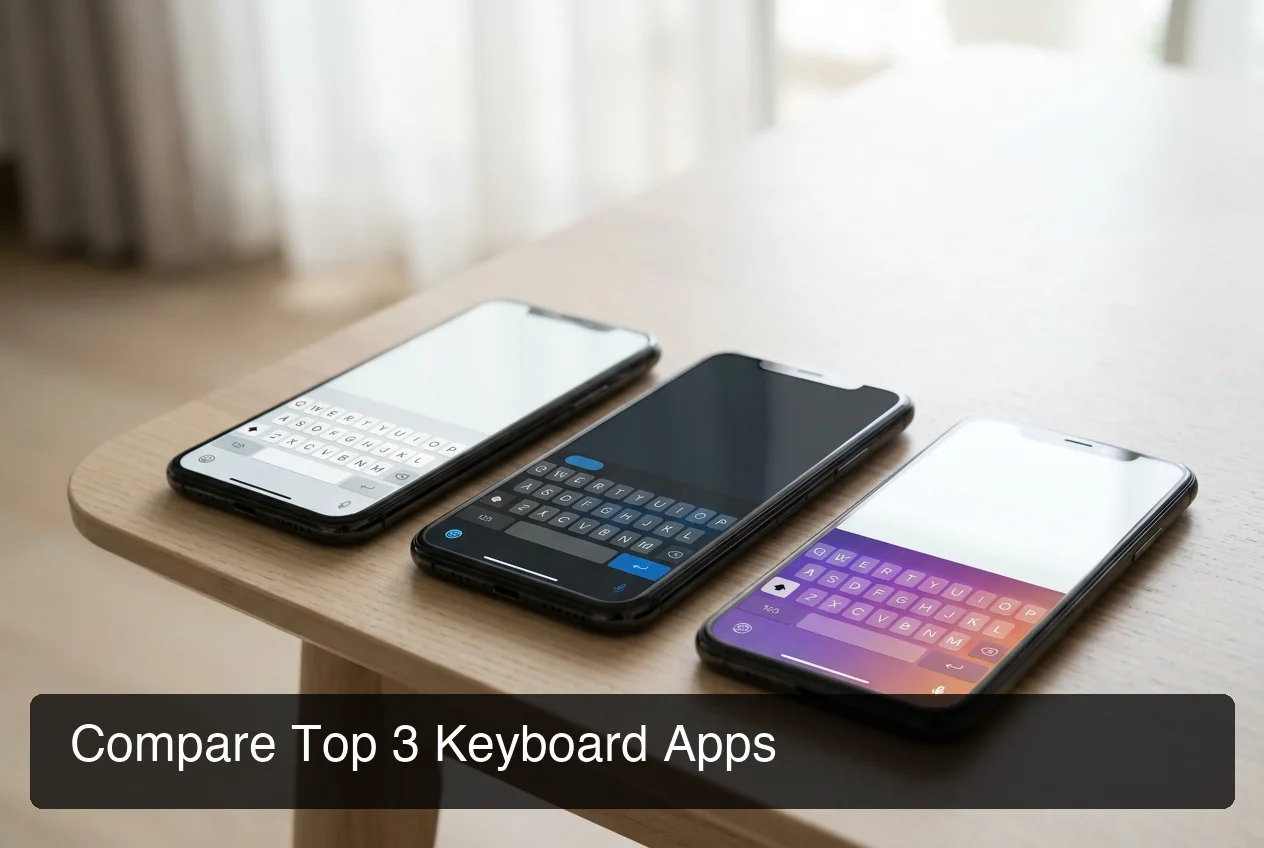 Top iOS keyboard apps side by side — the AI capability gap becomes clear fast.
AI keyboard apps save time by closing the gap between thought and text. The average mobile user types at 40 WPM — but speaking runs at 130-150 WPM. A keyboard that converts voice to polished text cuts most iPhone messaging time by 50-60%. Add filler-word removal, grammar correction, and smart AI predictions, and the compounding time savings across a full workday add up fast.
Traditional keyboards compete on reducing keystrokes. AI keyboards compete on eliminating them.
Where the Time Savings Stack Up
- Email replies — Dictating a reply takes 30 seconds; typing it takes 3 minutes
- Slack messages — Voice dictation with grammar correction beats swipe typing for longer threads
- Standard responses — Clips lets you paste an entire block in one tap vs. retyping every time
- Tone adjustments — One-tap rewrite vs. deleting and retyping to sound more professional
By the numbers: Switching from typing to voice dictation for daily messages saves an average of 15-20 minutes per day — over 65 hours per year of pure friction eliminated.
For a full breakdown of voice productivity on iPhone, see the best voice to text iPhone app comparison.
How Does BossAI Compare to Other iOS Keyboards?
 BossAI's voice input sits directly in the keyboard — no app switching, no copy-pasting required.
BossAI is the only iOS keyboard with three features no other app offers: Boss Mode (reads your screen and generates contextual AI replies), one-tap Rewrite with six tone options, and Clips (instant paste from the keyboard UI). Gboard and SwiftKey win on traditional swipe typing accuracy. BossAI wins when the goal is to stop typing altogether.
BossAI vs. The Field: iOS Keyboard Features Comparison
| Feature | BossAI | Gboard | SwiftKey | Grammarly |
|---|---|---|---|---|
| AI voice dictation | ✅ Real-time + enhanced | ❌ | ❌ | ❌ |
| Screen-reading AI | ✅ Boss Mode | ❌ | ❌ | ❌ |
| One-tap tone rewrite | ✅ 6 tones | ❌ | ❌ | Limited |
| Clips / snippets | ✅ Keyboard-native | ❌ | Clipboard only | ❌ |
| Custom dictionary | ✅ | ✅ | ✅ | ❌ |
| Swipe typing | ✅ | ✅ | ✅ | ❌ |
| Grammar correction | ✅ AI-powered | Limited | Limited | ✅ |
| Free tier | 500 words/day | Unlimited | Unlimited | Unlimited (limited) |
| Monthly price | $9.99/mo | Free | Free | Free / Premium |
How Boss Mode Changes What a Keyboard Can Do
Boss Mode is the feature that reframes the category entirely. Activate iOS screen broadcast via ReplayKit, then switch to BossAI in any app. Say "Boss, reply to this email professionally" — and BossAI reads the email on screen, generates a full contextual reply, and inserts it into the active text field.
No copy-pasting. No app switching. No explaining what the email says.
This is the one capability no other most popular iPhone keyboard app — Gboard, SwiftKey, Grammarly, or any competitor — can replicate.
Bottom line: BossAI is the only iOS keyboard that reads your screen. For users who reply to emails, messages, and documents all day, this single feature eliminates more friction than any typing speed improvement ever could.
For a deeper look at BossAI on iPhone specifically, read BossAI for iPhone: the AI voice keyboard that works everywhere you type.
Can a Keyboard App on iPhone Replace Your Typing Workflow?
Yes — if the keyboard includes voice dictation with AI enhancement. BossAI users report switching almost entirely to voice for emails, messages, and notes. Real-time transcription, automatic filler-word removal, grammar correction, and Boss Mode screen reading make typing optional for most communication tasks. The limiting factor isn't the keyboard — it's transcription accuracy and speed.
When dictation is reliable — ~300ms AI enhancement, clean punctuation, proper formatting — users stop reaching for the keys by default.
What "Replacing Typing" Actually Looks Like
- Open Gmail → speak your reply → BossAI transcribes and corrects in real time → send
- Open Slack → activate Boss Mode → say "Boss, summarize what action I need to take" → BossAI reads the thread and drafts a response
- Open Notes → dictate ideas at speaking speed → BossAI removes filler words and formats paragraphs automatically
The same voice-first habits that work on iPhone transfer to other platforms too. If you use both iPhone and Mac, you can apply the same workflow — and unlock hidden keyboard customization options across both devices as your setup evolves.
Which Best Keyboard App iOS Wins for Voice Input and Dictation?
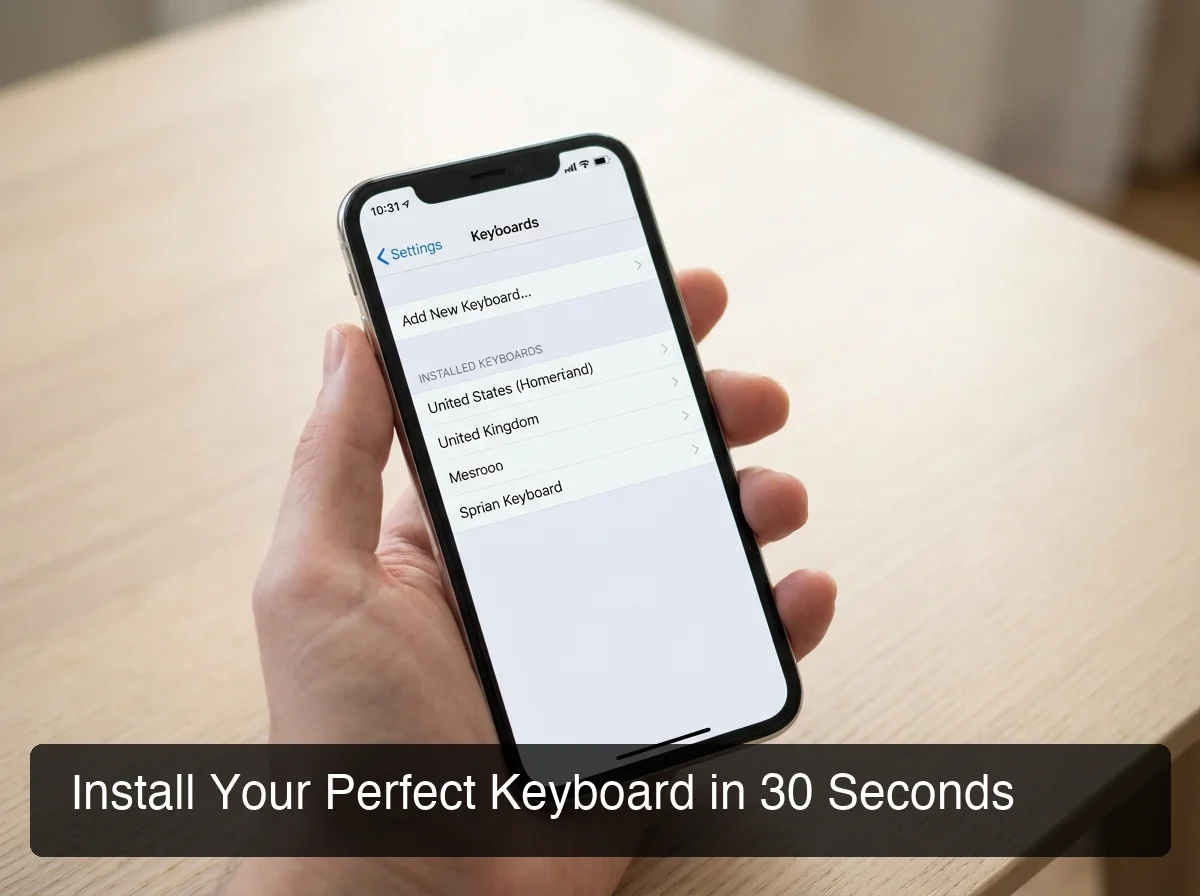 Setting up a third-party keyboard on iPhone takes under 60 seconds — and activating voice input transforms your daily workflow.
BossAI is the best iOS keyboard app for voice input and dictation in 2026. It uses a proprietary AI enhancement model that delivers polished output in approximately 300ms after you stop speaking — removing filler words, correcting grammar, and adding punctuation automatically. No other native iOS keyboard integrates voice dictation at this level of accuracy and speed.
Apple's built-in dictation is functional but raw — it transcribes words without removing "um," "uh," or awkward pauses. Gboard and SwiftKey use iOS's system microphone for basic input, not dedicated AI transcription models.
How to Install a Third-Party Keyboard on iPhone
Getting BossAI (or any best keyboard app for iPhone) set up takes just a few steps:
- Download the app from the App Store
- Open Settings → General → Keyboard → Keyboards → Add New Keyboard
- Select the app from the list
- Tap Allow Full Access so voice and AI features can function
- Switch to the keyboard in any app by tapping the globe icon on the bottom row
For users with RSI, carpal tunnel, or conditions that make extended typing painful, a voice-first keyboard is a genuine solution — not just a convenience. For more detail on dictation accuracy and voice typing reliability, see our iPhone dictation app guide.
For the comprehensive guide to typing by voice on iPhone, see voice keyboard iPhone: the complete 2026 guide.
Download BossAI for iPhone
If you reply to emails, messages, and documents all day, BossAI turns your voice into the fastest input method on your iPhone. Dictate anywhere you type, rewrite with one tap, and let Boss Mode handle context-aware replies — no copy-pasting, no app switching, no retyping.
Frequently Asked Questions
What is the best keyboard app for iOS? The best keyboard app for iOS in 2026 depends on your use case. For voice dictation and AI assistance, BossAI leads — it transcribes speech, removes filler words, and reads your screen to generate replies. For swipe typing, Gboard is the top pick. For multilingual use, SwiftKey. For writing quality, Grammarly.
What is BossAI? BossAI is an AI voice keyboard for iPhone and Android, and a voice-to-text app for Mac and Windows, that replaces typing with voice dictation. It transcribes speech in real time, removes filler words automatically, rewrites text in different tones with one tap, and includes Boss Mode — a screen-reading feature that reads your screen to generate contextual replies without copy-pasting.
Is SwiftKey better than Gboard on iPhone? SwiftKey and Gboard are the two most popular iPhone keyboard apps for traditional typing. SwiftKey has stronger multilingual prediction and clipboard history. Gboard leads on emoji search, GIF integration, and swipe accuracy. For AI-enhanced voice dictation and screen-aware productivity, neither competes with BossAI.
Is BossAI free? Yes. BossAI's free plan includes 500 words of dictation a day, and the allowance resets daily. Pro makes everything unlimited — dictation, Boss Mode, Rewrite, every tone and all Clips, for $9.99/month or $69.99/year. No credit card required to start.
Do third-party iOS keyboard apps require Full Access? Yes — most AI features require Full Access permission, which allows the keyboard to use internet connectivity for processing. BossAI processes voice input securely and does not store raw audio recordings. Text is transcribed in transit and not used for model training. Always check an app's privacy policy before enabling Full Access.
Can I use a third-party keyboard app for voice typing in any iPhone app? Yes. Third-party iOS keyboards activate system-wide — in Messages, Gmail, WhatsApp, Slack, Notes, and every app with a text field. BossAI's voice dictation works wherever the keyboard appears on iPhone, making it the most versatile voice input option available on iOS.
What makes BossAI different from other dictation apps? Three features no competitor offers: (1) Boss Mode reads your screen and generates contextually aware replies without copy-pasting — the only dictation app with screen awareness; (2) Clips saves frequently used phrases for instant insertion; (3) one-tap tone rewriting lets you switch between six tones (Professional, Casual, Witty, Persuasive, Empathetic and Bold) in a single tap. WisprFlow, AquaVoice, and Typeless have none of these.