
BossAI for iPhone: AI Voice Keyboard
Stop fighting autocorrect. Stop retyping the same email signature. BossAI for iPhone replaces your default keyboard with one that listens, transcribes, rewrites, and even reads your screen — all without leaving the app you're in.
Key Takeaways
- BossAI is a native iOS keyboard app that brings AI-powered voice dictation to any iPhone app — no app-switching required
- Activate by tapping the globe icon and selecting BossAI — dictate instantly into emails, messages, notes, browsers, and every other app
- Unlike Apple's built-in dictation, BossAI removes filler words, fixes grammar, and formats text for the context you're writing in
- Boss Mode reads your screen to write contextual replies — no other iOS keyboard can do this
- 7-day free trial, then $9.99/month or $69.99/year — with a free tier that resets daily (not weekly)
Contents
- Is BossAI Available for iPhone?
- How Do You Set Up BossAI for iPhone?
- What Can BossAI for iPhone Do?
- Can You Use BossAI with All iPhone Apps and Keyboards?
- How Much Does BossAI Cost on iPhone?
- How Does BossAI on iPhone Compare to Wispr Flow?
- Why BossAI Stands Out on iPhone
- Does BossAI on iPhone Work with Siri Integration?
- Frequently Asked Questions
 BossAI turns your iPhone keyboard into an AI-powered dictation and writing assistant.
Is BossAI Available for iPhone?
Yes — BossAI is fully available on iPhone as a native iOS custom keyboard. It's listed on the App Store and installs like any other app. Once enabled in your iPhone's keyboard settings, it replaces your default keyboard in every app — meaning you get AI-powered dictation, rewriting, and screen-aware writing in Gmail, iMessage, WhatsApp, Notion, Safari, and everywhere else you type.
BossAI requires iOS 15 or later, which covers every iPhone from the iPhone 6s forward. There's no beta restriction, invite wall, or waitlist — you download it, enable it, and start dictating.
This is an important distinction from some competitors. Wispr Flow's iOS keyboard is described as "limited," and Willow Voice's iOS experience has received criticism for being clunky and requiring you to leave your current app to dictate. BossAI is built as a keyboard from the ground up — it integrates at the system level, not as a workaround.
For a deeper look at BossAI's full feature set across platforms, see What Is BossAI? The AI Voice Keyboard Explained.
How Do You Set Up BossAI for iPhone?
Download BossAI from the App Store, then enable it in Settings → General → Keyboard → Keyboards → Add New Keyboard. Once added, tap "Allow Full Access" to enable Boss Mode screen reading. From any app, tap the globe icon on the default keyboard and select BossAI to activate it.
Here's the full setup process:
- Download BossAI from the App Store (search "BossAI Smart Speech to Text")
- Open Settings → General → Keyboard → Keyboards → Add New Keyboard
- Tap BossAI from the list of available keyboards
- Enable Allow Full Access — required for Boss Mode screen context and cloud dictation
- Switch to BossAI in any app by tapping the globe icon on your current keyboard
The entire setup takes just a few steps. You don't need to create an account to start your 7-day free trial — the app activates immediately on first use.
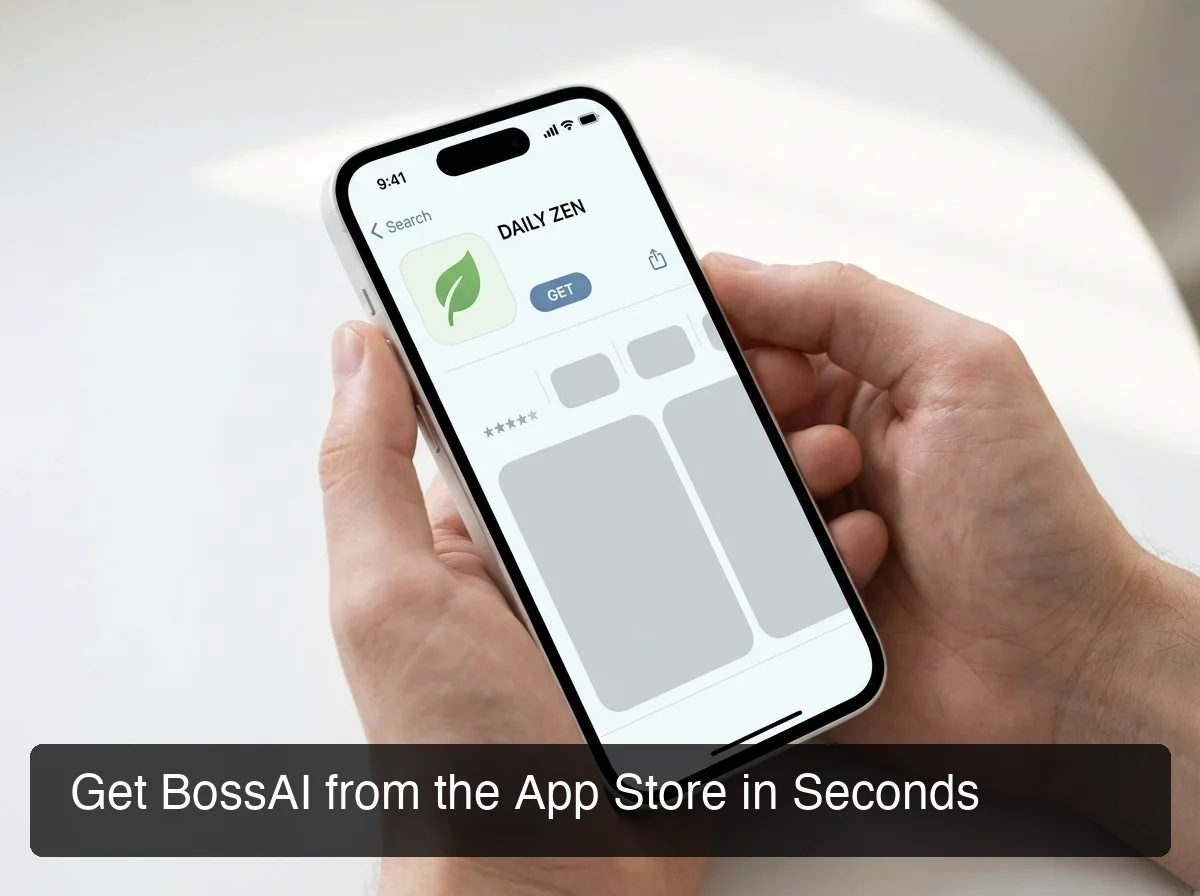 BossAI installs from the App Store and takes just a few steps to set up.
Key insight: Full Access is required for Boss Mode to read your screen — without it, BossAI works as a standard AI dictation keyboard but can't generate contextual replies.
What Can BossAI for iPhone Do?
BossAI on iPhone includes AI-enhanced dictation, Boss Mode screen reading, one-tap tone rewriting, Clips for instant text paste, a Knowledge Base, and a custom dictionary — all accessible directly from the keyboard interface without switching apps.
How Does AI Dictation Work on BossAI?
Tap the microphone button on the BossAI keyboard. Speak naturally. BossAI transcribes your words in real time and then applies AI enhancement in approximately 300 milliseconds — removing filler words (um, uh, like, you know), fixing grammar, adding punctuation, and formatting your text for the app you're in.
Chat messages come out crisp and conversational. Emails come out structured with proper capitalization. Notes come out in paragraph form.
BossAI detects context and formats accordingly — something Apple's built-in dictation doesn't do.
What Is Boss Mode on iPhone?
Boss Mode is the feature no other iOS keyboard offers. Activate iOS screen broadcast from BossAI's app, switch to any other app, then tap the Boss Mode button on the keyboard.
Speak your command naturally: "Boss, reply to this email professionally" or "Boss, write a casual thank-you for this LinkedIn comment." BossAI captures the current screen, reads the content, and types a contextual reply directly into the text field — without you having to copy, paste, or explain what's on screen.
This works in Mail, Gmail, Messages, WhatsApp, LinkedIn, Slack, Notes, and virtually any app with a text field.
What Are Clips on iPhone?
Clips saves your most-used text snippets — email signature, home address, standard replies, Calendly link, invoice template — and lets you paste them with a single tap from the keyboard tray. No switching to Notes. No clipboard manager. One tap while you're already in the app.
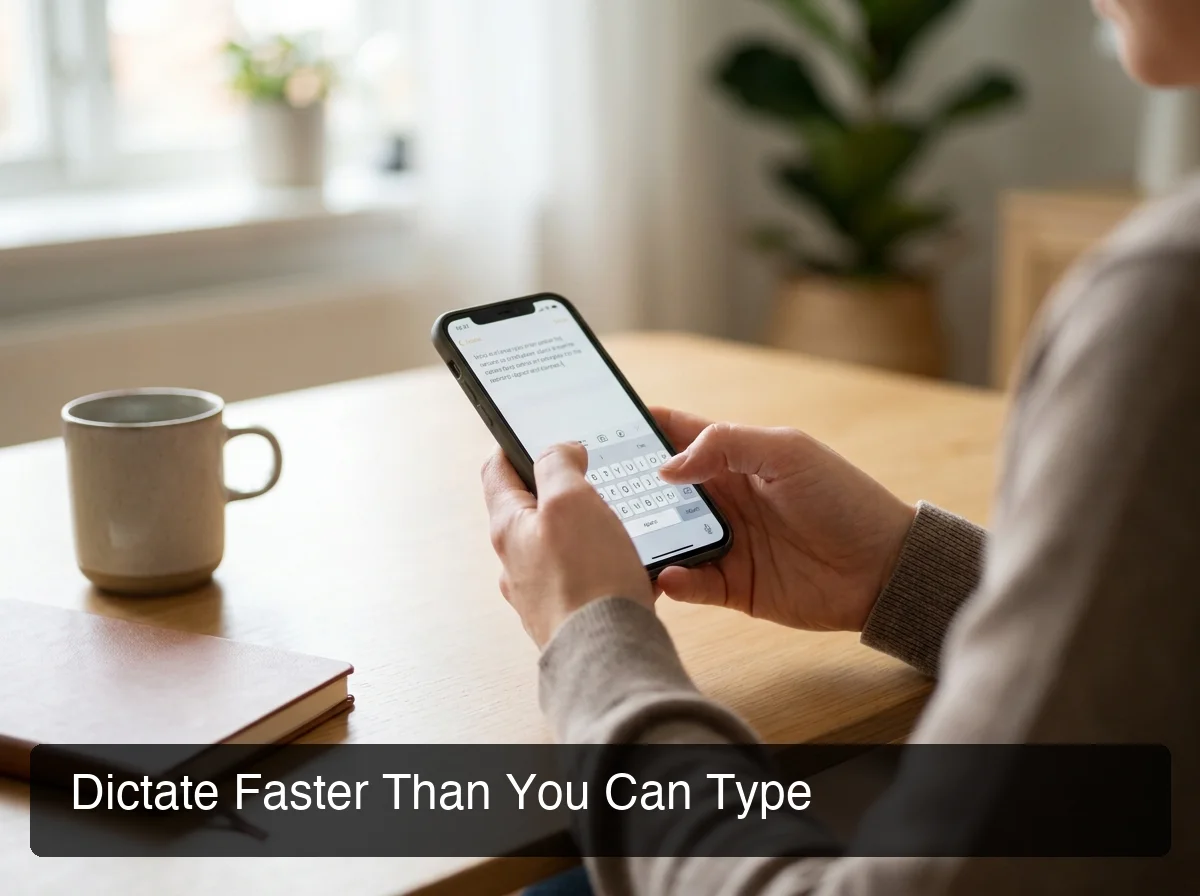 BossAI's keyboard interface gives you dictation, rewrite, Clips, and Boss Mode all in one place.
What About Rewrite and Tone Selection?
After dictating, tap any tone button — Professional, Casual, Witty, Persuasive, Empathetic, or Bold. BossAI rewrites your text instantly. Preview it before pasting. No voice command needed, no typing instructions.
This is meaningfully different from Wispr Flow or Typeless, which require you to voice-command your editing ("make this more professional"). BossAI's visual tone selector is faster and more intuitive on mobile.
For a complete breakdown of every BossAI feature, see BossAI Features: Voice Dictation, Rewrite, Clips & Boss Mode Explained.
By the numbers: BossAI's AI enhancement delivers polished text in ~300ms after you stop speaking — faster than the average human pause in conversation.
Can You Use BossAI with All iPhone Apps and Keyboards?
Yes — BossAI works as a system-level keyboard replacement on iOS, which means it functions in any app that accepts text input. This includes all native Apple apps (Mail, Messages, Notes, Safari), productivity apps (Notion, Google Docs, Slack), and social apps (Instagram, LinkedIn, Twitter/X, WhatsApp). There are no app restrictions.
Because BossAI is installed as a standard iOS keyboard, it appears in the keyboard switcher alongside Apple's default keyboard. You can switch between BossAI and the default keyboard at any time by tapping the globe icon.
Does BossAI Replace the Apple Keyboard Permanently?
No. You keep both keyboards installed. BossAI adds a new option rather than removing the default — you choose which to use at any time.
Most users set BossAI as their default and switch to Apple's keyboard only when needed (e.g., Face ID or password entry fields that don't allow third-party keyboards for security reasons).
How Much Does BossAI Cost on iPhone?
BossAI offers a 7-day free trial with full Pro access, then three tiers: Free (500 words/day, 1 Boss Mode use/day), Monthly at $9.99/month, and Annual at $69.99/year ($5.83/month). A Lifetime option is available at $149.99 one-time.
| Plan | Price | Best For |
|---|---|---|
| Free | $0 | Light users, trying before committing |
| Monthly | $9.99/month | Flexible usage without annual lock-in |
| Annual | $69.99/year ($5.83/month) | Daily users — 42% cheaper than monthly |
| Lifetime | $149.99 | Power users wanting to avoid subscriptions |
The free tier is more generous than most competitors: 500 words/day (daily reset, not weekly) means you always start fresh. Wispr Flow's free tier caps at 2,000 words/week with no daily reset — miss a day and you lose it.
For a detailed breakdown of whether BossAI is worth the investment, see BossAI Review 2026: Is This AI Voice Keyboard Worth It?.
How Does BossAI on iPhone Compare to Wispr Flow?
BossAI has a native iOS keyboard with full feature parity; Wispr Flow's iOS support is limited and lacks the screen-reading capability that defines BossAI's core advantage. BossAI costs $9.99/month vs. Wispr Flow's $15/month, and BossAI's free tier resets daily rather than weekly.
| Feature | BossAI | Wispr Flow |
|---|---|---|
| Native iOS keyboard | ✅ Full | ✅ Limited |
| Screen reading (Boss Mode) | ✅ | ❌ |
| One-tap tone rewriting | ✅ | ❌ (voice command only) |
| Clips (instant paste) | ✅ | ❌ |
| Free tier | 500 words/day (daily reset) | 2,000 words/week |
| Monthly price | $9.99 | $15 |
| Annual price | $5.83/month | ~$12/month |
| Works in all iOS apps | ✅ | Limited |
The most significant gap is Boss Mode. Wispr Flow has a "Command Mode" that reformats text you've already selected — it doesn't read what's on your screen. BossAI can see the email you're replying to, the Slack thread you're commenting on, or the LinkedIn post you're engaging with, and write a response with that context built in.
Bottom line: For iPhone users, BossAI is the more capable choice at a lower price — especially if Boss Mode, Clips, or the full keyboard experience matter to you.
Wispr Flow remains strong on macOS, where it has more history and polish. But for an iOS-first workflow, BossAI is built specifically for that environment.
Why BossAI Stands Out on iPhone
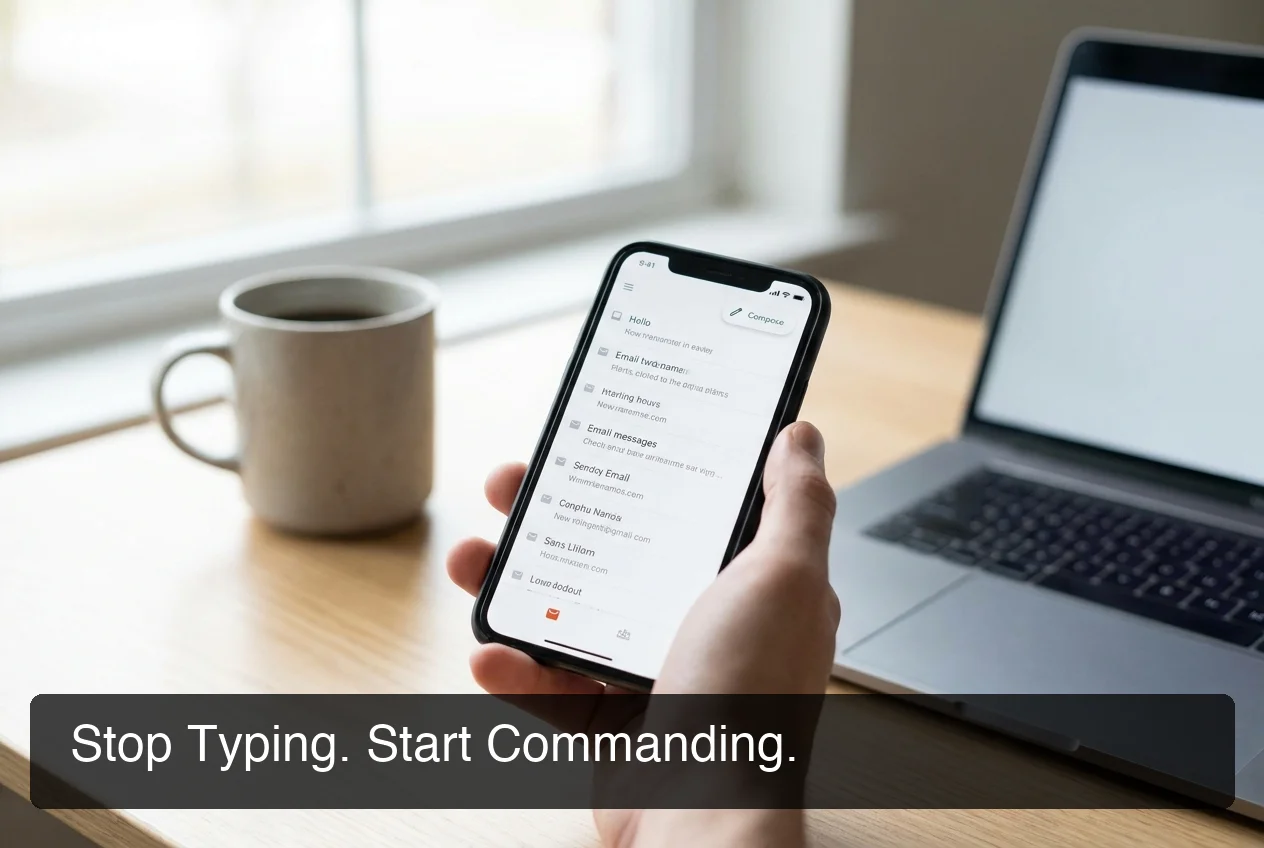 BossAI fits into your real iPhone workflow — wherever you type, it's already there.
Three capabilities separate BossAI from every other voice keyboard on iPhone: Boss Mode reads your screen without copy-pasting, Clips eliminates the back-and-forth for repeated text, and one-tap tone rewriting makes editing instant — all without ever leaving the app you're working in.
No App-Switching Required
The biggest friction in AI writing workflows on iPhone is context switching. You type in Gmail, copy your email, switch to ChatGPT, explain what you need, copy the result, switch back, paste. BossAI eliminates every step in that loop.
Everything happens from the keyboard — the same keyboard you're already using to type.
Built for iOS, Not Ported to It
Several competitors built their products for macOS or Windows first and added iOS support as an afterthought. BossAI was designed to work as a keyboard from day one. That architectural decision shows in the polish, the feature completeness, and the seamless app compatibility.
If you're looking for a broader comparison of keyboard apps available on iPhone, the Best Keyboard App for iPhone 2026 guide covers all major options with head-to-head testing.
Get Started with BossAI on iPhone
Voice typing on iPhone doesn't have to mean fighting autocorrect or switching apps to use AI. BossAI handles the full workflow — dictation, context-aware replies, rewriting, and saved text — from inside your keyboard.
Download BossAI from the App Store — Free
Not ready to commit? The 7-day free trial gives you full Pro access — no credit card required.
Does BossAI on iPhone Work with Siri Integration?
BossAI operates as an independent keyboard and does not integrate with Siri or Apple's Shortcuts ecosystem directly. It uses its own proprietary speech recognition and AI processing rather than routing through iOS system features. However, BossAI works in any app where Siri cannot, including third-party text fields where Siri has no access.
Apple's native dictation (via Siri) works only when Apple's own keyboard is active and only transcribes — it doesn't remove filler words, rewrite tones, or generate contextual responses.
BossAI and Siri are complementary rather than competing: use Siri for system-level tasks (calling, setting reminders), use BossAI for everything that involves typing.
Frequently Asked Questions
Is BossAI free on iPhone? BossAI has a free tier with no account required. Free users get 500 words of AI dictation per day (daily reset), one Boss Mode use per day, and two Clips slots. The free tier resets daily, not weekly — unlike Wispr Flow and Willow Voice which cap free users on a weekly limit.
What iPhones are compatible with BossAI? BossAI requires iOS 15 or later, which means it runs on iPhone 6s and every iPhone released after it. The app is available on both iPhone and iPad. No specific hardware requirements beyond an active internet connection for AI processing.
Does BossAI store my voice recordings? No. BossAI processes voice input via secure API calls and discards audio immediately after transcription.
Raw audio is not stored on BossAI's servers and is not used for model training. Only microphone permission is required — no access to photos, contacts, or other device data.
What is BossAI? BossAI is an AI voice keyboard for iPhone and Android, and a voice-to-text app for Mac and Windows, that replaces typing with voice dictation. It transcribes speech in real time, removes filler words automatically, rewrites text in different tones with one tap, and includes Boss Mode — a screen-reading feature that reads your screen to generate contextual replies without copy-pasting.
Is BossAI better than WisprFlow? BossAI offers three advantages WisprFlow lacks: it works as a native iOS keyboard (no app-switching required), includes Boss Mode which reads your screen to reply in context (WisprFlow has no screen awareness), and offers a free tier with no weekly word cap. WisprFlow charges $15/month with a word limit on its free plan.
Can BossAI help with RSI or hand injuries on iPhone? Yes. BossAI is designed for zero-keyboard use — dictate everything and it handles transcription, filler word removal, and tone correction automatically.
If you have RSI or carpal tunnel, you can write emails, messages, and documents entirely hands-free with no typing required at any step. If this is your primary use case, see our guide on BossAI for RSI and repetitive strain.
Does BossAI work on iPad too? Yes — BossAI installs on iPad alongside iPhone with the same App Store download. The feature set is identical. Boss Mode, dictation, Clips, and Rewrite all function on iPad in the same way as on iPhone.