

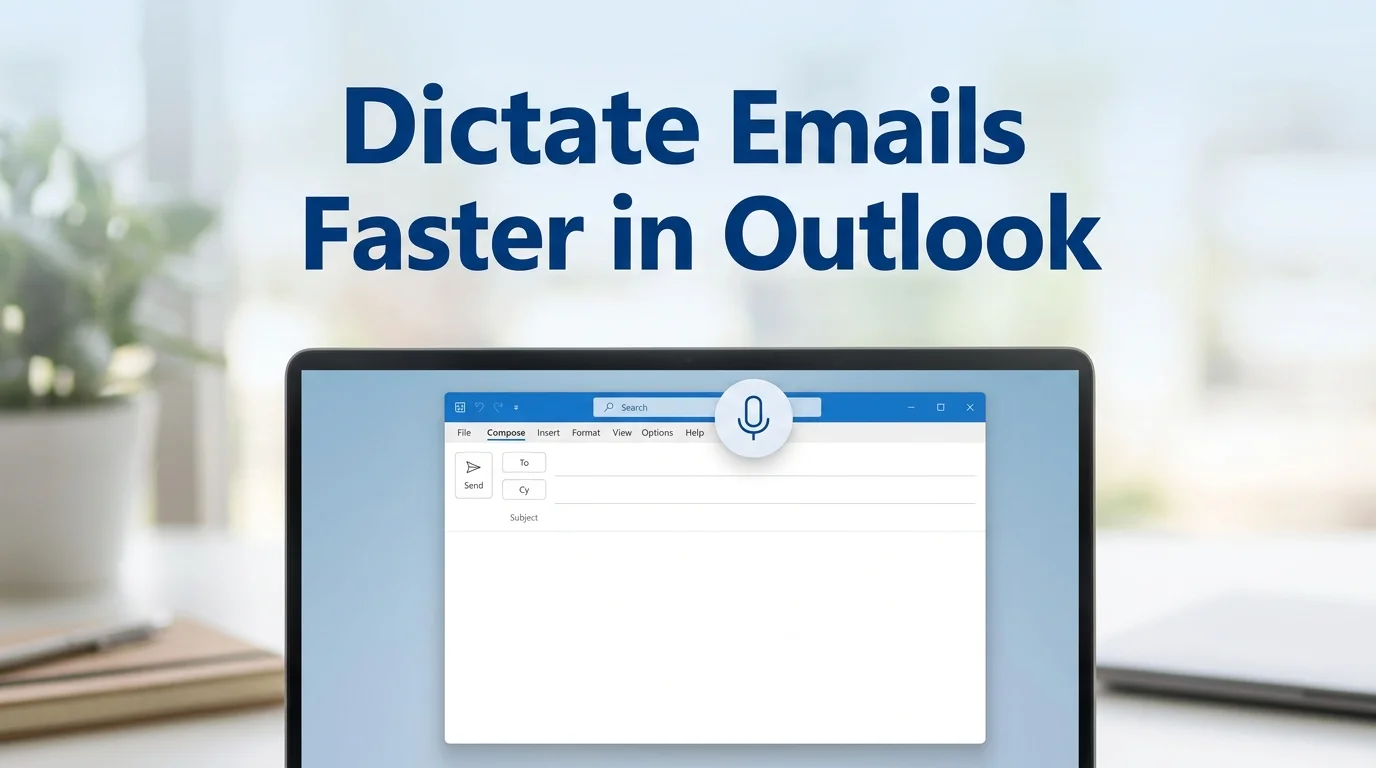
Dictation in Outlook: How It Works & Why It's Not Enough
Outlook has built-in voice dictation, but it won't remove filler words or fix grammar. See how it works and what AI dictation adds that native Outlook can't.
9 min readRead article →
 The Future of voice computing
Boss AI executes writing tasks instantly through voice commands. With smart context awareness, it understands your screen and writes exactly what you need — in any application.
Infinite PossibilitiesYou said:“BOSS, reply to this email with a positive tone, confirming project delivery by Friday and requesting a quick follow-up call”
BOSS AI:
Hey team, I wanted to follow up on our discussion from yesterday's meeting. I think we should prioritize the user authentication feature for the next sprint...
 Live Demonstrations
"Write a follow-up email to John about our meeting next week"
Subject: Follow-up on Next Week's Meeting
Speak naturally and watch BOSS AI compose professional emails instantly
BOSS analyzes the tweet content and generates perfect replies
Instantly summarize any document with contextual understanding
Capture thoughts, ideas, and meeting notes at the speed of thought
MAGICAL FEATURESAI powered. Deep context & intent understanding.
Powered by AI with deep understanding of context and intent

Voice commands & typing on any app, runs natively.
BOSS AI runs natively on macOS, giving you voice-powered typing and smart commands across all your apps — instantly, seamlessly, and without switching context.

Understands your screen. Just speak to act.
BOSS AI understands what's on your screen and takes intelligent actions. From replying to emails to summarizing documents, just speak your intent and watch it happen.

No data is stored at our servers. Data never leaves.
Processing happens securely — nothing sent to our cloud, ever. Your data stays yours.

99.8% accurate voice command execution.
99.8% accuracy in understanding and executing voice commands
 Cross-Platform
Seamlessly switch between devices. BOSS AI is there with you.
Native experience customized for your Mac.
Powerful integration for PC users.
A full voice keyboard for every Android app.
 Why Boss AI?
 Three simple steps
Hold Fn (or any custom shortcut) to instantly activate BOSS AI
Just talk normally - BOSS AI understands context and intent perfectly
BOSS takes intelligent action based on your screen content and request
10x faster than typing,100x smarter than voice-to-text
 Wall of love
Here's what people are saying about us
Content Hub
Fresh guides on AI voice typing, accessibility, and productivity workflows.
Outlook has built-in voice dictation, but it won't remove filler words or fix grammar. See how it works and what AI dictation adds that native Outlook can't.
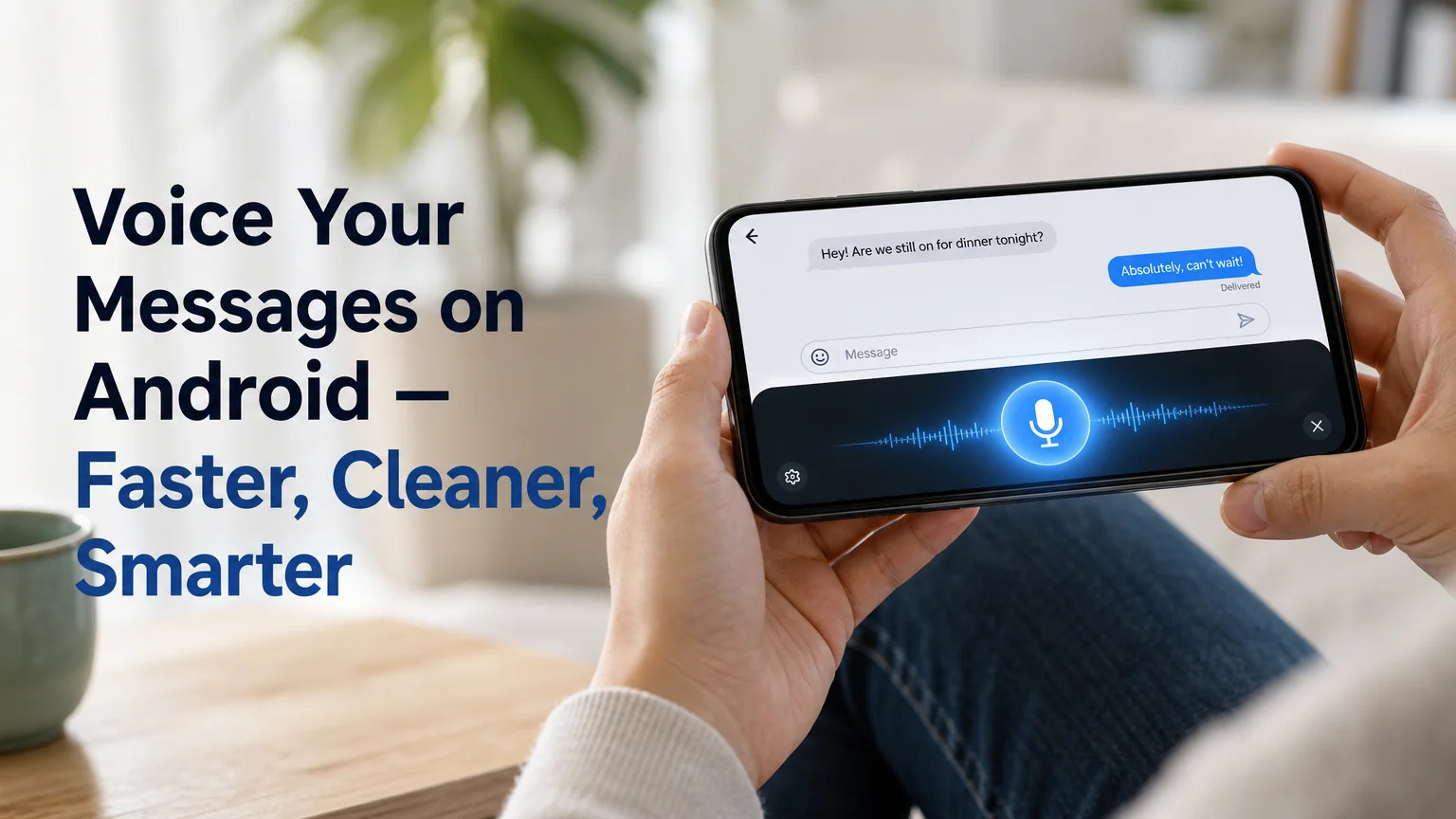
Send voice text messages on Android with BossAI's AI-polished dictation. It works in SMS, WhatsApp, Slack, and Gmail with no filler words or typos left behind.
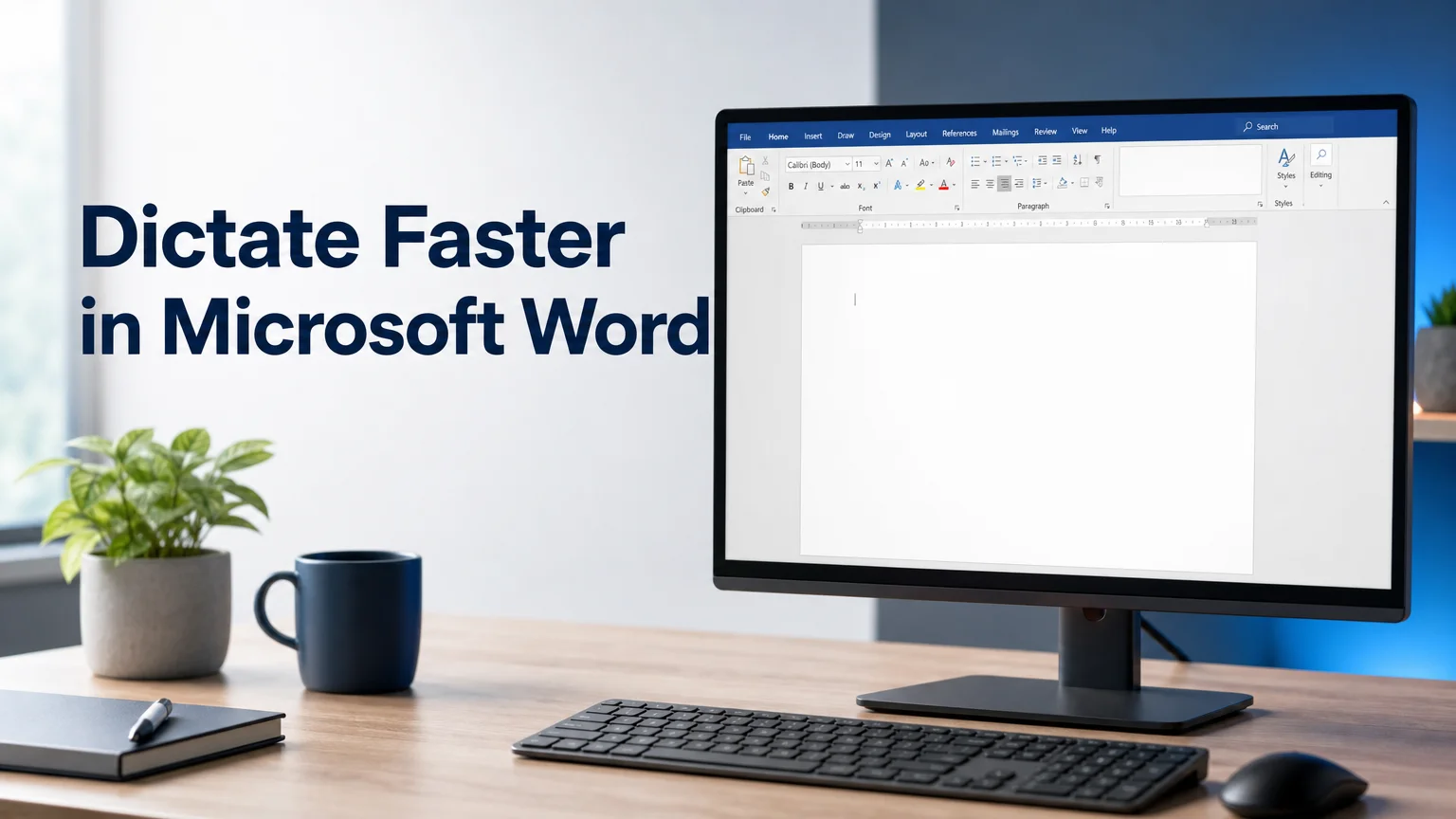
Learn how to dictate in Microsoft Word with the Home ribbon Dictate button, fix common setup issues, and see how AI dictation removes filler words fast.

