
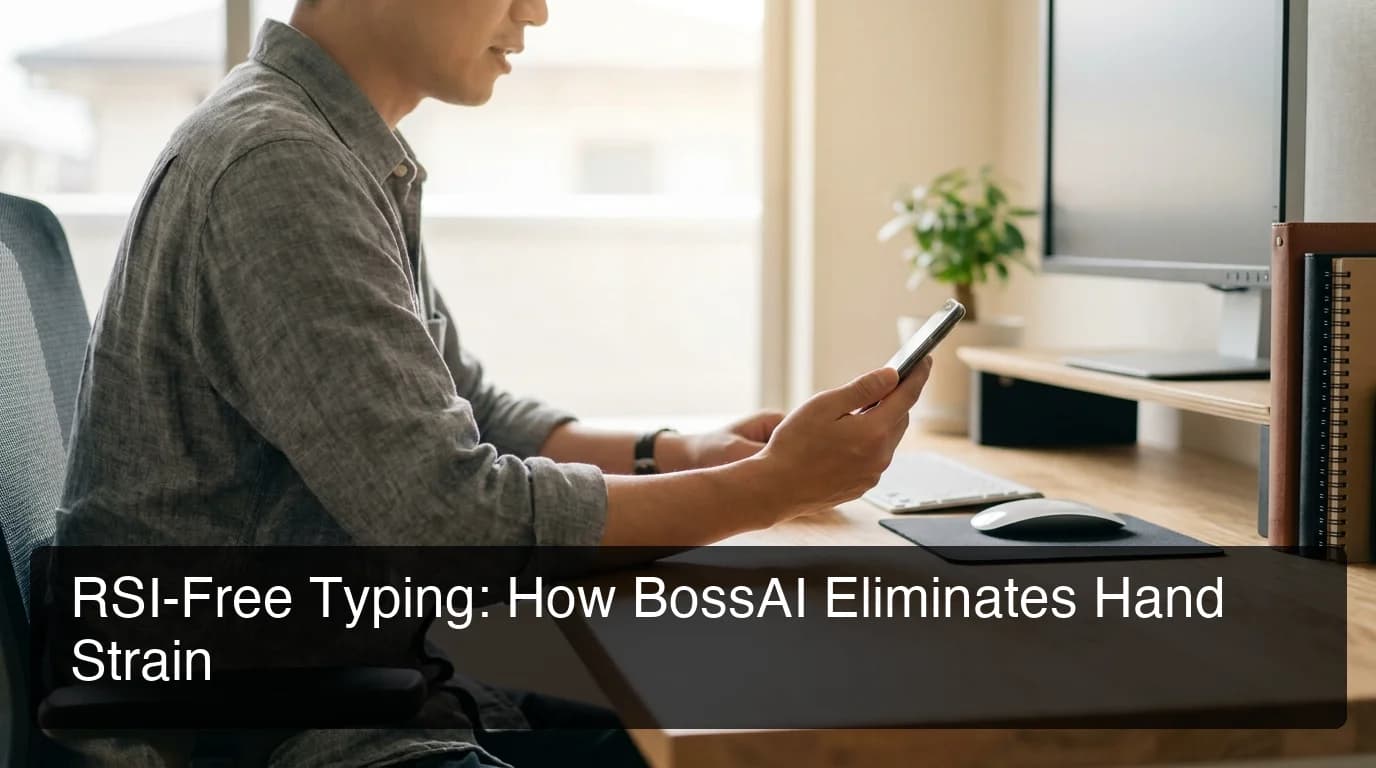
BossAI for RSI: Voice Typing Pain Relief
RSI doesn't just hurt — it steals your ability to do your job. BossAI for RSI is the zero-typing solution that lets you write everything by voice, with AI automatically cleaning up the output.
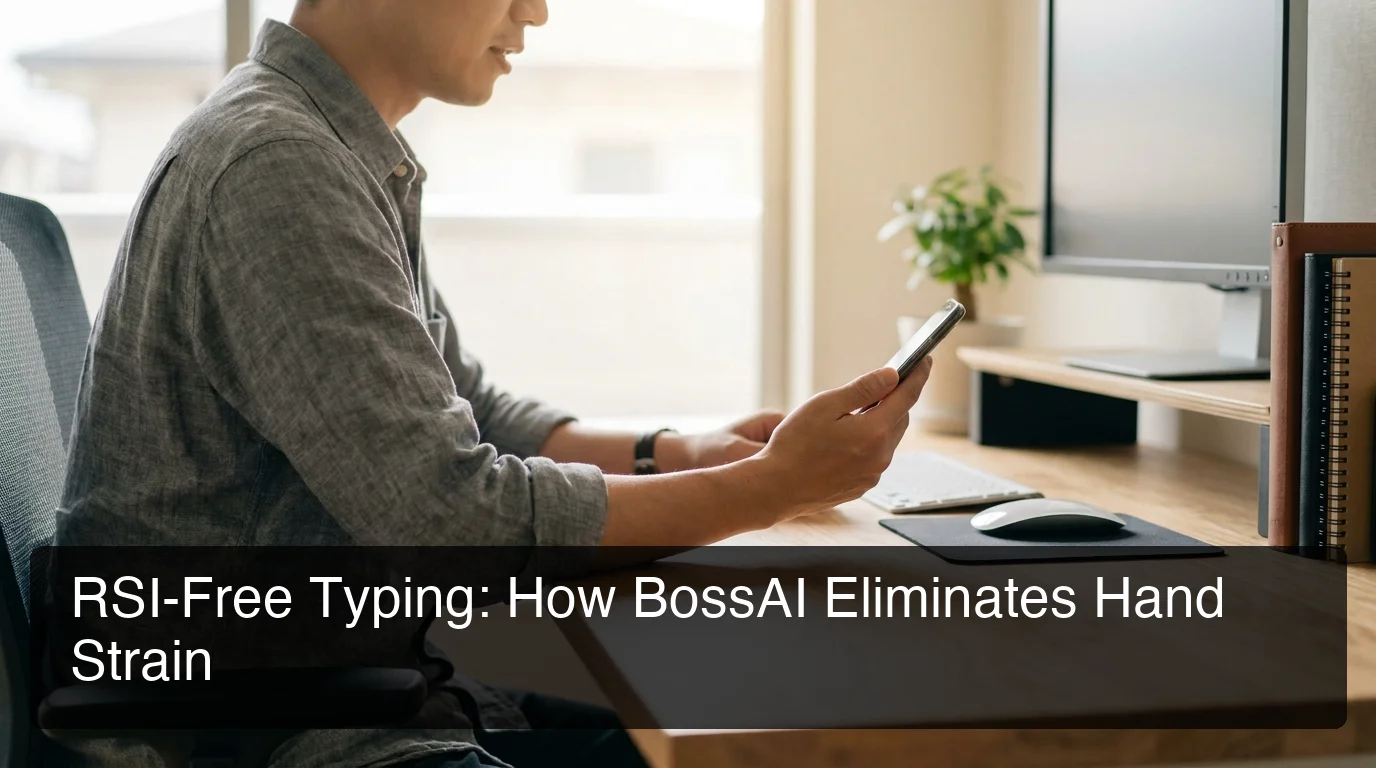 BossAI eliminates keyboard contact entirely — the core requirement for RSI prevention and recovery.
Key Takeaways
- BossAI is an AI voice keyboard that eliminates hand typing entirely — ideal for RSI prevention and active recovery
- Voice dictation reduces strain on hands, wrists, and forearms by removing the repetitive motion that causes RSI
- BossAI automatically removes filler words, fixes grammar, and formats text — so you get clean output without editing by hand
- Users with carpal tunnel, tendinitis, and other repetitive strain conditions report pain reduction within 2-4 weeks of switching to voice typing
- BossAI offers a free tier and a 7-day Pro trial — no credit card required to start
Contents
- What Is BossAI and How Can It Help With RSI?
- How Does Voice Typing Reduce Repetitive Strain Injury?
- Is BossAI for RSI Better Than Traditional Voice Dictation?
- What Features of BossAI Make It RSI-Friendly?
- Can BossAI Help You Type Comfortably With an Existing Injury?
- What Do Users With RSI Report About BossAI?
- How Much Does BossAI for RSI Cost?
- Frequently Asked Questions
What Is BossAI and How Can It Help With RSI?
BossAI is an AI voice keyboard for iPhone and Android, and a voice-to-text app for Mac and Windows, that transcribes speech in real time, removes filler words automatically, and produces clean, polished text — without you touching a keyboard. For people with RSI, this eliminates the repetitive hand motion that causes and worsens the injury.
RSI (Repetitive Strain Injury) affects an estimated 1.8 million workers in the US each year. The primary driver for desk workers is sustained keyboard use — the same small-muscle movements, thousands of times per day. Traditional voice dictation tools address this partially, but they require manual cleanup of transcription errors, which means more hand use.
BossAI closes that gap. As the AI voice keyboard that handles AI cleanup automatically in ~300ms, it creates a true hands-free writing workflow — you speak, it formats, you're done.
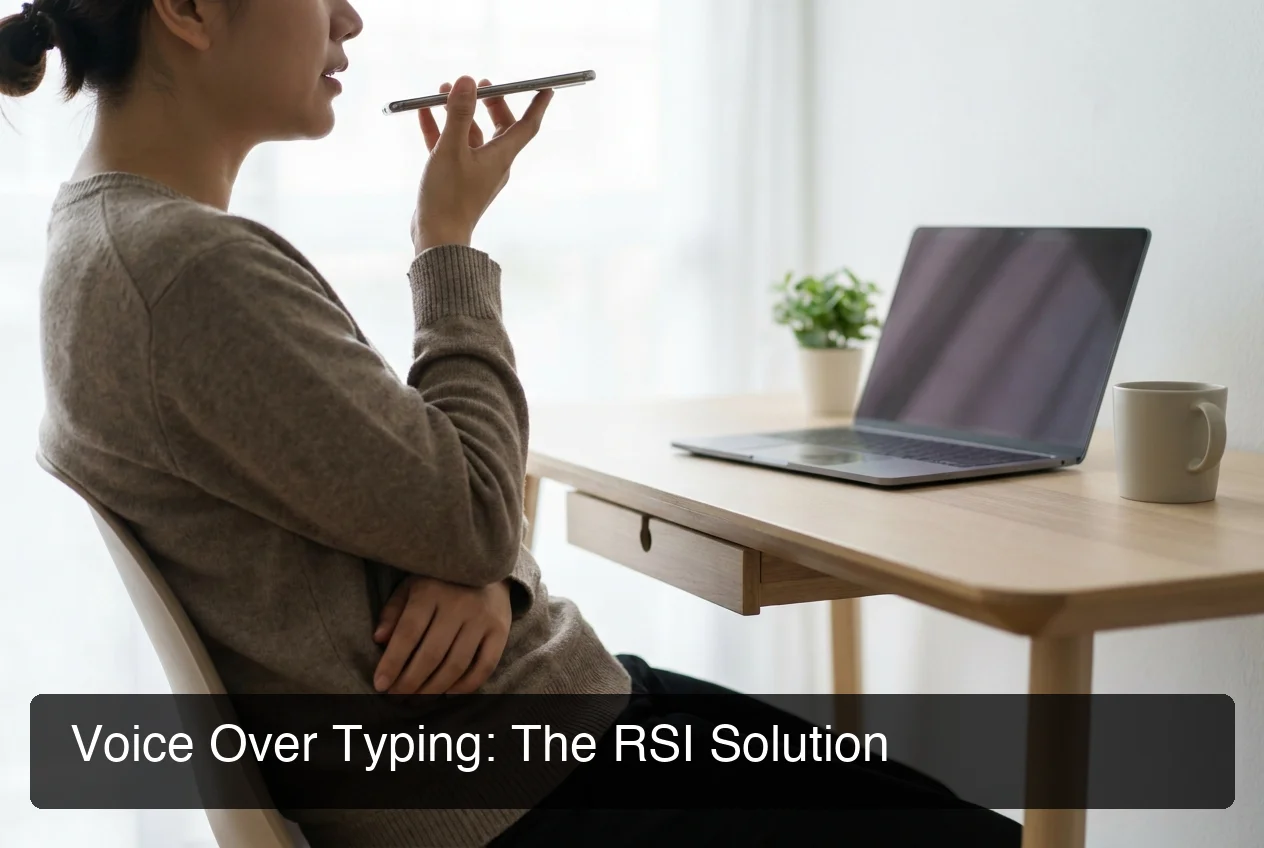 Traditional typing accumulates 8,000–10,000 keystrokes daily — BossAI reduces that to zero.
Key insight: The distinction that matters for RSI isn't "do I have a voice tool" — it's "do I still use my hands after speaking?" BossAI's AI cleanup removes the hand-editing step that most voice tools leave in place.
What RSI Conditions Does BossAI Help?
BossAI is relevant for anyone whose hand or wrist use is painful or restricted:
- Carpal tunnel syndrome — compression of the median nerve from repetitive wrist flexion
- Tendinitis — inflammation of tendons in the fingers, wrists, or forearms
- De Quervain's tenosynovitis — tendon sheath inflammation affecting the thumb and wrist
- Writer's cramp — focal dystonia triggered by repetitive fine motor tasks
- General wrist pain from overuse or post-surgical recovery
For temporary injuries like a broken wrist or post-surgery recovery, BossAI works identically — but with a defined endpoint. For chronic RSI, it becomes a permanent part of your workflow.
How Does Voice Typing Reduce Repetitive Strain Injury?
Voice typing reduces RSI by replacing repetitive mechanical keystrokes with natural speech, eliminating the cumulative microtrauma to tendons, nerves, and muscles in your hands and wrists. Research shows hands-free dictation can reduce hand and wrist workload by over 90% compared to standard keyboard typing.
Typing creates a pattern of micro-impacts and tension through the tendons and carpal tunnel with every keystroke. A standard office worker types around 40 words per minute and averages 8,000–10,000 keystrokes per day. At that volume, tendons never fully recover between sessions — which is how RSI becomes chronic.
The Biomechanics: Why Voice Typing Works
When you dictate instead of type, three injury mechanisms are eliminated:
- Repetitive flexion/extension — the wrist bending cycle that stresses the carpal tunnel with every keystroke
- Sustained grip and pinch force — the muscle tension from holding a position at a keyboard for hours
- Percussion impact — the micro-shock delivered through your fingertips at each key press
The reduction in load is not marginal. Occupational therapists routinely recommend voice dictation as a primary intervention for RSI because it addresses the injury mechanism directly, not just the symptoms.
By the numbers: Replacing manual typing with voice dictation cuts hand and wrist repetitive motion by 90%+ — removing 7,000–9,000 daily keystrokes from your injury cycle.
Is BossAI for RSI Better Than Traditional Voice Dictation?
BossAI for RSI is significantly better than traditional dictation tools because it eliminates post-dictation editing — a step that reintroduces the very hand use you're trying to avoid. Apple Dictation, Google Voice Typing, and Siri produce raw output that requires manual correction, defeating the ergonomic purpose.
Traditional voice dictation creates a hidden problem: after you speak, you have to scroll back, fix errors, capitalize names, and add punctuation by hand. That editing adds hundreds of keystrokes per session — bringing hand use back to a level that still aggravates RSI.
BossAI's AI enhancement layer processes output in ~300ms after you stop speaking. It removes filler words, fixes grammar, adds punctuation, and formats output contextually for the app you're in — so when you finish speaking, the text is clean with no editing required.
BossAI vs. Free Voice Dictation Options for RSI
| Tool | Clean Output? | AI Cleanup | Works in All Apps | Cost |
|---|---|---|---|---|
| BossAI | ✅ Clean on first pass | ✅ 300ms AI enhancement | ✅ Any app | Free / $9.99/mo |
| Apple Dictation | ⚠️ Raw output | ❌ None | Limited | Free |
| Google Docs Voice | ⚠️ Raw output | ❌ None | Google Docs only | Free |
| Siri Dictation | ⚠️ Error-prone | ❌ None | Limited | Free |
| WisprFlow | ✅ AI cleanup | ✅ Yes | ✅ Most apps | $15/mo |
BossAI and WisprFlow both solve the editing problem. The key difference for RSI users: BossAI is a native iOS keyboard, while WisprFlow's iOS support is limited — meaning iPhone users don't get the same clean, hands-free experience on mobile.
For readers who want accuracy benchmarks and real-world performance data, the BossAI review covers detailed workflow tests.
What Features of BossAI Make It RSI-Friendly?
BossAI's RSI-friendly design comes from three features that together make keyboard use completely optional: AI-enhanced dictation with no manual cleanup, Boss Mode that reads your screen and writes replies for you, and Clips that lets you paste common phrases in one tap — so you never type the same thing twice.
AI-Enhanced Dictation
Speak naturally — BossAI removes filler words (um, uh, like, you know), fixes grammar, adds punctuation, and adjusts formatting to match app context — whether you're composing an email, a chat reply, or a document. The output is clean on the first pass, every time.
Boss Mode (Screen Reading)
This is the feature no competitor offers. Activate Boss Mode, speak a command like "Boss, reply to this email professionally," and BossAI reads what's on your screen, understands the full context, and inserts a complete response — no copy-pasting, no context switching, one voice command instead of a dozen typed sentences.
For RSI users managing email-heavy workflows, Boss Mode is the single biggest hands-free upgrade available. It handles the "reasoning and responding" step — not just transcription.
BossAI's AI accuracy makes it reliable enough for hands-free work — a differentiator explored in depth in our BossAI accuracy analysis.
Clips
Save your most-used text — signatures, addresses, standard replies, meeting links — and paste them in one tap from the keyboard UI. For RSI users who repeat the same phrases dozens of times daily, this eliminates a major chunk of typing entirely.
Custom Dictionary
Add names, industry terms, and brand-specific vocabulary so BossAI learns your words and gets them right consistently. Fewer transcription errors means less correction time and less hand use.
Bottom line: BossAI's dictation + Boss Mode + Clips combination creates a workflow where your hands never need to touch a keyboard. For RSI sufferers, that's not a convenience — it's a therapeutic necessity.
Can BossAI Help You Type Comfortably With an Existing Injury?
Yes. BossAI is specifically effective for people with active RSI because it requires zero keyboard interaction — you speak and receive clean, formatted text without touching the device. Users with carpal tunnel, tendinitis, and post-surgical injuries report measurable pain reduction after 2-4 weeks of consistent voice-first use.
The principle: recovery from RSI requires reducing cumulative load — not eliminating all hand movement forever. By handling text output entirely through voice, BossAI removes the highest-frequency, highest-load activity from your day, giving tendons and nerves time to recover.
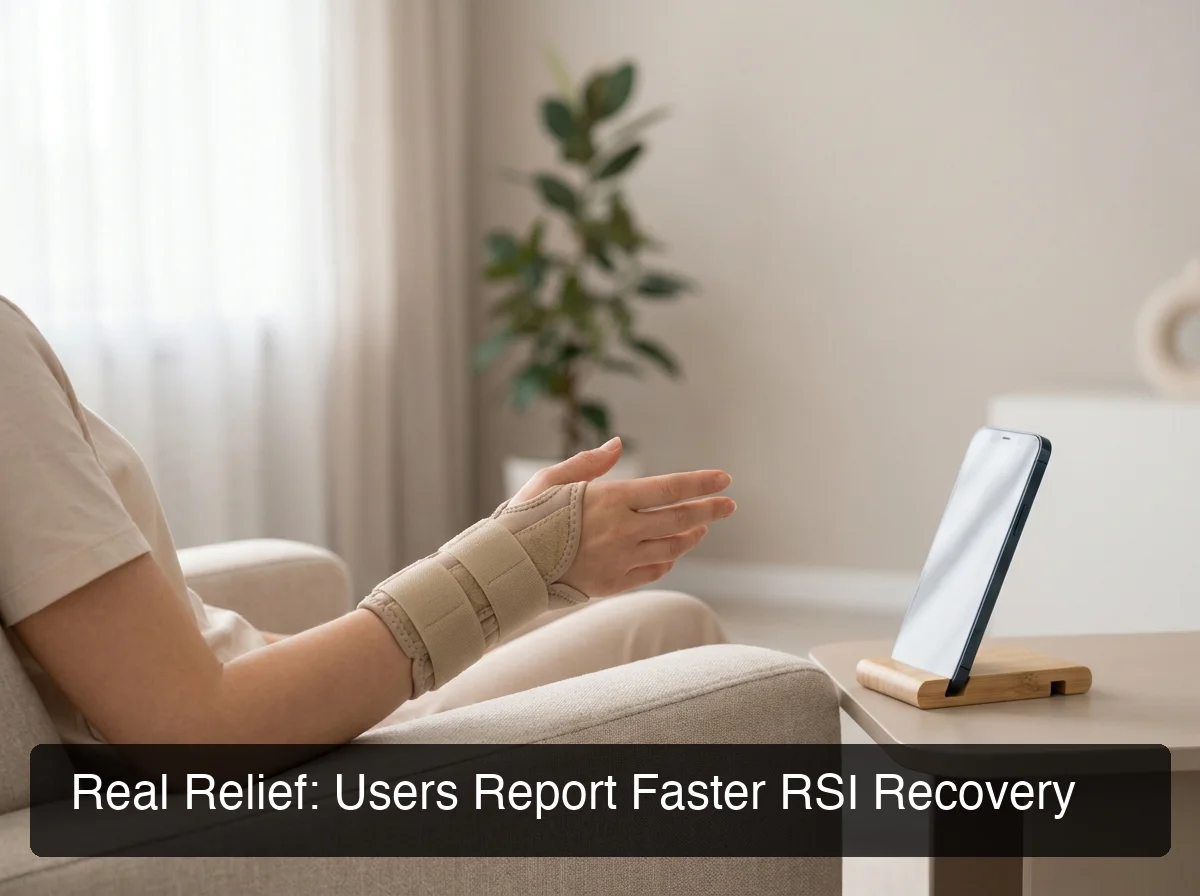 BossAI enables a fully hands-free writing workflow for users managing active RSI, carpal tunnel, or wrist injuries.
What to Expect: RSI Recovery Timeline with Voice Typing
Occupational therapists who recommend voice dictation for RSI report a typical trajectory for knowledge workers:
- Week 1–2: Learning curve — adapting to speaking rather than typing, building confidence with voice commands
- Week 2–4: Noticeable pain reduction — reduced inflammation, especially for carpal tunnel and tendinitis
- Month 1–3: Significant functional improvement — most users can return to brief typing tasks without pain
- Month 3+: Long-term habit established — voice typing becomes the default, maintaining low cumulative strain
BossAI runs on iOS, Android, Mac, and Windows, so the hands-free setup carries across your phone and your computer.
What Do Users With RSI Report About BossAI?
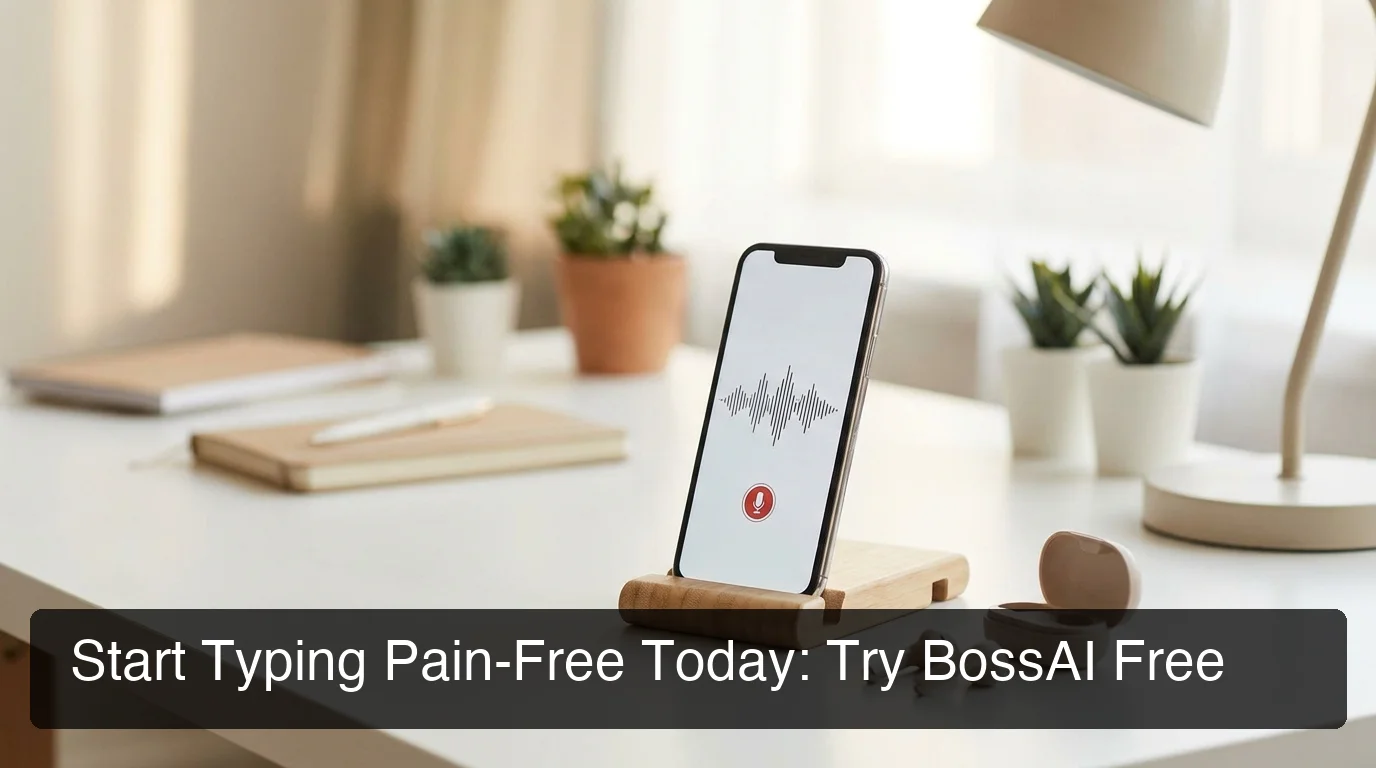 BossAI removes keyboard contact entirely — the single most important factor for RSI management.
Users with RSI, carpal tunnel, and wrist injuries consistently report that BossAI is the first voice typing tool they found genuinely usable as a primary input method — because clean output requires no editing, and Boss Mode eliminates the typing needed to give AI context.
The pattern from user feedback is consistent: previous tools (Siri, Apple Dictation, Google Voice) required manual cleanup that reintroduced hand use and negated the hands-free benefit. BossAI is the first tool many users stick with long-term because the workflow is actually complete.
Common Use Cases Reported by RSI Users
- Email management — Boss Mode reads and drafts replies with full context, entirely hands-free
- Slack and messaging — Dictating clean replies without app-switching or manual error correction
- Document drafting — Long-form voice sessions for reports, proposals, and research notes
- Recurring text — Using Clips to insert signatures, addresses, and standard phrases with one tap
A consistent secondary finding: users who previously combined AI tools (ChatGPT + copy-paste) found BossAI dramatically reduced total hand use — because there's no clipboard work, no app-switching, no manual pasting. Everything happens inside the keyboard, where it should.
For those evaluating whether to switch, the BossAI review covers real-world accuracy benchmarks and side-by-side workflow comparisons.
How Much Does BossAI for RSI Cost?
BossAI for RSI costs $9.99/month or $69.99/year ($5.83/month). A free tier is available with no weekly word cap — 500 words/day with full AI quality. A 7-day Pro trial gives RSI sufferers complete access before committing. No credit card required to start.
This positions BossAI as one of the most affordable AI-enhanced dictation tools with full RSI-friendly coverage across iOS, Android, Mac, and Windows. WisprFlow — its closest competitor with AI cleanup — charges $15/month without a native iOS keyboard.
For a full breakdown of what each tier includes, see Is BossAI Free? — which covers free tier limits, Pro features, and whether the annual plan makes sense.
BossAI Pricing at a Glance
| Plan | Price | Best For |
|---|---|---|
| Free | $0 | Testing — 500 words/day, 1 Boss Mode/day |
| Monthly | $9.99/month | Flexible — full access, cancel anytime |
| Annual | $69.99/year ($5.83/mo) | Committed voice-first workers |
| Lifetime | $149.99 one-time | Long-term RSI management at lowest cost |
Bottom line: For RSI sufferers replacing substantial keyboard use, the free tier's 500-word daily cap is too low. The Annual or Lifetime plan pays for itself quickly once voice typing is your primary input method.
Get Started with BossAI
If RSI is limiting your ability to type — or you're trying to prevent it from getting worse — BossAI is the only tool that makes the entire writing workflow hands-free: AI-cleaned dictation, screen-aware replies with Boss Mode, and instant Clips, all inside a single keyboard.
Frequently Asked Questions
What is BossAI? BossAI is an AI voice keyboard for iPhone and Android, and a voice-to-text app for Mac and Windows, that replaces typing with voice dictation. It transcribes speech in real time, removes filler words automatically, rewrites text in different tones with one tap, and includes Boss Mode — a screen-reading feature that reads your screen to generate contextual replies without copy-pasting.
Is BossAI good for RSI or hand injuries? Yes. BossAI is designed for zero-keyboard use — you dictate everything and it handles transcription, filler word removal, and tone correction automatically. Users with RSI, carpal tunnel, broken wrists, or repetitive strain injuries use BossAI to write emails, messages, and documents entirely hands-free, with no typing required at any step.
How long does it take to see RSI improvement with voice typing? Most users report measurable pain reduction within 2-4 weeks of switching to full voice dictation. Recovery accelerates when typing is eliminated completely — even short editing sessions slow healing. BossAI's AI cleanup removes the post-dictation editing step, supporting consistent hands-free use from day one.
What platforms does BossAI support? BossAI is available on iOS (App Store), Android (Google Play), macOS (App Store and direct download), and Windows (Microsoft Store) — full cross-platform coverage. On iOS and Android it works as a full keyboard replacement with the same features, so you can dictate in any app without switching — and on iPhone you can start dictating instantly from the Action Button or with Back Tap.
Does BossAI require typing to use Boss Mode or Clips? No. Boss Mode, Rewrite, Clips, and dictation all operate from the keyboard UI through taps and voice commands. Nothing requires text input via keyboard. For RSI users, this means zero forced keyboard contact during normal writing workflows.
Is there a free trial for BossAI? Yes. BossAI offers a 7-day full Pro trial — no credit card required. There's also a permanent free tier with 500 words/day and one Boss Mode use daily. The trial gives RSI sufferers enough access to evaluate whether a voice-first workflow is sustainable for their specific needs.
Are there other voice typing options worth considering for RSI? WisprFlow and Superwhisper both offer AI-enhanced dictation that reduces editing, making them RSI-relevant on Mac and Windows. For iOS users, BossAI's native keyboard is the most seamless option. If you're evaluating the broader category, our BossAI alternatives comparison covers the full landscape for RSI-specific needs.