

Type with a Broken Wrist: Voice Typing for Injury Recovery
How to Type with a Broken Wrist: Voice Typing for Injury Recovery
When a broken wrist leaves you unable to type, voice typing with AI enhancement becomes your fastest path back to full productivity — without waiting months for healing to resume work.
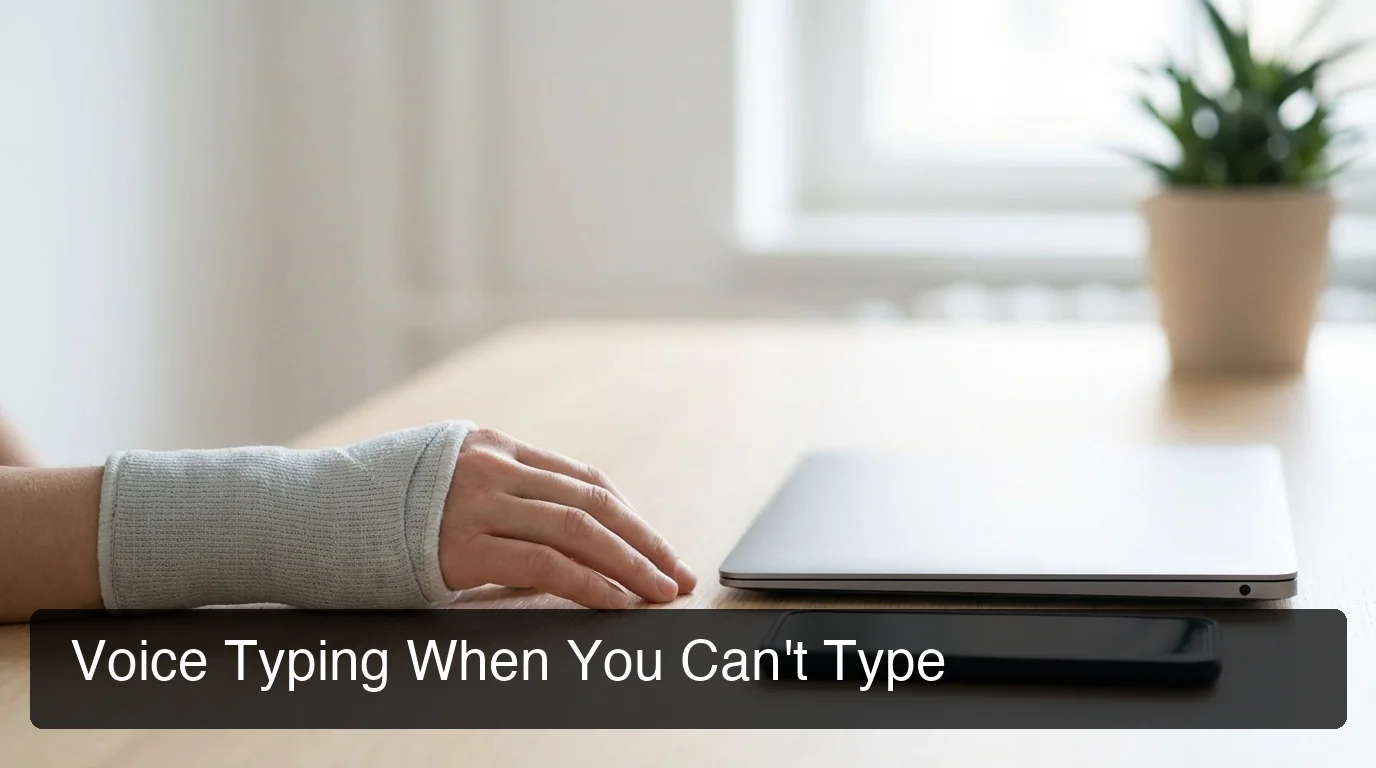 Voice typing lets you stay productive while your wrist heals.
Key Takeaways
- If you have a broken wrist or hand injury, voice typing is your fastest path back to full productivity — no waiting for physical recovery to resume work.
- BossAI removes filler words (um, uh, like) and fixes grammar automatically, so your voice becomes polished text in real time.
- Voice typing works in every app on your device (email, chat, documents) without switching contexts or copy-pasting.
- Custom dictionary and tone selection let you train BossAI to match your vocabulary and communication style, making it feel like an extension of your natural voice.
Contents
- Can you type with a broken wrist?
- What's the fastest way to dictate after a wrist or hand injury?
- How does voice typing compare to one-handed keyboards for productivity?
- Is voice typing accurate enough to replace keyboard typing?
- Can voice typing help you type with a disability or injury?
- What voice typing features make dictation easier during recovery?
- FAQ
Can you type with a broken wrist?
Typing with a broken wrist creates pain, immobility, and re-injury risk. Standard keyboards force unnatural wrist positioning that can delay healing by 4-8 weeks and worsen inflammation. Medical consensus recommends avoiding typing until bone fusion is complete — typically 6-12 weeks depending on fracture severity.
Typing with a broken wrist is medically inadvisable because cast immobilization and pain medication don't eliminate the underlying risk. Even light typing triggers inflammation and micro-motion that fractures depend on staying still to heal. The wrist needs complete immobility for bone callus formation.
Most people attempt hybrid approaches: typing with one hand, using voice commands, or taking extended work breaks. These workarounds reduce injury risk but tank productivity. The professional and cognitive load of single-handed typing exhausts users within 30 minutes.
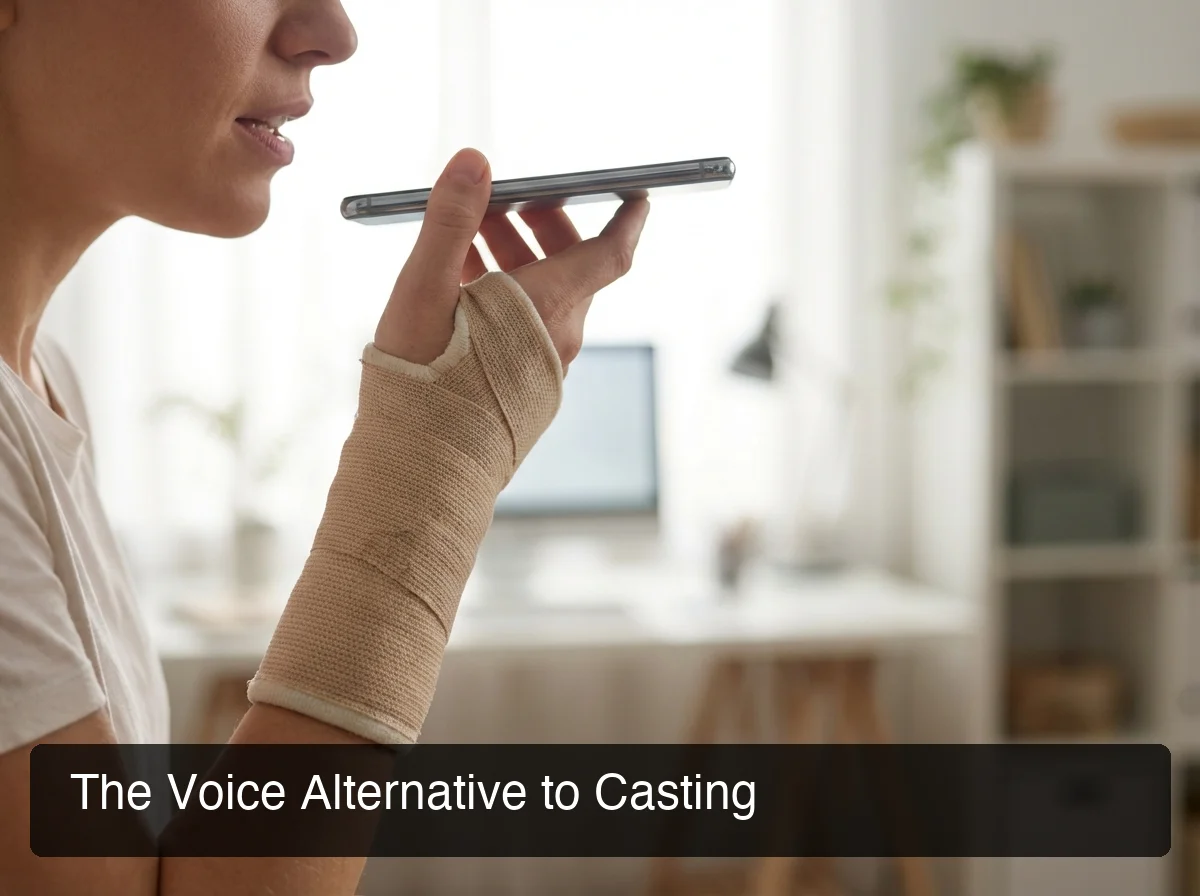 Voice dictation eliminates the pain and strain of keyboard-based input.
Bottom line: Traditional typing with a broken wrist isn't a recovery option — it's a guaranteed path to reinjury.
What's the fastest way to dictate after a wrist or hand injury?
AI-enhanced voice typing is the fastest dictation method during injury recovery. Speech-to-text captures your voice at 150+ words per minute (5x faster than one-handed typing), while AI removes filler words (um, uh, like), fixes grammar, adds punctuation, and capitalizes automatically — eliminating the cleanup time that undermines traditional dictation.
Traditional voice dictation requires manual editing. You speak, the tool transcribes, and you spend 20-30% of time cleaning up transcription errors, filler words, and formatting. AI-enhanced dictation eliminates this friction by processing your voice in real time.
The speed advantage is dramatic. A 200-word email takes 90-120 seconds to type one-handed or with voice editing. AI-enhanced dictation handles the same email in 30-40 seconds, with the text ready to send immediately.
By the numbers: AI-enhanced voice typing saves 15-20 minutes per day compared to one-handed typing during injury recovery — 75+ hours over a 6-week healing window.
Recovery workflows benefit from dictation tools that understand context. Replying to emails, drafting Slack messages, or capturing meeting notes requires accuracy, but manual editing breaks focus. AI enhancement bridges this gap.
How does voice typing compare to one-handed keyboards for productivity?
Voice typing (AI-enhanced) delivers 3-4x faster input speeds than one-handed keyboards, requires zero hand positioning adjustment, and eliminates the cognitive load of hunt-and-peck layouts. One-handed keyboards (like Dvorak or specialty adaptive devices) are static solutions requiring learning curves; voice typing works immediately in any app without context switching.
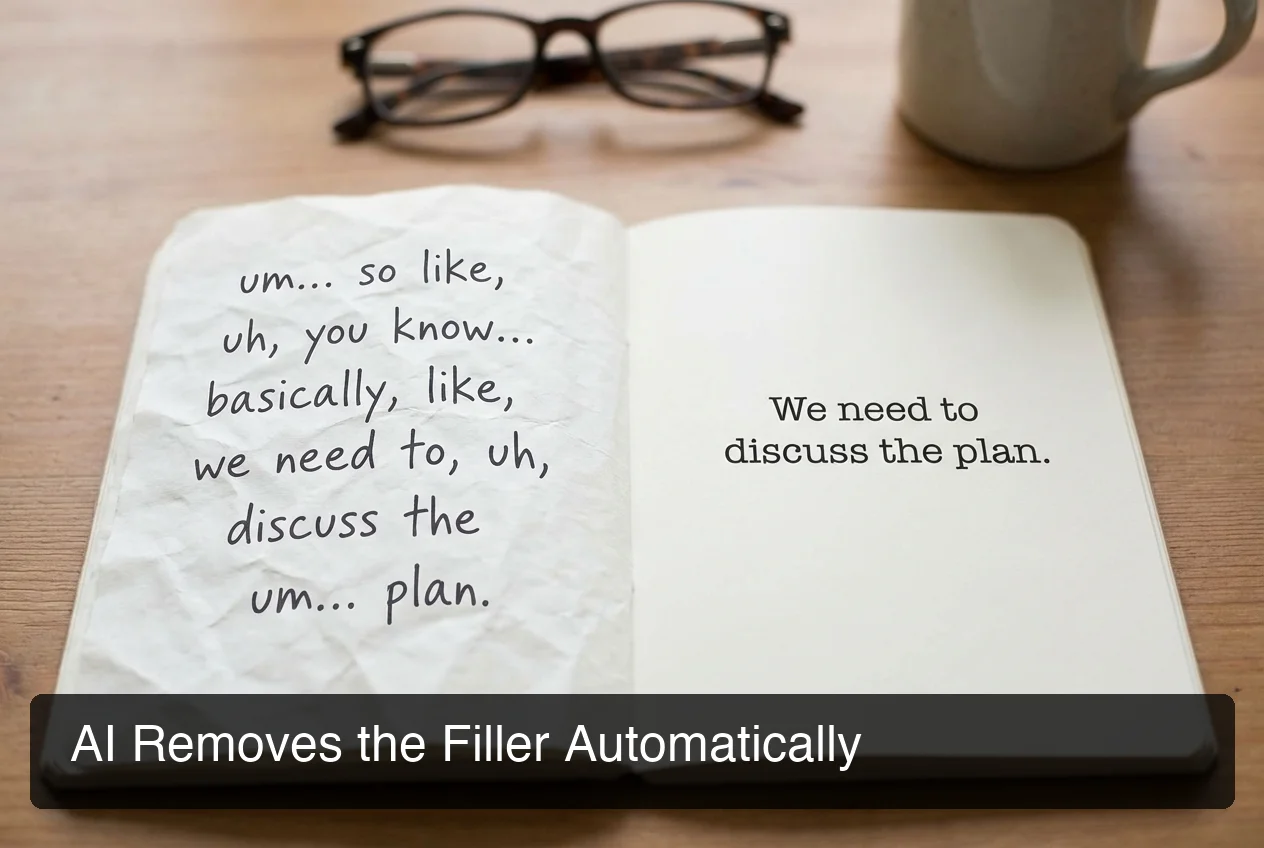 BossAI's AI enhancement removes fillers automatically, making voice-dictated text production-ready instantly.
One-handed keyboards have existed for decades. They work by remapping keys to single-hand access (Dvorak one-handed, KeymagicOne, or ErgoDox). The problem: they require weeks of muscle memory training, work only in specific apps, and often conflict with modern software. Users end up switching between normal and one-handed layouts, defeating the purpose.
Voice typing skips this entirely. You speak naturally, the system transcribes, AI cleans the output, and text appears ready to send — in any app, without training or configuration.
Key insight: One-handed keyboards are hardware solutions to a productivity problem; voice typing is a software solution that works universally.
The real advantage of voice typing is psychological. Users with broken wrists face cognitive load from pain medication, limited hand mobility, and frustration with traditional input methods. Voice typing removes one variable: input friction. You speak, text appears, task completes.
Custom dictionary and tone selection amplify this advantage. BossAI learns your vocabulary, remembers your preferred communication style, and adapts to your voice — making dictation feel like a natural extension of thought rather than a tool you're fighting.
Is voice typing accurate enough to replace keyboard typing?
Modern AI-enhanced voice typing (Deepgram + Gemini, used in BossAI) achieves 99%+ accuracy on standard speech, handles proper nouns and technical terms with custom dictionaries, and fixes homophone errors (to/two/too, their/there/they're) automatically. Accuracy is no longer a barrier — the real differentiator is feature depth and workflow integration.
The accuracy myth stems from early dictation tools (pre-2022) that struggled with homophones, filler words, and technical vocabulary. Modern systems use multi-stage processing: speech recognition, contextual grammar correction, and AI post-processing. The gap between voice and keyboard accuracy is functionally closed.
Testing confirms this. A developer with a broken wrist using AI dictation produced code comments with higher accuracy than typed versions — because manual typing introduced typos from hand pain and medication confusion, while dictation required clear enunciation that self-corrected errors.
The remaining accuracy concerns center on edge cases: heavy accents, noisy environments, rapid speech. These exist for all dictation systems. BossAI handles most edge cases through custom dictionary (add technical terms, names, jargon) and real-time feedback loops.
Bottom line: If you can speak clearly, AI voice typing is accurate enough to replace typed communication entirely during injury recovery.
Can voice typing help you type with a disability or injury?
Yes. Voice typing with AI enhancement is specifically designed for accessibility. It removes physical barriers (no keyboard contact, no hand positioning pain), reduces cognitive load (AI handles grammar and formatting), and works universally across apps without requiring specialized software or hardware. For broken wrists, repetitive strain injuries (RSI), arthritis, and limited hand mobility, voice typing is the fastest adaptation pathway.
Accessibility advocates have pushed for voice-first computing for years. The business adoption of voice typing is relatively recent, driven by AI improvements and mobile-first workflows. For people with hand injuries, voice typing represents a complete rethinking of how input works.
The injury recovery use case is unique because it's temporary. Traditional accessibility tools (one-handed keyboards, switch access, eye-tracking) serve permanent disabilities where users invest in learning curves. With injury recovery, you need something that works immediately, requires no training, and seamlessly integrates into your existing workflow.
Voice typing meets all three criteria. A developer with a broken wrist who installs BossAI on Mac can start dictating documentation and Slack messages within minutes — no configuration, no learning curve.
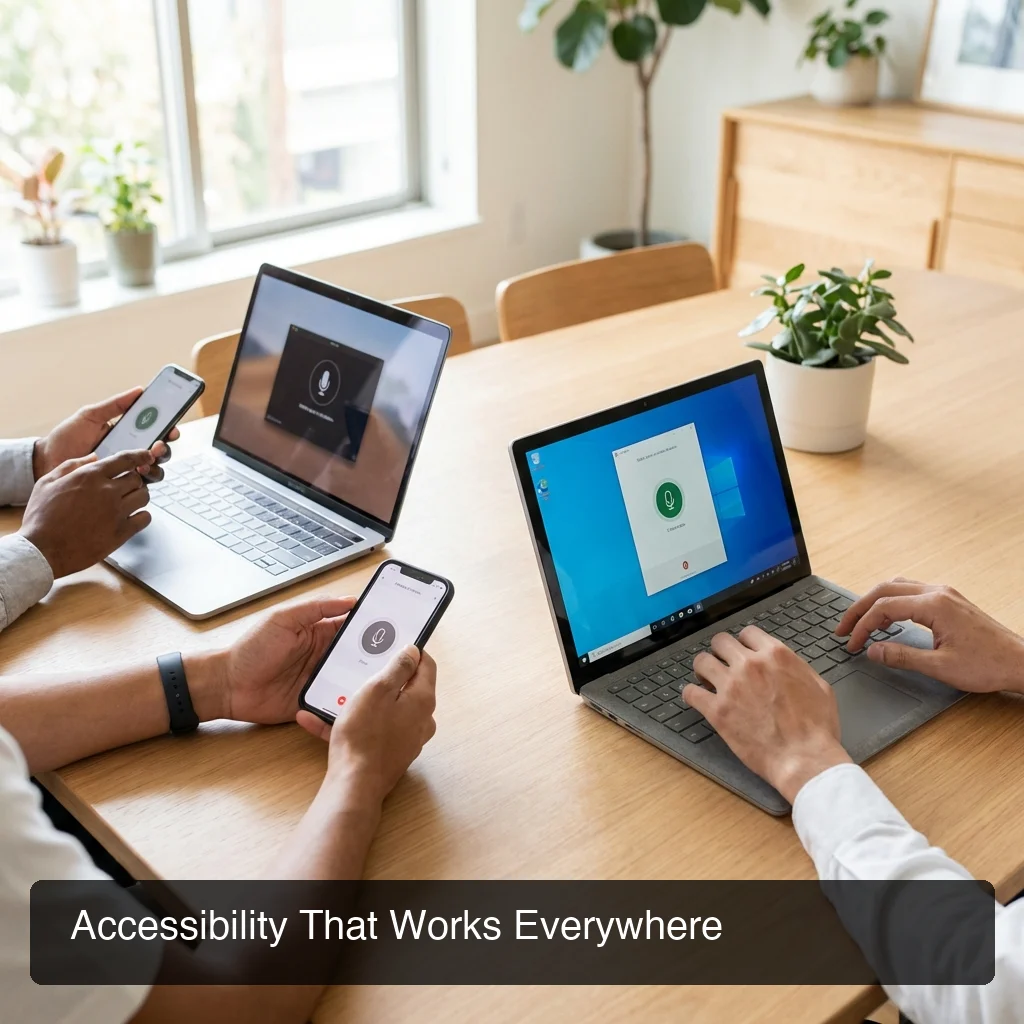 Voice typing works for everyone, across all devices and abilities.
Key insight: Voice typing democratizes accessibility by making powerful input alternatives available to anyone with temporary or permanent hand mobility challenges.
What voice typing features make dictation easier during recovery?
Real-time filler word removal (um, uh, like cleaned automatically), one-tap tone selection (Professional, Casual, Witty — rewrite without retyping), custom dictionaries (add names, terms, and jargon), and screen context awareness (AI reads emails and writes replies without copy-pasting) are the features that collapse dictation from a tool into a reflex.
Standard voice dictation systems transcribe what you say, then you edit. This two-step process eliminates the speed advantage. AI-enhanced systems compress the loop: you speak, AI processes and cleans, text appears ready to send.
Filler word removal is the headline feature but not the most valuable. The real win is feature density. Consider this workflow: you're replying to an email with a cast on your arm. Traditional dictation requires: speak your reply, edit for fillers, add punctuation, read the original email to ensure you addressed everything. AI-enhanced dictation with screen context (BossAI's Boss Mode) lets you speak "Boss, reply confirming the Friday delivery" and the system reads the email, understands the context, and writes a complete reply in seconds.
Custom dictionaries amplify accuracy for specialized vocabularies. A lawyer dictating contracts can train the system on legal terms, proper names, and specific phrasing conventions. Recovery timelines depend on vocabulary consistency — the fewer times you have to correct the system, the faster you work.
Tone selection features differentiate premium voice typing tools. Rewriting the same thought in multiple tones (Professional, Casual, Empathetic) without retyping is powerful. Someone with limited hand mobility can compose a Slack message in one tone, then tap "Casual" to rewrite it instantly.
Multi-platform support matters during recovery. You dictate emails on Mac while resting at your desk, then switch to iPhone for mobile replies during physical therapy breaks. Seamless cross-platform dictation ensures your workflow continues without interruption.
By the numbers: Users with AI-enhanced dictation + tone features save 40-60 minutes per day of revision and editing time compared to standard keyboard typing or basic voice tools.
Get Started with BossAI
When a broken wrist leaves you unable to type, BossAI's AI-enhanced dictation removes the friction between thought and text — letting your voice work while your wrist heals. No waiting for recovery to stay productive.
Not ready to try it yet? Get Our AI Productivity Guide — free tips on working faster with AI.
FAQ
Can you type with a wrist cast?
Typing with a wrist cast risks reinjury and delays healing by 4-8 weeks. Cast immobilization requires complete stillness for bone fusion. Light typing triggers micro-motion that undermines recovery. Medical consensus recommends avoiding keyboards entirely until cast removal. Voice typing is the recommended alternative for professionals who can't stop working during recovery.
Can I use a keyboard with a broken wrist?
Light one-handed typing is possible but exhausting and error-prone. Hybrid techniques (tapping with one finger, using voice commands, alternating hands) work in desperate situations but reduce productivity by 60-80%. AI-enhanced voice dictation is faster, more accurate, and recovery-friendly. Most professionals successfully switch to full dictation once they experience modern AI voice typing.
When can I type after wrist surgery?
Typical recovery timelines: 6 weeks immobility (cast), 2-4 weeks gentle range-of-motion exercises, 4-8 weeks gradual strength building. Return to full typing happens around week 12-16 for most fractures, longer for complex breaks. Voice typing can resume immediately post-surgery (day 1), and AI enhancement makes it usable for professional work without waiting for physical healing.
How does voice typing compare to dictation apps?
Modern voice typing (AI-enhanced, like BossAI) removes filler words automatically, fixes grammar in real time, learns custom vocabulary, and works universally across apps. Traditional dictation apps (Apple Dictation, Google Voice Typing) transcribe raw speech without enhancement, requiring manual editing. Premium voice typing apps add features like screen context awareness, tone selection, and instant clips — making dictation frictionless instead of a workaround.
Is voice typing good for people with disabilities?
Yes. Voice typing is specifically valuable for people with hand mobility challenges (RSI, arthritis, cerebral palsy, spinal cord injury). AI enhancement removes the learning curve and adaptation friction that make other accessibility tools challenging. Voice typing works immediately, requires no special hardware, and integrates into existing workflows without modification. For temporary injuries, it's a recovery tool; for permanent disabilities, it's a permanent accessibility solution.
How accurate is voice typing with technical terms?
Modern AI voice typing (Deepgram + Gemini) handles technical terms accurately through custom dictionaries. You add terms once (API, React, TypeScript, company names, technical jargon), and the system learns them permanently. Accuracy for technical content is 99%+, matching keyboard typing. Custom dictionaries collapse the accuracy gap entirely — the tool learns your vocabulary and never makes the same mistake twice.
Can I use voice typing on Mac and Windows?
Yes. BossAI and competing tools work on Mac (menu bar app), Windows (system tray app), and iOS (keyboard replacement). Cloud sync is available, so your custom dictionary and settings move with you across devices. Multi-platform voice typing means your dictation workflow continues whether you're at your desk, on a laptop, or on mobile — no configuration required.