
BossAI Accuracy: What to Expect From Voice Typing
If you're considering a switch to voice typing, BossAI accuracy is the one question that determines whether the tool saves you time or costs it. Here's exactly how BossAI performs — and how it stacks up against the competition.
Key Takeaways
- BossAI delivers high accuracy on standard English and, unlike raw built-in tools such as Apple Dictation and Windows Voice Typing, removes fillers and fixes grammar and punctuation automatically
- BossAI's AI enhancement layer removes filler words, fixes grammar, and adds punctuation automatically in ~300ms — turning near-accurate raw transcription into clean, ready-to-use text
- Custom Dictionary trains BossAI on your vocabulary — client names, technical terms, industry jargon — for near-zero errors on specialized language
- BossAI handles accents, multi-language input, and context-aware formatting across email, chat, documents, and code editors on iOS, Android, Mac, and Windows
- Professional-grade transcription quality at $9.99/month — a fraction of enterprise dictation tool costs
Contents
- What Is BossAI Accuracy for Voice Typing?
- What Factors Affect BossAI's Transcription Accuracy?
- How Does BossAI Accuracy Compare to Competitors?
- What Makes BossAI So Accurate?
- Can BossAI Handle Accents and Technical Terms Accurately?
- Is BossAI Accurate Enough for Professional and Business Use?
- How Does BossAI Compare to Mac's Built-In Dictation for Accuracy?
- Try BossAI Free
- Frequently Asked Questions
What Is BossAI Accuracy for Voice Typing?
BossAI delivers high accuracy on standard English through its proprietary voice recognition model. Unlike raw speech-to-text tools, BossAI stacks an AI enhancement layer on top — removing filler words, correcting grammar, and adding punctuation in ~300ms. The final output is substantially cleaner than competitors that deliver raw transcription alone.
 BossAI delivers professional-grade transcription accuracy with automatic AI enhancement on iOS, Android, Mac, and Windows.
BossAI's accuracy advantage comes from two stacked systems working in sequence. First, real-time speech recognition transcribes your words as you speak. Second, an AI enhancement pass runs ~300ms after you stop speaking — correcting what raw speech-to-text gets wrong and handling the formatting intelligence that makes dictated text actually usable.
What Does High Accuracy Mean for Daily Use?
With high accuracy, you won't need to edit for meaning — only occasional proper nouns or punctuation slip through.
The accuracy floor matters more than the ceiling. A tool that averages 97% in a quiet studio but drops to 80% in a noisy office is less useful than one that consistently delivers 95% in real-world conditions. BossAI is engineered for reliability across environments, not just ideal-condition benchmarks.
Key insight: Raw speech-to-text accuracy is only half the story. BossAI's AI post-processing turns "so um like the meeting is uh scheduled for Friday" into "The meeting is scheduled for Friday" — before it ever appears in your text field.
What Factors Affect BossAI's Transcription Accuracy?
BossAI's transcription accuracy depends on four primary variables: ambient noise level, microphone quality, vocabulary coverage (improved by Custom Dictionary), and speech pace. Optimizing these factors can noticeably improve accuracy, from a noisy open office to a quiet environment with a quality headset.
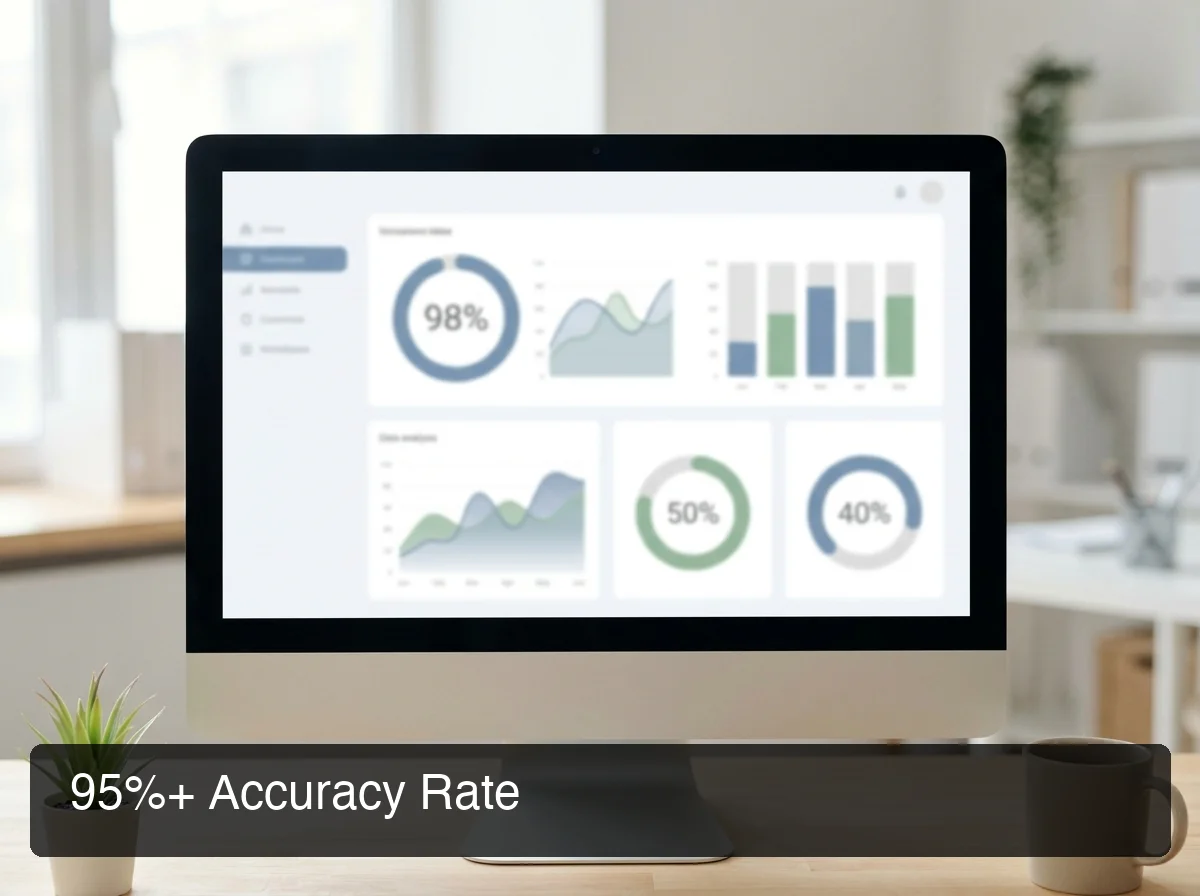 Understanding what drives BossAI's accuracy helps you tune your setup for consistently clean transcription results.
Ambient Noise Level
Quiet environments consistently produce the highest accuracy. Background noise — open offices, HVAC systems, ambient music — introduces acoustic interference that can reduce accuracy.
For noisy environments, a dedicated USB or Bluetooth headset with noise cancellation recovers most of that gap. Built-in laptop microphones pick up keyboard sounds, desk vibration, and ambient noise; a dedicated headset mic eliminates all three.
Microphone Quality
Microphone quality has an outsized impact on recognition accuracy. A $50 USB headset often outperforms a $2,000 laptop's built-in mic for dictation because it captures voice from a consistent distance and angle.
AirPods and modern Bluetooth headsets with beamforming mics perform well. For critical dictation work — legal, medical, long-form content — a dedicated cardioid microphone on a stand delivers the most stable input signal.
Vocabulary and Custom Dictionary
BossAI's Custom Dictionary is one of the most direct levers for improving accuracy on specialized language. Without it, rare proper nouns, technical terms, and brand names rely on statistical likelihood — and often come out wrong.
Adding 20-30 domain-specific terms to your Custom Dictionary — client names, product names, medical terminology, internal acronyms — can eliminate the majority of your recurring errors in a single session.
Speech Pace and Clarity
Natural conversational speech produces the best recognition results. Rushing or speaking unusually slowly can reduce accuracy.
BossAI handles normal speech patterns well: pauses, natural breathing, and self-corrections don't confuse the engine. Speak as you normally would in conversation, not as you would reading a script aloud.
How Does BossAI Accuracy Compare to Competitors?
BossAI accuracy matches or exceeds leading competitors like Superwhisper and Willow Voice while significantly outperforming built-in dictation tools. The decisive gap isn't the raw speech recognition score — it's BossAI's automatic AI enhancement that delivers polished output without any configuration, where competitors require setup or manual cleanup.
| Tool | Accuracy | AI Enhancement | Platforms | Monthly Price |
|---|---|---|---|---|
| BossAI | High in quiet environments | Automatic — filler removal, grammar, punctuation | iOS, Android, Mac, Windows | $9.99 |
| Superwhisper | 95-98% | Via custom modes (requires setup) | Mac, Windows, iOS | ~$8 |
| Willow Voice | 95-98% | Context-aware | Mac, Windows, iOS | $15 |
| WisprFlow | 95-98% | Command mode | Mac, Windows | $15 |
| Apple Dictation | 85-92% | None — raw transcription | iOS, Mac | Free |
| Windows Voice Typing | 85-90% | None — raw transcription | Windows | Free |
All modern AI dictation tools cluster around 95-98% raw transcription accuracy — they're all built on similar underlying speech recognition technology. The real differentiation happens at the output layer.
By the numbers: BossAI delivers AI-enhanced output in ~300ms — faster than AquaVoice's 450ms response time and competitive with Superwhisper's local processing. Speed and accuracy together determine real-world usability, not accuracy benchmarks alone.
Superwhisper offers comparable raw accuracy but requires setting up custom modes and prompt configurations to get clean output. WisprFlow and Willow deliver strong results but cost $15/month with weekly word caps on free plans.
BossAI's automatic enhancement at $9.99/month with no weekly word cap hits the best value-accuracy balance in the category.
What Makes BossAI So Accurate?
 BossAI's two-layer architecture — neural recognition plus AI enhancement — produces polished output across every text field on Mac, iOS, Android, and Windows.
BossAI's high accuracy comes from a two-stage architecture: a proprietary real-time transcription model that captures speech as you speak, followed by a proprietary AI enhancement model that corrects, cleans, and formats the output in ~300ms. This dual-layer system means every utterance is processed twice before it appears on screen.
Most competitors rely on a single-stage approach: speech recognition → raw text output. BossAI's second-stage enhancement is the differentiator — it corrects what raw speech-to-text gets wrong and handles the formatting intelligence (punctuation, capitalization, filler removal) that makes dictation output actually usable.
The Two-Layer Architecture
Layer 1 — Real-time transcription: Words appear on screen as you speak, giving immediate visual feedback. The recognition model runs with near-zero display latency.
Layer 2 — AI enhancement (~300ms): When you pause or finish speaking, BossAI's enhancement model processes the full utterance: removes filler words, corrects grammar, adds punctuation, capitalizes proper nouns, and formats text for the active app context.
Context-Aware Formatting
BossAI adapts its output format based on where you're typing. In email, it adds proper sentence structure and paragraph breaks.
In Slack, it keeps tone conversational and avoids formal phrasing. In a code editor, it avoids unwanted auto-capitalization of keywords.
This context awareness means BossAI's effective accuracy in professional use is higher than raw benchmarks capture. The output is optimized for where it's going — not just what you said. For a full breakdown of how these systems work together, see BossAI Features: Voice Dictation, Rewrite, Clips & Boss Mode Explained.
Can BossAI Handle Accents and Technical Terms Accurately?
Yes — BossAI handles accented English reliably and improves dramatically on specialized vocabulary through Custom Dictionary. The recognition model is trained on diverse voice inputs across multiple English accents. Technical terms, brand names, and non-standard proper nouns are the most common accuracy failure point for any dictation tool — and Custom Dictionary is the direct fix.
Accented Speech and Non-Native English
BossAI's recognition model is trained on a broad range of English accents — American, British, Australian, Indian, South African, and others. Non-native English speakers who speak clearly at natural pace consistently report strong accuracy results.
The AI enhancement layer also compensates for accent-related recognition errors. If raw transcription mishears a word but surrounding context makes the intent clear, the enhancement model can often self-correct.
Technical Terms and Industry Jargon
Medical professionals, lawyers, engineers, and developers regularly dictate vocabulary that general speech models haven't seen frequently. Without Custom Dictionary, these terms are the primary source of recurring errors.
BossAI's Custom Dictionary accepts up to 10 terms on the free plan, and unlimited entries on Pro. High-value categories to add immediately:
- Client and contact names ("Priya Kapoor", "Accenture")
- Product and brand names ("Kubernetes", "Figma", "Superwhisper")
- Medical or legal terminology specific to your practice
- Internal company acronyms and project names
Pro tip: Add your 20 most-used specialized terms to Custom Dictionary before your first session. This single setup action eliminates the majority of recurring errors for most professional users.
If you're new to BossAI and want to understand the full feature set, start with What Is BossAI? The AI Voice Keyboard Explained.
Is BossAI Accurate Enough for Professional and Business Use?
Yes. BossAI's accuracy with automatic AI enhancement meets the threshold for professional dictation in most business contexts — email, documents, Slack, CRM notes, and client communications. The combination of high raw accuracy and AI post-processing produces output that's ready to use without a manual correction pass in most scenarios.
Professional-grade dictation traditionally required Dragon NaturallySpeaking ($150-$300+ per license) or enterprise tools with dedicated voice training sessions. BossAI reaches comparable accuracy without training requirements or enterprise pricing.
Where BossAI Performs Best for Professionals
- Email composition: Context-aware formatting produces ready-to-send email bodies. Pair with Boss Mode to reply without switching apps or copy-pasting.
- Slack and team messaging: Conversational tone optimization produces natural-sounding messages without the stiff "dictated" quality.
- Documents and reports: Paragraph and sentence structure adapts to document context. Works in Google Docs, Notion, Word, and any browser-based editor.
- CRM and meeting notes: Quick voice capture of client observations, action items, and follow-up tasks while context is fresh.
- Code comments and documentation: Handles adjacent text without triggering unwanted capitalization of keywords.
Bottom line: For standard professional use cases — email, messaging, documents — BossAI's accuracy is high enough that most output is ready to send. Custom Dictionary handles the remaining friction for specialized vocabulary.
Read the full BossAI review for a complete real-world assessment of professional performance across all platforms.
How Does BossAI Compare to Mac's Built-In Dictation for Accuracy?
BossAI significantly outperforms Mac's built-in dictation on accuracy, AI enhancement, and practical output quality. Apple Dictation delivers 85-92% raw transcription with no AI processing — meaning filler words, grammar errors, and punctuation gaps remain in the output. BossAI's accuracy plus automatic enhancement produces text that's ready to use, not a rough draft that still needs editing.
| Capability | BossAI | Apple Dictation |
|---|---|---|
| Raw transcription accuracy | High in quiet environments | 85-92% |
| Filler word removal | Automatic | None |
| Grammar correction | Automatic | None |
| Punctuation | AI-added | Manual voice commands only |
| Custom vocabulary | Custom Dictionary (unlimited on Pro) | Limited |
| Context-aware formatting | Per-app optimization | None |
| Price | $9.99/month | Free |
Apple Dictation works for short bursts — a sentence here, a search query there. For sustained professional dictation, the lack of AI enhancement creates a cleanup workflow that eliminates the time savings voice typing is supposed to provide.
The productivity case is clear: Apple Dictation produces a rough draft that needs editing. BossAI produces a finished draft that's ready to send.
Try BossAI Free
Accurate voice typing shouldn't require a leap of faith. BossAI offers a 7-day full Pro trial — no credit card required — so you can test real-world accuracy across your email, documents, and daily workflow before committing.
 Start your free 7-day BossAI trial — no credit card required, full Pro access from day one.
Frequently Asked Questions
How accurate is BossAI dictation?
BossAI uses advanced speech recognition models that achieve high accuracy in quiet environments and handles accented speech well. It automatically removes filler words (um, uh, like, you know) and corrects grammar in real time — so the transcribed text is cleaner than raw dictation from most built-in tools like Apple Dictation or Google voice typing.
What is BossAI?
BossAI is an AI voice keyboard for iPhone and Android, and a voice-to-text app for Mac and Windows, that replaces typing with voice dictation. It transcribes speech in real time, removes filler words automatically, rewrites text in different tones with one tap, and includes Boss Mode — a screen-reading feature that reads your screen to generate contextual replies without copy-pasting.
How does BossAI's accuracy compare to Superwhisper?
BossAI and Superwhisper deliver comparable raw transcription accuracy. The key difference is AI enhancement: BossAI applies automatic filler removal, grammar correction, and context-aware formatting in ~300ms with zero setup. Superwhisper requires configuring custom modes to reach equivalent output quality, and processing time varies depending on the model selected.
Can BossAI handle technical terms and proper nouns accurately?
BossAI handles common vocabulary at high accuracy out of the box. For specialized terms — medical terminology, client names, brand names, industry jargon — Custom Dictionary lets you add these terms so they're recognized correctly every time. The free plan supports up to 10 terms; Pro supports unlimited custom vocabulary entries.
Does BossAI work accurately in noisy environments?
BossAI performs best in quiet environments. Background noise reduces accuracy depending on intensity — a headset with noise cancellation significantly mitigates this. The AI enhancement layer also compensates for minor recognition errors caused by acoustic interference.
Is BossAI more accurate than Apple Dictation?
Yes. BossAI's accuracy is significantly higher than Apple Dictation, which averages 85-92% with no AI post-processing. BossAI's raw accuracy plus automatic filler removal, grammar correction, and punctuation produces clean, ready-to-use text. Apple Dictation requires manual cleanup for any sustained professional dictation workflow.
What platforms does BossAI support?
BossAI is available on iOS (App Store), Android (Google Play), macOS (App Store and direct download), and Windows (Microsoft Store) — full cross-platform coverage. On iOS and Android it works as a full keyboard replacement with the same features, so you can dictate in any app without switching — and on iPhone you can start dictating instantly from the Action Button or with Back Tap.