
BossAI Features: Voice Dictation, Rewrite & Boss Mode
BossAI Features: Voice Dictation, Rewrite, Clips & Boss Mode Explained
Most AI keyboards do one thing well. The BossAI features covered in this guide — voice dictation, AI Rewrite, Clips, Boss Mode, and Knowledge Base — work together in ways no competing keyboard can replicate.
Key Takeaways
- BossAI integrates voice dictation, AI text rewriting, and smart shortcuts (Clips) directly into your keyboard — no app switching required.
- The Rewrite feature instantly adjusts tone and style (Professional, Casual, Witty, Persuasive, Empathetic, Bold) with a single tap, cutting communication time in half.
- Command Mode (Boss Mode) lets you voice-command AI to generate replies while BossAI reads your screen for context — the only dictation app with this capability.
- Clips eliminate repetitive copy-pasting of common text, links, and templates across SMS, email, WhatsApp, and social media.
- BossAI is available on iOS, macOS, and Windows — and works in every app without switching context.
Contents
- What Are the Main BossAI Features?
- How Does the Rewrite Feature Work in BossAI?
- What Custom Tones and Quick Tones Can BossAI Rewrite?
- How Do BossAI Clips Save Time Across Apps?
- What Is BossAI Command Mode (Boss Mode)?
- How Does BossAI's Screen Sharing Feature Transform Your Workflow?
- What Are the Top Use Cases for BossAI Features?
- How Does BossAI Help Professionals Write Better Emails?
- Get Started with BossAI
- Frequently Asked Questions
What Are the Main BossAI Features?
BossAI has five core capabilities: AI-enhanced voice dictation, one-tap tone-based Rewrite, Clips (instant paste shortcuts), Boss Mode (screen-reading command AI), and a Knowledge Base for personalized context retrieval. Each works independently, and all operate inside your keyboard without leaving the app you're in.
At its foundation, BossAI transcribes your voice in real time and automatically removes filler words (um, uh, like, you know), fixes grammar, and formats output for the app you're in. But dictation is just the starting point.
Rewrite transforms text into any tone with one tap. Clips paste pre-saved snippets instantly. Boss Mode reads your screen and writes a contextually accurate reply on command. Together, these features build a complete writing workflow around your voice — inside any app, at any moment.
 BossAI's five AI features live inside your keyboard — no separate app, no context switching.
Key insight: BossAI is not an AI chatbot you open separately. It lives where you type and works in every app you already use.
How Does the Rewrite Feature Work in BossAI?
BossAI's Rewrite feature transforms any text — dictated or typed — into a different tone with a single tap. Select your text, choose a tone from the keyboard UI (Professional, Casual, Witty, Persuasive, Empathetic, or Bold), and BossAI rewrites it in under a second. No voice command, no typing instructions required.
Unlike WisprFlow or Typeless — which require voice commands like "make this more professional" — BossAI provides a visual tone selector directly in the keyboard. Tap once, see the result, approve or reject. Your thumb is already on the keyboard; picking a tone takes one tap instead of a typed instruction.
Rewrite works on any selected text — not just content you dictated. If you paste in an email draft or typed a message manually, you can still Rewrite it in any tone without leaving your current app.
 BossAI's visual tone selector lets you transform text in one tap — no voice commands or typed instructions.
Does BossAI Preview the Rewrite Before Pasting?
Yes. Rewrite shows a preview of the transformed text in a keyboard overlay before inserting it into your text field. You can accept, reject, or try a different tone.
This prevents accidental replacements and gives you full control over the final output.
What Custom Tones and Quick Tones Can BossAI Rewrite?
BossAI offers six built-in tones — Professional, Casual, Witty, Persuasive, Empathetic, and Bold — visible in the keyboard UI. Pro subscribers can create custom tones with personalized voice profiles. The free tier includes Professional and Casual; the remaining four tones are visible but locked behind Pro.
Here's what each tone does in practice:
| Tone | Best For | Example Use Case |
|---|---|---|
| Professional | Work emails, reports, proposals | Replying to a client asking for a status update |
| Casual | Texts, social DMs, friend messages | Responding to a WhatsApp group chat |
| Witty | Social media, dating apps | Writing a LinkedIn comment that stands out |
| Persuasive | Sales emails, cold outreach | Following up with a hesitant prospect |
| Empathetic | Customer support, hard conversations | Responding to a complaint professionally |
| Bold | Headlines, announcements, authority posts | Writing a Twitter/X post with impact |
Custom tones are a Pro-only feature. You define the voice profile — concise and formal, warm and conversational, or anything in between — and save it for reuse. For professionals sending the same type of communication daily, custom tones eliminate per-message tone decisions entirely.
By the numbers: BossAI Pro unlocks all 6 rewrite tones, custom tone creation, unlimited Clips, full Boss Mode, and a Knowledge Base — for $9.99/month or $69.99/year.
How Do BossAI Clips Save Time Across Apps?
BossAI Clips let you save frequently used text — email signatures, addresses, standard replies, links, or credentials — and paste them instantly from the keyboard with a single tap. There's no clipboard manager to open, no app to switch to. The saved text appears in your active text field immediately.
This is a feature no other AI keyboard currently offers. WisprFlow, AquaVoice, Typeless, and Spokenly have no Clips equivalent. The closest alternative is iOS's built-in text replacement — but that only works for short snippets, requires navigating to Settings, and isn't accessible directly from the keyboard.
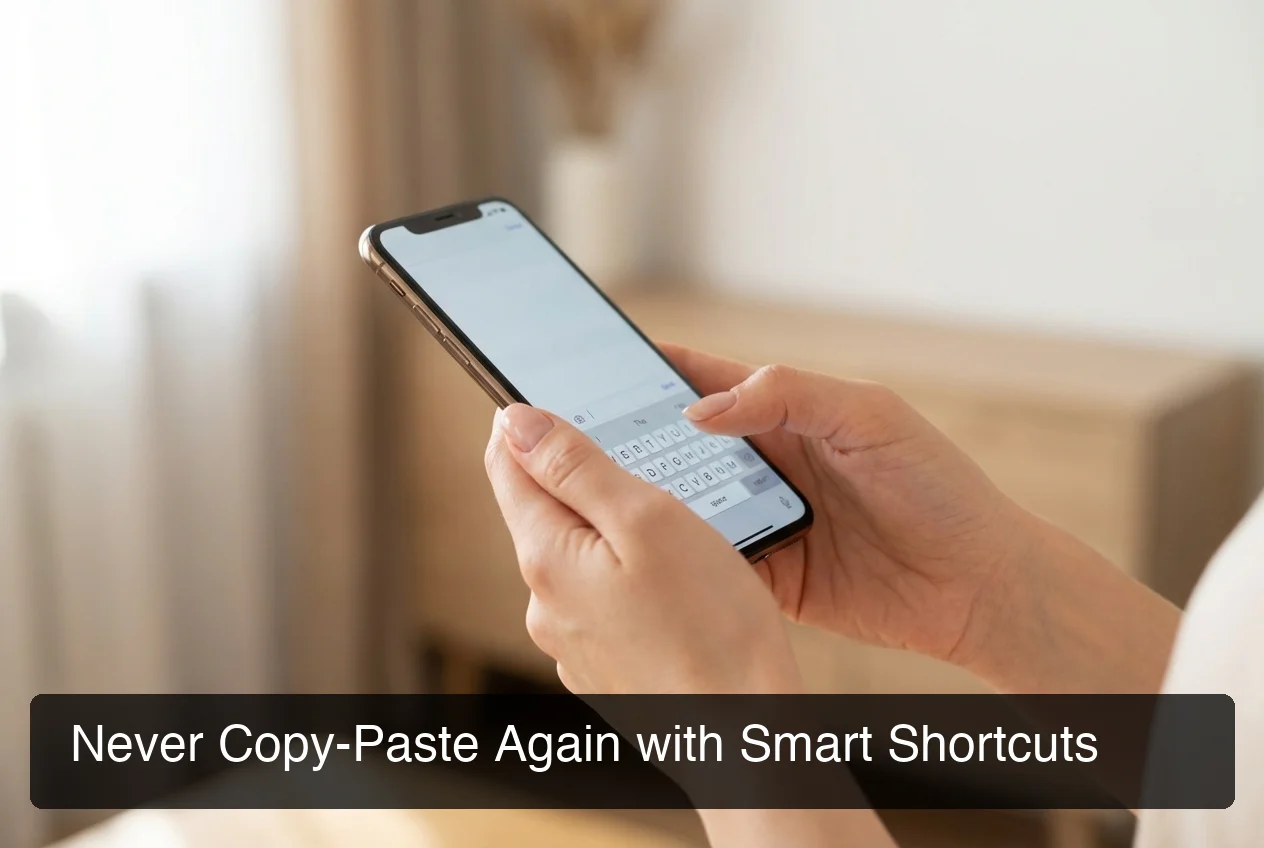 BossAI Clips paste your saved templates, signatures, and replies — one tap, from inside any app.
What Can You Save in BossAI Clips?
Clips support any plain text content:
- Email signatures (name, title, contact details)
- Standard customer service replies ("Thank you for reaching out — I'll follow up within 24 hours")
- Payment details (PayPal links, bank details, invoice templates)
- Meeting links (Zoom, Google Meet, Calendly)
- Addresses for delivery or meeting locations
- Social media bios or standard introductions
- URLs, promo codes, or product links
The free tier limits you to 2 Clips. Pro unlocks unlimited. Once you've built a library of 8-10 common snippets, the time savings compound — every reply gets faster, every app becomes easier to use.
Bottom line: No other AI keyboard puts instant-paste shortcuts inside the keyboard UI. Clips alone justify upgrading for anyone who sends the same text more than a few times a day.
What Is BossAI Command Mode (Boss Mode)?
Boss Mode is BossAI's voice command AI feature. Tap the Boss Mode button, speak a command like "Reply to this email professionally and ask about next steps," and BossAI generates a full response and inserts it directly into the active text field — without copy-pasting or switching apps.
Boss Mode operates differently from standard dictation. Dictation transcribes what you say — Boss Mode interprets your command and generates something new.
You describe the outcome; BossAI produces the text.
How Does Boss Mode Use Screen Context?
On iOS, Boss Mode uses Apple's ReplayKit screen broadcast API. When activated, BossAI captures a screenshot of your current screen, sends it to a vision-capable LLM, and uses that visual context to generate a relevant response.
Commands BossAI can execute with screen awareness:
- "Boss, reply to this email confirming Friday delivery and ask for a follow-up call" — BossAI reads the email, writes a contextual reply
- "Boss, summarize this Slack thread" — BossAI reads the thread, generates a summary
- "Boss, write a professional comment on this LinkedIn post" — BossAI reads the post, crafts a relevant comment
- "Boss, respond to this customer complaint empathetically" — BossAI reads the complaint, writes an empathetic reply
This is what separates Boss Mode from WisprFlow's Command Mode. WisprFlow's version reformats selected text — it doesn't see the screen. BossAI reads everything on screen and generates responses with full context.
For a detailed comparison, see our Wisprflow vs BossAI feature breakdown.
How Does BossAI's Screen Sharing Feature Transform Your Workflow?
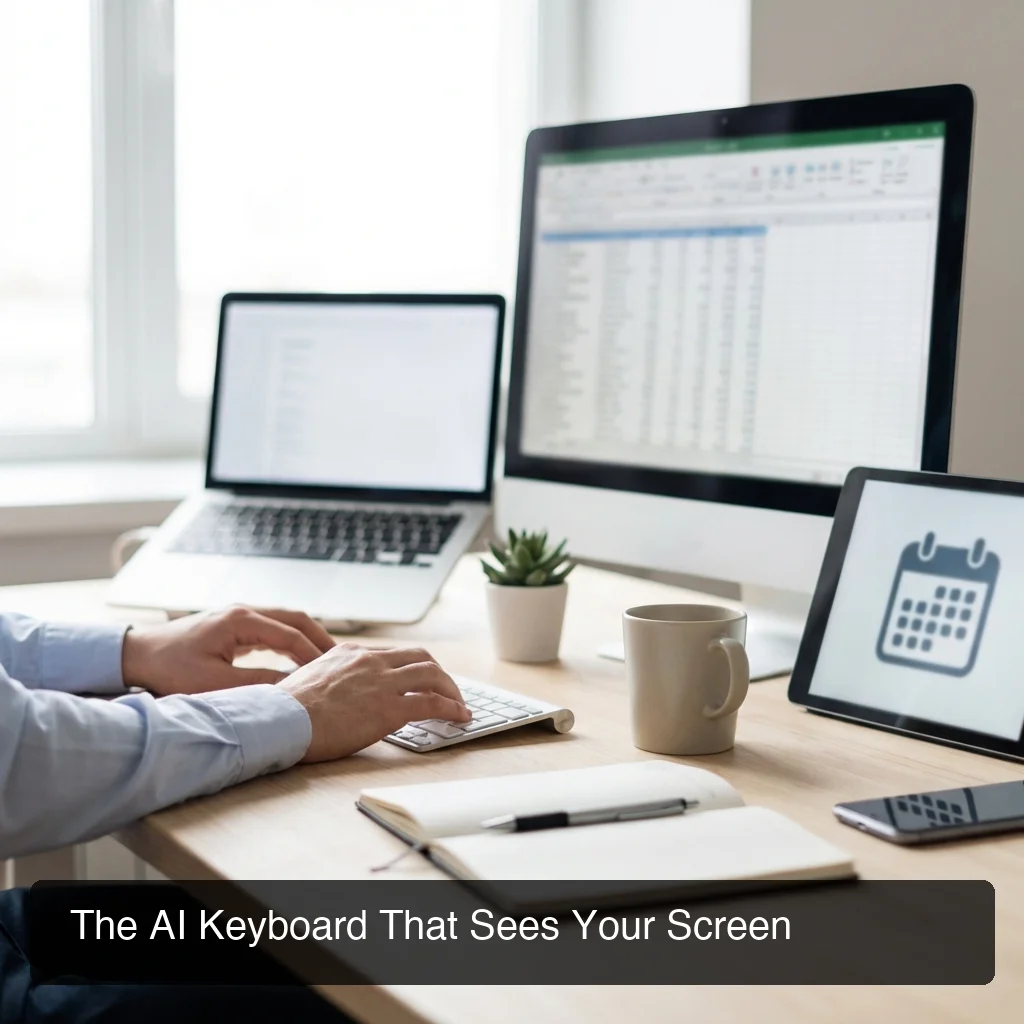 BossAI reads your screen in real time to generate contextually accurate replies — no explaining, no copy-pasting.
BossAI's screen sharing capability turns any app into a context source for AI generation. Instead of explaining what's on screen or copy-pasting content into ChatGPT, you activate Boss Mode and speak your instruction. BossAI already knows what you're looking at — and writes a response that fits the specific situation.
This eliminates the most time-consuming step in the typical AI workflow: manually providing context. The traditional workflow — copy a message, open ChatGPT, write a prompt, copy the response, paste it back — takes 45-90 seconds per reply. With BossAI's screen awareness, the same result takes 8-10 seconds.
How Is This Different from Any Other AI Tool?
No other dictation app has screen awareness. WisprFlow has a "Command Mode," but it only reformats text you've already selected — it doesn't see the email thread, the Slack message, or the LinkedIn post you're responding to. BossAI reads everything in context and generates a relevant response without you typing a single word of explanation.
For a broader look at how BossAI stacks up across the full AI dictation category, read our guide on the best dictation AI tools in 2026.
What Are the Top Use Cases for BossAI Features?
BossAI's features create the highest value for professionals with high-frequency communication demands — where the time savings from AI rewriting and screen-aware responses compound across dozens of daily interactions.
Email-Heavy Professionals
Sales reps, consultants, founders, and account managers who send 30-50+ emails daily get the most from Boss Mode + Rewrite. Boss Mode drafts contextual replies; Rewrite adjusts tone before sending. A 3-minute email becomes a 30-second voice command.
Social Media Managers and Creators
Writing 10-20 social media comments, captions, and replies daily? Witty and Bold tones make short-form writing faster without losing personality. Boss Mode reads posts in context and drafts relevant comments — no more staring at a blank reply box.
Customer Service Teams
Empathetic tone + Boss Mode creates faster, more consistent support responses. Save standard replies in Clips, adapt tone with one tap, and let Boss Mode draft contextually accurate resolutions. Consistency improves while response time drops.
Freelancers and Remote Workers
Clips store proposal templates, rate sheets, and payment details. Knowledge Base holds services and past project descriptions.
Boss Mode drafts client update emails. The full feature set compresses a 15-minute admin session into 90 seconds of voice commands.
Key insight: BossAI's advantage isn't any single feature — it's the integration. Dictation + Rewrite + Clips + Boss Mode creates a workflow no standalone AI tool or competing keyboard can match.
To understand how BossAI fits into the broader AI keyboard landscape, see our BossAI product overview.
How Does BossAI Help Professionals Write Better Emails?
BossAI improves email quality and speed through three layers: voice dictation that removes filler words and fixes grammar as you speak, Rewrite that adjusts tone from draft to send-ready, and Boss Mode that reads incoming emails and generates contextually accurate replies — all inside the keyboard, in any email app.
BossAI's email workflow: activate Boss Mode → speak "Professional reply, confirm receipt, ask for timeline" → done. One step, under 15 seconds. The traditional workflow — copy message, open ChatGPT, write prompt, copy output, paste back — takes 90+ seconds for the same result.
Email Use Cases BossAI Handles Natively
Boss Mode handles more than replies:
- Subject lines: "Boss, write a compelling subject line for this proposal email"
- Follow-ups: "Boss, write a polite follow-up for this unanswered email"
- Summaries: "Boss, summarize this email chain and ask for the next step"
The Rewrite feature also lets you remove filler words automatically from any draft — making it useful for cleaning up pasted text or improving messages you wrote earlier in the day.
Get Started with BossAI
BossAI's features — voice dictation, Rewrite with custom tones, Clips, and screen-aware Boss Mode — work together inside your keyboard, in every app, without switching context. It's the fastest way to write better, send faster, and communicate with less friction.
Not ready to try it yet? Get Our AI Productivity Guide — free tips on working faster with AI.
Frequently Asked Questions
What is BossAI?
BossAI is an AI-powered voice keyboard for iOS, macOS, and Windows that replaces typing with voice dictation. It transcribes speech in real time, removes filler words automatically, rewrites text in different tones with one tap, and includes Boss Mode — a screen-reading feature that reads your screen to generate contextual replies without copy-pasting.
What makes BossAI different from other dictation apps?
Three features no competitor offers: (1) Boss Mode reads your screen and generates contextually aware replies without copy-pasting — the only dictation app with screen awareness; (2) Clips saves frequently used phrases for instant insertion; (3) one-tap tone rewriting lets you switch between casual, professional, or concise in a single tap. WisprFlow, AquaVoice, and Typeless have none of these.
How does BossAI's Rewrite feature work?
Select any text in any app — dictated or typed — tap a tone from the keyboard UI, and BossAI rewrites it instantly. Six built-in tones are available: Professional, Casual, Witty, Persuasive, Empathetic, and Bold.
Pro users can create custom tones. The result previews before pasting, so you can approve or reject.
What are BossAI Clips?
BossAI Clips are saved text snippets accessible directly from the keyboard. Store frequently used text — email signatures, addresses, standard replies, payment links — and paste them with one tap, without leaving the active app.
No clipboard manager needed. The free tier includes 2 Clips; Pro unlocks unlimited.
Is BossAI free?
Yes. BossAI has a free tier with no weekly word cap — you can dictate as much as you want.
The paid plan unlocks advanced features including unlimited Boss Mode screen reads, priority processing, and extended Clips storage. No credit card required to start.
What platforms does BossAI support?
BossAI is available on iOS (App Store), macOS (App Store and direct download), and Windows (Microsoft Store). Android is not currently supported. The iOS version works as a full keyboard replacement so you can dictate in any app without switching.