
Remove Filler Words: AI Dictation Cleanup | BossAI
How to Remove Filler Words from Your Dictation Automatically
The fastest way to remove filler words from dictation is to never let them appear in the first place. AI-powered voice keyboards now strip verbal clutter — "um," "uh," "like," "you know" — automatically, delivering polished text before you even see the output.
Key Takeaways
- Filler words make up 5-10% of natural speech, adding significant editing overhead to every dictation session
- AI-powered real-time removal is 5-10x faster than manually finding and deleting filler words from transcripts
- Smart removal preserves natural speech rhythm and pauses while eliminating verbal filler — your voice stays authentic
- BossAI removes filler words automatically in ~300ms after you speak — no editing, no post-processing required
- Real-time removal (while you speak) is fundamentally different from post-processing tools (which work after recording)
Contents
- What Are Filler Words in Dictation, and Why Do They Matter?
- How Can AI Help You Remove Filler Words Automatically?
- Which Voice Typing Apps Have Built-In Filler Word Removal?
- How Does BossAI Remove Filler Words Better Than Competitors?
- Can You Fix Filler Words After Dictating Your Content?
- What's the Difference Between Filler Words and Natural Pauses?
- How Much Faster Can You Write When Filler Words Are Removed?
- Get Started with BossAI
- Frequently Asked Questions
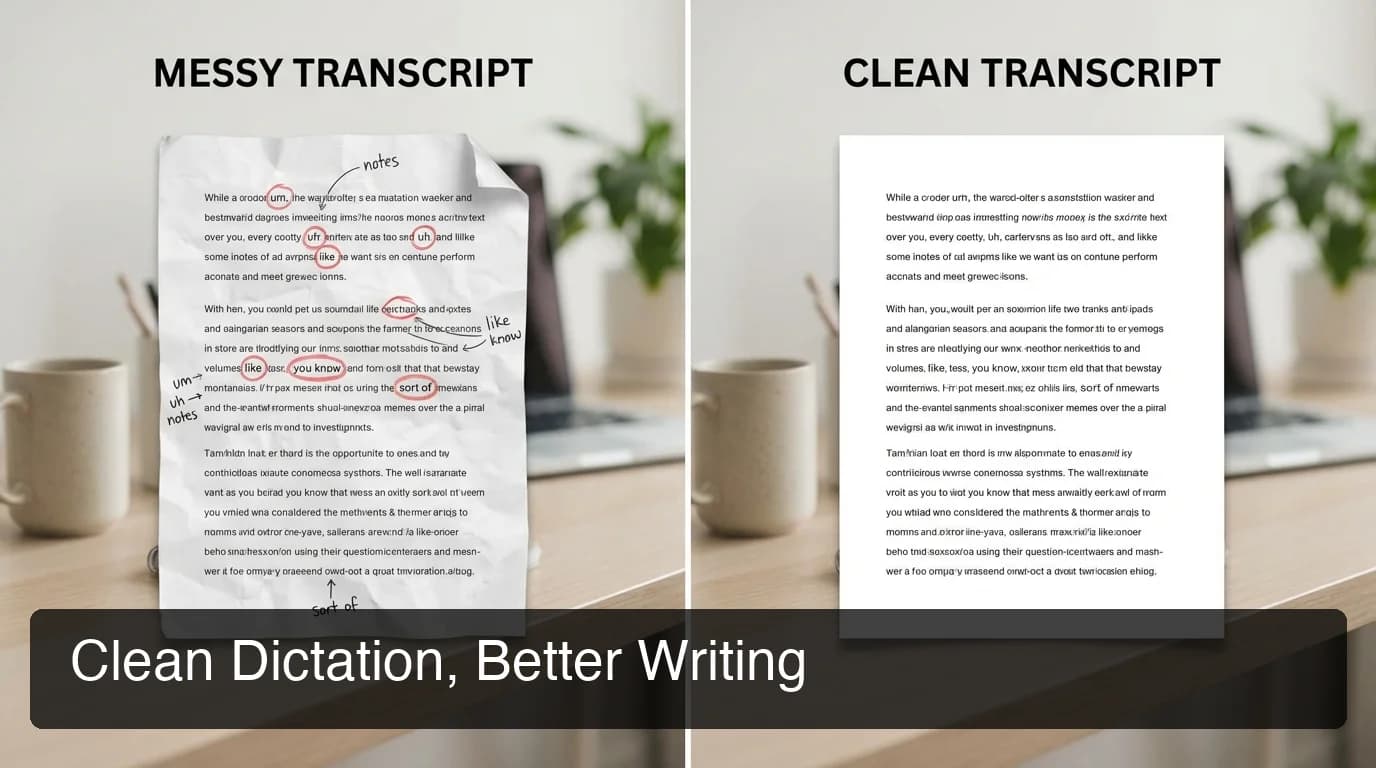
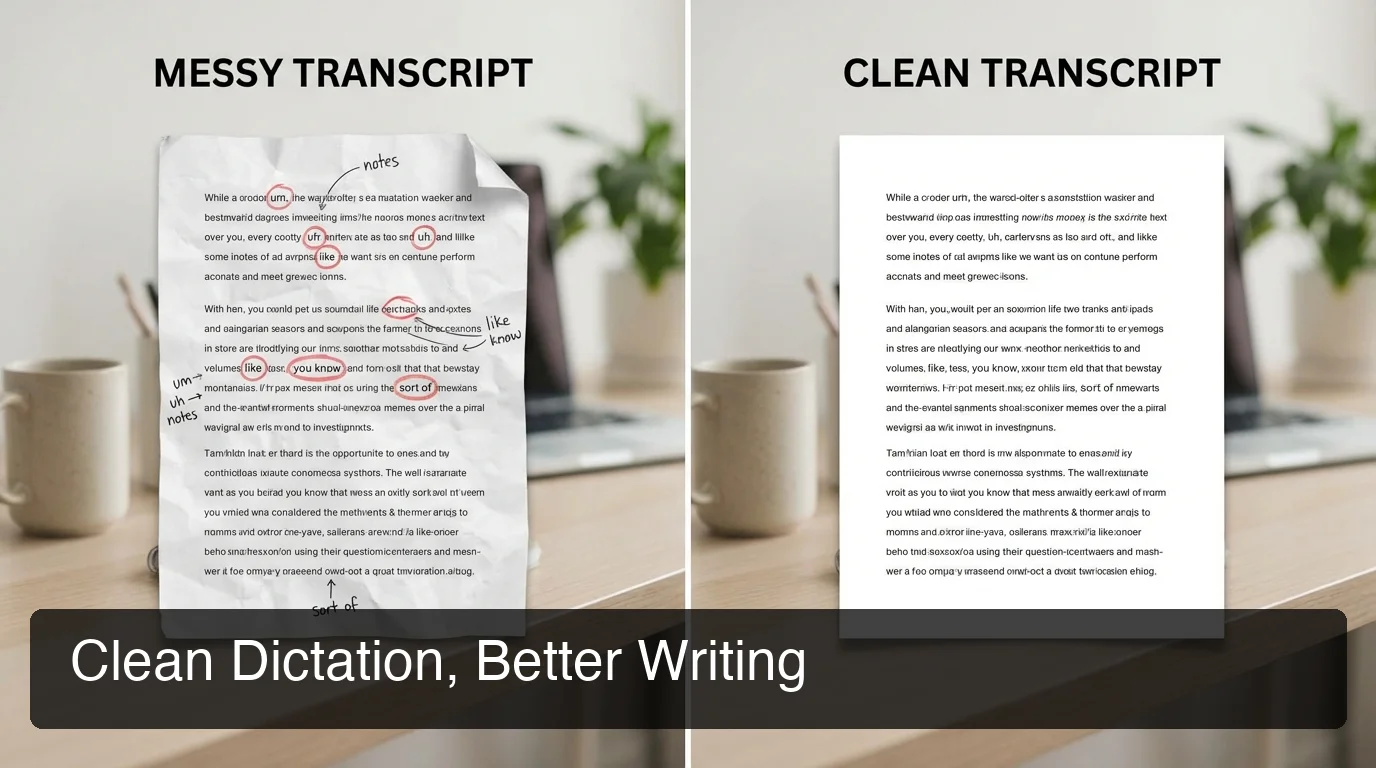 Two dictation outputs from the same speech: raw transcript on the left, BossAI-enhanced on the right.
What Are Filler Words in Dictation, and Why Do They Matter?
Filler words are spoken sounds and habitual phrases — "um," "uh," "like," "you know," "so," "right," "basically" — that fill cognitive pauses while your brain catches up. In live speech, listeners barely notice them. In dictated text, they appear as clutter that makes even smart writing look careless and unprofessional.
Research consistently shows that speakers produce filler words in 5-10% of their spoken words. For someone dictating a 500-word email, that could mean 25-50 filler instances in the transcript — every single session, every single time.
The impact compounds quickly. A transcript full of "um, so, like, you know" signals low effort to clients, colleagues, and anyone reading your output. More critically, it costs editing time you didn't plan for.
Why Filler Words Create a Hidden Editing Tax
When you're dictating an email, proposal, or meeting notes, the raw transcript is your first draft. If that draft is littered with verbal filler, your first editing pass is spent cleaning noise — before you reach the actual content.
For people who dictate at volume — 50+ emails a week, daily documentation, long-form content — this overhead compounds fast.
By the numbers: At 8 filler words per 100 spoken words, a daily dictator producing 2,000 words captures ~160 filler instances that need manual removal — roughly 8 minutes of pure cleanup, every day, 5 days a week.
How Can AI Help You Remove Filler Words Automatically?
AI filler word removal works by training language models to recognize verbal filler patterns — "um," "uh," "like," "you know" — and strip them from transcript output. The key distinction is timing: post-processing tools work on audio files after recording; real-time tools remove fillers as you speak, before text hits your document.
Post-processing tools like Descript, Cleanvoice.ai, and Riverside scan your audio file after recording, flag filler patterns, and let you export the cleaned version. This workflow suits podcast and video production where you record first and edit later.
Real-time removal is entirely different. Tools like BossAI apply AI enhancement milliseconds after you stop speaking. You speak naturally — fillers and all — and clean text appears instantly. No separate editing step.
How Real-Time Filler Detection Actually Works
Modern dictation AI runs two passes simultaneously: a fast transcription pass that captures everything you say (including fillers), and an AI enhancement pass that filters, corrects grammar, and adds punctuation. BossAI completes both in ~300ms — fast enough to feel instantaneous.
The AI distinguishes true filler from meaningful speech. "Like" as a filler ("I was, like, thinking about it") gets removed. "Like" as a comparison ("It works like this") stays intact.
"So" starting an intentional sentence gets evaluated differently than "so" mid-thought as a pause filler. This is context-aware removal, not keyword deletion.
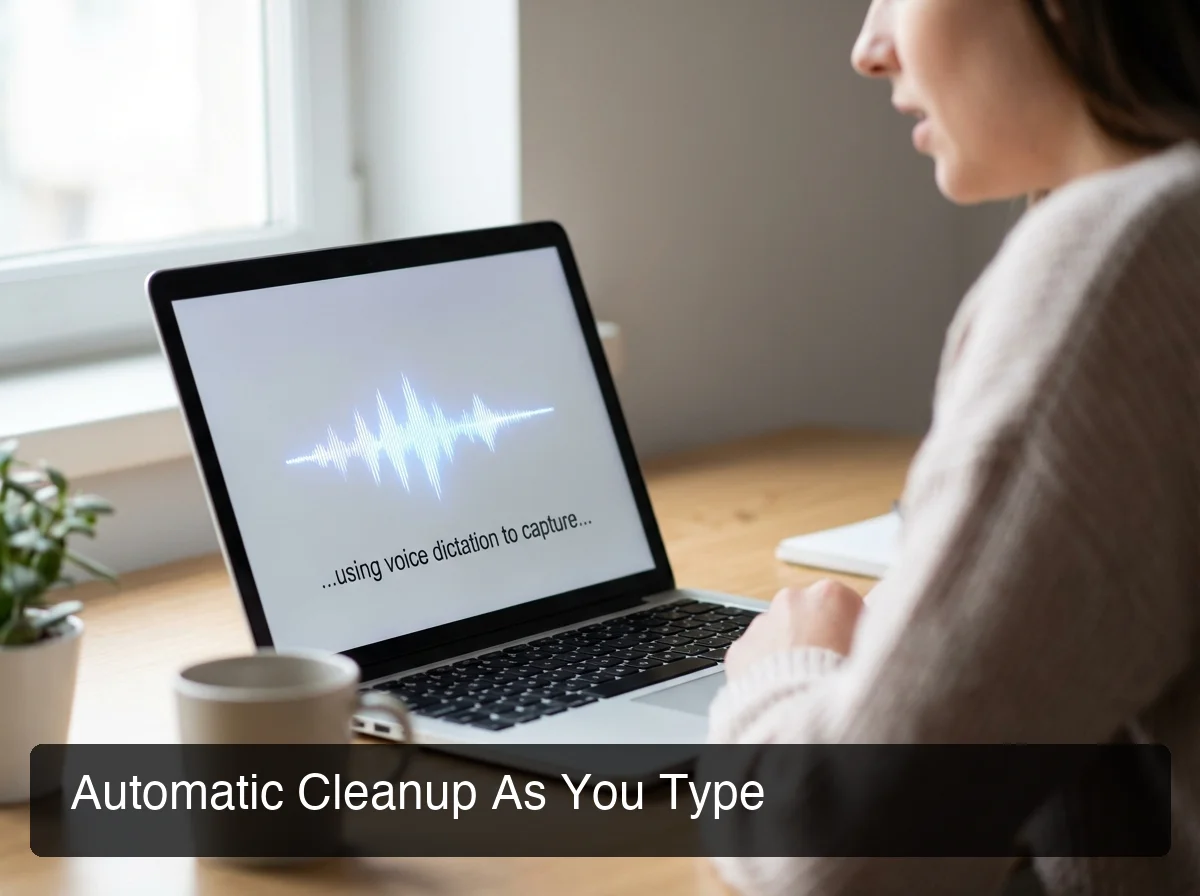 BossAI processes voice input and delivers clean text output in ~300ms — filler words never reach your document.
Which Voice Typing Apps Have Built-In Filler Word Removal?
Most voice typing apps transcribe speech verbatim — fillers and all. Only a handful include automatic filler word removal, and fewer still do it in real time. Here's how the main tools compare for dictation users specifically.
| Tool | Filler Removal | Timing | Platform |
|---|---|---|---|
| BossAI | ✅ Automatic, AI-powered | Real-time (~300ms) | iOS, macOS, Windows |
| Typeless | ✅ Automatic | Real-time | iOS, macOS, Windows, Android |
| WisprFlow | ✅ Some cleanup | Post-enhancement | macOS, Windows |
| Superwhisper | Partial (via custom modes) | Post-processing | macOS, Windows, iOS |
| Willow Voice | ✅ Some cleanup | Post-enhancement | macOS, Windows, iOS |
| Apple Dictation | ❌ None | — | iOS, macOS |
| Google Voice Typing | ❌ None | — | Android, Web |
| Descript | ✅ Manual review + auto-flag | Post-processing (audio files only) | macOS, Windows |
| Riverside | ✅ Auto-remove | Post-processing (audio files only) | Web |
The table reveals a clear divide. Audio/video tools (Descript, Riverside) handle post-recording cleanup well but aren't dictation apps — they require a recorded file as input. Among actual voice typing apps, BossAI and Typeless are the only tools with truly automatic real-time removal.
If you're evaluating the broader voice typing app landscape for filler removal, BossAI is the strongest cross-platform choice at iOS, macOS, and Windows coverage with automatic cleanup on every session.
Key insight: For dictation users writing emails and documents, post-processing filler removal is the wrong solution — it creates a second editing step when the goal is to eliminate editing entirely.
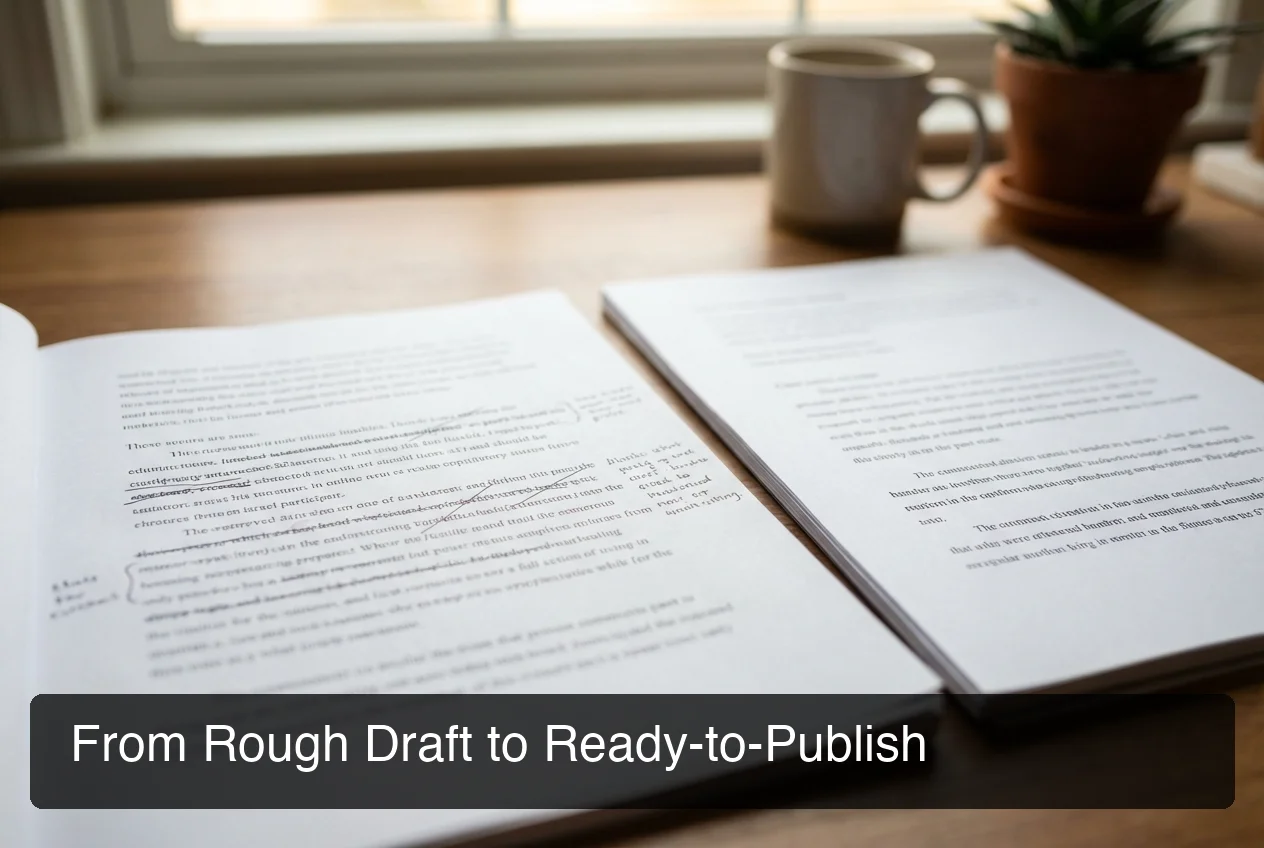 Left: raw Apple Dictation output with filler words intact. Right: BossAI output — punctuated, grammar-corrected, professional.
How Does BossAI Remove Filler Words Better Than Competitors?
BossAI's filler word removal is built into its core AI enhancement layer — not an optional add-on or post-processing step. Every dictation session automatically strips "um," "uh," "like," "you know," and contextual fillers within 300ms, before text reaches your app — no settings to configure, no editing required.
 BossAI's smart filler removal is active by default — install and dictate, cleanup happens automatically.
What separates BossAI from other tools is the completeness of the enhancement. It doesn't only remove verbal filler. Simultaneously, it:
- Fixes grammar and punctuation
- Capitalizes proper nouns and recognized names
- Formats output for the app you're in (email tone vs. Slack brevity vs. document structure)
- Adds natural paragraph breaks where your speech pauses between ideas
The result is a polished first draft on every session — not a cleaned-up raw transcript. That difference matters when you're dictating directly into Gmail, Slack, or a Google Doc and want output you can send immediately.
Why Competing Tools Fall Short
WisprFlow performs post-enhancement cleanup but focuses primarily on formatting. Superwhisper requires users to configure custom prompt modes for reliable filler removal — there's no automatic default, and results depend on which LLM mode you've selected. The setup creates friction that erodes the workflow benefit.
Apple Dictation and Google Voice Typing output exactly what you say — verbatim, fillers included. If you've used voice typing on Mac with Apple Dictation, you've experienced the transcript cleanup loop firsthand.
BossAI requires zero configuration for clean output. Install it, dictate, and every session delivers polished text.
Bottom line: BossAI is the only voice typing app where filler word removal is completely transparent — it happens automatically on every session with no workflow change required.
Can You Fix Filler Words After Dictating Your Content?
Yes — but it costs time. If your dictation tool doesn't remove filler words automatically, you have three options: manual editing, Find & Replace, or dedicated post-processing tools for audio. Each works, but none eliminates the editing step that real-time removal avoids entirely.
Manual Text Editing
Read through your transcript and delete filler words as you find them. For short content (emails, Slack messages), this takes 1-3 minutes. For longer content (blog posts, reports), it adds 10-20 minutes per session.
Find & Replace helps with high-frequency fillers: search um, uh, like and delete matches. This catches exact instances but misses mid-sentence variations and context-dependent words like "so" and "basically."
Post-Processing Tools for Recorded Audio
If you're transcribing recorded audio or video, tools like Descript, Riverside, and Cleanvoice.ai do this well. Upload the file, run AI cleanup, review flagged instances, and export. This workflow makes sense for podcasters and video creators working from recordings.
For live dictation users — people typing emails, Slack messages, and documents in real time — these tools aren't applicable. They require an audio file as input, not a keyboard-level dictation session.
Key insight: Post-processing tools were built for recorded content. For live dictation, real-time removal is the only solution that eliminates the editing step entirely — and BossAI is the strongest tool for this use case.
What's the Difference Between Filler Words and Natural Pauses?
Filler words are spoken sounds ("um," "uh") and habitual phrases ("like," "you know") that your brain produces while processing thought. Natural pauses are silence — a breath between sentences, a beat between ideas. Smart AI removes the former and converts the latter into punctuation and paragraph structure.
This distinction is critical because aggressive filler removal destroys speech rhythm. If an AI removes every pause — including the meaningful ones between complete thoughts — output feels rushed and tonally flat. You lose the natural cadence that makes dictated writing readable.
How Context-Aware Removal Preserves Your Voice
BossAI's AI enhancement is trained to separate filler from functional speech. A pause between sentences becomes a period or paragraph break. A spoken "right?" gets evaluated as a rhetorical question — sometimes preserved, sometimes removed based on context.
"Well..." starting a considered response is treated differently than "like" mid-thought. This granularity is what preserves your natural voice while eliminating noise.
This is why BossAI's enhancement model differs from simple keyword blocklisting. Blocklisting deletes every flagged word instance — destroying natural phrasing. AI-based removal understands intent, preserving your voice while eliminating noise.
Users on voice dictation for iPhone especially notice this difference — mobile editing is slow, so getting clean output the first time matters more than on desktop.
How Much Faster Can You Write When Filler Words Are Removed?
Eliminating filler words automatically saves 5-8 minutes per 1,000-word dictation session based on average manual editing overhead. For heavy dictation users producing 2,000+ words daily, that's 10-16 minutes recovered per day — 40-65 hours per year eliminated from the editing queue.
The savings compound because they change the work. Instead of spending the first editing pass removing noise, you're refining content from the start — a higher-leverage activity that improves output quality rather than cleaning baseline mess.
The Two-Workflow Comparison
Traditional dictation: dictate → clean fillers → edit content → finalize. BossAI: dictate → edit content → finalize. One full pass eliminated, every session.
Writers using Google Docs voice typing for long-form content feel this gap most acutely — the longer the piece, the higher the cleanup tax. BossAI's menu bar integration on Mac and Windows delivers cleaned output directly into any app, including Google Docs.
By the numbers: BossAI users dictating 2,000 words/day save an estimated 13 minutes of editing daily compared to manual filler cleanup — 65+ hours of recovered time per year.
Get Started with BossAI
If you dictate regularly and still spend time cleaning transcripts, BossAI makes that step disappear. Filler words, grammar corrections, and punctuation all happen automatically in ~300ms — every session, zero configuration, across every app on Mac, Windows, and iOS.
Not ready yet? Get Our AI Productivity Guide — free tips on writing faster with voice AI.
Frequently Asked Questions
What are the most common filler words AI removes?
The most common filler words in English speech are "um," "uh," "like," "you know," "so," "right," "basically," "literally," and "actually" (when used as verbal filler rather than emphasis). AI-powered tools like BossAI automatically detect and remove all of these during real-time dictation — no manual identification or configuration required.
Does automatic filler word removal change the meaning of my speech?
Well-designed AI removal targets only verbal filler patterns, not meaningful content. BossAI distinguishes between "like" as filler ("I was, like, thinking about it") and "like" as comparison ("It works like this"). Smart models preserve sentence meaning while eliminating the sounds your brain generates while processing — typically um, uh, and habitual mid-sentence phrases.
Can I use BossAI in Google Docs to remove filler words?
Yes. BossAI works as a system-level overlay on macOS and Windows — it inserts clean, filler-free text into any app, including Google Docs. Hold the BossAI hotkey, dictate, and polished text drops directly into your document.
If you already use Google Docs voice typing, BossAI is a direct upgrade with automatic filler cleanup on every session.
What is BossAI?
BossAI is an AI-powered voice keyboard for iOS, macOS, and Windows that replaces typing with voice dictation. It transcribes speech in real time, removes filler words automatically, rewrites text in different tones with one tap, and includes Boss Mode — a screen-reading feature that reads your screen to generate contextual replies without copy-pasting.
Is BossAI free?
Yes. BossAI has a free tier with no weekly word cap — you can dictate as much as you want. The paid plan unlocks advanced features including unlimited Boss Mode screen reads, priority processing, and extended Clips storage. No credit card required to start.
Is filler word removal better in real time or post-processing?
Real-time removal is better for dictation users writing emails and documents. Post-processing (Descript, Riverside) requires an audio file and a separate editing step — it's designed for podcasters and video creators, not live typists. Real-time tools like BossAI deliver each dictation session as polished output, eliminating the secondary cleanup pass entirely.
How accurate is automatic filler word detection?
Modern AI filler detection achieves high accuracy for common fillers (um, uh, like, you know) — typically 90%+ removal with low false-positive rates on meaningful content. BossAI processes each dictation in ~300ms and uses contextual evaluation for borderline words like "so" and "basically" before deciding whether to remove or preserve them.