
What Is BossAI? AI Voice Keyboard Explained (2026)
What Is BossAI? The AI Voice Keyboard Explained (2026)
So what is BossAI? It's an AI-powered voice keyboard that turns your speech into polished, AI-enhanced text — in every app, on every device you already use.
Most people type 40 words per minute. Most speak at 130. BossAI closes that gap.
Key Takeaways
- BossAI is an AI-powered voice keyboard for iOS, macOS, and Windows that replaces typing with voice dictation across every app on your device.
- It transcribes speech in real time, removes filler words automatically, corrects grammar, and delivers polished output in ~300ms after you stop speaking.
- Boss Mode is BossAI's standout feature: it reads your screen and generates contextually aware replies without copy-pasting or app-switching.
- BossAI supports 40+ languages and works in emails, messages, documents, and web forms — anywhere there's a text field.
- A free tier is available with no weekly word cap. Pro unlocks unlimited Boss Mode, all tones, and full Clips storage.
Contents
- What Is BossAI?
- How Does BossAI Work?
- What Are the Key Features of BossAI?
- How Accurate Is BossAI's Voice Typing?
- Which Devices and Operating Systems Does BossAI Support?
- Why Choose BossAI Over Other Dictation Apps?
- Is BossAI Free or Does It Require a Paid Subscription?
- What Languages Does BossAI Support for Dictation?
- Frequently Asked Questions
What Is BossAI?
BossAI is an AI-powered voice keyboard for iOS, macOS, and Windows that replaces typing with voice dictation. It transcribes speech in real time, removes filler words automatically, rewrites text in different tones with one tap, and includes Boss Mode — a screen-reading feature that reads your screen to generate contextual replies without copy-pasting.
Unlike standalone transcription apps like Otter.ai or one-time tools like Apple Dictation, BossAI lives where you type. On iOS it replaces your entire keyboard. On Mac and Windows it runs in the menu bar or system tray and inserts text wherever your cursor sits — in any app, any text field, without switching context.
Think of it as upgrading your keyboard rather than adding another app to your workflow.
 BossAI turns your voice into polished, AI-enhanced text — in any app, on any device.
How Does BossAI Work?
BossAI uses a two-stage pipeline: a real-time transcription engine streams your words as you speak, then an AI enhancement layer triggers the moment you pause — removing filler words, fixing grammar, adding punctuation, and formatting text for the context you're writing in, all within approximately 300 milliseconds.
What Happens Step by Step
The process is invisible, but understanding it helps explain why BossAI's output quality exceeds standard OS dictation:
- Real-time transcription — A proprietary speech-to-text model displays your words live as you speak. You can monitor and continue naturally.
- AI enhancement — Within ~300ms of pausing, a second AI model cleans the transcript: removing "um," "uh," "like," "you know"; correcting grammar; capitalizing proper nouns; and adjusting formatting based on whether you're in an email, a chat app, or a document.
- Text insertion — The polished result lands directly in your active text field. No copying, no switching, no delay.
How Boss Mode Works
Boss Mode is BossAI's most distinctive feature. When activated, BossAI captures a real-time frame of your screen, sends it to a vision-capable LLM, and generates a contextually accurate response — which lands directly in your active text field.
You don't copy-paste anything. You don't explain what's on screen. You say: "Boss, reply to this email professionally" — and a complete, context-aware reply appears.
Key insight: Boss Mode is the only feature in the dictation category with true screen awareness. WisprFlow, AquaVoice, and every other competitor require you to manually provide context — BossAI reads it automatically.
Understanding where BossAI fits in the broader technology landscape is useful context — the AI speech-to-text complete guide covers the underlying category in depth.
What Are the Key Features of BossAI?
BossAI has five core capabilities that set it apart from every dictation app on the market: AI-enhanced dictation, Boss Mode screen-aware reply generation, one-tap Rewrite with six tone options, Clips for instant text snippets, and a Custom Dictionary. Together they eliminate every friction point in voice-based text input.
Core Feature Breakdown
| Feature | What It Does | Unique to BossAI? |
|---|---|---|
| AI Dictation | Real-time transcription + filler removal + grammar fix | No (category standard) |
| Boss Mode | Reads screen, generates contextual reply | Yes — only BossAI |
| Rewrite (Tones) | One-tap: Professional, Casual, Witty, Persuasive, Empathetic, Bold | Yes — visual selector |
| Clips | Instant paste of saved snippets from keyboard | Yes — only BossAI |
| Custom Dictionary | Add names, terms, jargon | No (several competitors) |
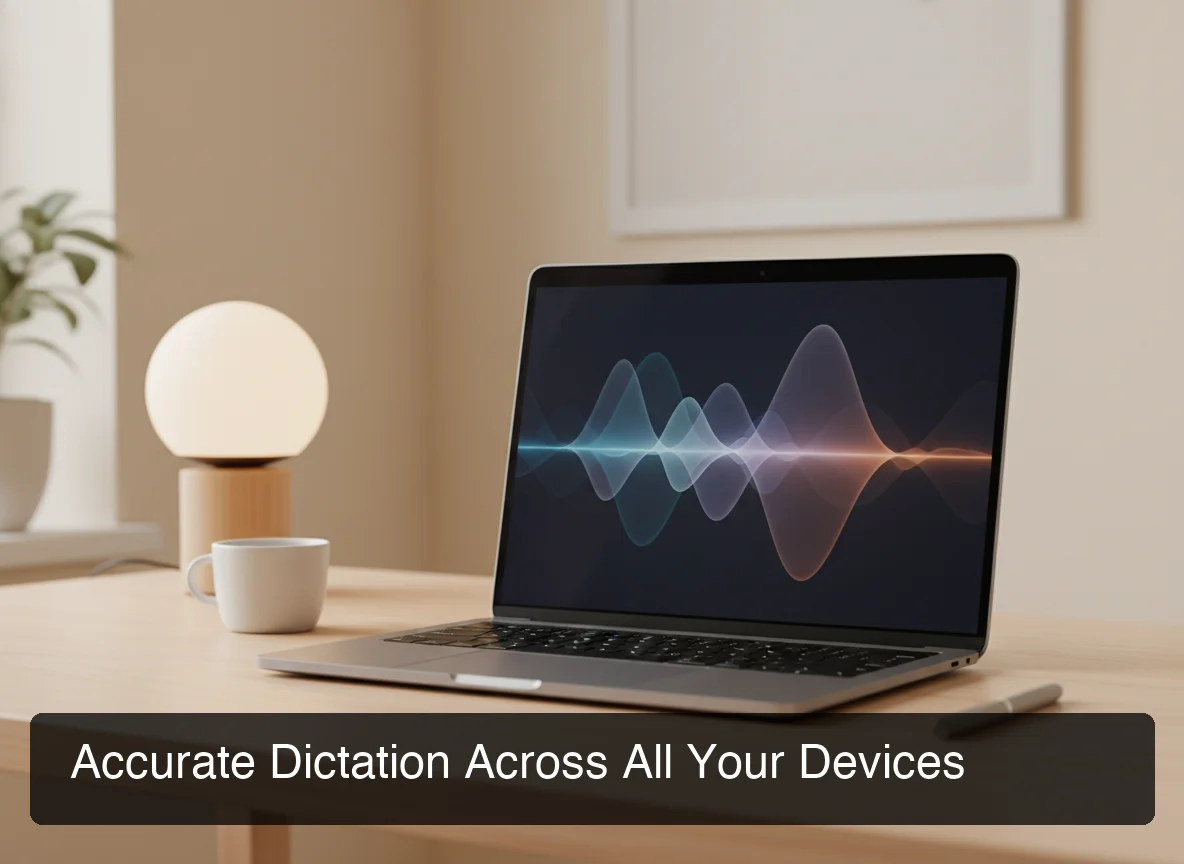 BossAI runs natively in the Mac menu bar — activate dictation with a single hotkey, insert into any app.
Rewrite: One-Tap Tone Selection
After dictating, tap any tone to instantly rewrite your text: Professional, Casual, Witty, Persuasive, Empathetic, or Bold. You get a preview before pasting. This is fundamentally faster than voice-command-based editing, and it's available directly in the keyboard UI — no extra steps, no app switching.
Clips: Your Personal Shortcut Library
Save anything you type repeatedly — your email signature, your address, meeting links, phone numbers, standard replies — and paste it in one tap from the keyboard. No clipboard managers, no typing the same thing twice.
Custom Dictionary
Add technical terms, client names, brand names, and niche vocabulary. BossAI learns your language and gets specialized words right — consistently. This matters most for professionals in legal, medical, or technical fields where accuracy on proper nouns is non-negotiable.
How Accurate Is BossAI's Voice Typing?
BossAI uses advanced speech recognition models that achieve high accuracy in quiet environments and handles accented speech well. It automatically removes filler words (um, uh, like, you know) and corrects grammar in real time — so the transcribed text is cleaner than raw dictation from most built-in tools like Apple Dictation or Google voice typing.
Factors That Affect Accuracy
Three variables determine transcription quality across any dictation app:
- Background noise — BossAI performs best in quiet environments; loud ambient noise degrades accuracy for all tools in the category
- Accent and dialect — BossAI's model handles a wide range of accents; heavily accented speech in noisy conditions remains the hardest case for any dictation engine
- Custom Dictionary — Adding your domain-specific terms is the single most effective way to improve accuracy for specialized vocabularies
By the numbers: BossAI's AI enhancement layer processes in ~300ms — faster than AquaVoice's advertised 450ms response time. For high-volume dictation users running hundreds of sessions per day, that difference accumulates meaningfully.
How It Compares to Built-In OS Dictation
Apple Dictation transcribes your words but delivers raw output — filler words intact, no punctuation, fragmented sentences. Speaking a 200-word email into Apple Dictation typically requires 30–60 seconds of manual editing afterward. BossAI's output often needs none.
The accuracy advantage is not just in transcription — it's in the AI cleanup layer that transforms dictated speech into text you'd actually send.
Which Devices and Operating Systems Does BossAI Support?
BossAI is available on iOS (App Store), macOS (App Store and direct download), and Windows (Microsoft Store). Android is not currently supported. The iOS version works as a full keyboard replacement so you can dictate in any app without switching.
Platform Support at a Glance
| Platform | Status | How It Works |
|---|---|---|
| iOS (iPhone & iPad) | Live | Full keyboard replacement via App Store |
| macOS | Live | Menu bar app, hotkey activation |
| Windows | Live | System tray app, hotkey activation |
| Android | Not available | — |
Why the iOS Keyboard Approach Matters
BossAI's iOS implementation is a full keyboard replacement — not a separate app you open and close. You dictate inside WhatsApp, Gmail, iMessage, Safari forms, LinkedIn — anywhere iOS shows a keyboard, without switching context.
This is a meaningful advantage over tools like AquaVoice, which has no iOS keyboard at all.
 BossAI supports Mac, iPhone, iPad, and Windows — with consistent AI dictation performance across all platforms.
For users who work across multiple languages throughout the day, the multilingual voice typing guide covers how BossAI handles 40+ languages in real-world usage.
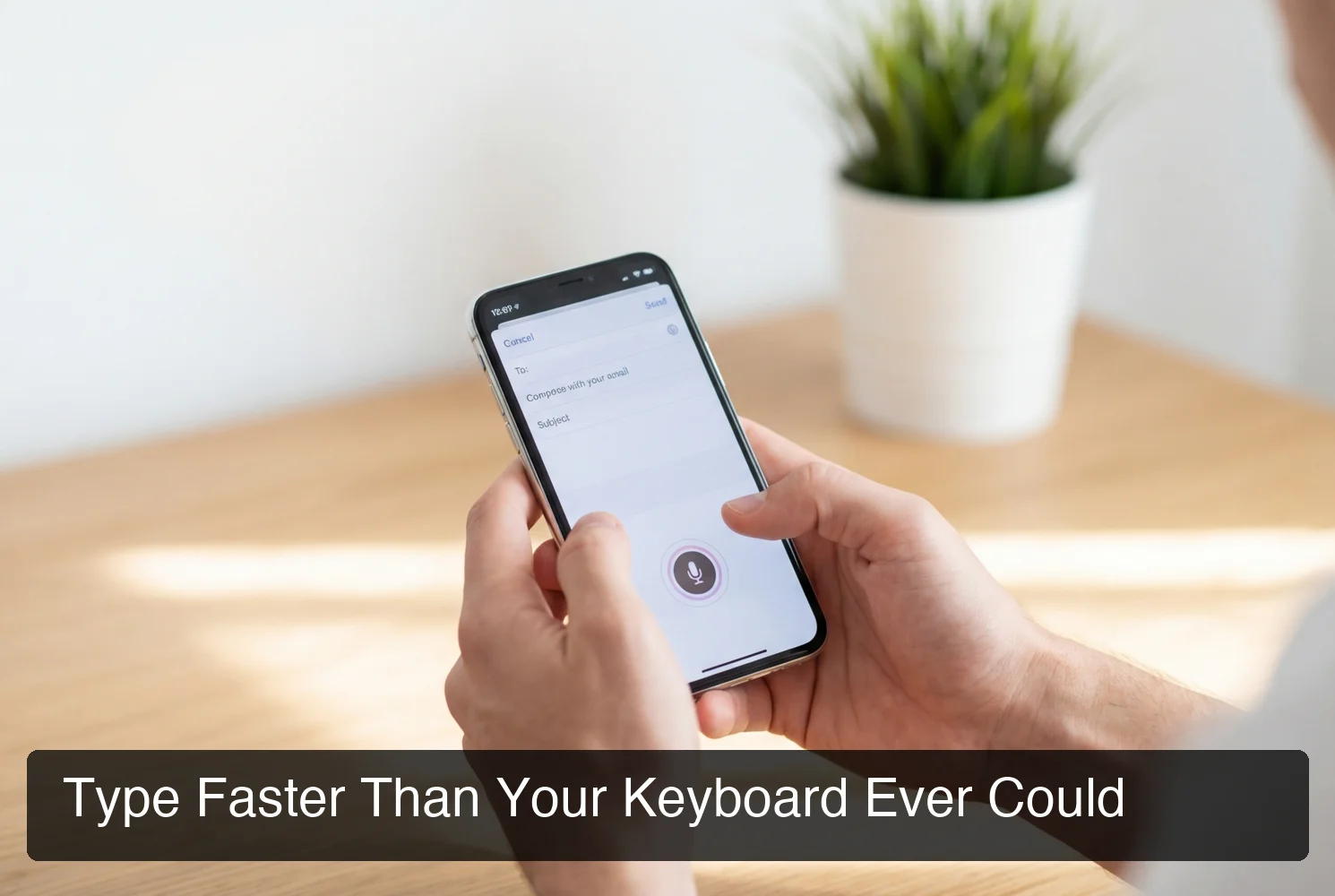 BossAI handles email, messages, and documents entirely hands-free — faster than any keyboard.
Why Choose BossAI Over Other Dictation Apps?
Three features no competitor offers: Boss Mode reads your screen and generates contextually aware replies without copy-pasting — the only dictation app with screen awareness; Clips saves frequently used phrases for instant insertion; and one-tap tone rewriting lets you switch between casual, professional, or concise in a single tap. WisprFlow, AquaVoice, and Typeless have none of these.
Head-to-Head Comparison
| Capability | BossAI | WisprFlow | AquaVoice | Typeless |
|---|---|---|---|---|
| Screen reading (Boss Mode) | ✅ | ❌ | ❌ | ❌ |
| iOS keyboard | ✅ | Limited | ❌ | ✅ |
| One-tap tone rewrite | ✅ | ❌ | ❌ | ❌ |
| Clips system | ✅ | ❌ | ❌ | ❌ |
| Free tier (no weekly cap) | ✅ | ❌ | ❌ | Limited |
| macOS + Windows + iOS | ✅ | ✅ | Mac/Win only | Mac/Win + iOS |
| Pro monthly price | $9.99 | $15 | $8 | $30 |
The Three Advantages Nothing Else Can Match
1. Boss Mode is in its own category. WisprFlow has "Command Mode," but it only reformats text you've already selected — it doesn't see the email you're replying to, the Slack message you're responding to, or the LinkedIn post you're commenting on. BossAI reads everything on screen and replies with full context.
2. Clips create long-term lock-in. Once you've built a library of 8+ clips — your signature, standard phrases, meeting links — you've created personal value inside BossAI that doesn't exist in any competitor. It's the IKEA effect applied to productivity: the more you invest, the more irreplaceable the tool becomes.
3. Visual tone selection beats voice commands. Competitors that offer rewriting require voice commands ("make this more professional"). BossAI shows you six tone buttons directly in the keyboard UI. Tap one. See the rewrite. Accept or reject. Faster and more intuitive, especially on mobile.
Bottom line: No other dictation app reads your screen. No other app has Clips. No other app has visual tone selection. BossAI isn't just a better dictation tool — it's a different category of tool that happens to include dictation.
For the full breakdown, the Wisprflow vs BossAI comparison covers pricing, feature depth, and real-world use cases in detail. Our Aquavoice review does the same for that competitor.
Is BossAI Free or Does It Require a Paid Subscription?
Yes. BossAI has a free tier with no weekly word cap — you can dictate as much as you want. The paid plan unlocks advanced features including unlimited Boss Mode screen reads, priority processing, and extended Clips storage. No credit card required to start.
Pricing Breakdown
| Plan | Price | Key Limits |
|---|---|---|
| Free | $0 | 500 words/day dictation, 1 Boss Mode/day, 2 Clips |
| Pro Monthly | $9.99/month | Everything unlimited |
| Pro Annual | $69.99/year ($5.83/month) | Everything unlimited, best value |
| Lifetime | $149.99 one-time | Everything unlimited, forever |
The free tier gives you full AI quality dictation — no degraded model, no reduced accuracy. Limits are on quantity and advanced features, not on quality. You get the same filler removal, grammar correction, and formatting as Pro users.
Every new user gets a 7-day full Pro access trial. No account required, no credit card. Usage stats appear at trial end so you can make an informed decision.
What Languages Does BossAI Support for Dictation?
BossAI supports 40+ languages for voice dictation, including English (multiple regional accents), Spanish, French, German, Portuguese, Hindi, Japanese, Korean, and Arabic. Pro users access the full language library; the free tier includes one language.
Switching between languages is handled directly from keyboard or app settings. For bilingual professionals and international teams who dictate in multiple languages throughout the day, BossAI's multi-language support makes it one of the most capable cross-language dictation tools in the category.
Key insight: Language support is gated on the Pro plan — free users get one language, Pro users get all 40+. For multilingual users, this is often the clearest reason to upgrade.
For a deep dive into how dictation handles multiple languages in practice, the multilingual voice typing guide covers real-world workflows in detail.
Get Started with BossAI
BossAI is the fastest way to move from typing to speaking — without switching apps, without complex setup, and without compromising on text quality. If you type a lot, or if typing is painful, it's worth 7 minutes to try it.
Not ready to try it yet? Get Our AI Productivity Guide — free tips on working faster with AI.
What Is BossAI? Frequently Asked Questions
What is BossAI?
BossAI is an AI-powered voice keyboard for iOS, macOS, and Windows that replaces typing with voice dictation. It transcribes speech in real time, removes filler words automatically, rewrites text in different tones with one tap, and includes Boss Mode — a screen-reading feature that reads your screen to generate contextual replies without copy-pasting.
Is BossAI free?
Yes. BossAI has a free tier with no weekly word cap — you can dictate as much as you want. The paid plan unlocks advanced features including unlimited Boss Mode screen reads, priority processing, and extended Clips storage. No credit card required to start.
What platforms does BossAI support?
BossAI is available on iOS (App Store), macOS (App Store and direct download), and Windows (Microsoft Store). Android is not currently supported. The iOS version works as a full keyboard replacement so you can dictate in any app without switching.
How accurate is BossAI dictation?
BossAI uses advanced speech recognition models that achieve high accuracy in quiet environments and handles accented speech well. It automatically removes filler words (um, uh, like, you know) and corrects grammar in real time — so the transcribed text is cleaner than raw dictation from most built-in tools like Apple Dictation or Google voice typing.
What makes BossAI different from other dictation apps?
Three features no competitor offers: (1) Boss Mode reads your screen and generates contextually aware replies without copy-pasting — the only dictation app with screen awareness; (2) Clips saves frequently used phrases for instant insertion; (3) one-tap tone rewriting lets you switch between casual, professional, or concise in a single tap. WisprFlow, AquaVoice, and Typeless have none of these.
Is BossAI good for RSI or hand injuries?
Yes. BossAI is designed for zero-keyboard use — you dictate everything and it handles transcription, filler word removal, and tone correction automatically. Users with RSI, carpal tunnel, broken wrists, or repetitive strain injuries use BossAI to write emails, messages, and documents entirely hands-free, with no typing required at any step.