
AI Reply Generator for Email: Faster Replies, Your Voice
Heavy email users can lose 2-3 hours a day to writing replies. An AI reply generator drafts the response in seconds, and you keep the part that matters: deciding what to say.
Key Takeaways
- An AI email reply generator (also called an AI email response generator) drafts a full reply from the incoming message in seconds. You review and send.
- The biggest time saver is context: tools that read the email on your screen skip the copy-paste step on every reply.
- Tone control matters more than raw output. Pick a register up front or switch it with one tap afterwards.
- Free options exist. BossAI's free plan covers daily dictation, one Boss Mode reply and one Rewrite per day.
- Check how a tool handles your data before using it on confidential email.
Contents
- What Is an AI Email Reply Generator?
- Is There a Free AI Reply Generator for Email?
- How Much Time Can an AI Email Reply Generator Save You Daily?
- Which AI Email Reply Generator Maintains Your Tone and Voice Best?
- What Are Common Concerns About Using an AI Email Reply Generator?
- How Does an AI Email Reply Generator Handle Complex or Sensitive Emails?
- Can an AI Email Reply Generator Replace Personal Communication?
- How Do You Use an AI Response Generator in Gmail or Outlook?
- Why Choose BossAI for Email Reply Generation?
- Get Started with BossAI
- Frequently Asked Questions
What Is an AI Email Reply Generator?
An AI email reply generator is a tool that reads an incoming email and drafts a contextually relevant response based on your instructions or the message content. It uses large language models (LLMs) to understand intent, match tone, and produce ready-to-send replies — in seconds rather than minutes.
It is also called an AI reply generator, email response generator or AI email responder. Same job.
Most tools fall into two categories: standalone web apps where you paste an email and get a reply, and integrated solutions that work inside your existing workflow. The standalone approach is useful for one-off drafts. The integrated approach — like an AI keyboard or email plugin — eliminates the copy-paste loop entirely.
Key insight: The best AI email reply generators don't just produce text — they understand the original email's intent and write a reply that moves the conversation forward.
Related: How to Reply to an Email Professionally: Templates
Is There a Free AI Reply Generator for Email?
Yes. Most AI reply generators have a free tier with a usage cap, and BossAI is one of them: the free plan gives you 500 dictated words a day, one Boss Mode screen-aware reply and one tone Rewrite per day, with no account needed to start. Paid plans in this category typically cost $8-$15 a month.
Free tiers cap you by words per week, a one-time allowance, or local models only. A daily reset suits email, because your inbox refills every morning.
- Light inboxes: a handful of drafted replies a day, plus dictation for the rest.
- Tone control: Professional and Casual are open; the other four tones are visible but locked.
- Testing the workflow: the 7-day Pro trial unlocks everything before you pay.
If you reply to 30+ emails a day, expect to outgrow any free tier.
How Much Time Can an AI Email Reply Generator Save You Daily?
A professional handling 50+ emails per day can spend 2-3 hours on composition alone. An AI email reply generator can shrink each reply from several minutes of typing to roughly 30 seconds of reviewing. As a rough estimate, that frees up 1.5-2 hours daily, or 8-10 hours per week.
Treat those figures as an estimate. Your savings depend on how routine your email is.
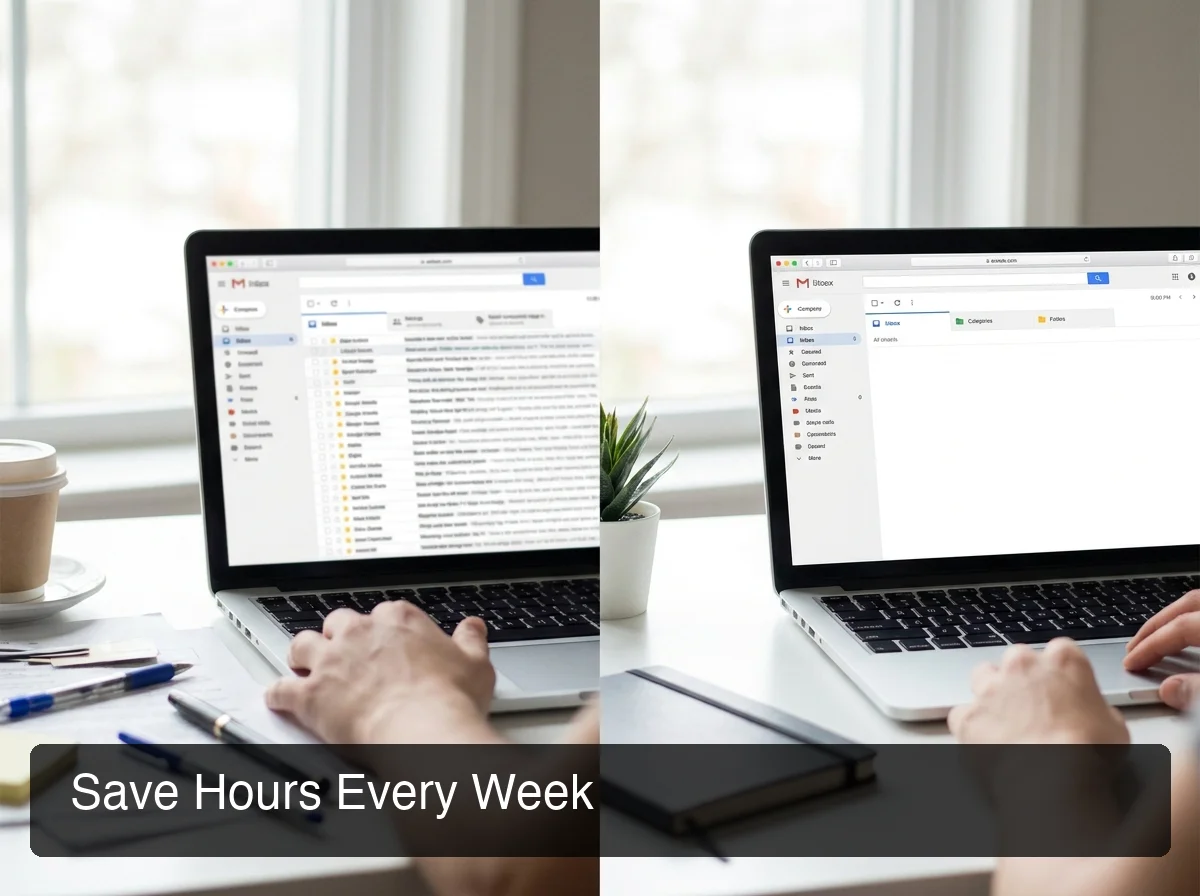 Automated email replies turn inbox overload into a manageable, structured workflow.
Where the Time Goes
Every reply means reading the message, choosing a tone, drafting, and formatting. AI handles the drafting and formatting. You still read and decide.
Reality check: Integrated tools remove the copy-paste round trip from every reply. Over 50 replies a day, that is 50 fewer app switches.
High-Volume Use Cases Where Time Savings Are Biggest
- Follow-up emails: check-ins and "circling back" messages are formulaic and low-stakes.
- Acknowledgment replies: "Got it, I'll review by Thursday" shouldn't take 2 minutes to write.
- Support and FAQ responses: repeated questions are drafted faster than any template system.
- Meeting confirmations and reschedules: calendar emails are highly predictable.
For comparison, BossAI's AI email assistant handles these patterns by reading your screen context, so you never paste the email in the first place.
Which AI Email Reply Generator Maintains Your Tone and Voice Best?
The best AI email reply generators preserve your tone by learning from your instruction style and the email's context. The weakest ones produce generic corporate language that sounds nothing like you — requiring more editing than writing from scratch.
 One-tap tone rewriting lets you switch between Professional, Casual, Empathetic, and Witty instantly.
The Tone Problem Most Tools Have
Most standalone generators work like this: paste the email, click generate, and start over with a new prompt if the tone is off. That's trial and error.
What Good Tone Matching Looks Like
The best tools let you set the register before generation or change it after with one action:
- Professional: "I'll follow up by end of week."
- Casual: "Sounds good, I'll check and get back to you."
- Empathetic: "I understand the frustration — let me look into this right away."
- Bold: "I need the revised numbers by Friday."
BossAI's Rewrite feature lets you tap one of six tones (Professional, Casual, Witty, Persuasive, Empathetic, Bold) and instantly see the result — no prompting, no voice commands, one tap. This pairs naturally with voice input — a feature discussed more in AI keyboard app workflows. If tone is your main problem, see also the AI tone changer guide and AI text rewrite.
Bottom line: The best email reply generator for tone matching is one that gives you explicit control over register — not one that tries to guess from a vague instruction.
What Are Common Concerns About Using an AI Email Reply Generator?
The three most common concerns about AI email tools are privacy (who sees your emails), authenticity (does it sound like you), and accuracy (will the AI misread the situation). These are legitimate — and the answer to each depends on which tool you choose.
Privacy: Standalone Web Tools vs. Integrated Solutions
Standalone web tools make you paste the email into their platform, so confidential details leave your device for a third-party server. That is a real risk in legal, finance, healthcare and HR roles, and anywhere HIPAA or GDPR applies.
Integrated tools that work inside your keyboard or email app skip the paste-into-a-web-form step, which removes one place your text can leak. Still, read each tool's data policy before using it on regulated email. BossAI says it does not store voice or text data on its servers; processing happens in real time and is discarded.
Authenticity and Accuracy
Recipients notice templated replies, and AI can misread sarcasm or ambiguous requests. Use explicit tone controls and read every draft before sending. AI is a starting point, not an autonomous sender.
How Does an AI Email Reply Generator Handle Complex or Sensitive Emails?
For complex emails — multi-point responses, emotional situations, or high-stakes negotiations — an AI email reply generator works best as a first draft, not a final send. It handles structure and language; you bring judgment and nuance.
Where AI Helps and Where You Step In
- Multi-point replies: AI tracks and answers each question in a long email.
- Firm but professional tone: a usable draft faster than writing from scratch.
- Needs human review: legal or financial commitments, sensitive interpersonal situations, and anything relying on context that isn't on screen.
For high-context replies, tools with screen-reading capability — like BossAI's Boss Mode feature, which reads the full email thread on your screen — produce significantly more contextual drafts than tools that require manual pasting.
Can an AI Email Reply Generator Replace Personal Communication?
No. An AI email reply generator is a drafting tool, not a replacement for human judgment. It handles the mechanical work of composing — structure, grammar, tone — so you can spend your cognitive energy on decisions that require it.
AI works best for high-volume, lower-stakes mail where speed is the value. First contact with a key client, sensitive negotiations and apologies still deserve a human-written draft.
Where AI Email Generation Fits in Your Workflow
AI is the difference between a blank page and a first draft. Editing a draft is faster than writing from nothing, even if you rewrite half of it.
The people who get the most value are managers and founders with 100+ emails a day, salespeople running follow-ups, support teams, and consultants who send similar updates repeatedly.
How Do You Use an AI Response Generator in Gmail or Outlook?
There are two routes. Paste the email into a web-based AI response generator and copy the draft back, or use a keyboard or desktop app that reads the email on your screen and types the reply straight into Gmail, Outlook or any other client. The second route skips the copy-paste on every message.
The paste route works in any client but adds seven steps per reply. With BossAI the flow is the same in Gmail, Outlook or Apple Mail:
- Open the email you want to answer.
- Trigger Boss Mode: tap the Boss Mode button on the mobile keyboard, or hold your hotkey on desktop (Fn by default on Mac).
- Say what you want: "Boss, reply confirming Friday delivery and ask for a short call."
- Review the draft in the reply field and tap a tone if you want a different register.
- Send.
On iOS, screen context uses a screen broadcast that you start from the host app, so expect one extra setup step the first time. For voice-only workflows in these clients, see dictating in Gmail and voice to text in Outlook.
Pro tip: Save your sign-off and your most common answers as Clips on iOS, Android, macOS or Windows. The AI writes the body; one tap adds the rest.
Why Choose BossAI for Email Reply Generation?
 BossAI integrates email reply generation directly into your keyboard — no app switching, no copy-paste loops.
BossAI's email reply generation works differently from every other tool: it reads your screen in real time using Boss Mode, writes a contextual reply directly into your keyboard, and lets you review and send — without leaving the email app, pasting content anywhere, or opening a third-party tool.
The Key Differentiator: Zero Context Switching
A standalone generator means seven steps per reply: copy, switch apps, paste, generate, copy again, switch back, paste.
With BossAI, the workflow is: hold the hotkey (or tap Boss Mode), speak your instruction ("Boss, reply professionally confirming receipt and ask for a call"), receive the draft, send. That's it.
What Makes BossAI Different for Email
- Screen-aware generation — Boss Mode reads the email on your screen. No copy-pasting.
- One-tap tone rewriting — Tap a tone to shift the register without re-prompting.
- Clips — Save sign-offs and standard replies and paste them with one tap (iOS, Android, macOS, Windows).
- Voice-first — Dictate your instruction instead of typing a prompt.
- Privacy-minded processing — BossAI does not store voice or text data on its servers. Screen reading sends the current screen frame to a vision model to write the reply.
- Cross-platform — iOS and Android (keyboard), macOS (menu bar), Windows (system tray).
Comparison: BossAI vs. Standalone Web Tools
| Feature | BossAI | Standalone Web Tools |
|---|---|---|
| Screen context (reads email) | ✅ Boss Mode | ❌ Manual paste required |
| Context switching | None | Open new app/tab |
| Tone control | One-tap (6 tones) | Prompt rewriting |
| Privacy | No voice or text stored on BossAI servers | Email content pasted into a third-party site |
| Works in every app | ✅ Any app on device | ❌ Web-only |
| Voice input | ✅ Dictate instructions | ❌ Type prompts |
| Keyboard (iOS and Android) | ✅ Native replacement | ❌ |
Get Started with BossAI
BossAI removes the copy-pasting and app switching from an email reply, so you review a draft instead of composing one from scratch.
Frequently Asked Questions
What is an AI email reply generator?
An AI email reply generator is a tool that reads an incoming email and drafts a contextually relevant response using large language models. It automates the composition step — producing professional, tone-matched replies in seconds. The best tools integrate directly into your workflow so you never need to leave your email client to use them.
Is there a free AI reply generator?
Yes. Most have a capped free tier. BossAI's free plan gives you 500 dictated words, one Boss Mode reply and one Rewrite per day, no account required. Pro is $9.99 a month or $69.99 a year, with a 7-day trial first.
How does an AI email reply generator maintain my tone?
The best generators offer explicit tone controls instead of vague prompts like "make it professional". BossAI's one-tap Rewrite switches between six tones (Professional, Casual, Witty, Persuasive, Empathetic, Bold) without re-prompting. Professional and Casual are free; the rest need Pro.
Is it safe to use an AI email reply generator for sensitive emails?
Standalone web tools make you paste email content into a third-party site, which is a real risk for confidential or compliance-bound mail. BossAI reads the screen instead of a pasted copy and says it does not store voice or text data on its servers. For regulated work, still check the data policy.
What is the difference between an AI response generator and an AI email reply generator?
Very little. An AI response generator can write any reply, including chat messages and comments, while an AI email reply generator is tuned for email: sign-offs, thread context and professional tone. BossAI's Boss Mode covers both, because it reads whatever is on screen, whether that is an email, a Slack thread or a post.
What is BossAI?
BossAI is an AI voice keyboard for iPhone and Android, and a voice-to-text app for Mac and Windows, that replaces typing with voice dictation. It transcribes speech in real time, removes filler words automatically, rewrites text in different tones with one tap, and includes Boss Mode — a screen-reading feature that reads your screen to generate contextual replies without copy-pasting.
Can an AI email reply generator handle complex emails?
AI reply generators handle multi-point responses, tone navigation, and long-form drafting well — but for high-stakes negotiations, legal commitments, or emotionally sensitive situations, treat the AI draft as a starting point and apply your judgment before sending. The goal is faster drafting, not autonomous sending.
How is BossAI different from Gmail's built-in smart reply?
Gmail's smart reply suggests short, generic one-line responses. BossAI generates full, contextual replies based on your spoken instruction — accounting for the full content of the email thread. It also works in every email client (not just Gmail), includes tone rewriting, and can pull from your saved knowledge base for richer, more accurate responses.