
AI Assistant for Work: The Complete Guide for 2026
AI Assistant for Work: The Complete Guide to Working Smarter in 2026
Most professionals spend 3-5 hours weekly on email, Slack replies, and routine communication — tasks AI handles in seconds. Here's how to choose the right AI assistant for work and get that time back.
Key Takeaways
- AI assistants automate routine workplace tasks, saving 3-5 hours per week on average for typical knowledge workers
- Voice-first AI assistants like BossAI enable hands-free email, Slack, and message composition without leaving your flow state
- Integration with productivity tools (Gmail, Slack, Microsoft Teams) multiplies efficiency gains across your communication stack
- Smart AI assistants filter filler words and adapt tone to match your workplace communication style
- Real-time dictation with AI provides 99%+ accuracy for professional written communication
Contents
- What Is an AI Assistant for Work?
- How Does an AI Assistant Help With Daily Tasks?
- How Much Time Can an AI Assistant Save You?
- What Features Should You Look for in a Work AI Assistant?
- Which Tasks Can an AI Assistant Handle at Work?
- Can an AI Assistant Integrate With Your Current Tools?
- How Does BossAI Compare to Other Workplace AI Assistants?
- What Should You Consider When Choosing an AI Assistant for Work?
- Frequently Asked Questions
What Is an AI Assistant for Work?
An AI assistant for work is software that uses machine learning to automate, accelerate, or enhance the tasks you perform daily — from drafting emails to scheduling meetings to composing Slack replies. Unlike general-purpose chatbots, work-focused AI assistants are built to live inside your workflow rather than require you to leave it.
The category spans everything from scheduling bots (Reclaim, Motion) to meeting transcription tools (Otter.ai) to voice-first dictation assistants (BossAI). What unites them is the shift from "you doing the task" to "you directing the task" — a fundamental change in how knowledge workers manage their time.
 Voice-powered AI turns your words into polished, send-ready messages in seconds.
The most impactful workplace AI assistants operate at the intersection of communication and context. They don't just generate text — they understand what's on your screen, adapt to your writing style, and produce output that fits the situation you're actually in.
How Does an AI Assistant Help With Daily Tasks?
AI assistants reduce friction in four categories that account for the majority of a knowledge worker's day: written communication, scheduling, information retrieval, and document creation. Within each category, the assistant handles the mechanical work while you retain the judgment calls.
Written Communication
Email and messaging consume an estimated 2.5 hours per workday for the average professional. AI assistants cut this time by:
- Drafting replies based on the email you received (no copy-pasting or re-explaining context)
- Rewriting messages in a different tone (casual to professional, wordy to concise)
- Composing Slack messages, meeting recaps, or status updates via voice
Voice-first tools like BossAI go further: you speak naturally, the assistant removes filler words and grammar errors, and the polished text lands directly in whatever app you're using — no switching, no copy-paste.
 AI handles your communication queue so you stay in flow state.
Meeting and Scheduling Tasks
AI scheduling assistants (Motion, Reclaim, Morgen) auto-block focus time, reschedule conflicts, and protect deep work periods based on your priorities. They reduce the back-and-forth of manual scheduling to near zero.
Meeting transcription tools (Otter.ai, Fireflies) capture spoken content automatically, generate summaries, and extract action items — removing the need to take notes while also trying to participate.
Key insight: The most valuable thing an AI assistant does isn't any single task — it's eliminating the micro-friction of 30-second tasks that compound into hours of lost focus every week.
Document Creation
AI work tools accelerate first drafts of memos, reports, and documentation. The quality bar for AI-generated content has reached "good enough to edit" — the bottleneck shifts from writing to reviewing, which is 3-5x faster.
How Much Time Can an AI Assistant Save You?
Knowledge workers who adopt AI assistants consistently report saving 3-5 hours per week, according to productivity research. For communication-heavy roles (sales, management, consulting), savings reach 8-10 hours per week when AI handles email drafting, Slack replies, and meeting summaries.
The math is simple:
- Email drafting: 1-2 hours/day → 15-20 minutes with AI
- Scheduling: 30-60 minutes/week → handled automatically
- Meeting notes: 20-30 minutes/meeting → instant AI summary
- Status updates and reports: 1-2 hours/week → 20-30 minutes with AI
By the numbers: Professionals using voice-first AI assistants for email save 15-20 minutes per day — over 65 hours annually — just from eliminating the copy-paste workflow between a separate AI tool and their inbox.
Those gains compound — by month three, your workflow has restructured around the assistant and you're saving time you didn't know you were losing.
For the full picture across all AI productivity categories, explore all productivity AI solutions in our complete 2026 guide.
What Features Should You Look for in a Work AI Assistant?
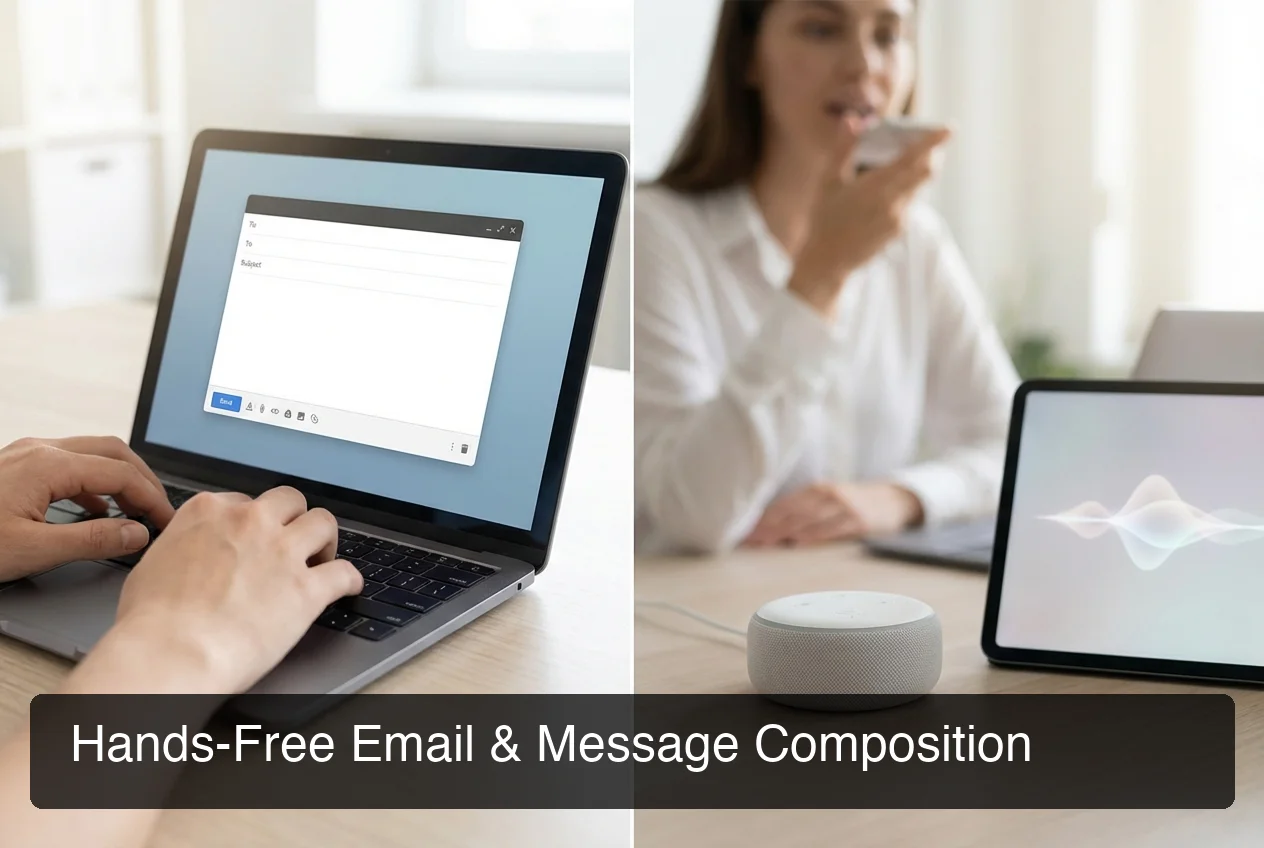 Hands-free message composition — speak once, send instantly, stay in flow.
The best AI assistant for work has five core capabilities: real-time voice input, context awareness, tone control, tool integration, and platform availability. Missing any one of these creates a workflow that requires more manual intervention than it eliminates.
Real-Time Voice Input and Dictation
Typing is the bottleneck for most workplace communication. A voice-first AI assistant removes that bottleneck entirely: you speak at 150+ words per minute (3x faster than average typing speed) and the assistant handles filler word removal, grammar, and punctuation automatically.
For dedicated dictation capabilities, voice-first keyboard solutions offer the deepest integration with your device's native input layer.
Context Awareness
This is the differentiator that separates average AI work tools from exceptional ones. Context-aware assistants read what's already on your screen — the email you're replying to, the Slack thread you're in, the document you're editing — and generate responses that fit the specific situation.
Without context awareness, you have to manually paste content into a chatbot, explain the situation, copy the result, and paste it back. That workflow takes 2-3 minutes per task. Context-aware tools collapse that to seconds.
Tone Control, Rewriting, and Privacy
Professional communication requires matching tone to audience. AI assistants with one-tap tone selection (Professional, Casual, Persuasive, Empathetic) let you compose once and adjust tone without rewriting from scratch.
Work communication is also sensitive data. Verify any AI assistant you adopt has a clear data policy: no voice recording storage, no training on your text, and compliance with your organization's requirements.
Bottom line: No other dictation app reads your screen in real time. BossAI's Boss Mode is the only feature in the category that generates contextual replies from your active screen — eliminating the copy-paste loop entirely.
Which Tasks Can an AI Assistant Handle at Work?
AI assistants handle the execution layer of workplace tasks — the drafting, the scheduling, the formatting, and the follow-up — while leaving the judgment layer to you. The cleaner the split between execution and judgment, the more effectively the assistant multiplies your output.
Here's a practical breakdown:
| Task Category | AI Can Handle | Example |
|---|---|---|
| Email drafting | ✅ Full draft | Reply to email with context-aware response |
| Slack/Teams messages | ✅ Full compose | Dictate message hands-free via voice |
| Meeting scheduling | ✅ Auto-blocked | Protect focus time, reschedule conflicts |
| Meeting notes | ✅ Auto-transcription | Generate summary + action items |
| Document first drafts | ✅ First draft | Memo, proposal, report outline |
| Data analysis | ⚠️ Assisted | Summarize data, not interpret strategy |
| Client strategy | ❌ Judgment only | AI drafts, you decide |
| Creative direction | ❌ Judgment only | AI executes your creative brief |
The most efficient users of AI work tools follow a simple rule: if it can be templated or repeated, delegate it to AI. Reserve your cognitive energy for decisions that require judgment, relationships, or original thinking.
For dedicated dictation features optimized for mobile and on-the-go scenarios, real-time transcription with AI cleanup delivers the fastest results.
Can an AI Assistant Integrate With Your Current Tools?
The best AI assistants don't replace your existing tools — they embed inside them. Integration with Gmail, Slack, Microsoft Teams, Google Calendar, and Notion is now table stakes for any serious workplace AI assistant.
Communication Tool Integration
Voice-first assistants like BossAI work at the OS level, which means they function in every app by default — Gmail, Outlook, Slack, Teams, WhatsApp, LinkedIn — without requiring a dedicated plugin. You activate the assistant, speak, and the text lands wherever your cursor is.
Calendar and Knowledge Tool Integration
Scheduling assistants (Motion, Reclaim) connect to Google or Outlook Calendar and manage your schedule automatically — protecting focus time and rescheduling conflicts without manual intervention. Tools like Notion AI and Glean embed into your knowledge base, surfacing relevant context when you're drafting proposals or reviewing accounts.
Key insight: Platform compatibility is often the deciding factor between two otherwise similar tools. A powerful AI assistant that only works on Mac becomes a liability if your team is split across Mac, Windows, and mobile.
How Does BossAI Compare to Other Workplace AI Assistants?
BossAI is the only workplace AI assistant that combines real-time voice dictation, screen-aware contextual replies (Boss Mode), one-tap tone rewriting, and a built-in Clips system — all operating directly inside your keyboard without app switching.
Most AI work tools fall into two categories: chatbot-style tools (ChatGPT, Gemini, Copilot) that require leaving your workflow, and scheduling tools (Motion, Reclaim) for calendar management. BossAI operates in a third category: the communication layer, where you spend the most time.
| Feature | BossAI | WisprFlow | ChatGPT | Copilot |
|---|---|---|---|---|
| Voice dictation (real-time) | ✅ | ✅ | ❌ | ❌ |
| Screen context awareness | ✅ | ❌ | ❌ | ⚠️ Limited |
| One-tap tone rewriting | ✅ | ❌ | Manual prompt | Manual prompt |
| Clips (instant paste) | ✅ | ❌ | ❌ | ❌ |
| iOS native keyboard | ✅ | ⚠️ Limited | ❌ | ❌ |
| macOS | ✅ | ✅ | ✅ | ✅ |
| Windows | ✅ | ✅ | ✅ | ✅ |
| Free tier | ✅ | ✅ | ✅ | ✅ |
| Requires app switching | ❌ | ❌ | ✅ | ✅ |
 BossAI works in every app, on every platform — no context switching required.
The core advantage is that BossAI reads your screen. When you say "Boss, reply to this email confirming the meeting," BossAI sees the email, understands the context, and writes the reply without you copying anything. WisprFlow, ChatGPT, and Copilot all require manual context pasting — adding 2-3 minutes per email, which compounds to 30-40 minutes of lost time daily for high-volume communicators.
What Should You Consider When Choosing an AI Assistant for Work?
The right AI assistant for work depends on your primary bottleneck: if it's communication, choose a voice-first tool; if it's scheduling, choose a calendar AI; if it's information retrieval, choose a knowledge base AI.
Use this checklist before committing:
- What's my biggest time drain? Target that bottleneck first.
- What platforms do I use? Verify compatibility across OS and core apps.
- How sensitive is my work data? Review the privacy policy before connecting to your inbox.
- Does it require context switching? Keyboard-level tools eliminate the extra step.
- What's the free tier like? Test on real workflows before paying.
To build a complete AI productivity stack, compare AI tools vs AI assistants to find where each delivers the highest ROI.
Get Started with BossAI
If your biggest time drain is communication — email, Slack, messages — BossAI is the fastest way to handle it hands-free. Speak naturally, get polished text in any app, and use Boss Mode to reply to emails with full context in seconds.
Not ready to try it yet? Get Our AI Productivity Guide — free tips on working faster with AI.
Frequently Asked Questions
Which AI assistant is best for work?
The best AI assistant for work depends on your primary bottleneck. For communication and email, BossAI's voice-first, screen-aware system is the most efficient option. For scheduling, Motion or Reclaim excels. For general Q&A and document tasks, ChatGPT or Microsoft Copilot covers the broadest range of use cases.
What is BossAI?
BossAI is an AI-powered voice keyboard for iOS, macOS, and Windows that replaces typing with voice dictation. It transcribes speech in real time, removes filler words automatically, rewrites text in different tones with one tap, and includes Boss Mode — a screen-reading feature that reads your screen to generate contextual replies without copy-pasting.
Can I use an AI assistant for work for free?
Yes. Most major AI work assistants have free tiers. BossAI's free plan includes daily dictation, one Boss Mode screen read per day, and Clips — no credit card required. ChatGPT, Copilot, and Gemini also offer free plans with limits on advanced features.
What AI can help me with my work?
For communication, BossAI handles email, Slack, and messages hands-free. For scheduling, Motion or Reclaim manages your calendar automatically. For research and writing, ChatGPT or Claude covers drafting and analysis. Most professionals benefit from pairing one communication tool with one scheduling tool.
Is BossAI free?
Yes. BossAI has a free tier with no weekly word cap — you can dictate as much as you want. The paid plan unlocks advanced features including unlimited Boss Mode screen reads, priority processing, and extended Clips storage. No credit card required to start.
How accurate is AI dictation for professional work?
AI-enhanced dictation tools like BossAI achieve high accuracy in professional environments by combining speech recognition with post-processing: filler words (um, uh, like) are automatically removed, grammar is corrected in real time, and punctuation is added contextually. The result is cleaner text than raw transcription from built-in tools like Apple Dictation.
What makes BossAI different from other dictation apps?
Three features no competitor offers: (1) Boss Mode reads your screen and generates contextually aware replies without copy-pasting — the only dictation app with screen awareness; (2) Clips saves frequently used phrases for instant insertion; (3) one-tap tone rewriting lets you switch between casual, professional, or concise in a single tap. WisprFlow, AquaVoice, and Typeless have none of these.