
AI Tools for Productivity: The Complete Guide 2026
AI Tools for Productivity: The Complete Guide for 2026
The average knowledge worker spends 2+ hours daily on writing tasks that AI can now handle in minutes. This complete guide covers the best AI tools for productivity in 2026 — what they actually do, which categories matter most, and how voice typing beats traditional typing by 3x.
Key Takeaways
- AI productivity tools like voice dictation reduce writing time by 40-60% compared to traditional typing
- Voice typing outputs 120-160 words per minute — 3x faster than the average typing speed of 40-50 wpm
- Smart AI keyboards combine voice input with AI cleanup for both speed and accuracy, working across every app
- Effective AI tools integrate into existing workflows — tools requiring new habits see poor long-term adoption
- Voice dictation is the most universally applicable AI productivity upgrade: it works in every app, on every platform
Contents
- What Are AI Tools for Productivity and Why Should You Care?
- How Can AI Tools for Productivity Help You Save Time?
- Which AI Tools Work Best for Writing and Typing Tasks?
- How Does Voice Typing Maximize Productivity?
- What's the Difference Between AI Productivity Tools and Traditional Software?
- Can AI Voice Dictation Really Make You More Productive?
- How to Choose the Right AI Productivity Tool for Your Workflow?
- Get Started with BossAI
- Frequently Asked Questions
What Are AI Tools for Productivity and Why Should You Care?
AI tools for productivity are software applications that use artificial intelligence — large language models, speech recognition, or machine learning — to automate, accelerate, or enhance work tasks. The most impactful ones eliminate friction at the exact point where work happens: drafting emails, writing documents, responding to messages, organizing information.
They're not incremental upgrades — they represent a shift from reactive tools (spell check, templates) to proactive systems that understand context and generate ready-to-use output.
The category covers AI chatbots like ChatGPT, AI writing assistants, voice-to-text transcription, smart email tools, meeting summarizers, and AI-enhanced keyboards. Knowing which category fits your workflow is the first step to choosing a tool that actually sticks.
 AI productivity tools are transforming how professionals spend their working hours.
Why Voice Input Is Replacing Typing
Typing has been the default for 40 years. The average person types 40-50 wpm but speaks at 120-160 wpm — a 3x gap that AI voice tools now bridge reliably. Raw transcription used to be too messy for professional use; AI cleanup handles filler words, grammar, and punctuation automatically.
Key insight: The real productivity win isn't just speed — voice input is hands-free. Draft emails while walking, respond to messages while commuting, capture ideas the moment they occur.
How Can AI Tools for Productivity Help You Save Time?
AI productivity tools save time by eliminating three friction types: generation friction (starting from scratch), editing friction (cleaning up rough drafts), and switching friction (jumping between apps to finish one task). The best tools tackle all three at the point of work — no separate app required.
Research shows knowledge workers spend 28% of their workday on email alone. AI writing tools compress this with context-aware drafts, one-tap tone rewrites, and voice input that outpaces keyboard speed from the first day.
The Three Categories That Deliver the Most ROI
The productivity software with AI landscape breaks into distinct use cases:
- Writing and communication — Email drafting, Slack replies, document creation, social content
- Voice and dictation — Converting spoken words to polished, formatted text in real time
- Automation and workflow — Connecting apps, routing tasks, triggering sequences without manual input
Most professionals gain the most from writing and communication tools — that's where the hours go. A worker sending 40+ emails daily can save 30-60 minutes with a well-integrated AI writing tool.
By the numbers: Knowledge workers spend 28% of their workday on email. AI-enhanced dictation cuts that time by 40-50%, saving 65+ hours per year for a typical professional — roughly eight full working days annually.
Which AI Tools Work Best for Writing and Typing Tasks?
The best AI writing tools are those that work inside your existing text inputs — not as separate apps you must switch to. Integrated tools like AI keyboard apps and AI-powered keyboards sit at the keyboard level and enhance every text field automatically, while standalone tools like Grammarly or Notion AI require deliberate context switches.
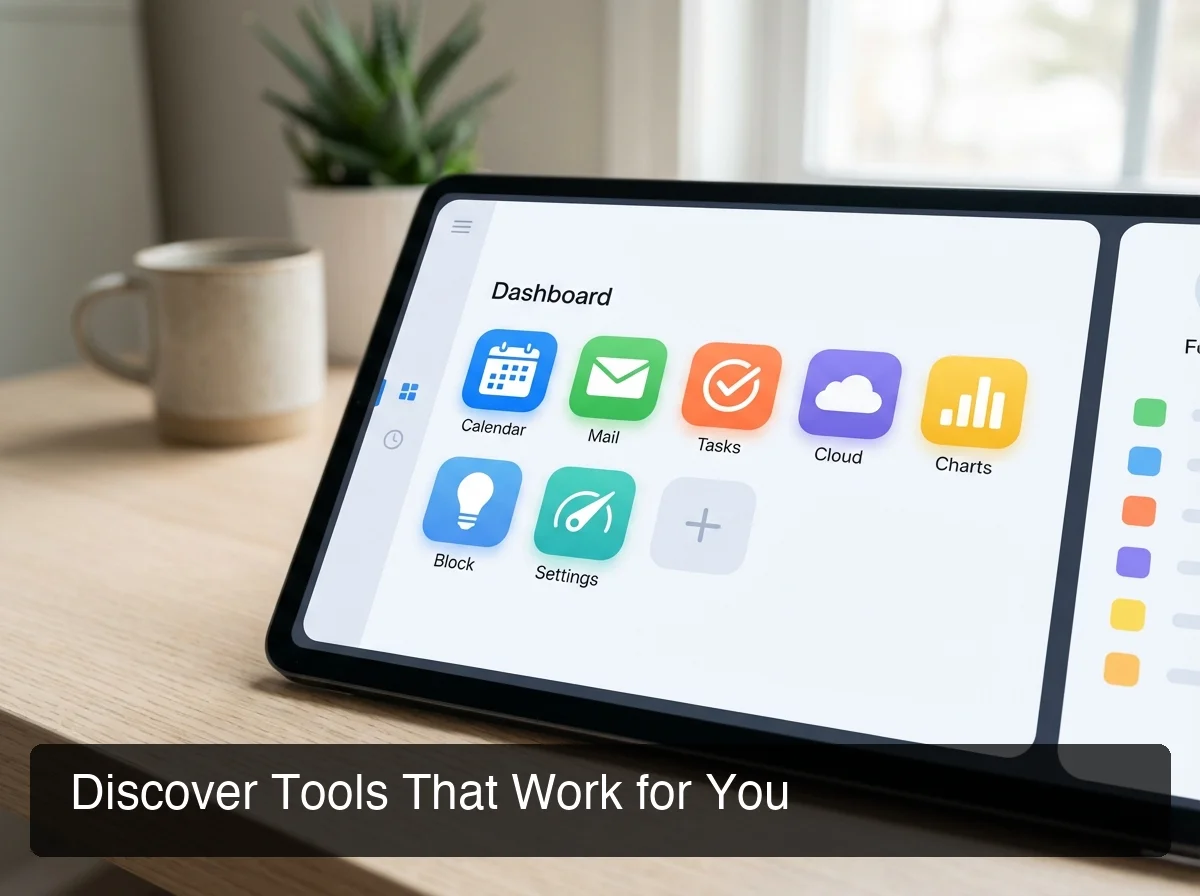 The right AI productivity tools work where you already work — not in a separate app.
Top AI Productivity Tools for Writing (2026)
| Tool | Best For | Integration Level | Standout Feature |
|---|---|---|---|
| BossAI | Voice dictation + screen-aware replies | Keyboard-level (iOS, Mac, Windows) | Boss Mode reads screen for contextual replies |
| Grammarly | Grammar and tone polishing | Browser extension + apps | Real-time writing suggestions |
| Notion AI | Long-form docs and notes | Inside Notion only | Summarize, draft, and explain within docs |
| ChatGPT | Open-ended generation and research | Web / API | General-purpose language reasoning |
| MailMaestro | Email drafting | Outlook/Gmail plugin | Email-specific AI templates |
The pattern among top performers: they work where you already type. Tools requiring app-switching add more overhead than they eliminate, especially for short-form communication.
What Separates a Good Writing Tool From a Great One
The differentiator isn't AI capability — it's time-to-text. How fast do you go from intent to final output, without leaving your current app?
An AI-powered keyboard that lives in your text input beats a standalone writing app because it eliminates the copy-paste loop. You speak, it transcribes and polishes, and the text appears in the field — email, document, or chat message.
How Does Voice Typing Maximize Productivity?
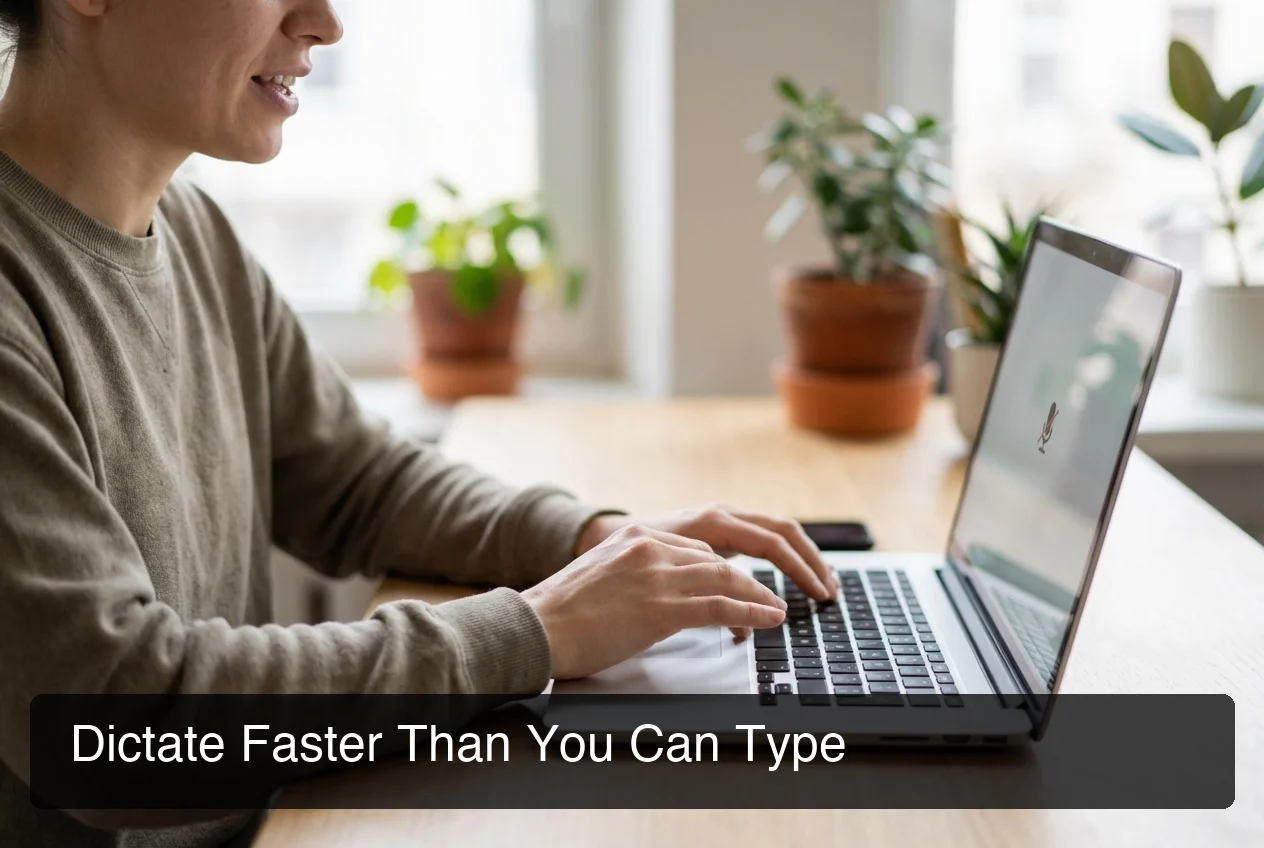 Voice typing with AI cleanup delivers polished text 3x faster than traditional keyboard input.
Voice typing maximizes productivity by eliminating the speed bottleneck of manual keyboard input. The average person types 40-50 words per minute and speaks at 120-160 wpm. Switching to voice dictation with AI cleanup — filler word removal, grammar correction, automatic punctuation — delivers 3x faster text output that's already polished and ready to send.
The practical impact: a 300-word email that takes 8 minutes to type takes under 3 minutes to dictate. At 20 emails per day, that's 100 minutes reclaimed daily.
How BossAI Turns Voice Into Polished Text
BossAI is an AI keyboard that works natively on iOS, macOS, and Windows. Hold a hotkey or tap the mic, speak naturally, and BossAI outputs polished text with filler words removed, grammar corrected, and punctuation added — in ~300ms.
What sets BossAI apart is Boss Mode. Speak "Boss, reply to this email professionally" and it reads your screen, understands context, and generates a complete reply. No copy-pasting. No switching to ChatGPT. It sees what you see.
Bottom line: No other dictation app reads your screen. BossAI's Boss Mode is the only feature in the category that generates contextually aware replies without copy-pasting — eliminating the 30-60 second app-switching overhead that adds up to hours each week.
Voice Typing Across Every App — No Exceptions
Unlike AI chatbots that require you to visit a specific interface, voice typing at the keyboard level works in any text field on your device. Email, Slack, Notion, Google Docs, Twitter, WhatsApp — one tool, every app, no switching.
The AI speech to text technology behind modern voice keyboards has matured significantly. Accuracy exceeds 95% in typical environments, and the AI layer handles the rest automatically — filler words, grammar, and capitalization corrected before text hits the screen.
What's the Difference Between AI Productivity Tools and Traditional Software?
Traditional productivity software automates fixed rules — spell check flags errors, templates provide structure, autocorrect fixes typos. AI productivity tools go further: they understand intent, generate content, and adapt to context. The gap is the difference between a rulebook and a capable collaborator.
| Dimension | Traditional Software | AI Productivity Tools |
|---|---|---|
| Input type | Typed text only | Text + voice + screen context |
| Error handling | Flags mistakes | Fixes and rewrites output |
| Content creation | You draft, it edits | Drafts from a short prompt or voice |
| Personalization | Static settings | Learns vocabulary and style |
| Integration | One designated app | Keyboard-level tools work everywhere |
The practical consequence: traditional tools reduce errors in work you've done. AI tools reduce the work itself.
Why Integration Level Determines Real-World Value
The best productivity tools are invisible when they work. If you need to launch a separate app, explain context, copy output, and paste it back — you haven't saved much time.
Keyboard-level AI achieves true zero-friction integration. A smart keyboard productivity layer sits beneath every app, enhancing input inline. You speak, the AI processes in place, and you move on without leaving your current context.
Can AI Voice Dictation Really Make You More Productive?
Yes — with caveats. Voice dictation delivers the highest ROI for professionals who write frequently: email-heavy roles, content creators, managers, and salespeople. Keyboard shortcuts, code, and structured data entry are still faster by hand. For natural-language writing — 80%+ of most knowledge workers' daily text output — the 3x speed advantage is real and measurable from day one.
The data for professionals evaluating voice dictation:
- Average typing speed: 40-50 wpm (touch typists: 70-80 wpm)
- Voice speaking rate: 120-160 wpm
- Effective dictation output (with AI cleanup): 100-130 wpm usable text
- Daily time savings at 40 wpm: 60-90 minutes for email-heavy roles
Where Dictation Wins — and Where It Doesn't
Voice dictation wins for natural-language writing: email, messages, notes, drafts, social content. Code, formulas, and structured data entry are faster with a traditional keyboard.
Use voice for communication and documents — the bulk of knowledge work. Use keyboard shortcuts for everything else. The AI dictation app guide covers transcription accuracy benchmarks in more detail.
Pro tip: Track your email response time for one week before and after adopting voice dictation. Most professionals see a 30-40% reduction in time-per-message — a concrete ROI number that makes the productivity gain undeniable.
How to Choose the Right AI Productivity Tool for Your Workflow?
Choose AI productivity tools by matching them to your primary bottleneck. If writing is slow, voice dictation is your highest-ROI starting point. If email volume is crushing, an AI keyboard with screen context saves the most. If you repeat tasks across apps, workflow automation tools like Zapier tackle that. One tool done well outperforms five tools adopted poorly.
 Starting with one high-impact AI tool beats adopting five tools you'll abandon in two weeks.
Three Questions Before Committing to Any Tool
- Does it work where I work? — Keyboard-level tools work everywhere; app-specific tools only help in that one app.
- Does it target my biggest time sink? — Match the tool to the task that steals the most hours.
- Can I be productive with it today? — The best AI tools deliver value in the first 15 minutes; steep learning curves kill adoption.
Start With One Tool, Build the Habit
The failure mode for AI productivity tools isn't picking the wrong one — it's adopting too many at once.
Pick the highest-impact tool for your biggest time sink. Use it for 14 days before adding anything else. Voice dictation is the ideal starting point: it works across every app on your device, replaces the most universal task (typing), and delivers measurable ROI from day one.
Get Started with BossAI
If voice typing and AI writing sound like your highest-leverage move, BossAI is built for exactly that. It works on iOS, macOS, and Windows — at the keyboard level, in every app, no switching required. Start free, no credit card needed.
Not ready to try it yet? Get Our AI Productivity Guide — free tips on working faster with AI, delivered to your inbox.
Frequently Asked Questions
What are the best free AI tools for productivity?
The best free AI productivity tools include ChatGPT (general-purpose reasoning and drafting), BossAI (voice dictation with a free tier and no weekly word cap), Grammarly Free (grammar and clarity), and Google Workspace's built-in AI features. For voice typing, BossAI's free tier includes fully AI-enhanced dictation with filler word removal and grammar correction.
How much time can AI productivity tools actually save?
AI productivity tools save 1-3 hours per day for communication-heavy roles. Voice dictation alone — at 3x typing speed — reclaims 60-90 minutes daily for professionals sending 40+ emails or messages. The actual gain depends on workflow: writing-heavy roles see the largest impact; automation tools benefit process-heavy work.
What is BossAI?
BossAI is an AI-powered voice keyboard for iOS, macOS, and Windows that replaces typing with voice dictation. It transcribes speech in real time, removes filler words automatically, rewrites text in different tones with one tap, and includes Boss Mode — a screen-reading feature that reads your screen to generate contextual replies without copy-pasting.
Is BossAI free?
Yes. BossAI has a free tier with no weekly word cap — you can dictate as much as you want. The paid plan unlocks advanced features including unlimited Boss Mode screen reads, priority processing, and extended Clips storage. No credit card required to start.
Do AI productivity tools work on mobile devices?
Yes. The best AI productivity tools work natively on mobile. BossAI operates as a full iOS keyboard replacement — AI dictation works in every mobile app without switching. Desktop AI tools like Grammarly and Notion AI also offer mobile versions, though keyboard-level tools provide the deepest integration on smartphones.
What's the fastest way to produce text with AI assistance?
Voice dictation with AI cleanup is the fastest method. Speaking at 120-160 wpm with automatic filler word removal and grammar correction produces clean, formatted text 3x faster than average typing. AI keyboards like BossAI that work at the system level — in every app, without switching — deliver this speed advantage universally.
Are AI writing tools safe for professional work emails?
Reputable AI writing tools are safe for professional email use. BossAI processes voice input in real time and does not store audio recordings. Tools like Grammarly use end-to-end encryption for data in transit. The key consideration is enterprise data policy — verify your tool's data handling aligns with your company's data classification requirements before using it for sensitive or confidential communications.