AI Text Rewrite: From Rough Draft to Polished
Your first draft captures the idea, but the words aren't right. AI text rewriting has changed how fast professionals bridge that gap — turning rough drafts into polished, audience-ready copy in seconds.
Key Takeaways
- AI text rewriting uses machine learning to rephrase content while preserving meaning — professionals save 60-80% of editing time
- Modern AI rewriters understand context and tone, not just words — they adapt formality, style, and register intelligently
- The best AI text rewrite tools work inside your keyboard or inbox — zero copy-paste friction, zero context-switching
- Voice typing combined with AI rewriting is the fastest complete writing workflow: draft by speaking, polish with one tap
- Tone options (professional, casual, persuasive, empathetic) let you adapt the same message for different audiences in seconds
Contents
- What Is AI Text Rewriting and How Does It Work?
- How Can AI Text Rewrite Save Time on Your Writing Projects?
- What Types of Content Can AI Text Rewriting Help With?
- What Is the Difference Between AI Text Rewrite and Paraphrasing?
- Can AI Text Rewriting Maintain Your Brand Voice and Tone?
- How Accurate Is AI Text Rewriting Compared to Manual Editing?
- How Does BossAI's Integration Make AI Text Rewriting Seamless?
- Why Should Professionals Use AI Text Rewriting Daily?
- Get Started with BossAI
- Frequently Asked Questions
What Is AI Text Rewriting and How Does It Work?
AI text rewriting uses large language models (LLMs) to rephrase, restructure, and refine content while preserving original meaning. Unlike synonym-swap tools, modern AI rewriters understand context, sentence flow, and tone — producing output that reads naturally rather than mechanically generated.
The technology is the same powering ChatGPT and Gemini: transformer-based neural networks trained on vast corpora of human writing. Feed the model your draft, specify the desired tone, and it generates a rewritten version that keeps your core message intact while improving clarity and style.
How AI Rewriting Differs From Word Swapping
Early "article spinning" tools replaced words with synonyms — producing grammatically broken output. Modern AI rewriters read full sentence structure, understand paragraph purpose, and gauge the appropriate register. The result sounds like a skilled human editor reviewed it, not a bot that swapped "utilize" for "use" and called it done.
Key insight: The difference between a synonym-swap tool and an LLM-powered rewriter is the same as the difference between autocomplete and a skilled editor. One knows letters; the other knows meaning.
How Can AI Text Rewrite Save Time on Your Writing Projects?
AI text rewriting eliminates the most time-consuming part of editing: rethinking how to phrase something. The average professional spends 28% of their workday on written communication — AI rewriting cuts the editing phase by 60-80%, collapsing draft-to-send time from minutes into seconds.
The math is clear. If you write 20 emails per day and spend two minutes editing each one, that's 40 minutes of editing daily. AI rewriting collapses that to under 30 seconds per email — recovering more than 35 minutes every single day.
Where Editing Time Actually Goes
Most editing time isn't fixing typos. It's spent on decisions:
- Deciding if the tone matches the recipient's seniority
- Rephrasing to sound confident without coming across as abrasive
- Cutting redundancy without losing the nuance
- Making an indirect request clear and direct
AI rewriting handles all of these in a single pass.
 AI-powered text rewriting bridges the gap between rough first drafts and polished, audience-ready copy — in seconds.
By the numbers: Professionals save 35-45 minutes daily by applying AI text rewriting to email alone. Over a working year, that's 140+ hours of editing time recovered for higher-value work.
What Types of Content Can AI Text Rewriting Help With?
AI text rewriting works across every writing format professionals use daily: emails, Slack messages, client proposals, status reports, LinkedIn posts, documentation, and cover letters. Any text that needs to sound better than the first draft is a candidate for AI rewriting.
High-Volume Professional Writing
The use cases with the highest daily ROI are:
- Emails — Adjust formality before hitting send. The same update reads differently to your CEO vs. your direct report.
- Client proposals — Tighten language, sharpen the ask, remove hedging phrases that undercut credibility.
- Chat messages — Make quick Slack updates sound intentional rather than rushed.
- Reports and documentation — Standardize voice across sections written at different times or by different contributors.
- Social and LinkedIn — Turn internal updates into polished public-facing posts without rewriting from scratch.
Long-Form and Academic Content
Students and researchers use AI rewriting to improve essay clarity, reduce redundancy, and match the formal register required for academic submissions. Content writers use it to vary sentence structure across long-form pieces without losing their voice. For how AI rewriting fits a complete workflow, see our AI writing assistant guide.
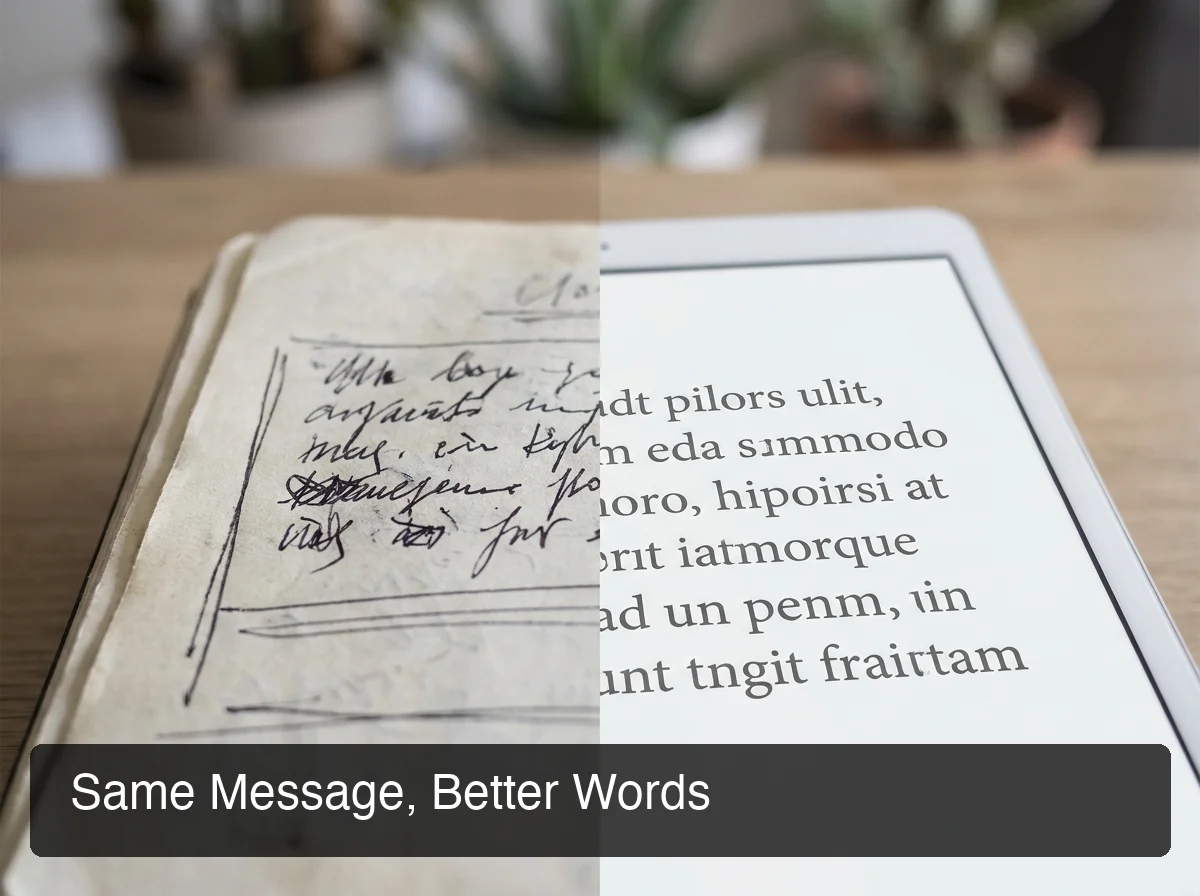 From emails to executive reports, AI text rewriting adapts your message for every professional context without starting over.
What Is the Difference Between AI Text Rewrite and Paraphrasing?
AI text rewriting and paraphrasing share a goal — expressing the same idea differently — but operate at different quality levels. Basic paraphrase tools substitute synonyms and shuffle structure. AI text rewriting understands intent, preserves nuance, and adapts tone to context — producing human-quality output.
Here's the practical difference side by side:
| Feature | Basic Paraphrase Tool | AI Text Rewriter |
|---|---|---|
| Meaning preservation | Often loses nuance | Preserves original intent accurately |
| Tone control | None — single generic output | Select tone: professional, casual, persuasive |
| Context awareness | None — word-level only | Reads full paragraph for context |
| Grammar quality | Frequently awkward or broken | Near-human quality |
| Use case fit | Academic plagiarism avoidance | Professional writing across any context |
| Speed | Instant | Instant |
The use cases are fundamentally different. A paraphrase tool rewords a paragraph for plagiarism avoidance. An AI text rewriter turns a frustrated message into a measured professional one before you send it.
Bottom line: If tone, intent, and quality matter — and in professional writing they always do — a basic paraphrase tool isn't enough. You need an AI rewriter that understands what you're trying to say.
Can AI Text Rewriting Maintain Your Brand Voice and Tone?
Yes — modern AI text rewriting maintains brand voice through explicit tone control. The key is using a tool that offers clear tone options rather than a generic "improve this" black box. Tone presets (professional, casual, persuasive, empathetic) let you systematically apply consistent voice across all written output.
Brand consistency is the challenge teams face at scale. When multiple people write customer-facing content, voice varies based on who drafted what and when. AI rewriting with fixed tone presets eliminates that variability.
How Tone Presets Work
The most useful presets map directly to professional writing scenarios:
- Professional — Removes informality, tightens phrasing, appropriate for reports and formal correspondence
- Casual — Adds conversational flow, suitable for Slack messages, social media, and internal updates
- Persuasive — Sharpens the argument, makes the ask explicit, removes wishy-washy qualifiers
- Empathetic — Softens directness, acknowledges the reader's position — useful for difficult conversations
Advanced tools support custom tone profiles, but for most professionals the presets cover 90%+ of daily use cases.
Key insight: Brand voice isn't only word choice — it's sentence rhythm, formality level, and how ambiguity is handled. Well-designed tone presets encode all of these dimensions into a single tap.
How Accurate Is AI Text Rewriting Compared to Manual Editing?
AI text rewriting matches or exceeds manual editing for tone adjustment, formality shifts, and clarity improvement. Where human editors still have the edge: subtle emotional nuance, deep domain expertise, and relational context that changes how a message lands between two specific people.
For most professional writing, this distinction rarely matters. The key is knowing when to trust the AI output and when to review briefly:
AI rewriting reliably handles formality adjustment, grammar cleanup, redundancy removal, and sentence restructuring. Where human review still adds value: relationship-specific warmth, strategic ambiguity (sometimes vague is intentional), and domain-specific phrasing where legal or technical precision is non-negotiable.
The practical workflow: AI rewriting as a first pass, then a 10-second human read for anything contextually off. Reviewing is dramatically faster than generating from scratch.
How Does BossAI's Integration Make AI Text Rewriting Seamless?
 BossAI's keyboard-integrated rewriting means one tap transforms any text — without leaving the app you're working in.
BossAI embeds AI text rewriting directly inside your keyboard — eliminating the copy-paste loop that web-based tools require. Tap a tone (Professional, Casual, Witty, Persuasive, Empathetic, Bold), see the rewrite instantly, paste with one tap. No app-switching. No clipboard management.
The integration gap matters more than it sounds. Every time you open a browser tab, paste your text, copy the output, and switch back, you interrupt the flow. BossAI's rewrite is one tap from whatever you're already typing in.
Voice Typing + AI Rewriting: The Complete Workflow
Where BossAI creates its largest advantage is in combining voice dictation with one-tap rewriting:
- Speak your draft. BossAI transcribes it in real time — removing filler words and fixing grammar automatically, so even a fast spoken draft comes out clean.
- Tap a tone — Professional for a client email, Casual for a Slack update, Persuasive for a proposal ask.
- Insert the result. One tap places the rewritten text directly into whatever app you're using.
This is the fastest path from thought to polished text available today. Using an AI keyboard app that combines voice dictation with built-in rewriting removes every friction point in the writing workflow.
Why Integration Beats Standalone Tools
Web-based rewriting tools require 6 steps to rewrite one paragraph: copy text, open a browser tab, paste into the tool, wait for output, copy the result, switch back and paste. BossAI requires one. That difference multiplies across every message you write in a day.
The same logic applies to email — professionals using an AI email assistant embedded in their workflow save far more time than those using standalone rewriting tabs.
Bottom line: BossAI is the only AI text rewriting tool that lives inside your keyboard. Every other rewriter requires you to leave the app you're writing in — creating friction that accumulates to hours per week.
Why Should Professionals Use AI Text Rewriting Daily?
Professionals who write for 2+ hours daily recover the equivalent of a half-day per week by using AI text rewriting systematically. The gains compound: faster iteration means more messages sent, more proposals polished, more feedback given — without working longer hours.
The daily use case covers more than emails. Replying to 20-30 emails, writing Slack updates, drafting client status reports, commenting on LinkedIn, refining meeting notes for distribution — each benefits from a single round of AI rewriting that sharpens tone, cuts redundancy, and matches the right formality.
Building a Sustainable Writing System
The professionals who benefit most adopt AI rewriting as a default step, not a last resort. The pattern: draft fast (voice dictation or rough typing — quality doesn't matter yet), rewrite once with one AI tap, then send.
No second-guessing tone. No agonizing over word choice. Separating drafting from editing is a proven writing principle; AI automates the editing step entirely.
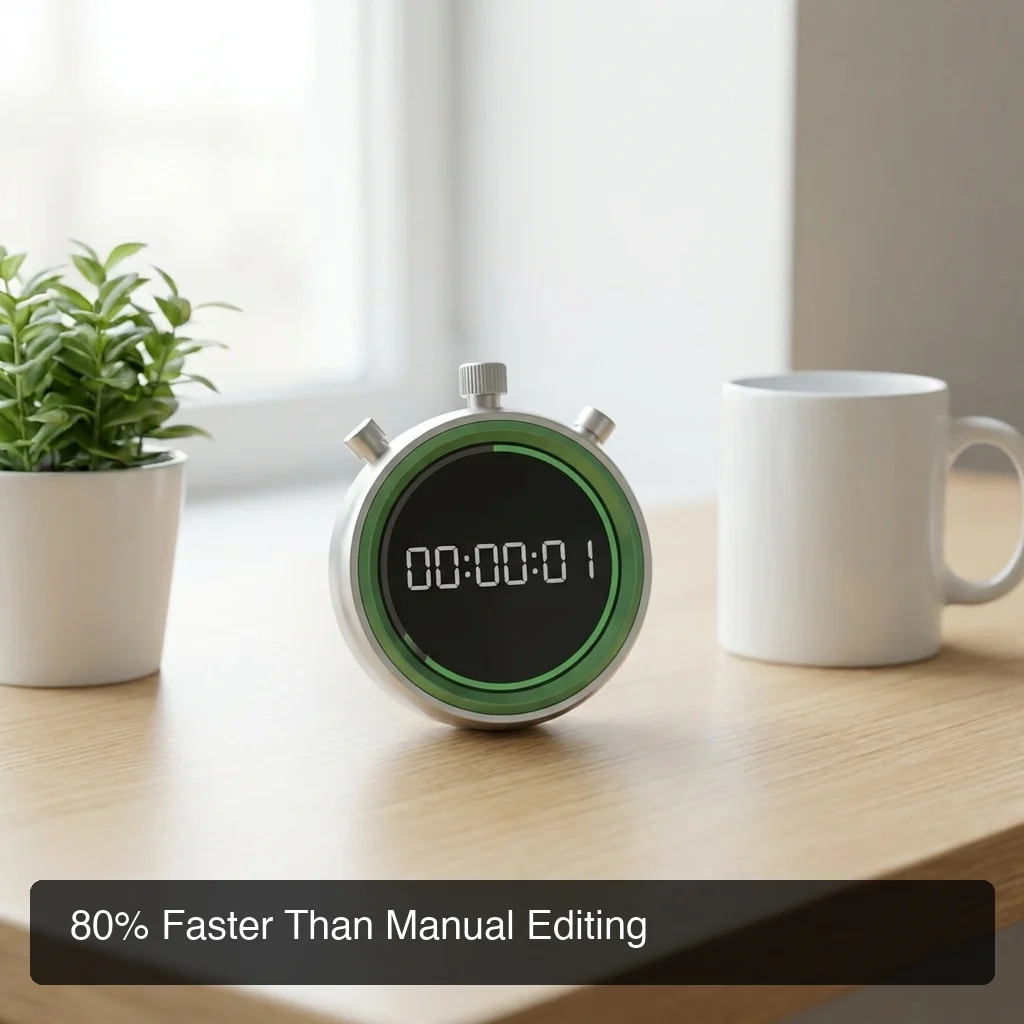 Build a sustainable writing system: draft fast with voice, rewrite once with AI, and send with confidence.
By the numbers: Writers using AI rewriting daily report 60-80% reduction in editing time — 35+ hours per month returned to strategic, higher-value work.
Get Started with BossAI
If you write professionally across email, chat, and documents, you're spending unnecessary time on manual editing. BossAI's one-tap AI rewriting works inside your keyboard on iPhone and Android, and in the BossAI app on Mac and Windows — so every time you draft something that needs polish, you're one tap away from a better version.
Not ready yet? Get Our AI Productivity Guide — free tips on writing faster with AI, delivered straight to your inbox.
Frequently Asked Questions
What is AI text rewriting?
AI text rewriting uses large language models to rephrase content while preserving original meaning. Modern AI rewriters understand context and tone — they don't just substitute synonyms. The result is naturally edited-sounding text with control over formality, style, and register — the fastest path from rough draft to polished copy.
How does AI text rewriting differ from paraphrasing?
Basic paraphrase tools substitute synonyms and shuffle sentence structure — often producing awkward output. AI text rewriting understands intent, preserves nuance, and adapts tone to context. The practical difference: paraphrasing works for academic rewording; AI rewriting handles professional tone shifts, clarity improvements, and style adaptation across real-world writing.
Can AI text rewriting maintain my original meaning?
Yes. Modern LLM-based AI rewriters preserve original intent in 95%+ of rewrites when the source text is clear. The model reads the full paragraph for context before generating output — not word by word — so subtle meaning and logical flow carry through even when sentence structure changes significantly.
What is BossAI?
BossAI is an AI voice keyboard for iPhone and Android, and a voice-to-text app for Mac and Windows, that replaces typing with voice dictation. It transcribes speech in real time, removes filler words automatically, rewrites text in different tones with one tap, and includes Boss Mode — a screen-reading feature that reads your screen to generate contextual replies without copy-pasting.
Is BossAI free?
Yes. BossAI's free plan includes 500 words of dictation a day, and the allowance resets daily. Pro makes everything unlimited — dictation, Boss Mode, Rewrite, every tone and all Clips, for $9.99/month or $69.99/year. No credit card required to start.
How accurate is AI text rewriting compared to manual editing?
For tone adjustment, formality shifts, and clarity improvement, AI rewriting matches or exceeds manual editing accuracy. Human editors still have an edge for subtle emotional nuance and relationship-specific context. The optimal workflow: use AI for a first-pass rewrite, then do a 10-second human read for anything contextually specific.
What types of writing benefit most from AI text rewriting?
Emails, client proposals, status reports, Slack messages, LinkedIn posts, and any content where tone and clarity directly affect outcomes. The highest ROI comes from high-volume repeated tasks — like daily email correspondence — where manual editing accumulates to 30-45 minutes per day of recoverable time.