
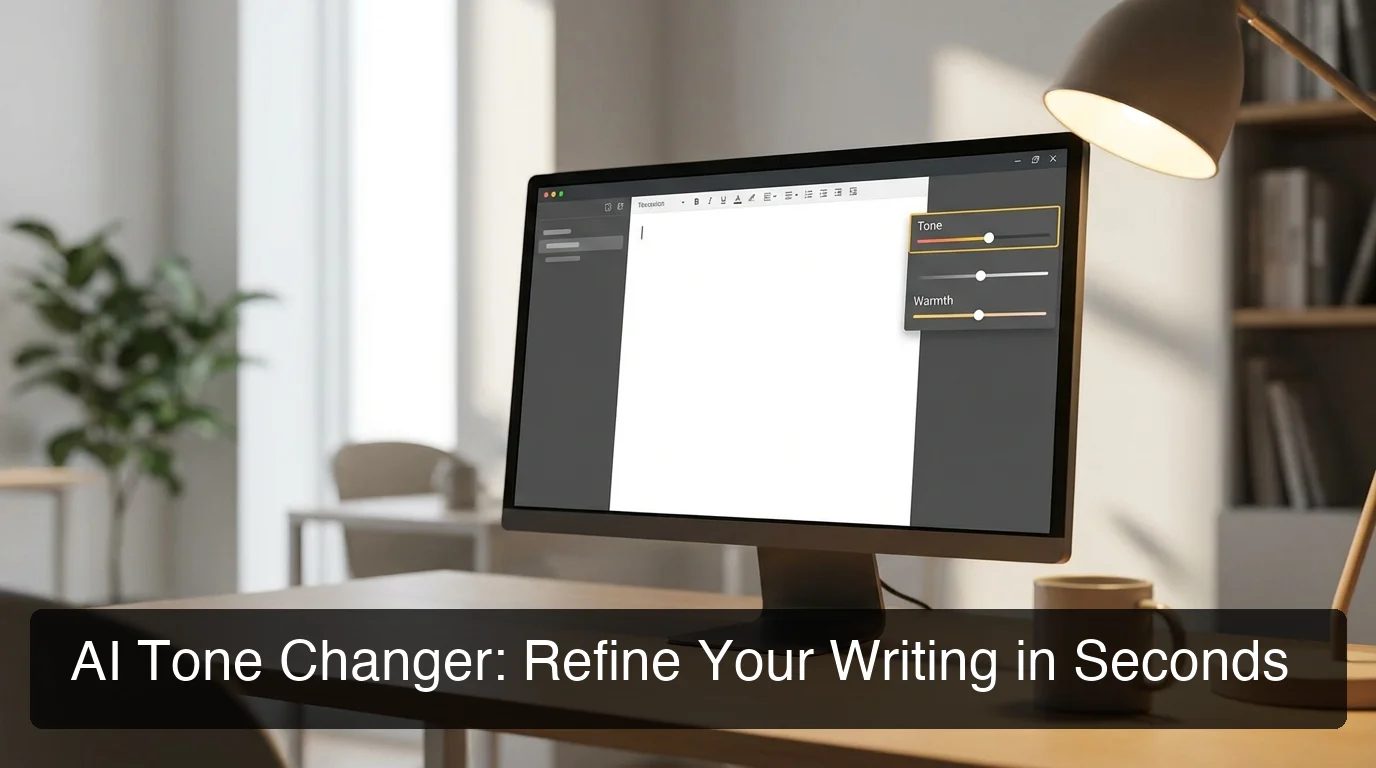
AI Tone Changer: Fix Your Writing Style Fast
An AI tone changer rewrites your text to match any communication context — professional, casual, persuasive — in seconds. Whether you're polishing a rough email draft or refining voice-dictated notes, these tools cut manual editing time by 30-50%.
Key Takeaways
- AI tone changers use natural language processing to adjust writing style, formality, and emotional register while preserving core meaning
- They integrate seamlessly with voice-to-text workflows to convert spoken content into polished, professional prose
- Leading solutions include BossAI's one-tap Rewrite, Grammarly, QuillBot, and TextCortex — each with distinct strengths
- Users report 30-50% reduction in manual editing time for emails, reports, and customer communications
- Best use cases span professional correspondence, creative writing refinement, and voice-first drafting workflows
Contents
- What Is an AI Tone Changer?
- How Does an AI Tone Changer Work?
- Can an AI Tone Changer Improve Your Professional Communication?
- What Are the Best AI Tone Changers Available?
- What's the Difference Between AI Tone Changing and Manual Editing?
- How Accurate Are Modern AI Tone Changers?
- How Can You Use an AI Tone Changer with Voice Dictation?
- Frequently Asked Questions
What Is an AI Tone Changer?
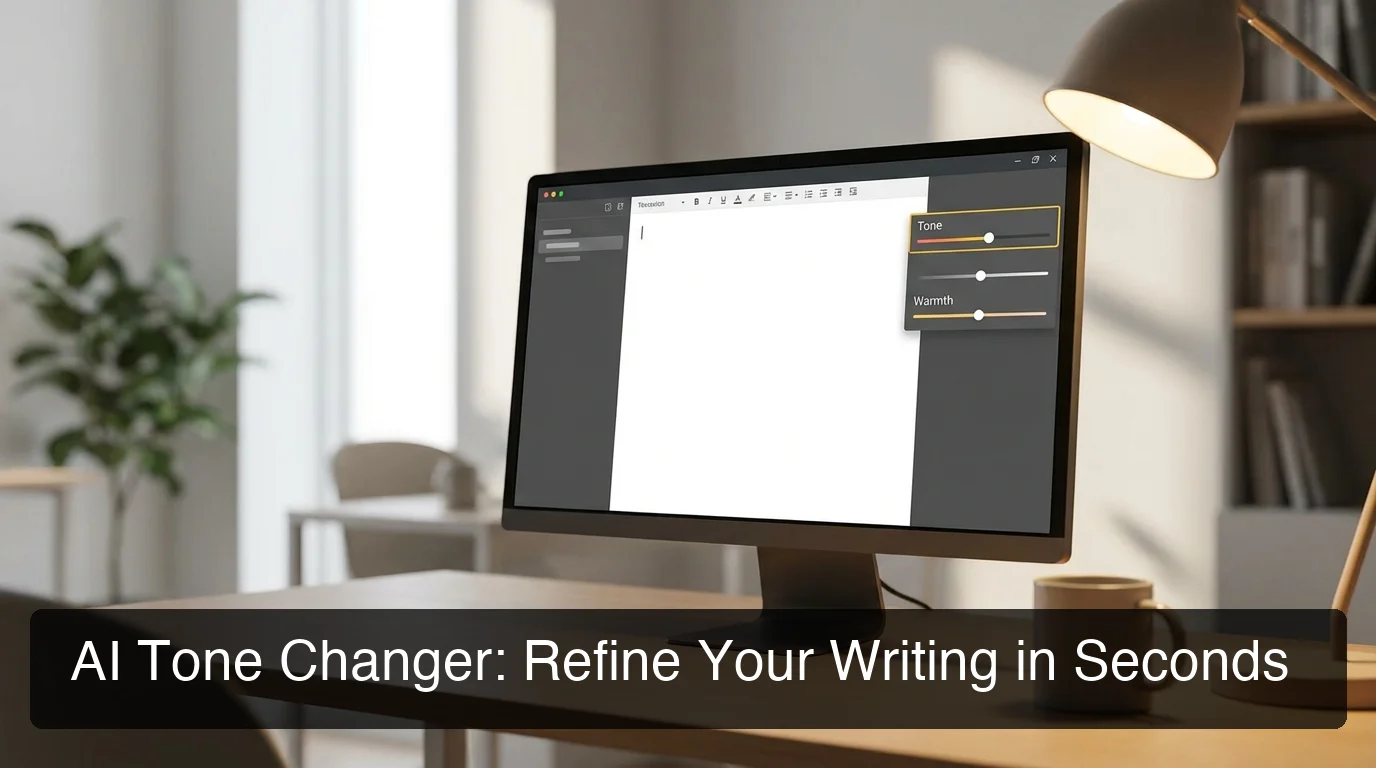 AI tone changers transform how you communicate — matching your message to every context, automatically.
An AI tone changer is a tool powered by natural language processing that rewrites existing text to match a target communication style — formal, casual, persuasive, empathetic, or bold — while preserving the original meaning. Unlike basic paraphrasers, modern AI tone changers analyze sentence structure, word choice, and emotional register to produce context-aware rewrites in under three seconds.
These tools are essential for professionals managing multiple communication contexts daily. A manager might dictate a rough response in casual language, then need to deliver it as a formal client email. An AI tone changer bridges that gap in one step — no retyping, no word-by-word editing.
Why Does Tone Matter More Than Grammar?
Grammar tools catch errors. Tone tools change how you sound. In professional communication, being grammatically correct but tonally off can damage relationships, lose deals, or signal cultural unawareness.
AI tone changers address the layer grammar checkers miss entirely. They work across email, social media captions, customer support replies, cover letters, and long-form reports — anywhere tone affects the outcome.
How Does an AI Tone Changer Work?
 Modern AI tone changers process semantic meaning and stylistic register simultaneously — not just word substitution.
An AI tone changer works by running your text through a large language model (LLM) trained on vast amounts of human-written content across different registers. The model identifies patterns that distinguish formal from casual speech, assertive from empathetic writing, and professional from conversational tone — then applies those patterns to rewrite your input while keeping the core message intact.
The process has three stages:
- Analysis — The model identifies the current tone (formal, informal, aggressive, neutral) and the communicative intent of the text
- Target mapping — The selected tone (Professional, Casual, Persuasive, etc.) guides adjustments to vocabulary, sentence length, hedging phrases, and punctuation patterns
- Generation — The model produces a rewrite matching the target register while preserving your original meaning
Key insight: The best AI tone changers don't just swap words — they restructure sentences. "I need this done by Friday" becomes "Could you prioritize completing this by end of week?" — different structure, same meaning, radically different reception.
What Makes Some AI Tone Changers Better Than Others?
Not all tone changers use the same architecture. Web-based free tools typically run on smaller models with limited context windows, producing rewrites that can feel mechanical or overly generic.
Keyboard-native tools integrate context about which app you're using — generating different output for an email versus a Slack message versus a legal document. For deeper background on the underlying technology, our AI speech to text guide covers how the transcription models that power voice-and-tone workflows operate.
Can an AI Tone Changer Improve Your Professional Communication?
Yes — AI tone changers measurably improve professional communication by eliminating the cognitive load of stylistic editing under time pressure. Users report 30-50% reduction in editing time for emails and reports, with output quality that consistently exceeds what most people can produce when rushing through high-volume communication tasks.
The biggest gains appear in specific high-volume contexts.
How Do AI Tone Changers Help with Email?
Email is the most common use case — the same message needs different tones for different recipients. A team status update reads differently than a VP briefing, which reads differently again from a client-facing proposal.
AI tone changers solve this in seconds: write your core message once, apply "Professional" for the executive, "Empathetic" for the client complaint, "Casual" for the internal update. Three audience-appropriate versions from one draft.
What About Reports, Proposals, and Long-Form Content?
For longer documents, tone changers work best section-by-section. Running a 5,000-word report through a tone changer in one pass risks tonal inconsistency between paragraphs.
Best practice: identify the 2-3 sections that feel off, apply the tone changer selectively to those, and review before accepting.
| Communication Type | Recommended Tone | Time Saved |
|---|---|---|
| Executive email | Professional | High |
| Client complaint response | Empathetic | High |
| Sales outreach | Persuasive | Medium |
| Team Slack update | Casual | Low-Medium |
| Marketing copy | Bold / Witty | Medium |
| Legal or compliance doc | Formal | High |
By the numbers: Professionals managing 50+ emails per day who apply AI tone adjustment to 30% of outgoing messages report saving 45-90 minutes per week — without sacrificing quality or personalization.
What Are the Best AI Tone Changers Available?
The best AI tone changers in 2026 range from standalone web tools (Grammarly, QuillBot, TextCortex) to keyboard-native solutions that integrate tone changing directly into your typing workflow. The right choice depends on whether you need a tool you visit occasionally or one that lives where you type — in your keyboard, your browser, or your menu bar.
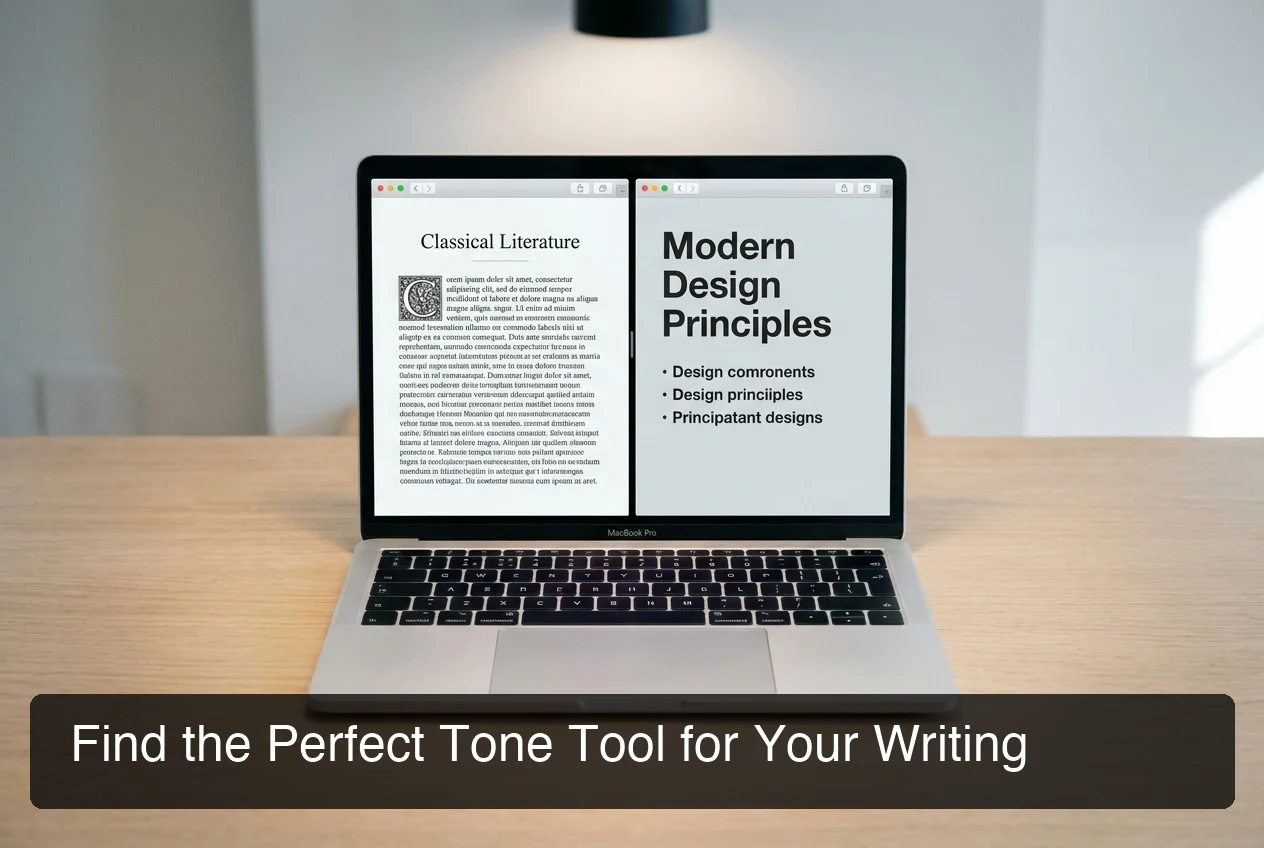 Before-and-after comparison: how leading AI tone changers transform the same source text across tools.
| Tool | Tone Options | Free Tier | Best For | Integration Depth |
|---|---|---|---|---|
| BossAI | Professional, Casual, Witty, Persuasive, Empathetic, Bold | 1 rewrite/day | Voice-first workflows, mobile + desktop | Keyboard on iOS and Android; hotkey app on Mac and Windows |
| Grammarly | Formal, Informal + tone suggestions | Limited | Grammar-first users needing basic tone guidance | Browser extension |
| QuillBot | Standard, Formal, Creative, Shorten | 3 modes free | Students, academic writing | Standalone web |
| TextCortex | 10+ tone options | 10 creations/day | Content creators, marketers | Browser extension |
| Copy.ai | Multiple tones via prompt | Limited | Commercial copywriting | Standalone web |
| WriteTone | 40+ tone styles | Limited | Academic + business writing | Standalone web |
The key differentiator to evaluate is integration depth. Web tools require four manual steps per rewrite: copy text from your app → paste into tool → copy result → paste back. Keyboard-native tools let you tap a tone and see the result in place, without leaving your current app. For a broader look at how AI keyboards improve writing quality at the input stage, see our AI keyboard guide.
What's the Difference Between AI Tone Changing and Manual Editing?
Manual tone editing requires conscious understanding of register, vocabulary, and stylistic conventions for each target tone — skills that take years to develop and minutes to apply per message. AI tone changers automate this linguistic judgment, producing equivalent output in 1-3 seconds regardless of the user's native language, writing background, or current cognitive load.
The practical differences break down across four dimensions:
- Speed: AI rewrites in 1-3 seconds; manual editing takes 2-15 minutes depending on length and skill
- Consistency: AI applies the same transformation rules every time; manual editing varies with energy and focus
- Skill floor: AI gives junior communicators access to professional-level writing immediately
- Nuance ceiling: Skilled manual editing produces more brand-specific, culturally nuanced output; AI occasionally over-formalizes or loses idiomatic phrasing
Bottom line: AI tone changers win for high-volume, time-pressured communication. Human editing wins for high-stakes, brand-critical copy that requires genuine creative voice. Most workflows benefit from using both.
How Accurate Are Modern AI Tone Changers?
Modern AI tone changers achieve 85-95% accuracy in preserving original meaning while successfully shifting tone, based on user-reported satisfaction across major tools. Accuracy drops in three scenarios: highly technical content with domain-specific jargon, very short texts under 20 words, and messages requiring cultural nuance that the model wasn't specifically trained on.
What Does "Accurate" Mean for Tone Changing?
Accuracy has two components that can conflict: meaning preservation (did the rewrite say what you meant?) and tone achievement (does it actually sound like the target register?). A tool that aggressively shifts to "Professional" might strip empathetic nuance from a sensitive message.
The best tools balance both. Test methodology: run the same casual sentence through three tools set to "Professional" and compare how much meaning — and warmth — survives.
When Do AI Tone Changers Fail?
- Over-formalization: Casual phrases become stiff ("Let me know what you think" → "Please provide your assessment at your earliest convenience")
- Jargon loss: Domain-specific terms get replaced with vaguer synonyms the model doesn't recognize as technical
- Tone blending: Some tools produce a mix of original and target tone rather than a clean stylistic shift
The fix: shorter inputs, clearer source text, and reviewing output before sending. Tools that show a preview before committing to the rewrite — like keyboard-level tone selectors — reduce this risk considerably.
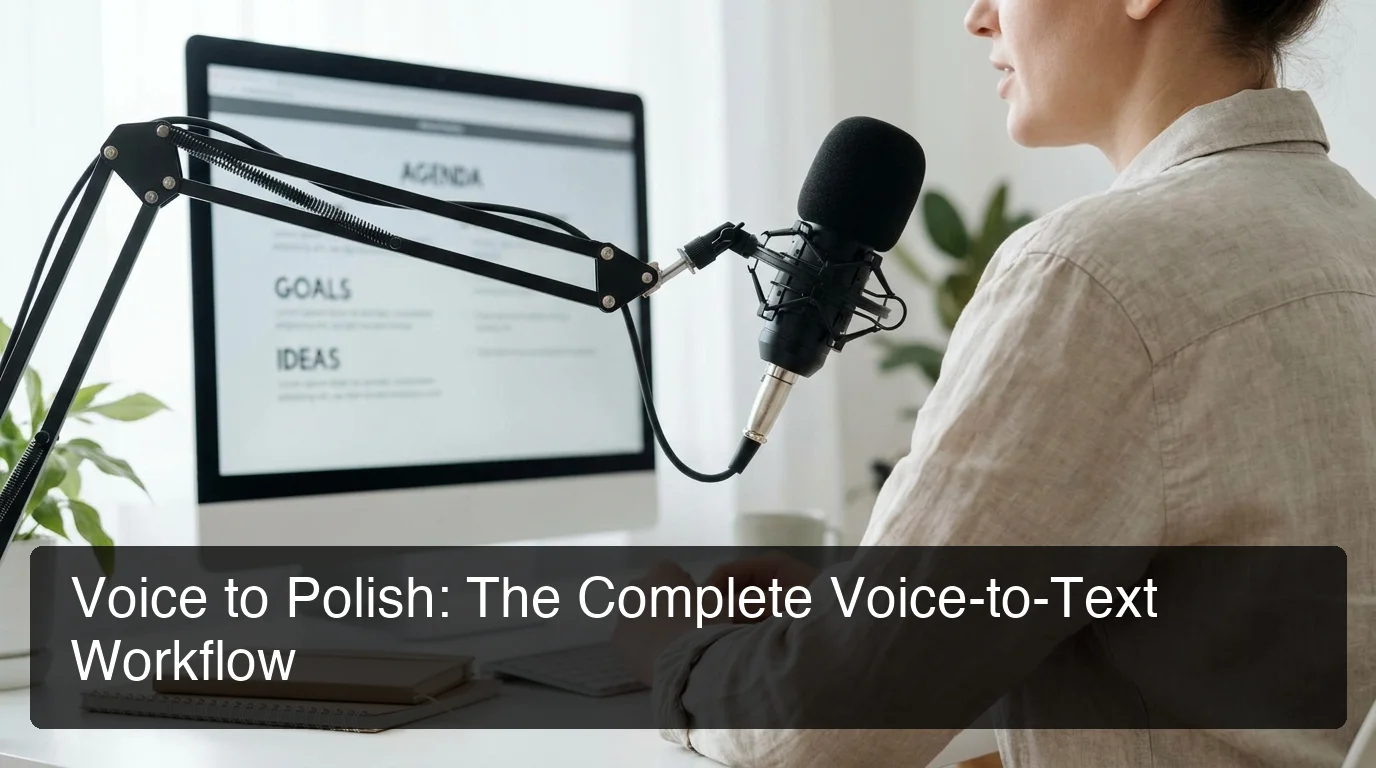 The voice-to-polish workflow: dictate naturally, then tap a tone to get publication-ready output — no editing pass required.
How Can You Use an AI Tone Changer with Voice Dictation?
The most efficient writing workflow in 2026 combines voice dictation for speed with AI tone changing for polish. Dictate your raw content hands-free, then apply a tone to transform natural speech into publication-ready text — eliminating 80% of traditional drafting and editing time. This two-step voice-to-polish process is the fastest path from idea to sent message.
Voice dictation produces natural, conversational output — fast to generate, but often too casual for professional contexts. AI tone changers are the natural second step: you get the speed of speech with the precision of deliberate editing.
How Does BossAI Combine Voice Dictation and Tone Changing?
BossAI integrates both steps natively — no app switching, no copy-paste, no separate tool to open. You speak, BossAI transcribes and removes filler words in real time. Then you tap Professional, Persuasive, or any of six tones, and your dictated text is instantly rewritten to match the context.
This workflow is especially powerful for:
- Email replies: Speak your response informally, tap Professional, send
- Slack updates: Dictate bullet points, tap Casual — still polished, still fast
- Client proposals: Voice-draft the key points, tap Persuasive, refine structure
If you're evaluating voice input tools as the first step in this workflow, our guide on what is the best dictation AI compares all major options by accuracy and feature depth.
Key insight: BossAI is the only keyboard that combines real-time transcription, filler word removal, and one-tap tone rewriting in a single interface — on iPhone and Android, with a hotkey voice app on Mac and Windows. The voice-to-polish workflow lives entirely inside your keyboard, not across three separate apps.
Get Started with BossAI
If you regularly switch between communication contexts — professional emails, casual team messages, client-facing documents — a keyboard-native tone changer eliminates the friction of standalone web tools. BossAI combines AI dictation with one-tap tone rewriting across iOS, Android, macOS, and Windows, so you can dictate, adjust tone, and send without leaving your current app.
Frequently Asked Questions
What is an AI tone changer?
An AI tone changer is a tool powered by large language models that rewrites text to match a target communication style — professional, casual, persuasive, empathetic, or bold — while preserving the original meaning. It analyzes sentence structure and vocabulary to shift the register of your writing, not just correct grammatical errors.
How does an AI tone changer differ from a grammar checker?
A grammar checker corrects errors — spelling, punctuation, subject-verb agreement. An AI tone changer modifies how your writing sounds: its formality, emotional register, and stylistic voice. You can have perfect grammar and entirely wrong tone. Grammar tools and tone changers solve different problems and work most effectively when used together.
Is an AI tone changer free to use?
Most AI tone changers offer free tiers with usage limits. QuillBot allows 3 tone modes free; TextCortex gives 10 creations per day; BossAI offers 1 tone rewrite per day on its free plan. For heavy professional use, paid plans ranging from $8-15 per month remove limits and unlock additional tone options.
What is BossAI?
BossAI is an AI voice keyboard for iPhone and Android, and a voice-to-text app for Mac and Windows, that replaces typing with voice dictation. It transcribes speech in real time, removes filler words automatically, rewrites text in different tones with one tap, and includes Boss Mode — a screen-reading feature that reads your screen to generate contextual replies without copy-pasting.
What makes BossAI different from other dictation apps?
Three features no competitor offers: (1) Boss Mode reads your screen and generates contextually aware replies without copy-pasting — the only dictation app with screen awareness; (2) Clips saves frequently used phrases for instant insertion; (3) one-tap tone rewriting lets you switch between six tones (Professional, Casual, Witty, Persuasive, Empathetic and Bold) in a single tap. WisprFlow, AquaVoice, and Typeless have none of these.
Can AI tone changers handle different languages?
Most leading AI tone changers support major languages including Spanish, French, German, and Portuguese, though accuracy varies. BossAI supports multi-language dictation and tone adjustment. For less common languages, quality depends on available training data — test with your specific language before committing to a paid plan.
Are AI tone changers useful for non-native English speakers?
Yes — AI tone changers significantly benefit non-native English speakers by automatically adjusting phrasing to match native-level register. A technically correct sentence often sounds tonally off even with no grammatical errors. Tone changers bridge this gap, producing text that reads as idiomatically appropriate for any professional or social context.