

Typing Alternatives for Disability: Voice Tools
Typing Alternatives for Disability: Voice Input, Accessible Keyboards & Solutions
Over 2.6 million Americans need a typing alternative for disability due to physical limitations, chronic conditions, or injuries. Finding the right solution isn't just about productivity—it's about independence and access.
Key Takeaways
- Voice typing eliminates hand and arm strain for people with disabilities by converting speech directly to text without manual input.
- Modern speech-to-text accuracy reaches 95%+, matching or exceeding manual typing speed for most users with specialized vocabulary support.
- Apps like BossAI offer cross-device voice typing (mobile + desktop), enabling consistent, accessible workflows across all platforms.
- Accessibility features like customizable voice commands, hands-free shortcuts, and voice editing make voice typing genuinely inclusive for injury recovery and disability access.
- Combining voice typing with other assistive technologies (eye-tracking, speech recognition) creates an empowering alternative to traditional typing.
Contents
- What typing alternatives for disability are available today?
- How can voice typing help with hand or arm injuries?
- What makes a typing alternative accessible for disability?
- How accurate is voice typing for accessibility needs?
- Why is speech-to-text better than one-handed typing solutions?
- Which typing alternative for disability offers the best accessibility?
- How can BossAI improve your typing workflow with voice input?
- What features make a voice app suitable for accessibility needs?
- Frequently Asked Questions
What are typing alternatives for people with disabilities?
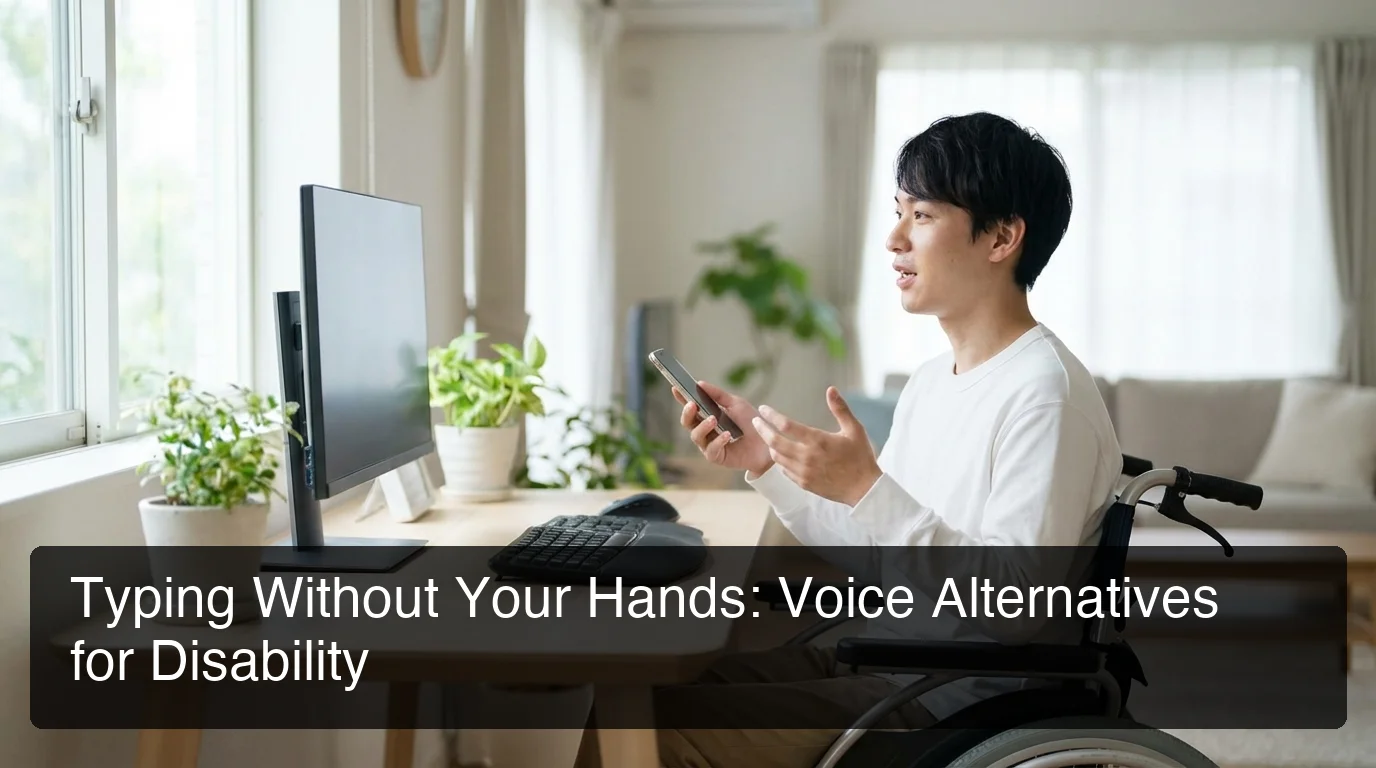 Voice typing transforms accessibility by removing physical barriers to communication.
Typing alternatives for people with disabilities fall into three main categories: voice typing and speech-to-text software that converts spoken words to text, adaptive hardware like one-handed keyboards and ergonomic designs, and eye-tracking or on-screen keyboards controlled by gaze or pointer devices. Each solution addresses specific physical limitations, from limited hand mobility to complete loss of upper limb function.
For people with hand or arm injuries, chronic conditions like arthritis or carpal tunnel, or mobility impairments from spinal injuries, the right solution depends on the severity and nature of the disability.
Voice typing represents the most flexible and cost-effective option for most users. Modern AI-enhanced dictation tools eliminate the physical act of typing entirely, allowing users to compose emails, documents, messages, and social media posts through speech alone. Unlike hardware solutions that require relearning typing patterns, voice typing leverages a skill most people already have: speaking naturally.
Adaptive keyboards offer hardware-based alternatives for users who retain some hand or finger mobility. One-handed keyboards, large-key designs, ergonomic layouts, and high-contrast keyboards reduce physical strain and accommodate specific visual or motor limitations. However, these solutions require a learning curve and don't eliminate the physical act of typing.
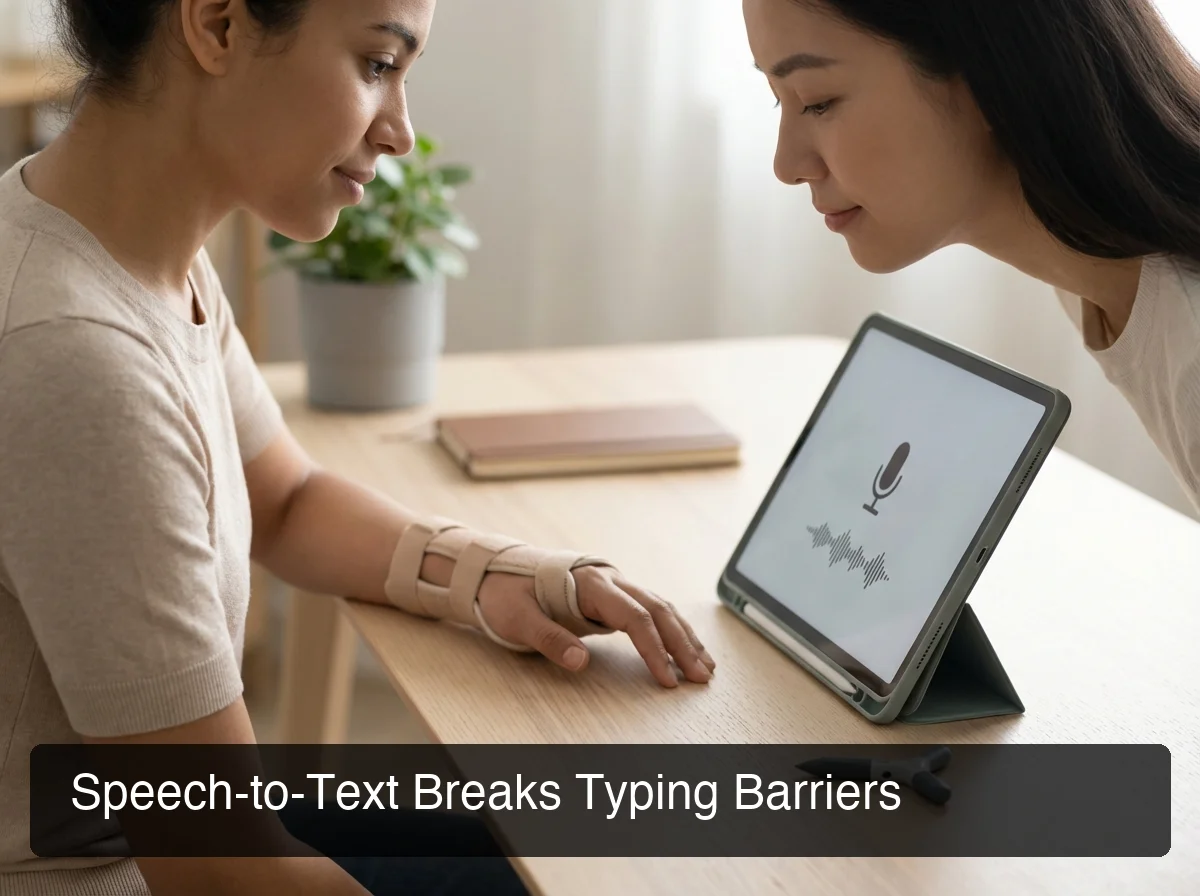 Speech-to-text technology empowers users with limited hand mobility to communicate freely.
Eye-tracking systems and on-screen keyboards provide access for users with severe mobility impairments. These tools track eye movement or pointer control to select characters on a virtual keyboard. While powerful for users without hand function, they're typically slower than voice typing and require precise calibration.
Key insight: Voice typing is the only solution that completely removes physical strain from the typing process while maintaining or exceeding the speed of manual input.
How can voice typing help with hand or arm injuries?
Voice typing helps with hand or arm injuries by eliminating repetitive motion, reducing strain on injured muscles and joints, and allowing full communication without manual keyboard use. For people recovering from fractures, surgeries, RSI, or chronic conditions like carpal tunnel or arthritis, voice input removes the primary source of pain while maintaining productivity and connection during recovery or long-term disability management.
When you break a wrist, develop carpal tunnel syndrome, or experience chronic pain from repetitive strain injury, typing becomes not just difficult—it becomes counterproductive to healing. Every keystroke aggravates the injury. Voice typing removes that barrier entirely.
Consider the recovery timeline for common hand and arm injuries. A broken wrist typically requires 6-8 weeks of immobilization. Carpal tunnel recovery after surgery can take 3-6 months before full keyboard use is comfortable. For people with chronic conditions, the limitation may be permanent. Voice typing transforms these scenarios from "I can't work" to "I can work differently."
Modern voice typing accuracy has reached 95%+ for general speech, and with custom vocabulary training, specialized terms—medical terminology, technical jargon, product names—can reach near-perfect recognition. This means voice typing isn't a compromise; it's a genuine replacement for manual input.
By the numbers: Users recovering from hand injuries who adopt voice typing report maintaining 80-90% of their pre-injury productivity within the first week, compared to 30-40% productivity when attempting to type with one hand or through pain.
Voice typing excels across email, documents, messaging, and professional workflows—maintaining productivity during recovery without compromising speed or quality.
What makes a typing alternative accessible for disability?
An accessible typing alternative for disability must be easy to learn with minimal training, work seamlessly across all devices and apps without context-switching, cost-effectively fit within disability budgets, and offer customization for individual physical and cognitive needs. True accessibility means the tool adapts to the user's capabilities, not the other way around.
The learning curve matters significantly for people adapting to a disability or injury. Someone recovering from a broken wrist doesn't have weeks to master a new input method—they need to communicate immediately. Voice typing requires virtually no learning: you speak, and it types. Contrast this with one-handed keyboards, which require relearning typing patterns and building new muscle memory.
The best voice typing solutions work across iOS, macOS, Windows, and Android. Adaptive keyboards cost $200-$800, eye-tracking systems exceed $1,000—voice typing software ranges from free to $8-$15/month for AI-enhanced tools. Custom vocabulary, voice commands, and integration with assistive tech ensure the tool adapts to individual needs.
Bottom line: The most accessible solution is the one you can afford, learn quickly, and use everywhere you need to communicate—which is why voice typing has become the dominant typing alternative for disability access.
How accurate is voice typing for accessibility needs?
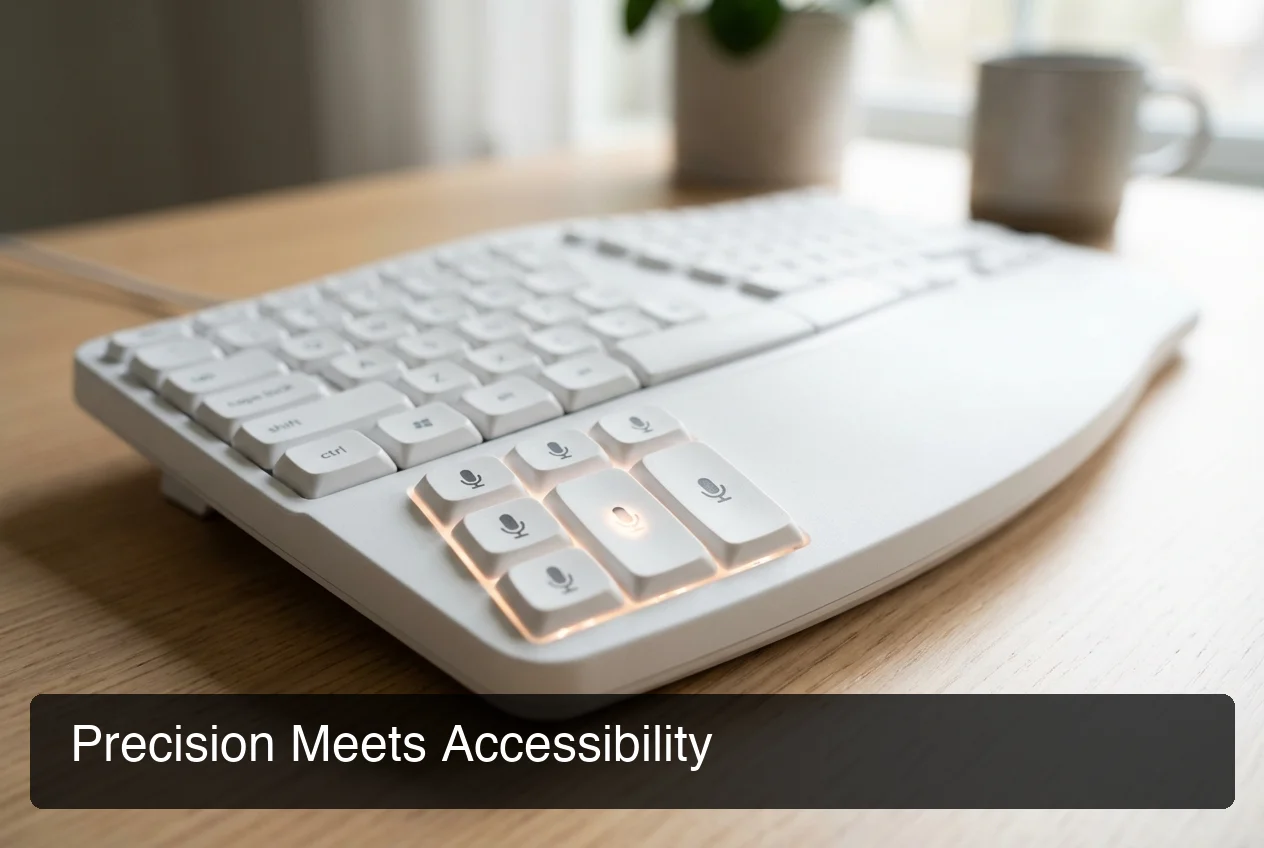 Modern voice typing accuracy rivals manual typing precision for accessibility users.
Modern voice typing achieves 95%+ accuracy for general speech using AI-enhanced transcription models, with specialized vocabulary training pushing accuracy to near-perfect levels for individual users. For people with disabilities, this accuracy matches or exceeds manual typing speed, especially when combined with custom dictionaries that learn medical terms, technical language, and personal vocabulary over time.
The accuracy gap between voice typing and manual typing has closed dramatically. Five years ago, speech-to-text was notoriously error-prone. Today, AI-powered dictation tools like BossAI use large language models to understand context, fix grammar, remove filler words, and format text appropriately—all in real time.
AI-enhanced voice typing processes speech through language models that remove filler words, fix grammar, add punctuation, and format text contextually. Traditional engines transcribe exactly what you say—AI tools output polished text. Custom dictionaries learn medical terms, technical jargon, and specialized vocabulary critical for professional accuracy.
Key insight: The real measure of voice typing accuracy for disability users isn't the advertised percentage—it's whether the tool learns YOUR vocabulary and YOUR speech patterns over time.
Why is speech-to-text better than one-handed typing solutions?
Speech-to-text is better than one-handed typing because it eliminates physical strain entirely, requires no learning curve, matches or exceeds typing speed, costs significantly less than adaptive hardware, and works across all devices without additional equipment. While one-handed keyboards serve specific use cases, voice typing offers the fastest path to full productivity for most people with hand or arm disabilities.
The comparison isn't just about capability—it's about practicality, cost, and long-term usability.
| Feature | Voice Typing | One-Handed Keyboards | Ergonomic Hardware | Eye-Tracking |
|---|---|---|---|---|
| Learning Curve | None (speak naturally) | 2-4 weeks to regain speed | 1-2 weeks adjustment | 1-3 weeks calibration |
| Typing Speed | 150-200 words/minute | 30-50 words/minute | 50-80 words/minute | 10-20 words/minute |
| Cost | $0-$15/month | $150-$400 one-time | $50-$300 one-time | $1,000-$2,500+ |
| Portability | Works on phone + computer | Requires carrying hardware | Requires carrying hardware | Desktop-only (typically) |
| Physical Strain | Zero | Reduced, but still present | Reduced, but still present | Zero |
| Cross-Device Use | Seamless | Requires separate hardware per device | Requires separate hardware per device | Desktop-focused |
One-handed typists rarely exceed 40-50 words/minute—voice typing reaches 150+ words/minute. One-handed keyboards cost $150-$400, eye-tracking $1,000+—voice typing ranges from free to $15/month. Hardware locks you to specific devices; voice typing works everywhere. For people recovering from hand injuries, this cross-device continuity is essential.
Bottom line: One-handed typing and adaptive keyboards serve specific needs, but for most people with hand or arm disabilities, voice typing offers better speed, lower cost, and universal access across every device they use.
Which voice typing app works best for disability access?
The best voice typing app for disability access balances accuracy (95%+ with custom vocabulary), seamless cross-device compatibility, hands-free voice commands for editing and formatting, affordable pricing within disability budgets, and integration with existing workflows across all apps. For most users, AI-enhanced dictation tools like BossAI outperform basic built-in dictation through context-aware processing and screen-reading capabilities that eliminate copy-pasting.
Evaluating voice typing apps for accessibility requires looking beyond basic transcription. The app must remove barriers, not create new ones.
Key criteria: accuracy with custom vocabulary learning, hands-free voice commands, integration across all apps, and affordable pricing. Free options (Apple/Google Dictation) lack AI enhancement; paid apps ($8-$15/month) offer advanced features and cross-device sync.
Apple/Google Dictation (free, basic transcription, platform-locked) | Dragon ($150-$500, professional, desktop-only) | BossAI ($0-$10/month, AI-enhanced, iOS/Mac/Windows, Boss Mode screen reading) | WisprFlow ($15/month, Mac/Windows, no iOS).
Essential features: custom dictionary for specialized vocabulary, hands-free voice commands for editing, cross-device workflow continuity, and screen-aware commands that eliminate copy-pasting.
How can BossAI improve your typing workflow with voice input?
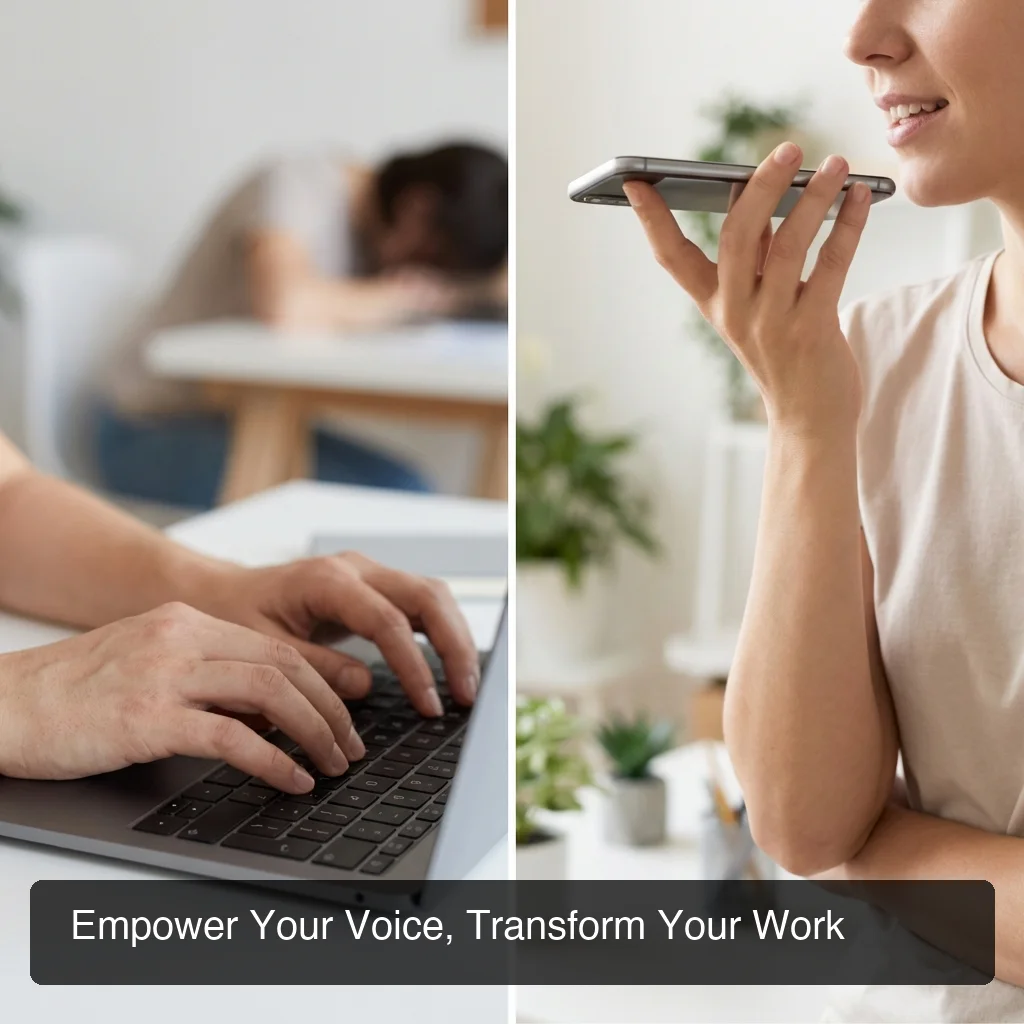 Cross-device voice typing empowers accessible workflows without compromise.
BossAI improves typing workflows for people with disabilities through cross-device voice input that works seamlessly on iPhone, Mac, and Windows, Boss Mode screen-aware commands that eliminate copy-pasting by reading on-screen context, AI-enhanced dictation that removes filler words and fixes grammar in real time, and custom vocabulary that learns medical terms, technical language, and personal jargon. For disability users, BossAI's accessibility advantage is continuity—the same tool works everywhere you need to communicate.
For someone recovering from a hand injury or managing a chronic condition, accessibility isn't about a single feature—it's about removing every barrier in the communication process.
BossAI syncs your custom dictionary across iOS, macOS, and Windows—medical terms and specialized vocabulary learned on one device work instantly everywhere.
Boss Mode reads your screen and generates contextual responses—say "Boss, reply to this email professionally," and the response appears without copy-pasting. AI enhancement removes filler words, fixes grammar, and formats text in real time. Custom vocabulary learns medical terms and technical jargon. One-tap rewrite adjusts tone without re-dictating—essential for voice fatigue management.
Key insight: BossAI's accessibility advantage isn't one feature—it's the combination of cross-device continuity, screen-aware commands, AI enhancement, and custom vocabulary working together to remove every barrier between thought and text.
What features make a voice app suitable for accessibility needs?
A voice app suitable for accessibility needs must offer hands-free operation with voice-activated commands, high transcription accuracy with custom vocabulary learning, universal integration across all apps and platforms, affordable pricing that fits disability budgets, and privacy protections that don't store sensitive voice or text data. True accessibility means the tool empowers users without creating new dependencies or limitations.
Essential features: voice commands for full control without manual interaction, vocabulary learning for specialized terms, system-wide integration across all apps, functional free tiers or affordable subscriptions ($8-$15/month), and real-time processing that doesn't store sensitive data. The best AI-powered keyboards check all these boxes.
Get Started with BossAI
If you're looking for an accessible typing alternative for disability, BossAI removes the barriers between your voice and polished text. Cross-device compatibility, Boss Mode screen reading, and custom vocabulary learning make it the most complete voice typing solution for accessibility needs.
Not ready to try it yet? Get Our AI Productivity Guide — free tips on working faster with AI.
Frequently Asked Questions
Can voice typing replace a keyboard completely for disability users?
Yes, modern voice typing can replace a keyboard completely for most communication tasks. AI-enhanced dictation tools handle emails, documents, messaging, and social media with 95%+ accuracy. However, specialized tasks like coding, graphic design, or precise formatting may still benefit from occasional keyboard access or alternatives to one-handed typing for fine control.
What is the best free voice typing option for accessibility?
Apple Dictation (iOS/Mac) and Google Voice Typing (Android/Chrome) are the best free options for basic accessibility. They provide functional speech-to-text without cost, though they lack AI enhancement, custom vocabulary, and cross-platform support. For users needing advanced features, free tiers from apps like BossAI (500 words/day) or dictation for hand or arm injury offer AI-enhanced quality at no cost.
How long does it take to learn voice typing after an injury?
Most people adapt to voice typing within 1-3 days. Unlike one-handed keyboards that require relearning typing patterns, voice typing leverages natural speech—a skill you already have. The primary adjustment is speaking punctuation ("period," "comma") and learning voice commands for editing. Within a week, most users reach 80-90% of their pre-injury productivity.
Does voice typing work for people with speech impairments?
Voice typing accuracy depends on speech clarity. People with mild speech impairments (accents, stuttering, pronunciation variations) often achieve good results, especially with AI-enhanced dictation that learns individual speech patterns. However, severe speech impairments may require alternative assistive technologies like eye-tracking, on-screen keyboards, or predictive text systems designed for non-verbal communication.
Can I use voice typing with other assistive technologies?
Yes, voice typing integrates well with other assistive technologies. It works alongside screen readers, magnification tools, and accessibility shortcuts on iOS, macOS, and Windows. Many users combine voice typing with eye-tracking (for cursor control) or switch access (for app navigation) to create a comprehensive accessible workflow. The key is choosing a voice app with system-wide integration.
What accuracy can I expect from modern voice typing apps?
Modern AI-enhanced voice typing apps achieve 95%+ accuracy for general speech, with custom vocabulary pushing accuracy to 98-99% for individual users. Accuracy depends on speech clarity, background noise, and vocabulary complexity. Apps that use large language models (like BossAI's speech-to-text app for disability) understand context and correct grammar in real time, significantly outperforming older dictation engines.