
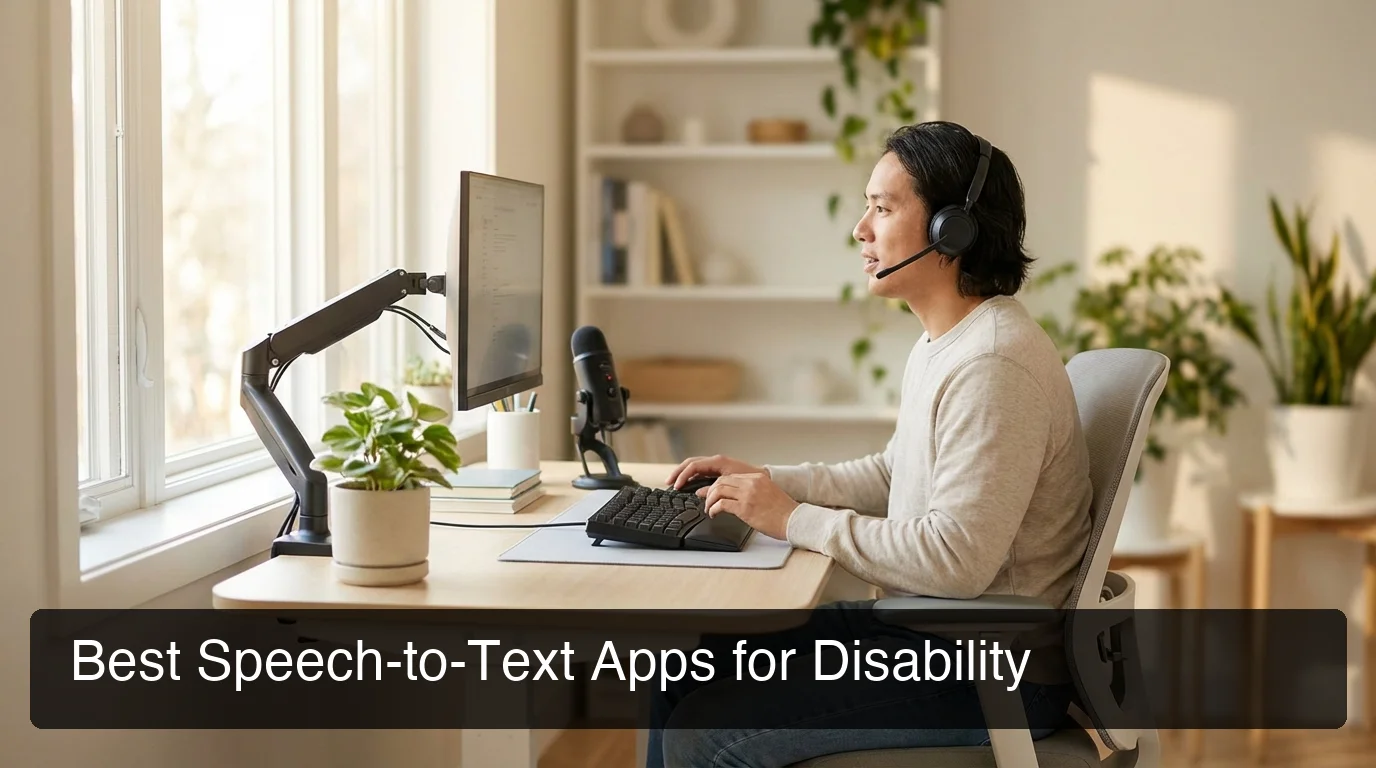
Best Speech-to-Text App for Disability: 2026 Guide
Best Speech-to-Text App for Disability: Top Picks Compared for 2026
Finding the best speech-to-text app for disability can be the difference between working comfortably and struggling through every message. For anyone managing a hand or arm injury, RSI, limited mobility, or any condition that makes typing painful, speech-to-text isn't a convenience — it's a lifeline.
Key Takeaways
- Speech-to-text apps can fully replace keyboard typing for people with hand/arm injuries, RSI, or limited mobility — often matching or exceeding typing speed within days of practice.
- The best accessibility-focused apps offer voice command macros, hands-free navigation, accent tuning, and cross-device sync for phone + desktop workflows.
- Apps designed specifically for mobility and injury-related disabilities significantly outperform generic dictation tools in real-world accessibility scenarios.
- BossAI stands out for its Boss Mode (screen-aware AI commands), superior accuracy on names and technical terms, and native iOS + Mac + Windows integration — built for professionals who can't rely on keyboard-only workflows.
Contents
- What Is the Best Speech-to-Text App for Disability?
- How Does the Best Speech-to-Text App for Disability Perform in a Comparison?
- Which Speech-to-Text App Works Best for One-Handed Typing?
- What Features Matter Most in an Accessible Speech-to-Text App?
- How Accurate Are Speech-to-Text Apps for People with Limited Mobility?
- How Do These Apps Adapt to Different Disabilities?
- Can Speech-to-Text Apps Replace Typing for Disabled Users?
- How Does BossAI Stack Up Against These Alternatives?
- Try BossAI Free
- Frequently Asked Questions
What Is the Best Speech-to-Text App for Disability?
The best speech-to-text app for disability depends on your specific condition. For hand/arm injuries and mobility limitations, BossAI and Dragon offer the deepest accuracy and hands-free workflow depth. For hearing loss, Google Live Transcribe and Ava specialize in real-time captioning. For non-standard speech, Voiceitt is purpose-built.
Most "best of" lists conflate very different needs. Someone with a broken wrist needs a completely different tool than someone who is deaf. This guide separates those use cases so you get a recommendation that actually fits.
The Core Use Cases This Guide Covers
- Hand or arm injury (broken wrist, fracture, surgical recovery)
- RSI / carpal tunnel (repetitive strain from long-term typing)
- One-handed typing (limb difference, amputation, partial mobility)
- Limited mobility (neurological conditions, tremors, paralysis)
For a broader overview of all typing alternatives — adaptive keyboards, switch access, and more — see our typing alternatives for disability guide.
How Does the Best Speech-to-Text App for Disability Perform in a Side-by-Side Comparison?
The best speech-to-text apps for disability differ most on three dimensions: accuracy for natural speech, hands-free workflow depth, and cross-device coverage. Dragon NaturallySpeaking leads for desktop power; BossAI leads for integrated mobile + desktop workflows; Voiceitt leads for atypical speech patterns.
Here's how the main options stack up for accessibility-specific use:
| App | Best For | iOS | macOS | Windows | Android | Price/Month |
|---|---|---|---|---|---|---|
| BossAI | Hand/arm injury, RSI, mobile pros | ✅ | ✅ | ✅ | ❌ | Free / $9.99 |
| Dragon NaturallySpeaking | Desktop power users, deep customization | ❌ | ❌ | ✅ | ❌ | $15+ |
| WisprFlow | Mac/Windows dictation | ❌ | ✅ | ✅ | ❌ | $15 |
| Google Live Transcribe | Hearing loss, real-time captions | ❌ | ❌ | ❌ | ✅ | Free |
| Voiceitt | Non-standard speech, neurological conditions | ✅ | ❌ | ✅ | ✅ | Contact |
| Ava | Deaf/hard of hearing, group conversations | ✅ | ❌ | ❌ | ✅ | Free / Pro |
| Apple Dictation | Basic needs, already own Apple device | ✅ | ✅ | ❌ | ❌ | Free |
Key insight: No single app wins every disability category. The right choice is the one that fits your specific condition, primary device, and workflow — not the one with the longest feature list.
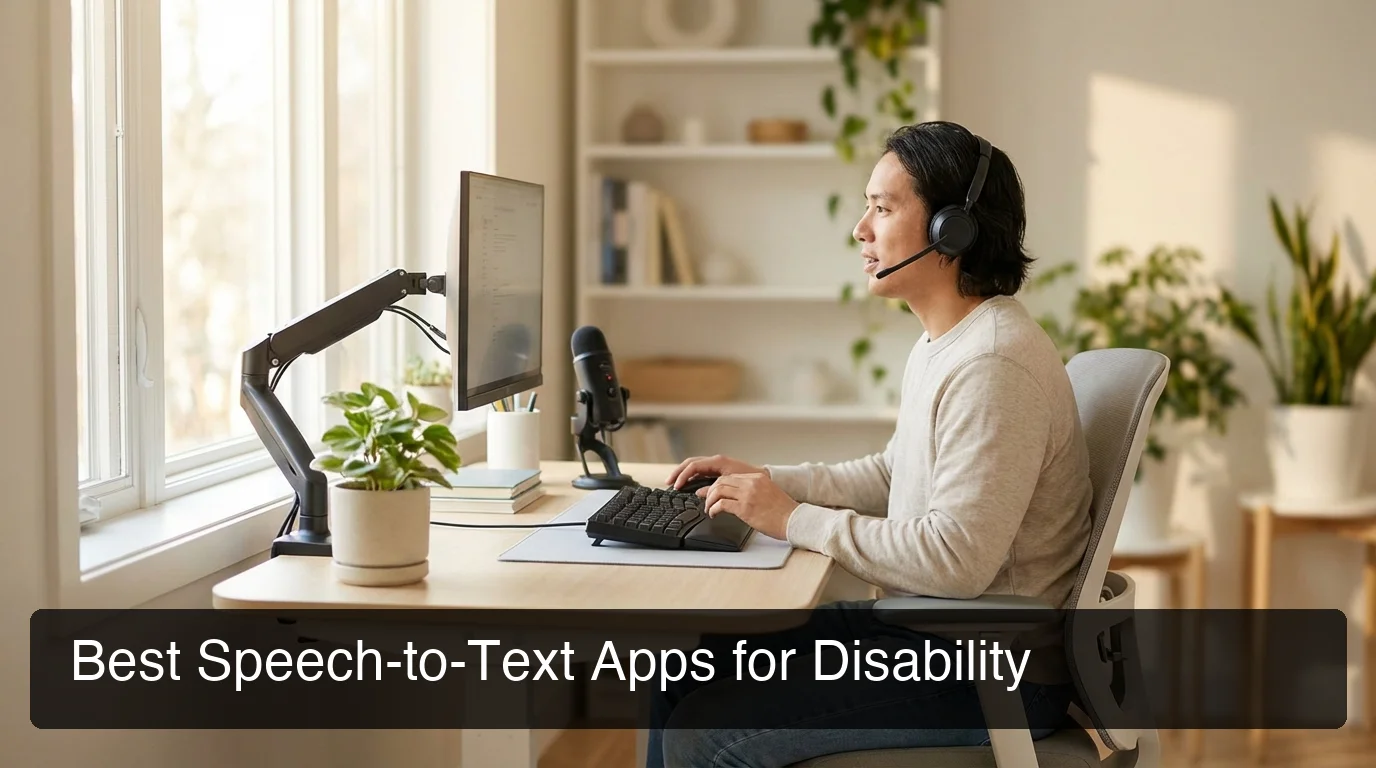 The right speech-to-text app makes your entire workflow hands-free — across email, documents, and messaging.
Which Speech-to-Text App Works Best for One-Handed Typing?
For one-handed typing scenarios — whether from limb difference, injury, or stroke — BossAI and Dragon are the strongest options. Both allow fully hands-free text entry with no mouse interaction required. BossAI's mobile-first design makes it especially effective for one-handed smartphone use.
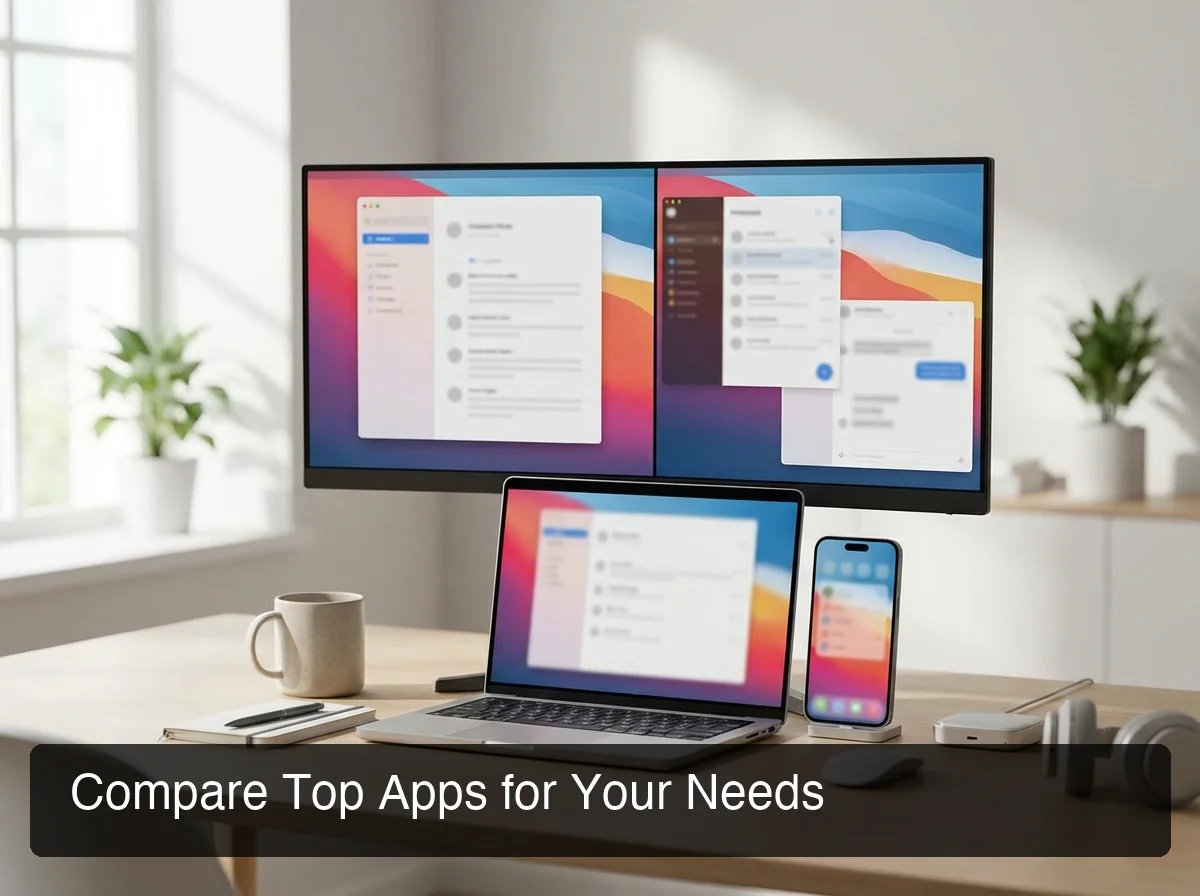 The best speech-to-text apps for one-handed use work across phone and desktop without requiring two-handed interaction.
One-handed users face a real challenge: most dictation apps require tapping to start/stop recording or toggle features. That defeats the purpose.
What to Look for in a One-Handed Workflow
- Hotkey activation — trigger dictation with a single key, no mouse click required
- Continuous dictation — no need to tap to restart after pauses
- Hands-free navigation — ability to issue cursor movement and formatting commands by voice
- Mobile keyboard integration — for smartphone users who need one-handed typing alternatives
BossAI's iOS keyboard mode replaces the standard keyboard entirely — users can dictate into any app (email, iMessage, WhatsApp, social media) without switching contexts or requiring two hands.
If you've recently had a wrist injury, our guide to how to type with a broken wrist walks through getting productive within days using voice input alone.
By the numbers: Users with RSI who switch fully to voice input report typing-related pain reduction within 3-7 days. Speech-to-text at natural speaking speed (120-150 words per minute) already exceeds average typing speed (40-60 WPM) — making it a performance upgrade, not just an accommodation.
For one-handed typing workflows beyond dictation — adaptive keyboards, switch access, and head tracking — the linked guide covers all options.
What Features Matter Most in an Accessible Speech-to-Text App?
The five features that matter most for accessibility are: accuracy on your specific vocabulary, hands-free activation, cross-device continuity, voice command depth, and customizable vocabulary. Everything else is secondary.
1. Accuracy on Your Vocabulary
Generic apps (Apple Dictation, Google Voice Typing) stumble on proper nouns, medical terms, and non-standard pronunciation. Custom dictionary support is non-negotiable for professionals with specialized vocabulary. BossAI and Dragon both offer this; Apple Dictation does not.
2. Hands-Free Activation
The best accessibility apps activate without a physical button tap. BossAI uses a hotkey (Fn on desktop, keyboard button on iOS). Dragon uses voice triggers. Evaluate how few physical interactions each app requires to start dictating.
3. Cross-Device Continuity
If you work across phone and laptop, your speech-to-text app must cover both. BossAI (iOS + Mac + Windows) and WisprFlow (Mac + Windows) offer the strongest cross-device coverage for non-Android users. Single-platform apps force duplicate workflows.
4. Voice Command Depth
Dictation is just transcription. The real accessibility power is voice commands — formatting, editing, and controlling apps without touching a keyboard or mouse. Dragon has the deepest OS-level command library for Windows. BossAI's Boss Mode goes further with AI-powered contextual commands: "Boss, reply to this email professionally" executes based on what's on your screen.
5. Vocabulary Customization
A custom dictionary prevents repeated corrections on specialist terms. BossAI and Dragon both support this. Generic apps do not.
How Accurate Are Speech-to-Text Apps for People with Limited Mobility?
Modern AI-powered dictation apps achieve 95-99% accuracy for clear speech in quiet environments. For most mobility-related conditions, accuracy is rarely the barrier. The real differentiator is how well apps handle specialized vocabulary, editing commands, and noisy environments — not raw transcription numbers.
Accuracy by Use Case
- Accented speech: BossAI (Deepgram-powered) and Dragon both handle accents well. Apple Dictation degrades noticeably.
- Technical vocabulary: Dragon (trained profile) and BossAI (custom dictionary) significantly outperform generic apps.
- Noisy environments: Dragon's noise cancellation is well-established. BossAI shows strong noise rejection.
- Non-standard speech patterns: Voiceitt is the only app built for dysarthria, apraxia, and similar conditions.
Key insight: If you have a speech condition alongside a mobility condition, Voiceitt is the only option specifically trained on atypical speech. All other apps assume standard speech.
The voice to text for Mac guide covers accuracy benchmarks for macOS users.
How Do These Apps Adapt to Different Disabilities?
Different disabilities need different tools. Hand/arm injuries benefit from AI-enhanced dictation with minimal physical interaction. Neurological conditions may require non-standard speech training (Voiceitt). Hearing loss requires real-time captioning. No single app adapts well to all categories.
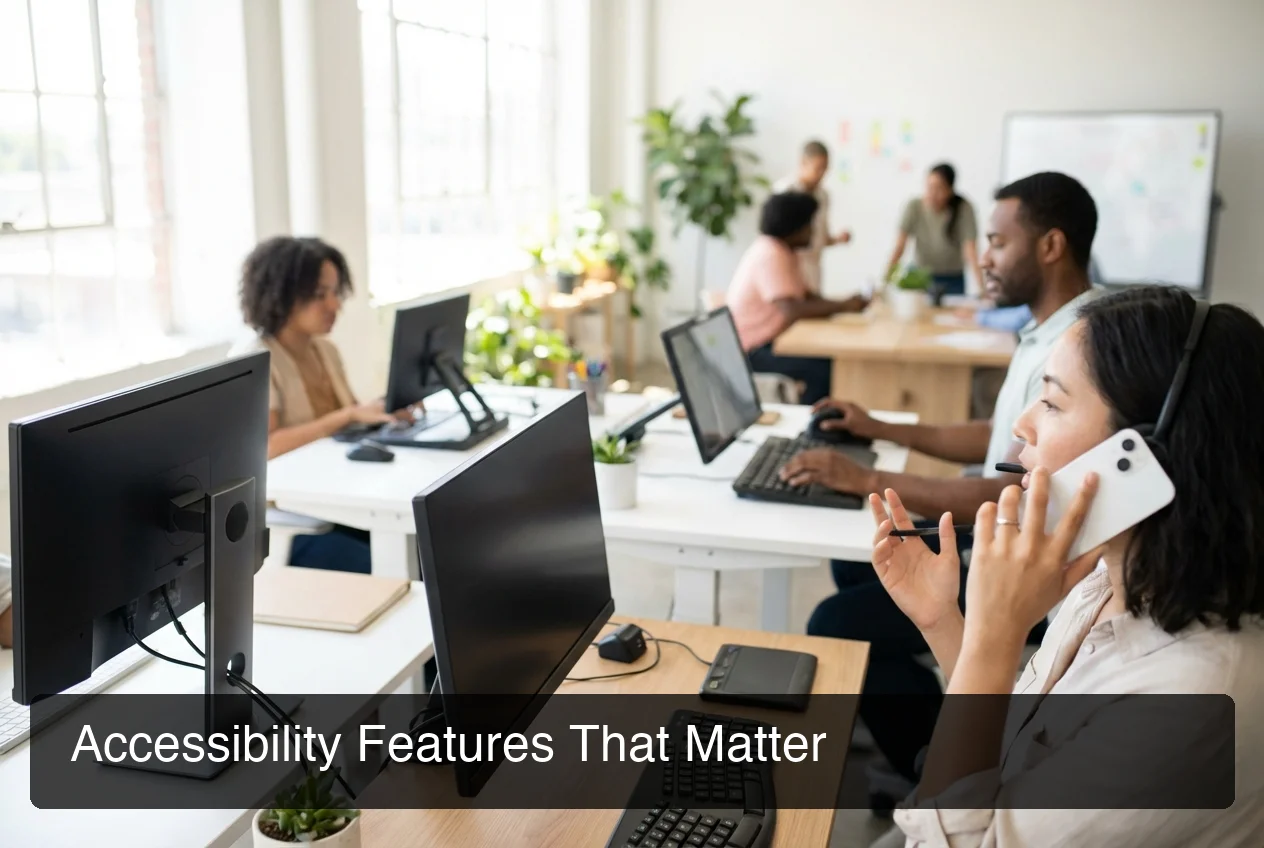 Modern assistive technology covers a spectrum of disability types — choose the tool designed for your specific constraint.
Hand/Arm Injury and RSI
Best fit: BossAI, Dragon NaturallySpeaking
Both enable fully hands-free workflows. BossAI is faster to set up and better for mobile-first users. Dragon suits Windows power users needing deep OS-level voice control.
Our upcoming guide on dictation for hand or arm injury covers progressive workflows that adapt as mobility returns.
Neurological Conditions (Tremors, Cerebral Palsy, ALS)
Best fit: Voiceitt
Voiceitt is trained on non-standard speech, making it uniquely valuable for users with dysarthria, apraxia, or involuntary vocalizations. Standard apps trained on typical speech fail noticeably for these users.
Hearing Loss / Deafness
Best fit: Ava, Google Live Transcribe
These apps provide real-time conversation captioning — a fundamentally different need than hands-free typing. Ava and Google Live Transcribe are purpose-built for this use case.
Vision Impairment
Best fit: iOS VoiceOver + Apple Dictation, Dragon
VoiceOver (iOS) and NVDA/JAWS (Windows) provide the accessibility scaffolding; dictation apps layer on top. Dragon integrates most deeply with screen reader ecosystems on Windows.
Can Speech-to-Text Apps Replace Typing for Disabled Users?
Yes — for most people with hand/arm injuries, RSI, or mobility limitations, modern speech-to-text can fully replace keyboard typing within 1-2 weeks. Speaking speed typically exceeds typing speed, making the switch a performance upgrade as well as an accommodation.
The remaining friction points are manageable for most users:
- Quiet environment dependency — open offices and public spaces require headphones
- Editing overhead — single-word corrections are still faster by tap than voice
- App compatibility gaps — some legacy enterprise software has limited third-party keyboard support
The productivity recovery curve is typically 3-14 days. Voice typing as part of injury recovery includes a progressive adoption framework for people returning from physical therapy or managing long-term conditions.
Bottom line: Speech-to-text is not a workaround. For most mobility-related accessibility needs, it is the correct primary input method — faster, less painful, and more sustainable than adaptive typing strategies.
 BossAI works in every app — email, Slack, documents, and social media — without switching context or requiring two hands.
How Does BossAI Stack Up Against These Alternatives?
BossAI is the strongest option for professionals with hand/arm injuries or RSI working across iPhone, Mac, or Windows. AI-enhanced dictation removes filler words automatically, Boss Mode reads your screen to write contextual responses, and a custom dictionary handles specialized vocabulary generic apps get wrong.
What BossAI Does That Others Don't
Boss Mode — Screen Context Awareness No other dictation app reads your screen. Say "Boss, reply to this email professionally" and BossAI sees the email you're viewing, then writes a contextual reply. No copy-pasting, no explaining what's on screen. Works in any app.
One-Tap Rewrite with Tone Selection Dictate your rough thoughts, tap a tone — Professional, Casual, Persuasive, Empathetic — and BossAI rewrites instantly. No voice commands needed. Faster and less physically demanding than typing alternatives.
iOS Keyboard Integration BossAI replaces your entire iOS keyboard. Every app becomes voice-enabled without app switching or extra steps — the most seamless mobile dictation experience for one-handed users or those managing hand injuries.
BossAI vs. Dragon NaturallySpeaking
Dragon leads for Windows desktop power users needing deep OS-level voice control and legacy enterprise app support. But it has no iOS app, no Boss Mode, and no screen awareness.
BossAI wins for: mobile users, cross-platform users (iOS + Mac + Windows), and anyone needing AI-powered contextual responses.
Dragon wins for: Windows-only environments requiring full OS navigation by voice.
Bottom line: For accessibility users who work on smartphones or across platforms, BossAI delivers more at a lower price. Dragon remains the specialist choice for legacy Windows enterprise workflows.
Try BossAI Free
If typing has become painful or impossible, BossAI gives you a full professional workflow with your voice — across iOS, Mac, and Windows. The only dictation app that reads your screen, writes contextual replies, and learns your vocabulary.
Not ready to download yet? Get Our AI Productivity Guide — free tips on building faster, pain-free workflows with AI voice tools.
Frequently Asked Questions
What is the best speech-to-text app for people with disabilities?
The best app depends on your disability type. For hand/arm injuries and RSI, BossAI and Dragon lead for accuracy and workflow depth. For hearing loss, Google Live Transcribe and Ava specialize in real-time captioning; for non-standard speech from neurological conditions, Voiceitt is purpose-built.
Is voice to text accessible for people with disabilities?
Modern voice-to-text apps are highly accessible for most mobility-related conditions — achieving 95-99% accuracy for standard speech across iOS, Mac, and Windows. They can fully replace keyboard typing within 1-2 weeks. Users with speech-affecting conditions should look specifically at Voiceitt.
What is the best voice-to-text app for hearing-impaired people?
For deaf and hard-of-hearing users, Google Live Transcribe and Ava are the strongest options. Both provide real-time speech captioning for conversations. They serve a fundamentally different need than dictation apps — converting others' speech to text rather than enabling hands-free typing.
Can speech-to-text apps work for one-handed typing?
Yes — apps like BossAI and Dragon enable fully hands-free text entry with no physical button interaction required after initial setup. BossAI's iOS keyboard mode is particularly effective for one-handed smartphone users, replacing the entire keyboard with a voice-first interface. See our one-handed typing alternatives guide for broader options.
How accurate are speech-to-text apps for people with limited mobility?
For standard speech, accuracy is 95-99% across leading apps. The real differentiator isn't raw accuracy — it's how well apps handle specialized vocabulary, editing commands, and noisy environments. Custom dictionary support (BossAI, Dragon) significantly improves accuracy for professional or technical users over time.
What is the best free speech-to-text app for disability?
Apple Dictation (iOS/macOS) and Google Voice Typing (Android) are the strongest free options for dictation. BossAI's free tier offers 500 words/day at full AI quality — useful for evaluation. Google Live Transcribe is free and excellent for hearing-impaired users needing real-time captions.
Does BossAI work for people with RSI or carpal tunnel?
Yes — BossAI is used by professionals with RSI and carpal tunnel as a full keyboard replacement. Its AI-enhanced dictation removes filler words and corrects grammar automatically, so output quality stays high even when speaking casually. The custom dictionary handles specialized vocabulary that standard dictation apps get wrong repeatedly.