
One-Handed Typing: Fastest Methods for Recovery | BossAI
One Handed Typing: What the Data Says and What Actually Works
Wrist fractures send roughly 640,000 Americans to the emergency room each year. Recovery means 6–8 weeks in a cast — and every day of that, emails still pile up. The gap between normal two-handed typing and one handed typing is larger than most people expect: a drop from 50–70 WPM to 20–30 WPM, starting immediately, with no quick path back to your previous pace.
Key Takeaways
- One-handed typing is possible but slow and fatiguing — voice dictation offers a faster, pain-free alternative that lets your hand heal.
- Hand injuries recover faster when you minimize typing; voice dictation lets you stay productive without touching the keyboard.
- Voice dictation runs at 130–150 WPM at natural speech pace — 3–4× faster than hunt-and-peck one-handed typing.
- Free voice dictation tools exist on every major platform (iOS, Android, macOS, Windows), with no learning curve or hardware needed.
- BossAI's free tier (500 words/day, daily reset) removes filler words and fixes grammar automatically — giving you publication-ready output without manual cleanup.
Contents
- What Is One Handed Typing and Why Do People Need It?
- How Much Slower Is One Handed Typing Than Normal Typing?
- How Can You Type With One Hand Without Causing More Pain?
- Why Is Voice Typing the Fastest One-Handed Alternative?
- Which Apps and Tools Make One-Handed Typing Easier?
- How BossAI Solves One-Handed Typing
- Frequently Asked Questions
What Is One Handed Typing and Why Do People Need It?
One handed typing is any text input method that relies on a single hand — used either during temporary injury recovery (broken wrist, post-surgery, burns), because of a permanent condition like limb difference or paralysis, or because a chronic condition like carpal tunnel or rheumatoid arthritis makes two-handed use too painful. For most people, the situation is involuntary and sudden.
Two scenarios drive most of the need. The first is abrupt: a fall, a surgery, a procedure — you go from normal to restricted overnight.
The second is gradual: RSI or arthritis accumulating until two-handed days become painful enough that one-handed operation becomes a daily accommodation.
The recovery timeline shapes the best strategy. A wrist fracture typically means 6–8 weeks in a cast; carpal tunnel surgery recovery ranges from 4–12 weeks of restricted activity.
During that window, the question isn't just "can I type one-handed" — it's "what's the fastest method that doesn't slow down healing."
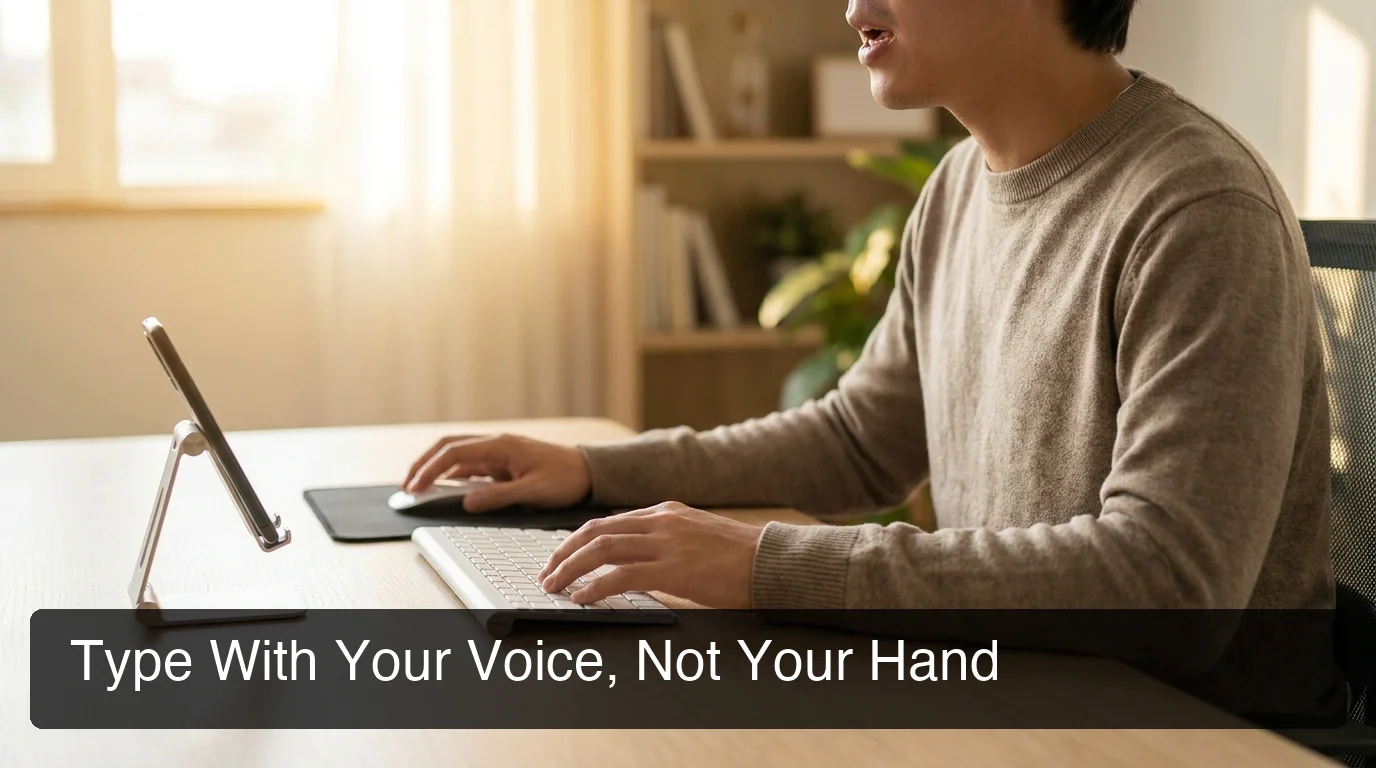 Voice dictation turns injury recovery time into productive working time — no keyboard contact, no compensatory strain.
How Much Slower Is One Handed Typing Than Normal Typing?
The average two-handed typist reaches 50–70 WPM. One handed typing with hunt-and-peck — the default fallback during injury — typically drops that to 20–30 WPM. Voice dictation runs at your natural speaking pace: 130–150 WPM for most people, cleaned up by AI in real time. That's a 5–7× throughput difference between struggling one-handed and speaking your response.
| Input Method | Typical WPM | Setup Required | Hands Used | Pain Risk During Recovery |
|---|---|---|---|---|
| Two-handed typing | 50–70 | None | Both | High — injured hand engaged |
| One-handed hunt-and-peck | 20–30 | None | One | Medium — compensatory strain builds |
| Learned one-handed touch typing | 35–50 | Weeks of practice | One | Medium — still repetitive load |
| Voice dictation (AI-enhanced) | 130–150 | Zero | None | None |
| Specialized one-handed keyboard | 40–60 | Weeks of learning | One | Low |
At 20 WPM one-handed, a 500-word document takes 25 minutes. At 130 WPM via voice, the same document takes under four minutes.
By the numbers: The WPM gap between one-handed hunt-and-peck (20–30 WPM) and AI-enhanced voice dictation (130–150 WPM) is wider than the gap between a complete typing beginner and a professional touch typist. Dictation doesn't just narrow the deficit during recovery — it inverts it.
How Can You Type With One Hand Without Causing More Pain?
One-handed typing during recovery concentrates all keystroke load onto a hand not designed to carry it alone. The primary risk isn't just slowness — it's compensatory overuse that creates a new injury while the original one heals. Session length, wrist position, and rest cadence matter more than any technique adjustment.
Physical therapists treating hand and wrist injuries typically recommend these practices for anyone who must continue typing during recovery:
- Keep the working wrist neutral. No upward or downward bend to reach keys. A low-profile wrist rest prevents the reflex to tilt toward the center of the keyboard.
- Limit sessions to 15–20 minutes with full breaks between. Continuous one-handed typing exhausts the forearm muscles faster than most people expect.
- Lean on keyboard shortcuts aggressively. Every shortcut is dozens of keystrokes saved. Ctrl+C, Ctrl+V, tab navigation, and app switching via keyboard all reduce the physical total.
- Center the keyboard in front of you, not angled toward the injured side — lateral shoulder posture when one hand does all the reaching creates compensatory upper-body strain.
For people typing with a broken wrist in a cast, the constraints are tighter. The injured hand may be unavailable even as a passive stabilizer, and the adaptation period for true one-handed use is steeper than most injury guides account for.
Why Is Voice Typing the Fastest One-Handed Alternative?
Voice dictation converts speech to text at natural speaking pace — 130–150 WPM — with no hand contact required. For injury-driven one-handed situations, it's the only option that gives the recovering hand a complete rest. There's no new motor skill to learn, no hardware to buy, and no adaptation period. You speak; the text appears.
The practical edge over learned one-handed keyboard techniques is immediate usability. Touch typing with one hand is a real skill — court reporters and musicians have used mirror-layout Dvorak keyboards for decades — but building that skill takes months. Voice dictation works on day one.
What makes modern voice dictation different from the raw transcription most people tested and abandoned is AI cleanup. Built-in OS tools deliver your exact spoken words — every "um," every false start, every trailing sentence.
AI-enhanced dictation removes filler words automatically, corrects grammar, adds punctuation, and adjusts formatting for the app context. The result lands ready to send, no editing pass required.
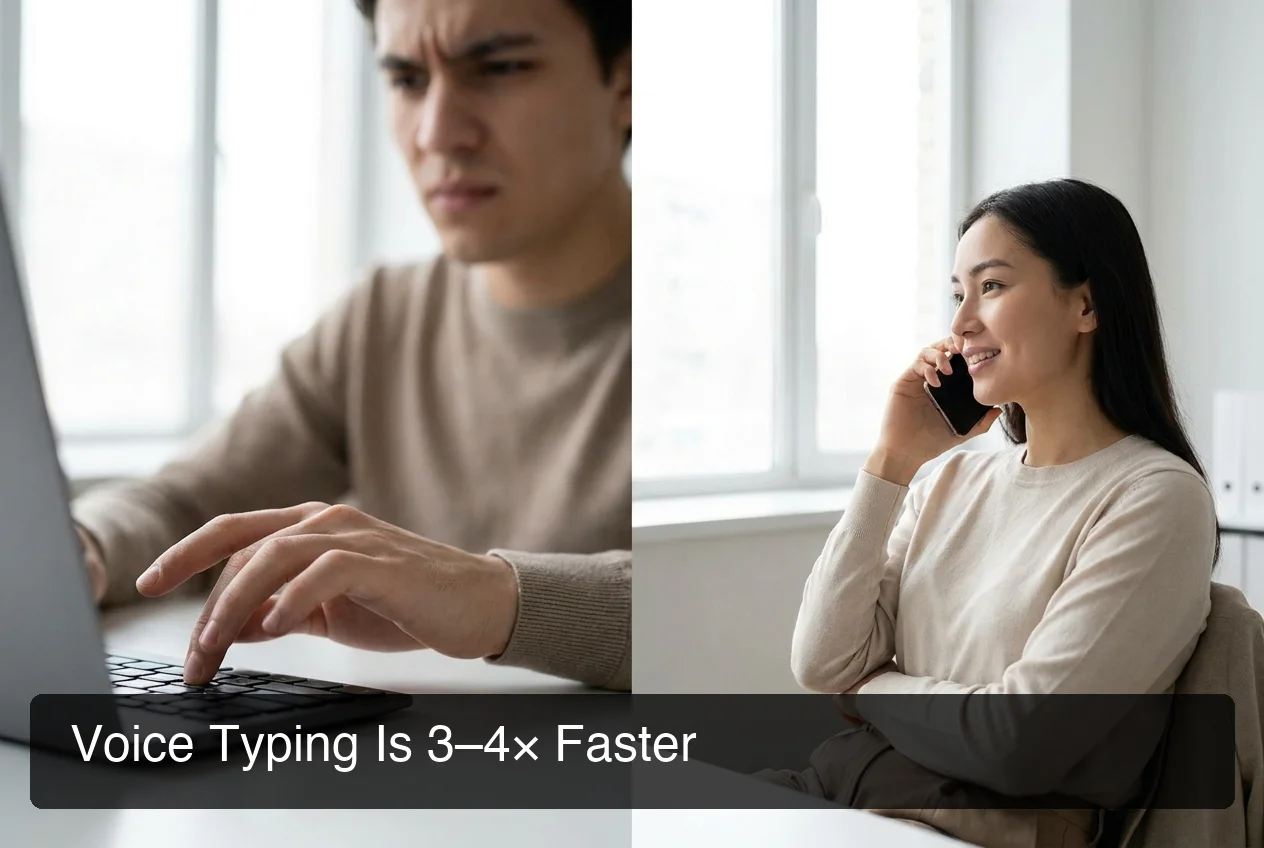 Hunt-and-peck one-handed typing is functional at short bursts; voice dictation is 3–4× faster and puts zero load on recovering hands.
For a broader comparison of hardware and software options, the full guide on one-handed typing alternatives covers specialized keyboards, wearable input devices, and app-based assists — along with which scenarios each one fits.
Which Apps and Tools Make One-Handed Typing Easier?
Three categories of tool handle one-handed typing needs: built-in OS dictation (free, basic output quality), hardware one-handed keyboards (learning curve, physical investment), and AI-enhanced dictation apps (best output quality, immediate usability). The right choice depends on how long you need it and how much output quality matters.
Built-In OS Dictation
Apple Dictation activates from System Settings → Keyboard → Dictation on macOS and from the mic button in any iOS keyboard. Windows Voice Typing launches with Win+H. Android's Gboard microphone shows on every text field.
All are free, require no account, and work immediately. The tradeoff: raw transcription. Filler words appear verbatim, grammar errors from natural speech persist, and anything requiring clean output needs a manual editing pass.
Specialized One-Handed Keyboards
The hands-free typing and accessibility community has developed several hardware approaches for permanent one-handed users:
- Half-QWERTY (Matias layout): Each key types its normal character or its mirrored equivalent based on spacebar hold. Reasonable learning curve for QWERTY-trained typists, typically 2–4 weeks to functional speed.
- ARTSEY layout: An 8-key system using chord combinations instead of individual key presses. High eventual ceiling speed; steep learning curve.
- Tap wearable keyboard: Rings worn on one hand detect finger combinations against any surface. No desk required, but chord memorization takes weeks.
These options make sense for permanent one-handed users. For a 6–12 week recovery window, the learning investment usually doesn't pay back before the injured hand is usable again.
AI-Enhanced Dictation Apps
Apps like BossAI add a processing layer between your voice and the text field. Speech is transcribed in real time, then AI-cleaned in approximately 300ms — filler words removed, grammar corrected, punctuation added, tone adjusted for context.
People managing wrist pain while typing or dealing with rheumatoid arthritis typing difficulties find AI dictation useful not just for acute recovery but as a long-term reduction in keyboard hours — since it eliminates the repetitive keystroke load that aggravates both conditions.
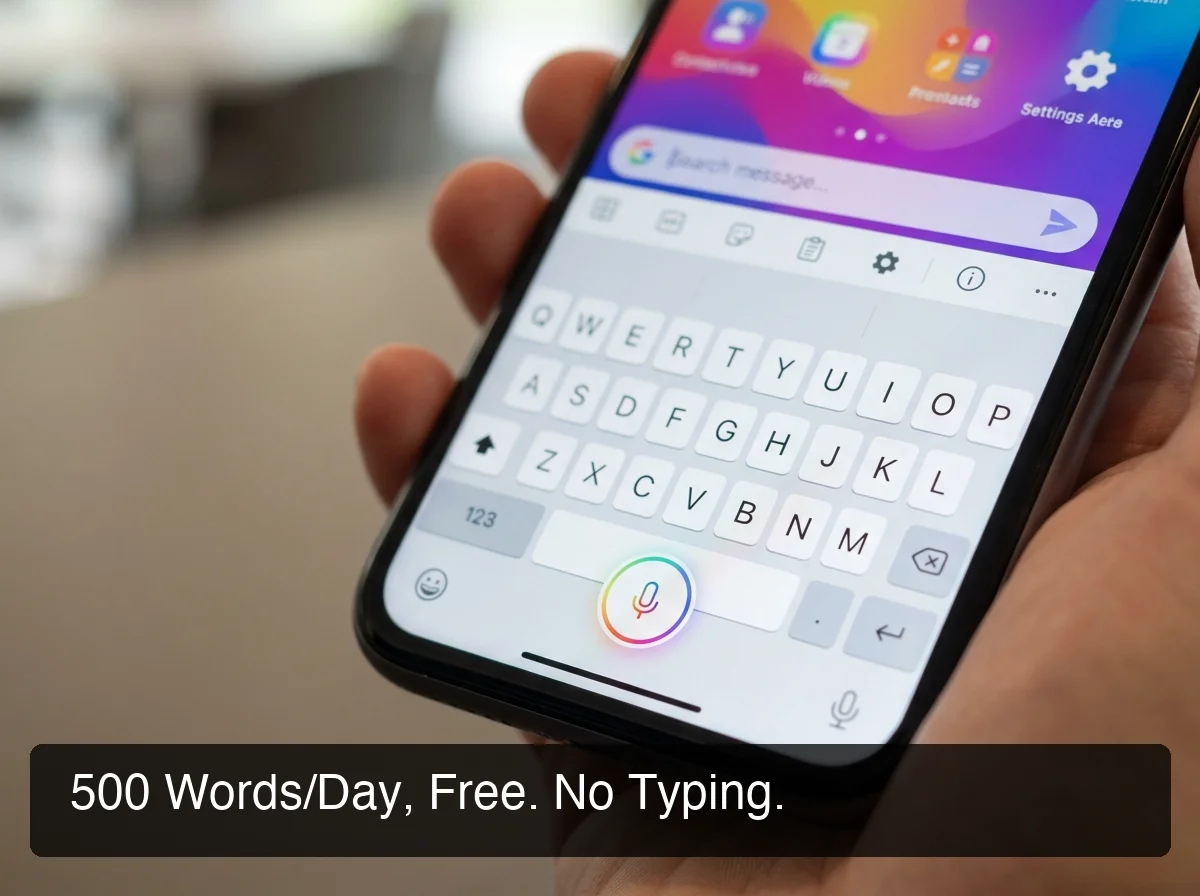 BossAI's free tier — 500 words/day with daily reset — puts full AI dictation quality within reach with no credit card required.
How BossAI Solves One-Handed Typing
BossAI is built for zero-keyboard use. You speak; the app transcribes, strips filler words, corrects grammar, and inserts the result directly into whatever app you're using — email, Slack, WhatsApp, Google Docs, or any text field. No typing required at any step.
For injury recovery, the free tier structure matters. BossAI gives you 500 words per day with a daily reset — not a weekly allotment that drains early and leaves you with nothing.
For most recovery timelines, 500 words covers a realistic daily load: a handful of emails, a few messages, short meeting notes. The daily reset aligns with physical therapy schedules where typing windows are short.
BossAI runs on iOS, Android, macOS, and Windows — one account, every device. On mobile, it replaces your keyboard entirely, so there's no app-switching between the dictation tool and wherever you're composing.
On desktop, a hotkey activates dictation wherever the cursor sits. Move from phone to laptop mid-recovery and the configuration follows you.
Get Started with BossAI
Voice dictation is the highest-throughput, zero-strain way to stay productive during hand injury recovery. BossAI's free tier starts without a credit card — 500 words a day, reset every morning.
Not ready to try it yet? Get Our AI Productivity Guide — free tips on working faster with AI.
Frequently Asked Questions
Is typing with one hand possible?
One-handed typing is entirely possible using standard keyboards, specialized one-handed layouts, or voice dictation. The main constraint is speed: most people using hunt-and-peck one-handed land at 20–30 WPM, manageable for short bursts but exhausting for sustained communication. For injury recovery, voice dictation is both faster and less physically demanding than any keyboard-based one-handed method.
What is the fastest method for one-handed typing?
Voice dictation consistently outperforms every one-handed keyboard method. At natural speaking pace — 130–150 WPM — it runs 3–4× faster than one-handed hunt-and-peck, and AI cleanup means the output is ready to send without editing. No new muscle memory, no hardware investment, works from day one of an injury.
Does BossAI work for hand injuries and RSI?
Yes. BossAI requires zero keyboard interaction — you dictate everything and the app handles transcription, filler removal, and grammar correction automatically. People recovering from broken wrists, carpal tunnel surgery, or chronic RSI use BossAI to write emails and documents entirely hands-free, at full AI quality even on the free tier — no typing required.
How much does BossAI's free tier cover during recovery?
BossAI's free tier provides 500 words per day with a daily reset — no credit card, no weekly cap. For most short-term recovery scenarios, that covers a typical day's communication: a few emails, several messages, brief notes. The daily reset means the allotment refreshes every morning, fitting naturally into recovery routines.
Does voice dictation work across all apps?
AI-enhanced dictation tools like BossAI work in any app with a text field — email, chat, documents, notes, social media. On iOS and Android, BossAI functions as a full keyboard replacement, eliminating context-switching. On macOS and Windows, a hotkey activates dictation wherever the cursor sits.