
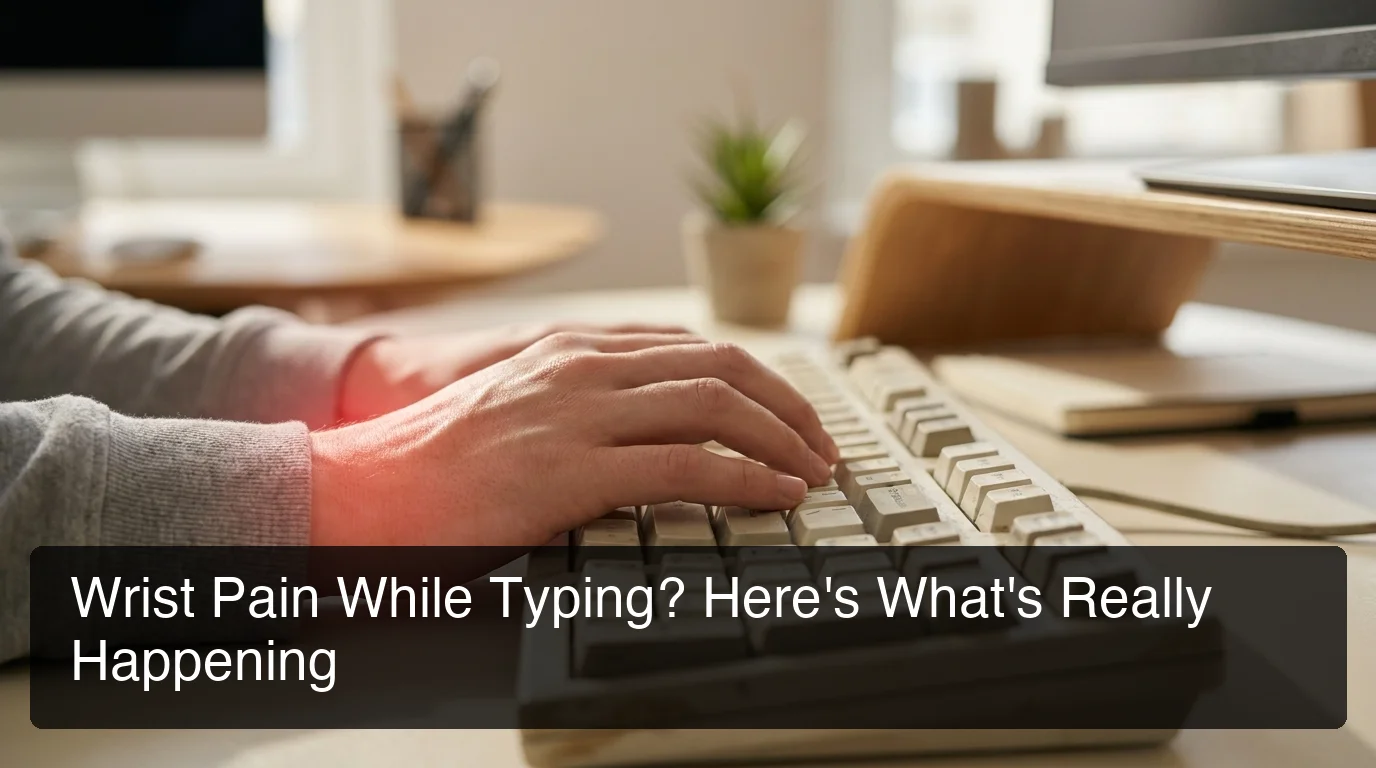
Wrist Hurts When Typing: Causes, Fixes & Alternatives
Wrist Hurts When Typing? Causes, Fixes & Hands-Free Alternatives
Every time your wrist hurts when typing, it's sending a specific mechanical signal: the tendons, nerves, or joint structures have absorbed more load than they can handle. That signal is worth understanding before it becomes chronic.
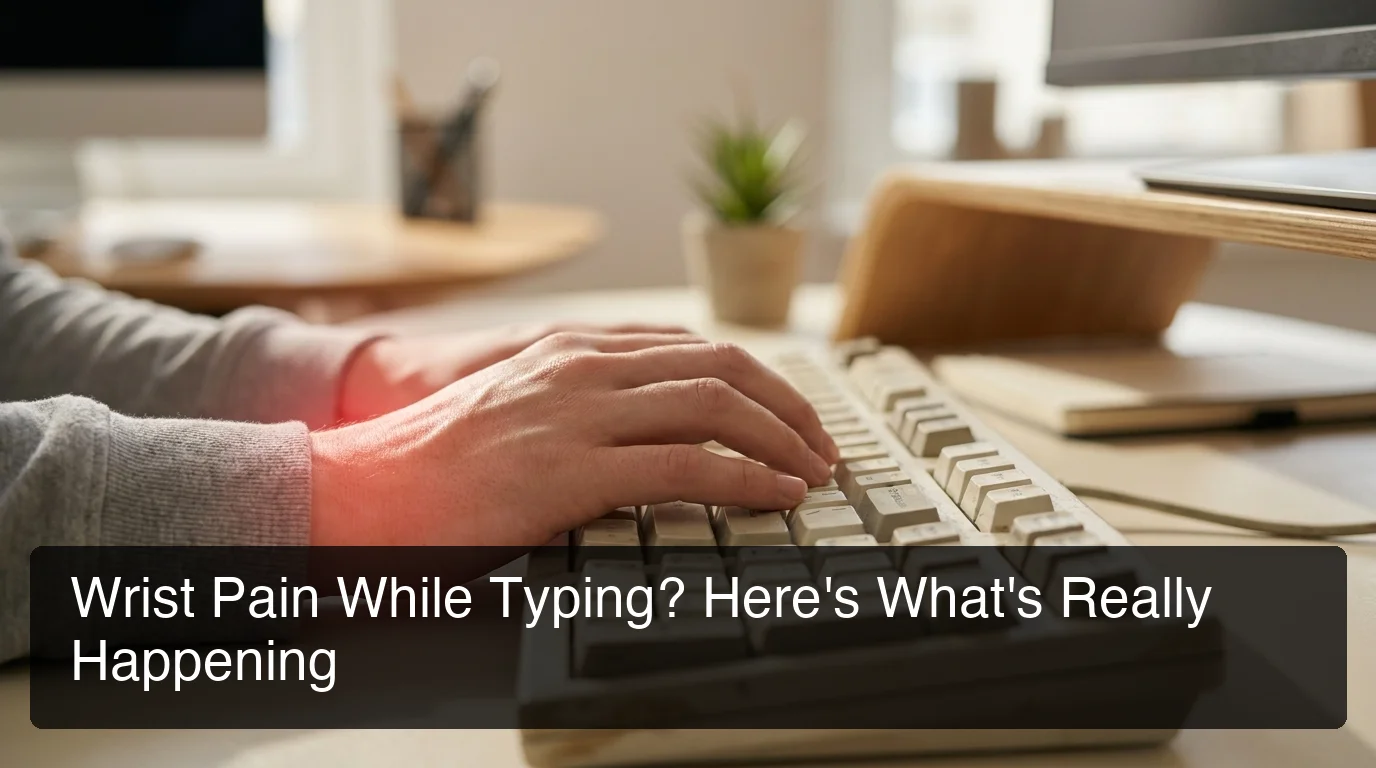 Persistent wrist pain while typing is a mechanical overload signal — not random, and not something to push through.
Key Takeaways
- Wrist pain while typing is caused by repetitive strain, poor ergonomics, or underlying conditions like carpal tunnel or tendonitis — all treatable if caught early.
- Ergonomic adjustments (neutral wrist position, keyboard height, palm support) reduce strain but don't eliminate typing load — they redistribute it.
- Voice dictation is the only approach that removes keyboard contact entirely, eliminating the mechanical cause of wrist pain rather than managing symptoms.
- BossAI offers AI-enhanced hands-free dictation across iOS, Android, macOS, and Windows — 500 words/day free with a daily reset, no typing required at any step.
- See a doctor if your wrist pain extends into the forearm, causes nighttime numbness, or doesn't improve after two weeks of rest.
Contents
- What's Actually Happening When Your Wrist Hurts When Typing?
- What Are the Main Causes of Wrist Pain While Typing?
- How Do You Treat It When Your Wrist Hurts When Typing?
- Can Voice Typing Help Wrist Pain from Keyboard Use?
- How Can I Type Without Wrist Pain?
- What's the Best Hands-Free Alternative to Typing for Wrist Pain?
- When Should You See a Doctor About Wrist Pain from Typing?
- Is Wrist Pain from Typing Permanent, or Can It Be Fixed?
- Try BossAI Hands-Free
- Frequently Asked Questions
What's Actually Happening When Your Wrist Hurts When Typing?
Wrist pain from typing is a mechanical overload response. Repetitive keystroke movements strain the tendons and carpal tunnel ligament over time. Most pain signals originate from either the flexor tendons on the palm side — tendonitis — or median nerve compression from narrowing of the carpal tunnel. Both conditions share the same root: sustained, repeated wrist motion with insufficient recovery time.
The wrist wasn't designed for the modern desk posture: arms extended forward, wrists hovering above a keyboard, fingers striking keys 40-80 times per minute for hours at a stretch. Each keystroke requires a small tendon contraction. Over thousands of repetitions, microtears accumulate faster than tissue can repair, triggering inflammation.
Desk setup amplifies the load considerably. When wrists are bent upward (extension) or angled inward (ulnar deviation), tendons work harder per keystroke — and the carpal tunnel narrows, increasing pressure on the median nerve passing through it.
What Are the Main Causes of Wrist Pain While Typing?
The four most common causes of wrist pain while typing are carpal tunnel syndrome, repetitive strain injury (RSI), wrist tendonitis, and de Quervain's tenosynovitis. Each affects a different structure — nerve, tendon, or ligament — but all follow the same pattern: high-repetition mechanical stress with insufficient recovery.
| Condition | Structure Affected | Key Symptom | Typical Onset |
|---|---|---|---|
| Carpal Tunnel Syndrome | Median nerve | Numbness/tingling in thumb, index, middle fingers | Gradual; worse at night |
| RSI | Muscles, tendons, nerves | Aching, stiffness across wrist and forearm | After sustained high-volume typing |
| Wrist Tendonitis | Flexor or extensor tendons | Tenderness, swelling on wrist surface | Sudden load increase |
| De Quervain's Tenosynovitis | Tendons near thumb | Sharp pain at thumb base | Gripping and pinching movements |
Carpal tunnel syndrome is the most commonly diagnosed, affecting roughly 3-6% of working adults in desk roles. RSI is broader — a clinical catch-all for cumulative overuse without a clear single diagnosis. Both can be active simultaneously, and a physical exam can distinguish between them.
Underlying health conditions increase susceptibility. People with rheumatoid arthritis, diabetes, or hypothyroidism face higher rates of wrist nerve compression. If your wrist pain comes with joint inflammation or systemic symptoms, those conditions need evaluation alongside any typing-specific treatment.
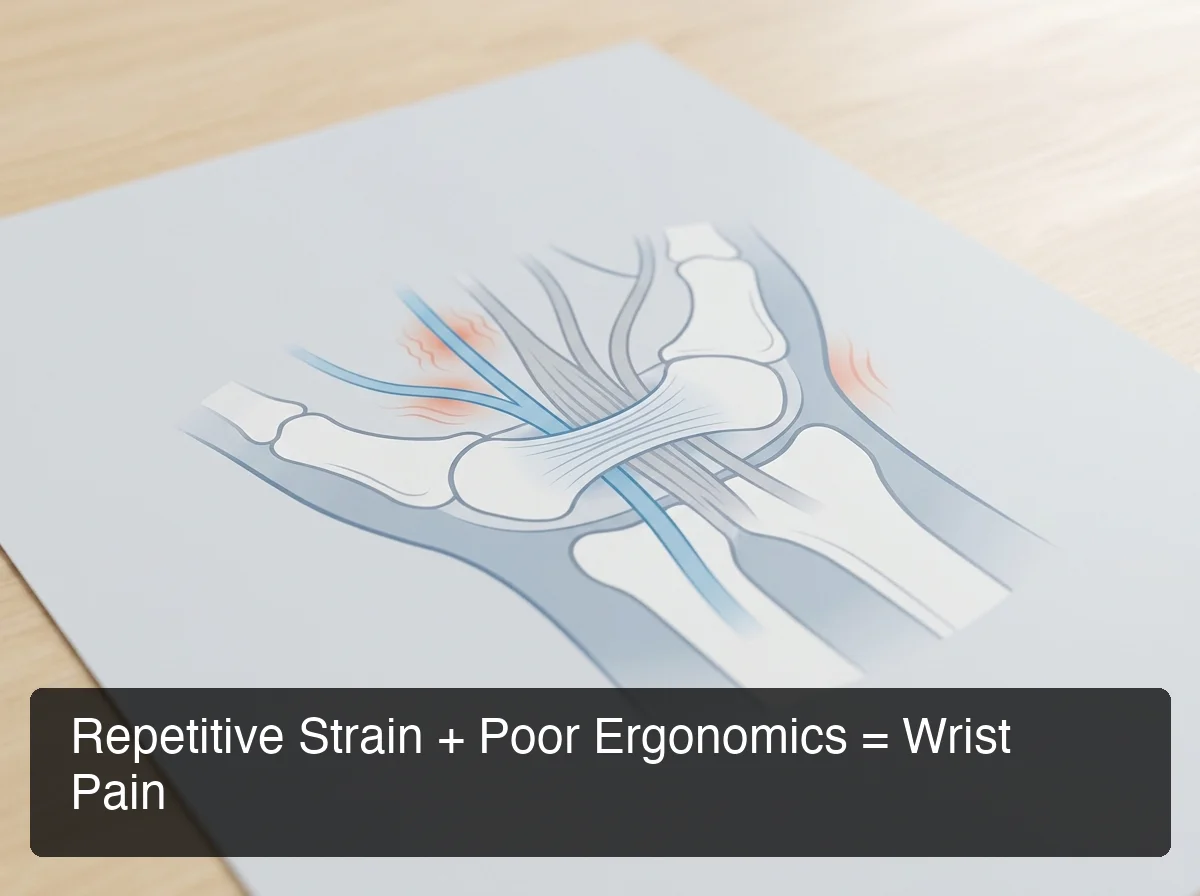 Carpal tunnel narrowing occurs under sustained wrist extension — the default posture for most desk keyboard setups.
Worth knowing: Most wrist pain from typing responds well to conservative treatment — rest, ergonomic correction, splinting — if caught within the first few months. Cases that have gone untreated for years require longer recovery timelines, sometimes including surgical evaluation.
How Do You Treat It When Your Wrist Hurts When Typing?
Wrist pain relief from typing requires two layers: reducing acute inflammation and fixing the mechanics that caused it. Ice or anti-inflammatory medication addresses the immediate symptom; ergonomic adjustments, stretching, and wrist splints address the structural load. Treating only the symptom without changing the mechanics produces a cycle of flare-ups that gradually worsen.
Short-term relief:
- Apply ice for 15-20 minutes after heavy typing sessions to reduce inflammation
- Non-prescription anti-inflammatories (ibuprofen) during acute flare-ups
- Wrist brace at night to hold the joint neutral while sleeping
- Scheduled breaks every 30-45 minutes — away from the desk, not just hands off the keyboard
Structural adjustments:
- Set keyboard height so wrists stay flat and neutral, not bent upward
- Keep elbows at 90 degrees; reaching forward increases wrist extension
- Use a foam wrist rest to support the palm, not the wrist joint (pressure on the wrist itself narrows the carpal tunnel)
For people with confirmed carpal tunnel, carpal tunnel gloves for typing can provide compression support during active sessions. Compression manages symptoms; it doesn't reduce typing load, which remains the root cause.
Can Voice Typing Help Wrist Pain from Keyboard Use?
Yes. Voice typing is the most direct intervention for wrist pain caused by keyboard use because it removes keyboard contact entirely. Rather than redistributing mechanical load through ergonomics, it eliminates the load. Users with carpal tunnel syndrome, tendonitis, and RSI regularly use voice dictation to maintain full work output through a painful period without accelerating the injury.
The hesitation most people have is accuracy. Early voice-to-text tools — Apple Dictation, Google's built-in input — produced raw transcripts that needed manual cleanup. That editing step required typing, which partially defeated the purpose.
Modern AI-enhanced dictation works differently. These tools transcribe in real time while simultaneously removing filler words (um, uh, like, you know), fixing grammar, adding punctuation, and formatting output for the app in use. The result is clean, ready-to-send text — you speak, and polished output appears in the active field.
For a full walkthrough of how to set up and use voice dictation effectively, the complete voice typing guide covers accuracy tips, workflow transitions, and app-by-app setup.
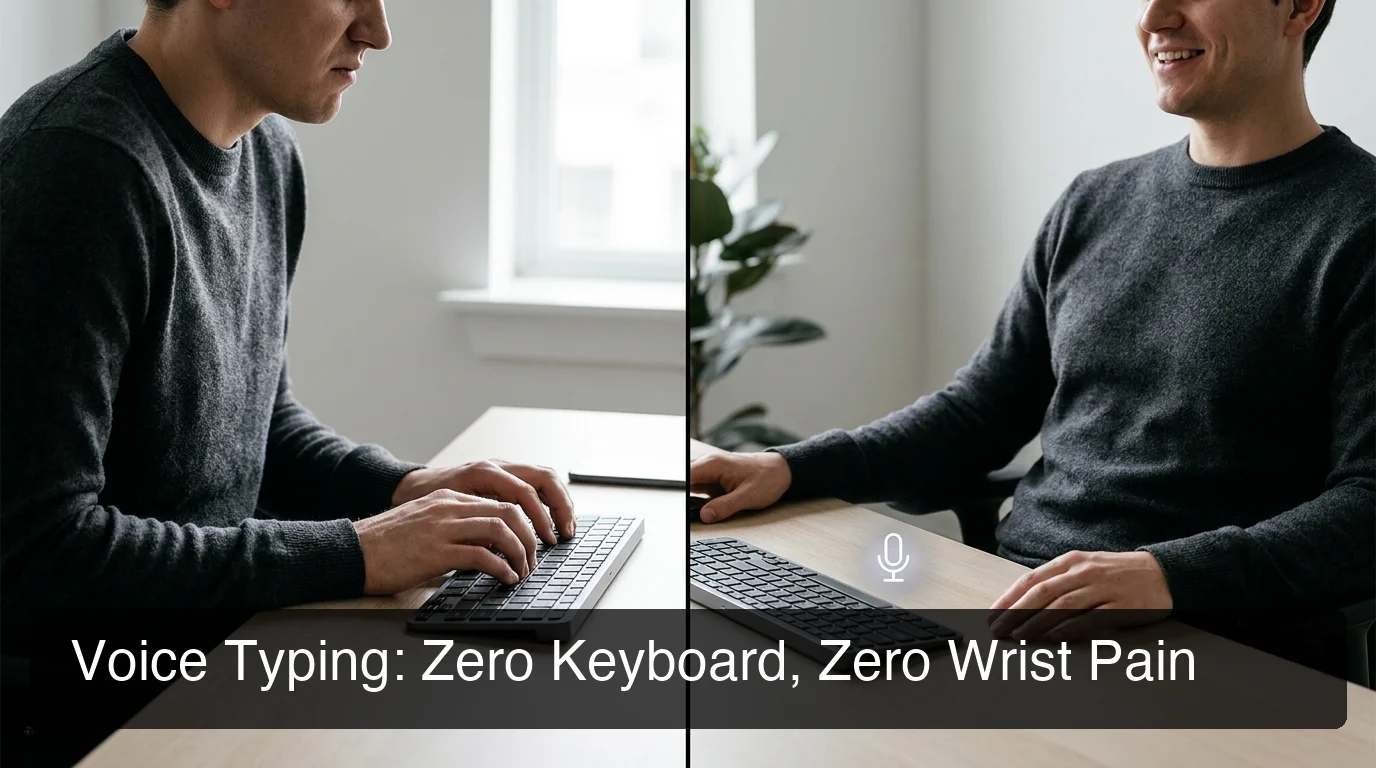 Ergonomics adjusts how you type. Voice dictation removes the need to type at all.
How Can I Type Without Wrist Pain?
The two paths to pain-free text entry are ergonomic adjustment (better mechanics, same keyboard) or voice dictation (no keyboard contact). Ergonomics reduces load; dictation eliminates it. For people in active pain or with diagnosed RSI or carpal tunnel, voice dictation is the only approach that allows full productivity without mechanical risk to the injured structures.
BossAI delivers a zero-keyboard workflow across every platform where people type. It runs as a native keyboard on iOS and Android — switch to it just like any other keyboard and dictate directly into any app: email, messages, notes, documents. On macOS and Windows, it works as a background app triggered with a hotkey, inserting dictated text wherever your cursor sits.
The free tier offers 500 words per day with a daily reset. That structure matters for daily users: competitors like WisprFlow and Willow Voice cap free users at 2,000 words per week, which runs out by Wednesday for anyone handling normal email volume. BossAI's daily reset means you can use it every day without tracking a weekly balance.
For people dealing with more severe injury — not chronic pain but acute structural damage — how to type with a broken wrist covers the full voice-only recovery workflow in detail.
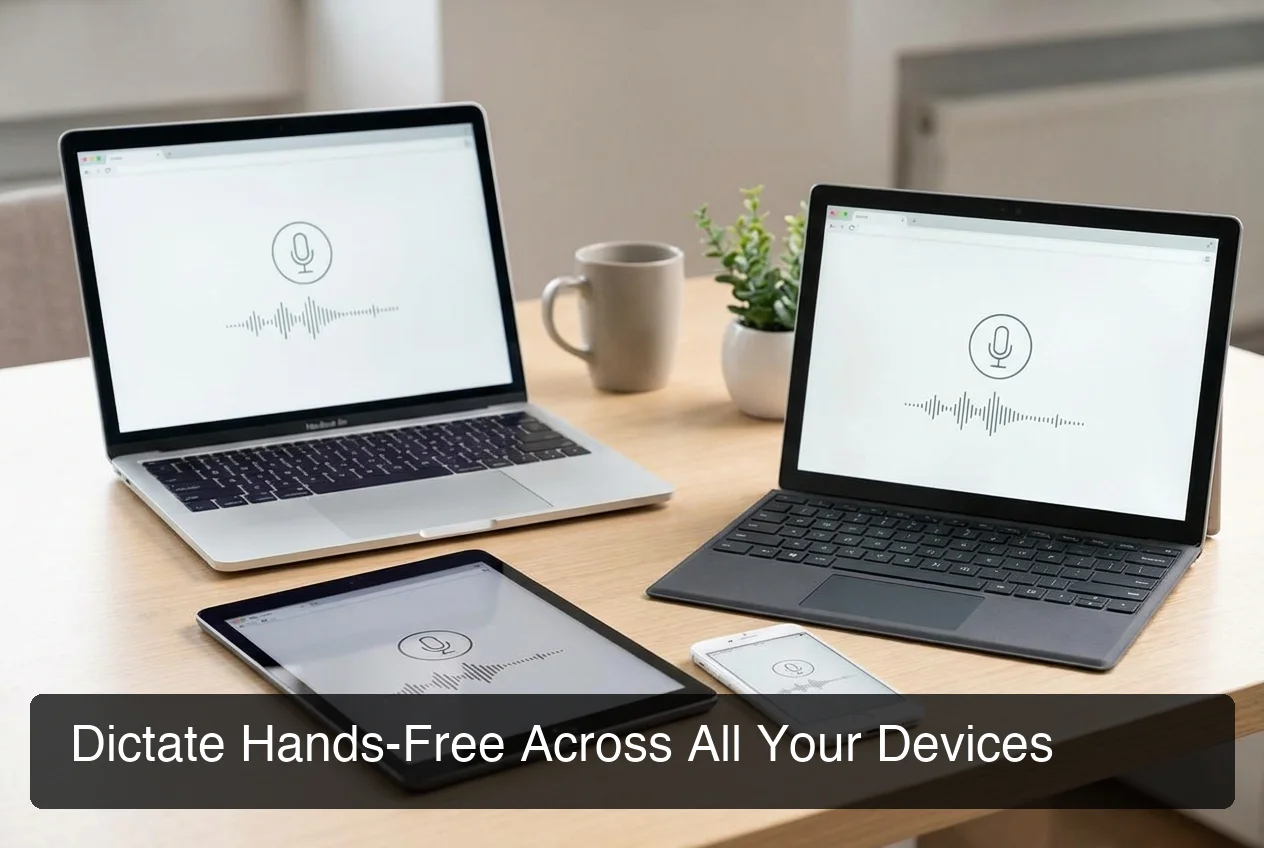 BossAI covers all four platforms — same voice workflow in every app, no keyboard required.
What's the Best Hands-Free Alternative to Typing for Wrist Pain?
The best hands-free alternatives to typing for wrist pain are AI dictation tools that work inside your existing apps — not transcription services you export files from. The distinction matters: a keyboard-level dictation tool lets you speak directly into email, chat, or documents; a transcription service produces a file to copy from, which still requires typing.
Three tool categories differ significantly in their usefulness for wrist pain management:
- Built-in voice input (Apple Dictation, Google Voice Typing): Free, pre-installed, works in most apps. Produces raw transcripts with filler words and limited punctuation. Requires editing — which means typing.
- AI-enhanced dictation apps (BossAI, WisprFlow, Willow Voice): Process speech through AI models that remove fillers, correct grammar, and format text in real time. Output requires no editing.
- Transcription services (Otter.ai, MacWhisper): Designed for meeting recordings and long audio files, not real-time text entry. Not useful for hands-free email or message composition.
The short version: For hands-free wrist pain management, you need a dictation app that integrates at the keyboard level. BossAI does this across iOS, Android, macOS, and Windows — one workflow that covers every device, every app.
For people with more significant mobility limitations — using only one hand, for instance — one-handed typing alternatives covers a separate set of accommodations, including keyboard remapping and specialized input hardware.
BossAI's hands-free workflow for RSI users goes deeper on the accommodation case — recovery timelines, daily word volume replacement, and what to expect from a full transition.
When Should You See a Doctor About Wrist Pain from Typing?
See a doctor if your wrist pain from typing includes numbness or tingling in the fingers, persists beyond two weeks of rest, wakes you at night, or radiates into the forearm or elbow. These symptoms indicate nerve involvement or structural damage that rest and ergonomic adjustment alone won't resolve.
Red flags requiring medical evaluation:
- Numbness or tingling in the thumb, index, or middle fingers (median nerve compression)
- Grip weakness — difficulty holding objects or opening jars
- Pain that wakes you from sleep, especially at night
- Pain radiating up the forearm toward the elbow
- No improvement after two weeks of rest and ergonomic changes
A general practitioner can diagnose carpal tunnel syndrome through physical examination (Phalen's and Tinel's tests) and refer for nerve conduction studies if needed.
Is Wrist Pain from Typing Permanent, or Can It Be Fixed?
Wrist pain from typing is not permanent if treated early. Acute RSI and mild carpal tunnel syndrome typically resolve fully with rest, ergonomic correction, and load reduction. Chronic cases — where strain has accumulated for years — take longer and may require physical therapy, corticosteroid injections, or surgery, but most patients recover full wrist function.
Recovery timelines by severity:
- Mild (recent onset, no nerve symptoms): 2-6 weeks of rest, ergonomic adjustment, and stretching typically resolves the pain.
- Moderate (symptoms 2+ months, some numbness): Physical therapy, splinting, and possible corticosteroid injection; 2-6 months typical.
- Severe (prolonged numbness, grip weakness): Carpal tunnel release surgery; most patients report full relief within 3-6 months post-op.
Switching to voice dictation during recovery isn't a workaround — it's an active part of the healing process. Removing keyboard load while tendons recover accelerates the timeline. Continuing to type at high volume through wrist pain consistently extends recovery.
Common mistake: Treating wrist pain as a signal to rest briefly, then returning to the same desk habits once the ache fades. The mechanics that created the problem are still there. Rest opens a window; ergonomic change or voice typing closes it permanently.
Try BossAI Hands-Free
Continuing to type through wrist pain extends injuries that rest and ergonomic adjustment could resolve in weeks. BossAI removes the keyboard from your workflow — AI-enhanced dictation across iOS, Android, macOS, and Windows, with no typing required at any step.
Not ready to switch yet? Get Our AI Productivity Guide — free tips on working faster with AI, including how to transition to voice dictation gradually.
Frequently Asked Questions
How do I stop my wrist from hurting when typing?
To stop wrist pain from typing, adjust your setup so wrists stay neutral (not bent upward or angled inward), take breaks every 30-45 minutes, and support the palm — not the wrist itself — with a wrist rest. For faster relief, reduce total typing load with voice dictation, which removes the mechanical cause rather than managing the symptom.
Will wrist pain from typing go away on its own?
Mild wrist pain can resolve with rest if you also correct the ergonomic conditions that caused it. Without changing posture, keyboard height, or typing volume, the pain typically returns. Pain lasting more than two weeks, including numbness, or radiating into the forearm won't resolve without intervention — see a doctor rather than waiting it out.
What is a typist wrist injury?
A typist wrist injury is a repetitive strain injury affecting the tendons, nerves, or ligaments from sustained keyboard use. The most common diagnoses are carpal tunnel syndrome (median nerve compression), RSI (cumulative overuse), and wrist tendonitis (tendon inflammation). All result from high-repetition keystroke load under poor ergonomic conditions over time.
Can BossAI help if my wrist hurts when typing?
BossAI is a hands-free AI dictation app for iOS, Android, macOS, and Windows that lets you compose emails, messages, and documents by speaking — no keyboard contact required at any step. It transcribes speech in real time, removes filler words automatically, and corrects grammar. The free tier includes 500 words per day with a daily reset.
Is BossAI good for RSI or wrist injuries?
BossAI is built for zero-keyboard use. Speak, and it handles transcription, filler removal, and formatting automatically. People with RSI, carpal tunnel, tendonitis, or broken wrists use BossAI to handle their full typing workload — emails, messages, documents — entirely hands-free, without touching a keyboard at any point in the workflow.
How long does wrist pain from typing take to heal?
Mild cases typically resolve in 2-6 weeks with rest and ergonomic adjustment. Moderate cases with numbness or persistent aching may need 2-6 months of physical therapy and splinting. Severe cases involving nerve compression may require surgical carpal tunnel release, with most patients recovering full function within 3-6 months post-op.