
One-Handed Typing Alternatives: Complete 2026 Guide
Losing full use of one hand — from injury, surgery, stroke, or a congenital difference — doesn't mean losing your ability to communicate. In 2026, one-handed typing alternatives range from free software tools to AI voice keyboards that outpace most two-handed typists.
Key Takeaways
- One-handed typing alternatives include voice dictation, adaptive keyboards, Dvorak layout, eye-tracking, and switch access — each suited to different injury types and workflows.
- Voice typing is 3–5x faster than traditional one-handed keyboards and requires no specialized hardware beyond a phone or computer microphone.
- BossAI's dual-device voice workflow (phone + Mac/Windows) is uniquely positioned for professionals who alternate between mobile and desktop during injury recovery.
- Accessibility solutions exist on a spectrum: free OS-native dictation, third-party AI dictation apps, specialized adaptive hardware, and combined workflows offer flexibility for different budgets.
- Setting up custom dictionaries and hotkeys turns any one-handed alternative into a high-velocity tool within 30 minutes.
Contents
- What are one-handed typing alternatives for limited mobility?
- How can dictation help if you have a hand or arm injury?
- What's the fastest one-handed typing alternative available in 2026?
- How does voice typing compare to one-handed keyboards?
- What accessibility solutions address hand and arm limitations?
- Which apps support one-handed typing alternatives on mobile?
- Can you use one-handed typing alternatives for professional work?
- How does BossAI compare to traditional one-handed solutions?
- What should you consider when choosing a one-handed typing alternative?
- Get Started with BossAI
- Frequently Asked Questions
What are one-handed typing alternatives for limited mobility?
One-handed typing alternatives fall into five categories: voice dictation, alternative keyboard layouts (one-handed Dvorak), adaptive hardware keyboards (Maltron, TIPY), OS accessibility modes (Sticky Keys), and advanced input methods (eye-tracking, switch access). Voice dictation is the fastest entry point for most users — no hardware required, no months of relearning.
These solutions exist on a spectrum from free-and-immediate to specialized-and-expensive. The right choice depends on your injury type, recovery timeline, and daily communication demands.
| Solution | Typical Speed | Cost | Learning Curve |
|---|---|---|---|
| AI-enhanced voice dictation | 100–150 WPM | Free–$10/month | < 1 hour |
| One-hand QWERTY (standard) | 35–50 WPM | Free | Days to adapt |
| One-handed Dvorak layout | 45–60 WPM | Free | 2–4 weeks |
| Maltron/TIPY adaptive keyboard | 50–70 WPM | $400–$1,200 | 3–6 months |
| Eye-tracking | 20–40 WPM | $600–$3,500 | Months |
For most injury recovery scenarios where speech is unaffected, voice dictation is the fastest path back to full productivity. For the full spectrum of adaptive solutions, see our guide on typing alternatives for disability.
 From adaptive keyboards to AI voice input — one-handed typing alternatives cover every situation and budget.
How can dictation help if you have a hand or arm injury?
Dictation eliminates the keyboard entirely, letting you type at your natural speaking pace — 120–180 words per minute — versus 35–50 WPM for most one-handed keyboard users. For hand or arm injuries where speech is unaffected, AI-enhanced dictation delivers immediate productivity recovery with no specialized equipment and no adaptation period.
Modern AI dictation goes beyond raw speech-to-text. It removes filler words (um, uh, like), fixes grammar, adds punctuation, and formats output for the context — email, Slack, or document.
What AI dictation fixes that raw speech-to-text doesn't
- Filler removal: "Um, so I was thinking, like…" → "I was thinking…"
- Auto-punctuation: Natural pauses become periods and commas
- Grammar correction: Subject-verb agreement and tense fixed in real time
- Context-aware formatting: Chat messages formatted differently from document paragraphs
For injury-specific guidance, see our typing with a broken wrist recovery guide.
By the numbers: AI-enhanced dictation averages 120–150 WPM — 3–5x faster than one-handed keyboards that top out at 50–70 WPM after months of training.
What's the fastest one-handed typing alternative available in 2026?
AI-enhanced voice dictation is the fastest one-handed typing alternative in 2026, averaging 120–150 WPM from day one. One-handed adaptive keyboards reach 50–70 WPM after 3–6 months of practice. The one-handed Dvorak layout achieves 45–60 WPM at proficiency. No hardware alternative matches voice dictation speed without a significant training investment.
For professionals who need immediate productivity recovery, voice dictation is the unambiguous recommendation. The key qualifier: speech must be available. If it is, dictation wins on every metric — speed, cost, and setup time.
Key insight: The majority of users who try voice dictation during injury recovery continue using it after they heal — not because they have to, but because it's faster.
How does voice typing compare to one-handed keyboards?
Voice typing outperforms one-handed keyboards on speed (3–5x faster from day one), cost (free vs. $400–$1,200), and setup time (minutes vs. months). One-handed keyboards win for environments where speaking isn't possible — open offices, quiet settings, or when speech is affected. For most injury recovery scenarios, voice typing is the practical first choice.
No hardware cost, immediate results, works across every app, fully reversible. The only case where hardware wins is when speaking is impractical or unavailable.
For a head-to-head comparison of dictation apps, see best speech-to-text apps for disability.
What accessibility solutions address hand and arm limitations?
The most practical accessibility solutions for hand and arm limitations are: (1) OS-built-in keyboard modes (Sticky Keys, one-handed mode — free), (2) AI-enhanced voice dictation (free to $15/month), and (3) specialized adaptive keyboards ($400–$1,200). Most users start with voice dictation for immediate relief, then add hardware if their environment or injury type requires it.
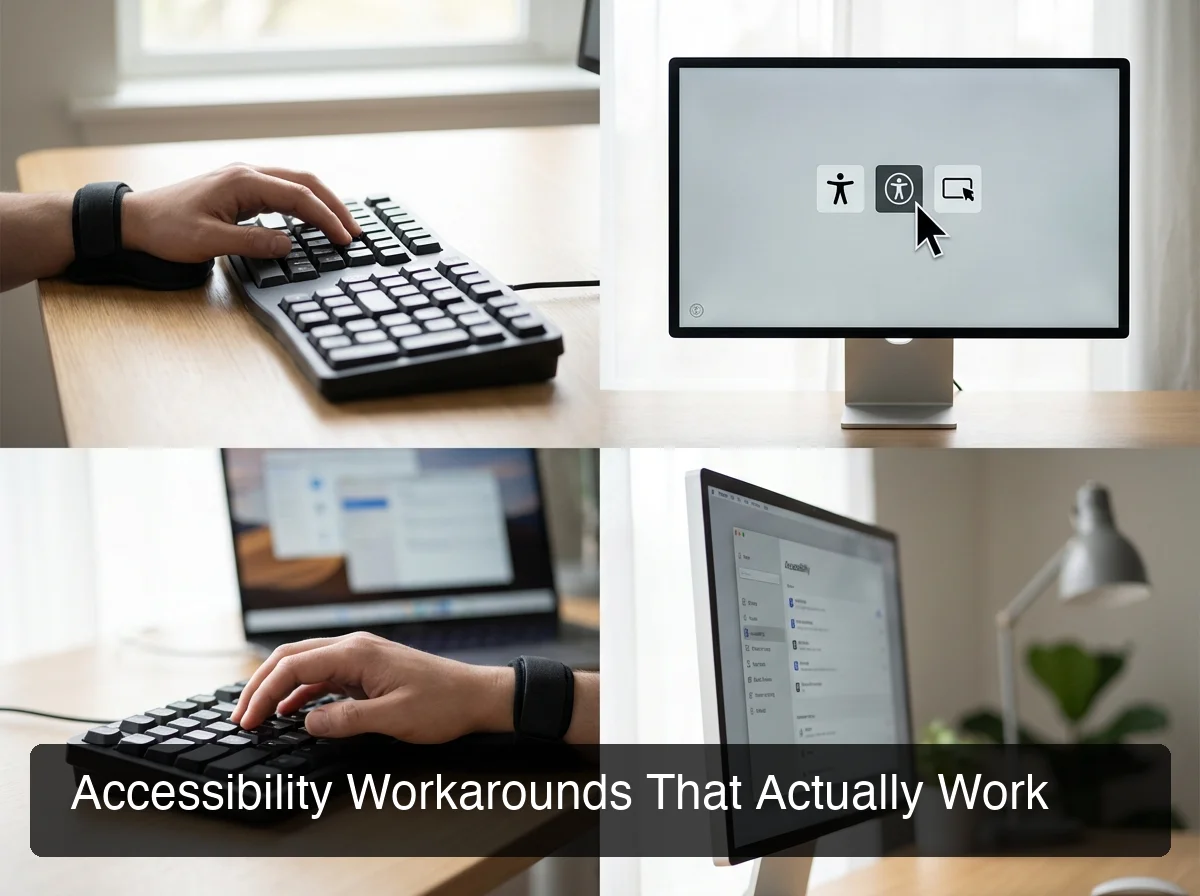 Accessibility solutions span free software modes, AI dictation, and specialized hardware — each filling a different need.
Software solutions (free or low-cost)
OS-native dictation: macOS Dictation, Windows Speech Recognition, and iOS/Android voice input are built-in and free. They lack AI enhancement — filler words remain — but cover basic use.
AI-enhanced dictation apps: BossAI and WisprFlow layer AI on top of base transcription, producing clean formatted text for professional communication. Pricing ranges from free tiers to $10–$15/month.
Sticky Keys / one-handed keyboard mode: Built into macOS (System Settings → Accessibility → Keyboard) and Windows (Ease of Access → Keyboard). Lets you press Shift, Ctrl, and Alt one key at a time instead of simultaneously.
Hardware solutions
Maltron one-handed keyboard ($595–$845): A sculpted layout purpose-built for single-hand use. Expensive and takes weeks to master, but durable and ergonomic.
TIPY keyboard + joystick mouse ($800–$1,200): Combined input device for fully one-handed computer access, with integrated cursor control.
Half-Keyboard: Uses a space-bar modifier to access the full QWERTY layout from one side. Transition time is 3–6 weeks — shorter than Dvorak.
Eye-tracking (Tobii, EyeTech): Controls the cursor via eye movement. Speed is limited (20–40 WPM) but viable for severe motor limitations.
Which apps support one-handed typing alternatives on mobile?
The best mobile apps for one-handed typing alternatives are BossAI (AI-enhanced dictation keyboard for iOS and Android), Apple's built-in dictation (iOS/macOS), Gboard with voice input (Android), and WisprFlow (iOS/Mac). For professional-grade one-handed typing on a phone, AI keyboard apps that integrate dictation at the OS level — like BossAI — are the strongest solution.
| App | Platform | Voice Input | AI Enhancement | Cost |
|---|---|---|---|---|
| BossAI | iOS, Android, Mac, Windows | ✅ Full dictation keyboard | ✅ Filler removal, grammar, tone | Free / $9.99/month |
| WisprFlow | iOS, Mac, Windows | ✅ Full dictation | ✅ AI-enhanced | Free / $15/month |
| Gboard | iOS, Android | ✅ Basic voice | ❌ Raw transcription | Free |
| Apple Dictation | iOS, macOS | ✅ Basic voice | ❌ Raw transcription | Free (built-in) |
BossAI is available on iOS, Android, macOS, and Windows. Android users can also use Gboard's built-in voice input for basic, free dictation. For full app rankings across accessibility scenarios, see our best speech-to-text app for disability comparison.
Can you use one-handed typing alternatives for professional work?
Yes — lawyers, journalists, consultants, and developers with hand injuries maintain full professional output using voice dictation. The key is setup: a custom dictionary for domain vocabulary, hotkey activation for speed, and awareness of noise tolerance. Professional-grade output is achievable within 1–2 weeks.
The professional setup checklist
Step 1: Custom dictionary. Add domain-specific terms — client names, jargon, brand names. BossAI's custom dictionary gets these right every time once trained.
Step 2: Hotkey activation. Configure a single key to toggle dictation on/off. No reaching for buttons; just press and speak.
Step 3: Rewrite for tone. Use one-tap rewrite to adjust tone after dictating: Professional for emails, Casual for team messages, Persuasive for follow-ups.
Step 4: Open office workaround. Use a noise-canceling microphone (AirPods Pro, Bose QC) plus a private space for dictation-intensive sessions.
If you're familiar with Wisprflow but want broader one-handed alternatives, see how other dictation solutions compare.
Pro tip: Set up Clips (BossAI) or OS-level text snippets for your most-used phrases — email signature, address, standard meeting request. Eliminating even five repetitive phrases per day saves 10–15 minutes.
How does BossAI compare to traditional one-handed solutions?
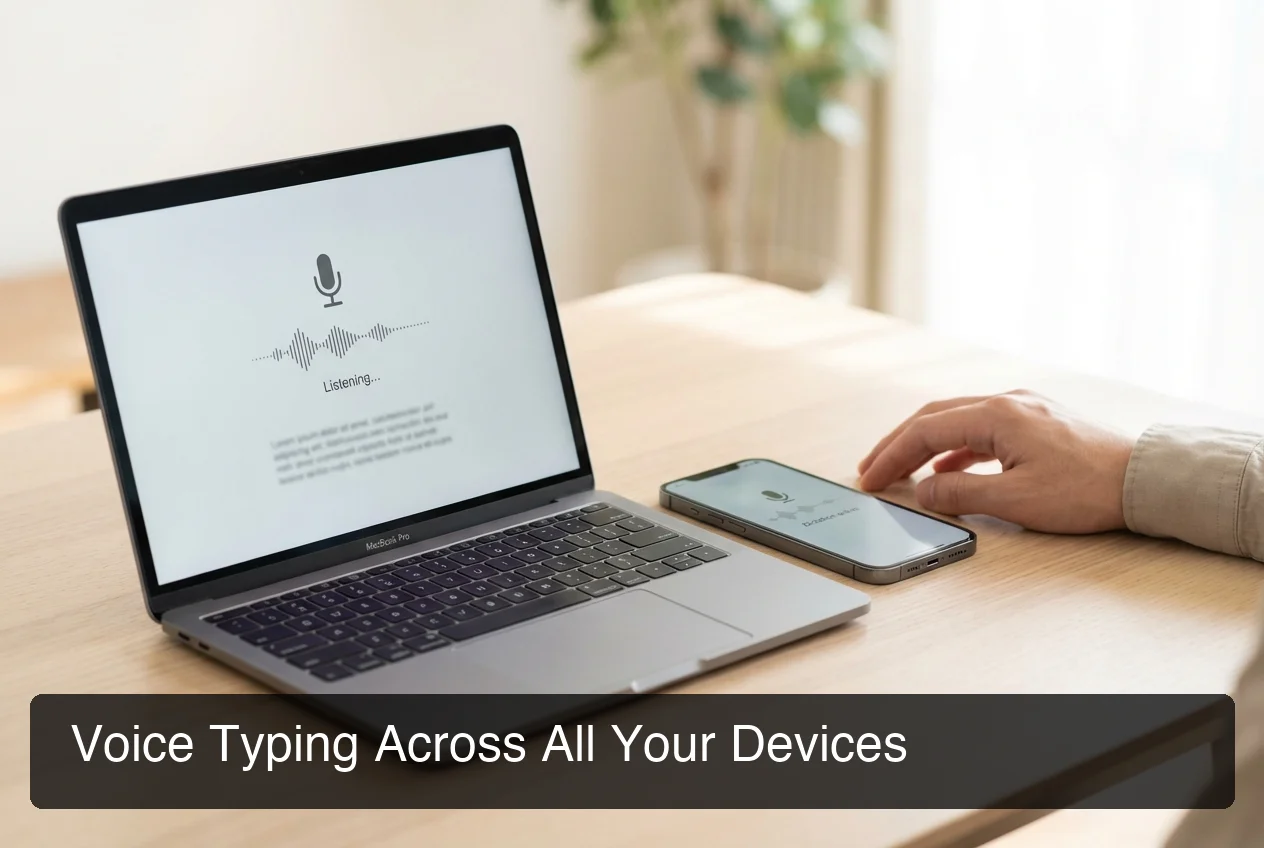 BossAI's phone-to-Mac workflow connects mobile quick-capture with desktop deep work in a single dictation system.
BossAI outperforms traditional one-handed solutions on speed, cost, and flexibility. Adaptive keyboards cost $400–$1,200 and take months to learn; BossAI is free to start and quick to set up. Its defining advantage: a seamless phone-to-Mac workflow no hardware keyboard can replicate.
BossAI vs. traditional one-handed solutions
| Feature | Adaptive Keyboard | OS Dictation | BossAI |
|---|---|---|---|
| Setup time | 3–6 months | 15 minutes | Minutes |
| Cost | $400–$1,200 | Free | Free (Pro: $9.99/mo) |
| Typing speed | 50–70 WPM | 80–110 WPM | 100–150 WPM |
| Works on iPhone and Android phone | ❌ | Limited | ✅ Full keyboard |
| Works on Mac | ✅ | ✅ | ✅ Menu bar app |
| Works on Windows | Varies | ✅ | ✅ System tray |
| Screen-aware responses | ❌ | ❌ | ✅ Boss Mode |
| Filler word removal | ❌ | ❌ | ✅ Automatic |
| One-tap tone rewrite | ❌ | ❌ | ✅ 6 tones |
| Custom dictionary | ❌ | Limited | ✅ Unlimited (Pro) |
Boss Mode: the hands-free workflow advantage
Boss Mode removes entire keyboard-dependent workflows with a single voice command: "Boss, reply to this email professionally" — BossAI reads the screen and writes a contextual response. No copy-pasting, no app switching.
Bottom line: No adaptive hardware keyboard bridges phone and desktop into a single workflow. BossAI does — and that seamlessness is the practical edge for professionals managing recovery alongside active work.
What should you consider when choosing a one-handed typing alternative?
Choose your one-handed typing alternative based on: whether speech is available (voice vs. hardware path), duration of need (temporary vs. permanent), work environment (private vs. shared), and platform requirements. Voice dictation wins for most temporary and communication-heavy scenarios; hardware adds value for permanent, precision-heavy setups.
 The right one-handed typing alternative matches your specific environment, duration, and workflow type.
Decision framework
Speech available + need productivity now: Start with AI-enhanced dictation — free, immediate, faster than any hardware alternative.
Temporary injury (< 3 months): Voice dictation only. Hardware learning curves don't pay off in short recovery windows.
Long-term or permanent: Combine voice (primary) with one-handed Dvorak or adaptive keyboard for open-office coverage.
Open office: One-handed keyboard layout at desk; voice dictation for private spaces and mobile.
Mobile-primary: BossAI or Gboard — native one-handed mode alone isn't enough for professional output.
30-minute productivity recovery checklist
- Activate OS-native dictation or install BossAI (15 min)
- Add your name, client names, and technical terms to custom dictionary (5 min)
- Configure a hotkey for single-key dictation toggle (2 min)
- Test in your top 3 daily apps — email, Slack, documents (5 min)
- Test microphone: headset vs. built-in, pick the more accurate (3 min)
Key insight: The custom dictionary setup is the highest-ROI action you can take. Users who skip it report 3x more frustration and 2x lower retention with any dictation tool.
Get Started with BossAI
Voice dictation is the fastest path back to full typing productivity during injury recovery. BossAI's AI-enhanced dictation, available on both phone and desktop, makes it the practical choice for professionals managing active work alongside recovery.
Not ready to commit? Get Our AI Productivity Guide — free tips on working faster with AI across all your devices.
Frequently Asked Questions
What are the best one-handed typing alternatives for someone who broke their wrist?
For a broken wrist where speech is unaffected, AI-enhanced voice dictation (BossAI, WisprFlow) is the fastest recovery tool — no hardware, 100–150 WPM from day one, near-full productivity within 24–48 hours. For quiet environments, a half-keyboard bridges the gap when speaking isn't practical.
How much do one-handed typing alternatives cost?
Costs range from free (OS-native dictation, one-handed Dvorak) to $9.99–$15/month for AI dictation apps, to $400–$1,200 for adaptive hardware like Maltron or TIPY. Eye-tracking runs $600–$3,500. AI dictation offers the best value for most injury recovery scenarios.
Can voice typing replace a keyboard permanently for one-handed users?
For email, messaging, documents, and notes — yes. AI dictation at 95–98% accuracy handles the majority of professional workloads. For complex keyboard shortcuts or code entry, combining voice with a one-handed keyboard layout provides the best long-term coverage.
Is BossAI available for both iPhone and Mac?
Yes. BossAI is a full keyboard replacement on iOS and Android, a native menu bar app on macOS, and a system tray app on Windows. This cross-device coverage — phone-to-Mac workflow in one tool — is the primary advantage for professionals alternating between mobile and desktop.
What is the fastest one-handed typing method without voice?
The one-handed Dvorak layout is the most efficient non-voice method, reaching 45–60 WPM for proficient users. Specialized hardware like Maltron can push this to 65–70 WPM, but requires 3–6 months of daily practice.
How accurate is voice dictation for professional use?
AI-enhanced dictation reaches 95–98% word-level accuracy for clear speech. A custom dictionary for names and technical terms pushes this near 99% — sufficient for professional email, documents, and messaging.
Which one-handed typing alternative works best in a noisy office?
Adaptive keyboards (Maltron, half-keyboard, one-handed Dvorak) work well in open offices. For voice dictation in shared spaces, a noise-canceling microphone plus a private space is the practical solution.