
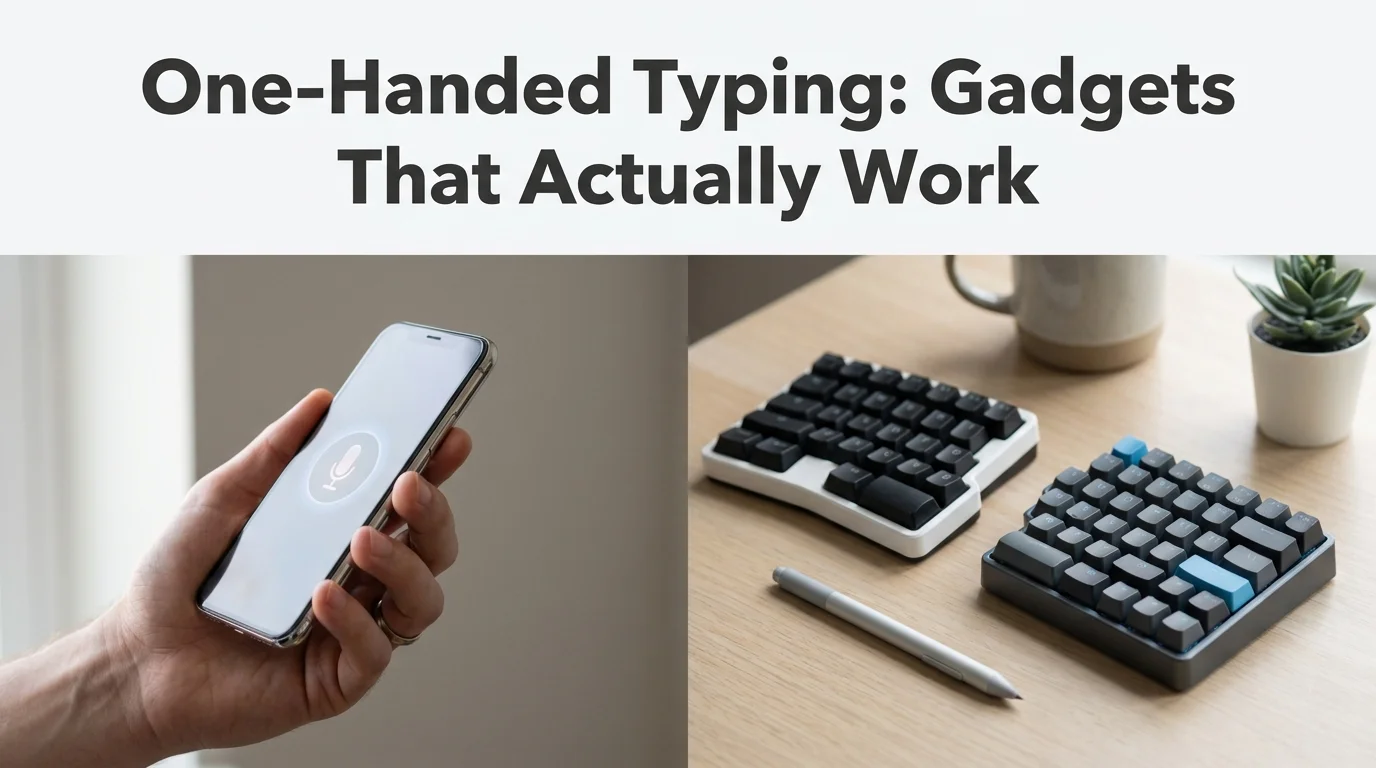
Gadgets for One-Handed Person Use
Most search results for gadgets for one-handed person needs point to can openers and kitchen scissors — useful, but not what a remote worker or job seeker needs when a deadline is due. One-handed typists average roughly half the words per minute of two-handed touch typists, and voice dictation closes that gap faster than any keyboard redesign can. Here's what the physical tools cost, what they actually fix, and where a hands-free approach beats all of them.
Key Takeaways
- One-handed typing gadgets (keyboards, styluses, mice) reduce strain, but voice dictation delivers 3-5x faster text input with zero hand fatigue.
- The right gadget depends on the disability: broken wrists respond best to voice, chronic pain to adaptive keyboards, amputations to multi-device setups.
- Voice-first workflows like BossAI remove the need for specialized gadgets entirely — one microphone button replaces a drawer full of adaptive tools.
- Adaptive keyboards run $150-$500; voice apps start free, making them the cheaper entry point for most one-handed workers.
- Pairing a physical gadget with voice for polish and longer passages creates the fastest, least painful workflow of all.
What Are the Best Gadgets for One-Handed Person Use?
The best gadgets for one-handed typing are chorded or split mechanical keyboards for amputees, large-key adaptive layouts for arthritis and limited dexterity, single-hand ergonomic mice for wrist pain, and voice dictation software for anyone who wants full-speed output without touching a key. Each solves a different problem — none of them solves all four at once.
| Gadget | Typical Price | Best For | Hands-Free? |
|---|---|---|---|
| One-handed mechanical/chorded keyboard | $200-$500 | Amputees, congenital limb differences | No |
| Adaptive large-key keyboard | $60-$150 | Arthritis, limited finger dexterity | No |
| Single-hand ergonomic mouse or trackball | $30-$100 | Wrist pain, RSI, carpal tunnel | No |
| Stylus + tablet stand | $20-$60 | Temporary injuries, casual use | No |
| Voice dictation keyboard (BossAI) | Free-$9.99/mo | Any one-hand situation | Yes |
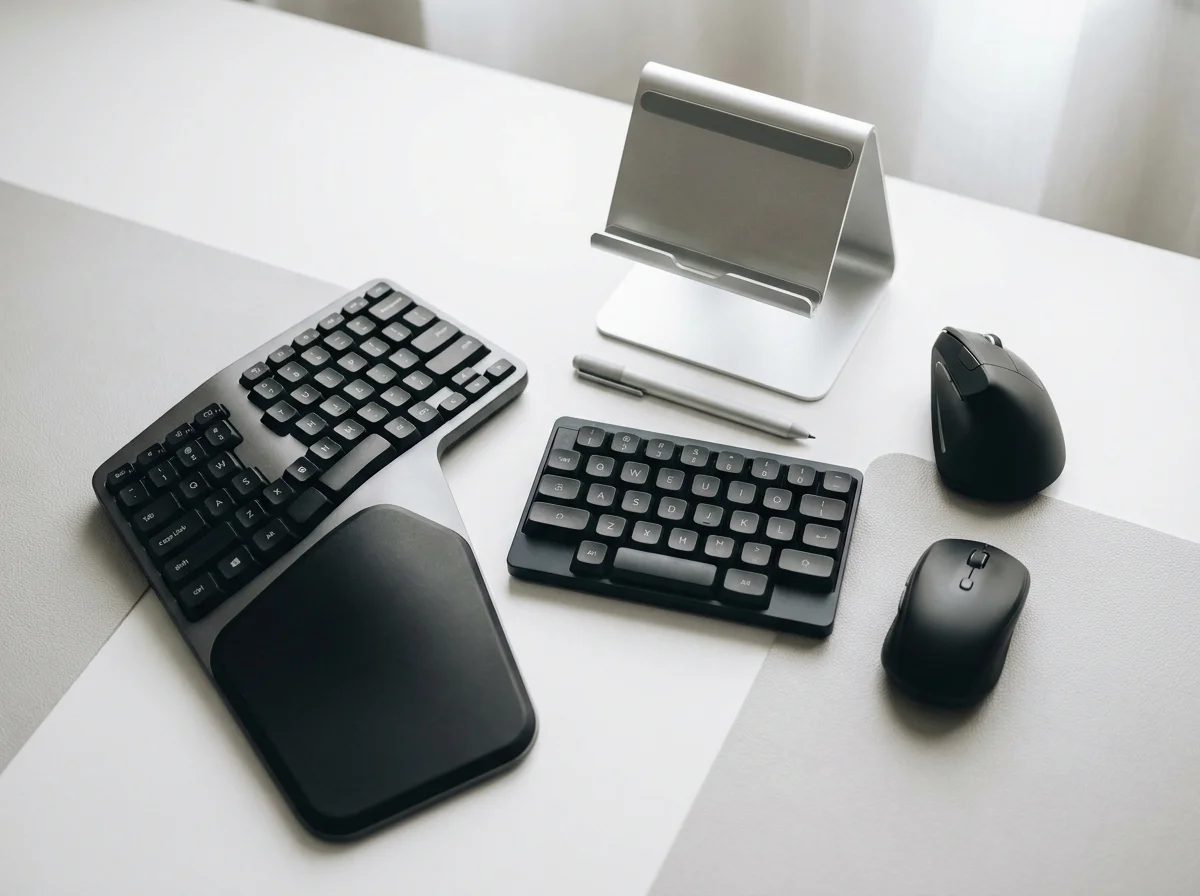 The core one-handed typing toolkit — before you add voice dictation to it.
Prices climb fast once you leave the mouse and stylus category. A dedicated one-handed keyboard from a specialty ergonomics brand routinely lands in the $300-$500 range, and that's before you add a matching mouse or wrist support. For a fuller rundown of non-keyboard options, our guide to one-handed typing alternatives covers software-only routes as well.
How Do Gadgets for One-Handed Person Needs Differ by Disability?
The right adaptive gadget depends heavily on why you're typing with one hand: a broken wrist or temporary injury usually calls for voice dictation and a stylus, chronic conditions like arthritis favor adaptive keyboards with lighter key travel, and amputees or congenital limb differences tend to get the most mileage from a dedicated chorded keyboard. There's no single "best" gadget across all three groups.
- Broken wrist or recovering from surgery: voice dictation plus a basic stylus for occasional taps
- Arthritis or chronic pain: adaptive large-key keyboard, lighter key switches, wrist support
- Amputation or congenital limb difference: chorded/split keyboard, single-hand mouse, or a full voice-first setup
- RSI or carpal tunnel from overuse: ergonomic mouse first, voice dictation for anything longer than a short reply
Worth knowing: most people searching "gadgets for one-handed person" are dealing with a temporary injury, not a permanent condition — which is exactly the group voice dictation serves best, since there's nothing to buy, learn, or wait for.
If pain rather than mobility is the trigger, our breakdown of keyboard position for carpal tunnel walks through the desk setup changes that reduce strain before you spend anything on hardware. For the broader accessibility landscape beyond typing specifically, see our guide to typing alternatives for disability.
Can One-Handed Keyboards Really Speed Up Typing?
Yes, but only relative to two-handed typing with an injured hand — a dedicated one-handed keyboard layout can get a skilled user close to their old two-handed speed, though most people never invest the weeks of relearning it takes to get there. Out of the box, expect a slower typing speed than before the injury, not a faster one.
That relearning curve is the part gadget listicles rarely mention. Chorded keyboards use key combinations instead of one key per letter, so early sessions are noticeably slower than plain hunting and pecking with your good hand. Our pillar guide on one-handed typing goes deeper on technique if you decide the investment is worth it.
Cost is the other factor. A $400 keyboard that takes six weeks to master is a hard sell for someone who needs to send emails tomorrow — which is exactly the gap voice dictation fills without a learning curve.
Can Voice Dictation Replace One-Handed Typing Gadgets?
Yes — for most day-to-day writing, voice dictation replaces the entire gadget category rather than supplementing it, since there's no keyboard layout to relearn and no hardware to buy. BossAI is built around this exact case: speak naturally, and the app transcribes, strips filler words, fixes grammar, and formats the result for whatever app you're in — no typing required at any step.
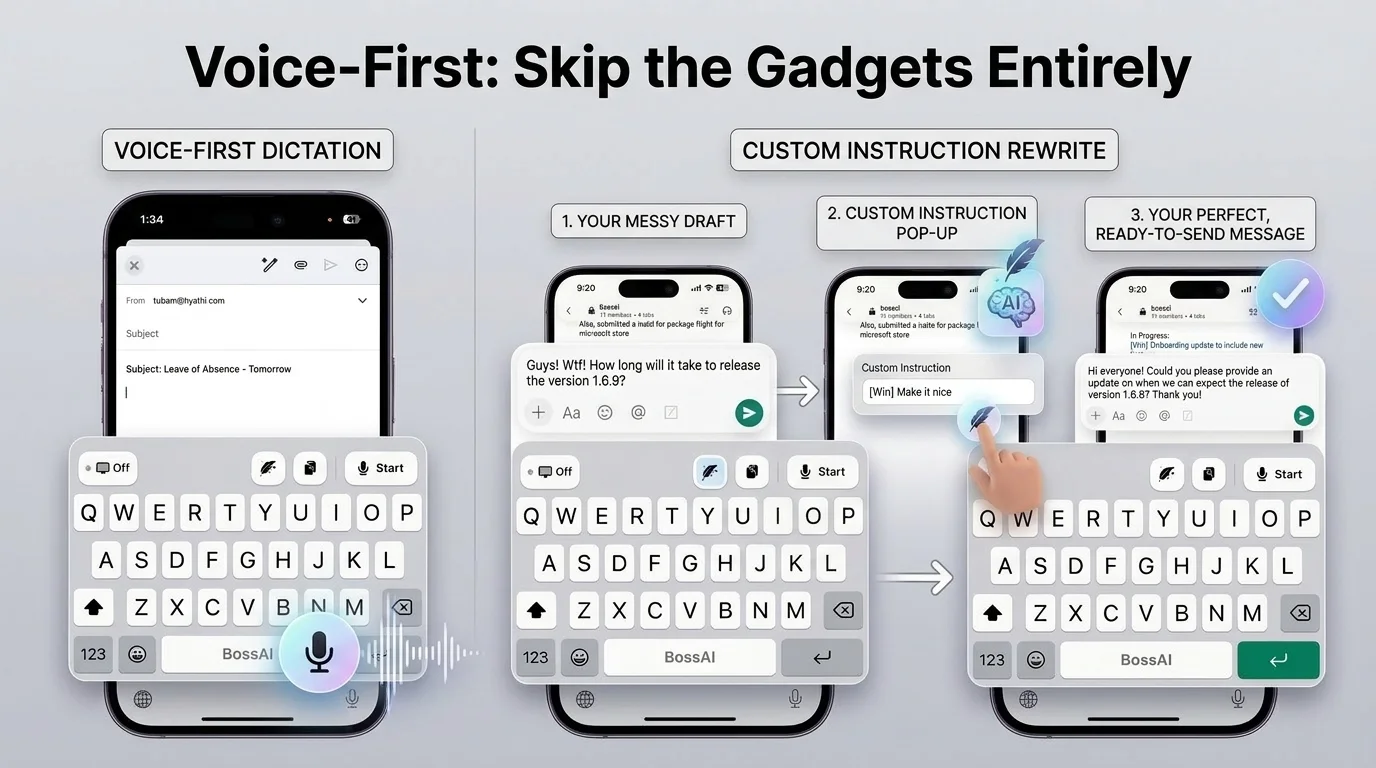 Dictate, then tap a tone to polish — no keyboard gadget needed for either step.
This is the "no-gadget solution" worth trying before you spend $300 on a keyboard: BossAI's dictation and Boss Mode handle the entire text-input problem hands-free, from a raw voice note to a formatted, ready-to-send message. For a closer look at fully hands-off workflows, our guide to hands-free typing covers the setup end to end. If your hands are simply full — not injured, just occupied — the same voice-first approach applies; dictate instead of type whenever typing isn't an option at all.
Why Is Voice Dictation Better Than One-Handed Typing Gadgets?
Voice dictation beats physical gadgets on three measurable fronts: speed (people speak roughly 3-5x faster than they can type with one hand), cost (free to start versus $150-$500 for hardware), and zero physical strain, since there's no key travel or grip involved at all. Gadgets reduce the pain of typing. Voice removes typing from the equation.
By the numbers: adaptive keyboards run $150-$500 and still require finger movement; BossAI's free tier gives 500 words of AI-polished dictation every day with no hardware purchase at all.
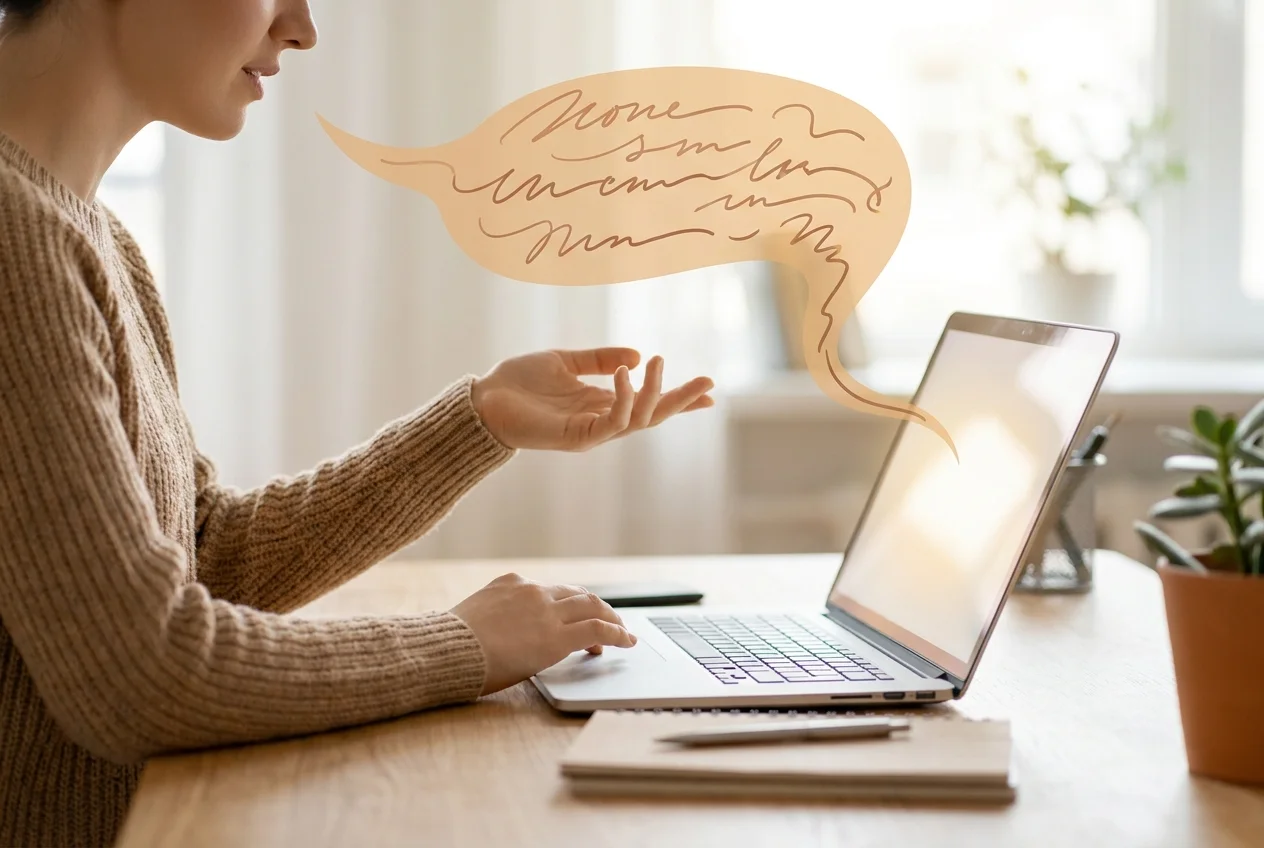 Speaking replaces typing entirely — no adaptive gadget can match that math.
There's a caveat worth being honest about: voice dictation struggles in loud, shared spaces, and some people simply prefer having a physical keyboard for short, precise edits. That's a real limitation, not a marketing gap.
The Fastest One-Handed Work Setup Combines Gadgets and Voice
Most people don't need to pick a single tool and stick with it. A single-hand mouse for navigation, paired with voice dictation for actual text entry, covers nearly every scenario a one-handed worker runs into during a workday.
Use the physical gadget for what it's good at — clicking, scrolling, precise cursor placement — and let voice carry the writing load. That combination consistently outperforms either approach used alone, because you're not fighting the keyboard for speed and you're not fumbling a mouse with dictation software.
Get Started with BossAI
If typing with one hand is slowing you down, the fastest fix isn't a new keyboard — it's skipping the keyboard for the parts that hurt most. BossAI turns speech into polished, formatted text across every app on iOS, Android, macOS, and Windows, no hardware required.
FAQ
What's the fastest way to work with a one-hand disability?
Voice dictation is the fastest path back to full productivity, since it requires no new hardware and no relearning period. Apps like BossAI transcribe speech into polished text instantly across every app, while physical gadgets like adaptive keyboards typically need weeks of practice before they match your prior typing speed.
Are one-handed keyboards worth the cost?
They're worth it for people with permanent limb differences who type heavily and want a dedicated hardware solution, at $200-$500 plus a relearning period. For temporary injuries or occasional one-handed use, voice dictation delivers similar or better speed for free, making the hardware investment harder to justify.
Is BossAI good for RSI or hand injuries?
Yes. BossAI is built for zero-keyboard use — you dictate everything, and it handles transcription, filler-word removal, and tone correction automatically. People with RSI, carpal tunnel, broken wrists, or other repetitive strain injuries use it to write emails, messages, and documents entirely hands-free, with no typing required at any step.
Can voice dictation fully replace a keyboard for one-handed typists?
For most writing tasks, yes — dictation covers emails, messages, documents, and notes without touching a key. Precise editing, spreadsheets, and some coding still benefit from a keyboard or mouse, which is why many one-handed workers pair voice dictation with one physical gadget rather than relying on either alone.