
What Is a Voice Note? Meaning, Uses & How It Works
What Is a Voice Note? Definition, How It Works, and the Best Apps
A voice note starts as sound but increasingly ends as text you can read in two seconds instead of listening in real time. If you're asking what is a voice note in 2026, that shift — audio in, clean text out — is the entire answer, and it's why voice notes have replaced typing for millions of quick thoughts, reminders, and messages.
Key Takeaways
- A voice note is an audio recording automatically converted to text using speech-to-text technology, letting you capture thoughts without typing.
- Modern voice note apps use AI to remove filler words ("um," "uh," "like"), fix grammar, add punctuation, and capitalize proper nouns automatically.
- Voice notes work across devices and can be saved as text transcriptions, audio files, or both, depending on the app.
- Voice note taking runs roughly 3-5x faster than typing, which cuts typing-related strain and suits long-form or on-the-go capture.
- AI-powered voice note apps like BossAI turn raw speech into polished, ready-to-share text automatically, without manual editing.
Contents
- What Is a Voice Note?
- What Is a Voice Note App, and How Does It Work?
- What's the Difference Between a Voice Note and a Voicemail or Voice Memo?
- How Accurate Are Voice-to-Text Transcriptions?
- When Should You Use Voice Notes Instead of Typing?
- What Apps Can Create and Transcribe Voice Notes?
- Can AI Make Voice Notes Cleaner and More Accurate?
- How Do Voice Notes Help with Productivity and Accessibility?
What Is a Voice Note?
A voice note is a short audio recording — or, with AI-enhanced apps, a text transcript of that recording — that lets you capture a thought or send a message using your voice instead of a keyboard. Basic voice notes stay as raw audio; AI-powered ones convert speech into clean, formatted, readable text automatically.
The term covers more ground than people expect. A 15-second WhatsApp clip to a friend, a reminder dictated into your phone while walking to the car, and a paragraph of meeting notes spoken into a keyboard app all count as voice notes — they just land in different places and get processed differently.
 Capturing a voice note takes a few seconds — the difference between apps shows up in what happens to it next.
Two things distinguish a "smart" voice note from an old-fashioned recording. First, it converts to text instead of staying locked as audio you have to play back. Second, that text arrives already cleaned up, not a verbatim transcript full of restarts and filler words.
What Is a Voice Note App, and How Does It Work?
A voice note app captures audio through your device microphone, runs it through a speech-to-text model in real time, and — on AI-enhanced tools — passes the raw transcript through a second layer that strips filler words, fixes grammar, and adds punctuation. Basic apps stop after the first step and hand you a searchable but unedited transcript.
Capturing the words is largely solved industry-wide already — most speech-to-text engines get individual words right in a quiet room. Where apps actually diverge is what happens after the words are captured.
For the mechanics of that recording layer specifically — including how audio gets buffered and processed before any cleanup happens — see our voice note recorder breakdown.
Basic recorders leave you with a wall of text that reads exactly like unedited speech: run-on sentences, no punctuation, every "um" intact. AI-enhanced apps route that same transcript through a language model tuned to remove noise and restore structure — the difference between something you have to fix and something you can send as-is.
What's the Difference Between a Voice Note and a Voicemail or Voice Memo?
A voice note is typically sent instantly through a messaging app (WhatsApp, iMessage, Slack) as a short audio clip meant to be heard once. A voicemail is left when a phone call goes unanswered and sits in a call system until retrieved. A voice memo is a personal recording saved to your device, not sent to anyone.
All three capture spoken audio, but differ in purpose. Voice notes are conversational and asynchronous, standing in for a text message you didn't want to type. Voicemails exist because a call failed to connect.
Voice memos, meanwhile, are for yourself: a private recording of an idea, a lecture, or a reminder that never leaves your device unless you choose to share it. Apple's Voice Memos app and Android's built-in recorder both fall into this last category by default.
How Accurate Are Voice-to-Text Transcriptions?
Voice-to-text accuracy depends heavily on background noise, accent, and vocabulary — clean audio in a quiet room produces the highest accuracy, while crowded environments, unusual names, and technical jargon cause the most errors. AI-enhanced apps close part of that gap by correcting grammar and punctuation even when the raw transcription stumbles.
Standalone speech recognition has gotten good at common words in controlled conditions. It still struggles with brand names, technical terms, and people's names it hasn't seen before — the exact vocabulary a lot of professional dictation actually needs.
Reality check: a custom dictionary — letting you teach the app your name, your company, and the jargon you use daily — closes more of the accuracy gap than switching to a "smarter" transcription engine.
This is also where the AI cleanup layer matters more than raw transcription quality. A model that removes filler words and fixes sentence structure can make a transcript read cleanly even when a handful of individual words needed a second pass.
When Should You Use Voice Notes Instead of Typing?
Voice notes make sense any time speaking is faster or more natural than typing: capturing an idea the moment it hits, dictating a long message on a small screen, taking notes hands-free, or drafting anything longer than a couple of sentences. Typing still wins for precision edits and anything that needs careful formatting.
 A voice to text note taker turns a coffee-break thought into a drafted paragraph before your coffee cools.
Several scenarios show voice consistently beating the keyboard:
- Long-form capture. Speaking runs roughly three to five times faster than typing, so a three-paragraph idea takes a fraction of the time to get down.
- On the go. Walking, commuting, or between meetings — situations where pulling out a keyboard is awkward but talking isn't.
- Voice texting. Replying to a chat with a spoken message instead of thumb-typing a paragraph on a five-inch screen.
- Reducing strain. Anyone managing RSI, carpal tunnel, or general typing fatigue gets a real break from voice-first capture.
Typing wins when the output needs tight structure — a spreadsheet formula, precise code, or something requiring heavy revision as you go.
What Apps Can Create and Transcribe Voice Notes?
Voice note apps split into two categories: built-in recorders (Apple Voice Memos, Google Recorder) that save audio with a basic transcript, and AI-enhanced tools (BossAI, Otter.ai, Notion Voice, Evernote Voice) that turn speech into structured, usable text. Which one fits depends on whether you want a sound file or a finished note.
| App | Platform | Output | AI Cleanup (fillers/grammar) | Works Inside Any App |
|---|---|---|---|---|
| BossAI | iOS, Android, macOS, Windows | Clean text, inserted directly | Yes — real-time | Yes |
| Apple Voice Memos | iOS, macOS | Audio + on-device transcript | No | No — separate app |
| Google Recorder | Android (Pixel-optimized) | Audio + searchable transcript | No | No — separate app |
| Otter.ai | Web, iOS, Android | Transcript + meeting summary | Partial — post-processing | No — separate app |
| Notion Voice | Inside Notion (iOS, Android, macOS, Windows) | Transcript saved to a Notion page | Partial — Notion AI | No — Notion only |
| Evernote Voice | Inside Evernote | Audio attached to a note | Minimal | No — Evernote only |
One pattern stands out: BossAI and similar keyboard-level tools work inside whatever app you're already using, instead of requiring you to open a separate recorder first. See our best voice notes app guide for a deeper feature comparison, and our voice note taker app recommendations for hands-on workflows.
Can AI Make Voice Notes Cleaner and More Accurate?
Yes — AI-powered voice note apps route your speech through a transcription model and then a second AI pass that strips filler words, corrects grammar, adds punctuation, and capitalizes proper nouns before the text ever reaches the screen. BossAI does this in real time, delivering polished output within roughly 300 milliseconds of you finishing a sentence.
That second pass is the actual product. Raw transcription — the "um, so like, I was thinking, uh, maybe we should push the call to Thursday" kind of output — is technically accurate but not usable as written.
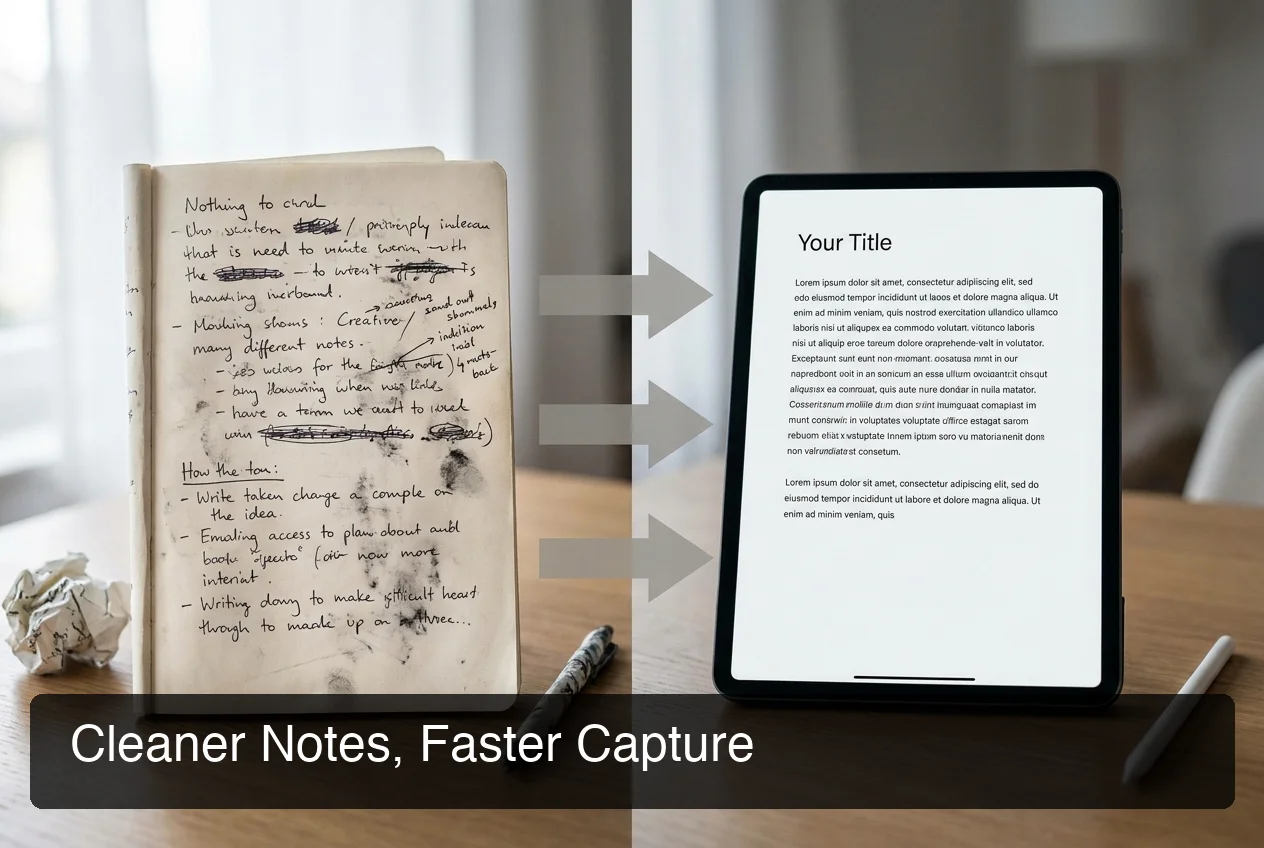 A raw voice note reads like a first draft; an AI-cleaned one reads like a finished message.
BossAI's cleanup runs on a proprietary model that processes the transcript the instant you stop talking — no separate "clean up" button, no waiting for a batch job. The same sentence above comes out as "I was thinking maybe we should push the call to Thursday," ready to send without touching it.
Pro tip: a custom dictionary — available in BossAI and a few competitors — teaches the app names, brand terms, and jargon it would otherwise mishear, which does more for real-world accuracy than any general model upgrade.
That's also the layer where AI-powered voice note apps pull ahead of plain recorders. A recorder gives you sound; an AI voice note taker gives you a paragraph you could paste into an email without a second look.
How Do Voice Notes Help with Productivity and Accessibility?
Voice notes save time by letting you capture ideas at speaking speed instead of typing speed, and they remove the physical strain of typing for anyone managing RSI, carpal tunnel, or repetitive strain injuries. They also help non-native speakers produce cleaner, more natural-sounding text than they might type from scratch.
For productivity, the math is simple: speech runs three to five times faster than typing, and that gap compounds across a full day of emails, messages, and notes. A five-minute voice note replaces what could be a fifteen-minute typing session, filler words and grammar cleanup included.
Accessibility works the same way in reverse: voice notes remove the keyboard from the equation entirely. Someone recovering from a wrist injury, or living with a condition that makes sustained typing painful, can still write a full email or document by speaking it.
Voice journaling is one of the clearest examples of this in practice — speaking a daily entry removes the friction that stops most people from journaling consistently. If that use case interests you, our voice activated journal guide walks through building the habit.
Why BossAI Is the Best Voice Note Solution
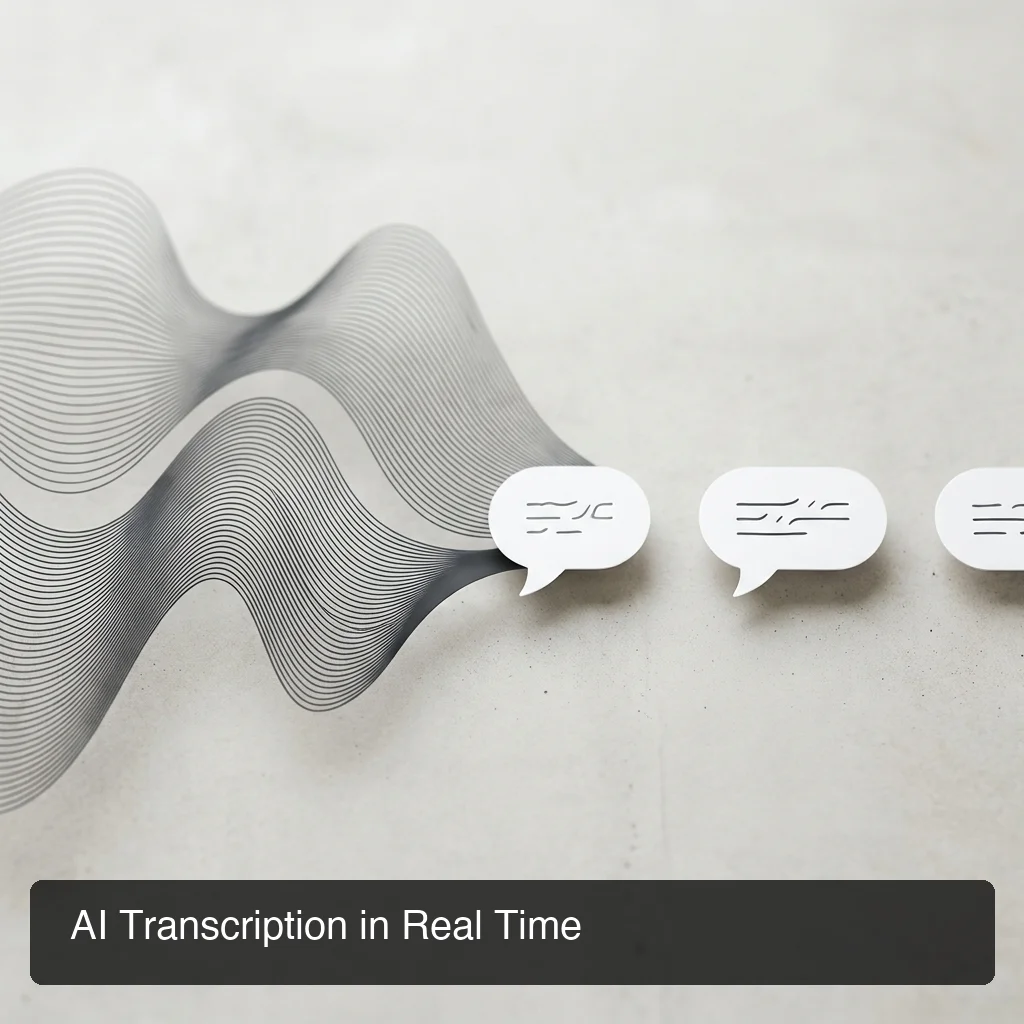 BossAI's transcription and AI cleanup happen in the same real-time pass — no separate editing step.
BossAI turns voice notes into finished text inside whatever app you're already using — Mail, Messages, Slack, Google Docs — instead of forcing you to record separately and copy the result over. That's the practical difference between BossAI and Apple Voice Memos, Google Recorder, Otter.ai, Notion Voice, and Evernote Voice, all of which live in their own app.
Under the hood, BossAI pairs real-time transcription with an AI enhancement layer that removes filler words, fixes grammar, and formats text within about 300 milliseconds of you finishing a sentence. Add a custom dictionary, multi-language support, and a free tier that resets 500 words daily instead of capping you for the week, and it covers what most people need from an AI voice note taker without a $15-a-month price tag.
Get Started with BossAI
If you're tired of cleaning up transcripts by hand, BossAI does that work automatically, in real time, inside the apps you already use. Try it free — no account required for the trial.
FAQ Section
What's the difference between a voice note and a voicemail? A voice note is sent deliberately through a messaging app as a short audio clip, usually replacing a text message. A voicemail is only created when a phone call goes unanswered and gets stored in the recipient's call system until they retrieve it.
Why do people send voice notes instead of typing or calling? Sending a voice note lets you say more in less time than typing allows, without requiring the other person to answer immediately like a call does. It also carries tone and emotion that text can't, while staying asynchronous — the listener responds whenever they're free.
What is a voice note message on iPhone? On iPhone, a voice note is an audio message recorded and sent inside Messages, WhatsApp, or a similar app by tapping and holding the microphone icon. iOS can also auto-generate a text transcript alongside the audio so recipients can read instead of listen.
Is BossAI free? Yes — BossAI's free plan has no weekly word limit, so you can dictate as much as you like every day. Upgrading unlocks unlimited Boss Mode screen replies, faster processing, and more Clips storage, and no credit card is needed to start the trial.
What makes BossAI different from other voice note and dictation apps? BossAI combines real-time AI transcription with Boss Mode, a screen-reading feature no competitor offers — it reads what's on your screen to draft contextual replies without copy-pasting. Add one-tap tone rewriting and Clips for instant text snippets, and it covers more ground than a typical voice note app.
Can you edit a voice note after recording it? It depends on the app. Basic recorders like Voice Memos only let you trim or delete the audio file itself. AI-enhanced apps like BossAI let you rewrite the resulting text in a different tone with one tap, so editing happens on the finished text, not the original recording.