
Best Voice Notes App for 2026: Full Guide
Voice notes apps have evolved from simple audio recorders into AI-powered tools that transcribe, organize, and repurpose spoken words. Here is everything you need to choose the right app and build a voice-first workflow.
 Modern voice notes apps transcribe and organize your ideas as you speak — no typing required.
Key Takeaways
- Voice notes apps let you capture ideas hands-free, transforming spoken words into transcribed, searchable text.
- The best voice notes apps offer automatic transcription, cloud sync, and integration with email, CMS, and messaging apps.
- Key features to prioritize: transcription accuracy, offline capability, organization tools (tags/folders), and cross-platform sync.
- Voice notes apps reduce friction for mobile users, content creators, and professionals who need to capture on the go.
- AI-enhanced apps go beyond recording — they rewrite, summarize, and adapt notes for different contexts automatically.
Contents
- What Is a Voice Notes App and How Does It Work?
- What Are the Best Voice Notes Apps in 2026?
- Can Voice Notes Apps Automatically Transcribe Your Recordings?
- What Features Should You Look For in a Voice Notes App?
- How Much Do Voice Notes Apps Cost?
- How Does a Voice Notes App Compare to Traditional Text Note-Taking?
- How Do You Organize and Search Voice Notes Effectively?
- Which Voice Notes App Is Best for Your Workflow?
- How Does BossAI Voice Typing Enhance Note-Taking?
- FAQ
What Is a Voice Notes App and How Does It Work?
A voice notes app is a mobile or desktop tool that captures spoken words as audio recordings or automatically transcribed text. You speak, the app converts your voice to searchable text in real time, and stores both the audio and transcript for later retrieval. The entire capture process takes seconds — no keyboard required.
Most voice notes apps work in one of two modes: raw audio recording (stores sound only) or live speech-to-text transcription (converts speech to text immediately). Better apps do both — you get searchable text and the original audio for reference.
The transcription engine separates a basic recorder from a true voice notes app. Apps powered by large speech models produce clean, punctuated text. Older apps deliver raw output with no post-processing — messy and in need of manual cleanup before it is usable.
How Speech Recognition Powers Voice Notes
Accuracy comes down to the underlying speech model, real-time versus batch processing, and whether AI post-processing cleans the output. Apps like Otter.ai use cloud models that outperform on-device recognition. The latest voice dictation apps combine real-time transcription with instant AI polish — output is ready to use, not a rough draft.
Key insight: The difference between a voice notes app and a voice recorder is transcription. A recorder stores sound. A voice notes app turns sound into searchable, usable text.
What Are the Best Voice Notes Apps in 2026?
The best voice notes apps in 2026 balance transcription accuracy, mobile usability, and organizational features. Top picks include Voicenotes.com for meeting notes, Otter.ai for team collaboration, Apple Voice Memos for iOS simplicity, Google Recorder for Android privacy, and BossAI for users who need voice capture that works across every app without switching.
| App | Best For | Transcription | Platforms | Free Tier | Paid |
|---|---|---|---|---|---|
| Voicenotes.com | Meeting notes + summaries | Excellent | iOS, Android, Web | Limited | ~$10/mo |
| Otter.ai | Team collaboration | Excellent | iOS, Android, Web | 300 min/mo | $17/mo |
| Apple Voice Memos | iOS simplicity | Good (on-device) | iOS, macOS | Free | — |
| Google Recorder | Android privacy | Very good | Android only | Free | — |
| Descript | Transcription + editing | Excellent | macOS, Windows, Web | 1 hr/mo | $24/mo |
| BossAI | Voice typing across all apps | Excellent | iOS, Android, macOS, Windows | 500 words/day | $9.99/mo |
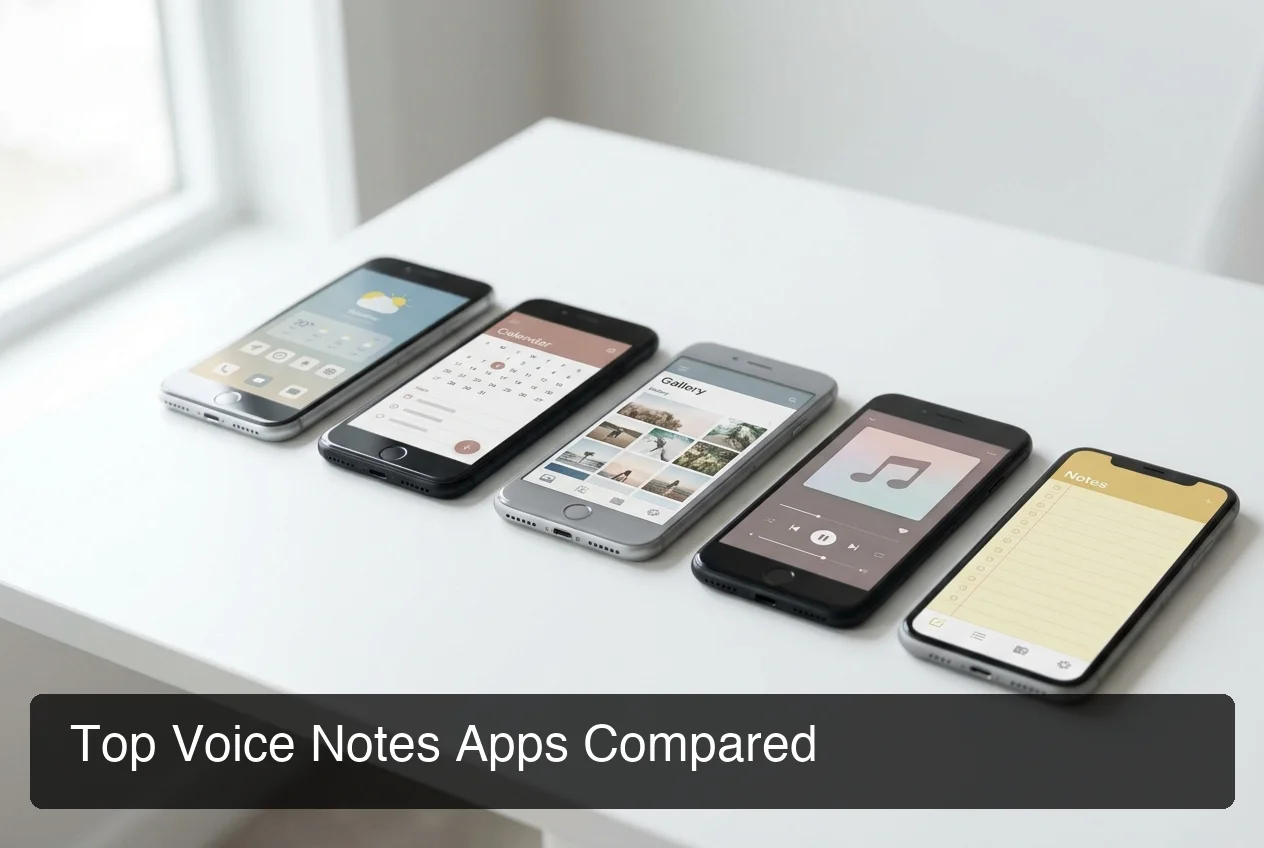 Leading voice notes apps serve different use cases — from meeting transcription to real-time voice input across all your apps.
Voicenotes.com
Voicenotes.com is built for meeting capture — record from your device and get a transcript, auto-generated summary, and action items automatically.
Otter.ai
Otter.ai leads for teams: real-time transcription, speaker identification, and Zoom/Google Meet integration. Free tier: 300 minutes/month.
Apple Voice Memos
Already on every iPhone — free, zero setup, iCloud sync. Offers basic iOS 18+ transcription but falls short for capturing voice memos on iPhone at scale — no tagging, AI processing, or smart search.
Bottom line: For basic audio capture, any of these apps gets the job done. For transcription quality, cross-app usability, and AI output, you need a tool built around text — not just audio storage.
Can Voice Notes Apps Automatically Transcribe Your Recordings?
Yes — most modern voice notes apps automatically transcribe using cloud-based speech recognition. Accuracy varies by model, microphone quality, and noise. Top apps like Voicenotes.com and Otter.ai achieve 90%+ accuracy in quiet environments. AI post-processing — filler word removal, punctuation, grammar correction — determines how usable the transcript is without manual editing.
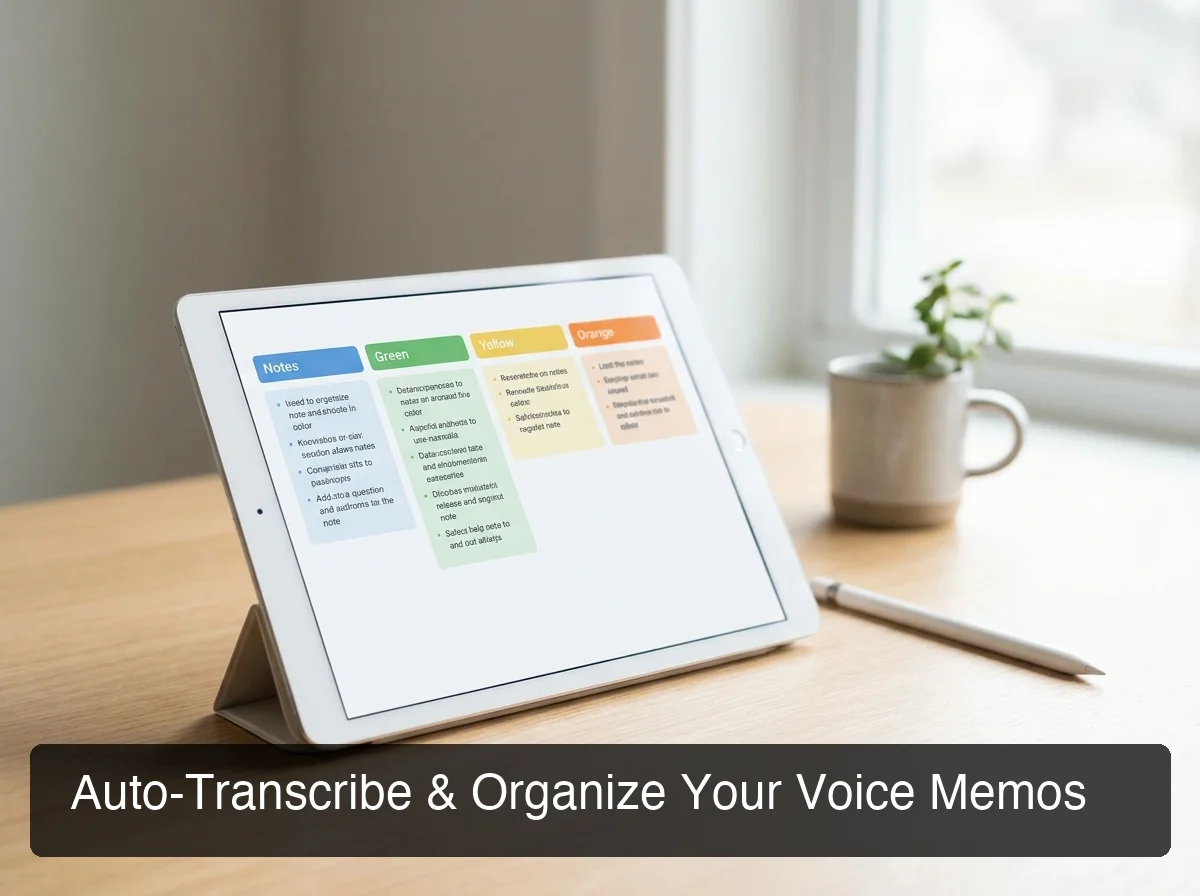 The best voice note taking app produces clean, punctuated text automatically — not raw output that needs cleanup.
What Affects Transcription Accuracy?
Accuracy is a system output, not just an app setting. Key variables:
- Microphone quality — Built-in mics underperform external clip-ons in noise
- Background noise — Coffee shops and commutes degrade accuracy significantly
- Speaking pace — Rapid or mumbled speech increases errors
- Technical vocabulary — Generic models miss jargon without a custom dictionary
The underlying speech recognition engine sets the ceiling. Whisper-based or proprietary models consistently outperform basic OS speech APIs.
Real-Time vs. Batch Transcription
Real-time shows text as you speak — better for active dictation. Batch processes audio after recording stops — better for long meetings. Top apps support both.
By the numbers: Apps with AI post-processing produce 40-60% cleaner transcripts than raw speech-to-text — fewer filler words, correct punctuation, and readable grammar without editing.
What Features Should You Look For in a Voice Notes App?
The most important features in a voice notes app are transcription accuracy, offline capability, organizational tools, and cross-platform sync. AI post-processing — filler word removal, summarization, and tone rewriting — separates apps that save time from apps that create more editing work than typing would have.
Non-negotiable features to verify:
- Transcription quality — Test with your normal speaking pace and vocabulary
- Offline mode — Record and transcribe without internet (critical for travel)
- Full-text search — Search across all transcripts, not just file names
- Organization — Tags, folders, or auto-categorization
- Cross-platform sync — Consistent behavior on phone and laptop
- Export options — Send notes to email, Notion, or your content tools
- Custom dictionary — Learns your brand terms, names, and jargon
Advanced Features Worth Considering
Once the basics check out, these unlock higher-value workflows: AI summarization (auto-summary from long recordings), action item detection, tone rewriting (casual-to-professional in one tap), and deep integrations with Slack, email, or Google Docs.
How Much Do Voice Notes Apps Cost?
Most voice notes apps use freemium pricing gated by minutes or word count. Paid plans range from $8 to $30/month. Enterprise-focused apps (Otter.ai, Descript) skew higher. Consumer apps (BossAI, Superwhisper) stay under $10/month on annual plans — accessible for individual professionals.
| App | Free Tier | Monthly | Annual |
|---|---|---|---|
| Voicenotes.com | Limited recording | ~$10/mo | — |
| Otter.ai | 300 min/mo | $17/mo | ~$10/mo |
| Apple Voice Memos | Unlimited (basic) | Free | Free |
| Google Recorder | Unlimited (Android) | Free | Free |
| Descript | 1 hr transcription/mo | $24/mo | ~$12/mo |
| BossAI | 500 words/day | $9.99/mo | $5.83/mo |
Free tiers vary widely. Google Recorder and Apple Voice Memos are unlimited but offer no AI processing.
Otter.ai caps at 300 minutes. BossAI uses a daily reset — 500 words per day creates a natural usage rhythm without hard blocking.
How Does a Voice Notes App Compare to Traditional Text Note-Taking?
Voice capture is 3-5x faster than typing — speaking at 130-150 WPM versus typing at 40-60 WPM. On mobile, touchscreen typing averages 30-40 WPM, making voice the clear winner for on-the-go capture. The trade-off is structure: typed notes are instantly formatted; voice notes require transcription. That gap closes when apps auto-transcribe accurately with AI post-processing.
The real comparison is total workflow cost. Speak a note, spend two minutes editing, and typing may have been faster.
Your app produces clean text in seconds, and voice wins decisively. See how voice notes fit the broader voice typing app ecosystem.
How Do You Organize and Search Voice Notes Effectively?
The most effective system for digital voice notes combines immediate tagging, folder hierarchies by project, and full-text search across transcripts. Most disorganization happens at retrieval — when 50 notes have only timestamp names and no context tags.
A system that scales:
- Tag immediately — Add 1-3 topic tags while context is fresh
- Folder by project — Separate work notes from personal brainstorms
- Start with a title summary — "This is about [topic]" improves search accuracy
- Review weekly — Move processed notes to action items, delete what is done
Apps with AI summarization (Voicenotes.com, Otter.ai) auto-generate titles, making retrieval reliable without manual effort.
Key insight: The organization system you build in week one determines whether your voice notes library becomes an asset or an audio landfill by month two.
Which Voice Notes App Is Best for Your Workflow?
The best voice notes app depends on your primary use case. For meeting notes with AI summaries, use Voicenotes.com or Otter.ai. For simple mobile capture, Apple Voice Memos (iPhone) or Google Recorder (Android). For voice capture that works inside every app on your device without a separate notes silo, BossAI is the most integrated option.
Quick decision framework:
- Meetings + auto-summaries? → Voicenotes.com or Otter.ai
- Quick audio memos on iPhone? → Apple Voice Memos
- Android-first, privacy-conscious? → Google Recorder
- Transcription + audio editing? → Descript
- Voice input across all your apps? → BossAI
Traditional voice notes apps are isolated silos. BossAI is a universal voice layer — your input works in Gmail, Slack, Notion, or any app you open, not just a dedicated notes screen.
 BossAI takes voice capture beyond notes — your voice works in every app on your device, with AI cleanup in 300ms.
How Does BossAI Voice Typing Enhance Note-Taking?
BossAI extends the voice notes concept system-wide. Instead of recording into a separate app, you dictate directly into any app — email, Slack, Google Docs, messaging — and BossAI transcribes and polishes your words in real time. One voice keyboard replaces the entire capture-then-paste workflow that standalone voice notes apps require.
Traditional voice notes workflows create unnecessary friction: record, wait for transcription, copy text, switch apps, paste, edit. BossAI eliminates every step except speaking.
What Makes BossAI Different for Voice Capture
On iOS and Android, BossAI runs as your keyboard — dictate anywhere you would normally type. On Mac and Windows, a hotkey activates dictation from any text field. AI enhancement processes in ~300ms after you stop speaking: filler words removed, grammar corrected, punctuation added.
For professionals who capture notes and also write emails, Slack messages, and client documents, BossAI is a unified voice input layer. Capture quick voice clips with BossAI in your email draft, meeting notes, and Slack reply — without switching apps.
Boss Mode: Screen-Aware Voice Commands
Boss Mode adds screen context. Say "Boss, summarize this Slack thread" and BossAI reads your screen and generates a reply — a capability no traditional voice notes app offers.
Bottom line: Voice notes apps capture your words. BossAI captures and writes — directly into wherever you need the text, with no copy-paste and no cleanup required.
Get Started with BossAI
If you already capture voice notes, BossAI is the natural next step: voice capture across every app, with AI cleanup that makes dictation ready to send without editing.
Not ready yet? Get Our AI Productivity Guide — free tips on working faster with AI.
FAQ
What is the best voice notes app in 2026?
The best voice notes app depends on your use case. For meeting transcription with AI summaries, Voicenotes.com and Otter.ai lead.
For quick mobile capture, Apple Voice Memos and Google Recorder are free and reliable. For voice input across all apps on iOS, Android, Mac, and Windows without switching between tools, BossAI offers the most integrated workflow at $9.99/month.
Can voice notes apps work offline?
Some do. Google Recorder and Apple Voice Memos use on-device speech recognition that works without internet.
Most AI-powered apps (Otter.ai, Voicenotes.com, BossAI) require a connection for cloud transcription and AI processing. Superwhisper and Spokenly offer fully local models for offline use. Check the app's offline policy before committing if you regularly work in low-connectivity environments.
How accurate is automatic transcription in voice notes apps?
Top apps achieve 90-95% accuracy in quiet environments at a normal speaking pace. Background noise, accents, and technical vocabulary lower accuracy.
Apps with AI post-processing produce cleaner final text even when raw transcription has minor errors — filler words are removed and grammar is corrected automatically. Adding a custom dictionary improves accuracy for brand names and specialized jargon.
What is the difference between a voice notes app and a dictation app?
Voice notes apps store recordings and transcriptions as a capture-and-retrieve system. Dictation apps insert text directly into whatever app you are typing in, in real time.
The line is blurring: tools like BossAI combine both — live dictation in any app plus a history of previous outputs. For most professionals, a dictation-first tool with note history is more versatile than a notes-only app.
What is BossAI?
BossAI is an AI voice keyboard for iPhone and Android, and a voice-to-text app for Mac and Windows, that replaces typing with voice dictation. It transcribes speech in real time, removes filler words automatically, rewrites text in different tones with one tap, and includes Boss Mode — a screen-reading feature that reads your screen to generate contextual replies without copy-pasting.
Is BossAI free?
Yes — BossAI's free plan includes 500 words of dictation a day, and the allowance resets daily. Pro makes everything unlimited — dictation, Boss Mode, Rewrite, every tone and all Clips, for $9.99/month or $69.99/year. No credit card required to start.