
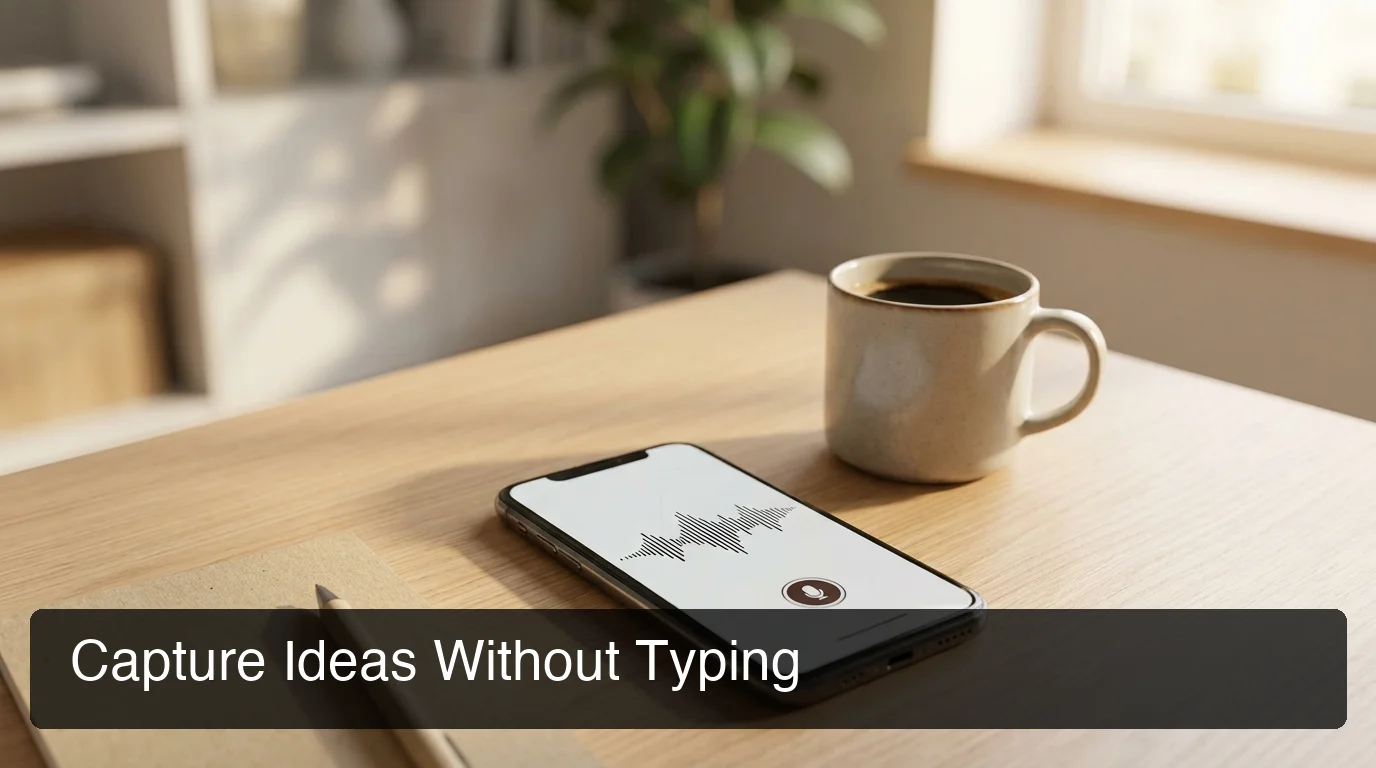
Voice Note Recorder: What It Is & How It Works
Voice Note Recorder: What It Is and How It Works
A voice note recorder captures spoken words as text or audio the instant an idea hits — no typing, no switching apps, no losing the thought mid-sentence. The better tools don't stop at capture: they clean up filler words, fix grammar, and format the note so it's ready to send or file away. That distinction — raw recording versus usable text — is the whole point of this guide.
Speech recognition research has put voice input at roughly three times the speed of typing on a phone screen (around 150 words per minute versus 40).
What Is a Voice Note Recorder?
A voice note recorder is an app or built-in device feature that turns spoken audio into a saved note — as a raw audio file, a text transcript, or both. AI-enhanced versions go further, stripping filler words, adding punctuation, and formatting the output so it reads like something typed on purpose rather than transcribed word-for-word.
Two generations of this tool exist side by side. The older one is a "record and store" utility — Apple's Voice Memos, Google's Recorder app on Pixel devices — built to save audio you can play back or search by transcript. The newer generation treats voice as an input method for writing, not just a way to archive sound.
That second category — AI-enhanced voice-to-text — is where products like BossAI operate. If you want the step-by-step mechanics of turning speech into a finished note, our voice note taker walkthrough covers the tap-to-record flow in more depth.
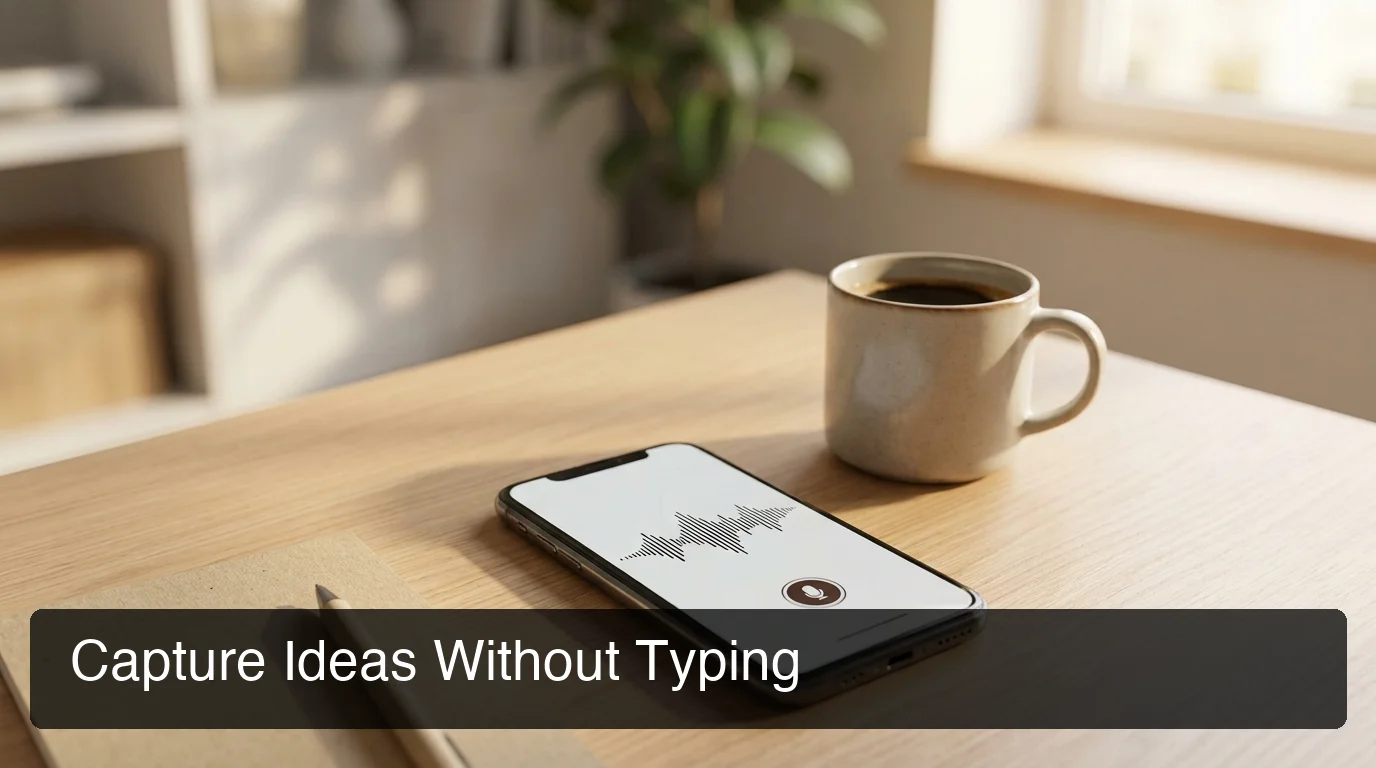 Capturing an idea by voice takes one tap — no notes app, no unlocking a second screen.
Key Takeaways
- A voice note recorder captures spoken ideas as text instantly — no typing, no app switching, just speak and go.
- It works best for quick idea capture, meeting notes, journaling, and hands-free workflows where typing friction slows you down.
- The strongest tools use AI to remove filler words, fix grammar, add punctuation, and clean up transcription automatically — making raw voice input shareable immediately.
- Voice input saves an estimated 30-50% of the time typing takes for most people, which adds up fast for anyone managing heavy email and chat loads.
- Modern voice note recorders run on iOS, Android, Mac, and Windows, turning any device you own into a note-taking tool.
How Does a Voice Note Recorder Work?
A voice note recorder listens through your device's microphone, runs the audio through a speech-to-text model in real time, then passes the raw transcript through an AI layer that strips filler words, fixes grammar, and adds punctuation. The result lands in a text field or note within a second or two of you finishing the sentence.
The first stage — speech-to-text — is largely a solved problem across the industry; most tools get individual words right in quiet rooms. Where the tools actually diverge is stage two: the cleanup layer. Raw transcription includes every "um," every restart, every run-on sentence exactly as spoken.
Our deeper breakdown of that mechanic — including how the two stages interact and why latency matters — lives in the voice recording to transcript guide. Different types of voice notes stress this pipeline differently: a two-sentence reminder needs almost no cleanup, while a rambling three-minute journal entry leans hard on the AI layer to be readable at all.
Why Does Voice Note Recording Beat Typing?
Typing wins when you need precision editing. But for the moment an idea first forms, speaking it out loud is almost always faster and lower-friction than reaching for a keyboard.
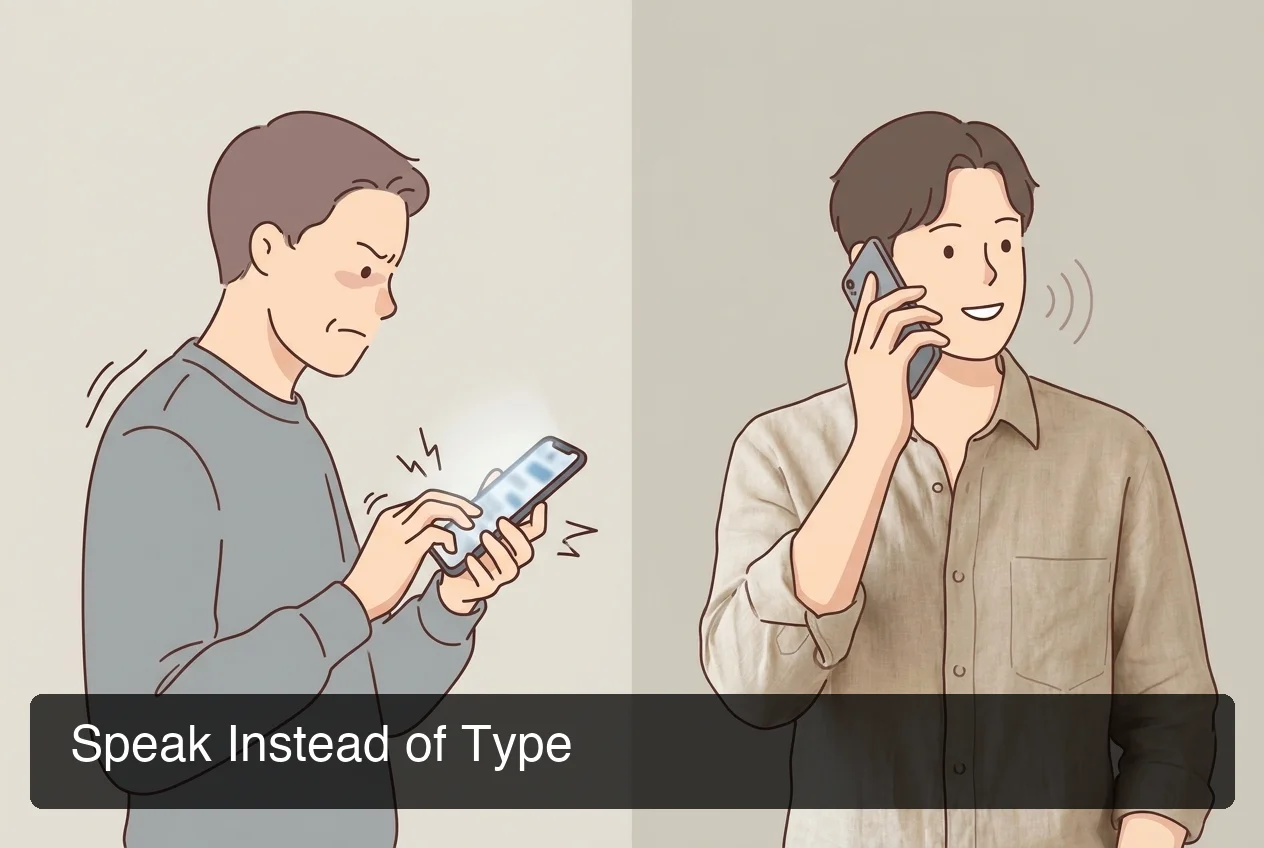 The friction gap shows up most on mobile, where typing a full paragraph competes with a five-inch screen and autocorrect.
Three reasons the gap is real, not just a preference:
- Speed. Speech clocks in around 150 words per minute; typing on a phone keyboard averages closer to 40.
- No context switch. You stay in the app you're already using instead of opening a separate notes tool.
- Lower editing burden. AI cleanup handles grammar and filler removal, so you're not proofreading a first draft from scratch.
Worth knowing: the time savings compound for people who capture ideas throughout the day rather than in one sitting — five 20-second voice notes add up to less total time than one five-minute typed memo.
What Are the Best Voice Note Recorder Apps?
The best voice note recorder apps split into two camps: simple audio recorders (Voice Memos, Google Recorder) built for archiving sound, and AI-enhanced dictation tools (BossAI, Otter.ai, Notion Voice) built for turning speech into usable, structured text. Which one fits depends on whether you need a sound file or a finished note.
| Tool | Platforms | AI Cleanup (fillers/grammar) | Best For |
|---|---|---|---|
| BossAI | iOS, Android, macOS, Windows | Yes — real-time, ~300ms after you stop speaking | Instant idea capture inside any app |
| Apple Voice Memos | iOS, macOS, Apple Watch | No — raw audio, basic on-device transcript | Simple audio archiving |
| Google Recorder | Android (Pixel-optimized) | No — searchable transcript, no filler removal | Recording and keyword search in long audio |
| Otter.ai | Web, iOS, Android | Partial — post-call summaries, not real-time | Meeting transcription and recaps |
| Notion Voice | iOS, Android, macOS, Windows (via Notion) | Partial — Notion AI summarization | Turning voice notes into structured Notion pages |
For a fuller comparison of features, pricing, and organization workflows across these tools, see our complete voice notes app guide. The pattern worth noticing: AI-powered voice note recorders are pulling ahead of plain audio recorders specifically because the cleanup step removes almost all post-recording editing.
How BossAI's Voice Note Feature Works
BossAI's voice note recording lives inside the keyboard itself — on iOS and Android it replaces your default keyboard, so the microphone button is one tap away in any app you're already using. There's no separate app to open and no copy-paste step between capturing the thought and using it.
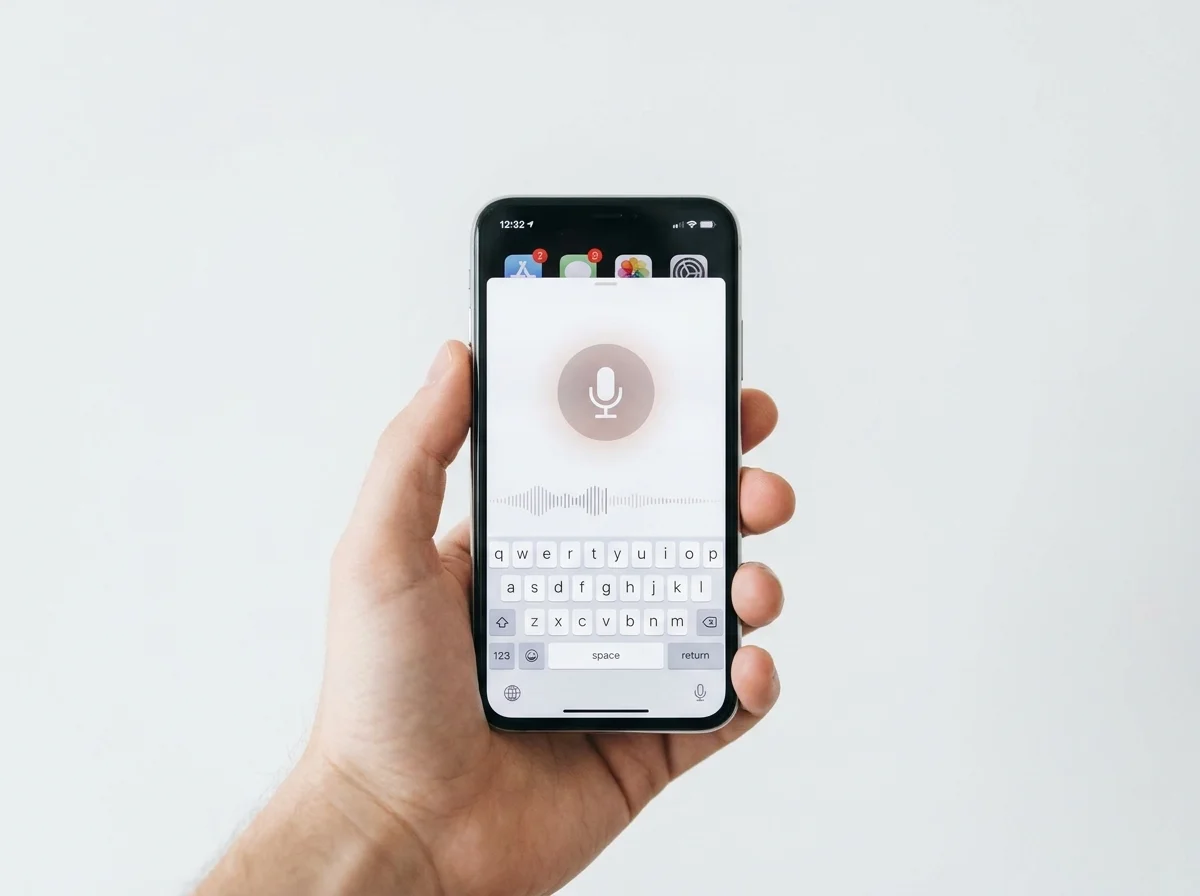 The mic sits inside the keyboard, so a voice note in Slack, Notes, or email starts the same way every time.
Tap the mic, speak, and BossAI's real-time transcription model displays words as you talk. When you stop, a proprietary AI enhancement layer finishes cleaning the text in about 300 milliseconds — removing filler words like "um" and "like," adding punctuation, capitalizing names, and formatting the output for whatever field you're typing into. That's the practical version of voice notes with AI cleanup: you get a note that reads like you wrote it carefully, without having written it carefully.
For heavier use — journaling, drafting longer messages, or dictating documentation — a custom dictionary lets BossAI learn recurring names and technical terms so accuracy holds up over repeated use, which matters more for voice journaling with a voice note recorder than it does for one-off reminders.
How Accurate Is Voice Note Recording?
Accuracy for AI-enhanced voice note recorders is generally high in quiet environments and holds up reasonably well with accented speech, though background noise and unusual vocabulary remain the main failure points across every tool in the category. The AI cleanup layer helps mask minor transcription slips by fixing grammar and punctuation even when a word or two gets misheard.
Two levers move accuracy the most:
- Environment. A quiet room beats a coffee shop or moving car every time — background noise is still the top cause of transcription errors industry-wide.
- Vocabulary training. Custom dictionaries that store names, brand terms, and jargon meaningfully cut down repeat mistakes on words a generic model wouldn't recognize.
Reality check: no voice note recorder is perfect on the first try with an unfamiliar name or acronym — the ones that let you teach the vocabulary once and keep it are the ones that improve the fastest.
Get Started with BossAI
If capturing ideas by voice sounds better than typing them, BossAI puts a voice note recorder inside your keyboard on iOS, Android, Mac, and Windows — no separate app, no copy-paste, just speak and the cleaned-up text is ready to use.
FAQ
What's the difference between a voice note recorder and a transcription app?
A voice note recorder is built for quick, real-time idea capture — speak a thought and get clean text in seconds. A transcription app like Otter.ai is built for longer recordings, such as meetings, converted to text after the fact. Both use speech-to-text, but they solve different problems.
Is BossAI free to use?
Yes. BossAI has a free tier with no weekly word cap, so you can dictate voice notes daily without hitting a hard stop. The paid plan adds unlimited Boss Mode screen reads, priority processing, and extended Clips storage. No credit card is required to start.
What platforms work with voice note recorders like BossAI?
BossAI runs on iOS (App Store), Android (Google Play), macOS, and Windows, giving it the broadest platform coverage in the category. On iOS and Android it works as a full keyboard replacement, so voice notes work in any app without switching screens.
Can a voice note recorder clean up filler words automatically?
Yes, in AI-enhanced tools. BossAI's enhancement layer removes filler words like "um," "uh," and "like," fixes grammar, and adds punctuation automatically within about 300 milliseconds of you finishing a sentence — no manual editing required.