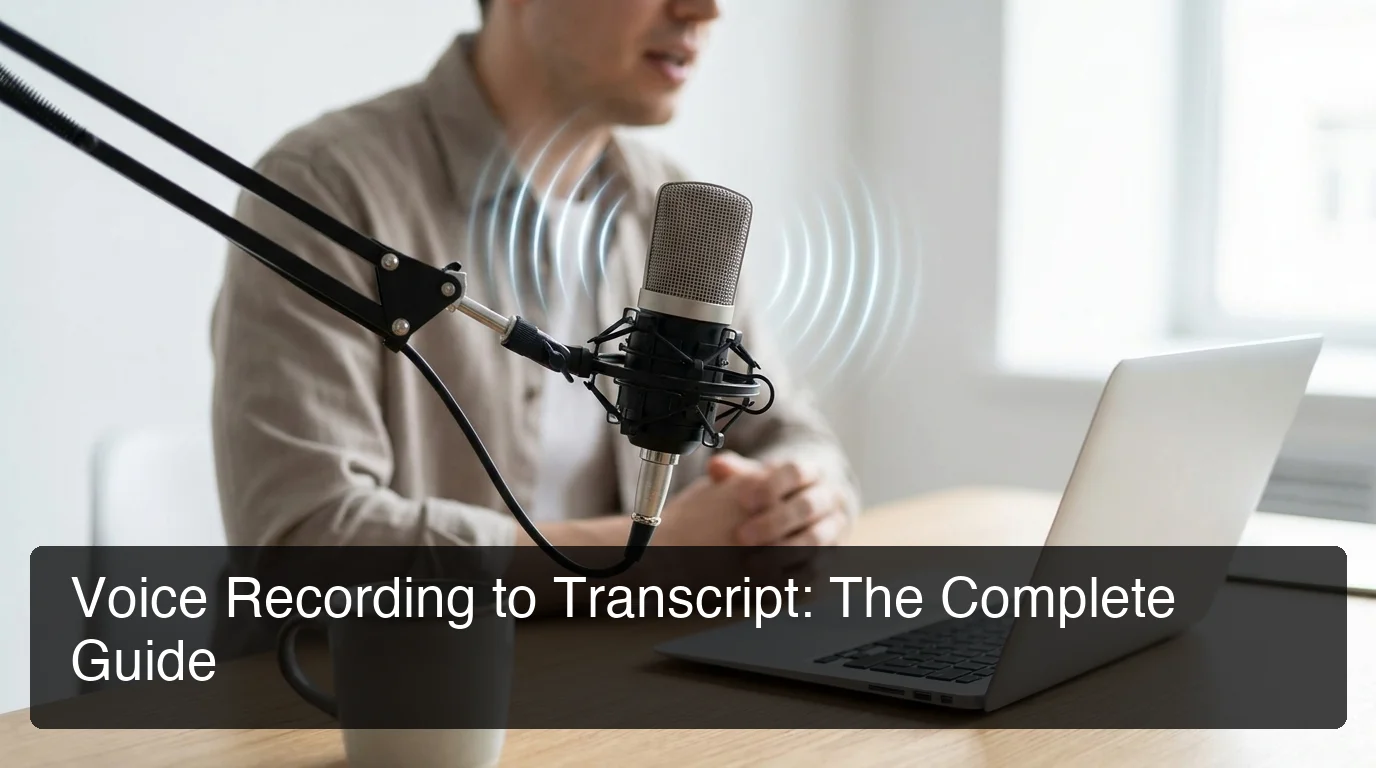
Voice Recording to Transcript Guide
Every meeting, interview, lecture, or brainstorm that exists only as audio is a liability — the moment you need to search, share, or reference it, you're stuck. Voice recording to transcript technology changes that.
Key Takeaways
- Voice recording transcription converts spoken audio into written text using AI speech recognition, making recordings searchable, shareable, and editable.
- Modern AI transcription tools achieve 85–95% accuracy for clear audio; accuracy drops with background noise, strong accents, or technical jargon.
- Professionals who transcribe voice recordings save an average of 5–10 hours per week previously lost to manual note-taking and documentation.
- Live transcription happens in real time as you speak; file-based transcription processes uploaded recordings after the fact — each fits different workflows.
- BossAI integrates live voice transcription across every app on your device, with AI enhancement that produces clean text within 300ms of speaking.
Contents
- What Is Voice Recording to Transcript?
- How Does Voice Recording to Transcript Technology Work?
- What's the Difference Between Live and File-Based Voice Transcription?
- Why Should You Convert Voice Recordings to Text?
- How Accurate Is Voice Recording Transcription?
- What Are the Best Tools for Voice Recording to Transcript?
- Can You Transcribe Voice Recordings for Free?
- What Makes BossAI the Best Voice Recording Transcription Solution?
What Is Voice Recording to Transcript?
Voice recording to transcript is the process of converting spoken audio — whether live voice or a pre-recorded file — into written text using speech recognition technology. The result is an editable, searchable document that captures everything said in a meeting, interview, lecture, or voice note.
The term covers two distinct workflows: recording audio first and transcribing it later, or transcribing live as you speak. Both produce text, but they serve different use cases and require different tools.
Voice recording transcription is now standard in legal proceedings, medical documentation, journalism, content creation, and business communications. Any spoken content that needs a written record is a candidate for transcription.
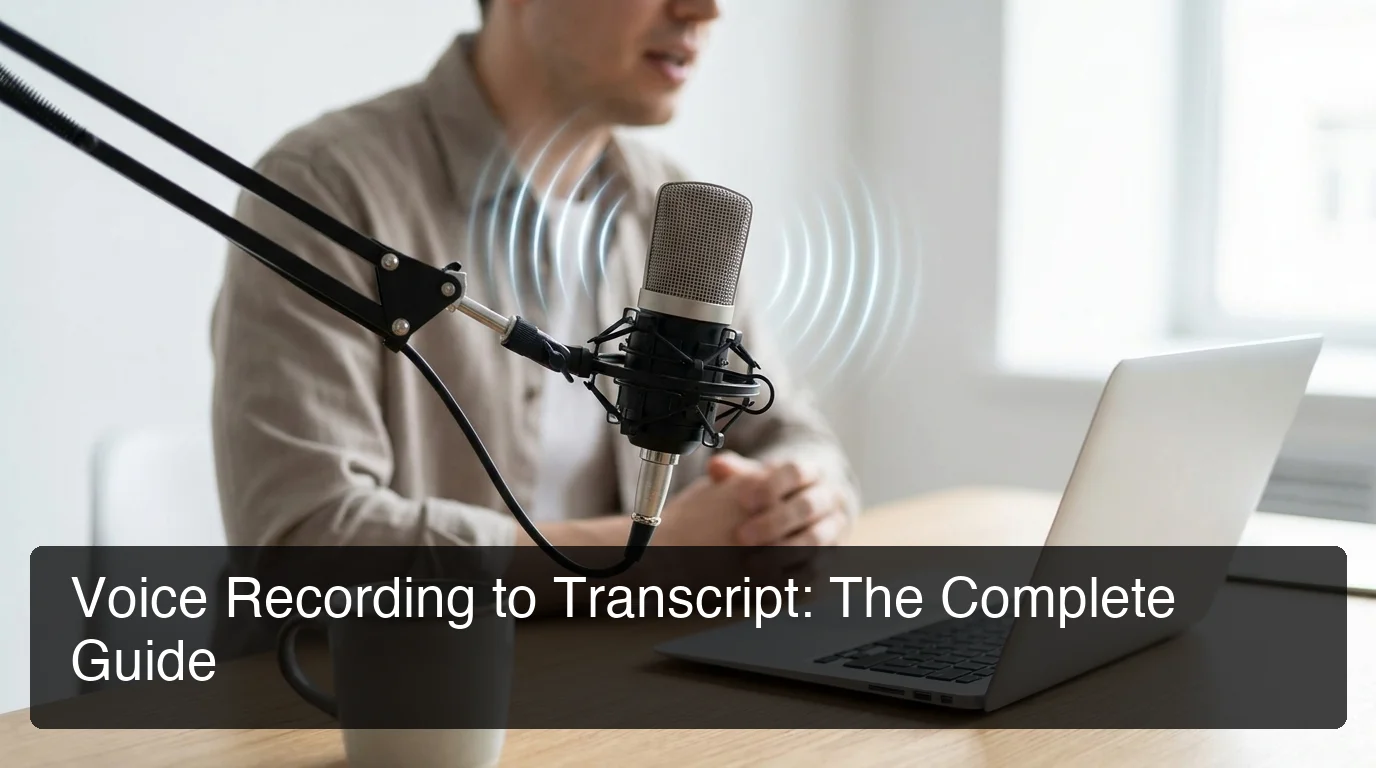 Voice recording transcription turns every spoken word into a searchable, editable text record.
What Types of Audio Can Be Transcribed?
Virtually any audio source can feed into a transcription pipeline:
- Recorded voice memos — iPhone/Android voice apps, standalone recorders
- Meeting recordings — Zoom, Teams, Google Meet, Webex calls
- Interviews — podcast recordings, research conversations, HR discussions
- Lectures and presentations — academic content, training sessions
- Video audio tracks — YouTube videos, webinars, online tutorials
How Does Voice Recording to Transcript Technology Work?
Modern voice transcription works in two stages: a speech-to-text AI breaks the audio signal into phonemes and matches them to words using a language model, then a second AI layer cleans the output — removing filler words, adding punctuation, and formatting for readability. The entire process takes seconds for short recordings.
Early systems used narrow acoustic models accurate only for native speakers in quiet rooms. Today's transformer-based models (like OpenAI Whisper) train on hundreds of thousands of hours of diverse audio, dramatically improving accuracy across accents, speeds, and ambient noise.
For real-time transcription, the engine processes audio in short chunks (typically 100–200ms windows) and outputs text with near-zero latency. File-based transcription processes the full audio at once, letting the model use context from later in the recording to improve accuracy for earlier words.
Key insight: The difference between a raw transcription model and polished output is the post-processing layer. Tools that only transcribe give you the words as heard. Tools with AI enhancement give you the words as intended — grammar corrected, fillers removed, punctuation added.
What's the Difference Between Live and File-Based Voice Transcription?
Live transcription converts speech to text in real time as you speak — words appear on screen within milliseconds. File-based transcription processes a pre-recorded audio file after the fact — you upload the file, wait for processing, and receive the complete transcript. Each approach has distinct strengths for different workflows.
| Feature | Live Transcription | File-Based Transcription |
|---|---|---|
| Output timing | As you speak (real time) | After upload (seconds to minutes) |
| Best for | Dictation, live meetings, quick capture | Interviews, podcasts, archived recordings |
| Accuracy | Slightly lower (no future context) | Slightly higher (full audio available) |
| Speaker identification | Often limited | Usually available |
| Typical tools | BossAI, Otter.ai (live), Fireflies.ai | Rev, Descript, Adobe Podcast, HappyScribe |
Live transcription is ideal for professionals who want to replace typing in their daily workflow — dictating emails, messages, and documents as they go. File-based transcription is better for post-processing existing recordings where immediate output isn't needed.
Bottom line: If you want to type less right now, use live transcription. If you have recordings to convert, use file-based tools. Many professionals benefit from both — live for day-to-day communication, file-based for meetings and interviews.
Why Should You Convert Voice Recordings to Text?
Converting voice recordings to text makes spoken content permanently accessible — searchable, editable, shareable, and referenceable without replaying audio. For professionals managing high communication volumes, transcription eliminates the biggest bottleneck in knowledge capture: the gap between what was said and what was written down.
Specific professional benefits include:
- Search and retrieval — Find any moment in a 90-minute meeting by searching a keyword in the transcript
- Documentation speed — Dictating is 3× faster than typing; transcription converts that speed advantage into a written record
- Accessibility — Transcripts make audio content accessible to people with hearing impairments and non-native speakers
- Legal and compliance records — Written transcripts provide admissible documentation in legal, HR, and regulatory contexts
By the numbers: Professionals spend an estimated 5–10 hours per week on manual note-taking and documentation. Transcribing voice recordings eliminates most of that burden — recovering 250–500 hours per year.
For a deeper look at transcription methods and use cases beyond voice, the complete guide to transcribing audio to text covers additional formats and workflows.
How Accurate Is Voice Recording Transcription?
Modern AI transcription tools achieve 85–95% accuracy for clear, single-speaker audio in quiet environments. Accuracy drops measurably with background noise, overlapping speakers, strong accents, or technical vocabulary. The practical quality of any transcript depends as much on recording conditions as the tool itself.
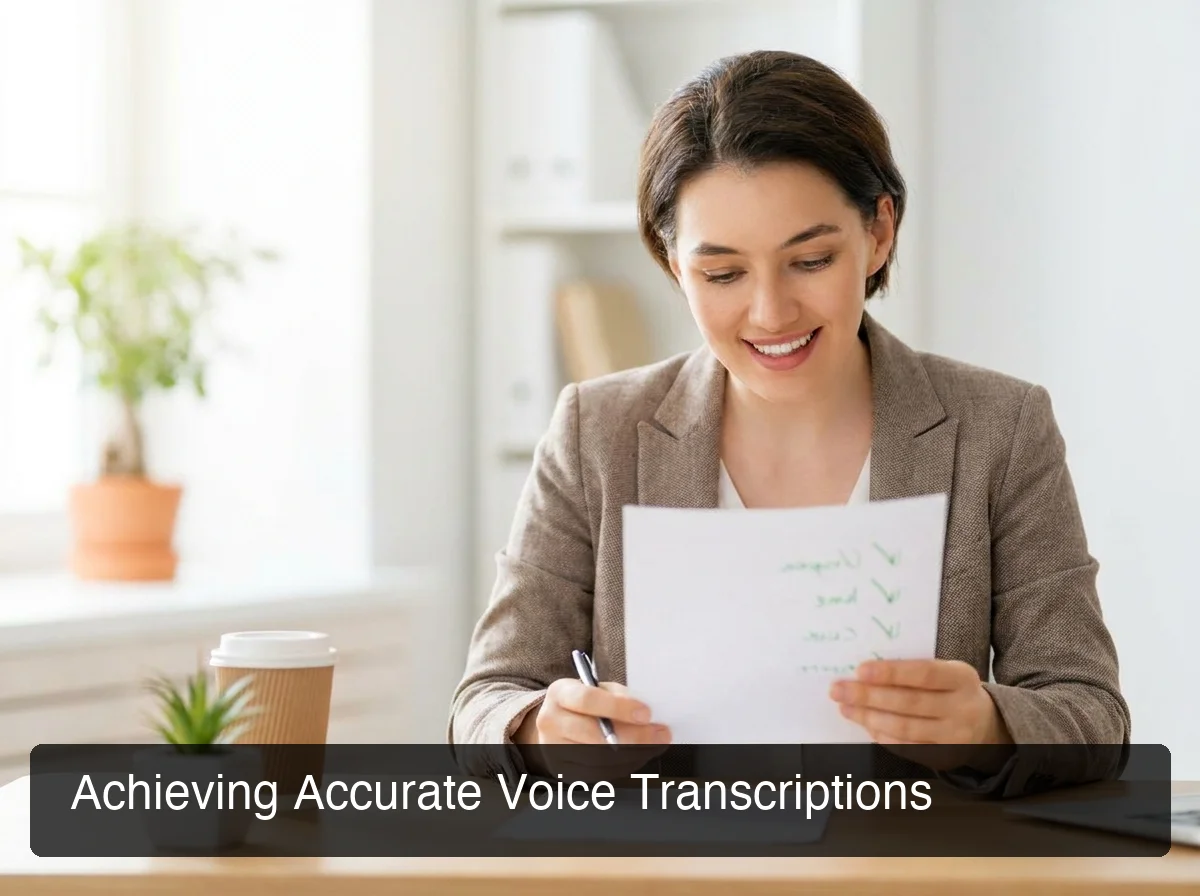 Audio quality and environment are the biggest determinants of transcription accuracy — better than the tool choice itself.
What Affects Transcription Accuracy?
Four factors drive the bulk of accuracy variation:
1. Audio quality — Clear microphone input with minimal background noise is the largest single determinant. A $20 clip-on mic in a quiet room consistently outperforms a $200 studio mic in a noisy café.
2. Speaking pace and clarity — Natural, moderately-paced speech transcribes more accurately than rapid speech or mumbling. Filler words (um, uh, like) don't reduce accuracy but clutter output in tools without post-processing.
3. Accent and dialect — Commercial models train on diverse datasets but still underperform on strong regional accents. Tools with custom vocabulary features (adding domain-specific terms and names) partially compensate.
4. Speaker count — Single-speaker audio is significantly more accurate than multi-speaker conversations. Speaker diarization — assigning text to individual speakers — adds complexity that most tools still handle imperfectly.
Tools that add a post-processing AI layer deliver cleaner final text than raw transcription alone, even at the same underlying accuracy rate. This is why polished output matters as much as accuracy percentages.
What Are the Best Tools for Voice Recording to Transcript?
The best voice recording transcription tools combine high accuracy with post-processing that cleans the output, flexible deployment (live and file-based), and pricing that matches the use case — from occasional personal use to enterprise volumes.
 The right transcription tool depends on whether you need live dictation, post-meeting processing, or high-accuracy file transcription.
Here's how the leading tools compare across key criteria:
| Tool | Best For | Live / File | Free Tier | Starting Price |
|---|---|---|---|---|
| BossAI | Real-time dictation across all apps | Live | 500 words/day | $9.99/mo |
| Otter.ai | Meeting transcription + collaboration | Both | 300 mins/month | $16.99/mo |
| Rev | High-accuracy with human review | File | None | $0.25/min |
| Descript | Video + audio editing with transcript | File | 1 hr/month | $12/mo |
| Fireflies.ai | Meeting bot + team collaboration | Live | Limited | $10/mo |
| HappyScribe | Multi-language file transcription | File | 30 min free | $17/mo |
| Microsoft Transcribe | Word/Teams users | Both | Included in 365 | Bundled |
Which Tool Should You Choose?
The right tool depends entirely on your workflow:
- Live dictation across email, Slack, and documents → BossAI, Otter.ai (live mode)
- Post-meeting recordings with searchable notes → Fireflies.ai, Otter.ai
- High-stakes legal or medical transcription → Rev (human review option)
- Video + audio editing from transcripts → Descript
- Already using Microsoft 365 → Microsoft Transcribe in Word
For a fully ranked, tested comparison of speech-to-text tools, see the best speech-to-text software guide for 2026.
Can You Transcribe Voice Recordings for Free?
Yes — several tools offer free voice recording transcription, but free tiers consistently impose constraints: word or minute caps, reduced accuracy on longer files, watermarks on exports, or limited speaker support. Free tools work well for occasional use; professionals who transcribe regularly will hit the ceiling within days.
The most practical free-tier options:
- Otter.ai Free — 300 minutes/month of meeting transcription, solid accuracy, speaker labels
- Microsoft Transcribe — Unlimited in Word with a Microsoft 365 subscription
- Google Docs Voice Typing — Free live transcription in-browser, no post-processing
- BossAI Free — 500 words/day live dictation at full AI quality (no accuracy downgrade on free)
Key insight: "Free" transcription tools that limit by minutes or words often cost more in workarounds — splitting recordings, tracking caps, re-uploading — than a $10/month pro tier that removes all friction.
For a full breakdown of free options and when they're sufficient, see the guide to converting voice to text for free.
What Makes BossAI the Best Voice Recording Transcription Solution?
 BossAI transcribes in real time across every app — no uploading, no switching windows, no copy-paste required.
BossAI works in real time across every app on your device — email, Slack, WhatsApp, documents, code editors — without uploading files, switching apps, or copy-pasting results. You speak; text appears where your cursor is.
Most transcription tools require a multi-step workflow: open the app, record, stop, export, paste. BossAI collapses every step. Press a hotkey, speak, release — text is in your active field, cleaned and formatted, in under 300ms.
What BossAI Adds Beyond Standard Transcription
Where standard tools stop at audio-to-text conversion, BossAI adds capabilities no competitor offers:
- Real-time AI enhancement — Filler words (um, uh, like, you know) removed automatically; grammar corrected and punctuation added within ~300ms of speaking
- Boss Mode — Speak a command like "Boss, reply to this email professionally" and BossAI reads your screen, understands the context, and writes the reply. No other transcription tool can read your screen.
- One-tap tone rewriting — Select Professional, Casual, Witty, Persuasive, Empathetic, or Bold to instantly rewrite any transcribed text in a different voice
- Clips — Save frequently used text (email signatures, standard replies, addresses) for instant one-tap insertion from the keyboard
BossAI runs natively on iOS and Android (full keyboard replacement), macOS (menu bar), and Windows (system tray). Dictation is one tap away on iOS and Android and one hotkey away on Mac and Windows, in any app.
Download BossAI Free
Live transcription saves professionals hours every week — but only when it's built into your actual workflow, not sitting in a separate app. BossAI brings voice recording transcription directly into every app you already use, with AI that delivers clean text on the first pass.
Not ready to start yet? Get Our AI Productivity Guide — free tips on working faster with voice and AI tools.
Frequently Asked Questions
What is the best app for converting voice recordings to text?
The best app depends on your workflow. For real-time dictation across iOS, Android, macOS, and Windows, BossAI delivers live transcription with AI enhancement directly in any text field. For post-meeting recordings, Otter.ai is the most feature-complete option; for high-accuracy file work, Rev offers human review.
How accurate is voice recording transcription?
Modern AI transcription tools achieve 85–95% accuracy for clear, single-speaker audio in quiet environments. Accuracy drops with background noise, overlapping speakers, strong accents, and technical vocabulary. Tools with a post-processing layer — like BossAI — deliver cleaner output through automatic filler removal and grammar correction, even at the same base accuracy rate.
Can I transcribe voice recordings for free?
Yes — Otter.ai offers 300 free minutes per month, Google Docs Voice Typing is free in-browser, and BossAI's free tier includes 500 words per day at full AI quality. Free tools are sufficient for occasional use, but professionals who transcribe regularly will hit the ceiling fast.
What is BossAI?
BossAI is an AI voice keyboard for iPhone and Android, and a voice-to-text app for Mac and Windows, that replaces typing with voice dictation. It transcribes speech in real time, removes filler words automatically, rewrites text in different tones with one tap, and includes Boss Mode — a screen-reading feature that reads your screen to generate contextual replies without copy-pasting.
What's the difference between transcription and dictation?
Dictation means speaking to produce new text in real time — you're creating content as you speak. Transcription means converting existing recorded audio into text after the fact. Many modern tools support both; BossAI is built for real-time dictation in any app, not for transcribing recorded files.
How long does it take to transcribe a voice recording?
AI tools process pre-recorded files at approximately 5–10× real time — a 60-minute recording produces a transcript in 5–10 minutes. Real-time dictation tools like BossAI output text within 300ms of speaking. Human transcription services like Rev typically deliver in 12–24 hours for standard orders.
Is voice transcription secure?
Security varies by provider. BossAI processes voice in transit and immediately discards it — no raw audio is stored on its servers. Enterprise tools like Otter.ai and Fireflies.ai offer SOC 2/HIPAA compliance; for sensitive recordings, always review each provider's data retention policy before uploading.