Transcribe Audio to Text: Full 2026 Guide
Whether you're converting a recorded interview, transcribing a meeting, or looking for a faster way to capture your thoughts, this guide covers every method to transcribe audio to text — from manual typing to AI-powered tools that process hours of audio in minutes.
Key Takeaways
- Audio transcription converts spoken words into written text using either manual listening or AI-powered software, saving hours of administrative work each week.
- Modern AI transcription tools achieve 90–98% accuracy; technical jargon, heavy accents, and background noise are the main sources of error.
- Free transcription services exist but come with real trade-offs: word caps, lower accuracy, watermarks, or limited export formats.
- Real-time transcription suits live meetings and dictation; batch processing is better for recorded files like podcasts and interviews.
- Choosing the right tool depends on your accuracy requirements, turnaround time, budget, and whether you need live or post-recording transcription.
Contents
- What Is Audio Transcription?
- How Do You Transcribe Audio to Text Manually?
- How Accurate Are Automated Audio Transcription Services?
- What Is the Best Audio Transcription Tool?
- Why Use Audio Transcription Technology?
- Can You Transcribe Audio to Text for Free?
- How Much Does Professional Audio Transcription Cost?
- Get Started with BossAI
- Frequently Asked Questions
What Is Audio Transcription?
Audio transcription is the process of converting spoken audio into written text. It can be done manually by a human listener or automatically by an AI model trained on millions of hours of speech. The output is a text document — a transcript — that captures what was said, when it was said, and sometimes who said it.
Transcription has two main formats:
- Verbatim transcription — captures every word exactly, including filler words (um, uh), false starts, and non-verbal sounds. Used in legal, medical, and academic contexts.
- Clean read transcription — removes filler words, corrects grammar, and produces polished text. Used for content, marketing, and business communications.
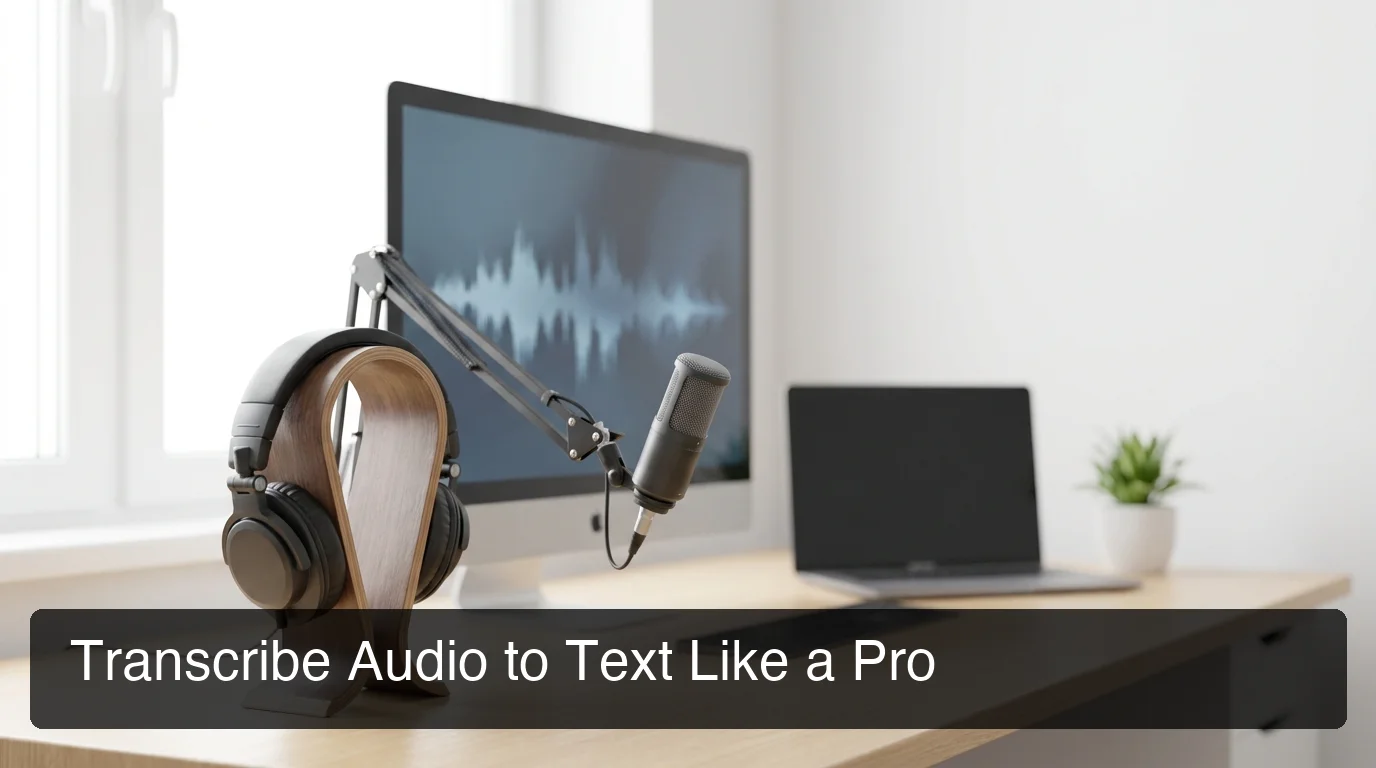 Audio transcription turns spoken content into searchable, shareable, editable text — across every format from meetings to podcasts.
Manual vs. Automated: The Core Trade-off
Manual transcription delivers near-perfect accuracy for complex audio but requires one hour of transcription time for every 15 minutes of audio. Automated AI transcription processes that same 15 minutes in under a minute, at 90–98% accuracy — accurate enough for most professional use cases without human review.
Key insight: For most recorded content — meetings, interviews, podcasts — AI transcription is now accurate enough to use directly, with only light editing required for names and technical terms.
How Do You Transcribe Audio to Text Manually?
Manual transcription means listening to an audio recording and typing what you hear. It requires no software beyond a text editor and a media player, but it is significantly slower than automated methods — a 1-hour recording takes 3–5 hours to transcribe manually at average typing speed.
The Basic Manual Process
- Open your audio file in a media player (VLC, QuickTime, or a browser tab)
- Open a text editor or Google Docs alongside it
- Use keyboard shortcuts to pause/play (spacebar in most players)
- Listen in 10–15 second chunks, pause, and type what you heard
- Repeat — then review the full transcript for errors
When Manual Transcription Still Makes Sense
Manual transcription is the right choice when:
- Audio quality is very poor (heavy background noise, overlapping speakers)
- The content includes heavy domain-specific jargon an AI won't recognize
- Legal or regulatory requirements demand human-certified accuracy
- The recording features non-English speech patterns AI tools struggle with
For everything else, automated transcription is faster and more cost-effective.
How Accurate Are Automated Audio Transcription Services?
Modern AI transcription services achieve 90–98% accuracy for clear speech in quiet environments. That translates to roughly 1–10 errors per 100 words — acceptable for most meeting notes, content drafts, and research transcription, but not for verbatim legal or medical records without human review.
What Affects Transcription Accuracy
Four factors account for most AI transcription errors:
- Audio quality — Background noise, echo, and low-bitrate recordings significantly reduce accuracy
- Speaker accents and dialects — Most AI models are trained primarily on standard American English; non-native accents introduce higher error rates
- Technical vocabulary — Medical, legal, and niche industry terms are frequently misheard unless the tool supports custom vocabularies
- Overlapping speakers — Two people speaking simultaneously remains the hardest problem for current AI models
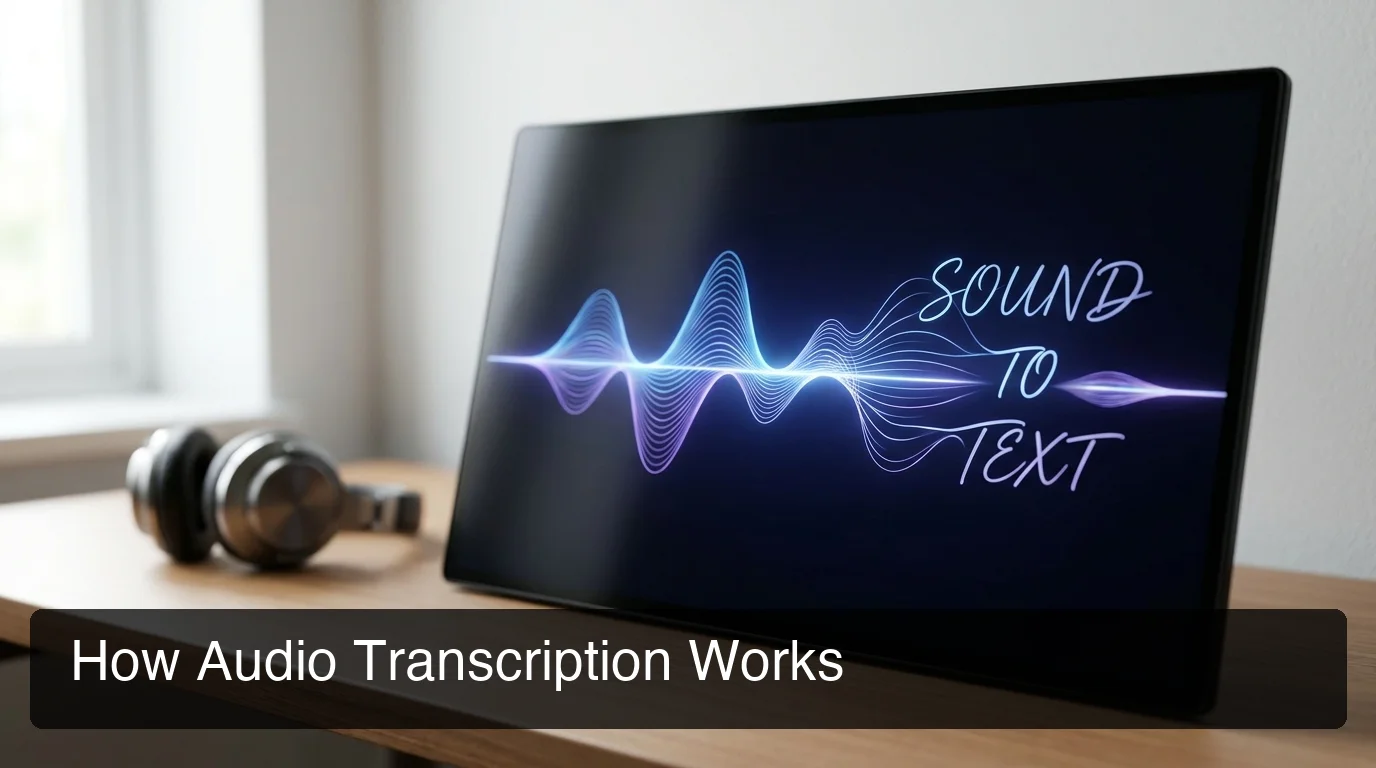 AI transcription models analyze audio waveforms in real time, mapping phonemes to words using deep learning trained on millions of hours of speech data.
Speaker Diarization and Timestamps
Most professional-grade tools now offer speaker diarization — automatic labeling of who said what — and timestamps that let you jump to any word in the original audio. These features are table stakes for meeting transcription.
By the numbers: AI transcription tools process audio at roughly 60x real-time speed — a 1-hour recording transcribed in under 1 minute. Manual transcription of the same recording takes 3–5 hours.
What Is the Best Audio Transcription Tool?
The best audio transcription tool depends on your use case: HappyScribe and Otter.ai lead for batch file transcription; ElevenLabs excels for multi-format export; BossAI is the strongest option for real-time dictation workflows where transcription happens as you speak, not after the fact.
Here's how the top tools compare:
| Tool | Best For | Accuracy | Free Tier | Price/Month |
|---|---|---|---|---|
| HappyScribe | File uploads, 150+ languages | ~99% (claimed) | Limited (free trial) | From $10 |
| ElevenLabs | Multi-format export, speaker labels | Very high | Limited uploads | From $5 |
| Otter.ai | Meeting transcription, live captions | ~85–90% | 300 min/month | From $10 |
| Superwhisper | Desktop batch + live dictation | 90–95% | Unlimited (local) | ~$8 |
| BossAI | Real-time dictation, AI polish | High + filler removal | 500 words/day | $9.99 |
For a full side-by-side breakdown of dictation-focused tools, see our guide to the best speech-to-text software in 2026.
What Each Tool Does Best
HappyScribe and ElevenLabs are designed for the post-recording workflow: you upload a file, the AI processes it, and you get a transcript with speaker labels. They're fast, accurate, and export to SRT, TXT, DOCX, and more.
Otter.ai shines for live meeting integration — it connects to Zoom, Google Meet, and Teams and generates live captions with an editable transcript in real time.
BossAI is a different category: instead of transcribing a file you've already recorded, it captures your speech as you type — in any app, on any device — and delivers polished, grammar-corrected text in roughly 300ms after you stop speaking.
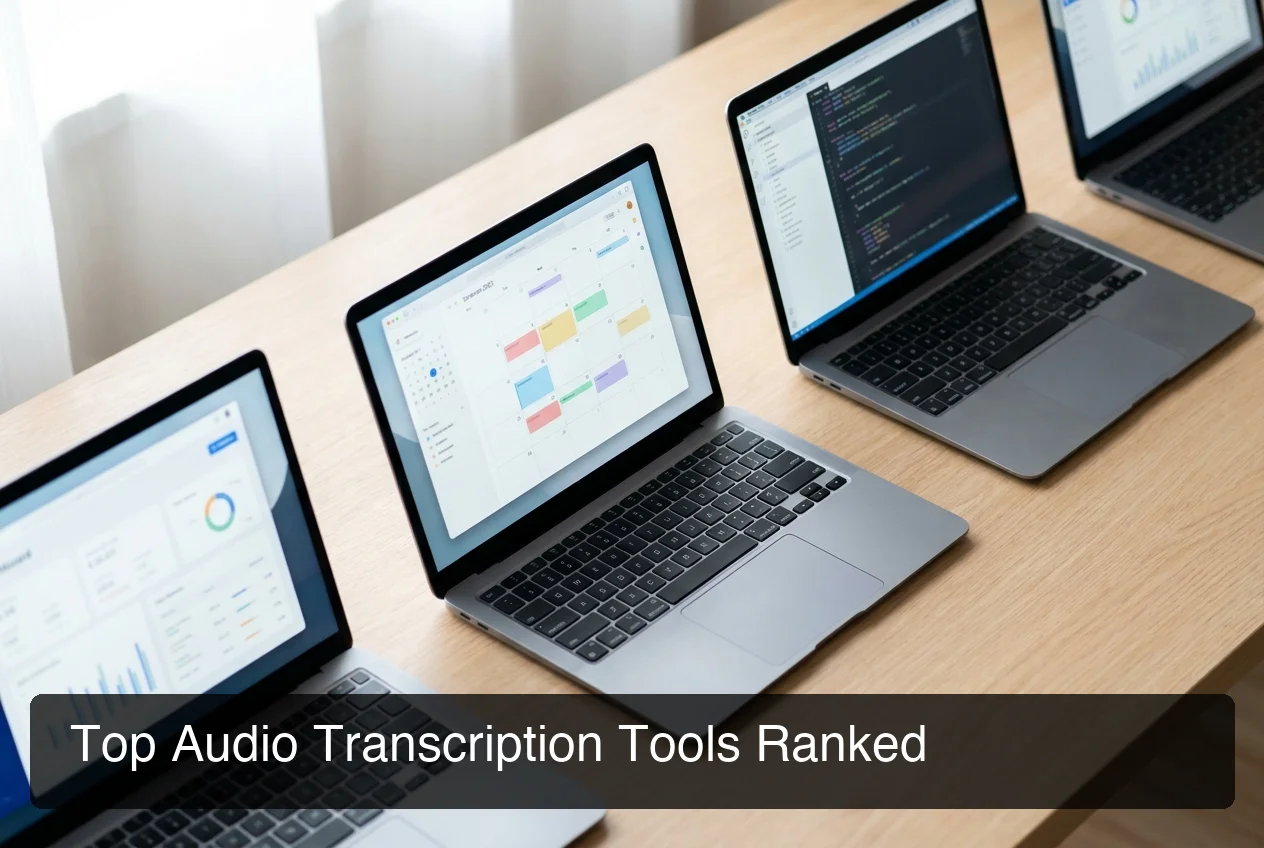 The right transcription tool depends on whether you need to process existing recordings (batch tools) or capture speech as you work (real-time dictation tools like BossAI).
Why Use Audio Transcription Technology?
Audio transcription technology turns spoken content into actionable text — making meetings searchable, interviews quotable, and ideas capturable without slowing down your workflow. Teams using AI transcription report saving 5–10 hours per week on note-taking, follow-ups, and content repurposing alone.
The Three Core Use Cases
1. Meetings and Interviews Automatic meeting transcripts eliminate the need for manual note-taking. Every action item, decision, and discussion point is captured verbatim — searchable, shareable, and referenceable without listening to recordings.
2. Content Creation Podcasters, YouTubers, and bloggers use transcription to repurpose audio into blog posts, show notes, social clips, and SEO content. One hour of audio becomes an entire content pipeline.
3. Real-Time Dictation Not all transcription is post-recording. If you dictate emails, messages, or documents throughout the day, a real-time transcription tool like BossAI turns your voice into polished text — with filler words removed and grammar corrected — anywhere you type. No recording required, no file upload, no wait time.
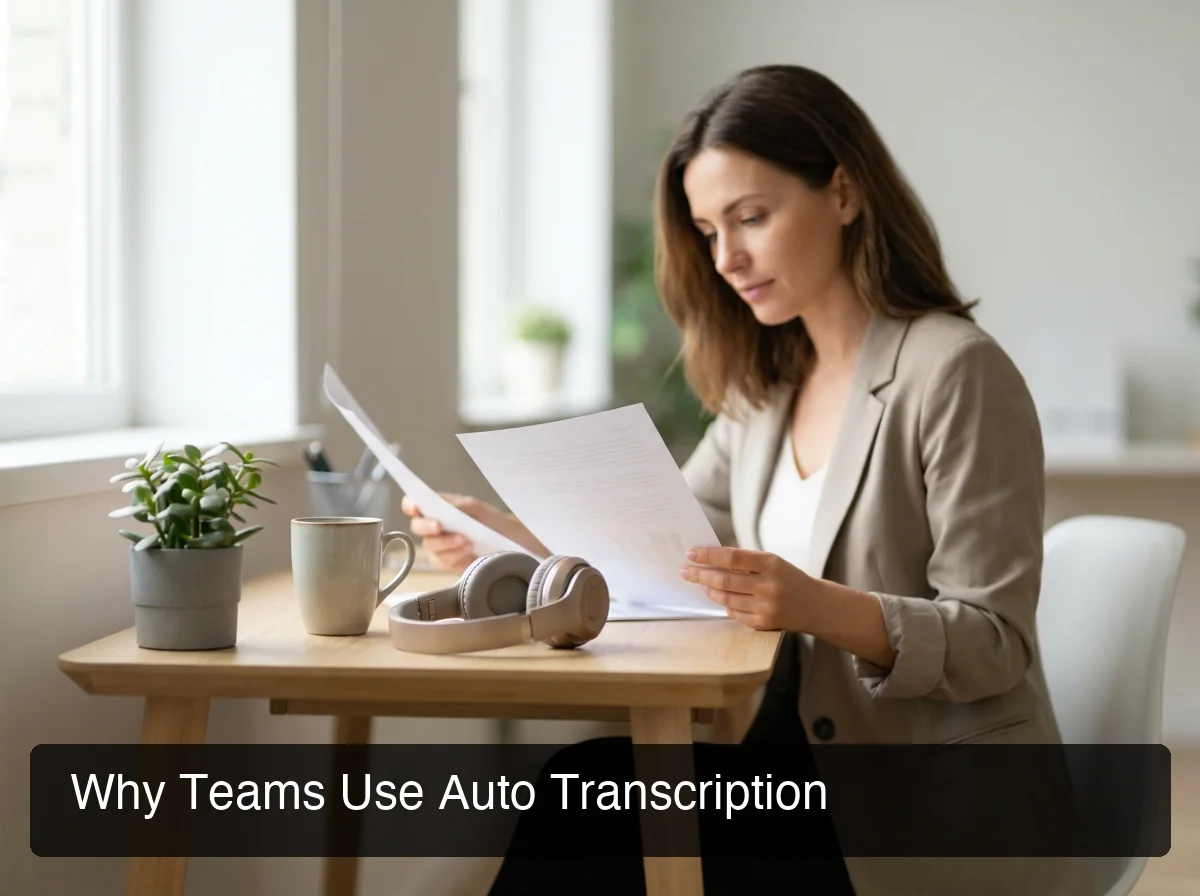 Professionals who handle high volumes of audio — meeting-heavy managers, researchers, content creators — save hours each week with automated transcription.
Accessibility and Compliance
Transcription also serves critical accessibility needs: captions and transcripts make audio content usable for deaf and hard-of-hearing audiences, and many legal, medical, and educational contexts require written records of spoken proceedings.
For a deeper look at using your voice to generate text in real time, see our guide to speak-to-text tools in 2026.
Bottom line: The question isn't whether to use transcription technology — it's whether you need batch processing for existing recordings, live captions for meetings, or real-time dictation for ongoing written communication. Each has a different best tool.
Can You Transcribe Audio to Text for Free?
Yes — several tools offer free audio transcription, but all have meaningful limits. Free tiers typically restrict word count, audio length, export formats, or accuracy. For occasional transcription of short recordings, free tools work well. For regular professional use, paid tiers or dedicated dictation tools are more cost-effective.
Best Free Transcription Options
- Otter.ai — 300 minutes/month free with speaker diarization and live meeting captions. The most generous free tier for meeting transcription.
- Superwhisper — Unlimited free transcription using local AI models (Apple Silicon optimized). No internet required.
- Google Docs Voice Typing — Free, built into Google Docs, live dictation only. No file upload support.
- Microsoft Word Transcribe — Available in Microsoft 365 (subscription required); transcribes uploaded audio files with speaker labels.
- BossAI — Free tier with 500 words/day dictation (daily reset), full AI quality, no weekly word cap. Ideal for real-time dictation without a subscription commitment.
For a detailed breakdown of the best no-cost options, see how to convert voice to text for free. If you specifically need live transcription during calls or in-person conversations, check out the best live transcribe apps for 2026.
Key insight: Free local transcription tools (Superwhisper, Spokenly) offer unlimited processing with no subscription — but require local model setup and don't polish output the way cloud-based AI tools do.
How Much Does Professional Audio Transcription Cost?
AI transcription tools cost $5–$30/month for unlimited or high-volume use. Human transcription services cost $1–$3 per audio minute. A 1-hour recording costs $60–$180 for human transcription vs. $0–$1 with AI tools — making AI transcription 99% cheaper for most use cases.
Pricing by Category
| Tier | Option | Price | Best For |
|---|---|---|---|
| Free | Otter.ai, BossAI, Superwhisper | $0 | Occasional or short-form transcription |
| AI Subscription | HappyScribe, ElevenLabs, BossAI Pro | $5–$15/month | Regular professional use |
| Human Service | Rev.com, TEMI | $0.25–$1.50/min | Legal, medical, certified transcription |
| Enterprise | Sonix, Verbit | Custom | High-volume, compliance-grade output |
When to Pay for Human Transcription
Human transcription is worth the premium cost when:
- Verbatim accuracy is legally or contractually required
- Audio quality is poor enough to confuse AI models
- Confidentiality requires zero third-party data exposure
- The recording includes heavy technical vocabulary in specialized fields
For the majority of business use cases — meetings, interviews, podcast show notes, content drafts — AI transcription at $0–$15/month delivers sufficient accuracy with a fraction of the turnaround time.
Get Started with BossAI
If your transcription needs go beyond post-recording files — if you need to dictate emails, messages, documents, or notes as you work — BossAI is built for that workflow. It transcribes your voice in real time, removes filler words automatically, and delivers polished text in any app on iOS, Android, macOS, or Windows, in roughly 300ms after you stop speaking.
Not ready to try it yet? Get Our AI Productivity Guide — free tips on working faster with AI.
Frequently Asked Questions
What is audio transcription? Audio transcription is the conversion of spoken audio — from recordings, meetings, interviews, or live speech — into written text. It can be performed manually by a human listener or automatically by AI software. AI transcription tools process audio at 60x real-time speed with 90–98% accuracy for standard clear speech.
How do I transcribe audio to text for free? Several tools offer free transcription: Otter.ai provides 300 minutes/month free with speaker labels, Google Docs Voice Typing is free for live dictation, Superwhisper offers unlimited local transcription on Mac, and BossAI provides 500 words/day real-time dictation at no cost. All free tiers have limits — word count, audio length, or export format.
What is the most accurate audio transcription service? HappyScribe and ElevenLabs claim up to 99% accuracy for clear, standard speech. Real-world accuracy for AI transcription is 90–98%, depending on audio quality, accent, and vocabulary. For highest accuracy on complex or noisy audio, human transcription services like Rev.com remain the most reliable option.
Can ChatGPT transcribe audio files? Yes — ChatGPT's audio input (Whisper model) can transcribe uploaded audio files. It handles most common formats and multiple languages. However, ChatGPT transcription is designed for occasional use, not high-volume workflows, and doesn't integrate into your existing apps or provide real-time dictation.
What is BossAI? BossAI is an AI voice keyboard for iPhone and Android, and a voice-to-text app for Mac and Windows, that replaces typing with voice dictation. It transcribes speech in real time, removes filler words automatically, rewrites text in different tones with one tap, and includes Boss Mode — a screen-reading feature that reads your screen to generate contextual replies without copy-pasting.
Is BossAI free? Yes. BossAI's free plan includes 500 words of dictation a day, and the allowance resets daily. Pro makes everything unlimited — dictation, Boss Mode, Rewrite, every tone and all Clips, for $9.99/month or $69.99/year. No credit card required to start.
What's the difference between real-time and batch transcription? Real-time transcription converts speech to text as you speak — used for live dictation, meeting captions, and on-the-fly note-taking. Batch transcription processes pre-recorded audio files after the fact. Real-time is ideal for ongoing workflows; batch processing is better for archiving and converting existing recordings like podcasts, interviews, and lectures.