

Best Live Transcribe Apps in 2026: Real-Time Guide
Every meeting ends the same way: someone scrambles to reconstruct what was said. A live transcribe app eliminates that scramble entirely — capturing every word, in real time, as it happens.
Key Takeaways
- Live transcribe apps convert real-time speech to text instantly, eliminating manual note-taking in meetings, lectures, and conversations.
- Top apps including Google Live Transcribe, Otter.ai, and Tactiq reach 85–95% accuracy in quiet environments with clear speakers.
- Knowledge workers save 2–3 hours per week by replacing post-meeting transcription with automatic real-time capture.
- Unlike standard voice-to-text, live transcription captures multiple speakers and ongoing conversations — not just single dictated commands.
- BossAI extends live transcription benefits into everyday typing workflows — composing emails, messages, and replies by voice across every app, without switching context.
Contents
- What Is a Live Transcribe App and How Does It Work?
- How Accurate Are Live Transcribe Apps for Capturing Real-Time Audio?
- Which Platforms Offer the Best Live Transcription Features?
- What's the Difference Between Live Transcription and Standard Voice-to-Text?
- How Much Time Can a Live Transcribe App Save You in Meetings?
- Can You Edit Transcripts From a Live Transcribe App in Real-Time?
- How Does Live Transcription Help With Accessibility and Documentation?
- How Does BossAI Improve Your Voice-to-Text Workflow?
- Get Started with BossAI
- Frequently Asked Questions
What Is a Live Transcribe App and How Does It Work?
A live transcribe app uses speech recognition technology to convert spoken audio into written text in real time — with no delay between speaking and seeing your words on screen. Modern apps process audio through cloud-based or on-device AI models, delivering transcription within 200–500 milliseconds of each spoken word.
 Real-time transcription captures every word as it's spoken — no manual note-taking required.
The core technology is automatic speech recognition (ASR). Your device's microphone captures audio, encodes it into a digital signal, and sends it to an AI model that maps sound patterns to words. The model considers surrounding context to resolve ambiguous pronunciations, then outputs formatted text.
What Separates "Live" Transcription From Other Methods
Live transcription processes audio continuously as speech occurs. This is distinct from transcribing a pre-recorded file, where accuracy is higher because the system has the complete audio to analyze. Real-time processing trades some accuracy for immediacy — and the best modern apps have closed that gap significantly.
Key insight: The best live transcribe apps now achieve accuracy rates within 2–3% of post-processing tools, making the accuracy argument against real-time transcription largely obsolete for professional use.
How Accurate Are Live Transcribe Apps for Capturing Real-Time Audio?
Top live transcribe apps reach 85–95% accuracy in ideal conditions — clear speech, minimal background noise, and a single speaker. Accuracy drops to 75–85% in noisy environments or with heavy accents. Professional-grade tools like Otter.ai and Deepgram-powered apps consistently outperform free consumer options.
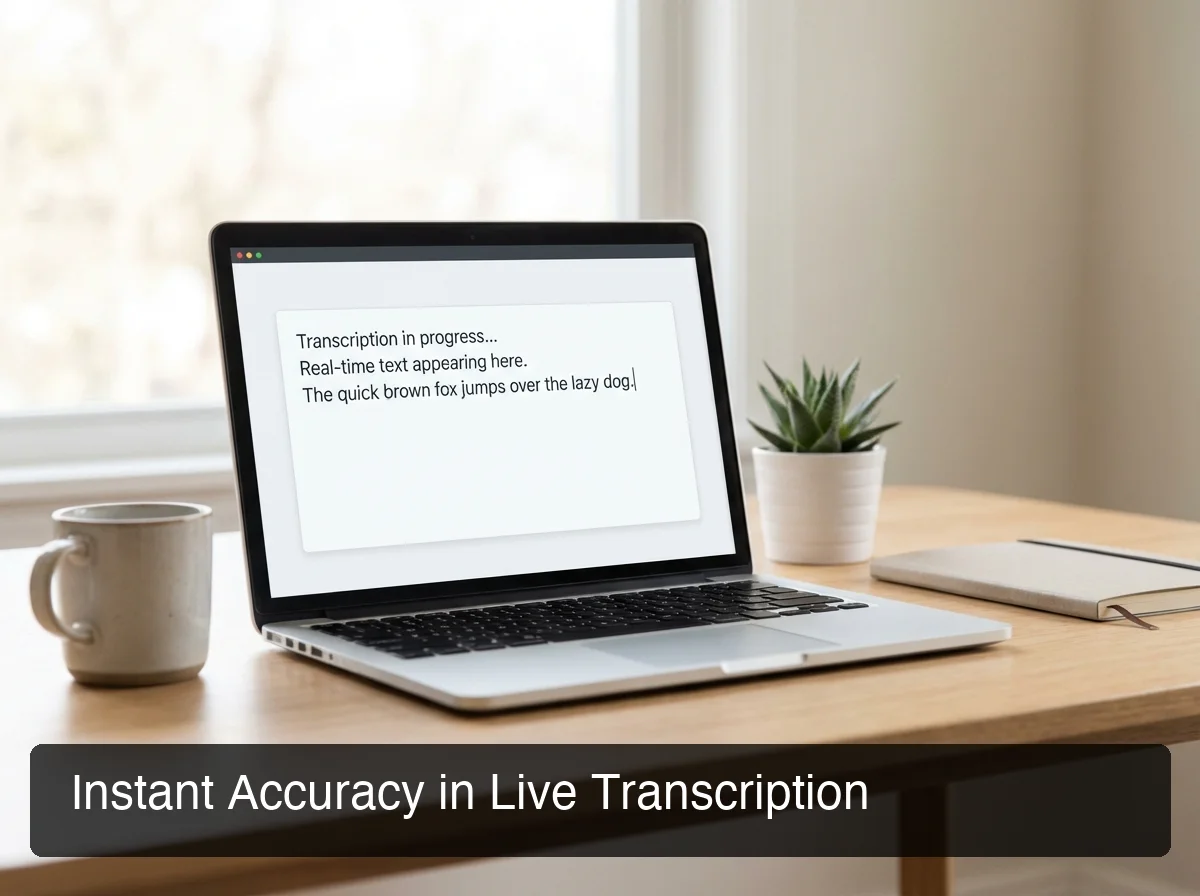 Modern AI transcription engines achieve near-real-time accuracy that rivals human transcriptionists.
Three variables determine transcription accuracy the most:
- Audio quality — headset microphones outperform built-in device mics by 10–15% accuracy points
- Speaking pace — 120–160 words per minute is the sweet spot; faster speech increases error rates
- Acoustic environment — overlapping speakers and echo reduce ASR accuracy faster than any other variable
How AI Improves Accuracy Over Time
Newer live transcription engines use contextual language models that predict the most likely word sequence, not just the most likely phoneme match. This means "their/there/they're" errors become rare. Apps that allow custom vocabulary (adding names, brand terms, jargon) see another 5–10% accuracy improvement for domain-specific content.
The practical upshot: for typical professional use — meetings, interviews, lectures — a good live transcribe app is accurate enough to be immediately useful with minimal editing.
Which Platforms Offer the Best Live Transcription Features?
The best live transcription platforms for 2026 are Google Live Transcribe (Android), Otter.ai (cross-platform), Tactiq (browser/video calls), Apple's built-in Live Captions (iOS 17+), and Microsoft Teams Live Captions (enterprise). Each serves different use cases — the right choice depends on your workflow and platform.
For a complete comparison of voice typing apps across categories, see our voice typing app guide for 2026.
| App | Platform | Free Tier | Real-Time Editing | Speaker Labels | Best For |
|---|---|---|---|---|---|
| Google Live Transcribe | Android only | Yes (unlimited) | No | No | Accessibility, casual capture |
| Otter.ai | iOS, Android, Web | Yes (600 min/month) | Yes | Yes | Meetings, team collaboration |
| Tactiq | Chrome extension | Yes (5 transcripts/month) | Yes | Yes | Zoom, Meet, Teams integration |
| Apple Live Captions | iOS 17+, macOS | Free (built-in) | No | No | Accessibility, offline use |
| Microsoft Teams Live Captions | Windows, Web | Enterprise only | No | Yes | Large org meetings |
Google Live Transcribe
Google's free app is the most downloaded live transcribe app globally. It supports 70+ languages, runs offline for some languages, and was designed primarily for the deaf and hard-of-hearing community. The limitation: no transcript export, no speaker differentiation, and Android-only.
Otter.ai
Otter.ai is the most capable live transcribe app for professional workflows. It assigns speaker labels, creates searchable transcripts, integrates with Google Meet and Zoom, and syncs across devices. The free tier is generous (600 minutes/month), though it caps at 30-minute individual meetings.
Tactiq
Tactiq operates as a browser extension, making it the best option for video call transcription. It overlays real-time captions on Zoom, Google Meet, and Microsoft Teams without requiring a bot to join the call — a meaningful UX advantage in enterprise settings where meeting bots require host approval.
What's the Difference Between Live Transcription and Standard Voice-to-Text?
Live transcription captures continuous, multi-speaker audio as an ongoing event — meetings, conversations, lectures. Standard voice-to-text responds to single-user dictation commands to compose text in a specific app. Live transcription is passive capture; voice-to-text is active composition. Both use speech recognition, but serve different workflows.
Understanding this distinction is critical for picking the right tool. If you're sitting in a team meeting and need a record of what everyone said, you need a live transcribe app. If you're composing an email and want to dictate it faster than you type, you need a voice-to-text tool.
By the numbers: Knowledge workers attend an average of 62 meetings per month. At 45 minutes each, that's 46+ hours of spoken content that typically goes unrecorded. Live transcription converts that spoken capital into searchable, shareable text automatically.
For a deeper look at AI speech recognition technology powering both categories, see AI Speech to Text: The Complete Guide for 2026.
How Much Time Can a Live Transcribe App Save You in Meetings?
A live transcribe app saves knowledge workers 2–3 hours per week by eliminating post-meeting transcription, reducing note-taking time during meetings, and providing instant searchable records. Over a year, that's 100–150 hours of recovered time — equivalent to nearly four full workweeks.
The time savings compound across the entire team. A 10-person team with each person spending 30 minutes per week on meeting notes saves 5 hours of collective time weekly — without any change to meeting habits.
Where the Time Savings Actually Come From
- Eliminated post-meeting write-ups — no longer reconstructing notes from memory saves 10–20 min per meeting
- Faster action item capture — real-time text makes it trivial to highlight and extract next steps
- Searchable records — finding what was decided in a meeting three weeks ago takes seconds instead of rewatching recordings
If you're looking to eliminate typing entirely — not just in meetings — our guide to hands-free typing and voice dictation covers every available method.
Bottom line: The ROI on a live transcription tool is immediate. Even at $15–20/month, recovering 2 hours per week at an average knowledge worker's effective hourly rate pays for the tool in under an hour of saved time.
Can You Edit Transcripts From a Live Transcribe App in Real-Time?
Most professional live transcribe apps — including Otter.ai and Tactiq — allow real-time editing while transcription is still running. You can highlight, annotate, correct, and tag content as the meeting progresses. Consumer-grade apps like Google Live Transcribe do not support in-session editing.
Real-time editing matters because context fades fast. The ability to flag an action item or correct a speaker's name while the meeting is still live produces cleaner transcripts than attempting corrections from memory afterward.
What to Look for in Transcript Editing Features
- Speaker re-labeling — ability to correctly attribute quotes to the right person after auto-detection errors
- Highlight and comment — mark key decisions or action items mid-session
- Export options — PDF, DOCX, SRT subtitle file support for downstream use
How Does Live Transcription Help With Accessibility and Documentation?
Live transcription is a foundational accessibility tool for the deaf and hard-of-hearing community — providing real-time captions for in-person conversations, classroom lectures, and public events. Beyond accessibility, live transcription creates documentation automatically: meeting records, interview notes, and legal verbatim transcripts require no additional effort.
Google's Live Transcribe app was explicitly built for the accessibility use case and remains the most widely used free option. Apple's Live Captions (iOS 17+ and macOS Ventura+) extended this to the Apple ecosystem, with offline support for privacy-sensitive environments.
For documentation-heavy workflows — legal, medical, research — the combination of live transcription plus speaker labeling plus searchable archives transforms how organizations capture institutional knowledge.
Key insight: Organizations that systematically capture meeting transcripts reduce "who said what" disputes, accelerate onboarding (new hires can read historical meeting transcripts), and create an automatically-growing knowledge base with zero extra effort.
For comprehensive voice input strategies beyond meetings, see our guide to voice dictation apps in 2026.
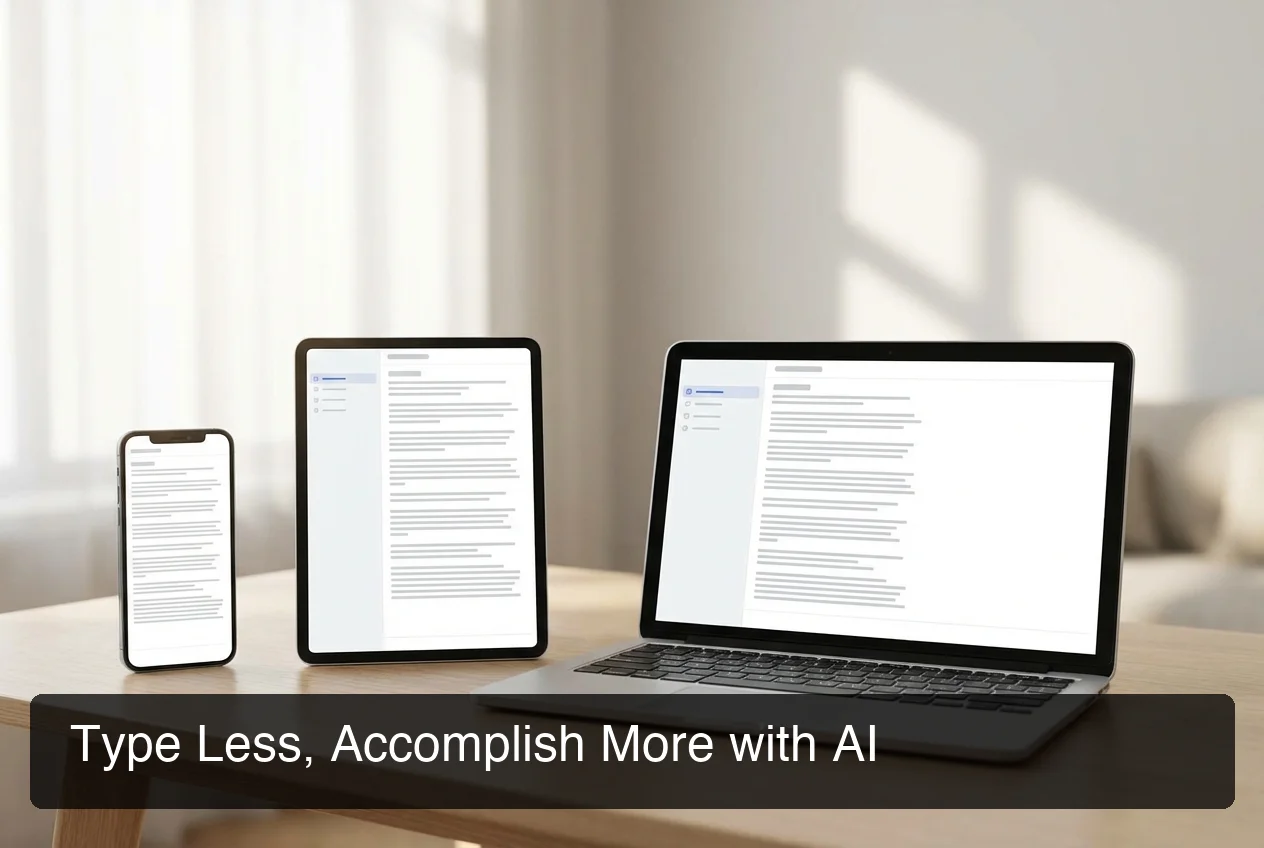 BossAI extends live transcription benefits into your daily typing workflow — across email, messaging, and every app.
How Does BossAI Improve Your Voice-to-Text Workflow?
BossAI embeds voice transcription directly into your typing layer — so instead of switching to a separate transcription app, you dictate emails, Slack messages, and replies right from your keyboard. It transcribes in real time, removes filler words automatically, and can read your screen to generate contextually aware responses — no copy-pasting required.
Live transcription apps capture meetings. BossAI captures everything else.
The distinction matters in practice. You finish a meeting with Otter.ai running, you have a transcript. But then you need to draft a follow-up email summarizing the outcomes. That's a separate step — and it's where most professionals lose time.
How BossAI Extends the Live Transcription Benefit
BossAI works as a keyboard replacement on iOS and Android and a background app on Mac and Windows. Anywhere you would type, you can speak instead. The dictation engine processes your voice in real time — the same technology that powers live transcription — and delivers polished, punctuated text directly into any text field.
Its Boss Mode feature adds a capability no live transcription app offers: it reads your screen to understand context. Speak "Boss, send a follow-up to this thread confirming next steps" and BossAI reads the email, drafts the reply, and inserts it — without you summarizing or copy-pasting anything.
Bottom line: Live transcription apps capture meetings. BossAI captures the entire workday — every email, message, document, and reply — using the same voice-first paradigm without ever opening a separate app.
Get Started with BossAI
If voice-to-text is valuable in meetings, it's just as valuable everywhere you type. BossAI brings live transcription-grade speed to email, messaging, notes, and every other text workflow — built into your keyboard, not a separate app to manage.
Not ready to try it yet? Get Our AI Productivity Guide — free tips on working faster with AI.
Frequently Asked Questions
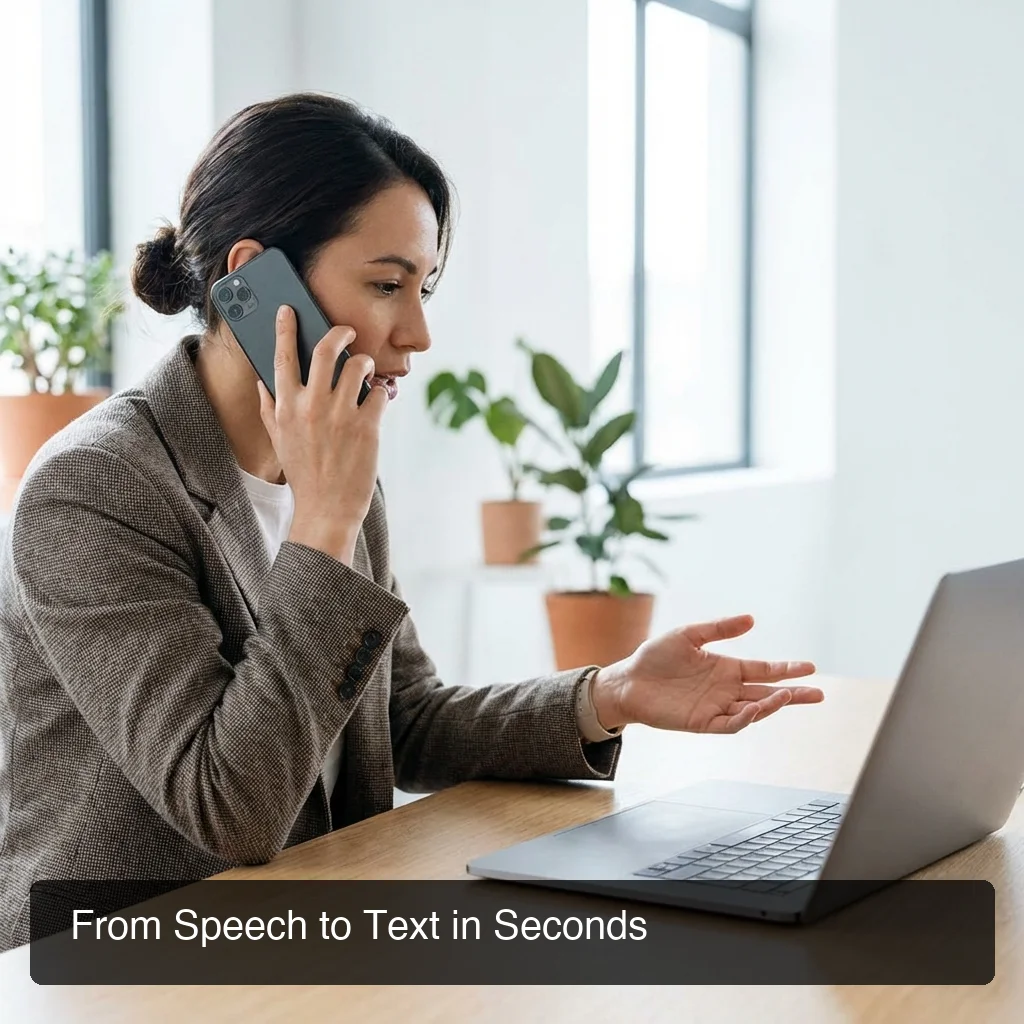 Voice-to-text on mobile: BossAI turns your phone into a high-accuracy real-time transcription tool for every app.
Is the Live Transcribe app free?
Google Live Transcribe is completely free with unlimited use on Android. Otter.ai offers 600 minutes per month free. Tactiq allows 5 meeting transcripts per month free. Apple's Live Captions are built into iOS 17+ and macOS at no cost. For professional unlimited use, paid plans typically range from $10–$20/month.
What is BossAI?
BossAI is an AI voice keyboard for iPhone and Android, and a voice-to-text app for Mac and Windows, that replaces typing with voice dictation. It transcribes speech in real time, removes filler words automatically, rewrites text in different tones with one tap, and includes Boss Mode — a screen-reading feature that reads your screen to generate contextual replies without copy-pasting.
Is Live Transcribe available on iPhone?
Google Live Transcribe is Android-only. iPhone users can use Apple's built-in Live Captions (iOS 17+), Otter.ai, or Tactiq for real-time transcription. For a voice input tool that works in every iOS app without switching context, BossAI functions as a full keyboard replacement with live dictation built in.
What is the best live transcribe app for meetings?
Otter.ai is the best live transcription app for professional meetings — it supports speaker labels, searchable transcripts, and integrations with Zoom, Google Meet, and Microsoft Teams. Tactiq is the best option for browser-based video calls. Google Live Transcribe is the best free option for in-person conversations on Android.
How accurate is real-time transcription compared to human transcription?
Top live transcribe apps reach 85–95% accuracy in quiet conditions, compared to 98–99% for professional human transcriptionists. The accuracy gap is typically a few word-level errors per minute — correctable in real-time editing. For legal or medical use cases requiring verbatim accuracy, human review remains the standard.
Unlike generic speech-to-text, how does live transcription work for ongoing conversations?
Unlike generic speech-to-text that processes single dictated commands, live transcription captures conversations as they happen — continuously processing multi-speaker audio and outputting text within milliseconds. This makes it ideal for meetings, interviews, and events where you need a real record of the full exchange rather than a dictated composition.