
Voice to Text for Free: Best Tools 2026 | BossAI
How Can I Convert Voice to Text for Free?
Converting voice to text for free is more accessible than most people realize. Windows, Mac, and iOS all include built-in dictation tools — no downloads, no subscriptions, no credit card required.
Key Takeaways
- Windows Speech Recognition and Mac Dictation are built into the OS — genuinely unlimited and free with zero installation
- Google Docs Voice Typing offers unlimited free dictation in any browser with a Google account
- Free-tier apps like BossAI (500 words/day) and Otter.ai (600 minutes/month) deliver better AI accuracy than OS tools but come with usage caps
- OS built-ins produce raw unformatted text; AI-enhanced tools remove filler words, fix grammar, and add punctuation automatically
- Free voice-to-text works well for short notes and casual dictation; professional workflows benefit from AI-polished output that eliminates manual cleanup
Contents
- How Can I Convert Voice to Text for Free?
- What Are the Best Free Voice-to-Text Tools Available?
- Is There a Truly Free Voice-to-Text Solution?
- How Accurate Are Free Voice-to-Text Programs?
- Can I Use Voice-to-Text Tools Without Paying?
- What Are the Limitations of Converting Voice to Text for Free?
- How Does Free Voice-to-Text Compare to Paid Options?
- Which Free Voice-to-Text Tool Works Best for My Needs?
- Frequently Asked Questions
How Can I Convert Voice to Text for Free?
You can convert voice to text for free using three approaches: OS built-in tools (Windows Speech Recognition, Mac Dictation), browser-based tools (Google Docs Voice Typing), or free-tier apps (BossAI, Otter.ai). Built-in tools are unlimited and require no setup. Free-tier apps apply AI enhancement within daily or monthly usage caps.
The fastest starting point is whatever is already on your device.
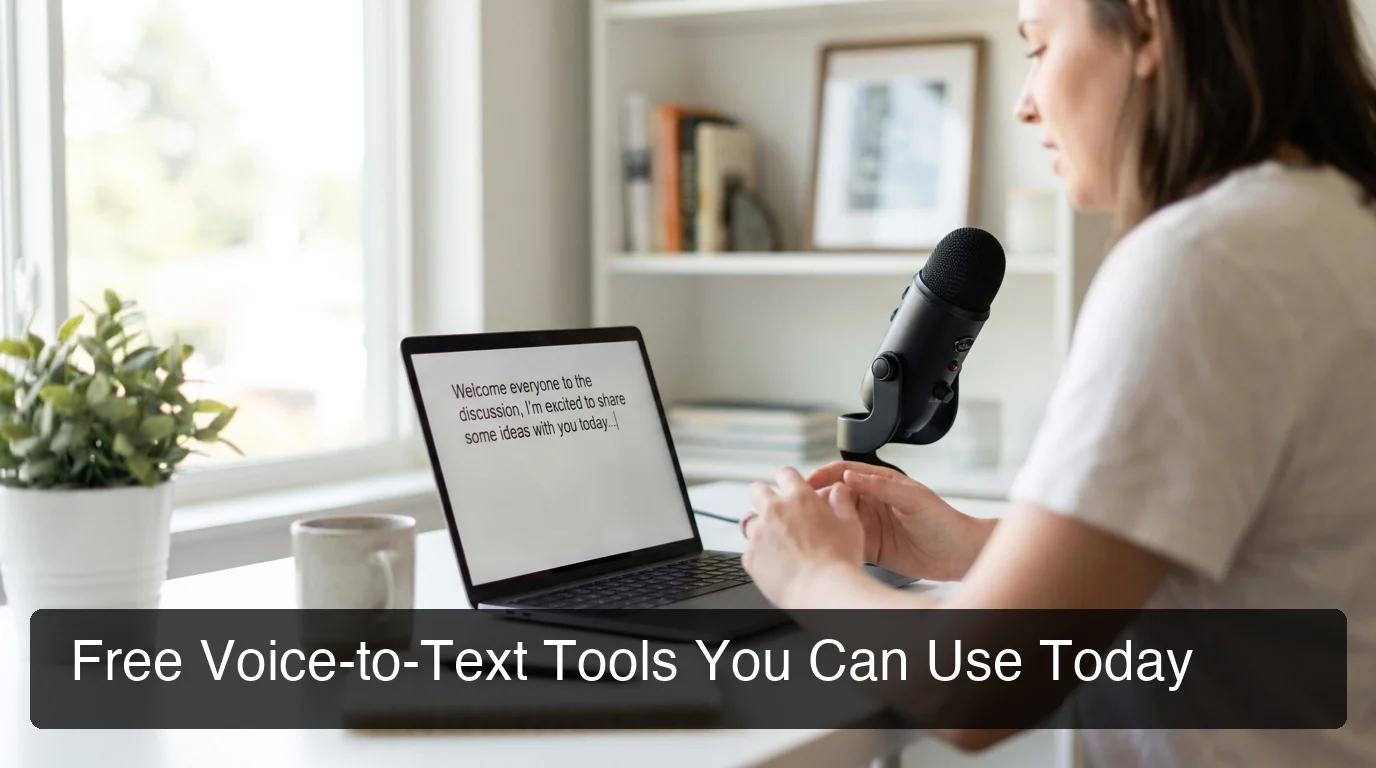 Three free approaches to voice-to-text: OS built-ins, browser tools, and free-tier AI apps.
Windows: Built-In Speech Recognition
Windows Speech Recognition is available on Windows 10 and 11 at no cost. Search "Windows Speech Recognition" in the Start menu, complete the one-time microphone setup, and dictate into any app on your system.
For detailed configuration steps, the complete guide to voice to text on Windows covers the full setup process including voice profile training and troubleshooting.
Mac: Dictation in System Settings
Mac Dictation works in every macOS app — email, documents, chat, notes, code editors. Enable it in System Settings → Keyboard → Dictation, then press Fn twice (or the microphone key) to start speaking.
Apple's Enhanced Dictation mode processes audio on-device, so it works offline and keeps your voice data private.
Google Docs: Free Browser-Based Dictation
Google Docs Voice Typing is free with any Google account and runs in any browser on Mac, Windows, or Chromebook. Go to Tools → Voice typing, click the microphone, and start speaking. It supports 100+ languages and has no usage caps.
The main advantage: nothing to install. Dictate into a Google Doc and copy the text wherever you need it.
What Are the Best Free Voice-to-Text Tools Available?
The best free voice-to-text tools split into two categories: OS tools you already own (Windows Speech Recognition, Mac Dictation, Google Docs) and free-tier AI apps (BossAI, Otter.ai, Speechnotes). OS tools are unlimited but produce raw text. AI apps deliver cleaner output within usage limits.
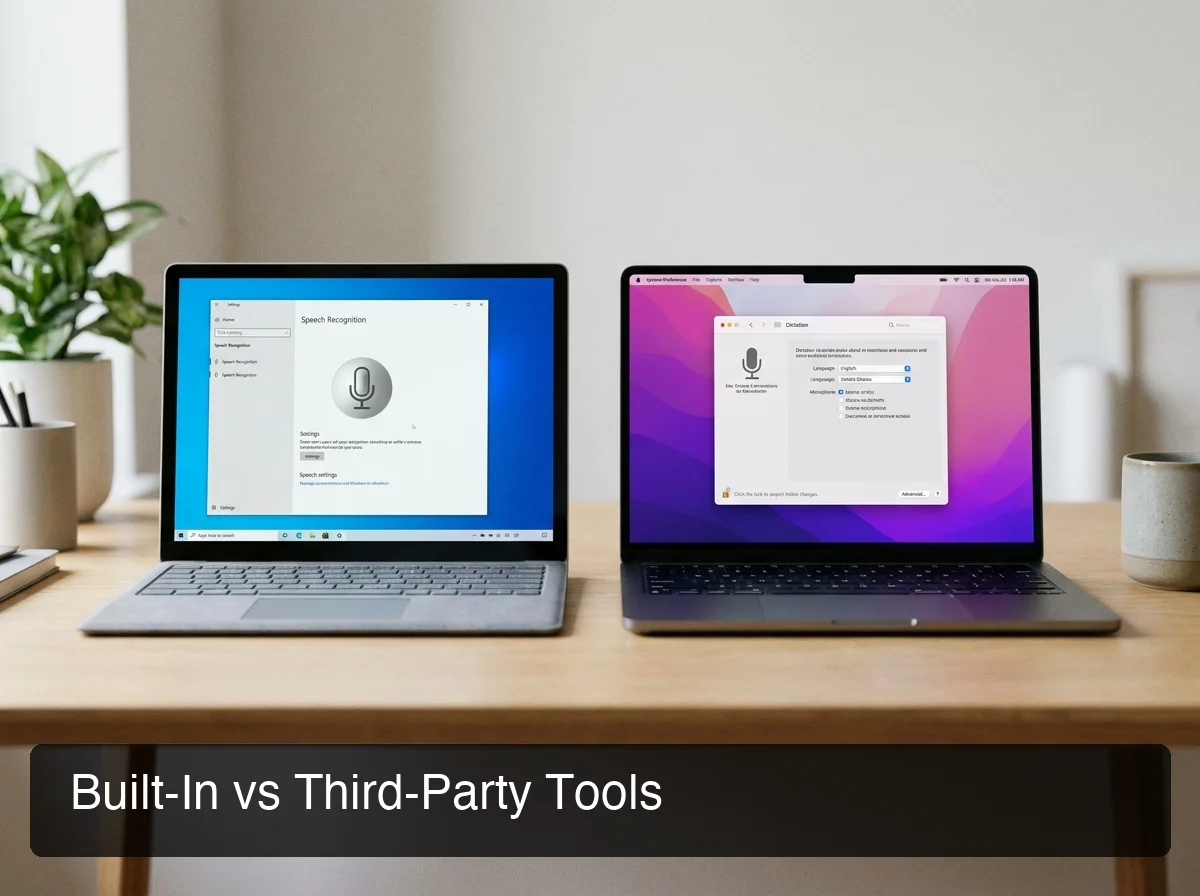 Built-in tools require no setup; AI-enhanced apps deliver polished output within free usage limits.
| Tool | Type | Free Limit | AI Enhancement | Best For |
|---|---|---|---|---|
| Windows Speech Recognition | OS built-in | Unlimited | None | Windows daily dictation |
| Mac Dictation | OS built-in | Unlimited | None | Mac daily dictation |
| Google Docs Voice Typing | Browser | Unlimited | None | One-off documents |
| BossAI | App (free tier) | 500 words/day | Yes (filler removal, grammar) | AI-polished live dictation |
| Otter.ai | App (free tier) | 600 min/month | Yes (speaker ID, summaries) | Meeting transcription |
| Speechnotes | Browser | Unlimited (ad-supported) | None | Quick web-based dictation |
| Whisper (local) | Open source | Unlimited (local) | Configurable | Developer/offline use |
For a deeper comparison that includes paid options, the best speech-to-text software guide ranks and rates all major tools with current pricing.
Third-Party Free Tier Apps
BossAI gives 500 words/day on its free tier — fully AI-enhanced, with automatic filler word removal and grammar correction at no cost. The daily reset makes the limit feel accessible for casual users testing the tool.
Otter.ai provides 600 minutes of transcription per month free with speaker identification. Useful for meeting notes where you need to track who said what. The free tier does not include AI summaries or advanced search.
Speechnotes is a browser-based dictation tool with unlimited use (ad-supported). Less accurate than dedicated apps but works with no account and no installation.
For a broader look at the app landscape including mobile options, see the voice dictation app guide.
Key insight: If you need meeting transcription, Otter.ai free is hard to beat. If you need live dictation with AI polish, BossAI's free tier is the strongest option before paying anything.
Is There a Truly Free Voice-to-Text Solution?
Yes — Windows Speech Recognition, Mac Dictation, and Google Docs Voice Typing are genuinely free with no word caps, no time limits, and no registration required. These three options cost nothing and have no hidden usage walls. Freemium apps are free-within-limits: cross the daily or monthly cap and features stop.
The distinction matters when choosing a tool for a real workflow. OS built-in tools meet the "truly free" standard — pre-installed, unlimited, no upgrade pressure ever.
Freemium apps offer better accuracy and AI features, but gate usage to create conversion moments. That's a fair trade, but it's not unlimited.
Bottom line: For unlimited free voice-to-text, use what's already on your device. If you want AI-enhanced quality, a free-tier app gives you enough usage to evaluate the difference before spending anything.
How Accurate Are Free Voice-to-Text Programs?
Free voice-to-text tools vary significantly in output quality. OS built-ins achieve 85-90% transcription accuracy for clear speech in quiet conditions, but produce unformatted raw text. Free-tier AI apps reach 95%+ by applying real-time post-processing — removing filler words, fixing grammar, and adding punctuation automatically.
Raw accuracy percentages miss the real story. The gap between tools isn't just how many words they get right — it's what the output looks like after transcription.
Raw Accuracy vs. Output Quality
Consider the same spoken input through two tools:
OS dictation output: "um so the meeting is on friday uh we need to discuss the you know proposal and make sure everyone is aligned"
AI-enhanced output: "The meeting is on Friday. We need to discuss the proposal and make sure everyone is aligned."
Same words spoken. The AI version removes filler words, adds punctuation, fixes capitalization, and breaks the text into proper sentences — without any editing from you.
Accuracy also degrades in noisy environments for all free tools — OS built-ins drop below 80% with background noise, while AI apps maintain better consistency through noise compensation. Custom dictionary support (available in paid tiers) makes a significant difference for technical terms and names.
For a full breakdown across leading tools, the speech recognition app guide covers accuracy benchmarks in detail.
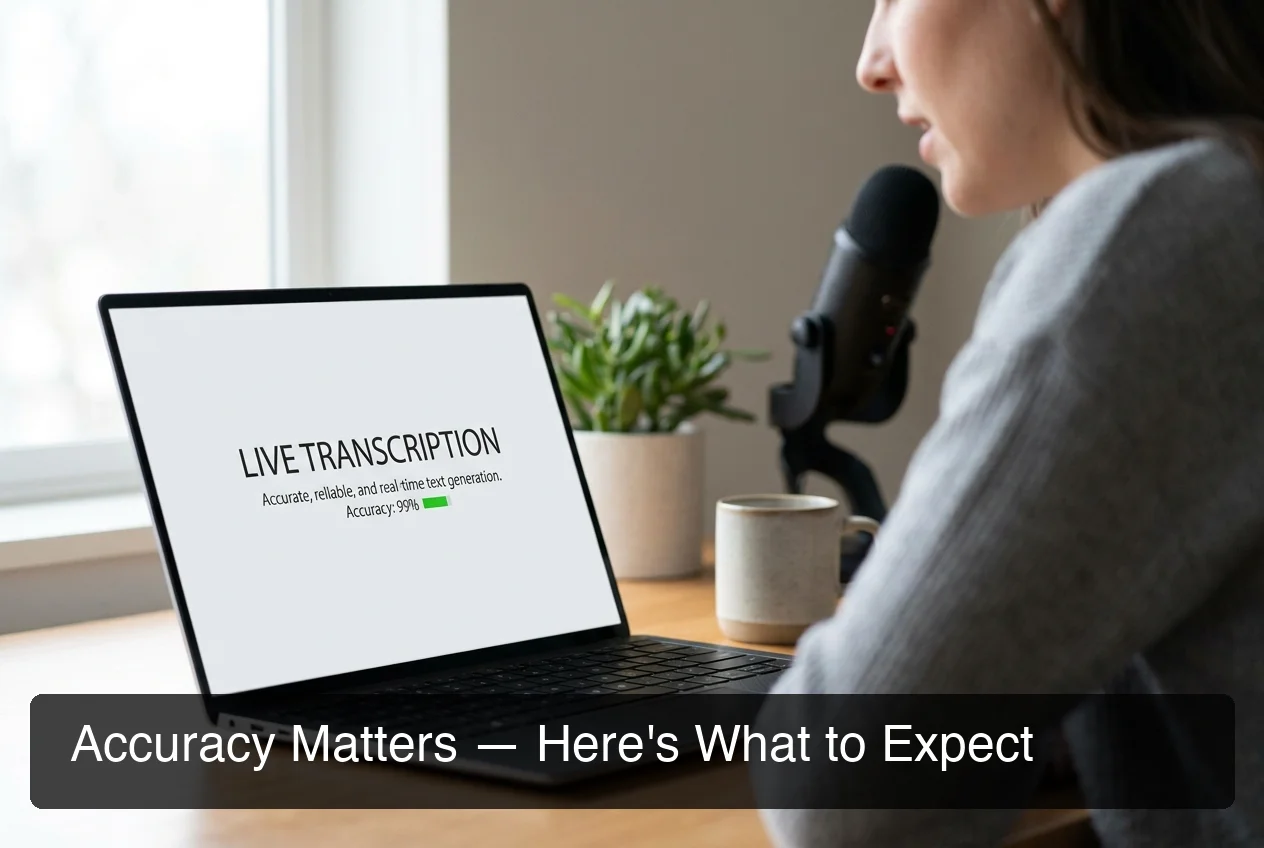 AI-enhanced free tools apply post-processing to raw transcription — removing filler words and correcting grammar before output.
Can I Use Voice-to-Text Tools Without Paying?
Yes. OS built-ins are unlimited and free forever. Free-tier apps like BossAI offer 500 words/day with full AI enhancement — enough to evaluate quality and cover casual daily use without spending anything.
For most casual users — short notes, occasional emails, capturing ideas quickly — free tools handle the full workflow without friction.
For professional use — dictating 1,000+ words daily, producing communications that go straight to clients, relying on voice as a primary input method — the 500-word daily cap starts to bind within a few hours.
BossAI's free tier specifically targets this evaluation window. You get full AI quality (filler removal, grammar correction, punctuation) on 500 words per day, with a daily reset. It's designed to show you what polished AI dictation feels like before asking you to pay.
By the numbers: BossAI's free tier covers approximately one professional email or three focused Slack messages per day — enough to evaluate quality but not enough to replace your full typing workflow.
What Are the Limitations of Converting Voice to Text for Free?
Free voice-to-text tools share four consistent limitations: usage caps on freemium apps, unformatted raw output from OS tools, limited or no custom vocabulary, and no advanced features like filler removal, tone rewriting, or screen context awareness.
Understanding these tradeoffs before building a workflow around a free tool prevents frustration.
Usage Caps
Every freemium app gates its free tier. BossAI caps at 500 words/day, Otter.ai at 600 minutes/month, WisprFlow at 2,000 words/week. Hit the cap mid-workflow and you're either done for the day or looking at an upgrade prompt.
OS built-ins have no caps — but they also have no AI quality layer.
Raw Output Quality
OS dictation tools transcribe speech without post-processing. You get filler words intact, no punctuation, incorrect capitalization, and run-on sentences.
For private notes, this is workable. For anything you send to another person, it requires manual cleanup after every session.
Missing Advanced Features
Free tools — both OS built-ins and free-tier apps — consistently lack:
- Automatic filler word removal (um, uh, like, you know)
- Tone rewriting (switch between professional, casual, concise in one tap)
- Screen context awareness (reading what's on your screen to generate replies)
- Cross-app operation (works natively inside every app, not just the dictation tool)
- Unlimited custom vocabulary for technical terms, names, and brand-specific jargon
These features are what separate a transcription utility from a professional dictation assistant.
How Does Free Voice-to-Text Compare to Paid Options?
Free tools provide raw transcription or daily-capped AI enhancement. Paid AI dictation tools ($8-15/month) deliver unlimited AI-polished output with filler removal, grammar correction, tone rewriting, custom vocabulary, and advanced capabilities like screen context reading. For professional use, the performance gap is substantial.
 Paid AI dictation tools deliver features that no free tier includes — unlimited use, screen awareness, and tone rewriting.
| Feature | Free OS Tool | Free Tier (App) | Paid ($9.99/mo) |
|---|---|---|---|
| Daily word limit | Unlimited | 500 words/day | Unlimited |
| AI filler removal | No | Yes | Yes |
| Grammar correction | No | Yes | Yes |
| Tone rewriting | No | No | Yes |
| Screen context (Boss Mode) | No | No | Yes (BossAI) |
| Custom dictionary | Limited | 10 words | Unlimited |
| Works in every app | Yes | Yes | Yes |
| No subscription required | Yes | Yes | No |
At $9.99/month, paid AI dictation costs less than the time most professionals spend per day cleaning up raw OS transcription output. The math is simple once you're dictating more than a few hundred words daily.
By the numbers: Manually editing 500 words of raw OS transcription takes 5-10 minutes. At $9.99/month for unlimited AI-enhanced dictation, that cleanup cost disappears on day one.
Which Free Voice-to-Text Tool Works Best for My Needs?
The right free tool depends on how often you dictate and what you do with the output. For occasional use, OS built-ins are the fastest entry point. For daily dictation with quality output, BossAI's free tier gives the most value. For meeting transcription, Otter.ai covers up to 600 minutes/month.
By Use Case
Short notes and quick captures: Mac Dictation or Windows Speech Recognition. Zero setup, always available, no caps. Works for grocery lists, reminders, and quick messages where formatting doesn't matter.
Drafting documents: Google Docs Voice Typing. Unlimited, browser-based, works on any device. Best for one-off writing sessions where you'll edit afterward anyway.
Daily professional dictation: BossAI free tier. 500 words/day with full AI enhancement — filler removal, grammar correction, punctuation — at no cost. Best option for experiencing polished AI dictation before upgrading.
Meeting transcription: Otter.ai free tier. 600 minutes/month with speaker identification. Best for capturing who said what in meetings.
Mobile or on-the-go: iOS built-in keyboard mic works in any app with no setup. For AI-polished mobile dictation, BossAI runs as a full iOS keyboard replacement. The speak to text guide covers all platform setup options in depth.
Key insight: Start with what's already on your device. If Windows Speech Recognition or Mac Dictation meets your needs, you're done. If you need cleaner output or run into accuracy issues, try a free-tier app before paying anything.
Get Started with BossAI
Free voice-to-text tools get you started, but AI enhancement is what makes dictation fast enough to replace typing entirely. BossAI's free tier gives you 500 words/day with full filler removal and grammar correction — enough to experience the difference before you spend anything.
Not ready to try it yet? Get Our AI Productivity Guide — free tips on working faster with AI.
Frequently Asked Questions
How can I convert voice to text for free on Windows?
Use Windows Speech Recognition, built into Windows 10 and 11 at no cost. Search for it in the Start menu, complete the one-time microphone calibration, then say "start listening" to dictate into any app. For better accuracy and AI-polished output, BossAI's free tier (500 words/day) runs natively on Windows with filler word removal included.
Is there a free voice-to-text tool with no usage limits?
Yes. Windows Speech Recognition, Mac Dictation, and Google Docs Voice Typing are all unlimited and free — no word caps, no subscriptions, no credit card needed. Freemium apps like BossAI offer 500 words/day free with better AI accuracy, while Otter.ai provides 600 minutes/month for meeting transcription.
How accurate is free voice-to-text software?
OS built-in tools achieve 85-90% accuracy in quiet conditions with clear speech. Free-tier AI apps like BossAI reach 95%+ by applying real-time post-processing to remove filler words, fix grammar, and add punctuation. Accuracy drops in noisy environments or with heavy accents for all free tools.
What is BossAI?
BossAI is an AI-powered voice keyboard for iOS, macOS, and Windows that replaces typing with voice dictation. It transcribes speech in real time, removes filler words automatically, rewrites text in different tones with one tap, and includes Boss Mode — a screen-reading feature that reads your screen to generate contextual replies without copy-pasting.
Is BossAI free?
BossAI has a free tier with no weekly word cap — you can dictate as much as you want. The paid plan unlocks advanced features including unlimited Boss Mode screen reads, priority processing, and extended Clips storage. No credit card required to start.
Can I use voice-to-text on iPhone for free?
Yes. iOS includes built-in dictation via the microphone key on the standard keyboard — tap it in any app to start speaking, no setup needed. For AI-enhanced dictation on iPhone, BossAI's free tier works as a full keyboard replacement with filler removal and grammar correction at 500 words/day free.
What are the main limitations of free voice-to-text tools?
Free tools have four consistent limits: usage caps on freemium apps (e.g., 500 words/day), unformatted raw output from OS built-ins (no filler removal, no punctuation), limited custom vocabulary for technical terms, and no advanced features like tone rewriting or screen context awareness. For basic notes and occasional dictation, these limits are manageable; professional workflows typically outgrow them.