
Voice Note Taker: Capture Ideas Faster | BossAI
Voice Note Taker: The Faster Way to Capture Ideas Without Typing
A voice note taker converts spoken thoughts into organized, searchable text — capturing ideas at the speed you think, not the speed you type. The best tools don't just record audio: they transcribe in real time, strip filler words, and structure the output so it's actually useful the moment you stop talking.
People who make the switch rarely go back. Spoken language runs at 130–150 words per minute; the average typist manages 40–55. That gap compounds every time you reach for your phone to capture an idea mid-meeting, mid-commute, or mid-thought.
What Is a Voice Note Taker and How Does It Work?
A voice note taker is any tool that converts spoken input into organized, retrievable text — capturing ideas without requiring you to type. Modern AI-powered versions go beyond simple transcription: they remove filler words automatically, punctuate in context, and structure output so your notes are searchable, shareable, and immediately useful after you stop speaking.
At minimum, a voice note taker combines three components: a microphone input, a transcription engine, and a storage layer for captured notes. Entry-level tools like Apple Voice Memos record audio but require manual playback to find anything useful.
Mid-tier tools like Speechnotes add real-time transcription. Top-tier tools process meaning — auto-tagging themes, removing verbal tics, and making the archive queryable by topic, date, or custom query.
The difference between recording audio and having organized notes is the AI layer. Without it, you're sifting through files by timestamp, which defeats the point of capturing anything quickly.
Key Takeaways
- Voice note takers convert speech into searchable, organized text — no typing required, no manual cleanup of audio files
- Speaking at 130–150 WPM is 2.5–3× faster than average typing; that gap matters most in meetings, brainstorming, and on-the-go capture
- A good voice note taker removes filler words, auto-punctuates, and makes past notes retrievable by topic or voice query
- Top apps split into two types: meeting recorders (Otter, Notta) and real-time dictation tools (BossAI, Talknotes) — different jobs, different tools
- The best capture-to-retrieval workflow combines fast voice input + smart organization + searchable archive or voice-query retrieval
Contents
- How Much Faster Is Voice Note-Taking Than Typing Notes?
- What Do the Best Voice Note Taker Apps Get Right?
- How to Choose the Right Voice Note-Taking App for Your Workflow
- Can You Organize and Search Your Voice Notes After Recording Them?
- Is Voice Note-Taking Better for Productivity Than Typed Notes?
How Much Faster Is Voice Note-Taking Than Typing Notes?
Voice note-taking is 2–3× faster than typing for most people. Average typing speed runs 40–55 WPM; conversational speech runs 130–150 WPM. For structured, retrievable output — not raw audio — the gap widens further because you're eliminating transcription cleanup time that manual typing never requires in the first place.
The speed advantage is most pronounced in specific situations:
- Brainstorming: Ideas arrive faster than most people can type; voice capture keeps pace, typing introduces an editing lag that kills momentum
- Meeting notes: You're listening and contributing simultaneously — typing forces you to choose; voice doesn't
- Mobile and on-the-go: Dictating while walking or commuting has no keyboard equivalent
- Late-day fatigue or RSI: When hand fatigue or repetitive strain makes typing costly, voice removes the friction entirely
Fast capture isn't just about convenience. Ideas captured in real time, in your own words, preserve the original framing before the editing mind starts trimming.
The best voice note recorder apps exploit this by making capture as frictionless as possible — one tap, speak, done. Review the note later; editing takes less time than reconstruction.
 Voice note-taking at 130–150 WPM captures ideas in your natural phrasing before the editing brain kicks in.
What Do the Best Voice Note Taker Apps Get Right?
Most voice note taker tools split into two types: meeting recorders and real-time dictation keyboards. Meeting recorders (Otter AI, Notta, Voicenotes) transcribe entire recorded calls after the fact. Real-time dictation tools insert transcribed text directly into whichever app you're using while you speak.
The distinction matters because the jobs are different. For post-meeting transcription, a meeting recorder is the right tool; for capturing ideas in email, Slack, or documents as they happen, real-time dictation fits better. If you're currently comparing transcription services, Otter AI alternatives maps this split in detail.
| Feature | Meeting Recorder | Real-Time Dictation |
|---|---|---|
| Transcribes recorded audio | ✅ | Limited |
| Inserts text live into apps | ❌ | ✅ |
| Searchable archive | ✅ | Depends on app |
| Filler word removal | Post-processing | Real-time |
| Cross-app support | ❌ | ✅ |
| Example tools | Otter, Notta, Voicenotes | BossAI, Speechnotes, Talknotes |
Neither category beats the other outright. The most effective voice note-taking setups use a meeting recorder for calls and a real-time tool for everything in between — or a single tool that handles both.
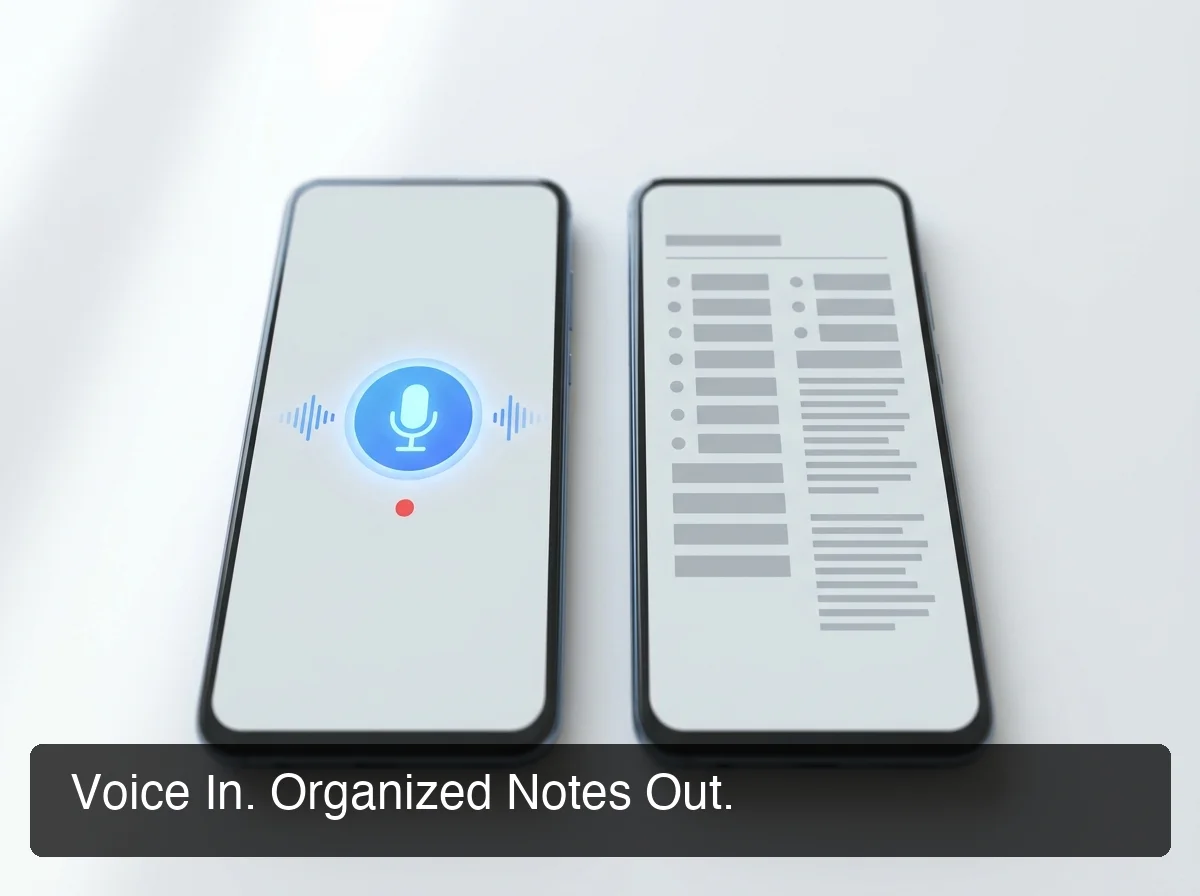 The gap between a raw voice memo and an organized, retrievable note is what separates a productivity system from an audio archive nobody revisits.
How to Choose the Right Voice Note-Taking App for Your Workflow
Two questions narrow the decision fastest: Where do notes need to end up? And How often will you need to retrieve them?
If notes live in one app — Notion, Obsidian, Apple Notes — a meeting recorder with export options can be enough. If notes need to land in whatever app you're already using (email, Slack, a document you have open), real-time dictation fits better.
Retrieval is the underrated half of this decision. Most apps let you search notes by keyword; fewer let you retrieve by context — where you speak a query and get the right note based on what you're currently working on.
BossAI's Knowledge Base is built specifically for this workflow. Store your own notes, documents, rates, and knowledge fragments, then pull them up with a natural voice command — say "Boss, show me my meeting notes from Tuesday" and the relevant content surfaces in context, no folder diving required.
That retrieval gap is where most apps stop short. Capture is a solved problem. Contextual, voice-driven retrieval isn't — and it's the feature that turns a collection of recordings into a working knowledge base.
Worth knowing: The most common mistake in voice note-taking is over-optimizing for capture and ignoring retrieval. Four hundred transcribed notes you can't search efficiently is just a slower filing cabinet.
Can You Organize and Search Your Voice Notes After Recording Them?
Most voice note apps support keyword search on transcripts, but only a few offer contextual retrieval — where you describe what you're looking for and the right note surfaces. That gap matters at scale: once you've built hundreds of notes, flat keyword search breaks down and you need something closer to a query interface.
The organization depth you need scales with how often you use the tool:
- Occasional capture: Basic folder or tag system — Apple Notes, Google Keep, a simple voice memo app
- Regular professional use: Searchable transcripts with date filters and topic tagging — Notta, Voicenotes, Talknotes
- Power users: Contextual voice retrieval from a personal knowledge base — BossAI's Knowledge Base, where you store knowledge and retrieve it with the same voice interface you use to capture it
For researchers, consultants, and professionals managing multiple projects, the knowledge base approach changes the workflow entirely. You're not archiving raw recordings — you're building a queryable personal knowledge store. A solid voice notes app handles the capture side; the retrieval architecture is what separates passive recording from an active productivity system.
 The real payoff of voice note-taking shows up in situations where a keyboard is inconvenient, impossible, or too slow.
Is Voice Note-Taking Better for Productivity Than Typed Notes?
For capture speed and low-friction ideation, voice wins. For precision, final formatting, and situations requiring silence, typed notes win. The most productive professionals use both — voice for speed capture, typing for structured editing and final output.
Voice has a clear edge in three specific contexts:
- Cognitive offload during other tasks: Dictating a thought while doing something else captures ideas without interrupting the primary activity
- Active listening in meetings: Taking notes by voice preserves your ability to actually follow the conversation instead of watching your keyboard
- Unstructured brainstorming: Speaking ideas in natural language skips the editing layer that slows keystroke-by-keystroke note-taking
The productivity story isn't about WPM — it's about whether the note gets captured at all. Note-taking that doesn't interrupt what you're doing actually happens; notes that have to wait for a free hand often don't.
If you're evaluating a broader range of input tools, voice typing apps covers the accuracy and workflow factors that carry over directly to voice note-taking.
Voice note-taking won't replace typed notes for every use case. It replaces the ones where ideas currently get lost — because you were driving, in a meeting, or just tired.
Get Started with BossAI
Voice notes are only useful if you can find them again. BossAI combines real-time AI dictation — filler removal, auto-formatting, cross-platform — with a Knowledge Base you can query by voice, so everything you capture stays accessible without manual searching or folder management.
Frequently Asked Questions
What is the best voice note taker app?
The right app depends on your use case. For meeting transcription, Otter AI and Notta are strong; for real-time capture across apps — where voice lands directly in email, Slack, or documents — BossAI, Speechnotes, and Talknotes fit better. BossAI adds filler word removal, tone rewriting, and voice-based retrieval through its Knowledge Base, making it the most complete end-to-end option.
Is voice note-taking accurate enough for professional work?
Yes, with the right tool. AI-enhanced apps like BossAI, Willow Voice, and Superwhisper perform well in quiet to moderate-noise environments and handle accented speech accurately — especially with a custom dictionary for names and technical terms. In typical office and home environments, AI post-processing cleans up what raw transcription misses, bringing accuracy high enough for professional use without manual correction.
Does BossAI offer a free plan for voice note-taking?
BossAI includes a free tier with 500 words per day, resetting daily rather than weekly — full AI dictation quality with filler removal and grammar correction, no credit card required. The paid plan at $9.99/month unlocks unlimited daily dictation, full Boss Mode access, and expanded Knowledge Base storage for retrieval.