
Voice Activated Journal: Start Today | BossAI
Voice Activated Journal: How to Start Journaling Without Typing
The fastest journal entry you'll write today won't be typed. It'll be spoken during a morning walk, transcribed automatically, and ready to read before you get back inside — with zero editing required.
Voice-activated journaling replaces the blank page with a microphone. You speak, an AI keyboard converts your words to polished text, and the entry is done before most people finish opening a notes app.
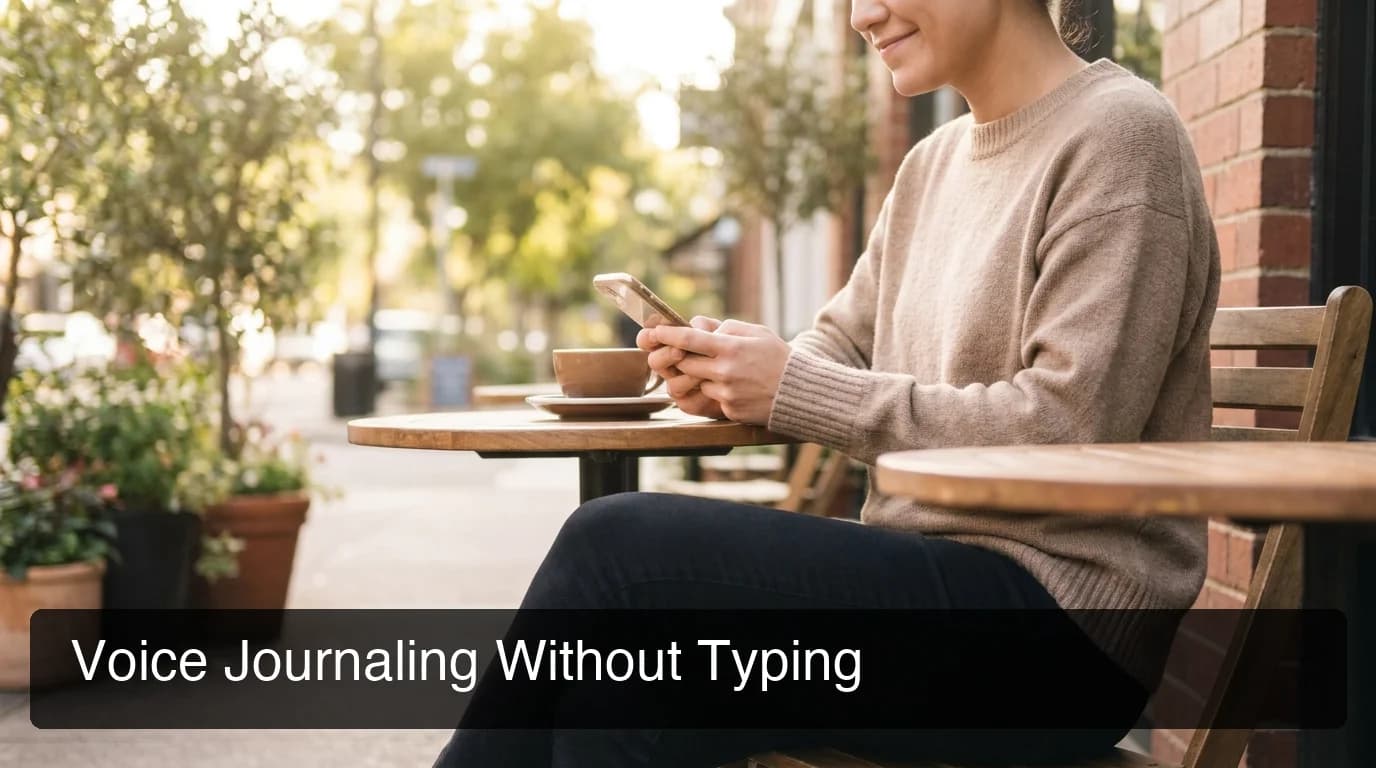
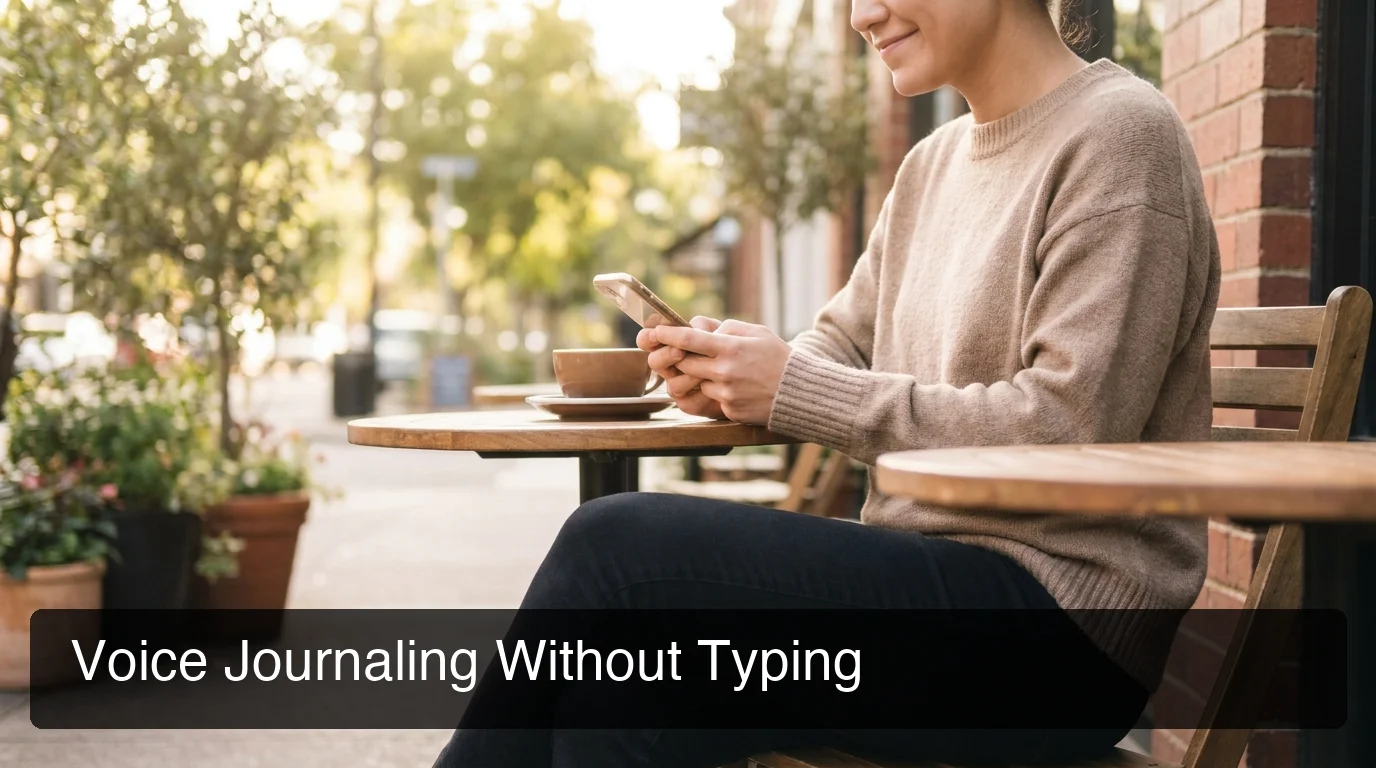 Voice journaling captures your thoughts the moment they arrive — no desk, no keyboard, no blank page.
What Is a Voice Activated Journal?
A voice activated journal is a digital journaling method where you speak your thoughts aloud and AI voice dictation software transcribes them into readable text. Unlike recording a voice memo, the output is formatted written text — clean, punctuated, and ready to save. No typing occurs at any step of the process.
The concept predates smartphones — doctors have dictated clinical notes for decades. What's different now is quality: modern voice-to-text AI removes filler words (um, uh, like, you know), corrects grammar in real time, and formats output for whatever app you're in. The result reads like you wrote it, not like a raw transcript.
For anyone who journals irregularly, switching from typing to dictation removes the biggest friction point: starting. Sitting down to type feels like a task. Speaking feels like thinking out loud.
Key Takeaways
- Voice journaling means dictating your thoughts aloud; AI transcribes them into clean, readable text — no typing required at any step.
- BossAI's 500-word daily free tier is sized for personal journal entries and includes automatic filler removal and grammar correction.
- Voice-to-text journaling works anywhere — driving, cooking, walking — because it only requires your voice and a phone.
- AI keyboards like BossAI remove um, uh, like, and you know automatically, so entries are readable without manual cleanup.
- People with RSI, carpal tunnel, arthritis, or limited hand mobility can maintain a daily journal entirely hands-free.
Contents
- What Is a Voice Activated Journal?
- How Do I Start a Voice Activated Journal on My Phone?
- Can I Voice Journal Hands-Free Without Ever Typing?
- What Are the Benefits of Voice Journaling for Mental Health?
- Why BossAI Is the Best Tool for Voice Journaling
How Do I Start a Voice Activated Journal on My Phone?
Open any app with a text field — Notes, Day One, Google Docs, or even an email draft — activate an AI keyboard like BossAI, and tap the microphone button. Speak your entry at a natural pace. BossAI applies filler removal and grammar correction within ~300 milliseconds, leaving a clean, ready-to-save entry.
Here's the step-by-step setup on iPhone:
- Download BossAI from the App Store
- Go to Settings → General → Keyboard → Keyboards → Add New Keyboard and select BossAI
- Open your journal app — Day One, Notion, Apple Notes, or any text field
- Tap the globe icon on your current keyboard and switch to BossAI
- Tap the microphone button and speak your entry
- BossAI transcribes in real time, removes fillers, and corrects grammar automatically
- Tap the Rewrite button if you want to shift the tone — Casual, Professional, or Empathetic
If you need help getting voice input enabled on your device first, the guide on how to turn on voice-to-text on iPhone covers the full setup across every iOS version.
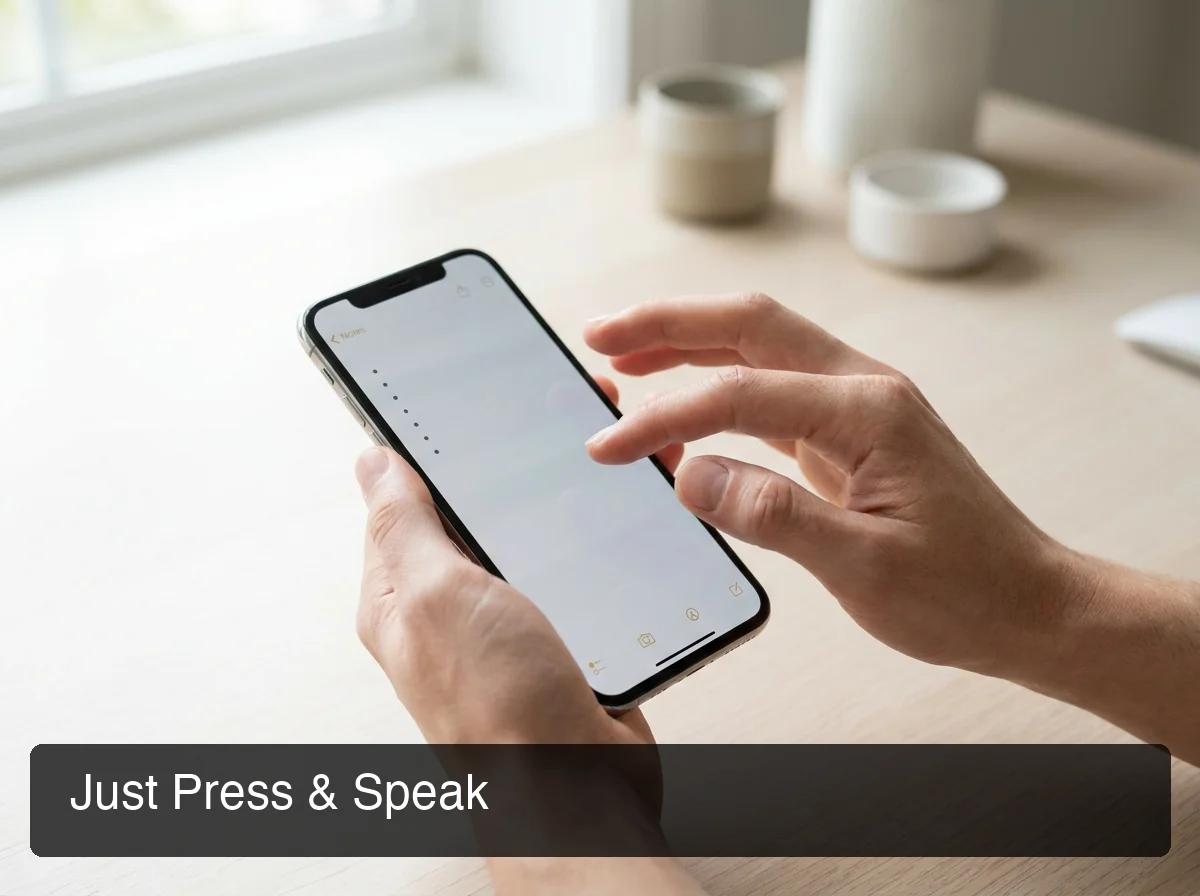 BossAI's keyboard replaces typing entirely — tap the mic, speak your entry, and it writes itself.
You don't need a dedicated journaling app. BossAI works in any text field on your device, so the journal can live in Apple Notes, a Google Doc, or wherever you already keep your writing.
Can I Voice Journal Hands-Free Without Ever Typing?
Yes — completely. BossAI's voice dictation handles transcription, filler removal, grammar correction, and punctuation without requiring keyboard contact. Tap the microphone once to start, speak your entry, tap once to stop. The entry appears as polished text. Not one keystroke is required from the first tap to the finished journal entry.
This matters most for people who journal across fragmented moments — commuting, cooking, exercising — and for anyone with hand or wrist conditions that make typing uncomfortable. BossAI's free tier includes full-quality voice dictation for iPhone at 500 words per day, which covers a complete personal journal entry without a subscription.
You can also layer this with a voice notes app as a first-capture tool. Speak into a voice memo while driving, then open BossAI later to transcribe and refine it into a journal entry. That combination bridges real-time capture with readable output.
Worth knowing: For people with RSI, carpal tunnel, rheumatoid arthritis, or a hand injury, voice journaling isn't a workaround — it's full journal access. Every BossAI feature, including tone rewriting, works without touching a single key.
What Are the Benefits of Voice Journaling for Mental Health?
Voice journaling reduces the friction between having a thought and recording it. That lower barrier increases journaling frequency, which is linked to reduced anxiety, better emotional processing, and improved working memory. Speaking also bypasses the self-editing that happens when typing — you capture closer to raw, honest reflection.
Here's what regular voice journalers consistently report:
- Consistency — speaking is faster than typing, so daily entries happen instead of weekly ones
- Authenticity — spoken words carry tone and rhythm that typed entries often flatten out
- Mindfulness — dictating while walking or sitting quietly becomes a form of moving meditation
- Accessibility — people who avoided journaling due to hand pain, dyslexia, or attention issues find voice dictation removes those specific barriers
The blank-page problem disappears when you're not staring at a cursor. Articulating thoughts externally also builds a habit of reflection that silent reading can't replicate — your brain processes emotion differently when you say it aloud.
Does Voice Journaling Work While Driving?
The practical setup: open your journal app before you drive, switch to BossAI's keyboard, and activate the microphone. You don't need to look at the screen during dictation — tap once to start, speak, tap once to stop. The entry transcribes and cleans in the background.
For longer captures on the road, some people prefer speaking into a voice recording app and converting to text when they park, then using BossAI to clean and tone-adjust the result.
Why BossAI Is the Best Tool for Voice Journaling
 Voice journaling with BossAI requires only a phone and a thought — no desk, no keyboard, no editing session afterward.
The tools most people try first — Apple Dictation, Google Voice Typing — do raw transcription, and what comes out still needs work. Fillers stay, grammar stays rough, punctuation is a guessing game.
BossAI is an AI keyboard, not a transcription app. Three things happen simultaneously when you speak:
- Real-time transcription as you talk
- Automatic filler word removal (um, uh, like, you know) — no cleanup needed
- Grammar correction and punctuation added in ~300ms after you stop speaking
The 500-word free tier resets daily, which aligns with how journaling actually works — short, regular entries rather than marathon sessions. If you consistently exceed 500 words, you're running a serious journaling practice; BossAI Pro at $9.99/month is cheaper than most dedicated journaling apps.
BossAI also has a practical edge on mobile: it runs as a native keyboard on iOS and Android, so journal entries go directly into whatever app you use — no copy-pasting from a separate dictation overlay. WisprFlow, Superwhisper, and Willow all require that extra clipboard step.
Get Started with BossAI
Voice journaling works best when the barrier to starting is nearly zero. BossAI's free tier gives you 500 words per day — enough for a complete daily entry — with automatic filler removal, grammar correction, and one-tap tone rewriting. No subscription needed to start, no typing required at any step.
Frequently Asked Questions
What is a voice activated journal?
A voice activated journal is a digital journal maintained entirely by speaking. An AI dictation tool like BossAI converts speech to clean, formatted text — removing filler words and correcting grammar automatically. You speak your thoughts into your phone and the entry writes itself; no typing is required at any point in the process.
Does BossAI work for journaling on iPhone and Android?
Yes. BossAI functions as a native keyboard on both iOS and Android, so you can dictate directly into any journaling app — Day One, Notion, Apple Notes, or a plain document. The free tier provides 500 words per day with a daily reset, which covers a full personal journal entry without any subscription required.
Can I voice journal while driving?
Yes, completely hands-free. Activate BossAI's microphone with one tap before you drive, then speak your entry while moving. You don't need to look at the screen during dictation — BossAI transcribes and cleans the entry in the background. Check the finished text when you park.
Is voice journaling good for people with RSI or carpal tunnel?
Voice journaling is one of the most practical solutions for people with repetitive strain injuries, carpal tunnel syndrome, or arthritis. BossAI handles transcription, filler removal, and grammar correction without any keyboard interaction. A complete journal entry — including tone adjustments — can be written without touching a single key.