
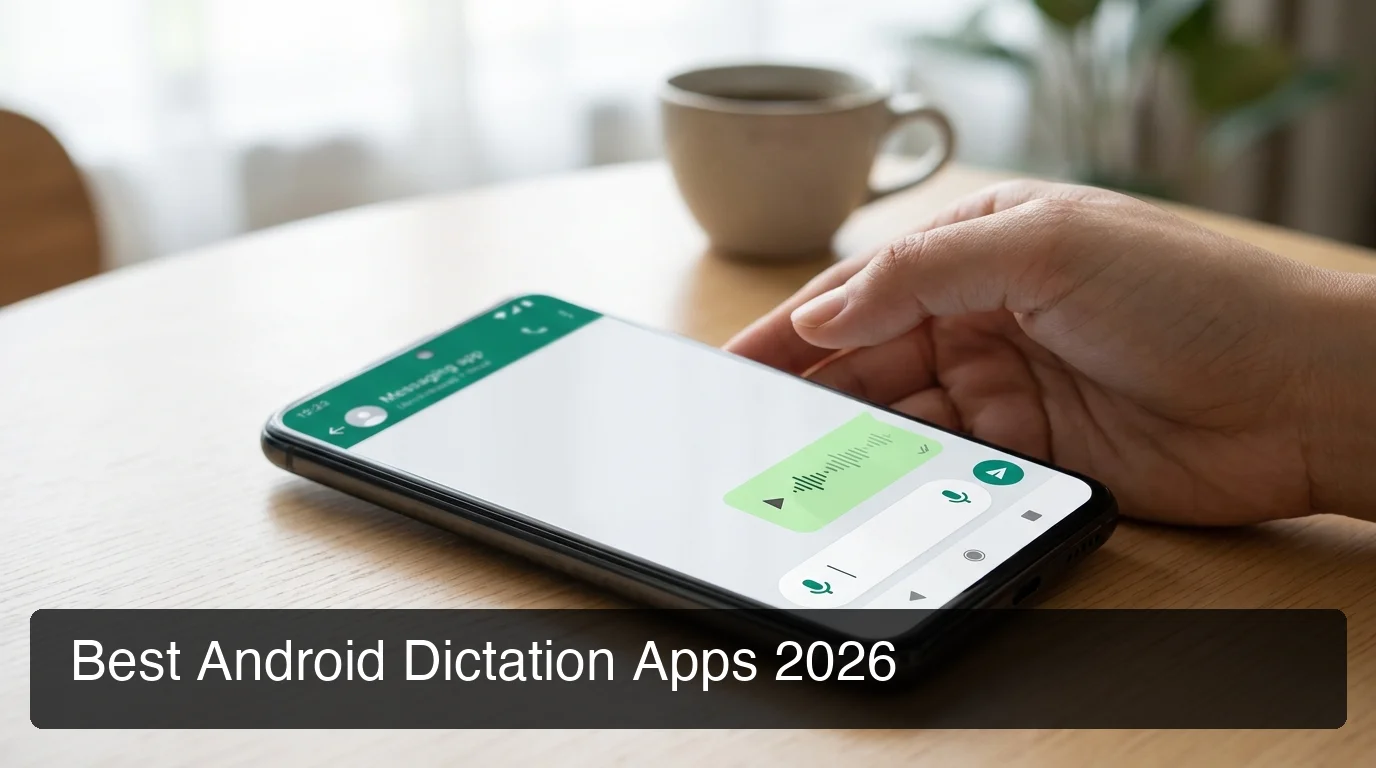
Dictation App Android: What the Numbers Say in 2026
Dictation App Android: What the Numbers Say in 2026
Voice typing has moved past basic Gboard transcription. The right dictation app Android users commit to in 2026 means weighing six competing options — price gaps from $0 to $30/month, free tier caps from 0 to 4,000 words per week, and AI quality ranging from raw transcription to context-aware screen reading.
Key Takeaways
- Only two AI-enhanced apps offer full keyboard replacement on Android in 2026: BossAI and Typeless. Most major tools (WisprFlow, Superwhisper, Willow) are iOS/Mac/Windows only.
- Most Android dictation apps run Google's speech engine under the hood — the AI cleanup layer separating raw transcription from polished text is what you're actually comparing.
- BossAI resets 500 words of free AI dictation every day; Typeless resets 4,000 words weekly. Daily resets favor short, frequent sessions; weekly caps suit batch dictators.
- Accuracy varies by accent, background noise, and vocabulary. A custom dictionary improves professional output more than switching apps.
- Boss Mode — screen-reading contextual reply generation — is exclusive to BossAI. No other Android dictation app can read your screen.
Contents
- What Is a Dictation App on Android?
- Which Dictation App Android Users Trust for Accuracy?
- Is a Free Dictation App Android Users Download Worth It?
- Why Does BossAI's Daily Reset Matter More Than Weekly Caps?
- Why BossAI Stands Out on Android
- Can I Use Android Dictation for Professional Work?
- Frequently Asked Questions
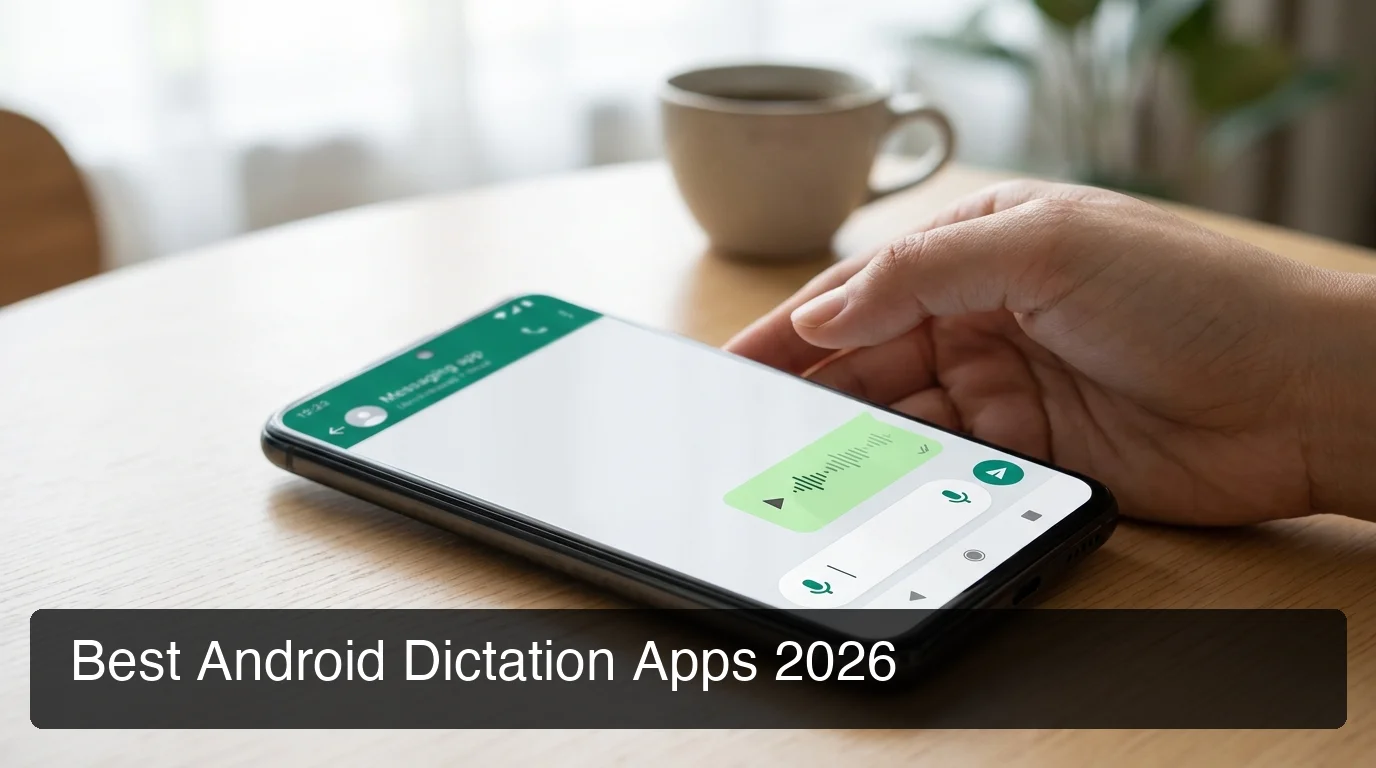 AI-enhanced dictation apps on Android now do far more than convert speech to raw text.
What Is a Dictation App on Android?
A dictation app on Android converts spoken words into text inside any app on your device. The best apps add an AI enhancement layer above Google's base speech engine — removing filler words, fixing grammar, adding punctuation, and adjusting output format depending on whether you're writing an email, a Slack message, or a document.
Gboard handles basic voice typing natively. What third-party apps add is the cleanup: the difference between "um so I was thinking we could uh maybe meet on Friday" and "I was thinking we could meet on Friday."
Here's the full landscape of Android dictation apps in 2026:
| App | Android Support | Free Tier | Reset Cycle | AI Enhancement | Monthly Price |
|---|---|---|---|---|---|
| BossAI | Full keyboard replacement | 500 words/day | Daily | Full AI + Boss Mode | $9.99 |
| Typeless | Full keyboard replacement | 4,000 words/week | Weekly | Full AI cleanup | $30 ($12/yr) |
| Gboard | Built-in keyboard | Unlimited | N/A | Basic correction only | Free |
| Speechnotes | Standalone app | Unlimited | N/A | Minimal | Free |
| WisprFlow | Not available | — | — | — | $15 |
| Superwhisper | Not available | — | — | — | ~$8 |
Two apps lead on AI quality for Android keyboard dictation. Gboard and Speechnotes remain the free unlimited baseline — but without the AI layer that makes output send-ready.
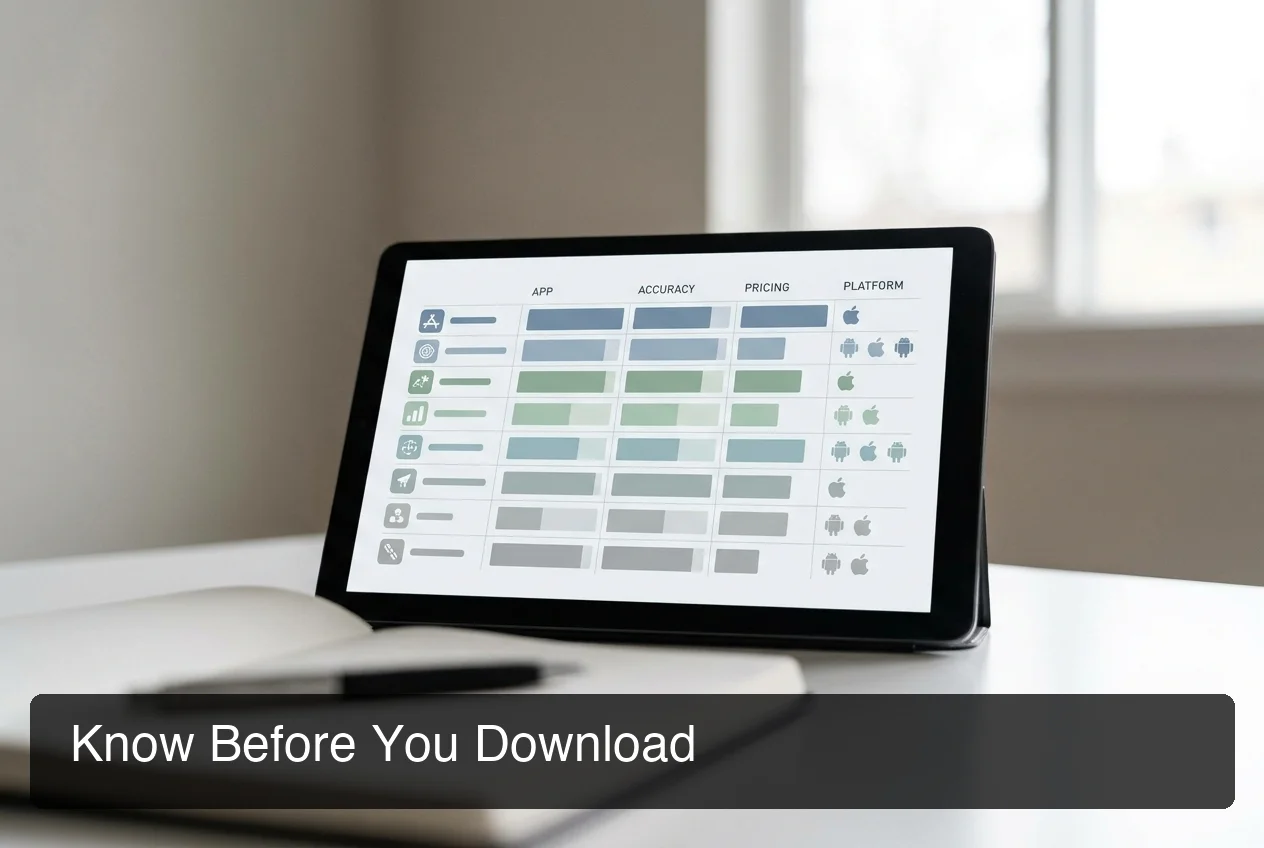 Only BossAI and Typeless deliver full AI-enhanced keyboard replacement on Android in 2026.
Which Dictation App Android Users Trust for Accuracy?
Accuracy for Android dictation depends on three variables: the underlying speech model, the AI correction layer applied post-transcription, and how well the app handles your specific vocabulary. Most AI-enhanced apps on Android build on Google's speech foundation — the differentiator is what happens in the 200–400ms window after you stop speaking.
BossAI's AI enhancement produces final polished text in approximately 300ms. Typeless processes for intent — it interprets what you meant to say, not just what was heard, and formats accordingly.
Neither approach wins universally. Accented speech, background noise, and technical jargon all affect output. A custom dictionary (available in BossAI, Typeless, and Gboard) adds more accuracy for professional terms than switching apps entirely.
By the numbers: BossAI delivers AI-enhanced output in ~300ms. Typeless claims 220 WPM dictation speed — roughly 4× the average typing pace. Gboard: immediate raw transcription, no post-processing AI layer.
For a deeper look at how AI dictation engines work across all platforms, the complete AI dictation app guide covers the technical layer in detail.
Is a Free Dictation App Android Users Download Worth It?
Free Android dictation breaks into two tiers: unlimited but raw (Gboard, Speechnotes) and limited but AI-enhanced (BossAI, Typeless). For under 500 words of dictated text per day — roughly five emails or 15 short messages — BossAI's free tier delivers full AI quality at no cost.
Gboard is already on your device. It's immediate and requires no installation. For a quick voice note or short message it works fine. For professional emails, client messages, or content where tone and grammar matter, raw Gboard output requires editing that erases the time you saved dictating.
Speechnotes sits in the same category — unlimited transcription, minimal AI processing.
Worth knowing: "Unlimited" free dictation from Gboard or Speechnotes often costs more in editing time than a 500-word AI-corrected session from BossAI. The metric that matters is time to send-ready text, not total words transcribed.
Evaluating broader voice typing options for Android including accessibility tools? Our text-to-speech app for Android guide covers the native speech ecosystem in detail.
Why Does BossAI's Daily Reset Matter More Than Weekly Caps?
BossAI's free tier resets 500 words every day. Typeless resets 4,000 words every week. WisprFlow resets 2,000 words every week. The reset cycle determines your usage rhythm as much as the cap number does — and daily resets favor how most people actually dictate.
500 words/day is roughly five professional emails or about 20 short messages. Most active users dictate in bursts throughout the day — a few messages in the morning, two replies after lunch, a quick note before a call. Daily reset serves that pattern. You never start Wednesday with nothing left because you dictated heavily on Monday.
Typeless's 4,000-word weekly allowance is higher in total. A user who dictates 2,000 words on Monday, though, has only 571 words available daily through Sunday — worse than BossAI's daily allocation for the rest of the week. Batch sessions drain weekly caps fast.
Daily reset also creates daily engagement. That consistency is when dictation becomes habit — and habit is when users recognize $9.99/month is worth it.
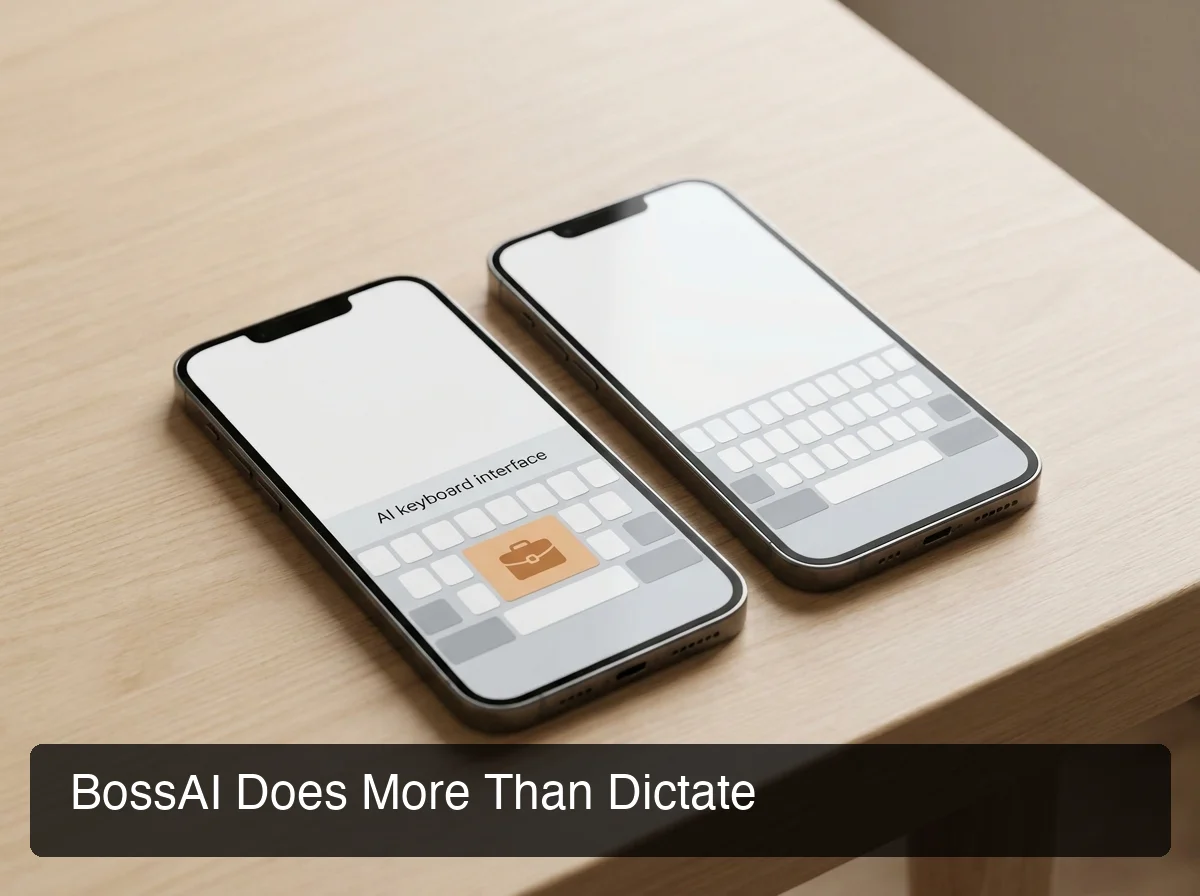 Boss Mode — BossAI's screen-reading feature — has no equivalent in any competing Android dictation app.
Why BossAI Stands Out on Android
BossAI is one of two AI dictation keyboards on Android, but the gap between it and the field extends past transcription quality.
Boss Mode reads whatever is on your Android screen. Open an email, tap Boss Mode, say "reply and confirm Thursday — ask about the call time" — BossAI reads the email thread, understands context, and writes a ready-to-send reply directly in the text field. No copy-pasting. No switching to a separate AI app. No other Android dictation app does this.
Clips saves your most-used text inside the BossAI keyboard — email signatures, addresses, standard replies, payment links. One tap to paste without leaving the app you're in. Competitors have no equivalent feature.
One-tap Rewrite adjusts tone (Professional, Casual, Witty, Persuasive, Empathetic, Bold) with a single keyboard tap. Typeless offers voice-command editing; BossAI provides a visual tap interface — faster on mobile, especially for short rewrites.
Typeless comes closest in AI quality on Android, but at $30/month (monthly) it's three times BossAI's price — and lacks Boss Mode, Clips, and visual tone selection entirely.
Can I Use Android Dictation for Professional Work?
Professional-quality dictation on Android requires three things raw voice typing won't provide: AI grammar correction, custom vocabulary for industry terms, and tone control for different message contexts. BossAI and Typeless both meet those requirements. Gboard does not.
For email-heavy workflows, Boss Mode changes the equation considerably. Instead of dictating a reply and then manually editing tone, you speak your intent while the email is visible on screen — BossAI reads the thread and generates the contextually appropriate response.
One practical limit: Typeless caps individual dictation sessions at 6 minutes before requiring a manual restart. BossAI has no session time limit — useful for longer document dictation or meeting notes.
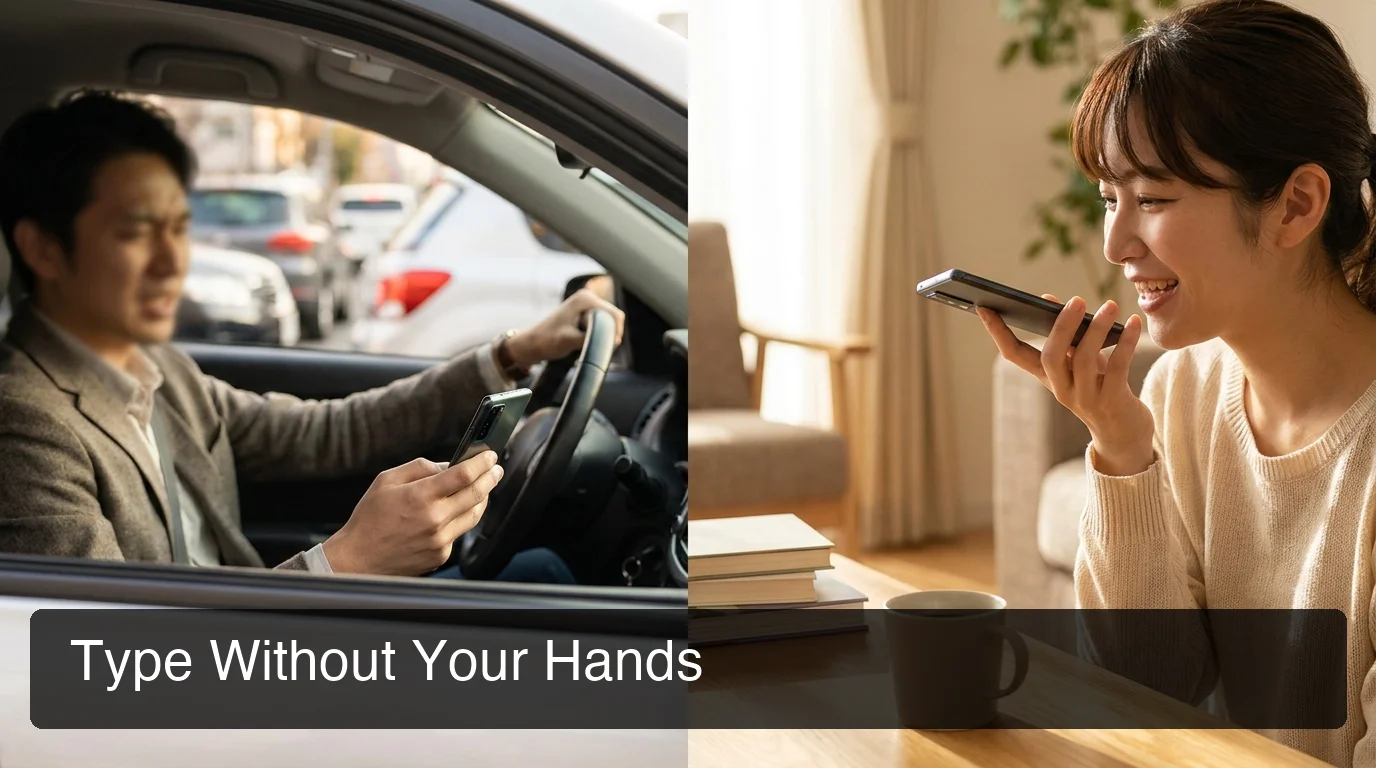 Android AI keyboard dictation handles professional communication on the go — email replies and messages without hands.
Comparing all professional dictation tools across Mac, Windows, and iOS alongside Android? The best dictation app comparison covers all platforms by use case. For understanding the broad Android speech-to-text capabilities that underpin these apps, our voice dictation app guide explains the technical foundation in depth.
Get Started with BossAI on Android
Android now has a genuine AI-keyboard dictation option beyond Gboard. BossAI delivers Boss Mode screen reading, a daily-reset free tier, one-tap Rewrite, and Clips — inside every app on your device, without switching keyboards mid-task.
Download BossAI on Google Play
Frequently Asked Questions
How do I use a dictation app on my Android phone?
Install the app, then enable it in Android Settings → General Management → Keyboard → On-screen keyboard. Add the new keyboard and set it as default, or switch to it mid-typing by long-pressing the spacebar. Most AI dictation keyboards work in every app — email, messaging, notes, social media — without requiring a separate interface.
Is there a free dictation app for Android that actually works?
Gboard is free and unlimited but provides basic transcription without AI grammar correction. BossAI offers 500 words/day free with full AI enhancement — filler removal, grammar correction, punctuation — making it the strongest free AI dictation option for Android users who dictate daily. Typeless offers 4,000 words/week free for those who prefer a weekly batch model.
Does Samsung have a dictation app built in?
Samsung devices include voice typing through Samsung Keyboard and Gboard, plus Bixby for voice commands. None remove filler words or apply AI grammar correction. For AI-enhanced dictation on Samsung phones, a third-party app like BossAI adds the layer the built-in tools lack — and it replaces the Samsung keyboard entirely.
What makes BossAI different from other Android dictation apps?
BossAI is the only Android dictation app with Boss Mode — it reads your open email or app and generates a contextual reply without copy-pasting. It also includes Clips (instant text snippets from the keyboard) and one-tap Rewrite with six selectable tones. Typeless, the other AI keyboard on Android, has none of those three features.
Is BossAI available on Android?
BossAI is on Android via Google Play, running as a full keyboard replacement for any app on your device. The free tier provides 500 words of AI-enhanced dictation daily — with a fresh reset every morning — plus 1 Boss Mode use per day. Paid plans start at $9.99/month or $69.99/year, with a 7-day full Pro trial included.