
Best Text-to-Speech Apps for Android in 2026
Most Android users searching for a "text to speech app" are looking for the opposite: they want to speak text into existence, not hear it read back. This guide covers both categories — read-aloud TTS tools and voice dictation keyboards — so you can stop searching after this page.
 Android voice input has evolved far beyond native dictation — the best apps add AI polish in real time.
Key Takeaways
- Android voice dictation is 3–4x faster than thumb-typing for composing emails, messages, and notes on mobile
- Most Android dictation apps cap free users at 500–2,000 words weekly; BossAI offers 500 words daily with a 24-hour reset — no weekly wall
- Real-time transcription with AI polish (filler removal, grammar, formatting) is now standard; the differentiator is screen context awareness — reading what's on screen to compose replies without copy-pasting
- BossAI's Android keyboard works natively in any app without switching context — no copy-paste friction, no external window
- Premium Android voice apps range from $9.99–$30/month; only two apps currently work as full keyboard replacements on Android: BossAI and Typeless
Contents
- What Is a Text to Speech App for Android?
- Why Should Android Users Choose Voice Dictation Over Typing?
- What's the Difference Between Android Dictation and Full Transcription Apps?
- Which Text to Speech App for Android Has the Best Keyboard Integration?
- How Does Real-Time Voice Transcription Work on Android Phones?
- How Much Do Premium Android Voice Dictation Apps Cost?
- Is There a Free Text-to-Speech App for Android That Doesn't Limit Word Count?
- How Is BossAI Different on Android?
- Try BossAI Free on Android
- FAQ
What Is a Text to Speech App for Android?
"Text to speech app for android" covers two distinct categories that are often confused. Read-aloud tools (true TTS) convert written text into audio — useful for accessibility, audiobooks, and hands-free listening. Speech-to-text apps (voice dictation) do the reverse: they transcribe your spoken words into typed text in real time. Both live in the same search results, but solve opposite problems.
True TTS apps — Speechify, Voice Dream Reader, NaturalReader — are built for listeners. They'll read your PDFs, emails, and web articles aloud in natural-sounding AI voices. If you want to consume written content with your ears instead of your eyes, start there.
Voice dictation apps — BossAI, Typeless, Google Gboard voice input — are built for typists who want to speak instead. They insert polished text directly into any Android app without switching windows or copy-pasting. The rest of this guide covers this second category: if you want to hear text read aloud, Speechify (4.1 stars, 279K+ reviews) leads the Play Store. If you want to type by speaking, BossAI, Typeless, or Google's built-in are your starting points — compared in detail below.
Why Should Android Users Choose Voice Dictation Over Typing?
Voice dictation on Android runs at 130–180 words per minute for most speakers — 3 to 4 times faster than average thumb-typing on a phone screen (roughly 40 WPM). For anyone composing more than 10 messages a day on Android, switching from touch typing to voice dictation is the highest-leverage productivity change available on mobile.
The problem isn't speed alone. Phone keyboards produce autocorrect failures, typos, and truncated sentences that need cleanup. Voice dictation with AI enhancement — filler removal, grammar, auto-punctuation — outputs cleaner text than most people type on desktop.
Android has had Google voice input since 2013. It's accurate but raw: it doesn't strip "um" and "uh," it doesn't fix grammar, and it stops listening if you pause. Third-party apps changed this by adding a second AI pass after transcription — turning messy speech into clean, send-ready text in under a second.
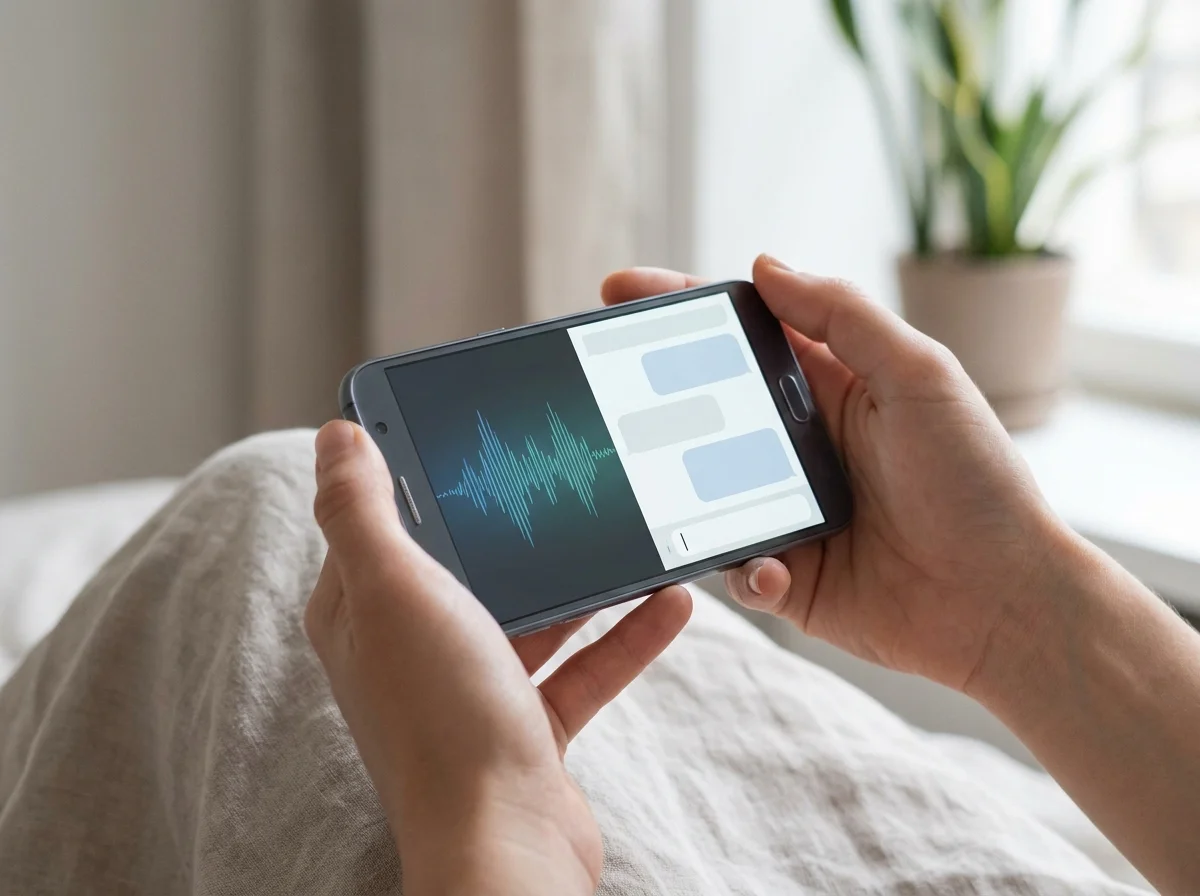 Real-time transcription with AI polish means what you speak is what gets sent — no cleanup required.
Quick win: For email and Slack replies on Android, voice dictation doesn't just save time — it sidesteps the small-keyboard typo loop entirely. One tap, speak, done.
What's the Difference Between Android Dictation and Full Transcription Apps?
Android dictation apps are keyboard replacements — they live in the same layer as Gboard or SwiftKey and insert text directly into whatever field you're typing in, in real time. Full transcription apps are standalone — you record audio or upload a file, and they return a transcript later. The two serve entirely different workflows and shouldn't be evaluated as alternatives.
Keyboard-integrated dictation is the tool for live communication: composing emails, drafting Slack messages, filling forms, capturing notes while in motion. The output drops directly where your cursor sits. No copy-paste, no switching apps.
Transcription apps — Otter.ai, Rev, MacWhisper — are for recordings: meetings, interviews, lectures. If you capture spoken ideas to review later, a voice notes app built around recordings is the better fit. Most Android users searching for a voice app want real-time keyboard dictation — composing a Slack reply by voice in 12 seconds instead of 45.
Which Text to Speech App for Android Has the Best Keyboard Integration?
The only two apps that work as full Android keyboard replacements — capable of substituting Gboard in any app — are BossAI and Typeless. Google's native voice input works via the microphone button inside Gboard, providing basic dictation with no AI enhancement layer. Speechify and WisprFlow have no Android keyboard presence at all.
Here's how the main options compare for Android users:
| App | Android Keyboard | Free Tier | Monthly Price | AI Enhancement | Screen Reading |
|---|---|---|---|---|---|
| BossAI | ✅ Full replacement | 500 words/day | $9.99 | ✅ | ✅ Boss Mode |
| Typeless | ✅ Full replacement | 4,000 words/week | $30 ($12 annual) | ✅ | ❌ |
| Gboard voice | ✅ Built-in | Unlimited | Free | ❌ | ❌ |
| Speechify | ❌ Read-aloud only | Limited | ~$11/mo annual | TTS only | ❌ |
| WisprFlow | ❌ Not on Android | 2,000 words/week | $15 | ✅ | ❌ |
The Android keyboard gap is real: WisprFlow has no Android app despite $81M raised, and Superwhisper and Willow Voice are macOS/iOS/Windows only. For Android users who want AI-enhanced dictation, the field narrows to two serious options.
 The Android keyboard replacement category is thin — BossAI and Typeless are the two serious options.
For a full comparison across all platforms, the voice typing app guide covers iOS, Mac, and Windows options alongside Android.
Related: Best Android Keyboard in 2026: Six Options Compared
How Does Real-Time Voice Transcription Work on Android Phones?
Real-time Android dictation uses two sequential AI layers. The first — a speech-to-text model — transcribes your voice as you speak, outputting words within milliseconds. The second — a language model — processes the raw transcript in roughly 300ms after you stop speaking, removing fillers, correcting grammar, adding punctuation, and adjusting formatting for the target app.
The first layer is where accuracy lives. Premium apps use proprietary models trained on large, diverse voice datasets. Google's built-in voice input uses the same base layer as Android's accessibility services — solid accuracy, but nothing touches the raw output afterward.
The second layer separates modern dictation apps from basic speech recognition. Without it, you get raw speech: "um yeah so I wanted to ask about the meeting tomorrow if that works for you." With it, you get "I wanted to ask about the meeting tomorrow — does that work for you?" — clean, punctuated, send-ready.
Understanding this distinction helps when evaluating tools. The speech recognition technology problem is mostly solved at the first layer; the competitive battle now happens entirely in the second.
BossAI bundles both layers inside the keyboard itself — no separate app required. Enable it in Android's keyboard settings, set it as default, and dictate in any app from that point on. Combined output arrives in roughly 300ms after you stop speaking.
How Much Do Premium Android Voice Dictation Apps Cost?
Premium Android voice dictation apps range from $9.99 to $30/month. BossAI at $9.99/month ($5.83 billed annually) sits at the lower end. Typeless at $30/month ($12/month annual) is the outlier — it's the only other Android keyboard replacement, but its monthly price is three times BossAI's. WisprFlow and Willow Voice charge $15/month but don't support Android.
By the numbers: $9.99 (BossAI monthly) · $12/month (Typeless annual) · $15 (WisprFlow and Willow monthly, macOS/iOS only) · $30 (Typeless monthly). For Android-native voice dictation, BossAI is the most affordable premium option.
Annual billing cuts costs significantly. BossAI at $69.99/year works out to $5.83/month — cheaper per month than any competitor's monthly rate. For daily users, annual is the obvious choice.
Is There a Free Text-to-Speech App for Android That Doesn't Limit Word Count?
BossAI offers the most usable reset-based free tier for Android voice dictation: 500 words per day with a 24-hour reset. That's 3,500 words of free dictation per week — more than most competing free tiers provide — without a hard weekly wall that blocks usage mid-week. Gboard's built-in voice typing is technically unlimited but adds zero AI enhancement.
The reset mechanism matters more than the raw number. Weekly caps create a usage cliff: hit 3,800 of a 4,000 words/week allowance by Wednesday, and you're locked out until Monday. Daily resets don't accumulate that way — each morning brings a fresh 500 words regardless of the day before.
BossAI's free tier runs at full AI quality. The 500 daily words use the same transcription model and enhancement layer as the paid plan — filler removal, grammar correction, contextual formatting. This isn't a crippled preview; it's the full product with a usage limit.
The short version: Google voice typing = unlimited, no AI polish. BossAI free = 500 words/day with full AI quality, daily reset. Typeless free = 4,000 words/week cap, higher ceiling but resets only weekly.
Boss Mode and Rewrite are also available on the free tier — one use each per day. BossAI still processes the request fully when the daily limit is hit; the result appears blurred with an upgrade prompt, so you see a real response before deciding whether to upgrade.
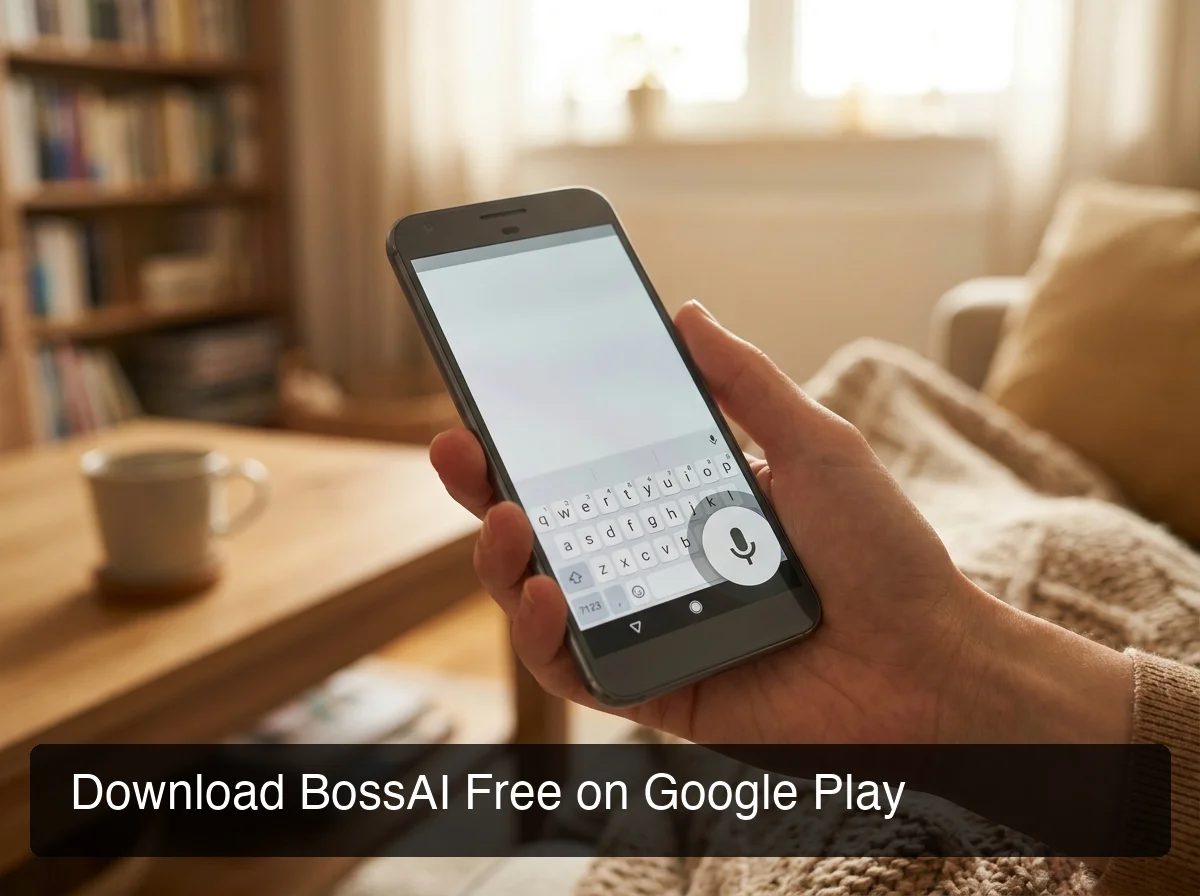 BossAI is available free on Google Play — the keyboard works in Gmail, Slack, WhatsApp, and every other Android app.
How Is BossAI Different on Android?
BossAI launched on Android in 2026 as the category's only full keyboard replacement with both AI-enhanced dictation and screen-aware commands — at $9.99/month versus Typeless's $30.
Boss Mode Runs on Android
The distinguishing feature: Boss Mode reads your screen and generates replies without copy-pasting. Tap it in Gmail, say "reply professionally asking for a 3-day extension," and BossAI reads the open email and writes the reply directly into the compose field. No ChatGPT tab, no context-explaining, no copy of the quoted text.
No other Android dictation app does this — Typeless has no screen reading, and WisprFlow's Command Mode requires selected text rather than the full screen.
Clips and Rewrite on Android
Clips — saved text snippets accessible from the keyboard tray — carry over fully to Android. Email signatures, addresses, standard replies, meeting links, payment details — paste any of them with one tap from the keyboard without switching apps. No clipboard manager competes with this because none live inside the keyboard itself.
Rewrite offers six one-tap tones: Professional, Casual, Witty, Persuasive, Empathetic, Bold. Dictate once, tap a tone, see the rewrite instantly — the entire editing loop collapsed to one gesture.
For context on how BossAI compares to the read-aloud side of the market, the Speechify app review covers where TTS tools end and dictation tools begin — two different categories, two different jobs.
Try BossAI Free on Android
Android now has a native AI voice keyboard that handles dictation, screen-aware replies, tone rewriting, and quick-paste clips — without requiring you to leave the app you're already using. Start with 500 words free per day; upgrade only when you need unlimited.
Download BossAI Free on Google Play
FAQ
What is the best text-to-speech app for Android?
The right answer depends on which "text-to-speech" you mean. For read-aloud tools that speak content back to you, Speechify leads Android with 279,000+ Play Store reviews. For voice dictation — speaking to type — BossAI is the strongest Android option in 2026: native keyboard, full AI enhancement, Boss Mode screen reading, and a daily-reset free tier with no weekly cap.
How do I turn on text-to-speech on Android?
Android includes a built-in TTS engine under Settings → Accessibility → Text-to-speech output. For voice dictation (speech to text), install BossAI from Google Play, then enable it in your phone's keyboard settings (the path varies by manufacturer — for example Settings → System → Keyboard on Pixel or Settings → General management → Keyboard on Samsung) and set it as your default keyboard. Once set, the BossAI keyboard replaces your previous keyboard in every app — no per-app setup required.
Is there a free speech-to-text app for Android that works offline?
Google's native voice input in Gboard works fully offline on Android for basic speech-to-text. AI-enhanced dictation apps — BossAI, Typeless — require internet for their language model processing. If offline dictation is required, Gboard's built-in voice input is the best option — it won't remove fillers or correct grammar, but it works without internet.
Can you use voice dictation apps in Gmail, Slack, and messaging apps on Android?
Yes — but only keyboard-integrated apps work across all Android apps. BossAI and Typeless replace Android's default keyboard, so they appear wherever the keyboard appears: Gmail, Slack, WhatsApp, Messages, any text field in any app. Speechify is a standalone read-aloud app and has no keyboard integration. Google's Gboard microphone also works across all apps.
What is BossAI and is it available on Android?
BossAI is an AI voice keyboard for iPhone and Android, and a voice-to-text app for Mac and Windows. On Android, it replaces your default keyboard — handling real-time dictation, filler removal, grammar correction, and one-tap tone rewriting in any app. Boss Mode reads what's on screen to generate context-aware replies, and the free tier provides 500 words per day with a daily reset and no weekly cap.
How accurate is Android voice dictation compared to typing manually?
Modern AI-enhanced dictation apps on Android achieve accuracy above 95% for standard speech in quiet environments. The speed advantage over thumb-typing is substantial — 130 to 180 WPM spoken versus roughly 40 WPM on a touchscreen. Custom dictionaries in apps like BossAI improve recognition further for unusual names, technical jargon, and domain-specific terms that general models frequently misread.