
Speechify App Review: Features, Pricing & Alternatives
The Speechify app has 55 million users and a 4.7-star App Store rating — but are those numbers measuring the right thing for your use case?
Key Takeaways
- Speechify is primarily a text-to-speech app that reads content aloud to you — it is not a real-time voice dictation or voice typing tool, which is a critical distinction before downloading.
- The app offers 1,000+ AI voices, 4.5x speed listening, OCR for physical documents, and cross-platform sync, with a Premium plan priced at ~$139/year (annual billing only — no monthly option).
- Speechify excels for students, commuters, and accessibility users who need to consume written content faster — it falls short for professionals who need to type by voice in everyday apps.
- For real-time voice dictation into Gmail, Slack, or any mobile keyboard, BossAI and similar alternatives offer better accuracy, AI-polished output, and lower annual cost.
Contents
- What Is Speechify App and How Does It Work?
- What Are the Key Features of Speechify?
- How Much Does Speechify Cost in 2026?
- Is Speechify Accurate for Dictation and Voice Typing?
- How Does Speechify Compare to BossAI and Other Alternatives?
- Who Should Use Speechify App?
- What Are the Pros and Cons of Speechify?
- Try BossAI Free
- Frequently Asked Questions
What Is Speechify App and How Does It Work?
Speechify is a text-to-speech platform that converts written content — PDFs, web pages, emails, and documents — into spoken audio using AI-generated voices. With 55 million users across iOS, Android, Chrome, and desktop, it is one of the most widely used audio-reading tools in 2026.
 Speechify converts any text to audio — a different tool from voice typing or dictation apps.
The app works by importing text and playing it back through your chosen AI voice at variable speeds. You can adjust playback up to 4.5x, choose from 1,000+ voices across 60+ languages, and listen during a commute, workout, or while multitasking at your desk.
What Speechify Is Actually Built For
Speechify is fundamentally a listening tool — it answers "How can I consume this text faster without reading it?" rather than "How can I type faster by speaking?"
This distinction matters because many users search for "Speechify app" expecting it to handle real-time voice dictation and voice typing. Speechify does include a basic voice input mode in its web app and Chrome extension, but its core product — and where it genuinely excels — is text-to-speech conversion.
Core use modes: import a PDF or article URL to listen at 2–4x speed, use the Chrome extension to read any webpage aloud, sync progress across iOS/Android/desktop, or use OCR to capture and read physical text via camera.
What Are the Key Features of Speechify?
Speechify's standout features are its AI voice library (1,000+ voices), speed listening up to 4.5x, OCR for scanning physical text, cross-platform sync, and a Chrome extension for any webpage. It also includes basic voice input, though this is secondary to its reading capabilities.
 Speechify's feature set centers on TTS quality and the listening experience — different from dictation-first tools.
Text-to-Speech Voice Quality
Speechify's voice library is genuinely impressive. The AI voices sound natural at normal and elevated speeds, support 60+ languages, and include celebrity-voice options on paid plans. Speed adjustment is granular — users regularly report comfortable comprehension at 3x speed after a short acclimation period.
The OCR capability is a standout for students: point your phone camera at a textbook or printed document and Speechify reads it aloud with strong accuracy.
Browser and Document Integration
The Chrome extension is a core Speechify use case. Highlight any text on any webpage, trigger the extension, and Speechify reads it aloud — with session sync so you can pause on desktop and resume on mobile.
Supported formats include PDFs, Google Docs, Word documents, Gmail, web pages (via extension), and physical text via OCR camera scan.
Voice Typing Feature (Limited)
Speechify does offer voice-to-text input in its web interface and a dictation mode on some platforms. But this is a secondary, under-developed feature — not the core product. It lacks the real-time AI enhancement that dedicated dictation tools provide: no filler word removal, no auto-punctuation, no grammar correction, and no ability to type directly into other apps.
Key insight: Speechify's dictation is basic transcription — functional for quick notes inside the app, but not a replacement for a dedicated voice dictation app when you need polished output across your workflow.
How Much Does Speechify Cost in 2026?
Speechify uses a freemium model with a significantly restricted free tier and a Premium plan priced at approximately $139/year. There is no monthly billing option — annual commitment is required — making the effective cost one of the highest among voice productivity tools in 2026.
Speechify Pricing Breakdown
| Plan | Price | What You Get |
|---|---|---|
| Free | $0 | Standard voices only, speed capped at 1x–1.5x, limited imports per month |
| Premium | ~$139/year | 1,000+ AI voices, 4.5x speed, OCR, offline listening, all platforms, AI summary |
| AI Studio | Custom pricing | Voice cloning, API access, team seats, enterprise features |
By the numbers: Speechify Premium at ~$139/year costs roughly twice the annual price of BossAI Pro ($69.99/year) and more than WisprFlow ($120–$144/year). For users whose primary need is voice typing rather than TTS, this price difference is difficult to justify.
The absence of a monthly plan is a recurring friction point. Speechify's cancellation process has drawn enough criticism that Reddit complaints about billing issues rank on page one for "Speechify app."
Is Speechify Accurate for Dictation and Voice Typing?
Speechify's voice typing delivers raw transcription without AI post-processing — meaning filler words, punctuation gaps, and grammar errors remain in your text as spoken. It is adequate for light in-app note capture, but not suitable for professional writing workflows where output quality matters.
Speechify's voice input works inside the Speechify interface only — it does not integrate with other apps on your device.
What Speechify Voice Typing Doesn't Do
- No filler word removal: "Um", "uh", "like" appear verbatim in your text
- No AI grammar correction: Output reflects exactly how you spoke, not polished prose
- No cross-app integration: Voice input works inside Speechify only — not in Gmail, Slack, or iMessage
- No auto-punctuation: You must speak "period" or "comma" manually
Dedicated speech recognition apps apply AI enhancement after transcription — removing fillers, correcting grammar, inserting punctuation, and formatting for context. Speechify's voice typing skips all of this.
Bottom line: Speechify was built to read text to you, not to transcribe your voice for you. If you need to type faster by speaking, you need a different category of tool entirely.
How Does Speechify Compare to BossAI and Other Alternatives?
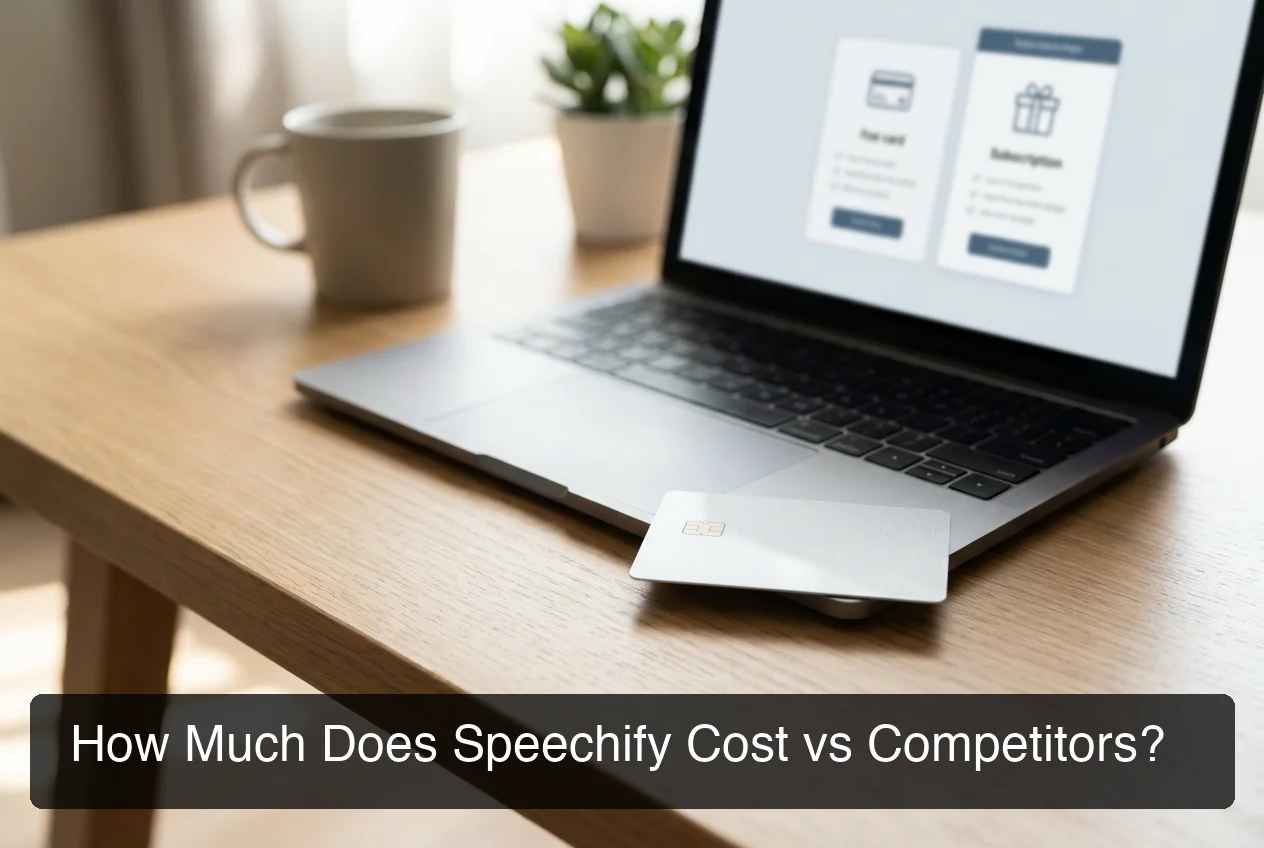 Speechify costs significantly more annually than most dedicated voice typing alternatives.
Speechify and BossAI serve opposite user needs: Speechify converts text to audio (TTS), BossAI converts your voice to polished text (STT + AI enhancement). Users often compare them because both involve voice and text — but the direction of travel is completely different.
For anyone evaluating voice typing apps side by side, the critical question is: do you need to listen faster, or type faster?
Feature Comparison: Speechify vs BossAI vs Competitors
| Feature | Speechify | BossAI | WisprFlow | Superwhisper |
|---|---|---|---|---|
| Core use case | Text-to-speech (listening) | Voice dictation (typing by voice) | Voice dictation | Voice dictation |
| AI voice quality | 1,000+ voices | N/A | N/A | N/A |
| Real-time dictation | Basic only | AI-enhanced | AI-enhanced | AI-enhanced |
| Filler word removal | No | Yes | Yes | Yes |
| Works in all apps | No (Speechify only) | Yes (keyboard + desktop) | Yes (desktop) | Yes (desktop) |
| Screen reading (Boss Mode) | No | Yes — unique | No | No |
| iOS keyboard replacement | No | Yes | Limited | Yes |
| Android support | Yes | Yes | No | No |
| Annual price | ~$139/year | $69.99/year | ~$144/year | ~$85/year |
| Free tier | Limited voices/speed | 500 words/day | 2,000 words/week | Unlimited local |
Why BossAI Wins for Voice Typing Users
For users searching for a way to type faster by voice, BossAI is purpose-built for that workflow:
- Works in every app: BossAI runs as an iOS/Android keyboard and Mac/Windows background app — dictate into Gmail, Slack, or any app without switching context.
- AI-polished output: Every dictation removes filler words, corrects grammar, and formats text for the active app. No cleanup needed.
- Boss Mode (unique): Say "Boss, reply to this email professionally" and BossAI reads your screen and writes a contextual reply — no copy-pasting required. No other tool does this.
- Lower cost: $69.99/year vs Speechify's ~$139/year — half the price for a purpose-built dictation workflow.
Bottom line: If you read a lot and want to consume content faster, Speechify is a strong product in its category. If you write a lot and want to speak instead of type, BossAI is built for exactly that workflow.
Who Should Use Speechify App?
Speechify is the right choice for users whose primary need is consuming written content faster — not creating it. Students, professionals with heavy reading loads, commuters, and users with accessibility needs (dyslexia, visual impairments) get the most value from Speechify's TTS capabilities.
 Different tools for different workflows — choose based on whether you need to read text or write it.
Best Use Cases for Speechify
- Students: Listen to research papers and textbooks while commuting or multitasking
- High-volume readers: Convert long articles, newsletters, or reports into background audio
- Accessibility users: Dyslexia, visual impairments, and reading fatigue — high-quality voices at adjustable speed
- Language learners: Hear correct pronunciation in 60+ languages
When Speechify Is the Wrong Tool
Speechify is not the right fit if you need to:
- Dictate emails, messages, or documents by voice in real time
- Replace typing across multiple apps on your phone or desktop
- Capture spoken ideas as voice notes with AI-polished output
- Type hands-free across your entire device workflow
For those use cases, look at BossAI (cross-platform AI dictation keyboard), WisprFlow (Mac/Windows), or Superwhisper (offline transcription for Mac).
What Are the Pros and Cons of Speechify?
Speechify's strengths are its TTS voice quality, OCR capability, and cross-platform listening experience. Its weaknesses are the price, forced annual billing, limited dictation quality, and a mismatch between its "Voice AI Assistant" marketing and its actual core product functionality.
Speechify Pros
- Best-in-class AI voice library (1,000+ voices, natural-sounding at high speeds)
- OCR reads physical documents via camera — genuinely useful for students
- Chrome extension works on any webpage instantly
- Strong iOS rating (4.7 stars, 479,000+ reviews) and broad platform availability
- Offline listening on mobile after download
Speechify Cons
- Priced at ~$139/year with no monthly plan — one of the highest costs in this space
- Dictation quality is basic — no filler removal, no AI grammar enhancement
- Voice typing only works inside Speechify (not across other apps)
- Cancellation process is reportedly frustrating based on multiple user reports
- The free tier is heavily restricted — speed cap and voice limits make real evaluation difficult
- "Voice AI Assistant" positioning creates expectations the TTS core product doesn't meet
Key insight: The gap between Speechify's marketing ("Voice AI Assistant") and its actual product (a TTS reader) is why Reddit threads about negative user experiences rank on page one for "Speechify app" — users expected a dictation tool and received a reading app.
Try BossAI Free
If you came here looking for a way to type faster by speaking — replying to emails by voice, dictating Slack messages, capturing thoughts hands-free across your apps — Speechify is not the right product.
BossAI is purpose-built for that workflow. It lives inside your iOS or Android keyboard and runs natively on Mac and Windows. Speak naturally, and your text appears clean and ready — filler words removed, grammar corrected, formatted for wherever you're typing. No app switching, no cleanup, no copy-pasting.
Not ready yet? Get Our AI Productivity Guide — free tips on working faster with voice AI.
Frequently Asked Questions
Is the Speechify app free?
Speechify has a limited free tier with standard voices and speed capped at 1x–1.5x. The full feature set — 1,000+ AI voices, 4.5x speed, OCR, offline listening — requires Premium at approximately $139/year. There is no monthly plan, which makes the free tier a constrained trial before a large annual commitment.
What are the disadvantages of Speechify?
Speechify's main drawbacks are forced annual billing (~$139/year, no monthly option), voice typing that lacks AI enhancement and only works inside Speechify rather than across other apps, a heavily restricted free tier, and marketing that overstates its voice-to-text capabilities. Users expecting a real-time dictation tool are frequently disappointed.
Is the Speechify app worth it?
Speechify is worth it for users who need high-quality text-to-speech — students with heavy reading loads, professionals listening to documents while commuting, or accessibility users. For anyone seeking real-time voice typing across everyday apps like Gmail or Slack, it is the wrong product category; BossAI or WisprFlow deliver more value at lower cost.
What is BossAI?
BossAI is an AI voice keyboard for iPhone and Android, and a voice-to-text app for Mac and Windows, that replaces typing with voice dictation. It transcribes speech in real time, removes filler words automatically, rewrites text in different tones with one tap, and includes Boss Mode — a screen-reading feature that reads your screen to generate contextual replies without copy-pasting.
Is there a free alternative to Speechify?
For text-to-speech, Natural Reader and Microsoft Immersive Reader are free options. For voice typing (which many users expect from Speechify), BossAI offers 500 free words/day, Superwhisper offers unlimited free local transcription on Mac, and WisprFlow offers 2,000 free words/week. The best choice depends on whether you need TTS or STT.
What platforms does BossAI support?
BossAI is available on iOS (App Store), Android (Google Play), macOS (App Store and direct download), and Windows (Microsoft Store) — full cross-platform coverage. On iOS and Android it works as a full keyboard replacement, so you can dictate in any app without switching.
How does Speechify compare to Otter.ai?
Speechify and Otter.ai solve different problems. Otter.ai transcribes meetings and live conversations into searchable notes; Speechify reads written text aloud. Neither is a real-time voice typing keyboard. For meeting transcription use Otter or tldv; for typing emails and messages by voice, use a dedicated dictation tool like BossAI.