
Best AI Productivity Tool 2026: Save 10+ Hours/Week
The Best AI Productivity Tool in 2026: Save 10+ Hours Every Week
Every knowledge worker is drowning in emails, meetings, and documentation. An AI productivity tool doesn't just help you work faster — it fundamentally changes how much you can produce in a day.
Key Takeaways
- AI productivity tools automate repetitive writing, research, and administrative tasks, saving professionals 2–5 hours per week on average.
- Voice dictation is the fastest AI productivity input method — 3–4× faster than typing — while eliminating repetitive strain injuries and enabling mobility.
- The most effective AI productivity tools combine multiple capabilities (writing, research, scheduling, transcription) rather than single-use features, amplifying ROI.
- Voice-based AI productivity tools solve the accessibility and mobility gaps that text-only AI tools miss, serving remote and mobile workers.
- Expected ROI from AI productivity tools appears within 2 weeks through direct time savings on email, documentation, and meeting transcription alone.
Contents
- What Is an AI Productivity Tool, and How Does It Actually Work?
- How Can AI Productivity Tools Save You 10+ Hours Per Week?
- Which AI Productivity Features Actually Save the Most Time?
- How Do AI Productivity Tools Compare to Traditional Project Management Software?
- Why Is Voice Dictation an Underrated AI Productivity Tool?
- How Does Voice AI Fit Into Your Productivity Stack?
- What's the ROI of Investing in an AI Productivity Tool in 2026?
- Can Voice-Based AI Productivity Tools Reduce Physical Strain and RSI?
- How Do You Choose the Right AI Productivity Tool for Your Workflow?
- Get Started with BossAI
- Frequently Asked Questions
What Is an AI Productivity Tool, and How Does It Actually Work?
 The modern AI productivity tool automates the repetitive tasks that eat your day.
An AI productivity tool is software that uses machine learning and large language models to automate, accelerate, or enhance cognitive tasks — writing emails, scheduling meetings, summarizing documents, and transcribing voice. The best tools work inside your existing apps, handling repetitive work so you can focus on high-value thinking.
Traditional productivity software (Excel, Word, Outlook) requires you to do all the cognitive work — the software just stores the data. AI productivity tools are different: they process, generate, and summarize content autonomously based on your instructions.
Here's how they work under the hood:
- Natural language processing (NLP) interprets your request ("summarize this meeting")
- Large language models (LLMs) generate the actual output (the summary, the email reply)
- Integrations connect the AI to your data (emails, documents, calendar)
- Context awareness ensures the output matches the situation you're in
The result? Tasks that used to take 30 minutes now take 2–3 minutes.
Key insight: AI productivity tools don't just automate output — they remove the cognitive overhead of formatting, drafting, and organizing, freeing your brain for decisions that actually require human judgment.
How Can AI Productivity Tools Save You 10+ Hours Per Week?
The average knowledge worker spends 28% of their workweek managing email and another 20% on document creation. AI tools applied to just these two categories can return 10+ hours weekly — before touching meetings, research, or project management.
Where the Time Actually Goes
| Task | Manual Time/Week | With AI Tool | Weekly Savings |
|---|---|---|---|
| Email drafting | 4–6 hours | 1–2 hours | 3–4 hours |
| Meeting summaries | 2–3 hours | 15 minutes | 1.75–2.75 hours |
| Document drafts | 3–5 hours | 1–2 hours | 2–3 hours |
| Research & summarizing | 3–4 hours | 30 minutes | 2.5–3.5 hours |
Most professionals recover 2–5 hours in the first week. Power users who apply AI to their full communication workflow recover 10–15 hours weekly.
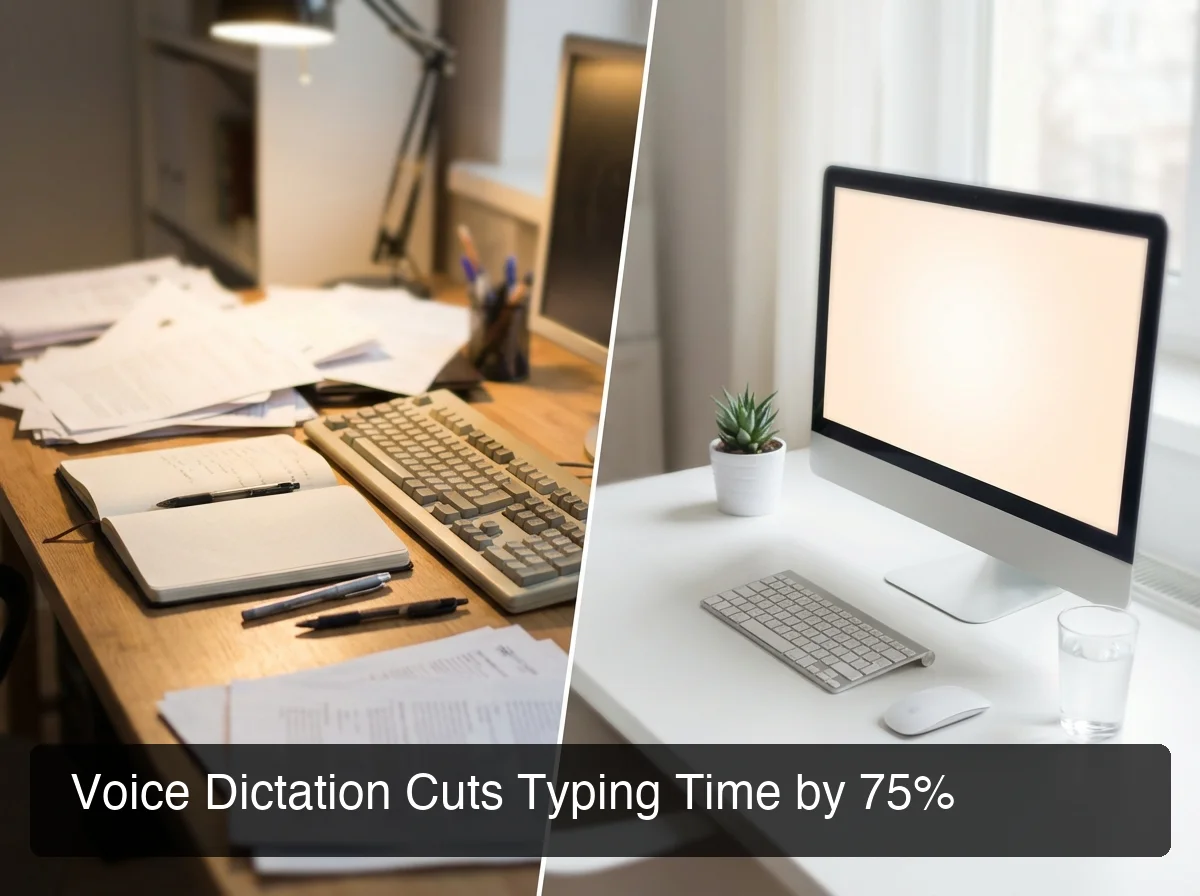 Voice dictation cuts typing time by up to 75% — the single biggest input speed gain available today.
The productivity multiplier isn't about working faster at individual tasks. It's about eliminating the context-switching cost of stopping deep work to handle low-value administrative output.
For a full breakdown of the top tools by category, see our guide to AI tools for productivity — it covers the complete toolkit for knowledge workers in 2026.
Which AI Productivity Features Actually Save the Most Time?
Not all AI productivity features deliver equal ROI. The highest-impact features are those that eliminate entire task categories, not just make individual tasks marginally easier. Voice dictation, automated summarization, and contextual drafting rank highest because they remove the most friction per minute of saved time.
High-ROI AI Productivity Features
1. Contextual email drafting — AI reads your inbox thread and generates a reply. Saves 8–12 minutes per email. Professionals handling 20+ emails per day recover 3+ hours here alone.
2. Voice-to-text with AI cleanup — Dictate at 130+ words per minute vs. 40 WPM typing. The AI removes filler words, fixes grammar, and formats the output — no editing required.
3. Meeting transcription + summarization — Automated notes with action items. Eliminates 20–30 minutes of post-meeting documentation that most teams still do manually.
4. Research synthesis — AI reads multiple documents and produces a consolidated summary. Cuts 60–90 minute research cycles down to 10–15 minutes.
By the numbers: Professionals using AI for email drafting alone save an average of 12 minutes per email. For a manager handling 25 emails daily, that's 5 hours reclaimed — every single day.
Single-purpose AI tools are useful but limited. The biggest ROI comes from tools that stack capabilities — combining dictation, rewriting, contextual drafting, and transcription in one integrated workflow.
For deeper coverage of how AI assistants plug into your full workflow, see AI assistant for work: the complete guide to working smarter in 2026.
How Do AI Productivity Tools Compare to Traditional Project Management Software?
Traditional project management software (Asana, Trello, Jira) organizes work that humans have already created. AI productivity tools reduce the work that needs to be created in the first place. These aren't competing categories — the most productive teams use both together.
| Capability | Traditional PM Software | AI Productivity Tool |
|---|---|---|
| Task tracking | ✅ Core feature | ❌ Not the focus |
| Content generation | ❌ Manual input only | ✅ Automated |
| Meeting summaries | ❌ Manual notes | ✅ Auto-generated |
| Email drafting | ❌ None | ✅ Contextual AI |
| Voice input | ❌ Rarely | ✅ Yes (voice-first tools) |
| ROI timeline | Weeks (onboarding) | Days (immediate output) |
| Learning curve | High (workflows/setup) | Low (natural language) |
The mistake most teams make is choosing between them. The correct move is layering: PM software for team coordination, AI productivity tools for individual output velocity.
Bottom line: No other software category reclaims time as immediately as AI productivity tools. You don't need to set up workflows or migrate data — you install, speak or type, and the output appears.
Why Is Voice Dictation an Underrated AI Productivity Tool?
Voice dictation enables users to compose text 3–4× faster than typing while eliminating repetitive strain. Most productivity tools overlook voice as their bottleneck-breaking feature — focusing instead on output quality. The real productivity bottleneck isn't output quality. It's input speed.
Typing at 40 words per minute (the professional average) vs. speaking at 130–150 words per minute means every email, message, and document takes 3× longer to compose than it has to.
Why Voice Gets Overlooked
Most AI productivity tools are text-in, text-out. You type a prompt and receive generated content. The assumption is that typing is a solved problem — it isn't. Typing remains the primary bottleneck for mobile workers, field workers, and anyone who communicates away from a desk.
Voice dictation removes this bottleneck entirely:
- No keyboard required — works hands-free
- Functions while commuting, walking, or between tasks
- Captures ideas at the speed of thought
- Reduces physical strain from prolonged typing sessions
The best AI dictation apps don't just transcribe — they clean up speech in real time, removing filler words and fixing grammar so output is immediately usable across any app.
How Does Voice AI Fit Into Your Productivity Stack?
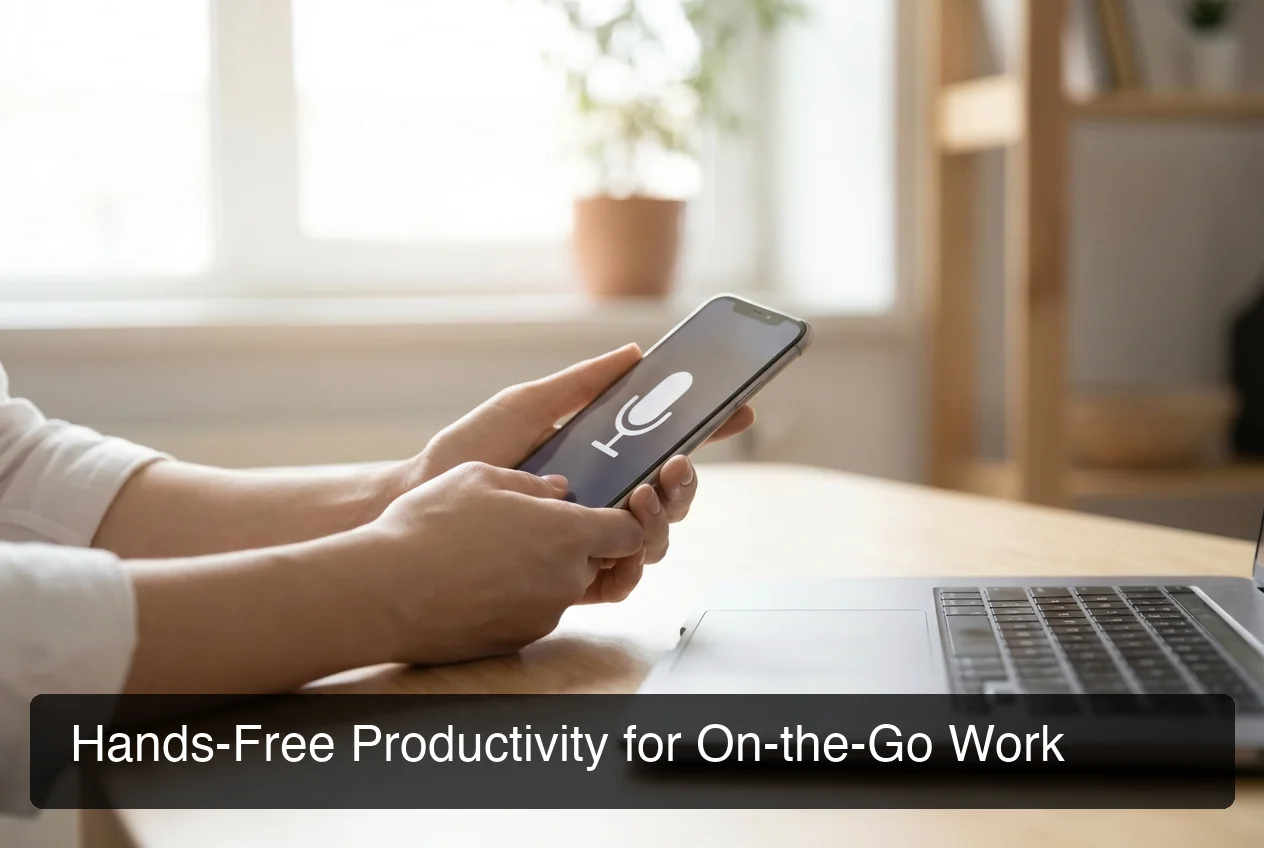 BossAI brings hands-free productivity to mobile workers who can't stay desk-bound.
Voice AI belongs in your productivity stack as the input layer. Writing tools, project managers, and AI assistants all require text input — voice dictation accelerates every other tool in your stack by removing the typing bottleneck. It's productivity infrastructure, not a standalone feature.
This is where voice-based productivity tools like BossAI bridge the gap — hands-free, mobile-first input that desktop AI tools can't match.
BossAI is an AI voice keyboard for iOS, macOS, and Windows. It transcribes speech in real time, removes filler words automatically, and delivers polished text in ~300ms. Its Boss Mode feature reads your screen in real time and generates contextually aware replies — no copy-pasting, no app-switching.
How BossAI Fits Into a Productivity Stack
| Layer | What It Does | BossAI's Role |
|---|---|---|
| Input | Voice replaces typing everywhere | Dictate in any app, any platform |
| Context | Screen reading | Reads the email/chat you're responding to |
| Output | Polished text generation | Removes fillers, fixes grammar, formats output |
| Efficiency | Instant snippet insertion | Clips saves your most-used text for one-tap paste |
When you combine BossAI with a voice writing tool for composable text input, you eliminate the typing bottleneck across your entire workflow.
Key insight: Most productivity stacks focus on what AI outputs. BossAI focuses on what you input — and input speed is the last bottleneck most teams haven't solved yet.
What's the ROI of Investing in an AI Productivity Tool in 2026?
The ROI on AI productivity tools is measurable and rapid. Most users break even within 2 weeks based on time savings alone. At $10–$15/month, saving 30 minutes per day produces ROI of 10–20× in annual time value for any professional earning $50K+.
Quick ROI Calculator
- Tool cost: $10–$15/month
- Time saved: 30–60 min/day (conservative estimate)
- Value at $30/hour: $15–$30/day recovered
- Breakeven: Less than 1 day of use per month
For a knowledge worker earning $75K/year ($36/hour), saving just 25 minutes per day returns $9/day in time value — roughly 30× the monthly tool cost, every single month.
 Track your productivity ROI — the numbers favor AI tools fast.
What Drives the Fastest ROI
- Email drafting — Highest-frequency task with the largest immediate time return
- Meeting transcription — Eliminates post-meeting documentation entirely
- Voice dictation — Multiplies input speed across all tasks simultaneously
- Rewriting and editing — Cuts revision cycles by 60–80%
Mobile-first productivity apps increasingly integrate voice inputs because the data shows users who add voice to their AI stack see faster payback than those using text-only tools alone.
Can Voice-Based AI Productivity Tools Reduce Physical Strain and RSI?
Yes. Voice dictation eliminates keyboard use entirely, making it the most effective tool for professionals managing RSI, carpal tunnel, or chronic wrist pain. Users with hand injuries use voice AI to write emails, messages, and documents entirely hands-free — no typing required at any step.
Repetitive Strain Injury (RSI) affects an estimated 60% of office workers over the course of a career. The medical recommendation is to reduce high-frequency typing — but most productivity software does nothing about input method, only output.
Voice AI as an RSI Prevention Tool
- Zero keyboard contact required — dictate everything, type nothing
- Works across all apps — emails, documents, messages, Slack, notes
- Eliminates micro-movements — the repetitive keystrokes that cause cumulative strain
- Enables full productivity recovery — workers with injuries can maintain output without aggravating the condition
By the numbers: The typical professional makes 10,000–40,000 keystrokes per day. Voice dictation at full capacity can eliminate 90%+ of those repetitions — dramatically reducing daily strain load.
Voice dictation isn't just an accessibility feature — it's a sustainability investment in long-term output capacity.
How Do You Choose the Right AI Productivity Tool for Your Workflow?
The right AI productivity tool matches your highest-friction task. If email is your bottleneck, choose an AI with strong contextual drafting. If you work mobile-first or need hands-free input, choose a voice-first tool.
Tool-Selection Framework
| If Your Biggest Bottleneck Is... | Choose This Type |
|---|---|
| Email volume | AI email assistant (contextual drafting) |
| Meeting documentation | AI transcription + summarization |
| Content creation | AI writing tool |
| Input speed (typing) | Voice AI keyboard |
| Task coordination | AI-enhanced project management |
Five Questions to Ask Before Buying
- Does it work inside the apps I already use? — Not just its own interface
- Is there a free tier to test real workflows before committing?
- Does it address my highest-frequency task? — Not just a cool edge-case feature
- Does it work on mobile? — If you communicate away from a desk
- What's the privacy policy for voice and text data?
Avoid tools that only operate within their own interface. The best AI productivity tools insert themselves into your existing workflow — email, messages, documents — without forcing app-switching.
Get Started with BossAI
If input speed is your bottleneck — whether you're a heavy email user, a mobile professional, or managing RSI — voice AI delivers the fastest ROI of any tool in this category. BossAI gives you AI-enhanced dictation, screen-reading context awareness, and one-tap rewriting across every app on your device, free to start.
Not ready to download yet? Get Our AI Productivity Guide — free tips on working faster with AI, delivered to your inbox.
Frequently Asked Questions
What is an AI productivity tool?
An AI productivity tool is software that uses machine learning to automate or accelerate cognitive work tasks — including email drafting, document creation, meeting summarization, and voice transcription. The best AI productivity tools integrate into your existing apps and reduce high-frequency, low-value work automatically, without requiring a change in where you work.
What AI tools will 10x your productivity?
The tools with the highest productivity multipliers eliminate entire task categories: AI email drafters save 3–5 hours/week, meeting transcription tools return 1–2 hours/week, and voice dictation keyboards add 2–4 hours/week. Stacking these three tool types together delivers the highest cumulative ROI for knowledge workers — 10+ hours reclaimed weekly is realistic.
Is ChatGPT an AI productivity tool?
ChatGPT is a general-purpose AI assistant, not a dedicated productivity tool. It requires manually copying content into it, switching apps, and crafting prompts — adding friction rather than eliminating it. Dedicated AI productivity tools integrate into your existing workflow (email, keyboard, calendar) and require no app-switching to deliver value.
What is BossAI?
BossAI is an AI-powered voice keyboard for iOS, macOS, and Windows that replaces typing with voice dictation. It transcribes speech in real time, removes filler words automatically, rewrites text in different tones with one tap, and includes Boss Mode — a screen-reading feature that reads your screen to generate contextual replies without copy-pasting.
Is BossAI good for RSI or hand injuries?
Yes. BossAI is designed for zero-keyboard use — you dictate everything and it handles transcription, filler word removal, and tone correction automatically. Users with RSI, carpal tunnel, broken wrists, or repetitive strain injuries use BossAI to write emails, messages, and documents entirely hands-free, with no typing required at any step.
How do I build an AI productivity stack?
Start with your highest-friction task. If it's email, add an AI email drafter. If it's documentation, add a meeting transcription tool. Then add voice dictation to accelerate input across everything else. Most professionals see measurable time savings within the first week — the learning curve for modern AI productivity tools is minimal.
What makes voice AI different from other AI productivity tools?
Voice AI addresses the input bottleneck that all other productivity tools ignore. Text-in, text-out AI tools still require you to type prompts — voice AI eliminates typing entirely. At 130–150 words per minute versus 40 WPM typing, voice dictation multiplies your effective output speed by 3–4× across every app in your workflow.