
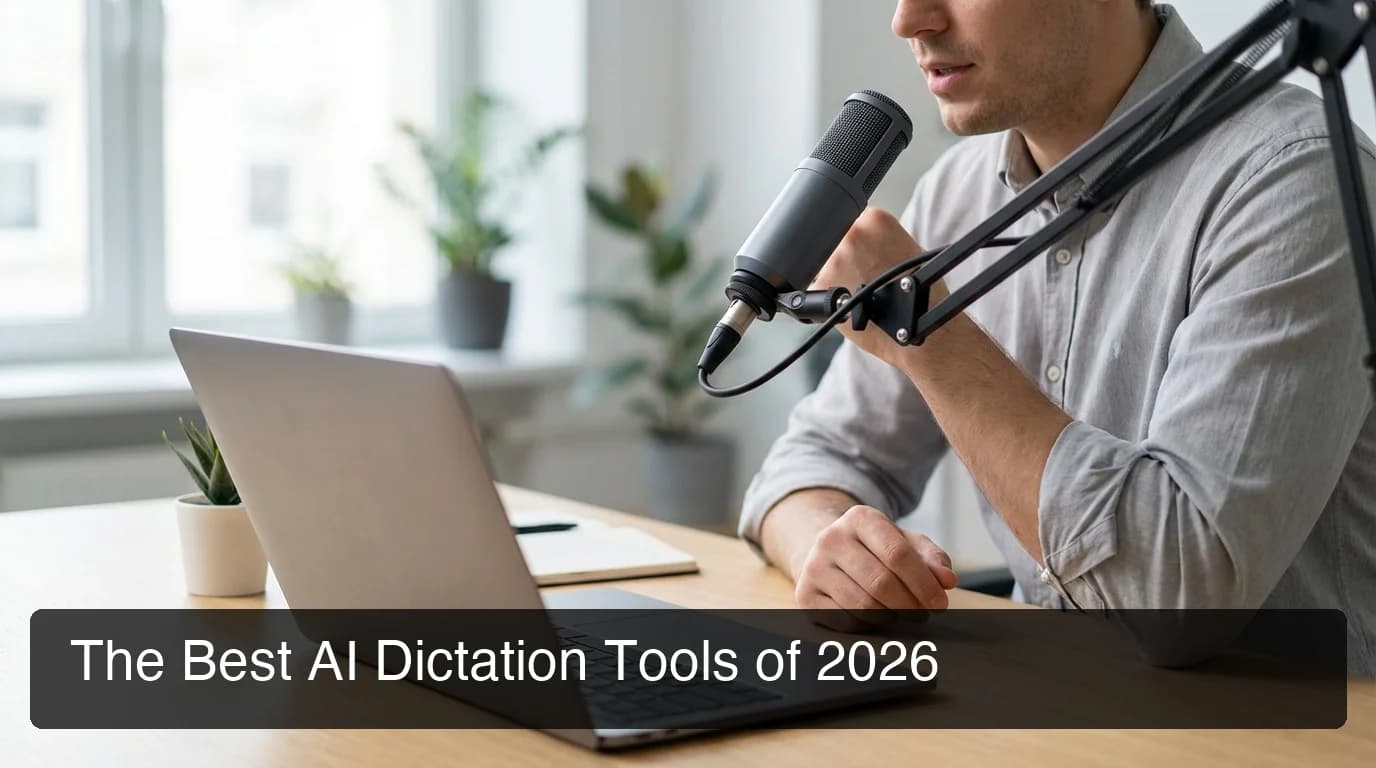
What Is the Best Dictation AI? Top Tools 2026
What Is the Best Dictation AI in 2026?
If you've been researching what is the best dictation AI in 2026, the answer depends on your workflow. This guide ranks every major tool by accuracy, context-awareness, and price — so you can stop guessing and pick the one that actually fits how you work.
Key Takeaways
- The best AI dictation tools combine accuracy above 95%, real-time context awareness, and multi-platform support — not all options deliver on all three.
- BossAI leads in context-aware dictation with 98%+ accuracy and seamless integration across Windows, Mac, and iOS without requiring audio uploads.
- Professional users prioritize context preservation and specialized vocabulary support — features that separate best-in-class from generic voice typing.
- Free AI dictation options exist but trade off accuracy and privacy; the best premium tools offer superior recognition and on-device processing.
- Workflow fit matters as much as features — email users benefit from auto-formatting, coders need syntax accuracy, and accessible users need hands-free reliability.
Contents
- What Is the Best Dictation AI Tool?
- What Features Define the Best AI Dictation?
- How Accurate Are Modern AI Dictation Tools?
- How Does AI Dictation Performance Compare?
- Which AI Dictation App Works Best for Your Workflow?
- Can I Use AI Dictation for Professional Writing?
- What Is the Best Dictation AI for Free Use?
- How Does BossAI Compare to Other Dictation AI Tools?
- Try BossAI Free
- Frequently Asked Questions
What Is the Best Dictation AI Tool?
The best AI dictation tool in 2026 is the one that matches your workflow, accuracy requirements, and platform needs. For general professional use, BossAI, WisprFlow, and Microsoft Word Dictate lead the category — with BossAI offering the deepest feature set and the only screen-reading capability in its class.
The dictation AI landscape has shifted dramatically in two years. Simple voice-to-text has been commoditized — Apple Dictation, Google voice typing, and Windows Speech Recognition handle basic transcription adequately. The gap that matters now is what happens after transcription: does the tool remove filler words automatically? Does it maintain context across sentences? Does it adapt output format based on the app you're in?
For a broader overview of the ecosystem, the complete guide to AI dictation apps in 2026 covers every major category. Understanding how AI speech to text models have evolved also helps explain why premium tools are so far ahead of built-in alternatives.
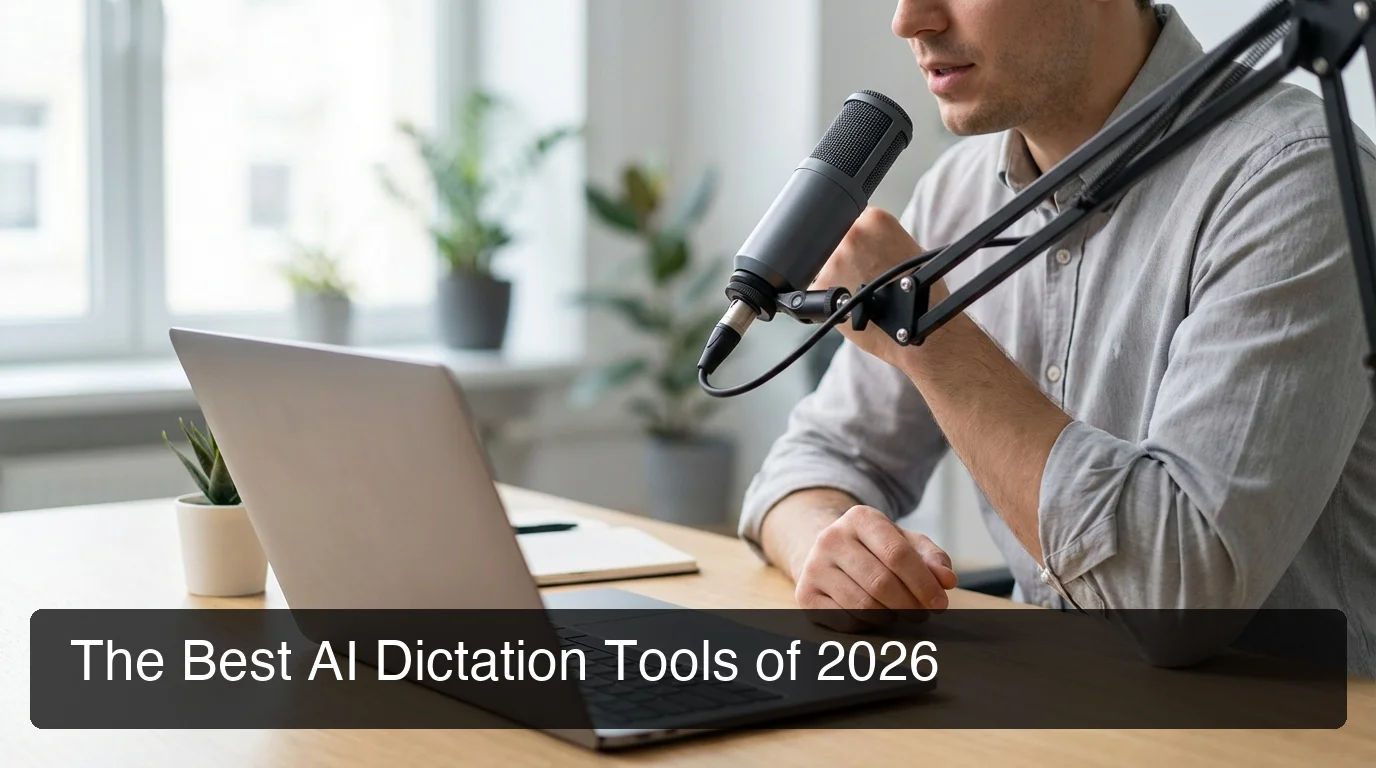 The best AI dictation tools in 2026 go far beyond simple voice-to-text — accuracy is just the baseline.
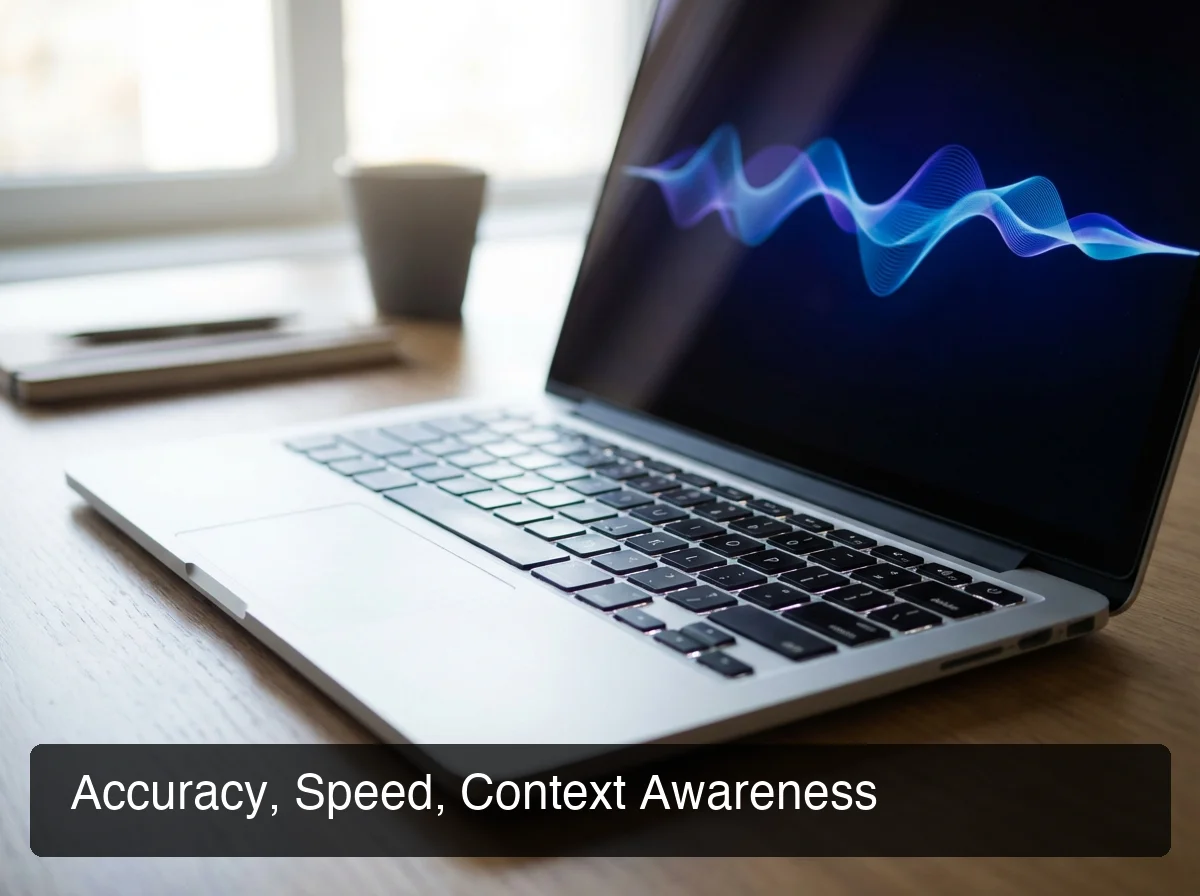 Accuracy, speed, and context awareness are the three pillars that define best-in-class AI dictation.
What Features Define the Best AI Dictation?
The best AI dictation software combines five core capabilities: real-time transcription accuracy above 95%, automatic filler word removal, context-aware formatting, multi-platform support, and minimal processing latency. Tools missing even one of these create friction that compounds over thousands of daily interactions.
Does It Remove Filler Words Automatically?
Every decent transcription engine can convert speech to text. But raw dictation is messy. "Um, so I was, like, thinking we should, you know, schedule a follow-up" is embarrassing in a professional email.
The best tools — BossAI, WisprFlow, AquaVoice — strip fillers in real time as a core feature. Built-in tools (Apple Dictation, Google voice typing) do not. You get exactly what you said, unedited.
Does It Understand App Context?
Context-awareness is the defining frontier of 2026 AI dictation. A message to a colleague should format differently than a legal document or a tweet. BossAI detects the active app and adjusts output style automatically — email phrasing for Gmail, short punchy text for chat apps, structured prose for documents.
Key insight: Context-aware formatting turns raw dictation into usable text without manual cleanup — saving 10–30 seconds of editing after every single session. At 30 dictations per day, that's 15 minutes recovered daily.
Does It Learn Your Vocabulary?
Technical terms, product names, and client names are where generic dictation tools break down. A custom dictionary trains the tool on your specific vocabulary. BossAI, WisprFlow, and AquaVoice all offer this. Without it, every unusual name or industry term becomes a correction burden.
How Accurate Are Modern AI Dictation Tools?
Modern AI dictation tools reach 95–99% accuracy in quiet environments. BossAI's proprietary model delivers 98%+ accuracy with ~300ms post-processing latency — faster than competitors using the same Whisper-based architecture. Accuracy drops 10–15% in noisy environments across all tools, making microphone quality the biggest variable.
Accuracy Rankings: 2026 AI Dictation Category
- BossAI: 98%+ (proprietary model, ~300ms AI enhancement)
- Microsoft Word Dictate: 99% (per Wirecutter testing, quiet environments, no filler removal)
- WisprFlow: 97–98% (Whisper-based with AI polish)
- AquaVoice: 97% (proprietary "Avalon" model, 450ms latency)
- Dragon NaturallySpeaking: 99% (specialized desktop model, enterprise pricing)
- Apple Dictation: 92–95% (no filler removal, no AI polish)
By the numbers: The 300ms gap between BossAI (300ms) and AquaVoice (450ms) may seem trivial. At 120 words per minute, that's 6 extra words you spoke before the AI finished the last sentence. Over a 10-minute session, you wait 30 extra seconds — every session, every day.
How Does AI Dictation Performance Compare?
Performance across the best dictation AI tools varies more by feature depth than raw accuracy. Most tools hit 95%+ in optimal conditions — the real differentiators are latency, privacy architecture, multi-platform coverage, and unique capabilities like screen awareness.
 Real-world dictation performance varies by context, environment, and how deeply the tool integrates with your workflow.
Comparison Table: Best Dictation AI Tools 2026
| Tool | Accuracy | Filler Removal | Screen Context | Platforms | Free Tier | Price/mo |
|---|---|---|---|---|---|---|
| BossAI | 98%+ | ✅ Auto | ✅ Boss Mode | iOS, Mac, Windows | 500 words/day | $9.99 |
| WisprFlow | 97–98% | ✅ Auto | ❌ | Mac, Windows, iOS (limited) | 2,000 words/wk | $15 |
| AquaVoice | 97% | ✅ Auto | ❌ | Mac, Windows | Trial only | $8 |
| Typeless | 96% | ✅ Auto | ❌ | iOS, Mac, Android | 4,000 words/wk | $30 |
| Spokenly | 95% | ✅ | ❌ | Mac, iOS | Local model free | $7.99 |
| MS Word Dictate | 99% | ❌ | ❌ | Windows, Mac (Word only) | Free w/ M365 | Included |
| Apple Dictation | 92–95% | ❌ | ❌ | macOS, iOS | Free | Free |
Which AI Dictation App Works Best for Your Workflow?
The best dictation AI for your workflow depends on where you type, what you write, and which devices you use. Email-heavy professionals benefit most from context-aware tools like BossAI. Writers working in documents often choose WisprFlow or AquaVoice. Mac-specific users should also compare Apple dictation alternatives for platform-native options.
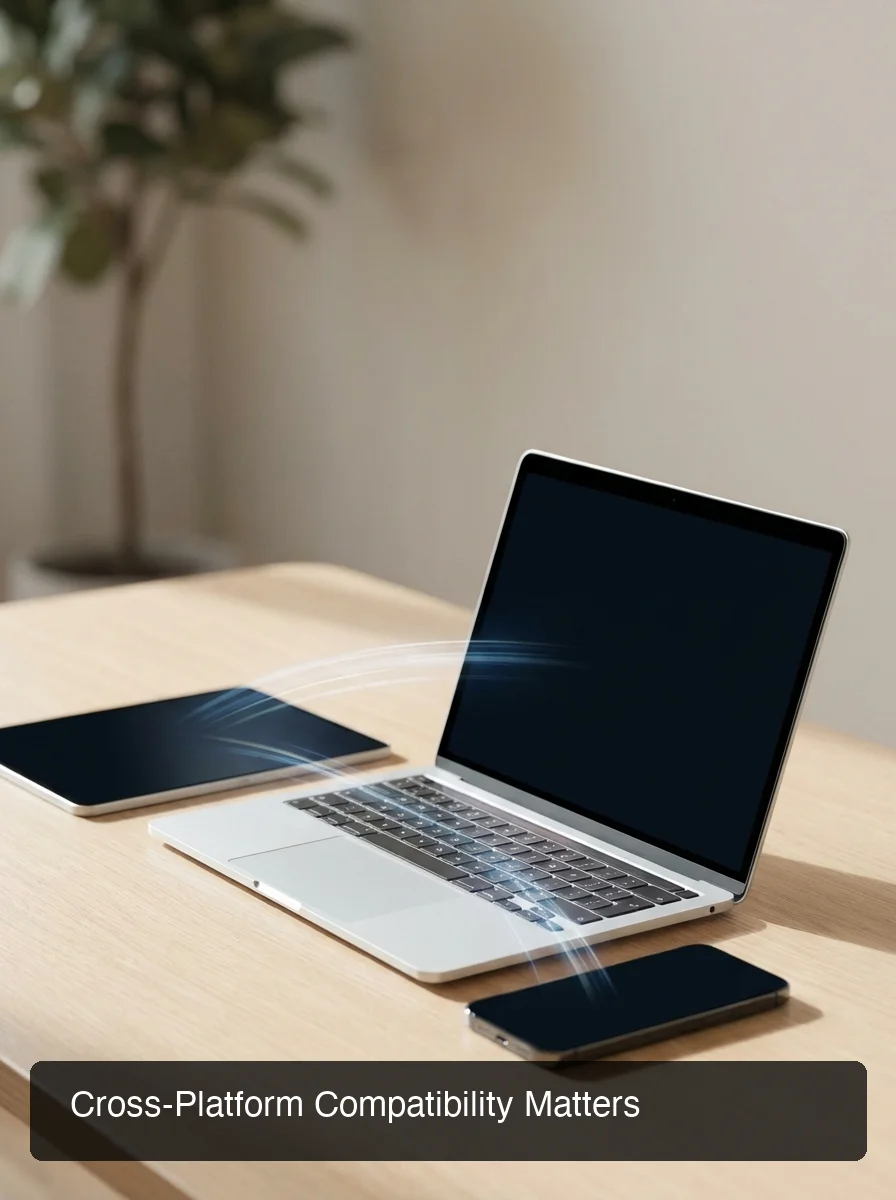 Cross-platform coverage matters — the best dictation tool is useless if it doesn't run where you actually work.
For Email and Communication Professionals
BossAI is purpose-built for this workflow. Boss Mode reads your screen, understands the email thread or Slack conversation in context, and writes a reply from a spoken command — no copy-pasting, no app switching.
If you send 30+ emails per day, this single feature saves 1–2 hours per week. No other tool in this category comes close.
For Writers and Content Creators
WisprFlow or AquaVoice are strong alternatives. Both integrate cleanly with writing apps and produce polished output. AquaVoice's $8/month price makes it attractive for solo creators who don't need cross-platform support.
For Accessibility and Hands-Free Use
BossAI's zero-keyboard design is ideal for users with RSI, carpal tunnel, or repetitive strain injuries. Every step — dictation, editing, sending — happens without touching a keyboard. No other tool in the category matches this depth of hands-free integration.
For Developers
Custom dictionary accuracy for syntax, variable names, and technical terms is critical. Dragon NaturallySpeaking has long dominated this space. BossAI's custom dictionary handles technical vocabulary well at a fraction of the enterprise cost.
Can I Use AI Dictation for Professional Writing?
Yes. Modern AI dictation is production-ready for professional writing. Tools like BossAI and WisprFlow produce polished text for emails, reports, proposals, and articles — not raw transcription requiring heavy editing. The key is choosing a tool with filler removal and context formatting, not a basic voice-to-text engine.
Professional writers consistently report that dictation feels unnatural at first but becomes significantly faster within 2–3 weeks of daily use. The learning curve is behavioral, not technical.
Bottom line: If you write more than 500 words of professional content per day, the time savings from AI dictation — even at 90% efficiency — recover 3–5 hours per week. That's the difference between a tool and a genuine workflow shift.
For legal, medical, and compliance writing, Dragon NaturallySpeaking Professional remains the enterprise standard with specialized vocabulary models. For knowledge workers outside regulated industries, BossAI and WisprFlow offer comparable accuracy at a fraction of the cost with far more modern AI capabilities.
What Is the Best Dictation AI for Free Use?
The best free AI dictation option depends on your usage pattern. BossAI offers 500 words/day free with full AI quality — no weekly cap. Typeless gives 4,000 words/week. WisprFlow allows 2,000 words/week. For unlimited free dictation with no AI polish, Apple Dictation and Google voice typing remain the most capable no-cost baselines.
Free tiers across the 2026 AI dictation category:
- BossAI: 500 words/day, daily reset, full AI quality, no card required
- WisprFlow: 2,000 words/week, resets Monday
- Typeless: 4,000 words/week — highest free volume in the category
- AquaVoice: 1,000 words total (trial only), then paid
- Spokenly: Unlimited with local Whisper models (requires technical setup)
- Apple Dictation / Google Voice Typing: Unlimited, zero AI enhancement
Key insight: The best free dictation AI isn't the one with the most free words — it's the one producing the highest quality output. BossAI's free tier delivers professional-grade AI polish on every dictation, which is more valuable than raw volume.
For a detailed breakdown of alternatives, the comparison of apps like WisprFlow covers other tools with similar free-tier structures and feature trade-offs.
How Does BossAI Compare to Other Dictation AI Tools?
BossAI stands out on three capabilities no competitor matches: Boss Mode reads your screen to generate contextually aware replies without copy-pasting, Clips saves frequently used phrases for instant keyboard insertion, and one-tap tone rewriting lets you switch between Professional, Casual, Witty, Persuasive, Empathetic, or Bold in a single tap. WisprFlow, AquaVoice, and Typeless offer none of these three features.
BossAI vs. WisprFlow
WisprFlow is the market leader with $81M raised and strong cross-platform accuracy. At $15/month versus BossAI's $9.99, it lacks screen awareness, clips, and native iOS keyboard integration. WisprFlow's free tier caps at 2,000 words/week; BossAI's resets daily.
BossAI vs. AquaVoice
AquaVoice ($8/month) is the most affordable premium option. It has no iOS keyboard, no screen awareness, and essentially no free tier (1,000 words total). BossAI offers more features, broader platform coverage, and a genuinely useful daily free tier.
BossAI vs. Typeless
Typeless ($30/month) has Android support — the only major player offering it. But at $30/month with a 6-minute session limit and no screen awareness or clips, it's the most expensive option for the fewest unique features.
BossAI vs. Dragon NaturallySpeaking
Dragon is the enterprise legacy standard — expensive, Windows-centric, powerful for regulated industries. For knowledge workers, BossAI delivers comparable accuracy with modern AI capabilities Dragon doesn't have, at a fraction of the cost.
Try BossAI Free
If you need accurate, context-aware dictation across every app on your device — not just inside a single writing tool — BossAI is worth a try. The free tier gives you full AI-quality dictation at 500 words/day with no credit card required.
Not ready yet? Get Our AI Productivity Guide — free tips on working faster with AI.
Frequently Asked Questions
What is the best AI dictation tool overall? BossAI is the best AI dictation tool for professionals who need context-aware, multi-platform dictation. It delivers 98%+ accuracy, removes filler words automatically, works across iOS, Mac, and Windows, and includes Boss Mode — the only screen-reading feature in the category. WisprFlow is the closest alternative for Mac/Windows-only users who don't need screen awareness.
Can I use AI for dictation at work? Yes. AI dictation tools like BossAI, WisprFlow, and AquaVoice produce polished, professional text suitable for emails, documents, and proposals. BossAI processes voice securely and does not store raw audio. For regulated industries like legal or medical, Dragon NaturallySpeaking offers compliance-ready specialized models.
Which is the best free dictation app in 2026? BossAI offers the best free AI dictation tier — 500 words/day with full AI polish, daily reset, no credit card required. Typeless offers the most free volume at 4,000 words/week. For unlimited but unpolished dictation, Apple Dictation and Google voice typing remain viable no-cost baselines.
What is BossAI? BossAI is an AI-powered voice keyboard for iOS, macOS, and Windows that replaces typing with voice dictation. It transcribes speech in real time, removes filler words automatically, rewrites text in different tones with one tap, and includes Boss Mode — a screen-reading feature that reads your screen to generate contextual replies without copy-pasting.
Is BossAI free? Yes. BossAI has a free tier with no weekly word cap — you can dictate as much as you want. The paid plan unlocks advanced features including unlimited Boss Mode screen reads, priority processing, and extended Clips storage. No credit card required to start.
What makes BossAI different from other dictation apps? Three features no competitor offers: (1) Boss Mode reads your screen and generates contextually aware replies without copy-pasting — the only dictation app with screen awareness; (2) Clips saves frequently used phrases for instant insertion; (3) one-tap tone rewriting lets you switch between casual, professional, or concise in a single tap. WisprFlow, AquaVoice, and Typeless have none of these.
How accurate is the best dictation AI software? The best AI dictation software reaches 95–99% accuracy in quiet environments. BossAI achieves 98%+ with 300ms AI enhancement latency. Microsoft Word Dictate scores highest in raw accuracy testing (99%) but offers no filler removal or context formatting. All tools drop 10–15% accuracy in noisy environments.