
Best AI Dictation Apps: The Complete Guide for 2026
The Complete Guide to AI Dictation Apps in 2026
Most people type at 40–60 words per minute. AI dictation apps let you speak at 120–150 WPM — and deliver polished, formatted text that's ready to send.
Key Takeaways
- AI dictation apps convert voice into written text up to 3x faster than typing, using speech recognition combined with AI post-processing
- Modern apps work across Windows, Mac, iOS, and Android, with accuracy rates now exceeding 95% for general dictation
- Unlike basic transcription, AI dictation removes filler words, fixes grammar, and formats output for the app you're in
- Top tools offer cross-platform coverage, custom vocabulary support, and offline modes — features that vary significantly by app
- BossAI adds screen-context awareness: it reads what's on your display and writes contextually relevant responses without copy-pasting
Contents
- What Is an AI Dictation App?
- How Does an AI Dictation App Work?
- What Are the Key Benefits of Using an AI Dictation App?
- How Accurate Are Modern AI Dictation Apps?
- What's the Difference Between AI Dictation and Traditional Speech-to-Text?
- Which AI Dictation App Is Right for You?
- How Much Do AI Dictation Apps Cost?
- Can You Use an AI Dictation App Offline?
- Get Started with BossAI
- Frequently Asked Questions
What Is an AI Dictation App?
An AI dictation app is a software tool that converts your spoken words into typed text using speech recognition and artificial intelligence. Unlike basic transcription tools, modern AI dictation apps clean up what you say — removing filler words, fixing grammar, and adding punctuation — so the output is ready to use without editing.
These apps work across every application on your device: email clients, word processors, messaging apps, browsers, and code editors. You speak naturally, and polished text appears wherever your cursor sits.
 AI dictation apps work in every app on your device — no copy-pasting required.
How AI Dictation Technology Has Evolved
Early speech-to-text tools (think Dragon NaturallySpeaking in the 1990s) required hours of voice training and still produced error-prone output. Today's AI dictation apps use transformer-based models like Whisper and Deepgram to achieve near-human accuracy without any setup.
The shift from rule-based systems to neural networks means modern apps understand context. They know "write" and "right" belong in different sentences, and they format output differently for a professional email vs. a casual Slack message.
How Does an AI Dictation App Work?
AI dictation apps capture your voice via microphone, convert the audio stream to text using a speech recognition engine, then pass the raw transcript through an AI model that removes filler words, corrects grammar, adds punctuation, and formats output for your current context — all in under one second.
Speech Recognition vs. AI Enhancement
The pipeline has two distinct layers. The first layer — speech-to-text — handles phoneme recognition and word sequencing. Services like Deepgram and OpenAI Whisper power this step with models trained on millions of hours of diverse audio.
The second layer applies AI post-processing. This is where "um, uh, like, so basically I was thinking we should reschedule the meeting" becomes "I think we should reschedule the meeting." That transformation is what separates a true AI dictation app from a basic voice recorder. For a deeper look at the underlying technology, see our complete guide to AI speech-to-text.
What Are the Key Benefits of Using an AI Dictation App?
AI dictation apps deliver three core advantages over typing: speed (120–150 WPM vs. 40–60 WPM), reduced physical strain on hands and wrists, and cleaner output — because AI processes your speech and removes errors rather than creating them.
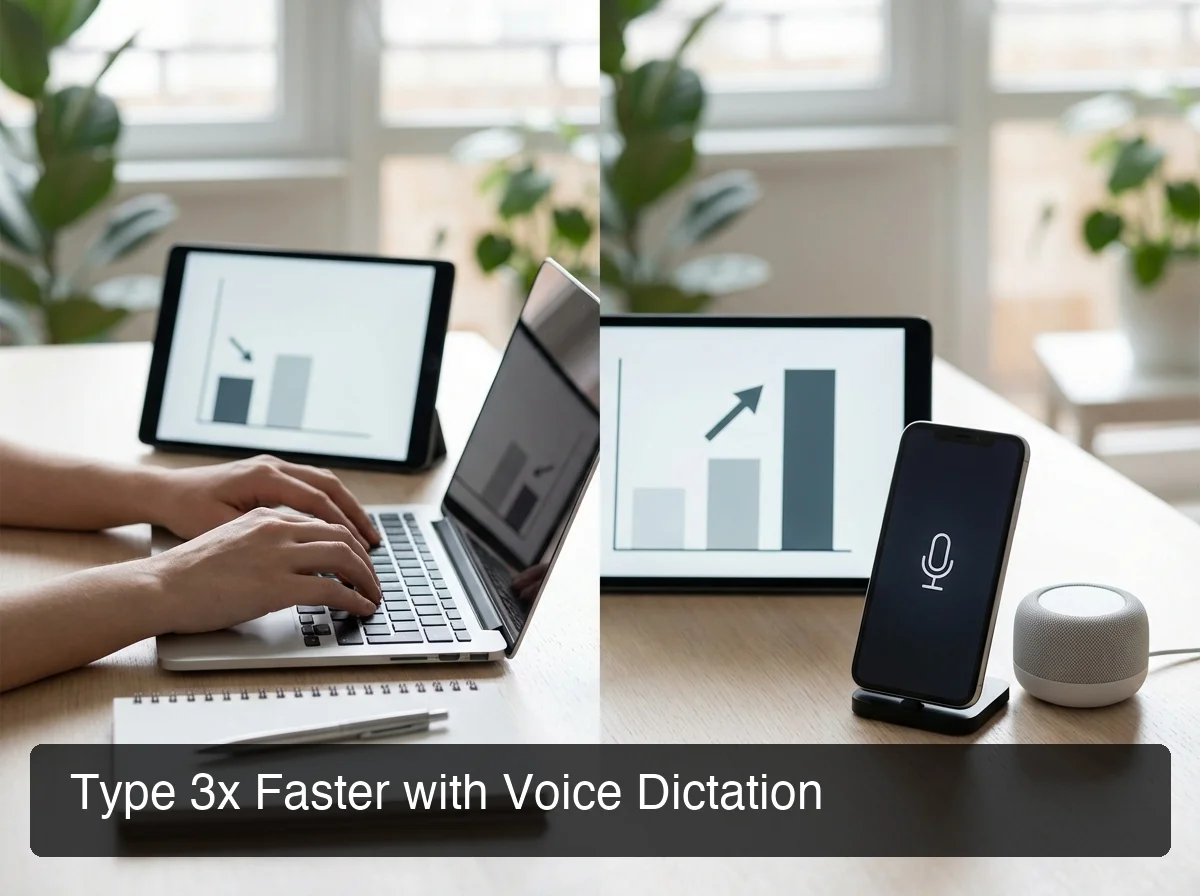 Voice dictation consistently outperforms typing speed — and the output quality gap widens with AI cleanup.
The benefits extend well beyond raw speed:
- Accessibility — For users with RSI, carpal tunnel, or repetitive strain injuries, dictation eliminates the physical trigger for pain entirely
- Multitasking — Dictate while commuting, walking, or reviewing documents simultaneously
- Ideation speed — Speaking captures thoughts faster than fingers can type; ideas flow before they're lost
- Tone consistency — AI rewrite tools transform casual dictation into professional-grade output in one tap
- Error reduction — Modern AI dictation makes fewer errors than typing under pressure or fatigue
By the numbers: The average professional sends 40 emails per day. At 3 minutes per email typing vs. 1 minute dictating, that's 80 minutes saved daily — over 320 hours per year of pure friction eliminated.
Why High-Volume Communicators Benefit Most
Managers, salespeople, consultants, and founders often spend 3–4 hours daily writing — emails, Slack messages, documents, and meeting notes. At 40–60 WPM typing speed, that's a physical bottleneck that compounds across weeks and months.
AI dictation converts that daily writing block into a voice-first workflow. Writers capture drafts faster and developers dictate documentation without breaking flow.
Students draft essays without keyboard fatigue, and anyone who communicates all day across multiple apps gains the most ground.
How Accurate Are Modern AI Dictation Apps?
Modern AI dictation apps achieve 95–99% accuracy for general dictation in quiet environments. Accuracy drops for specialized vocabulary — medical, legal, technical jargon — without app-specific training or custom dictionary support. Background noise remains the most significant accuracy variable across all platforms.
What Affects Dictation Accuracy?
Several factors determine real-world performance:
- Microphone quality — A dedicated headset mic consistently outperforms a built-in laptop mic by 10–15% accuracy
- Background noise — Apps using noise cancellation (Deepgram, Whisper) handle ambient noise far better than older ASR systems
- Accent and speech patterns — Transformer models trained on diverse audio generalize better across accents and dialects
- Custom vocabulary — Technical terms, brand names, and jargon are the primary failure point for all apps
- Speaking speed — Natural, slightly-paced speech outperforms rushed dictation in every app tested
Key insight: Accuracy is a baseline floor, not a fixed ceiling. The more you use an AI dictation app with your specific vocabulary and speaking style — especially with custom dictionary support — the better it performs over time.
What's the Difference Between AI Dictation and Traditional Speech-to-Text?
Traditional speech-to-text transcribes what you say verbatim — every "um," pause, and grammatical error included. AI dictation adds a processing layer that filters filler words, corrects grammar, formats punctuation, and adapts output style to the app you're in. The result is usable text instead of a raw transcript you still need to edit.
| Feature | Traditional STT | AI Dictation App |
|---|---|---|
| Filler word removal | ❌ | ✅ |
| Grammar correction | ❌ | ✅ |
| Auto-punctuation | Basic | Context-aware |
| Context-based formatting | ❌ | ✅ (email vs. chat vs. docs) |
| Accuracy (quiet environment) | 85–90% | 95–99% |
| Custom vocabulary | Limited | ✅ (most paid apps) |
| Screen awareness | ❌ | ✅ (select apps only) |
Traditional STT tools like Apple Dictation or Google Voice Typing work for basic transcription. AI dictation apps are built for professionals who need output-ready text without a cleanup pass. If you're specifically on Mac, our comparison of Apple Dictation alternatives in 2026 covers the best options in detail.
 The best AI dictation apps work seamlessly across platforms — not just in one ecosystem.
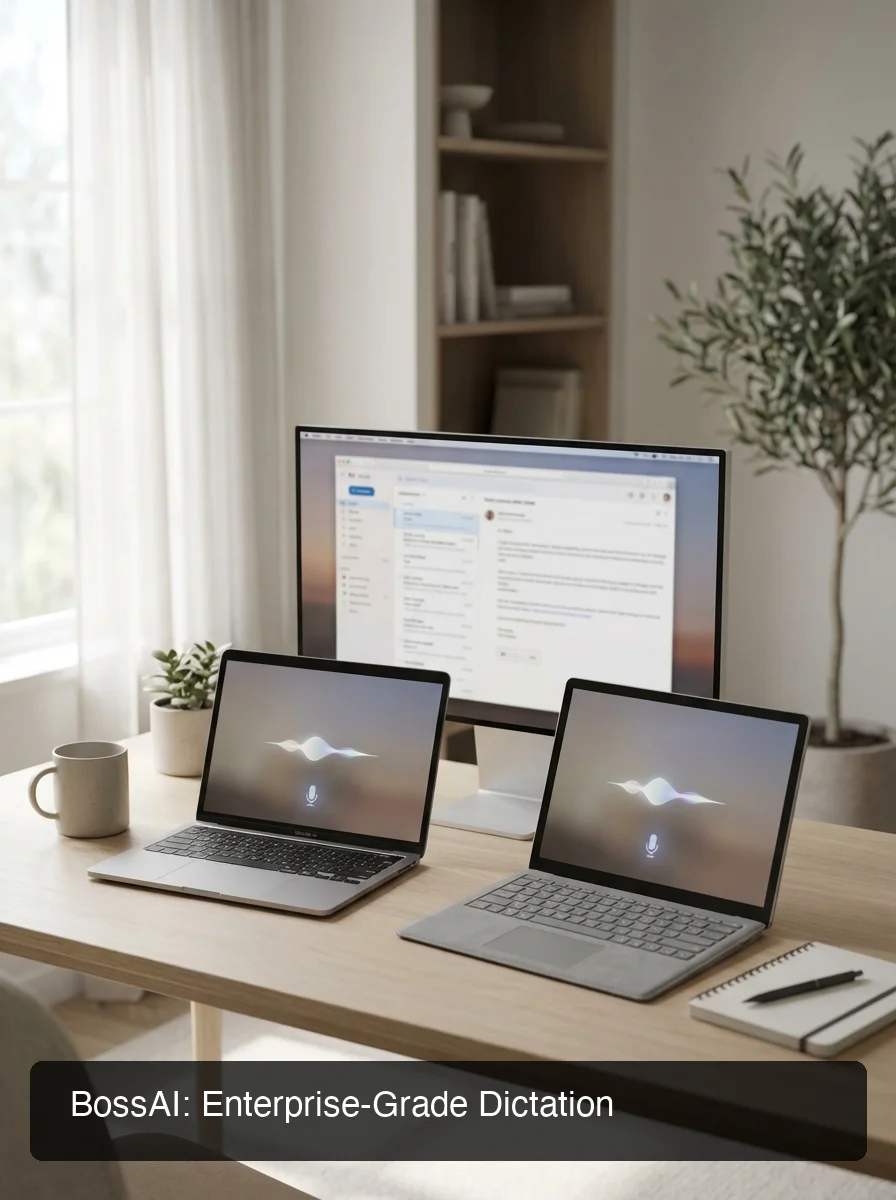 BossAI integrates directly into your workflow on Mac, Windows, and iOS — no context switching required.
Which AI Dictation App Is Right for You?
The right AI dictation app depends on your platform, primary use case, and how much value you get from AI features beyond basic transcription. For cross-platform power users who need screen-aware AI responses and deep workflow integration, BossAI stands apart. For lightweight transcription needs, WisprFlow or free OS-native tools may suffice.
| App | Platforms | Screen Awareness | Free Tier | Starting Price |
|---|---|---|---|---|
| BossAI | iOS, macOS, Windows | ✅ Boss Mode | 500 words/day | $9.99/month |
| WisprFlow | macOS, Windows, iOS | ❌ | 2,000 words/week | $15/month |
| AquaVoice | macOS, Windows | ❌ | 1,000 words total | $8/month |
| Typeless | macOS, Windows, iOS, Android | ❌ | 4,000 words/week | $12/month annual |
| Spokenly | macOS, iOS | ❌ | Local model (free) | $7.99/month |
BossAI's Boss Mode is the category's only screen-reading feature. One command — "Boss, reply to this email professionally" — reads the full email thread and generates a complete, contextual reply.
No copy-pasting, no explaining context, no switching apps. It's the only AI dictation tool that generates responses rather than just transcribing input.
For a hands-on look at how alternatives compare, our roundup of apps like WisprFlow covers the competitive landscape in depth.
Bottom line: No other AI dictation app reads your screen. Boss Mode is the only feature in the category that generates contextual replies without copy-pasting — making BossAI the highest-leverage option for professionals who live in email and chat.
How Much Do AI Dictation Apps Cost?
AI dictation apps range from free (OS-native tools) to $15/month for premium tiers. Most paid options cluster between $8–$12/month on annual plans. BossAI offers the most generous free tier — 500 words/day with full AI quality — plus a 7-day unlimited Pro trial before any payment is required.
| App | Free Tier | Monthly | Annual | Lifetime |
|---|---|---|---|---|
| BossAI | 500 words/day | $9.99/month | $69.99/year | $149.99 |
| WisprFlow | 2,000 words/week | $15/month | $12/month | — |
| AquaVoice | 1,000 words total | — | $8/month | — |
| Typeless | 4,000 words/week | $30/month | $12/month | — |
| Spokenly | Local model (unlimited) | $7.99/month | — | — |
BossAI's lifetime option at $149.99 is unique in the category. For users who've already committed to a voice-first workflow, one payment permanently eliminates subscription fatigue. Most competitors don't offer a lifetime tier at all.
Can You Use an AI Dictation App Offline?
Most AI dictation apps require an internet connection because their core processing — speech recognition and AI enhancement — runs on cloud servers. Offline exceptions include OS-native tools (Apple on-device mode, Windows 11 offline speech recognition) and apps supporting local Whisper models, such as Spokenly.
Cloud vs. Local: The Real Trade-Off
Cloud-based apps (BossAI, WisprFlow, AquaVoice) deliver significantly higher accuracy, faster response times, and AI enhancement features that local models can't match. The trade-off is an active internet connection and real-time audio processing on remote servers.
Local-model apps offer offline capability and full privacy but with lower accuracy, a larger device footprint, and no AI enhancement features. Filler-word removal, grammar correction, and context-aware formatting require the compute power of cloud models.
For users with strict data privacy requirements, BossAI processes all audio in real time with zero retention — no voice or text data is stored on their servers after processing completes.
Get Started with BossAI
AI dictation is one of the highest-ROI productivity upgrades available for professionals who write all day. BossAI combines enterprise-grade dictation accuracy with screen-aware AI responses — built for people who live in email, documents, and chat.
Not ready to try it yet? Get Our AI Productivity Guide — free tips on working faster with AI.
Frequently Asked Questions
What is the best AI dictation app in 2026?
The best AI dictation app depends on your workflow. BossAI offers the most complete feature set — screen awareness, one-tap rewrite, and clips — at $9.99/month, vs. WisprFlow at $15/month. For casual use, Apple Dictation and Windows Speech Recognition are free options built directly into your OS.
Can I use AI dictation on my iPhone?
Yes — BossAI replaces your default iOS keyboard, enabling full AI dictation including filler-word removal, grammar correction, and Boss Mode in every app. WisprFlow has a limited iOS app, and Apple's native dictation works on all iPhones but lacks AI enhancement.
How accurate is AI voice dictation software?
Modern AI voice dictation software achieves 95–99% accuracy for general speech in quiet environments. Accuracy drops for heavy jargon, strong accents, or noisy backgrounds. Apps with custom dictionary support — BossAI, WisprFlow, AquaVoice — let you add your vocabulary, directly improving accuracy for industry-specific or technical terms.
Is there a free AI dictation app?
Yes. BossAI offers 500 words per day free with full AI quality; WisprFlow offers 2,000 words per week free. Apple Dictation and Windows Speech Recognition are free OS-native tools, though without AI enhancement. For most users, BossAI's free tier is the best balance of daily usage, output quality, and upgrade path.
What's the difference between AI dictation and transcription?
Transcription converts audio to text verbatim — every "um," pause, and stuttered word included. AI dictation adds a layer that removes filler words, fixes grammar, formats punctuation, and adapts output for the app you're in. Transcription tools like Otter.ai are optimized for meeting recordings; AI dictation apps are built for real-time writing.
Does AI dictation work with technical vocabulary?
Yes, with the right app. Most premium AI dictation apps — BossAI, WisprFlow, AquaVoice — support custom dictionaries that let you add names, technical terms, and jargon, preventing common misinterpretations. BossAI allows 10 custom words on the free plan and unlimited on Pro.
Can AI dictation replace typing entirely?
For most writing tasks, yes — emails, messages, documents, and notes are all well-suited for voice dictation. Code dictation remains impractical due to syntax precision, so the best approach blends both: dictate prose, type precise inputs like passwords or structured data.