

AI Speech to Text: Complete Guide & Best Apps 2026
AI Speech to Text: The Complete Guide for 2026
Your keyboard is slower than your voice. AI speech to text turns natural speech into polished, ready-to-use text in seconds—no typing, no transcription delays, no hand strain.
Key Takeaways
- AI speech to text converts your voice into written text in real time, using neural networks trained on millions of hours of audio data for near-perfect accuracy (95-99% for clear speech).
- Modern AI systems handle accents, technical jargon, and punctuation automatically, making them viable for emails, documents, code comments, and professional writing.
- Voice dictation on mobile devices is 3-4x faster than manual typing and reduces hand strain—critical for accessibility, remote work, and productivity workflows.
- AI speech to text works across devices (phone, tablet, laptop) when using cloud-based or hybrid models, enabling seamless dictation workflows anywhere.
- BossAI's dictation engine supports both synchronous (live) and asynchronous (batch) transcription, with context awareness for domain-specific vocabulary and tone.
Contents
- What Is AI Speech to Text and How Does It Work?
- How Accurate Is AI Speech to Text in 2026?
- Can AI Speech to Text Handle Accents and Technical Vocabulary?
- What Makes AI Speech to Text Better Than Traditional Dictation?
- How Does AI Speech to Text Save You Time Compared to Typing?
- Which AI Speech to Text Tool Works on Both Phone and Desktop?
- Is AI Speech to Text Secure and Private for Confidential Work?
- How to Choose the Right AI Speech to Text Tool
- What Are the Best AI Speech to Text Apps for Professionals?
- Get Started with BossAI
- Frequently Asked Questions
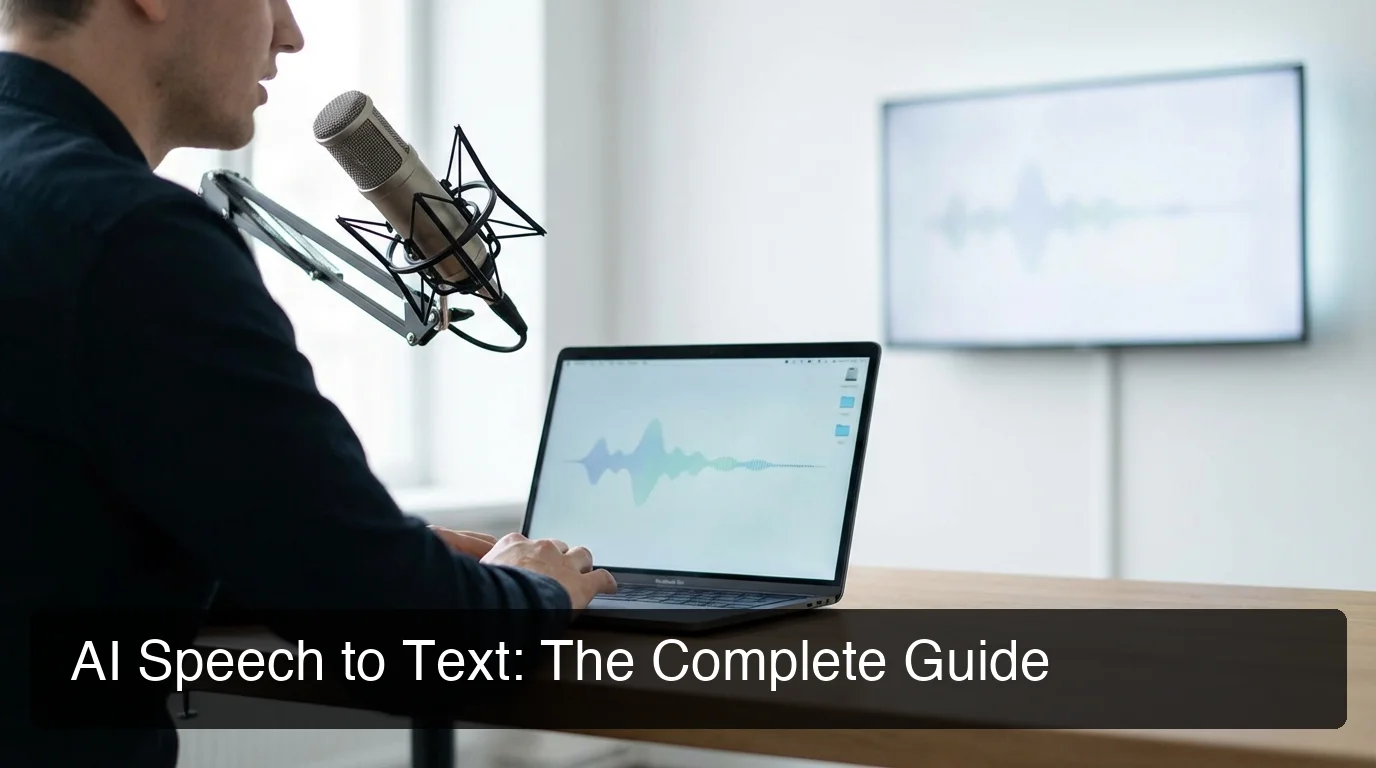 Modern AI speech to text transforms natural speech into polished, professional text across all your devices.
What Is AI Speech to Text and How Does It Work?
AI speech to text uses neural networks trained on millions of hours of human speech to convert your spoken words into written text with 95-99% accuracy. Modern systems process audio in real time, applying language models that understand context, grammar, and punctuation to produce polished text without manual editing—far beyond the raw transcription of older dictation tools.
The technology relies on deep learning models that analyze audio waveforms and match them to phonetic patterns. Real-time transcription processes audio as you speak—ideal for emails and documents. Batch transcription uploads pre-recorded files—common for meeting transcripts and interviews.
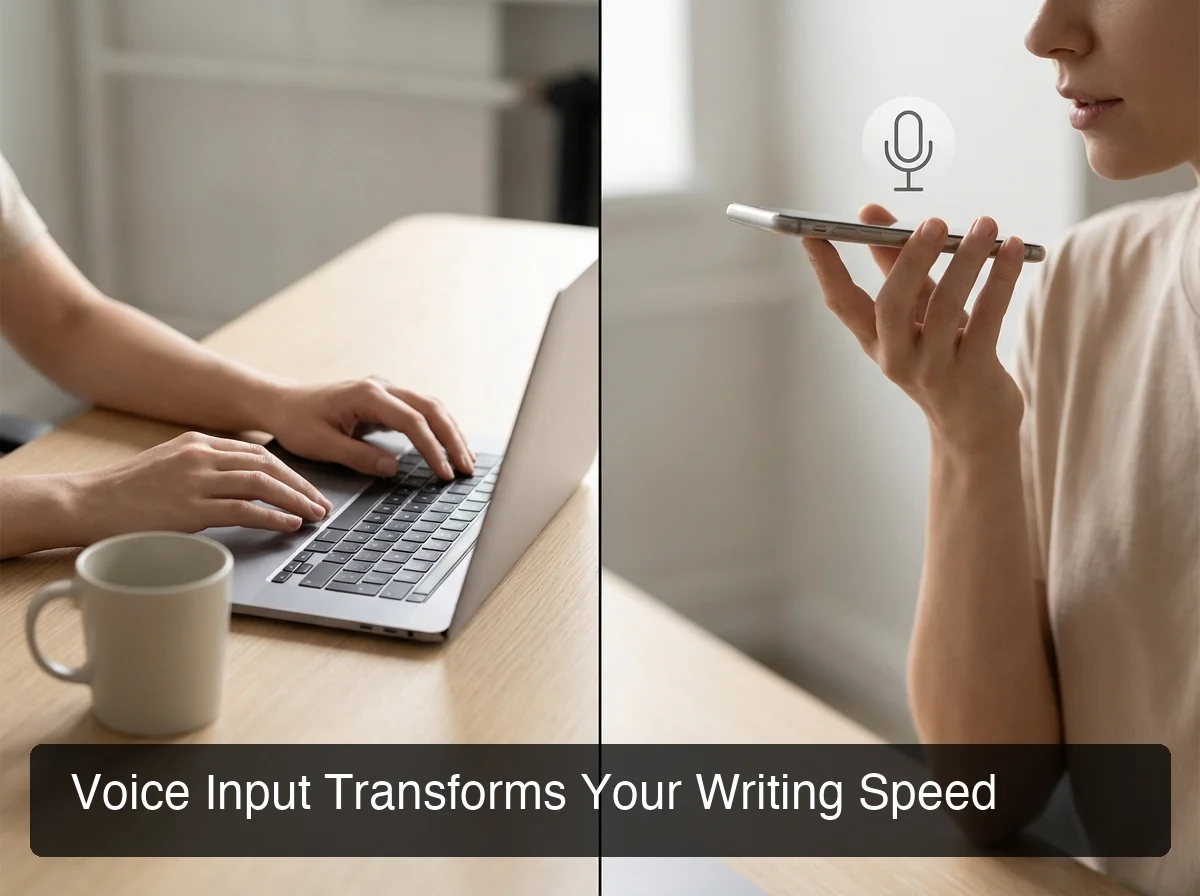 Voice dictation is 3-4x faster than manual typing for most writing tasks.
If you're new to voice input workflows, learning how to type with voice provides a foundational understanding of dictation across different devices and platforms.
How Accurate Is AI Speech to Text in 2026?
Modern AI speech to text systems achieve 95-99% accuracy for clear speech in quiet environments, with enterprise-grade models like Deepgram, Google Cloud Speech, and AssemblyAI reaching 98%+ accuracy on standard English. Accuracy drops to 85-92% in noisy environments, with accented speech, or when technical vocabulary isn't pre-trained in the model.
Factors that impact accuracy include:
Audio Quality
Clear microphone input with minimal background noise produces the best results. Phone and laptop microphones work well for most use cases. Professional podcast-quality audio hits the 99% range consistently.
Speaking Clarity
Natural conversational pace (120-150 words per minute) outperforms rushed or mumbled speech. Pauses between sentences help the model segment ideas correctly.
Vocabulary Match
AI models trained on general language perform worse on specialized domains (medical, legal, technical) unless fine-tuned or paired with a custom dictionary feature.
 Enterprise AI models deliver near-perfect transcription accuracy for standard speech patterns.
By the numbers: Top AI speech to text systems trained on 1 million+ hours of annotated speech data achieve error rates below 2% for clean audio—better than human transcriptionists on speed tests.
Can AI Speech to Text Handle Accents and Technical Vocabulary?
Yes—modern AI speech to text systems support 100+ languages and handle regional accents, non-native speech, and technical vocabulary through multilingual training datasets and custom dictionary features. Accuracy for accented English ranges from 88-96% depending on the accent's representation in the training data, with custom vocabulary lists pushing domain-specific accuracy above 95%.
The best tools include multilingual models pre-trained on diverse accents, adaptive learning that improves with your speech patterns, and custom dictionaries for names, brand terms, and jargon.
For professionals using domain-specific language, custom vocabulary features are essential. Medical professionals need "myocardial infarction" transcribed correctly, not "my cardial infraction."
The best tools let you build a personal dictionary that overrides base model predictions when you use specialized terms.
What Makes AI Speech to Text Better Than Traditional Dictation?
AI speech to text removes filler words (um, uh, like, you know), corrects grammar, adds punctuation, and formats text appropriately—all automatically. Traditional dictation tools transcribe your speech verbatim, requiring manual cleanup. AI-enhanced systems deliver polished, ready-to-send text in one pass, eliminating the editing step that makes older dictation tools impractical for professional use.
Modern AI layers intelligence on top of raw transcription:
- Filler removal — "Um, so, like, I think we should, uh, schedule a meeting" becomes "I think we should schedule a meeting."
- Auto-punctuation — Detects sentence boundaries, adds commas, capitalizes proper nouns.
- Grammar correction — Fixes subject-verb agreement and tense consistency.
Bottom line: AI dictation transforms raw spoken thoughts into polished, professional text—eliminating the editing step entirely.
How Does AI Speech to Text Save You Time Compared to Typing?
The average person speaks at 125-150 words per minute but types at 40 words per minute. AI speech to text is 3-4x faster than manual typing, saving professionals 15-20 minutes per day—65+ hours per year—while eliminating repetitive strain injuries caused by prolonged keyboard use. For people with hand or arm injuries, voice dictation isn't just faster; it's the only ergonomic option.
Time savings compound across daily workflows:
- Email replies — A 200-word email takes 5 minutes to type, 90 seconds to dictate.
- Meeting notes — Capture thoughts in real time without slowing down the conversation.
- Document drafting — First drafts of reports, proposals, and essays happen 3x faster.
- Messaging — Respond to Slack, Teams, or SMS instantly without context-switching to a keyboard.
Accessibility and Ergonomics
For users with repetitive strain injury (RSI), carpal tunnel syndrome, arthritis, or temporary hand injuries, voice dictation isn't a convenience—it's a necessity. AI speech to text enables continued productivity without aggravating physical conditions.
Key insight: Integrated AI email tools and dictation apps save 15-20 minutes per day over standalone tools—eliminating the copy-paste friction that makes older workflows impractical for mobile and multi-app use.
Voice typing also reduces cognitive load. You can think and speak naturally instead of translating thoughts into typed sentences—a meaningful benefit for creative writing, brainstorming, and capturing spontaneous ideas.
Which AI Speech to Text Tool Works on Both Phone and Desktop?
Cross-device AI speech to text tools use cloud-based processing to sync dictation capabilities across iOS, Android, macOS, and Windows. The best tools integrate directly into your keyboard (mobile) or run as system-level apps (desktop) so you can dictate in any app without switching context. BossAI, WisprFlow, and Typeless support multi-platform workflows, with BossAI offering the widest coverage: iOS, macOS, and Windows.
Platform options include online tools (require copy-pasting), mobile-only apps (no desktop support), desktop-only tools (no mobile sync), and true cross-platform solutions like BossAI, WisprFlow, and Typeless that integrate natively across all devices.
If you work primarily on Windows, voice to text on Windows provides platform-specific setup and optimization tips. Mac users should explore voice to text apps for Mac for macOS-native dictation tools.
Pro tip: Tools that integrate at the keyboard level (iOS) or system level (desktop) eliminate the copy-paste loop. You dictate directly into the app you're using—email, Slack, Google Docs, code editor—without switching context.
When comparing speech-to-text apps, prioritize tools that work where you already spend your time, not tools that force you into a separate transcription interface.
Is AI Speech to Text Secure and Private for Confidential Work?
Most AI speech to text tools process audio in the cloud, meaning your voice data is transmitted to external servers for transcription. Privacy-conscious tools like BossAI and Spokenly process audio in real time and discard it immediately after transcription—no storage, no logging, no training dataset usage. For maximum privacy, on-device models (Apple Dictation, local Whisper) never send audio off your device, but they lack the accuracy and features of cloud-based AI systems.
Cloud-based processing offers best accuracy and features but transmits audio to external servers. On-device models (Apple Dictation, local Whisper) keep audio private but sacrifice accuracy. Privacy-first cloud models like BossAI process audio in real time and immediately discard it—no storage, no logging.
For HIPAA-regulated medical data or legal documents, verify your provider offers a Business Associate Agreement (BAA) and complies with data protection regulations.
How to Choose the Right AI Speech to Text Tool
Evaluate AI speech to text tools on five criteria: accuracy with your accent and vocabulary, cross-device support, integration depth (keyboard vs. standalone app), privacy model, and cost. For professional use, prioritize tools that integrate into your existing workflow—keyboard-level on mobile, system-level on desktop—over standalone transcription apps that require copy-pasting.
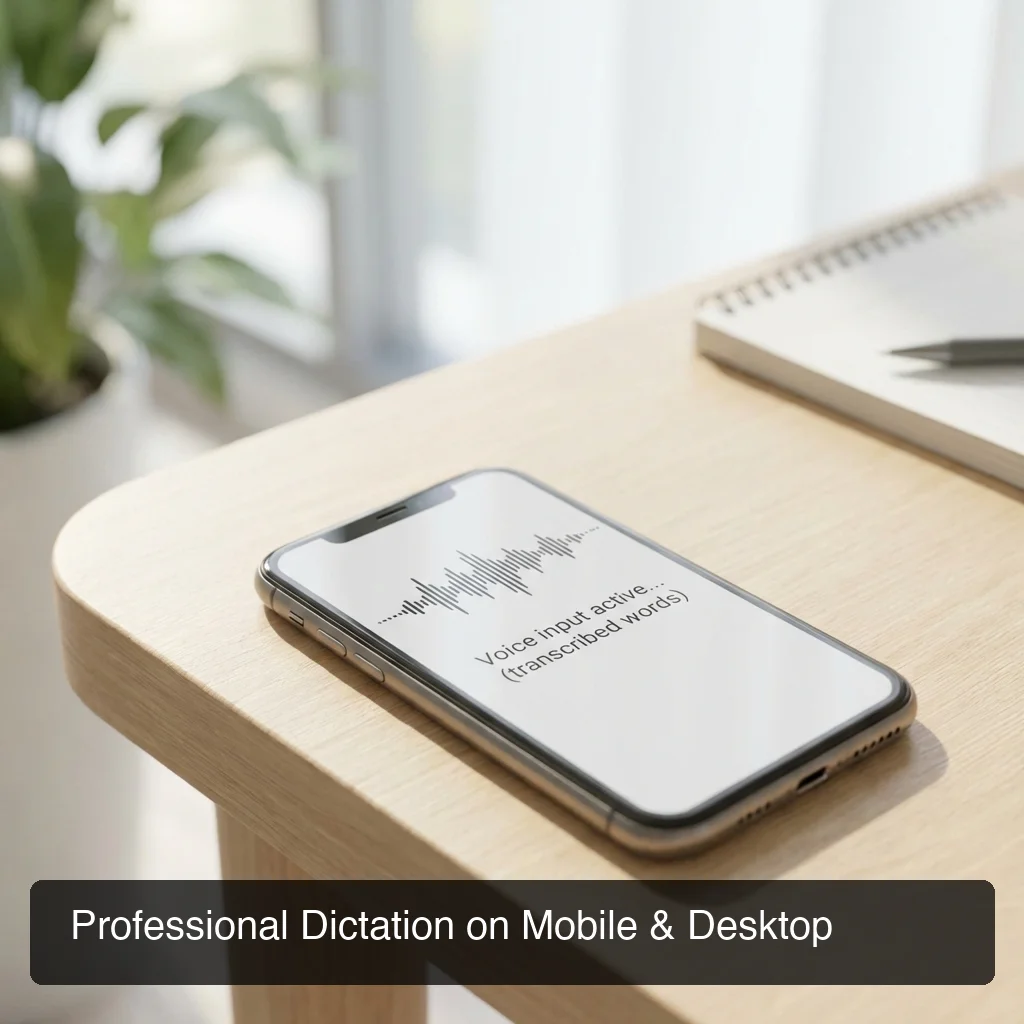 Professional dictation tools integrate at the system level for universal app support.
Evaluation Criteria
| Criteria | What to Look For |
|---|---|
| Accuracy | 95%+ on your accent, custom dictionary for technical terms |
| Platform Support | Works on all devices you use daily (phone + laptop minimum) |
| Integration | Keyboard-level (mobile) or hotkey-activated (desktop)—no app switching |
| Privacy | Real-time processing with no data retention, or on-device models |
| Features | Filler removal, auto-punctuation, grammar correction, tone rewrite |
| Cost | Free tier for testing, paid tier under $12/month for unlimited use |
Why BossAI Stands Out
BossAI is the only AI speech to text tool that combines dictation with screen-aware context. When you activate Boss Mode, BossAI reads what's on your screen—the email you're replying to, the Slack thread, the LinkedIn post—and generates a contextual response without requiring you to explain or copy-paste anything.
This eliminates the workflow friction that makes other dictation tools impractical for mobile use. Instead of dictating a message, realizing you need to reference the previous email, switching apps to copy it, then returning to dictate again—you just say "Boss, reply professionally and confirm Friday delivery" and BossAI handles the rest.
For professionals evaluating AI dictation features, the combination of live transcription, screen awareness, one-tap tone rewrite, and cross-device sync makes BossAI the most complete mobile-first dictation solution available in 2026.
What Are the Best AI Speech to Text Apps for Professionals?
The best AI speech to text apps for professionals fall into three categories: transcription tools (Otter, ElevenLabs) for converting recorded audio files into text, live dictation apps (BossAI, WisprFlow, Typeless) for real-time voice typing across all apps, and developer APIs (Google Cloud Speech, Deepgram) for building custom voice features into products. Most professionals need live dictation apps—not transcription tools—because they write in real time across email, messaging, and documents.
Transcription tools (Otter, ElevenLabs) upload pre-recorded audio for later. Live dictation apps display text instantly in any app. Developer APIs let you build custom voice features. Most professionals need live dictation—not transcription tools.
Top Live Dictation Apps
- BossAI — iOS, macOS, Windows. Best for mobile-first workflows. Unique Boss Mode (screen-aware context), one-tap tone rewrite, clips for instant pasting. $9.99/month or $69.99/year.
- WisprFlow — macOS, Windows. Strong desktop performance, command mode for text editing via voice. $15/month or $12/month annual.
- Typeless — iOS, macOS, Windows, Android. Only major app with Android support. $30/month or $12/month annual. Known for session limits and capacity issues under load.
If you're new to voice workflows, a beginner's guide to voice typing will help you understand how to integrate dictation into your daily routine and optimize for speed and accuracy.
Key insight: The difference between a good dictation tool and a great one is whether it integrates into your existing workflow or forces you into a separate app. Keyboard-level integration (BossAI on iOS) or system hotkeys (BossAI on Mac/Windows) mean you dictate wherever you're already typing.
Get Started with BossAI
AI speech to text works best when it's invisible—integrated into the apps and devices you already use every day. BossAI delivers AI-enhanced dictation, screen-aware context, and one-tap rewrite across iOS, macOS, and Windows, so you can work faster without changing how you work.
Frequently Asked Questions
What is the difference between speech-to-text and voice typing?
Speech-to-text is the underlying technology that converts audio into text. Voice typing is the user-facing application of that technology, where you dictate into a device and text appears in real time.
All voice typing apps use speech-to-text engines, but not all speech-to-text systems are designed for live dictation.
Can AI speech to text work offline?
Some AI speech to text apps support offline mode using on-device models (Apple Dictation, local Whisper). Offline models deliver lower accuracy and lack advanced features like filler removal and tone adjustment.
Most professional-grade AI dictation requires an internet connection for cloud processing.
How much does AI speech to text cost?
Free tiers typically cap usage at 500-4,000 words per week. Paid plans range from $8-$15 per month.
BossAI costs $9.99/month or $69.99/year ($5.83/month). WisprFlow costs $15/month. Typeless costs $30/month or $12/month annually.
Does AI speech to text work in languages other than English?
Yes. Most modern AI speech to text systems support 50-150 languages. Google Cloud Speech supports 125+ languages, while Deepgram supports 36 languages.
Accuracy varies by language—widely spoken languages (Spanish, French, Mandarin) achieve 95%+ accuracy, while less common languages may see 85-92% accuracy.
Can I use AI speech to text for writing code?
Yes, but with limitations. AI speech to text can dictate code comments, variable names, and natural-language pseudocode effectively. Dictating syntax (brackets, operators, indentation) is slower than typing. Most developers use voice dictation for documentation, commit messages, and comments—not for writing entire functions.
Is AI speech to text better than hiring a human transcriptionist?
For speed and cost, yes. AI transcribes audio in real time at near-zero cost per word. Human transcriptionists deliver higher accuracy for difficult audio (heavy accents, overlapping speech, poor quality) and provide formatting, speaker identification, and context-aware corrections that AI can miss. For general use, AI is faster and cheaper.
How do I improve AI speech to text accuracy?
Use a quality microphone, speak at a natural pace (120-150 words per minute), minimize background noise, add frequently used names and terms to a custom dictionary, and choose a tool trained on your accent or language variety. Speaking clearly without mumbling improves accuracy more than any other factor.