
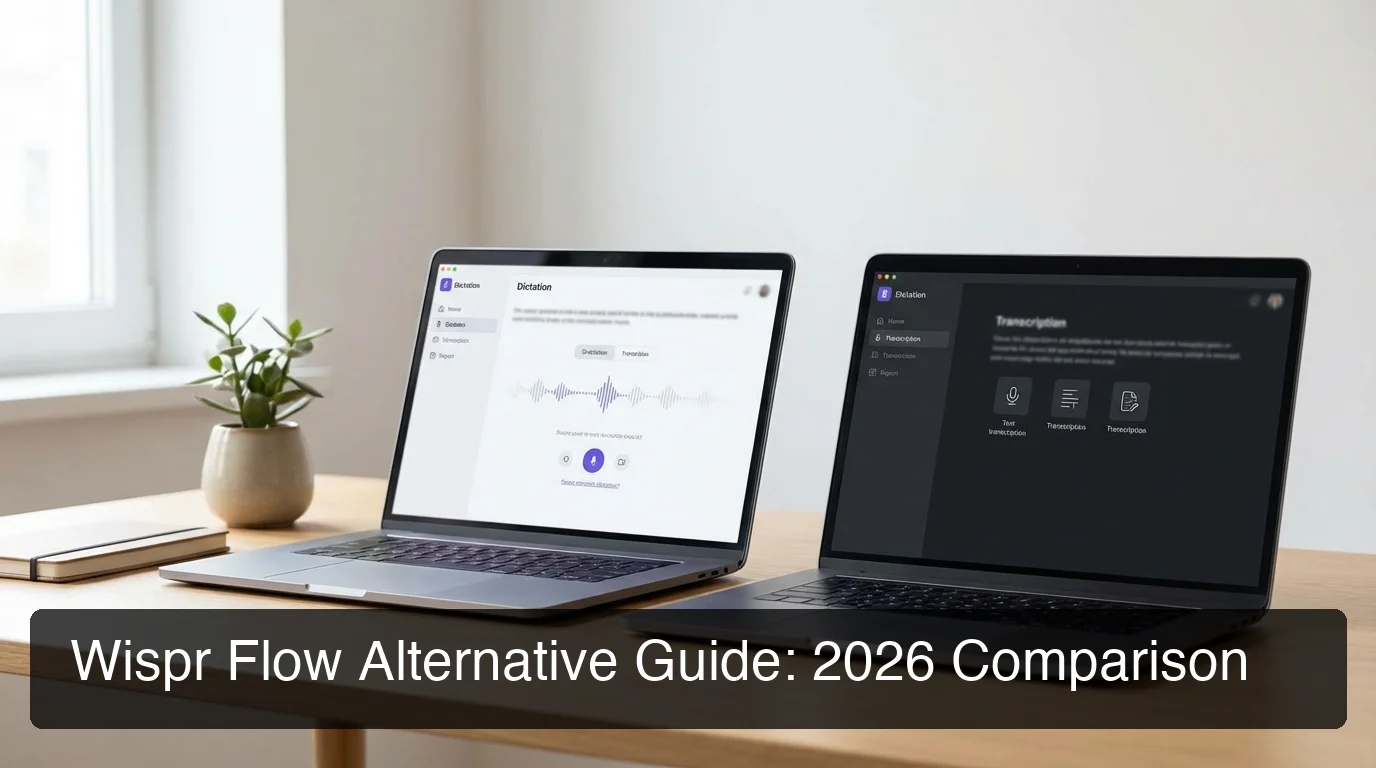
Best Wispr Flow Alternative 2026
If you're evaluating a Wispr Flow alternative, you're not alone — at $15/month with a restrictive free tier and limited iOS keyboard support, more power users are switching every month.
Key Takeaways
- Wispr Flow is powerful but expensive; BossAI costs 33% less ($9.99/month vs $15/month) and adds features Wispr Flow lacks, with better Windows support.
- BossAI and Wispr Flow are close on everyday dictation quality, and BossAI's AI enhancement runs in ~300ms.
- BossAI works across Windows, Mac, iOS, and Android — as a keyboard on iOS and Android and a hotkey app on Mac and Windows — while Wispr Flow has no Android app and a limited iOS keyboard.
- For heavy users, BossAI Pro makes everything unlimited for a flat $9.99/month.
- Switching is painless: import your custom phrases, workflows, and settings from Wispr Flow in under 5 minutes.
Contents
- What Is Wispr Flow? Why Do Users Look for Alternatives?
- What Are the Best Wispr Flow Alternatives in 2026?
- How Does BossAI Compare to Wispr Flow as a Dictation Tool?
- Which Wispr Flow Alternative Works Best on Windows?
- Can I Get Wispr Flow's Features Cheaper? A Cost Comparison
- Is There a Free Wispr Flow Alternative That Actually Works?
- Which Wispr Flow Alternative Works Best for Accessibility and One-Handed Use?
- Why Are More Users Switching from Wispr Flow to BossAI?
- Try BossAI Free: Smarter Voice Dictation
- Frequently Asked Questions
What Is Wispr Flow? Why Do Users Look for Alternatives?
Wispr Flow is a voice dictation app for macOS and Windows that uses AI to transcribe speech and clean up grammar and filler words in real time. It has raised $81M, earns strong accuracy reviews, and offers voice-triggered text editing. The problem: it costs $15/month, has a restrictive free tier, and lacks cross-platform depth for iOS users.
Wispr Flow has earned its reputation. For professional Mac users who dictate emails, documents, and messages daily, it delivers clean, polished output faster than typing. The "Command Mode" feature lets you trigger text edits with voice commands — useful for power users already in the macOS ecosystem.
But a clear pattern of complaints has emerged across Reddit threads and app review forums over the past year.
The Core Pain Points That Drive Wispr Flow Users Away
- Price: $15/month ($180/year) is among the highest in the category
- Free tier limits: 2,000 words/week disappears quickly for heavy users
- iOS limitations: No native iOS keyboard — users must copy-paste from a separate app
- No screen awareness: Command Mode reformats selected text, but can't read on-screen context to generate replies
- No snippet system: No way to paste saved text directly from the interface
By the numbers: Wispr Flow's Pro plan at $15/month costs 50% more than BossAI Pro ($9.99/month) — for a tool without screen reading, one-tap tone rewrites, or a clips tray.
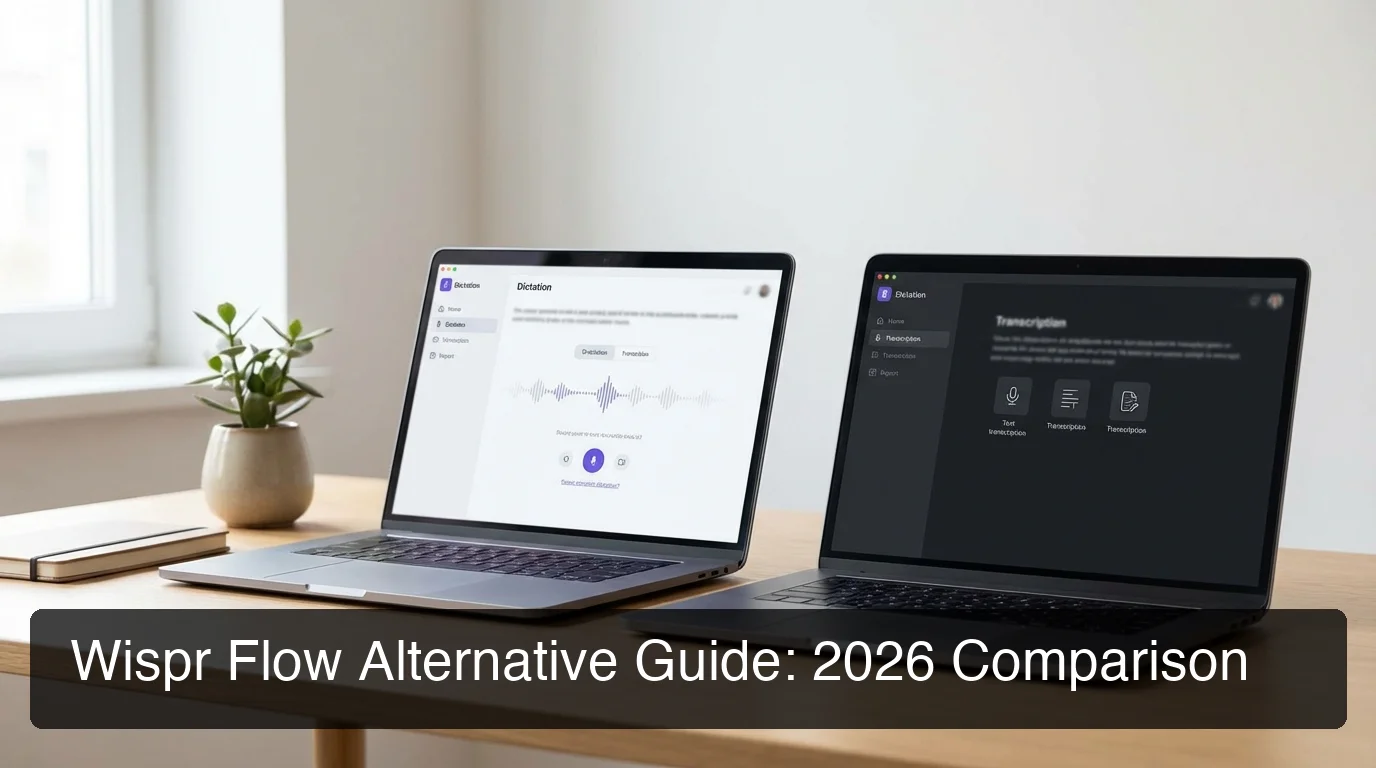 Comparing the top Wispr Flow alternatives in 2026 across accuracy, pricing, and platform coverage.
What Are the Best Wispr Flow Alternatives in 2026?
The best Wispr Flow alternatives in 2026 are BossAI, AquaVoice, Typeless, Otter.ai, and FreeFlow. Each fills a different gap — BossAI for cross-platform power users, AquaVoice for developers, Typeless for users who want the largest weekly free tier, Otter for meeting transcription, and FreeFlow for Mac-only budget users who want an open-source option.
Here's how they stack up:
| Tool | Platform | Free Tier | Price/Month | Screen Reading | Best For |
|---|---|---|---|---|---|
| BossAI | iOS, Android, Mac, Windows | 500 words/day | $9.99 | ✅ Boss Mode | Cross-platform power users |
| Wispr Flow | Mac, Windows, iOS (limited) | 2,000 words/week | $15.00 | ❌ | Mac-first professionals |
| AquaVoice | Mac, Windows | Trial only | $8.00 | ❌ | Developer-focused dictation |
| Typeless | Mac, Windows, iOS, Android | 4,000 words/week | $30.00 | ❌ | Largest weekly free tier |
| Otter.ai | Web, iOS, Android | 600 min/month | $10.00 | ❌ | Meeting transcription |
| FreeFlow | Mac only | Free (open source) | Free | ❌ | Budget Mac users |
| Superwhisper | Mac only | Limited | $8–10 | ❌ | Local model enthusiasts |
Which Alternative Should You Choose?
Choose BossAI if you work across Mac, Windows, iOS, and Android and want screen-aware dictation that handles email replies, Slack messages, and documents without app-switching.
Choose AquaVoice if you're a developer on Mac with a modest budget and don't need iOS keyboard support.
Choose Typeless if you want the largest weekly free tier, though BossAI also runs on Android at a third of the price.
Choose Otter.ai if your primary use case is transcribing meetings or recorded calls rather than live dictation.
How Does BossAI Compare to Wispr Flow as a Dictation Tool?
BossAI matches Wispr Flow's core dictation accuracy while processing text in ~300ms — faster than Wispr Flow's average latency. The real gap is feature depth: BossAI adds screen reading (Boss Mode), one-tap tone rewrites, and a clips tray — none of which Wispr Flow offers.
Both tools handle filler word removal, grammar correction, and punctuation well. For everyday dictation tasks — emails, messages, notes — the output quality difference is marginal.
Where BossAI separates itself is at the edges of dictation.
Boss Mode: The Feature Wispr Flow Doesn't Have
Wispr Flow has "Command Mode" — but it only reformats text you've already selected. It doesn't know what email you're replying to, what Slack thread you're in, or what document context surrounds your cursor.
BossAI's Boss Mode reads your screen in real time using a vision LLM. Speak: "Boss, reply to this email confirming the meeting and asking for an agenda." BossAI reads the email on screen and writes a complete, contextually accurate reply — without any copy-pasting.
That's not an incremental improvement. It's a categorically different capability.
 BossAI processes voice input in ~300ms with real-time screen context — Wispr Flow has no equivalent.
Key insight: No other dictation tool reads your screen to generate replies. Boss Mode is BossAI's defensible moat — and it alone justifies the switch for anyone who spends hours daily on email and chat.
For side-by-side output samples and latency benchmarks, the WisprFlow vs BossAI deep-dive comparison covers every dimension in detail.
Which Wispr Flow Alternative Works Best on Windows?
BossAI is the strongest Wispr Flow alternative for Windows users. It runs as a native system tray app, supports universal hotkey activation, inserts text into any Windows application, and includes screen reading via Windows screen capture permission — making it the only dictation tool with full Boss Mode support on Windows.
Wispr Flow does offer Windows support, but user reviews consistently flag sync issues, update delays, and features that trail the macOS build.
For Windows-native dictation, the field narrows fast. Typeless, AquaVoice, and Spokenly either partially support Windows or have builds that lag behind their macOS counterparts.
 BossAI runs natively on Windows as a system tray app — full Boss Mode, same latency, same accuracy as macOS.
Windows 11 Dictation: Why Native Beats Built-In
Windows 11's built-in voice typing (Win + H) is free but produces uncleaned output — no filler word removal, inconsistent punctuation, no AI enhancement.
Microsoft Dictate improves formatting slightly but requires Office and stays within the Microsoft ecosystem.
BossAI installs in the system tray, activates via hotkey from any app, and delivers AI-enhanced output in 300ms. For full configuration steps, the Windows 11 voice typing setup guide walks through the complete workflow.
Bottom line: For Windows users evaluating dictation tools, BossAI is the only option that delivers cross-platform parity with its macOS build — same Boss Mode, same Clips, same latency. No compromise for being on Windows.
Can I Get Wispr Flow's Features Cheaper? A Cost Comparison
Yes. BossAI delivers comparable dictation accuracy, better cross-platform support, and Boss Mode screen reading at $9.99/month — 33% less than Wispr Flow's $15/month. On annual billing, the gap widens: BossAI costs $5.83/month vs Wispr Flow's $12/month. BossAI also offers a $149.99 lifetime plan — an option Wispr Flow doesn't provide.
| Plan | Wispr Flow | BossAI | AquaVoice | Typeless |
|---|---|---|---|---|
| Monthly | $15.00 | $9.99 | $8.00 | $30.00 |
| Annual (monthly equiv.) | $12.00 | $5.83 | $8.00 | $12.00 |
| Lifetime | ❌ | $149.99 | ❌ | ❌ |
| Free Word Limit | 2,000/week | 500/day (~3,500/wk) | Trial only | 4,000/week |
| Screen Reading | ❌ | ✅ | ❌ | ❌ |
| Native iOS Keyboard | Limited | ✅ | ❌ | ✅ |
AquaVoice at $8/month is the cheapest premium option — but it has no iOS keyboard, no screen reading, and no clips system. BossAI at $9.99/month is the lowest-cost tool that matches Wispr Flow's full feature scope and then exceeds it.
For a comprehensive ranking of best Windows dictation tools by price-to-feature ratio, that guide covers the complete competitive landscape.
Is There a Free Wispr Flow Alternative That Actually Works?
BossAI and Typeless both offer functional free tiers — BossAI at 500 words/day (with full AI quality, no degraded output) and Typeless at 4,000 words/week. FreeFlow is fully free and open-source for Mac. Wispr Flow's free tier is limited to 2,000 words/week with no trial of advanced features.
For users who need a free-forever option:
- BossAI Free: 500 words/day, full AI enhancement, 7-day full Pro trial, no credit card needed
- Typeless Free: 4,000 words/week but subject to 6-minute session limits and occasional capacity errors under load
- FreeFlow: Open-source, unlimited, Mac only — no filler removal or AI enhancement
- Windows built-in / Google Recorder: Free but no AI polishing, platform-locked, not suitable for cross-app use
BossAI's daily reset model gives you ~3,500 words/week free — nearly double Wispr Flow's free limit — at the same AI output quality as the Pro plan.
Which Wispr Flow Alternative Works Best for Accessibility and One-Handed Use?
If you type with one hand or are working around an injury, the best Wispr Flow alternative is one that takes the keyboard out of the whole workflow, not just the first draft. BossAI does this: you dictate in any app, change the tone of a draft with one tap instead of retyping it, and Boss Mode reads what's on screen so you can reply without copying text across.
What to look for when typing is painful or limited:
- Dictation everywhere. As your keyboard on iPhone and Android, and as a hotkey app on Mac and Windows.
- Editing without retyping. Rewriting tone or tidying a draft without selecting and retyping text.
- Screen context. Replying to the email or message in front of you without copy-pasting.
- One tool on phone and computer, so a single setup covers your whole day.
Wispr Flow covers dictation on Mac, Windows and iPhone, but it has no Android app and no screen awareness. For a wider look at adaptive options, see our guides to typing alternatives for disability and the best speech-to-text apps for disability.
Why Are More Users Switching from Wispr Flow to BossAI?
 BossAI combines dictation speed, screen awareness, and half the cost of Wispr Flow — a clear upgrade path for power users.
Three factors drive Wispr Flow users to BossAI: price ($9.99 vs $15/month), Boss Mode screen reading (a capability Wispr Flow has no equivalent for), and native iOS keyboard functionality. Switching takes under 5 minutes — custom vocabulary and workflows import directly.
Wispr Flow users aren't wrong for liking their tool. The core dictation quality is strong. But as BossAI's feature set has matured, the value gap has become hard to ignore.
What Wispr Flow Users Discover After Switching
- Email replies become faster with Boss Mode — no more copy-pasting email context into ChatGPT
- iOS dictation works natively — switch to BossAI's keyboard once, dictate in every app without switching
- Clips replace clipboard managers — save standard replies, links, and phrases for one-tap paste
- One-tap tone rewrites replace manual editing — switch Professional to Casual in a single tap
Key insight: Wispr Flow's Command Mode edits text you've written. Boss Mode writes text you haven't started yet — because it reads what's already on screen. That's the practical difference for knowledge workers who reply to emails and messages all day.
BossAI's edge over Wisprflow becomes most visible in high-volume workflows: anyone managing 50+ messages per day will feel the difference in reply speed.
Try BossAI Free: Smarter Voice Dictation
Wispr Flow taught you that AI dictation can replace typing. BossAI takes the next step: it replaces the manual work around typing — the copy-pasting, the app-switching, the friction of getting started.
Try BossAI free for 7 days — no credit card required.
Not ready to try it yet? Get Our AI Productivity Guide — free tips on working faster with AI.
Frequently Asked Questions
Is there a free alternative to Wispr Flow?
Yes. BossAI offers a free tier with 500 words/day and full AI enhancement — no credit card required. Typeless offers 4,000 words/week free. FreeFlow is open-source and unlimited for Mac users. All three provide functional dictation without paying, though BossAI's free tier delivers the same AI quality as its Pro plan.
What is the best alternative to Wispr Flow?
BossAI is the strongest all-around alternative: it matches Wispr Flow's dictation accuracy, costs 33% less ($9.99/month vs $15/month), works on iOS as a native keyboard, and adds Boss Mode screen reading — a capability Wispr Flow doesn't offer. It also runs on Android as a full keyboard, where Wispr Flow has no app. For Mac-only budget users, FreeFlow is open-source and free.
Does Wispr Flow actually work?
Yes — Wispr Flow is a well-engineered dictation tool with strong accuracy and clean AI enhancement. The limitations aren't quality-related; they're feature and pricing gaps. Users who need cross-platform coverage, iOS keyboard functionality, or screen-aware dictation will hit those limits. For pure Mac dictation at standard use, it works well.
How accurate is BossAI dictation?
BossAI uses advanced speech recognition models that achieve high accuracy in quiet environments and handles accented speech well. It automatically removes filler words (um, uh, like, you know) and corrects grammar in real time — so the transcribed text is cleaner than raw dictation from most built-in tools like Apple Dictation or Google voice typing.
Is BossAI better than WisprFlow?
BossAI offers three advantages WisprFlow lacks: it works as a native keyboard on iPhone and Android (no app-switching required), includes Boss Mode which reads your screen to reply in context (WisprFlow has no screen awareness), and its free plan resets daily (500 words a day) instead of capping you weekly. WisprFlow charges $15/month with a word limit on its free plan.
Which Wispr Flow alternative works best on Windows?
BossAI is the top choice for Windows users — it runs as a native system tray app, activates via global hotkey from any application, and includes full Boss Mode screen reading on Windows. Wispr Flow has Windows support but secondary to its macOS build; user reviews flag reliability gaps. Typeless and AquaVoice also support Windows but with fewer features.
What is BossAI?
BossAI is an AI voice keyboard for iPhone and Android, and a voice-to-text app for Mac and Windows, that replaces typing with voice dictation. It transcribes speech in real time, removes filler words automatically, rewrites text in different tones with one tap, and includes Boss Mode — a screen-reading feature that reads your screen to generate contextual replies without copy-pasting.