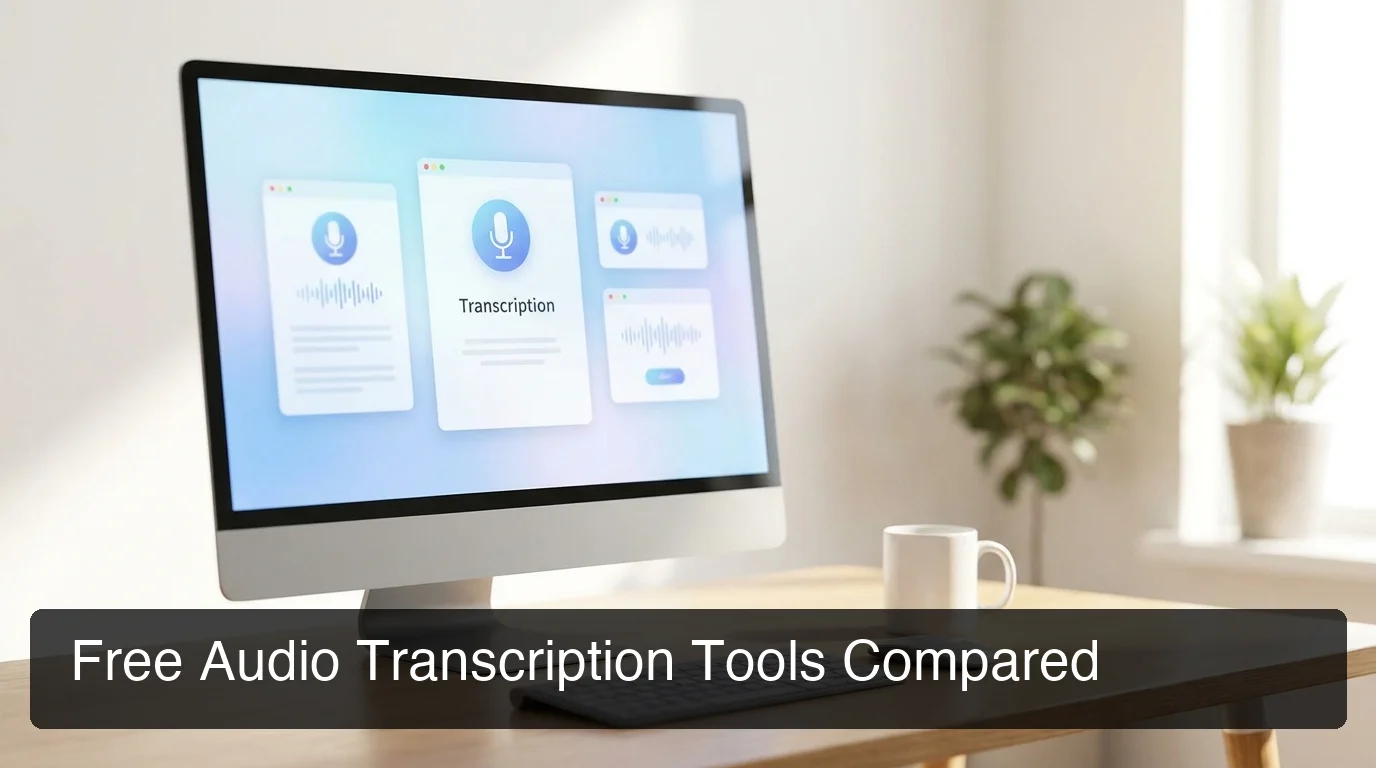
Free Audio Transcription: Best Tools & When to Upgrade
Free audio transcription tools have come a long way — but knowing which ones work and where they fall short saves hours of wasted effort.
Key Takeaways
- Free audio transcription tools achieve 85-92% accuracy on clean audio, making them suitable for casual notes, interviews, and content review.
- Top free options include Google Docs Voice Typing (unlimited, no sign-up), Otter.ai's free tier (600 min/month), TurboScribe (3 files/day), and Riverside (2 hrs/month).
- The main trade-offs of free tools: monthly minute caps, no speaker identification, file size restrictions, and accuracy drops with accents or technical vocabulary.
- Free tools work well for occasional use; professional workflows in legal, medical, or business contexts require accuracy and compliance guarantees free tools can't provide.
- For real-time transcription across every app — not just file uploads — BossAI bridges the gap between free limitations and professional-grade performance.
Contents
- What Is Free Audio Transcription?
- How Does Audio Transcription Software Work?
- Which Free Audio Transcription Tools Are Best for Your Needs?
- What Are the Real Limitations of Free Transcription Services?
- How Accurate Is Free Audio Transcription Compared to Premium Tools?
- Can You Use Free Audio Transcription for Professional Work?
- When Should You Upgrade to Premium Audio Transcription?
- Get Started with BossAI
- FAQ: Free Audio Transcription
What Is Free Audio Transcription?
Free audio transcription is the automated conversion of spoken audio — recorded files or live speech — into written text using AI speech recognition, available at no cost. Modern free tools use the same underlying technology as paid platforms but restrict usage by monthly minutes, file size, or feature access to encourage upgrades.
A decade ago, transcription cost $1–2 per minute with a human typist, putting it out of reach for most personal and small-business use. Today, AI has pushed the floor to zero — several tools offer genuinely useful free tiers that handle everyday transcription without a subscription.
What "free" actually means varies significantly by tool. Some are free forever with usage caps; others are free trials that expire after a period.
A few tools — like Google Docs Voice Typing — are completely free with no account required and no limits at all.
How Does Audio Transcription Software Work?
Audio transcription software converts spoken audio into text using automatic speech recognition (ASR): acoustic models match sound patterns to phonemes, and language models predict the most likely words from those phonemes. Modern AI-powered tools layer large language models on top to fix grammar, punctuation, and context — producing readable output without manual cleanup.
The basic pipeline: audio input → acoustic model converts sound to phonemes → language model predicts words → text output. What separates quality tools from mediocre ones is the depth of both models and how diversely they've been trained across voices, accents, and vocabularies.
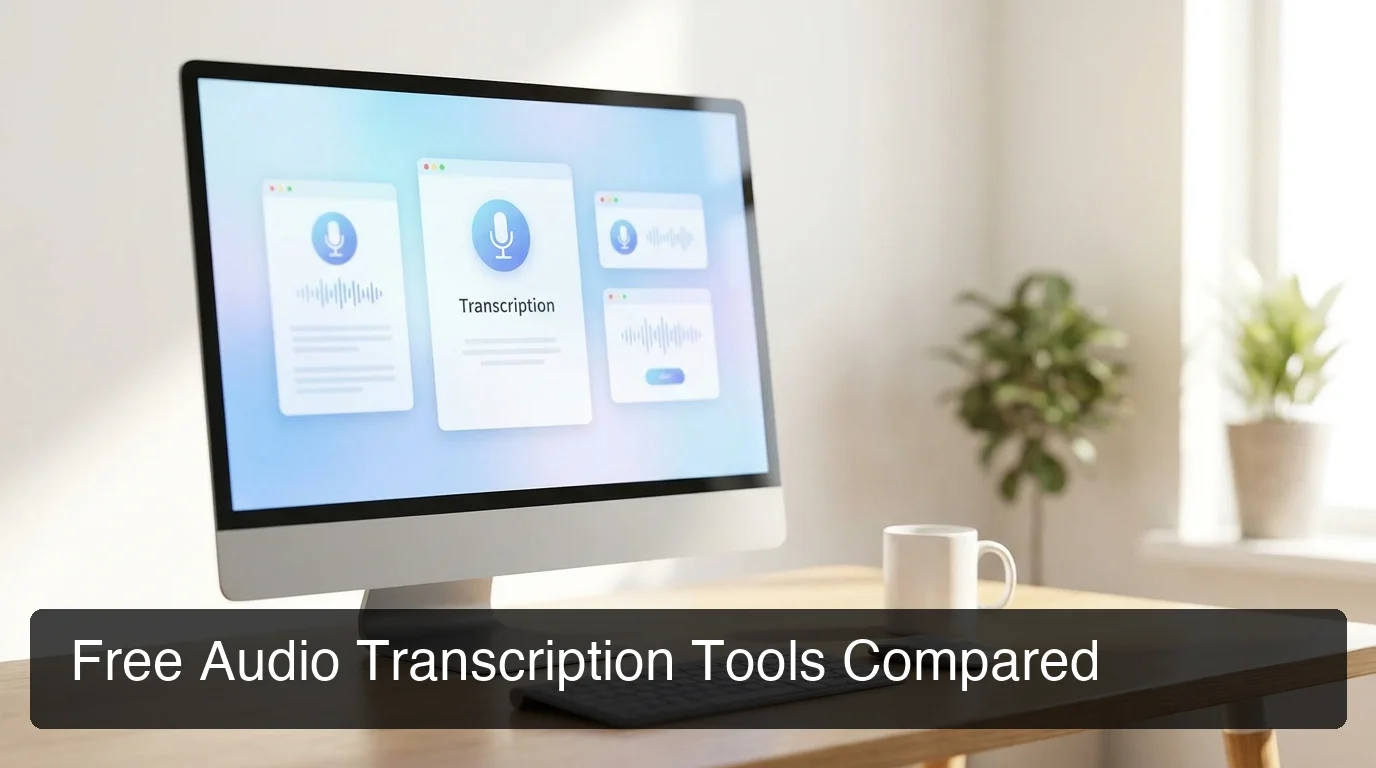 The top free audio transcription tools differ in approach: browser-based live dictation, AI-powered file upload, and self-hosted open-source options each serve different needs.
For a deeper breakdown of the transcription workflow and technology stack, see Transcribe Audio to Text: The Complete 2026 Guide.
What Is the Difference Between Live Transcription and File-Based Transcription?
Live transcription converts speech as you speak — real-time, like dictation tools and meeting assistants. File-based transcription accepts uploaded recordings (MP3, WAV, M4A) and processes them asynchronously, delivering a transcript minutes later.
Most free audio transcription software focuses on file uploads. Real-time transcription requires more compute — which is why real-time tools like BossAI occupy a separate category from upload-and-wait file transcribers. If you need to record voice notes and transcribe them later, see how that workflow fits into free voice-to-text options.
Which Free Audio Transcription Tools Are Best for Your Needs?
The best free audio transcription tool depends on your workflow: Google Docs Voice Typing for unlimited real-time dictation with no sign-up, Otter.ai for structured meeting notes with speaker labels, TurboScribe for quick file uploads without an account, Riverside for video creators, and Whisper (self-hosted) for developers who need unlimited offline accuracy. No single free tool dominates all use cases.
Here's how the top options compare:
| Tool | Free Tier Limit | Speaker ID | Languages | Best For |
|---|---|---|---|---|
| Google Docs Voice Typing | Unlimited (live only) | No | 60+ | Quick dictation, zero friction |
| Otter.ai | 600 min/month, 30 min/file | Yes (3 speakers) | English | Meeting notes, interviews |
| TurboScribe | 3 files/day | No | 98+ | Fast one-off uploads, no sign-up |
| Riverside | 2 hrs/month | No | 100+ | Video content creators |
| Adobe Podcast | Unlimited (AI-enhanced) | No | English | Podcast audio cleanup + transcription |
| Whisper (OpenAI) | Unlimited (self-hosted) | No | 99 | Developers, offline/private use |
Bottom line: Google Docs wins for zero-friction live typing. Otter.ai wins for structured meeting workflows. TurboScribe and Riverside are the simplest paths for uploading an audio file and getting text back in under two minutes.
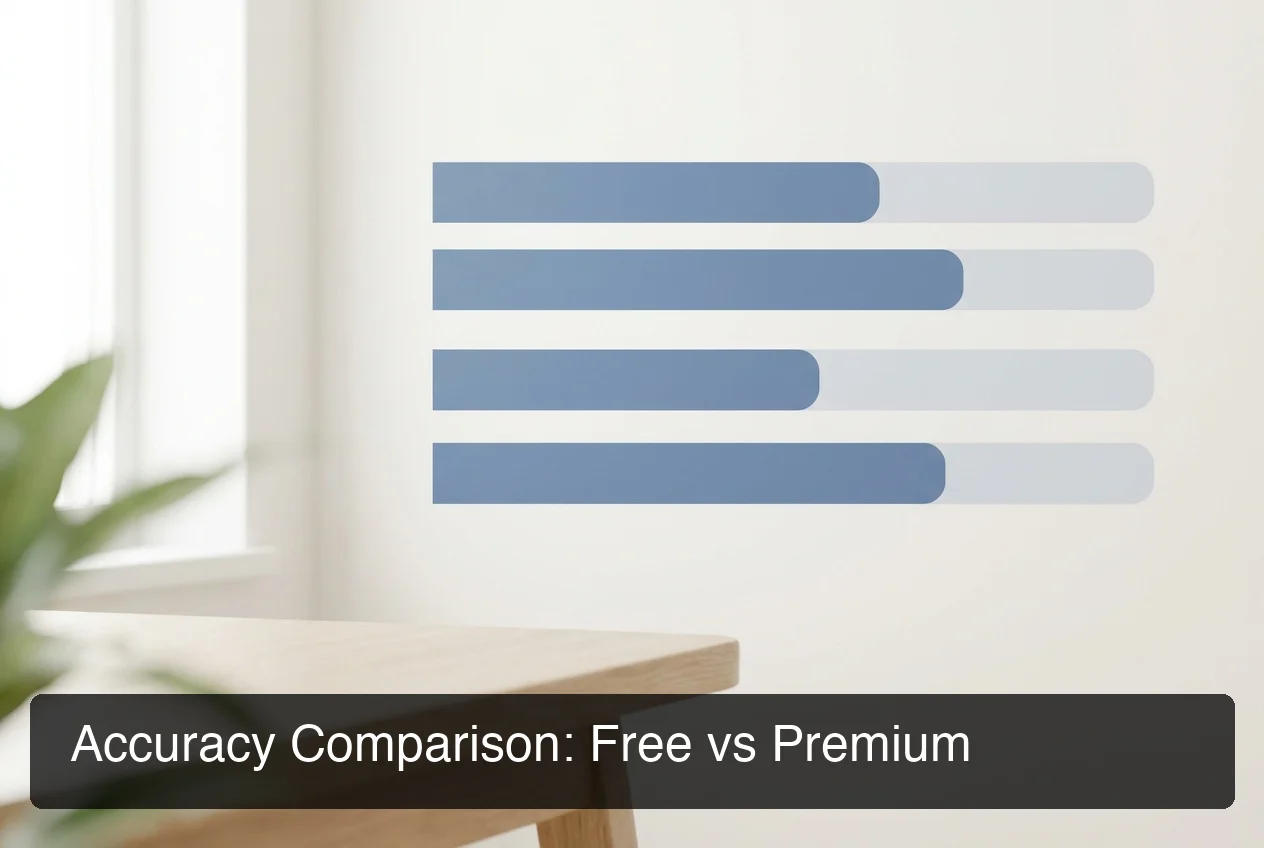 Accuracy gaps between free and premium tools narrow on clean audio but widen dramatically with accents, background noise, and technical vocabulary.
What Are the Real Limitations of Free Transcription Services?
Free audio transcription services impose four main constraints: monthly minute or file caps that block workflows mid-project, lower accuracy with accents and domain-specific vocabulary, no speaker identification in most tools, and restricted export formats like SRT or Word. These are manageable for occasional users but become blockers for heavy or professional use.
Minute and File Caps
Otter.ai's free tier limits you to 600 minutes per month — roughly 10 hours of recorded audio. That sounds generous until you're transcribing a week of sales calls or podcast interviews.
Riverside caps free users at 2 hours per month. TurboScribe allows only 3 files per day.
Accuracy Degradation
Free tools typically achieve 85-92% accuracy on clean, standard-accent English. Accuracy drops to 70-80% with background noise, strong regional accents, or domain-specific vocabulary — legal citations, medical terminology, coding terms. A 10% error rate in a 5,000-word transcript means 500 errors to review and correct.
No Speaker Diarization
Most free tools output a single undifferentiated block of text — no labels for who said what. Otter.ai is the exception, offering speaker identification on its free tier (up to 3 speakers). For interviews, panel discussions, or meetings with four or more participants, the lack of diarization creates significant post-processing work.
Export Format Restrictions
Free tiers often lock SRT, VTT (for video captions), or Word export behind paid plans. You may get a plain-text download but not the timestamped format needed for video subtitles or legal documentation.
How Accurate Is Free Audio Transcription Compared to Premium Tools?
Free audio transcription achieves 85-92% accuracy on clean, standard-accent English audio. Premium tools reach 95-99% through larger acoustic models, domain-specific training, and post-processing layers. The gap widens significantly with accents, background noise, multiple speakers, and technical vocabulary — where free tools frequently drop below 80%.
Where Free Transcription Accuracy Falls Short
The biggest accuracy gaps appear in four scenarios:
- Technical vocabulary — Medical terms, legal citations, brand names, and product names. Free tools guess phonetically, producing "semaglutide" as "seam a glue tide" or "BossAI" as "boss a-i."
- Multiple overlapping speakers — Conference calls, roundtable discussions, or noisy interview environments.
- Non-native English accents — Training data bias means tools tuned on American English underperform on Indian, Nigerian, or Eastern European accents.
- Compressed or low-quality audio — Phone recordings, Zoom calls with compression artifacts, or field recordings with ambient noise.
By the numbers: A 5% accuracy gap sounds minor — but in a 2-hour interview transcript (~25,000 words), that's 1,250 errors. At 15 minutes of correction per 1,000 errors, you're spending over 3 hours editing what "free" transcription produced.
For professionals integrating transcription into daily work flows — typing, messaging, documentation — there's a stronger case for hands-free typing with live dictation, which eliminates the upload-and-correct cycle entirely by transcribing in real time.
 A professional transcription workflow: record → upload → review → correct → publish. Premium tools compress the correction step; real-time dictation eliminates the upload step.
Can You Use Free Audio Transcription for Professional Work?
Free audio transcription is suitable for low-stakes internal use: meeting summaries, first-draft interview transcripts, and personal voice notes. It is not suitable for legal proceedings, medical records, financial compliance, or any context requiring verbatim accuracy, audit logs, or data handling agreements.
Where Free Tools Serve Professionals Well
- Internal team meeting summaries (Otter.ai free handles this well)
- First-draft transcripts for podcast show notes or blog posts
- Personal research notes from recorded voice memos
- Video caption drafts — plan on reviewing and correcting before publishing
Where Free Tools Fall Short for Professional Contexts
Legal transcription demands verbatim accuracy — every hesitation and verbal tic may matter in a deposition. Medical documentation requires 99%+ accuracy for patient safety and HIPAA compliance. No free tool provides the audit trails, data processing agreements, or accuracy guarantees these contexts require.
Financial services, HR interviews, and compliance recordings similarly require verified accuracy and data sovereignty. Free consumer tools typically store audio on third-party servers with no SLA.
Key insight: The hidden cost of free transcription is correction time. A 90%-accurate transcript of a 60-minute meeting takes 30-45 minutes to review and fix. For professionals billing $100+/hour, "free" transcription can easily cost more per use than a $15/month premium plan.
When Should You Upgrade to Premium Audio Transcription?
Five clear signals it's time to move beyond free audio transcription software:
- You spend 20+ minutes correcting errors after every recording
- You regularly hit the monthly cap and delay work waiting for reset
- Your recordings involve accents, technical terms, or multiple speakers
- You need SRT/VTT export for video captions or timestamped transcripts for documentation
- Your transcribed content is published, filed legally, or shared with clients
 BossAI goes beyond file-based transcription — real-time AI dictation that works in every app, instantly, with no upload cycle.
When free audio transcription limits are slowing you down, BossAI takes a fundamentally different approach. Instead of uploading recordings and waiting, BossAI transcribes your voice in real time — directly into any app. Words appear as you speak, filler words are removed automatically, and grammar is polished before the text lands in your document, email, or message.
For users who generate text throughout the day rather than transcribing stored recordings, this eliminates the upload-and-correct cycle entirely. The free tier includes 500 words/day with full AI quality — enough to test whether real-time dictation fits your workflow before committing.
Get Started with BossAI
If free transcription tools are creating friction — caps, correction cycles, or waiting for uploads — BossAI offers a different path: real-time AI dictation that works in every app on Mac, Windows, iOS, and Android.
Not ready to switch yet? Get Our AI Productivity Guide — free tips on working faster with voice and AI.
FAQ: Free Audio Transcription
How can I transcribe my audio for free?
Upload your audio file to TurboScribe, Otter.ai's free tier, or Riverside — each converts MP3, WAV, or M4A files to text within minutes. For live transcription with no sign-up at all, open Google Docs, navigate to Tools → Voice Typing, and start speaking. These free tools handle most casual use cases up to a few hours of audio per month.
Can ChatGPT transcribe audio for free?
ChatGPT Plus subscribers can upload short audio files for transcription using OpenAI's Whisper model. The free ChatGPT tier does not support audio transcription. For file-based free transcription without a paid ChatGPT subscription, TurboScribe and Riverside both use Whisper under the hood and offer simpler upload interfaces at no cost.
Is Google Transcribe free?
Google Docs Voice Typing is completely free with any Google account and transcribes in real time directly in Chrome. Google's Recorder app on Android also offers free local transcription. There is no standalone Google Transcribe product — the feature lives inside Google Docs, Google Meet, and Android's built-in Recorder app.
Is Otter AI completely free?
Otter.ai has a free tier with 600 minutes of transcription per month, a 30-minute cap per conversation, speaker identification for up to 3 speakers, and basic export. Features like custom vocabulary, AI meeting summaries, and extended export formats require paid plans from $17/month. The free tier is sufficient for occasional meeting notes and short interviews.
What is BossAI?
BossAI is an AI voice keyboard for iPhone and Android, and a voice-to-text app for Mac and Windows, that replaces typing with voice dictation. It transcribes speech in real time, removes filler words automatically, rewrites text in different tones with one tap, and includes Boss Mode — a screen-reading feature that reads your screen to generate contextual replies without copy-pasting.
How accurate is free audio transcription?
Free audio transcription tools achieve 85-92% accuracy on clean audio with a standard accent. Accuracy drops to 70-80% with background noise, strong accents, or technical vocabulary — and premium tools reach 95-99% through better training and domain models. For professional or published content, the error rate typically demands significant manual correction time.
What is the best free audio transcription tool with no sign-up?
TurboScribe allows 3 file uploads per day with no account required — upload and receive a transcript in under a minute. Google Docs Voice Typing is the best option for live speech-to-text with no registration beyond a Google account. For video files specifically, Riverside's free tier accepts video input and exports clean transcripts without mandatory account creation.