
BossAI for Windows: AI Dictation App | BossAI
BossAI Windows: AI Voice Typing That Works in Every App
BossAI Windows is a native system tray app that converts your voice into polished, AI-corrected text across every application — and it outperforms every dictation tool Microsoft ships with the OS.
Key Takeaways
- BossAI is a native Windows app that runs in your system tray and converts voice to polished, AI-corrected text in any application.
- Unlike Windows' built-in dictation, BossAI automatically removes filler words, corrects grammar in ~300ms, and supports custom vocabulary out of the box.
- Boss Mode reads your screen to generate contextually aware replies — no other Windows dictation app offers screen awareness.
- BossAI works in Outlook, Word, Chrome, Slack, Teams, and every Windows app with a text field, with no per-app setup required.
- Windows users report 40–60% faster composition times after switching to a voice-first workflow with BossAI.
Contents
- What Is the BossAI Windows App?
- How Does BossAI Work on Windows Devices?
- What Are the Key Features of BossAI for Windows Users?
- Can I Use BossAI on My Windows 10 or Windows 11 Computer?
- Is BossAI Compatible with Windows Applications Like Word, Outlook, and Chrome?
- How Does BossAI's Windows Performance Compare to Native Dictation?
- Why Windows Users Choose BossAI?
- How Do I Download the BossAI Windows App?
- Frequently Asked Questions
What Is the BossAI Windows App?
BossAI for Windows is a native AI dictation app that runs in your system tray and inserts polished, AI-corrected text wherever your cursor is — in any app, any text field, without switching windows or copying anything to a clipboard.
It's not a voice assistant. It's not a chatbot overlay you open separately. BossAI lives in your system tray and works exactly like your physical keyboard — except you speak instead of type.
 BossAI runs as a lightweight Windows system tray app, adding AI dictation to every application instantly.
The Windows app carries the full BossAI feature set: real-time transcription, Boss Mode screen reading, one-tap tone rewrite, Clips, Knowledge Base, and custom dictionary. If you've read about what BossAI is at its core, the Windows version is the same engine — native system-level performance, same 300ms AI polish time, same cross-app reach.
Key insight: BossAI doesn't integrate with individual Windows apps — it operates at the system input level, the same mechanism your physical keyboard uses. No APIs, no plugins, no per-app configuration.
How Does BossAI Work on Windows Devices?
BossAI for Windows uses a proprietary real-time speech recognition engine paired with an AI enhancement layer. Hold a configurable hotkey, speak naturally, and BossAI transcribes your words live — then strips filler words, corrects grammar, and formats the output in approximately 300 milliseconds after you stop speaking.
The workflow is deliberately frictionless:
- Hold your hotkey (configurable on first launch, no defaults to memorize).
- Speak at a natural pace. Words appear live on screen as you talk.
- Release the hotkey. The AI enhancement layer runs: filler removal, grammar correction, punctuation, context-aware formatting.
- Text inserts directly at your active cursor — no clipboard action, no paste step.
Unlike voice assistants that require wake words and respond with actions, BossAI inserts text immediately wherever focus sits. The 300ms polish window is what separates it from raw transcription tools — you speak conversationally, your output reads like carefully typed prose.
What Are the Key Features of BossAI for Windows Users?
BossAI for Windows delivers real-time AI dictation, Boss Mode screen reading, one-tap tone rewriting, Clips for instant snippet insertion, Knowledge Base for document retrieval, and a custom vocabulary dictionary — all from a system tray icon that adds zero windows to your desktop. The full BossAI feature breakdown covers every capability across platforms.
AI-Enhanced Dictation
Raw voice capture is what Windows 11's built-in dictation gives you. BossAI runs an AI layer on top: filler word removal (um, uh, like, you know), grammar correction, auto-punctuation, and context-aware formatting that adjusts based on whether you're composing an email versus writing in a document.
Custom dictionary support means industry jargon, client names, and technical terms get transcribed correctly on the first pass. No post-dictation cleanup — add words to your BossAI custom dictionary once and they're recognized every time.
Boss Mode — Screen Context Awareness
Boss Mode is BossAI's defining differentiator on Windows. Speak a command like "Boss, reply to this email professionally" and BossAI captures your screen in real time, reads what's visible — the email thread, the Slack message, the document — and generates a contextually appropriate response inserted directly at your cursor.
No copy-pasting. No switching to ChatGPT and pasting context. No explaining what's on screen. BossAI reads it.
One-Tap Rewrite, Clips, and Knowledge Base
After dictating, rewrite text in six tones — Professional, Casual, Witty, Persuasive, Empathetic, Bold — with a single tap. Preview the result, then paste.
Clips stores frequently used text (email signatures, addresses, standard replies, meeting links) for instant insertion without leaving your current app. The Knowledge Base goes further: upload documents and retrieve them by voice command, with on-screen context matching to surface the most relevant content.
By the numbers: Boss Mode screen reading is unavailable in every competing Windows dictation app — WisprFlow, Willow, AquaVoice, Typeless, and Superwhisper all lack screen awareness. BossAI is the only Windows dictation tool that reads your screen to write for you.
Can I Use BossAI on My Windows 10 or Windows 11 Computer?
Yes — BossAI for Windows supports both Windows 10 and Windows 11 with identical features. Installation is via the Microsoft Store, requires only a microphone and internet connection, and works immediately without driver installation, admin privileges, or hardware-specific setup.
There are no version-specific differences between Windows 10 and Windows 11 users. Both receive the same feature set and automatic updates through the Microsoft Store pipeline.
The app runs as a lightweight system tray process — no persistent background services, no constant resource drain. It activates when the hotkey is held and returns to idle the moment you release it.
Bottom line: If your Windows PC runs Microsoft Store apps, it runs BossAI. That covers virtually every modern Windows machine manufactured in the past six years.
Is BossAI Compatible with Windows Applications Like Word, Outlook, and Chrome?
BossAI works in every Windows application that accepts keyboard text input — Microsoft Word, Outlook, Excel, Google Chrome, Firefox, Microsoft Teams, Slack, Notion, Gmail in-browser, and any other app with a text field. No per-app integrations or plugins are required.
Text insertion works at the system input level, identical to how your keyboard inserts characters. If you can type there, BossAI can dictate there.
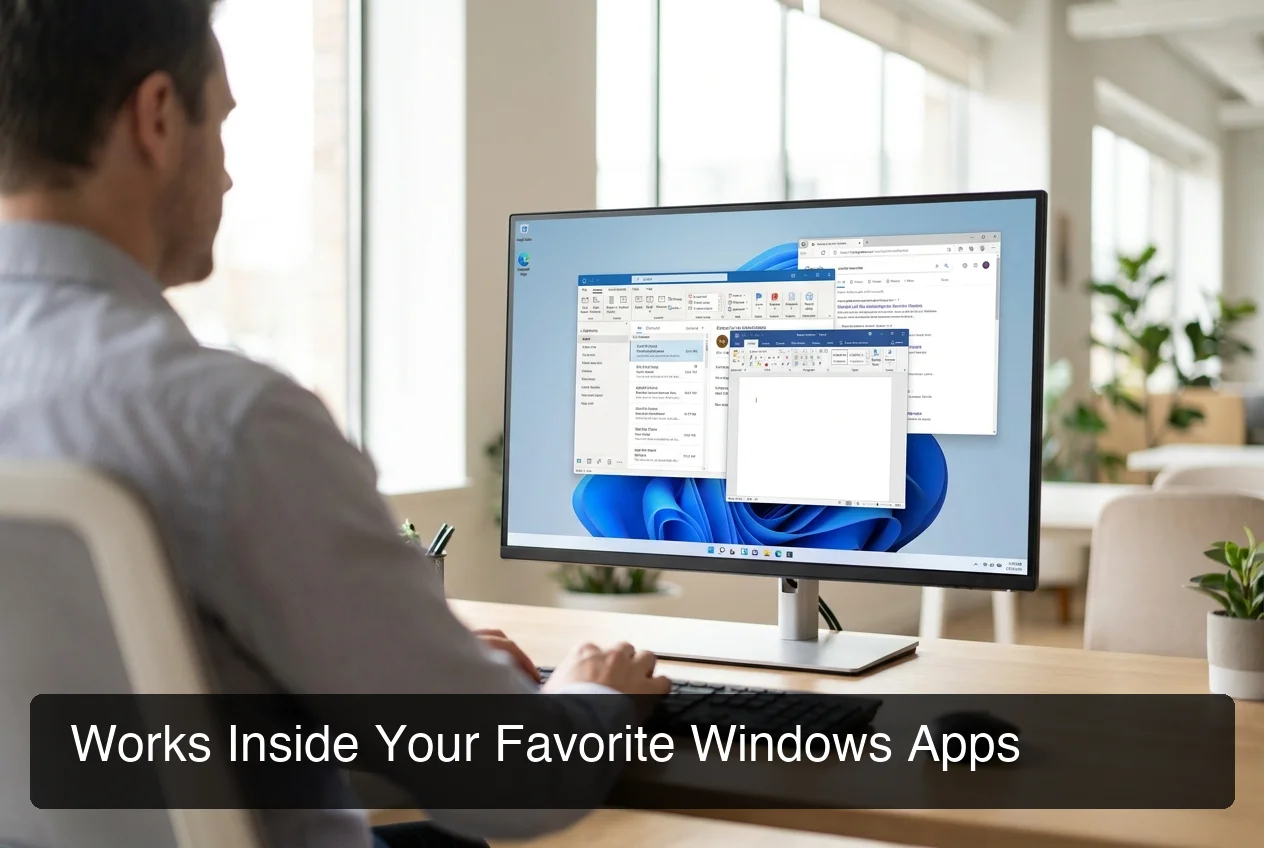 BossAI dictates directly into Outlook, Word, Chrome, and Slack — no copy-paste, no plugin, no context switching.
Where Windows Professionals Use BossAI
- Outlook and Gmail: Dictate full email replies, or use Boss Mode to generate replies to visible threads in seconds.
- Microsoft Word and Google Docs: Full paragraph and section dictation with automatic punctuation and formatting.
- Slack and Teams: Voice-compose messages at conversation speed. Boss Mode reads the thread context before generating replies.
- Browsers: Any text field in Chrome, Edge, or Firefox accepts BossAI input — forms, CMS editors, social posts, notes tools.
- Code editors: Dictate code comments, docstrings, commit messages, and documentation in VS Code or any editor.
For context on where Windows speech recognition falls short for knowledge workers, that background makes the BossAI advantage concrete.
How Does BossAI's Windows Performance Compare to Native Dictation?
BossAI significantly outperforms Windows 11's built-in dictation on output quality, accuracy, cross-app reliability, and feature depth. Windows native dictation produces raw transcription that needs cleanup; BossAI produces polished, ready-to-send text in ~300ms.
| Feature | BossAI | Windows 11 Dictation | Dragon | Google Docs Voice |
|---|---|---|---|---|
| AI filler word removal | ✅ | ❌ | ❌ | ❌ |
| Grammar correction | ✅ | ❌ | Limited | ❌ |
| Screen reading (Boss Mode) | ✅ | ❌ | ❌ | ❌ |
| One-tap tone rewrite | ✅ | ❌ | ❌ | ❌ |
| Custom vocabulary | ✅ | Limited | ✅ | ❌ |
| Works in all apps | ✅ | Most apps | ✅ | Docs only |
| Clips / snippet system | ✅ | ❌ | ❌ | ❌ |
| Price | Free / $9.99/mo | Free | $200+ | Free |
Dragon NaturallySpeaking remains the legacy enterprise benchmark — but at $200+ per license with no AI enhancement layer, it targets specialized verticals. BossAI at $9.99/month delivers comparable transcription accuracy with far more intelligent output processing. The BossAI review covers a detailed accuracy breakdown with real-world comparisons.
Why Windows Users Choose BossAI?
 Real-time transcription with 300ms AI polish — words appear as you speak, clean and ready to send when you stop.
Windows users report 40–60% faster composition times after switching to BossAI's voice-first workflow. The core efficiency gain is simple arithmetic: humans speak at 120–150 words per minute but type at 40–60 WPM — BossAI closes that gap without any learning curve.
If you write 2,000 words of email, Slack, and documents per day at 50 WPM, that's 40 minutes of pure typing. BossAI at 130 WPM cuts it to under 15 minutes — 25 minutes recovered daily, more than 100 hours per year.
Why Knowledge Workers Pick BossAI Over Built-In Tools
Three patterns drive adoption among professional Windows users:
- Output quality. Windows 11 dictation produces raw transcription. BossAI output is polished and ready to send — no post-edit pass required.
- Boss Mode for email replies. Responding to a lengthy email thread with BossAI — speak the intent, get a contextual reply — takes under 30 seconds. The manual ChatGPT copy-paste workflow takes 3–5 minutes.
- Cross-device continuity. BossAI also runs natively on macOS and iOS, so your vocabulary, Clips library, and BossAI Clips collection carry across every device you own.
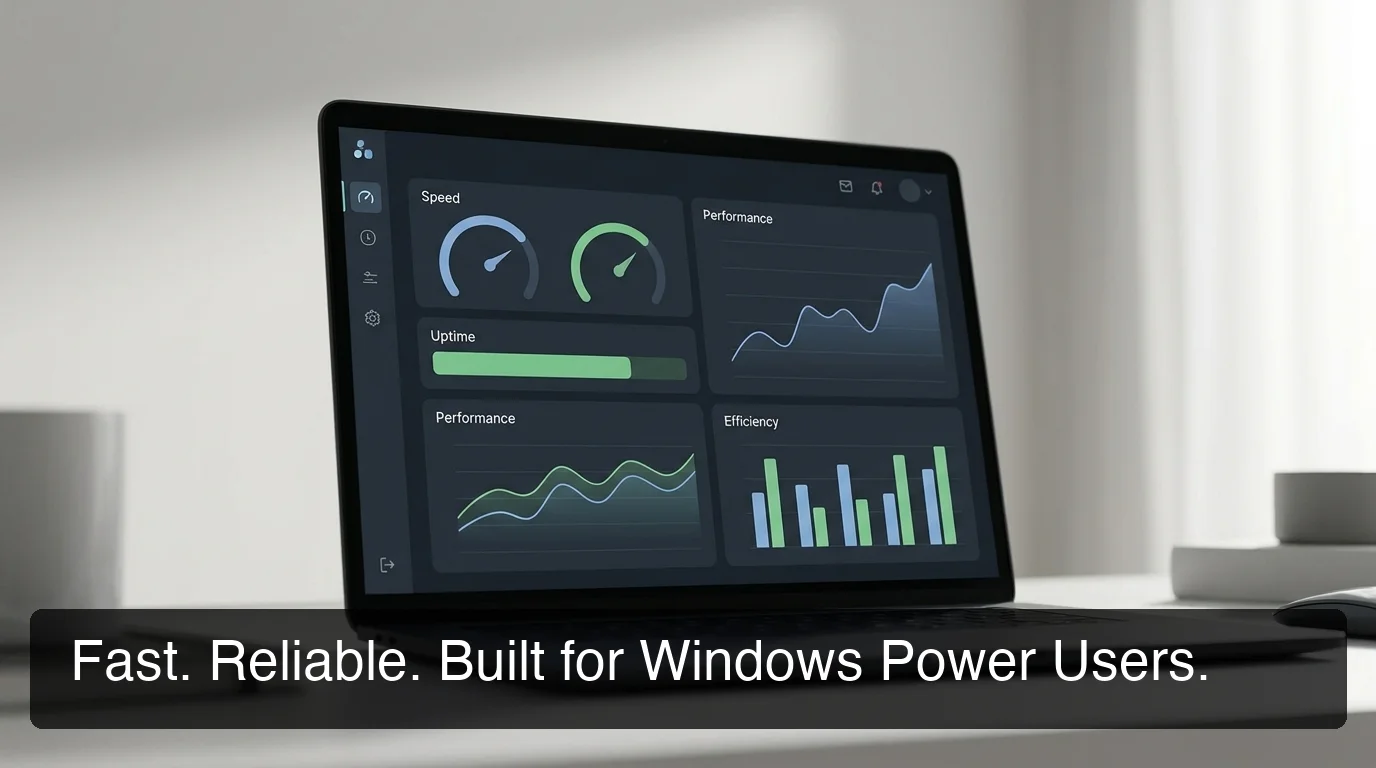 Fast, reliable, built for professionals who live in Windows applications all day.
Bottom line: BossAI recovers more time in a single week than its monthly subscription costs. At $9.99/month, it's the highest-leverage upgrade available to Windows knowledge workers.
How Do I Download the BossAI Windows App?
BossAI for Windows is a free download from the Microsoft Store. The app starts with a 7-day full Pro trial automatically — no credit card required. After the trial, the free tier provides 500 words/day of AI-enhanced dictation with a daily reset.
Download steps:
- Open the Microsoft Store on Windows 10 or 11.
- Search BossAI or go directly to the BossAI Windows download page.
- Click Get — no account required for installation.
- Launch BossAI; it appears immediately in the system tray.
- Grant microphone permission when prompted.
- Set your preferred hotkey and start dictating in any app.
For a full plan comparison before committing, the BossAI pricing guide breaks down every tier with a side-by-side feature comparison.
Get Started with BossAI for Windows
BossAI is the only Windows dictation app that cleans up your speech in real time, reads your screen to write replies in context, and stores your most-used text for instant insertion — all from a system tray process that adds zero friction to your existing Windows workflow.
Frequently Asked Questions
What is BossAI? BossAI is an AI-powered voice keyboard for iOS, macOS, and Windows that replaces typing with voice dictation. It transcribes speech in real time, removes filler words automatically, rewrites text in different tones with one tap, and includes Boss Mode — a screen-reading feature that reads your screen to generate contextual replies without copy-pasting.
Is BossAI free on Windows? Yes. BossAI is free to download from the Microsoft Store and includes a free tier with 500 words/day of AI-enhanced dictation and a daily reset. New users receive a 7-day full Pro trial automatically — no credit card required. The paid plan unlocks unlimited dictation, Boss Mode, all rewrite tones, and expanded Clips storage at $9.99/month.
Does BossAI work on both Windows 10 and Windows 11? Yes. BossAI supports Windows 10 and Windows 11 with identical features and automatic updates via the Microsoft Store. There are no version-specific limitations. Both require only a microphone and internet connection — no special drivers or admin privileges needed.
What platforms does BossAI support? BossAI is available on iOS (App Store), macOS (App Store and direct download), and Windows (Microsoft Store). Android is not currently supported. The iOS version works as a full keyboard replacement so you can dictate in any app without switching.
How does BossAI compare to Windows 11 built-in dictation? BossAI delivers cleaner output by automatically removing filler words (um, uh, like), correcting grammar, and formatting text for context. Windows dictation produces raw transcription that usually needs post-edit cleanup. BossAI also adds Boss Mode screen reading, one-tap tone rewriting, and custom vocabulary — features Windows 11 dictation does not include.
What makes BossAI different from other dictation apps? Three features no competitor offers: (1) Boss Mode reads your screen and generates contextually aware replies without copy-pasting — the only dictation app with screen awareness; (2) Clips saves frequently used phrases for instant insertion; (3) one-tap tone rewriting lets you switch between casual, professional, or concise in a single tap. WisprFlow, AquaVoice, and Typeless have none of these.