
BossAI Boss Mode: AI Dictation That Reads Your Screen
Most voice typing tools transcribe what you say and stop there. BossAI Boss Mode goes further — it reads your screen, understands the context on it, and writes a complete, ready-to-send response without a single copy-paste.
Key Takeaways
- BossAI Boss Mode is the screen-aware dictation feature that reads your active screen and generates contextual replies — the only dictation tool with this capability.
- BossAI Pro unlocks unlimited Boss Mode, an unlimited custom dictionary, all six rewrite tones, unlimited Clips, and all languages for power users.
- It processes complex technical terms, specialized vocabulary, and rapid dictation with near-zero correction overhead.
- Activation is quick: Boss Mode is one tap away in the iOS and Android keyboards and one hotkey away on Mac and Windows — works across all major platforms with no context switching.
- Boss Mode replaces the copy, paste-into-ChatGPT, paste-back loop with a single voice command.
Contents
- What Is BossAI Boss Mode?
- How Does BossAI Boss Mode Differ from Standard Dictation?
- Which Advanced Features Are Unlocked in BossAI Boss Mode?
- How Much Faster Is Voice Typing with BossAI Boss Mode?
- Can BossAI Boss Mode Handle Technical Dictation and Specialized Vocabulary?
- How Do I Activate BossAI Boss Mode in My Apps?
- Why Should You Switch to BossAI Boss Mode for Professional Writing?
- Get Started with BossAI Boss Mode
- Frequently Asked Questions
What Is BossAI Boss Mode?
BossAI Boss Mode is a screen-reading dictation feature that captures your active screen in real time, interprets the full on-screen context using a vision LLM, and generates a polished response inserted directly into any text field — no copy-paste, no app-switching, no explaining what's on screen.
Standard dictation converts your speech to text. Boss Mode does more: speak a natural command like "Boss, reply to this email professionally," and BossAI reads the email thread visible on your screen, understands the subject and tone, then writes a complete reply — as if a skilled assistant read over your shoulder.
 BossAI Boss Mode reads your screen and generates contextual replies — no copy-pasting required.
BossAI is an AI voice keyboard for iPhone and Android, and a voice-to-text app for Mac and Windows, that replaces typing entirely. Learn what BossAI is and how it works as a complete keyboard replacement before exploring Boss Mode's advanced capabilities in depth.
How Boss Mode Reads Your Screen
On iOS, Boss Mode uses ReplayKit screen broadcast to capture the active frame. On macOS and Windows, it uses native screen recording permissions. When triggered, BossAI sends the captured frame to a vision-capable LLM and generates a contextual response.
This means Boss Mode can see the email thread you're replying to, the Slack message you're responding to, or the LinkedIn post you're commenting on — and write a relevant, polished response without you summarizing any of it.
Real-World Commands Boss Mode Handles
- "Boss, reply to this email confirming Friday and ask for a follow-up call"
- "Boss, summarize this Slack thread in three bullet points"
- "Boss, write a professional comment on this LinkedIn post"
- "Boss, expand this paragraph to be more detailed and persuasive"
How Does BossAI Boss Mode Differ from Standard Dictation?
Standard dictation transcribes speech. BossAI Boss Mode generates context-aware responses. The core difference is not speed but intelligence — Boss Mode reads what's on your screen so you never have to describe, copy, or explain the content you're working with.
Here's the workflow gap in practice:
Without Boss Mode:
- Open email → copy the thread
- Switch to ChatGPT → paste and describe what you want
- Copy AI response → switch back to email
- Paste → clean up formatting
With Boss Mode:
- Say "Boss, reply to this email professionally"
- BossAI reads the email → writes the reply → inserts it in the text field
Key insight: Boss Mode removes the copy-paste-switch loop from every email reply — no copying the thread and no app switching.
What Standard Dictation Cannot Do
Regular voice-to-text — Apple Dictation, Google Voice Typing, Dragon NaturallySpeaking — transcribes what you say verbatim. It cannot read the email you're replying to, understand the Slack thread you're responding to, or know the tone of the document you're editing.
Boss Mode handles all of this automatically, with no verbal summary required from you.
Which Advanced Features Are Unlocked in BossAI Boss Mode?
Boss Mode is the gateway to BossAI's full feature stack. Alongside screen-reading, BossAI Pro unlocks an unlimited custom dictionary, all six rewrite tones, unlimited Clips storage, and every supported language — the complete toolkit for professional writers, developers, and power users who need zero-compromise dictation.
For a complete breakdown of every BossAI capability, see the BossAI features guide covering the full 2026 feature set.
Custom Dictionary — Unlimited
The free tier allows 10 custom words. BossAI Pro removes this cap entirely. Add unlimited technical terms, brand names, client names, medical terminology, or legal jargon — BossAI learns your vocabulary and gets it right every time.
You can add words to your custom dictionary at any time, building a personalized vocabulary that compounds accuracy over weeks of use.
One-Tap Rewrite with All Six Tones
Free users access Professional and Casual tones. BossAI Pro unlocks all six:
- Professional — clean, formal, direct
- Casual — conversational, friendly
- Witty — sharp, clever, engaging
- Persuasive — compelling, action-oriented
- Empathetic — warm, understanding, supportive
- Bold — confident, assertive, high-impact
Unlimited Clips and Multi-Language Support
Clips saves frequently used text — email signatures, addresses, standard replies, payment links — accessible with one tap from the keyboard. The free tier limits you to 2 Clips. BossAI Pro removes the cap, turning Clips into a personal text automation system.
Multi-language dictation is also fully unlocked: switch between languages mid-session without losing app context or resetting your dictation state.
Key insight: Boss Mode's combination of screen reading + custom dictionary + unlimited Clips creates a compound productivity advantage no single feature delivers alone.
How Much Faster Is Voice Typing with BossAI Boss Mode?
BossAI Boss Mode speeds up voice typing compared to standard voice-to-text apps. The speed gain comes from three compounding factors: screen-context accuracy, vocabulary learning, and eliminating the copy-paste-switch workflow entirely.
Speed Comparison by Workflow
| Workflow | Standard Voice Typing | BossAI Boss Mode |
|---|---|---|
| Email reply | 4+ steps, 2-3 minutes | 1 voice command |
| Technical document | Frequent correction stops | Near-zero correction with custom dict |
| Multi-app response | Switch apps to copy context | No switching — Boss Mode reads screen |
| Tone adjustment | Manual rewrite or new AI prompt | One-tap tone selection |
BossAI's AI enhancement layer delivers final polished output in approximately 300ms after you stop speaking. Filler word removal, grammar correction, punctuation, and context-aware formatting happen automatically in under a third of a second.
The Correction Overhead Problem
Every correction is a micro-interruption. You pause, backtrack, fix the error, then re-enter your train of thought. For heavy dictation users — 10,000+ words/week — this friction compounds into hours of lost time each month.
Boss Mode's unlimited custom dictionary eliminates the vocabulary correction cycle entirely. Once you add a term, it never gets transcribed wrong again.
Can BossAI Boss Mode Handle Technical Dictation and Specialized Vocabulary?
Yes. BossAI Boss Mode is purpose-built for technical and specialized dictation. The unlimited custom dictionary accepts names, acronyms, brand terms, medical terminology, legal phrases, and code-adjacent vocabulary. Combined with context-aware formatting, Boss Mode produces output closer to final-draft quality than raw transcription.
Who Uses Boss Mode for Technical Dictation
- Developers: Dictate documentation, code comments, PR descriptions, and Slack messages. Add framework names, function conventions, and library names to the custom dictionary.
- Medical professionals: Capture patient notes with accurate medical terminology, drug names, and dosage formats — no post-session cleanup.
- Legal professionals: Dictate case notes, briefs, and contract language with correct legal phrases recognized every time.
- Writers and journalists: Rapid idea capture without transcription cleanup — fillers removed, grammar corrected, structure preserved automatically.
Context-Aware Formatting
BossAI adjusts output format based on the active app. Dictating in an email client produces email-formatted text. Dictating in a document editor produces paragraph-structured prose. Dictating in a messaging app produces conversational text.
The same voice input produces different output formats automatically — no manual cleanup, no reformatting step required after dictation.
How Do I Activate BossAI Boss Mode in My Apps?
 BossAI Pro vs standard dictation — screen reading, unlimited dictionaries, and all rewrite tones in one upgrade.
BossAI Boss Mode activates with a tap of the Boss Mode button on iOS and Android or one hotkey press on Mac and Windows. On iOS you start screen sharing (screen broadcast) first; on Mac and Windows you grant screen recording permission, and Boss Mode is ready in every app you use.
iOS Activation
- Install BossAI from the App Store
- Go to Settings → General → Keyboard → Keyboards → Add New Keyboard → BossAI
- In any app, tap the Globe icon to switch to the BossAI keyboard
- Tap the Boss Mode button in the keyboard UI
- Make sure iOS screen sharing (screen broadcast) is on — start it from the BossAI app
- Speak your command: "Boss, reply to this email professionally"
Android Activation
- Install BossAI from Google Play
- Enable BossAI in your phone's keyboard settings (the path varies by manufacturer)
- In any app, switch to the BossAI keyboard
- Use Boss Mode from the keyboard and speak your command: "Boss, reply to this email professionally"
macOS Activation
- Install BossAI from the Mac App Store or direct download
- Grant microphone and screen recording permissions in System Settings
- Hold the hotkey (default: Fn) to activate Boss Mode
- Speak your command
- BossAI reads the active screen and inserts polished text at the cursor
For app-by-app integration patterns on Mac, see the BossAI Mac guide covering voice typing in every macOS app.
Windows Activation
- Install BossAI from the Microsoft Store
- Grant microphone and screen recording permissions
- Hold the configured hotkey in the system tray app
- Speak your command to any active text field
For a complete Windows setup walkthrough including hotkey configuration, see the BossAI Windows setup and mastery guide.
Quick Command Examples
- Email: "Boss, reply to this email thanking them and confirming Tuesday"
- Slack: "Boss, summarize this thread in three bullet points"
- Documents: "Boss, expand this paragraph to be more detailed"
- Social: "Boss, write a professional comment on this LinkedIn post"
Why Should You Switch to BossAI Boss Mode for Professional Writing?
 Boss Mode enables fully hands-free professional writing — no context switching, no copy-pasting, no post-dictation cleanup.
BossAI Boss Mode is the only dictation tool in the market with screen awareness. No competitor — WisprFlow, Superwhisper, Willow, AquaVoice, or Typeless — can read your screen. For professionals who write across multiple apps daily, this eliminates the copy-paste-switch-cleanup loop that standard tools and standalone AI both require.
Who Gets the Most Value from Boss Mode
Boss Mode delivers peak ROI for users with high communication volume:
- High-volume email users (20+ emails/day) who need contextual replies without workflow interruption
- Developers dictating documentation, PR reviews, and cross-team messages without tool-switching
- Content writers who need rapid drafting across multiple tone styles throughout the day
- Professionals with RSI or hand injuries who need fully hands-free, eyes-free writing — Boss Mode handles the entire composition process via voice, with no typing at any step
For RSI recovery workflows, Boss Mode's fully hands-free dictation means zero keyboard involvement — voice handles composition, screen reading handles context, and the custom dictionary handles accuracy.
Bottom line: For knowledge workers who write across apps daily, BossAI Boss Mode is the only dictation upgrade that eliminates the copy-paste loop entirely — and no competitor can replicate it.
Get Started with BossAI Boss Mode
Boss Mode is included in every BossAI Pro plan, with a 7-day free trial and no credit card required. You get unlimited screen-reading commands, all six rewrite tones, unlimited custom dictionary, and unlimited Clips from the first day.
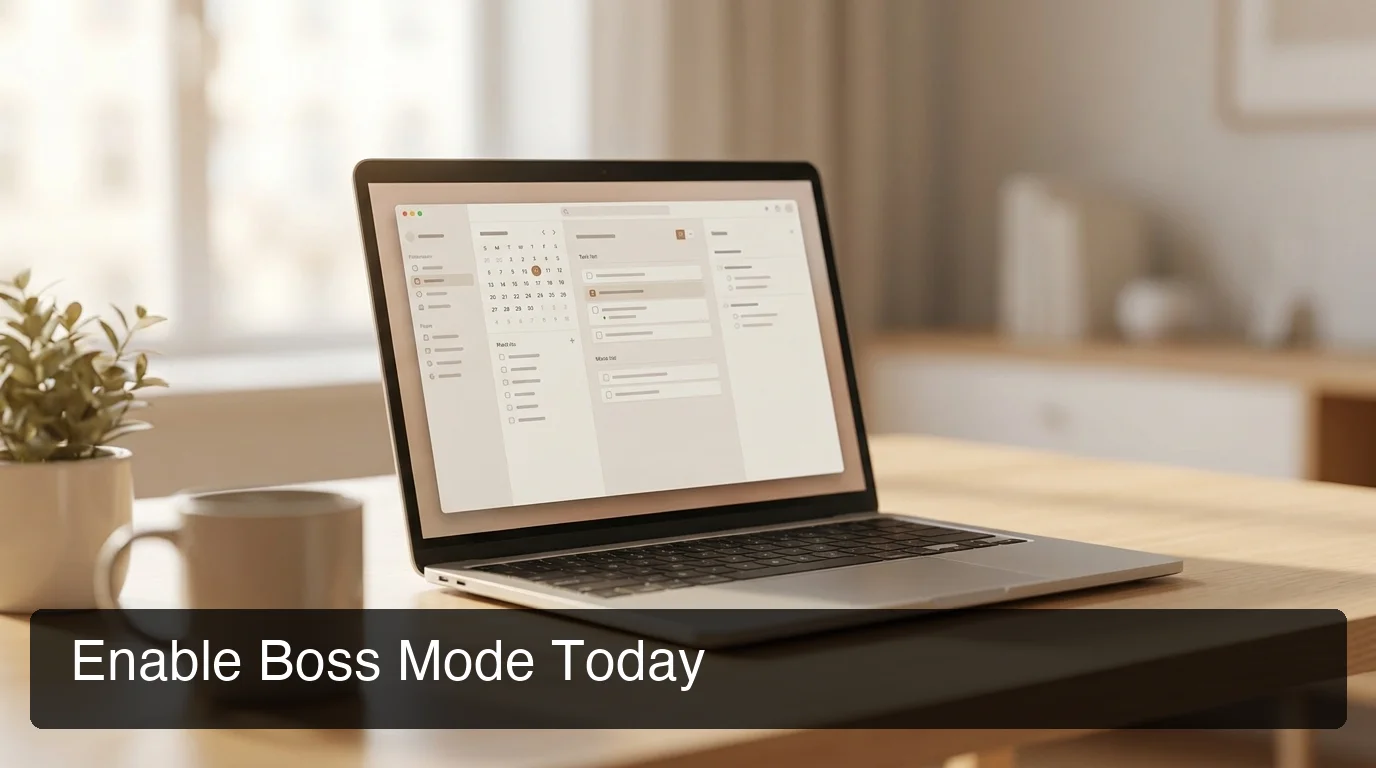 7-day free trial. No credit card. Full Pro access from day one — on iOS, Android, Mac, and Windows.
Frequently Asked Questions
What is BossAI Boss Mode? BossAI Boss Mode is a screen-reading dictation feature that captures your active screen, interprets the on-screen content using a vision LLM, and generates a contextual text response inserted directly into your active text field. It works across email, chat, documents, and social media in any app on iOS, Android, macOS, and Windows. Activation takes one tap or one hotkey press.
How is Boss Mode different from regular voice dictation? Regular voice dictation transcribes what you say verbatim. Boss Mode reads your screen first, then generates a response based on the context it sees — the email thread, the Slack message, or the document on screen. You describe what you want; BossAI writes it using what it sees. No copying, no switching, no explaining.
What is BossAI? BossAI is an AI voice keyboard for iPhone and Android, and a voice-to-text app for Mac and Windows, that replaces typing with voice dictation. It transcribes speech in real time, removes filler words automatically, rewrites text in different tones with one tap, and includes Boss Mode — a screen-reading feature that reads your screen to generate contextual replies without copy-pasting.
What platforms does BossAI support? BossAI is available on iOS (App Store), Android (Google Play), macOS (App Store and direct download), and Windows (Microsoft Store) — full cross-platform coverage. On iOS and Android it works as a full keyboard replacement with the same features, so you can dictate in any app without switching — and on iPhone you can start dictating instantly from the Action Button or with Back Tap.
Can Boss Mode handle technical or medical dictation? Yes. The unlimited custom dictionary accepts technical terms, medical terminology, legal phrases, brand names, and specialized vocabulary. Once added, BossAI recognizes these terms every time — eliminating the correction cycle that makes technical dictation slow in standard tools.
Is BossAI good for RSI or hand injuries? Yes. BossAI is designed for zero-keyboard use — you dictate everything and it handles transcription, filler word removal, and tone correction automatically. Users with RSI, carpal tunnel, broken wrists, or repetitive strain injuries use BossAI to write emails, messages, and documents entirely hands-free, with no typing required at any step.
How much does BossAI Boss Mode cost? Boss Mode is included in BossAI Pro at $9.99/month or $69.99/year ($5.83/month). A 7-day free trial gives full Pro access with no credit card required. The lifetime plan is available at $149.99 as a one-time purchase.