
AI Text Rewriter Guide: Write Smarter, Faster in 2026
Every professional writes more than they want to. Emails, proposals, social posts, reports — the volume is relentless. An AI text rewriter can cut editing time by hours each week without making your writing sound like a robot.
Key Takeaways
- AI text rewriters analyze your writing and suggest improvements to clarity, tone, and structure — no manual editing required
- They save hours per week on editing and eliminate the need to hire copyeditors for everyday professional communication
- Top tools offer tone control, brand voice training, and multi-language support for consistent writing across channels
- Most AI text rewriters offer free tiers, with pro plans typically ranging from $8–$15/month
- The most powerful tools integrate directly into your keyboard so you can rewrite without ever switching apps
Contents
- What is an AI text rewriter?
- How does an AI text rewriter work?
- What are the main benefits of using an AI text rewriter?
- What types of text can an AI text rewriter improve?
- How accurate are AI text rewriters?
- Can an AI text rewriter maintain your brand voice?
- Which AI text rewriter is best for professional writing?
- Why Choose BossAI's Text Rewriting Tools?
- How much does an AI text rewriter cost?
- Frequently Asked Questions
 AI-powered text rewriting transforms rough drafts into polished, professional writing in seconds.
What is an AI text rewriter?
An AI text rewriter is a software tool that uses large language models (LLMs) to improve your existing writing. It takes your draft and automatically enhances clarity, adjusts tone, fixes grammar, and reshapes sentence structure — while preserving your original meaning. Unlike spell checkers, it rewrites for quality, not just correctness.
It's the difference between a tool that finds your typos and one that makes your writing genuinely better. You write the idea — the AI handles the polish.
Think of it as an on-demand editor available 24/7. Whether you're refining a business email, polishing a blog post, or tightening a proposal, an AI text rewriter delivers professional-quality output in seconds instead of hours.
How does an AI text rewriter work?
AI text rewriters use transformer-based large language models trained on billions of text examples. You paste in your text, select a goal (clarity, tone change, conciseness), and the model generates an improved version by predicting the most effective phrasing for your intent. The best tools process this in under two seconds.
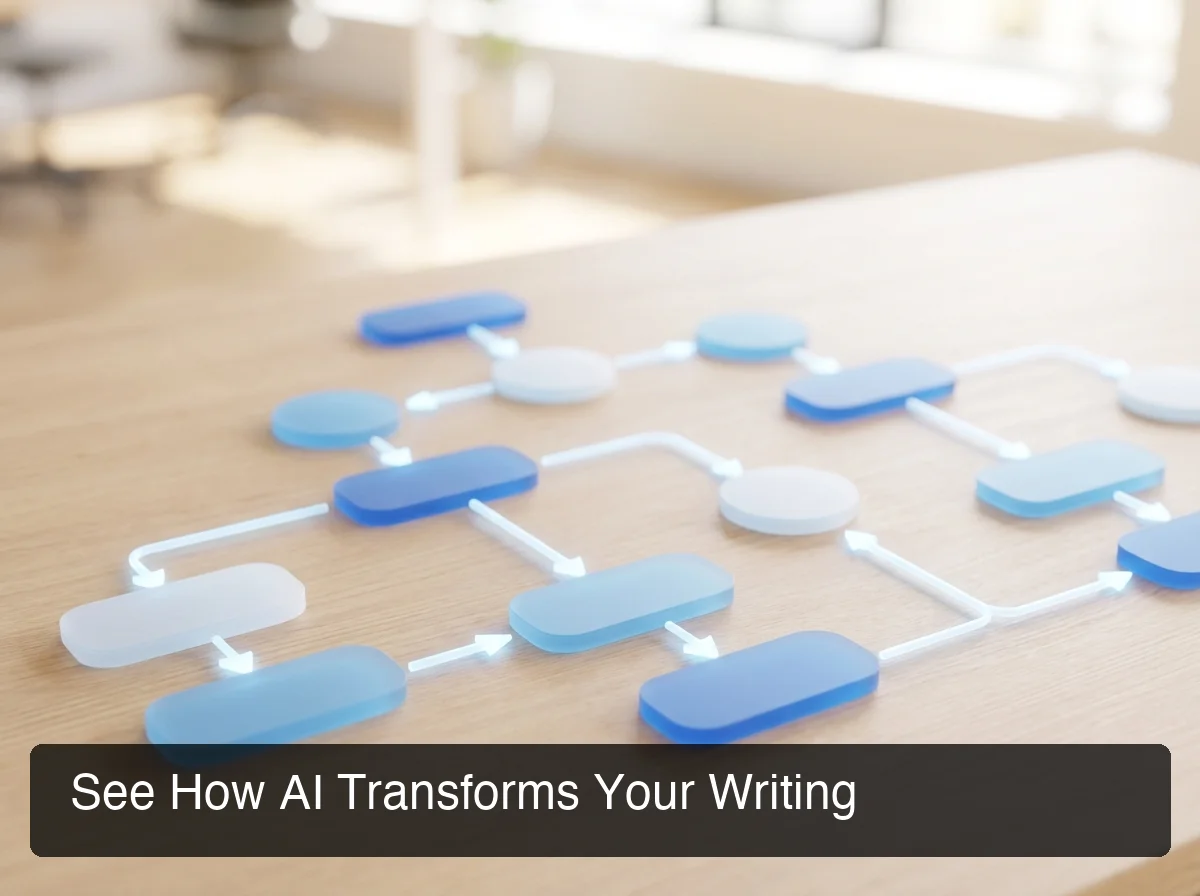 From raw draft to polished text — the AI text rewriting pipeline works in three automatic stages.
The process works in three stages:
- Analysis — The model reads your text and identifies weak points: vague phrasing, passive voice, awkward transitions, and tone mismatches
- Generation — The LLM produces an improved version that matches your specified intent
- Output — The rewritten text is returned, ready to paste or send
By the numbers: Professionals spend an average of 28% of their workday writing or responding to emails. AI text rewriting tools cut revision time by 60–80%, reclaiming 60+ hours per year per employee.
What's the difference between rewriting and paraphrasing?
Rewriting improves your text's quality, structure, and tone. Paraphrasing only changes words while keeping the same structure — useful for avoiding plagiarism, not for improving writing quality. The best AI text rewriters do both.
What are the main benefits of using an AI text rewriter?
The core benefits of AI text rewriting are speed, consistency, and quality. Professionals who use AI text rewriting tools report saving 30–60 minutes daily on editing tasks, maintaining a consistent tone across all communications, and reducing the self-doubt that slows down first drafts.
Here's what you actually gain:
- Time savings — Skip the revision loop. Write a rough draft, let AI do the polish
- Consistent tone — Every email, post, and document sounds equally professional
- Reduced editing anxiety — Write fast without worrying about quality; refine in one step
- Lower costs — Eliminate routine editing from your copyeditor's workload
- Non-native confidence — Write in English with the fluency of a native speaker
For teams, the compounding effect is significant. If five people each save 30 minutes per day, that's 2.5 hours of recovered productive capacity daily — over 600 hours per year.
What types of text can an AI text rewriter improve?
AI text rewriters work effectively on any professional communication: emails, social media posts, blog articles, business proposals, reports, and client messages. The best tools detect the context of what you're rewriting and adjust their suggestions to match the format and goal.
 From emails to social posts — AI text rewriters handle every type of professional writing workflow.
Emails and Business Communication
Emails benefit most from AI rewriting. A rough draft becomes a crisp, professional message in one pass. The AI identifies buried asks, strengthens opening lines, and adjusts closing tone to match context.
If you use AI speech to text to dictate emails, an AI text rewriter completes the pipeline — speak naturally, then refine the transcription into a polished draft before sending.
Social Media and Content Writing
Social posts, LinkedIn updates, and blog intros need punchy hooks and clear calls to action. AI rewriters transform a wordy explanation into a shareable quote in seconds. They're also useful for repurposing long-form content into shorter social snippets.
Business Proposals and Reports
Formal documents require precise language. AI rewriting tools tighten passive-voice-heavy paragraphs, strengthen executive summaries, and ensure consistent terminology throughout multi-page documents — without breaking your train of thought.
Key insight: The most valuable use of AI text rewriting isn't polishing final drafts — it's getting first drafts out of your head faster. Write rough, rewrite fast.
How accurate are AI text rewriters?
Modern AI text rewriters preserve meaning with high fidelity — typically 95%+ accuracy on factual content when using leading LLMs like GPT-4 or Gemini. The main accuracy risk is in highly technical or domain-specific writing, where the model may substitute terminology with a simpler but less precise synonym.
Accuracy depends on three factors:
- Model quality — Frontier models (GPT-4, Gemini Flash) outperform older tools on nuanced text
- Context window — Longer context lets the model understand surrounding paragraphs, improving coherence
- Your specificity — "Make this sound confident and direct" produces better results than "make it better"
Always review AI-rewritten text before sending. Even top tools occasionally introduce subtle meaning shifts in complex sentences — the AI handles the heavy lifting, you provide the final judgment.
Can an AI text rewriter maintain your brand voice?
Yes — modern AI text rewriters maintain brand voice through tone presets, custom tone training, and style guidelines. The best tools let you select from preset tones (Professional, Casual, Persuasive) or create a custom voice profile that the AI applies consistently across all rewrites.
Tone consistency is the hidden competitive advantage. A company that sounds the same in every email, social post, and proposal builds trust faster than one that's professional in some contexts and casual in others.
BossAI's Rewrite feature offers six built-in tones — Professional, Casual, Witty, Persuasive, Empathetic, and Bold — accessible directly from your keyboard. No app switching, no copy-pasting into a browser tab.
Select a tone and tap — the rewrite appears in place, consistent with your brand voice every time.
Which AI text rewriter is best for professional writing?
For casual and academic use, QuillBot and Grammarly offer capable free tiers. For professional teams that write frequently across apps, BossAI provides the most integrated experience — rewriting happens directly in your keyboard, without leaving the app you're working in or breaking your flow.
Here's how leading tools compare on the features that matter most:
| Feature | BossAI | Grammarly | QuillBot | Wordtune |
|---|---|---|---|---|
| Voice-to-rewrite pipeline | ✅ | ❌ | ❌ | ❌ |
| In-keyboard rewriting | ✅ | ❌ | ❌ | ❌ |
| Tone presets (visual selector) | ✅ 6 tones | Limited | ✅ | ✅ |
| Custom tones | ✅ Pro | ❌ | ❌ | Limited |
| Screen-aware context | ✅ Boss Mode | ❌ | ❌ | ❌ |
| Works in any app | ✅ | Browser only | Browser only | Browser only |
| iOS / Android / macOS / Windows | ✅ All four | ✅ | Browser | Browser |
| Free tier | ✅ | ✅ | ✅ | ✅ |
The biggest differentiation isn't rewriting quality — it's the workflow. Standalone web tools require copy text, open tab, paste, wait, copy result, paste back — six steps. BossAI reduces it to one: tap the tone button.
Users who combine AI dictation apps with BossAI's rewriting feature build a complete voice-to-publish pipeline — speak, rewrite with one tap, send, no typing required.
 Professional writing quality without hiring an editor — BossAI's one-tap rewrite lives inside your keyboard.
Why Choose BossAI's Text Rewriting Tools?
BossAI's text rewriting is unique because it lives inside your keyboard on iPhone and Android, with a hotkey app on Mac and Windows. Unlike standalone rewriting tools, there's no app to open, no tab to switch to, and no copy-paste loop. Select a tone, tap rewrite, done — while staying in your email, Slack message, or document.
The Voice-to-Rewrite Pipeline
The most powerful use of BossAI combines dictation with rewriting. Here's the full workflow:
- Speak — Hold the dictation button and say what you want to communicate, naturally
- Transcribe — BossAI transcribes in real time, removing filler words and fixing grammar automatically
- Rewrite — Tap Professional (or any tone) to instantly polish the dictated text
- Send — Done. No switching apps, no copy-pasting.
This pipeline replaces the manual typing-and-editing workflow for professionals who regularly reply to emails through BossAI.
Boss Mode: Rewriting with Full Context
Boss Mode takes rewriting further. Instead of just transforming text you've typed, it reads your screen — the email you're replying to, the Slack thread you're in — and writes a contextual response. No copy-pasting context into a separate tool, no switching apps, no explaining what's on screen.
Bottom line: No other AI text rewriting tool reads your screen. Boss Mode is the only feature in the category that generates contextual rewrites without copy-pasting — uniquely suited for high-volume email and chat workflows.
Available on iOS, Android, macOS, and Windows
BossAI runs as a system-level keyboard on iOS and Android and a menu bar or system tray app on Mac and Windows. One subscription covers all three platforms, making it the most versatile option for professionals who write across devices.
How much does an AI text rewriter cost?
AI text rewriters typically range from free (with usage limits) to $15/month for professional tiers. Most offer a free trial, and the best tools require no account to get started. BossAI's pro plan starts at $9.99/month or $69.99/year, with a full 7-day trial included.
| Tool | Free Tier | Pro Pricing |
|---|---|---|
| BossAI | 500 words/day, 1 rewrite/day | $9.99/month or $69.99/year |
| WisprFlow | 2,000 words/week | $15/month |
| QuillBot | 125 words per rewrite | $19.95/month |
| Wordtune | 10 rewrites/day | $13.99/month |
| Grammarly | Basic grammar only | ~$30/month (Business) |
BossAI's pricing undercuts most professional tools while offering deeper platform integration. The Lifetime plan ($149.99) is ideal for power users who want to avoid recurring subscriptions.
For teams, eliminating routine copyediting on everyday communications quickly exceeds any subscription cost. A tool that helps you automate your email responses without context switching pays for itself fast.
Get Started with BossAI
Professional writing doesn't require a copyeditor on retainer. With BossAI built into your keyboard, you can dictate, rewrite, and send — without ever leaving the app you're in.
Not ready to try it yet? Get Our AI Productivity Guide — free tips on working faster with AI.
Frequently Asked Questions
What is the best free AI text rewriter?
For basic needs, QuillBot and Grammarly offer capable free tiers — but both limit how much you can rewrite per session. BossAI's free tier includes 500 words of dictation per day and one rewrite daily with full AI quality, making it the strongest free option for professionals who write across multiple apps.
Can an AI text rewriter help with professional emails?
Yes. AI text rewriters excel at emails because the format is clear and the quality bar is high.
You can transform a rough dictated draft into a polished, professional message in under five seconds. Most tools offer tone options like "Professional" or "Formal" specifically for email use cases.
Will an AI text rewriter make my writing sound generic?
Not if you use tone controls correctly. Tools with multiple preset tones (Professional, Casual, Witty, Bold) and custom voice profiles preserve personality while improving polish. The key is choosing a tone that matches your natural style — the AI handles the execution, not the identity.
How is an AI text rewriter different from Grammarly?
Grammarly focuses primarily on grammar, spelling, and style suggestions — it flags issues for you to fix. An AI text rewriter actively regenerates your sentences with improved phrasing, tone, and structure.
Grammarly corrects; an AI rewriter rewrites. Many professionals use both: Grammarly for proofreading, a rewriter for full drafts.
Can an AI text rewriter detect and remove passive voice?
Yes. Most AI text rewriters actively convert passive voice to active voice as part of their clarity improvements. You can also specify this as a rewrite goal in tools that accept natural language instructions, or rely on automatic tone presets like "Direct" or "Confident" that favor active voice by default.
Is AI-rewritten text detectable by AI detection tools?
Partially — some basic AI detectors may flag heavily AI-generated text. However, text that starts as human writing and is refined by an AI rewriter (rather than generated from scratch) typically scores as human-authored in most detection tools. The safest approach is to always start with your own draft.
Does BossAI work on Android, Windows and Mac as well as iOS?
Yes. BossAI is available on iOS and Android (as a custom keyboard), macOS (as a menu bar app), and Windows (as a system tray app). One subscription covers all three platforms, so professionals who work across devices get the same rewriting capability everywhere they type.