
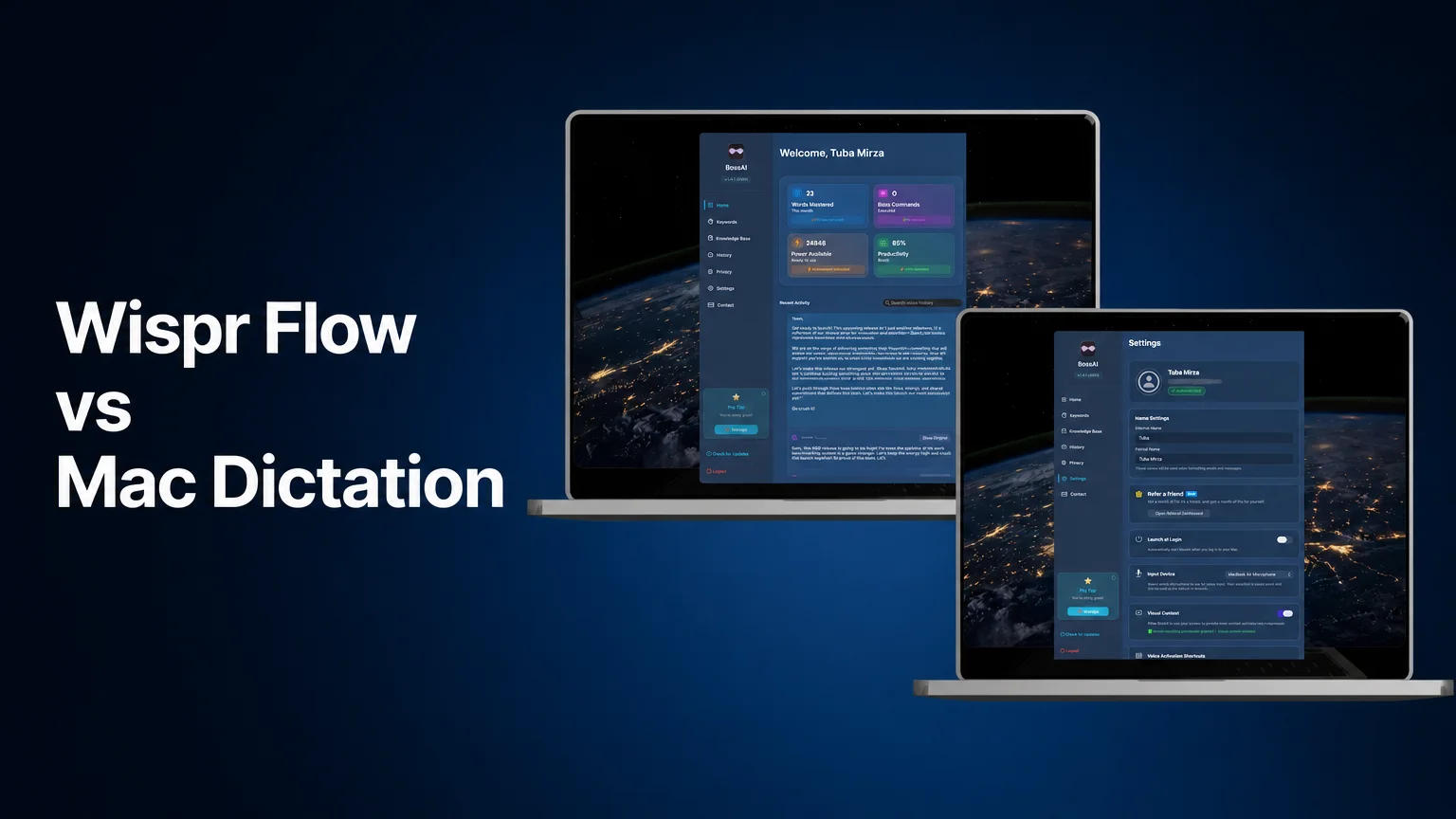
Wispr Flow vs Mac Dictation: Is It Worth Paying?
Your Mac already has dictation. It lives in System Settings, it costs nothing, and for plenty of people it is enough. The real question in the Wispr Flow vs Mac dictation debate is what a paid AI app adds on top of a free tool that already types what you say.
Key Takeaways
- Apple's built-in Dictation on macOS is free, needs no install, and adds punctuation automatically in supported languages.
- Wispr Flow adds AI cleanup on top of dictation. As of November 1, 2026, its Pro plan is $15/month or $12/month billed annually, and the free plan has a weekly word limit.
- BossAI's Mac app is a menu-bar tool: hold Fn for push-to-talk, or press once to start and again to stop for hands-free dictation. Text lands in whichever field has the cursor.
- BossAI's free plan resets daily at 500 words of dictation, rather than capping you weekly.
- Short notes? Stay with Apple Dictation. Want AI cleanup? Try Wispr Flow or BossAI. Want replies drafted from what is on your screen? That is Boss Mode, and it is BossAI only.
Contents
- What Is the Difference Between Apple Dictation and Wispr Flow?
- Wispr Flow vs Mac Dictation: Is the Paid Upgrade Worth It?
- Wispr Flow vs Mac Dictation on Cost: What Do You Pay?
- How Do Apple Dictation, Wispr Flow and BossAI Compare Side by Side?
- Where Does BossAI Fit If Apple Dictation Already Works?
- Which Mac Dictation Tool Should You Pick?
- FAQ
What Is the Difference Between Apple Dictation and Wispr Flow?
Apple Dictation is a free macOS feature that turns speech into text where your cursor sits, with automatic punctuation in supported languages. Wispr Flow is a separate paid-or-freemium app that does the same job but rewrites your speech with AI, removing filler words and formatting the result for the app you're in.
Both start from your voice. The difference is what happens between speaking and seeing text.
Apple's version is a transcriber. You turn it on under System Settings > Keyboard, start it with the Microphone key, your chosen shortcut, or Edit > Start Dictation, and stop it with Escape, the same shortcut, or 30 seconds of silence. You can also say punctuation by name, like "exclamation mark," or say "new paragraph" for a paragraph break.
Wispr Flow is built around cleanup. It is available on Mac, Windows, iOS and Android, according to its own pricing page. Its pitch is that you talk messily and get tidy text back.
Where Apple Dictation falls short
Apple's dictation will not rewrite "um, so, basically, I think we should" into a clean sentence. What you say is mostly what you get, and you tidy it by hand.
If Dictation stops responding altogether, our Mac dictation troubleshooting guide walks through the fixes. If you want to compare a wider field of tools, here are other Apple Dictation alternatives ranked.
Reality check: "Free and built in" is a real advantage. If you dictate a few lines at a time and don't mind editing, nothing below makes the upgrade mandatory.
Wispr Flow vs Mac Dictation: Is the Paid Upgrade Worth It?
Wispr Flow is worth it if you dictate long passages, such as emails, documents or messages, and you'd rather skip manual cleanup. It is probably not worth it if you dictate occasional short notes, because Apple Dictation already handles those for free and the paid plan adds cost without much to clean up.
The honest test is how much editing you do after dictating. Count the minutes you spend deleting filler words, fixing run-on sentences and repairing formatting. If that number is small, a paid tool has little to save.
If it's large, AI cleanup starts paying for itself in attention, not just keystrokes. You speak at the speed of thought and skip the second pass.
Three situations tend to tip the scale:
- Long-form writing. Drafts, long emails and notes where a messy first pass costs real editing time.
- Consistent formatting. You want text shaped for the field you're in, not a raw transcript.
- Heavy daily use. The more you dictate, the more the cleanup compounds.
What about a local-model option?
Some Mac users care more about on-device processing than cloud AI. If that's you, see our Superwhisper vs Wispr Flow comparison, which covers the local-model route.
Common mistake: Judging a dictation tool on one short sentence. Cleanup shows its value on a rambling 200-word paragraph, so test with the kind of text you actually write.
Wispr Flow vs Mac Dictation on Cost: What Do You Pay?
Apple Dictation costs nothing beyond the Mac you already own. As of November 1, 2026, Wispr Flow lists a free plan with a limited number of words per week, a Pro plan at $15 per month, or $12 per month billed annually, and higher team-oriented tiers above that.
Wispr's pricing page describes the free plan as "generous weekly usage" but does not publish the word count. Our own earlier notes put it at 2,000 words per week, so treat that figure as unconfirmed and check the page before you commit. Pricing changes, which is why we date these numbers.
For a deeper breakdown of tiers, see our Wispr Flow pricing guide.
Here is the practical way to frame cost. Apple Dictation is a $0 baseline. Any paid tool has to save you more time than its monthly fee is worth, and you can find out by using a free tier first.
Worth knowing: Free tiers on both AI apps are real trials. Dictate your normal workload for a week and see whether the cleanup changes how you work before paying.
How Do Apple Dictation, Wispr Flow and BossAI Compare Side by Side?
Apple Dictation is free and basic, Wispr Flow adds AI cleanup at $12 to $15 a month for Pro, and BossAI adds AI cleanup plus Boss Mode, which reads your screen to draft replies. All three put text wherever your cursor is on a Mac.
 Three tools, one job: the table below puts them in the same rows.
| Apple Dictation | Wispr Flow | BossAI | |
|---|---|---|---|
| Price | Free, built into macOS | Free plan with weekly word limit; Pro $15/mo or $12/mo annual (Nov 1, 2026) | Free plan with 500 words/day dictation; paid Pro plan, see current pricing |
| Mac install | None | App download | App download (menu-bar app) |
| AI cleanup (filler words, grammar) | Basic: automatic punctuation in supported languages | Yes | Yes |
| Screen awareness | No | Command Mode edits selected text; no screen-reading replies in BossAI's product notes | Boss Mode reads the screen to draft replies (needs macOS screen recording permission) |
| Start | Microphone key, shortcut, or Edit > Start Dictation | Hotkey | Hold Fn (push-to-talk) or press once (hands-free) |
| Stop | Escape, shortcut, or 30 seconds of silence | Hotkey | Release Fn, or press the shortcut again in hands-free |
| Where text goes | Field with the cursor | Field with the cursor | Field with the cursor, in any app |
The row that separates the tools most is how each one ends and what it does afterward. Apple stops on a timeout or a keypress and leaves your words as spoken. The AI tools process the text first.
Where Does BossAI Fit If Apple Dictation Already Works?
 Speak, and the text lands in the field you're already in.
BossAI fits when you want dictation that cleans itself up and can also draft replies from what is on your screen. On a Mac it runs as a menu-bar app, so there is no separate window to paste from: you speak and the text appears at your cursor.
Here is how it behaves day to day, and how that contrasts with Apple's built-in tool.
- Starting. Hold Fn, the default key, for push-to-talk. Release to stop and process. Apple's version starts from a Microphone key or a shortcut you set.
- Hands-free. Press once to start, press again to stop. That suits longer dictation, and the shortcut can be changed in Settings.
- Commands. Both modes work for plain dictation and for "Boss" commands. Apple Dictation has no equivalent.
- After you stop. The text is cleaned up (filler words, grammar, punctuation) before it appears in the field.
What is Boss Mode on a Mac?
Boss Mode is BossAI's screen-aware command. Say "Boss, reply to this email professionally" and it reads what's on your screen, then writes the reply. It needs macOS screen recording permission, which you grant in the app's settings under Visual Context.
That is the part no Apple Dictation feature does. It is also why BossAI overlaps with Wispr Flow on cleanup but not on screen replies. For the two-tool breakdown, read our full Wispr Flow vs BossAI comparison.
What BossAI does not do on Mac
Be clear about limits. Clips (saved snippets) is not on the desktop app yet, and we won't claim one-tap Rewrite on Mac either. Dictation, Boss Mode, Keywords (a custom dictionary) and the Knowledge Base are there.
Download BossAI Free and use the free plan for a week. The 500-word daily limit resets every day, so it is easy to test against your real habits.
Which Mac Dictation Tool Should You Pick?
Pick Apple Dictation if you want free, basic dictation for short notes. Pick Wispr Flow or BossAI if you want AI cleanup on top of dictation. Choose BossAI specifically if you also want Boss Mode to draft replies from your screen. Start with the free tiers before paying.
 Pick by the job you do most, not by the feature list.
A quick decision path:
- Dictate a few lines a day? Stay with Apple Dictation.
- Dictate long passages and hate editing? Try the free tiers of Wispr Flow and BossAI side by side.
- Spend your day replying to emails and chats? Boss Mode is the reason to try BossAI.
- Want local processing? Look at the local-model route in the Superwhisper comparison linked above.
The short version: Apple Dictation is the baseline. A paid tool earns its place only by saving editing time or by doing something Apple's tool can't.
FAQ
Is Apple Dictation as good as Wispr Flow?
Apple Dictation transcribes well enough for short notes and is free, but it does little cleanup beyond punctuation in supported languages. Wispr Flow rewrites speech with AI to remove filler words and format text. Which is "better" depends on how much editing you do after dictating.
Does Wispr Flow work on Mac?
Yes. Wispr Flow's pricing page lists dictation on Mac, Windows, iOS and Android. It is a separate app you install, unlike Apple Dictation, which is built into macOS and turned on in System Settings under Keyboard.
How do I stop Apple Dictation on a Mac?
Press Escape, press the Microphone key, or press your Dictation shortcut again. Dictation also stops by itself after 30 seconds without speech, according to Apple's support page. You can change the shortcut in Keyboard settings under Dictation.
Is there a free alternative to paying for Wispr Flow?
Yes. Apple Dictation is free and built in. BossAI's free plan includes 500 words of dictation a day, reset daily, and Wispr Flow has a free plan capped weekly. Try each against your real workload first.
Is BossAI better than Wispr Flow on a Mac?
They overlap on AI-cleaned dictation. BossAI adds Boss Mode, which reads your screen to draft replies, and its free plan resets daily instead of weekly. Wispr Flow's Pro plan is $15 a month, or $12 annually, so the better fit depends on whether you need screen-aware replies.
Does BossAI work on Mac?
Yes. BossAI runs on Mac as a menu-bar app: hold the Fn key to dictate, or press once for hands-free. Text goes into whichever field has the cursor. It also runs on iOS, Android and Windows.