
Best Speechify Alternatives 2026: TTS vs Dictation
Two complaints about Speechify recur across Reddit threads and App Store reviews: the app reads content to you but won't type for you, and pricing is annual-only at roughly $139/year with no monthly option. Both drive users to search for speechify alternatives — but the right answer depends entirely on which problem you're actually trying to solve.
Key Takeaways
- Speechify is a text-to-speech (TTS) tool that reads content aloud — not a real-time voice dictation app. If you need to type by voice, you need a different category of tool entirely.
- BossAI's three differentiators no Speechify user currently has: Boss Mode screen reading for contextual replies, Clips for one-tap paste from the keyboard, and one-tap rewrite with six visual tone options.
- Free tiers vary significantly: BossAI (500 words/day, daily reset), WisprFlow (2,000 words/week), Willow Voice (2,000 words/week), and Superwhisper (unlimited via local models) all offer more starting access than Speechify's limited base plan.
- For dictation-focused workflows — email, Slack, any app — BossAI, WisprFlow, and Willow outperform Speechify and cost the same or less annually.
- The right alternative depends on your use case: TTS listeners should look at NaturalReader, ElevenReader, or ReadAloud. Voice typists should evaluate BossAI, WisprFlow, or Willow Voice.
 Understanding what Speechify is — and isn't — determines which alternative you actually need.
Contents
- What Is Speechify and Why Are People Looking for Alternatives?
- What Are the Best Speechify Alternatives in 2026?
- How Do Speechify Alternatives Compare on Pricing?
- Which Speechify Alternative Includes Screen Reading?
- How BossAI Stacks Up as a Speechify Alternative
- Try BossAI Free
- Frequently Asked Questions
What Is Speechify and Why Are People Looking for Alternatives?
Speechify converts written text into audio — it reads articles, PDFs, emails, and websites aloud using AI voices. It is not a voice typing tool. Users who want to dictate text into Gmail, Slack, or their notes app are looking at the wrong category and need dictation-first alternatives instead.
That distinction splits the "Speechify alternatives" search into two very different groups:
- TTS seekers need another app that reads content aloud. Best options: NaturalReader, ElevenReader, Murf.ai, ReadAloud.
- Dictation seekers need an app that turns spoken words into typed text, directly inside Gmail, Slack, or any other app. Best options: BossAI, WisprFlow, Willow Voice, Superwhisper.
Speechify Premium runs approximately $139/year. There is no monthly billing option — you commit annually or stick to the limited free plan. We covered Speechify's full feature set and pricing in our detailed Speechify app review.
Reality check: Most users searching "Speechify alternatives" actually want a voice typing tool — not another TTS app. Confirming which category you need saves hours of evaluation time.
What Are the Best Speechify Alternatives in 2026?
The best Speechify alternatives divide cleanly into TTS replacements and voice dictation tools. Dictation tools — BossAI, WisprFlow, Willow — solve a fundamentally different problem and offer richer free tiers than Speechify's paywalled base plan.
 Both TTS and dictation alternatives appear in Speechify searches — they serve entirely different use cases.
| Tool | Category | Best For | Platforms | Free Tier | Price/Month |
|---|---|---|---|---|---|
| Speechify | Text-to-speech | Listening to articles, PDFs | iOS, Android, macOS, Chrome | Basic (limited voices) | ~$11.58 (annual only) |
| NaturalReader | Text-to-speech | Students, accessibility | iOS, Android, macOS, Windows, Web | Yes | $9.99 |
| ElevenReader | Text-to-speech | High-quality AI reading voices | iOS, Android, Web | Yes | Free (premium $11) |
| ReadAloud | Text-to-speech | Budget-conscious listeners | Chrome, iOS, Android | Generous | Free / $5 |
| BossAI | Voice dictation | Email, Slack, any app + screen-aware replies | iOS, Android, macOS, Windows | 500 words/day | $9.99 |
| WisprFlow | Voice dictation | macOS/Windows professionals | macOS, Windows | 2,000 words/week | $15 |
| Willow Voice | Voice dictation | Enterprise teams | macOS, Windows, iOS | 2,000 words/week | $15 |
| Superwhisper | Voice dictation | Power users, offline mode | macOS, Windows, iOS | Unlimited (local models) | ~$8 |
For a broader look at the voice typing landscape beyond this comparison, our best speech-to-text software guide covers tools across every use case category.
How Do Speechify Alternatives Compare on Pricing?
Speechify's annual-only model locks you into ~$139/year with no monthly exit. Most voice dictation alternatives offer monthly billing at $8–$15/month, with BossAI's annual plan at $5.83/month making it the lowest-cost paid option among full-featured dictation tools.
 Annual vs monthly costs across Speechify and its top alternatives — dictation tools generally offer better value.
By the numbers: Speechify at $139/year equals ~$11.58/month on a locked annual contract. WisprFlow: $180/year ($15/month). BossAI: $69.99/year ($5.83/month). Superwhisper: ~$85/year, with a genuinely unlimited local-model free tier for Apple Silicon users.
Key differences that affect your actual decision:
- No monthly flexibility in Speechify: If the product doesn't work for you in month two, you're still paying through month twelve.
- BossAI's free tier resets daily: 500 words/day with a full daily reset rather than a weekly cap. Users building a new voice typing habit don't lose their allowance mid-week.
- WisprFlow and Willow both charge $15/month: Among the most expensive options in the dictation category, each with a weekly word cap on free plans.
- Superwhisper's local model advantage: The free tier runs unlimited transcription through Apple Silicon optimization — a genuine outlier for users who want offline capability at zero cost.
If WisprFlow is part of your comparison shortlist, our apps like WisprFlow guide breaks down its strongest competitors in detail.
Which Speechify Alternative Includes Screen Reading?
Only BossAI includes screen reading among voice dictation tools. Boss Mode captures your active screen in real time — the email you're reading, the Slack thread open on your screen, the LinkedIn post you're viewing — and generates a complete, contextually accurate reply. No copy-pasting. No explaining what's on screen.
Speechify has a feature called Command Mode, but it is categorically different: it reformats text you've already selected. It does not read your screen or generate responses based on what you're looking at.
The practical difference in a real workflow:
- BossAI Boss Mode: Open Gmail, read an email. Say "Boss, reply professionally confirming Friday delivery and ask for a follow-up call." BossAI reads the screen, writes the reply, inserts it into the compose field.
- Speechify Command Mode: Select text manually → speak a formatting instruction → receive a reformatted version of that same selected text.
WisprFlow raised $81 million and doesn't have screen awareness. Neither do Willow Voice, Superwhisper, or AquaVoice. Boss Mode remains unique to BossAI in the dictation category.
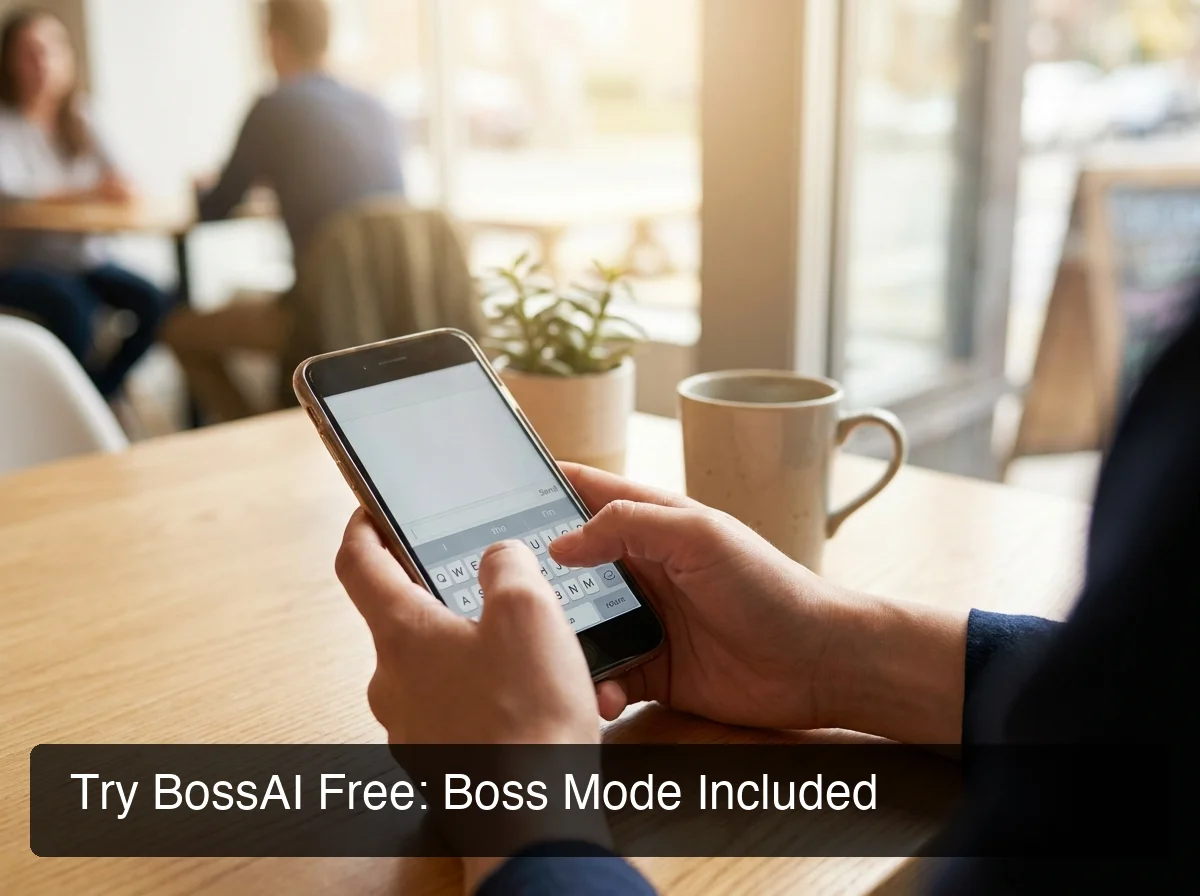 BossAI's Boss Mode reads your screen to write replies in full context — no switching apps, no copy-pasting.
How BossAI Stacks Up as a Speechify Alternative
BossAI is built for voice typing inside real apps. Three concrete features separate it from every Speechify competitor on the market — including tools backed by YC funding or $80M+ in venture capital.
1. Boss Mode — Screen-Aware Reply Generation Activate Boss Mode while viewing any screen. BossAI captures context from your screen (via ReplayKit on iOS and system screen capture on macOS/Windows; Android has Boss Mode as well), interprets the content, and writes a contextually accurate response. Works in email, Slack, LinkedIn, Google Docs, and any other app without switching. No other voice dictation tool has this capability.
2. Clips — One-Tap Keyboard Paste Save frequently used text — email signatures, meeting links, phone numbers, standard replies, addresses — directly inside the keyboard interface. One tap inserts them without opening any other app. Speechify has no clips system. Neither does WisprFlow, Willow Voice, or Superwhisper. Clips creates usage patterns that compound over time as your library grows.
3. One-Tap Rewrite with Six Visual Tones Six tone options are permanently visible in the keyboard UI: Professional, Casual, Witty, Persuasive, Empathetic, Bold. Tap one and your dictated text rewrites instantly. WisprFlow requires a spoken voice command to trigger editing. Typeless requires a spoken instruction. BossAI reduces the action to a single tap — faster and more consistent on mobile, where voice commands mid-keyboard often misfire.
Worth knowing: Dragon NaturallySpeaking (now Dragon Professional) set the enterprise dictation standard for decades — but modern AI-enhanced tools have surpassed it on accuracy, processing speed, and cross-platform mobile support.
Try BossAI Free
Speechify charges $139/year for text-to-speech. If your actual need is voice dictation — typing emails, Slack messages, and documents by voice across iOS, Android, macOS, and Windows — BossAI Pro costs $69.99/year and includes Boss Mode, Clips, and one-tap rewrite that Speechify doesn't offer at any price tier. A 7-day full Pro trial requires no credit card.
Related: Best Dictation App for Writing a Book (2026 Comparison)
Frequently Asked Questions
Is there a free Speechify alternative? Several options exist, split by use case. For text-to-speech, ReadAloud and ElevenReader both offer generous free tiers with no commitment. For voice dictation, BossAI provides 500 words per day with a daily reset (no weekly expiry), WisprFlow and Willow Voice each provide 2,000 words per week, and Superwhisper runs unlimited transcription through local AI models on Apple Silicon devices at zero cost.
What is BossAI and how does it differ from Speechify? BossAI is a voice keyboard for iOS and Android, and a voice-to-text app for macOS and Windows, that converts spoken words into clean, polished text across every app — removing filler words automatically, correcting grammar, and formatting text in context. Where Speechify reads content aloud to you, BossAI types for you. Its Boss Mode captures your screen to generate contextual replies, making it the only dictation tool in this comparison with screen awareness.
Is WisprFlow a better alternative to Speechify? WisprFlow and Speechify solve different problems — WisprFlow is a dictation tool, not a TTS app. For typing by voice on macOS or Windows, WisprFlow is capable and well-reviewed. Its downsides: $15/month is the highest among major dictation tools, there is no Android support, and the free tier has a weekly word cap that expires on a fixed schedule. BossAI offers comparable dictation quality at $9.99/month with Boss Mode, Clips, and no weekly limit on the free tier.
Does BossAI work on Android? BossAI runs on iOS (App Store), Android (Google Play), macOS (App Store and direct download), and Windows (Microsoft Store). On mobile platforms it works as a full keyboard replacement — dictate in any app without switching screens. Android support distinguishes BossAI from most dictation alternatives: WisprFlow, Willow Voice, AquaVoice, and Superwhisper all lack Android.
Why are people searching "Speechify stopping" or "Speechify shutting down"? Speechify has 55 million users and an active subscriber base — there is no announced shutdown. Search interest in "Speechify stopping" almost certainly reflects user frustration with aggressive paywalling of core features, the annual-only billing structure, and reports from some users of the app failing to function correctly. These are product and pricing complaints, not signals of any closure.