
Gboard Voice Typing vs AI Keyboard: What Changes
Gboard carries a 4.5 rating across more than 18.9 million Google Play reviews, and its voice typing costs nothing. That is a hard baseline to argue with. The real question is whether you want your speech typed out, or turned into text you can send.
This comparison puts Gboard voice typing next to an AI voice keyboard on the numbers that matter: price, limits, what comes out the other end, and who each one suits.
Key Takeaways
- Gboard voice typing is free and built into most Android phones. Its job is turning speech into text.
- An AI voice keyboard adds filler removal, tone-aware cleanup, one-tap Rewrite and saved Clips, so the text is ready to send.
- BossAI's Android app has the same features as its iPhone app, plus a floating button. Its free plan gives 500 words of dictation a day; Pro is $9.99/month.
- Pick Gboard for quick, simple dictation. Pick an AI voice keyboard when the text has to be finished, not just typed.
What Is Gboard Voice Typing and How Do You Turn It On?
Gboard voice typing is the microphone feature inside Google's keyboard for Android. You tap the mic on the keyboard toolbar, speak, and your words appear as text in any app where you can type. It is free, and on many phones Gboard is already the default keyboard.
To use it, open any text field, tap the microphone icon on the toolbar and start talking. Google's help pages also list a Voice typing section inside Gboard's settings, where you can adjust how it behaves, including the newer advanced voice typing features.
If the mic icon is missing or Android complains about permissions, that is a separate problem with its own fixes. Our guide to talk to text on Android covers setup across keyboards.
How Does Gboard Voice Typing Compare to an AI Voice Keyboard?
Gboard voice typing converts speech into a transcript at no cost. An AI voice keyboard such as BossAI also cleans that transcript up: it removes filler words, fixes grammar and punctuation, matches the style of the app you are in, and adds tools like Rewrite and Clips on the same keyboard.
Here is the side-by-side, using only facts we can state with confidence.
| Gboard voice typing | BossAI (Android) | |
|---|---|---|
| Price | Free | Free plan, Pro $9.99/month |
| Free dictation limit | None (free) | 500 words/day, resets daily |
| Core job | Speech to text | Speech to finished text |
| Filler-word removal and grammar fixes | Check on your own phone | Built in |
| Context-aware formatting per app | Check on your own phone | Built in |
| One-tap tone Rewrite | Check on your own phone | 6 tones (2 on the free plan) |
| Saved snippets (Clips) | Check on your own phone | 2 on free, unlimited on Pro |
| Custom dictionary | Check on your own phone | 10 words free, unlimited on Pro |
| Boss Mode (reads your screen to write a reply) | Check on your own phone | 1 reply a day free, unlimited on Pro |
| Platforms | Android (and iOS) | iOS, Android, macOS, Windows |
By the numbers: BossAI's free plan includes 500 words of dictation a day, 1 Boss Mode reply, 1 Rewrite and 2 Clips, all on a daily reset. Pro unlocks everything.
What Does Gboard Voice Typing Do Well?
Gboard's strength is friction. There is nothing to install on most phones, nothing to sign up for and nothing to pay. For a quick text, a search query or a short note, it gets words onto the screen in seconds.
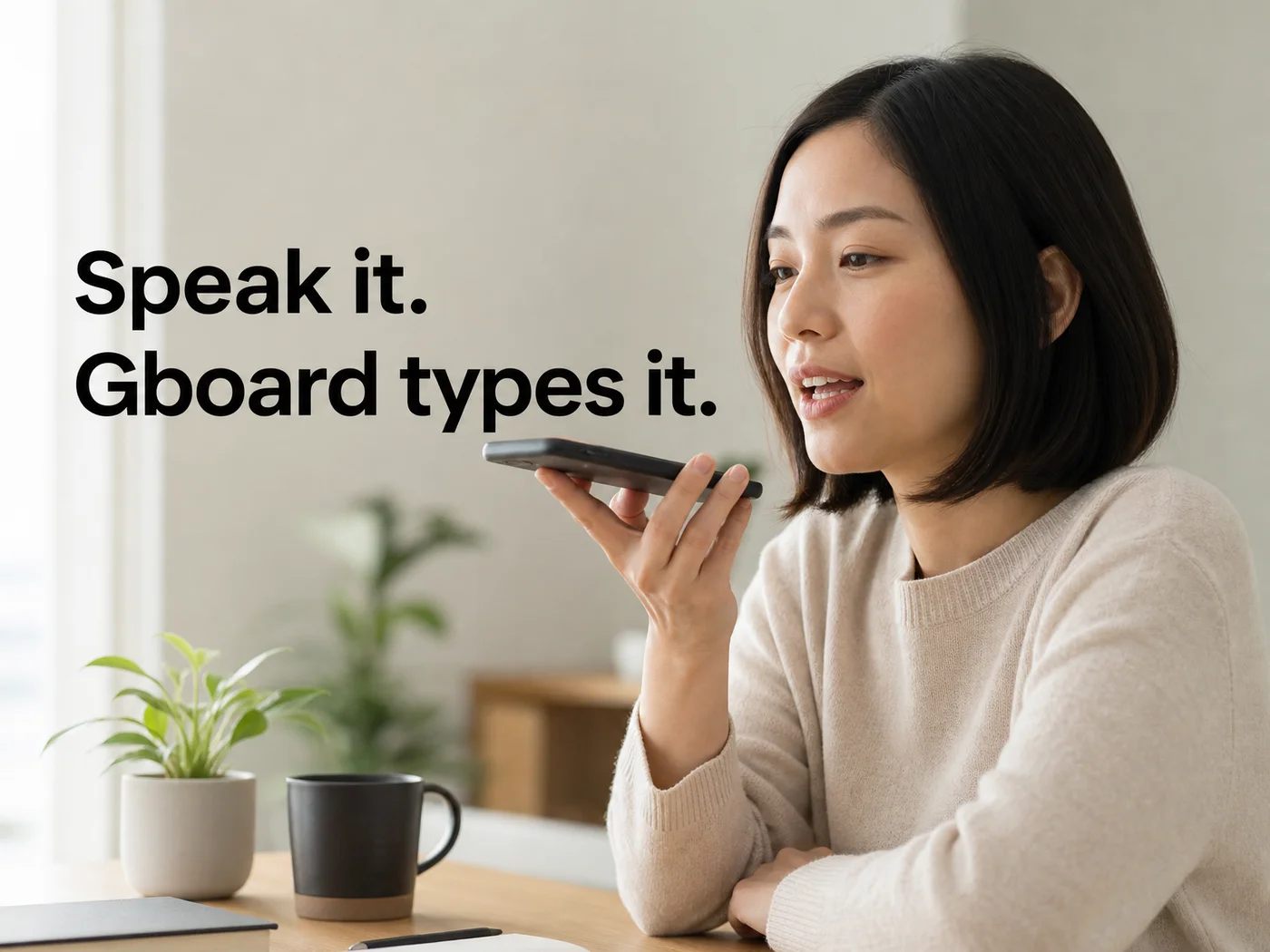 Quick dictation is the job Gboard voice typing is built for.
That matters more than feature lists suggest. Most voice typing is short: a reply, a reminder, a message to a friend. For those, a transcript is exactly what you want, and spending time on polish would be overkill.
If that describes most of what you dictate, stay with Gboard. Nothing below changes that.
Which Gboard Voice Typing Limits Matter Most for Daily Writing?
The limit that matters is not accuracy. It is what happens after the words land. Voice typing gives you a transcript, so any structure, tone or tidying is still your job, done by thumb.
Rather than take our word for it, run a two-minute test on your own phone, since Gboard changes between releases. Dictate the same 40-second message into Gboard, then check:
- Did it drop your "um" and "you know", or type them?
- Is the punctuation what you meant without saying "comma" and "period"?
- Do names and product terms come out right the second time you use them?
- Can you change the tone of the result in one tap?
Wherever the answer is "no", you are fixing text by hand. Add up those edits over a week of emails and Slack replies and the cost is real, even though the tool is free.
Reality check: Free removes the price from the equation, not the editing time. For long or professional messages, the editing is where the minutes go.
Android's own built-in text shortcuts help with repeated phrases you type, but they are a different tool from cleaning up what you dictated.
 Dictating on the move works best when the text comes out finished.
Where an AI Voice Keyboard Goes Further on Android
BossAI replaces your keyboard and treats your voice as a draft. It cleans the dictation as you speak, then lets you reshape it with Boss Mode, Rewrite and Clips without leaving the app you are typing in.
BossAI's Android app is a full keyboard, and it carries every feature the iPhone app has: AI dictation and cleanup, Boss Mode, Rewrite, Clips, Custom Dictionary, Knowledge Base, languages and themes. It also adds a floating button alongside the keyboard.
Here is what each piece does for daily writing:
- AI dictation: removes fillers, fixes grammar, adds punctuation and formats for the app you are in, whether that is email, chat or a document.
- Boss Mode: say "Boss, reply to this email professionally" and BossAI reads what is on your screen and writes the reply.
- Rewrite: tap Professional, Casual, Witty, Persuasive, Empathetic or Bold to redo the same text in that voice.
- Clips on Android: saved snippets such as your signature, address or a standard reply, pasted in one tap.
- Custom Dictionary: teach it names and jargon once.
For a deeper look at the Android side, our guide to the voice keyboard on Android compares the options in more depth.
Can an AI Voice Keyboard Replace Gboard Voice Typing on Android?
Yes. BossAI is a full keyboard with typing, autocorrect, emoji and themes, so it can be your only keyboard. Android lets you keep more than one installed and choose which is active, so Gboard stays available whenever you want it.
Many people end up using BossAI for anything that will be read by someone else and keeping the free option for throwaway notes. There is no all-or-nothing choice.
Switching takes minutes: install the app, enable it as an input method in Android settings, and pick it from the keyboard switcher. Your first dictation will show you quickly whether the cleanup suits how you talk.
How Much Does an AI Voice Keyboard Cost Compared to Free Gboard Voice Typing?
Gboard voice typing costs $0. BossAI's free plan also costs $0 and includes 500 words of dictation a day. Pro is $9.99 a month, $69.99 a year ($5.83 a month) or $149.99 once, and one subscription covers iOS, Android, macOS and Windows.
| BossAI plan | Price |
|---|---|
| Free | $0 (500 words/day) |
| Monthly | $9.99/month |
| Annual | $69.99/year ($5.83/month) |
| Lifetime | $149.99 one-time |
Our voice typing app pricing guide puts these numbers next to other apps. A 7-day full Pro trial needs no account, so you can test the paid features on real messages before deciding.
Get Started with BossAI
Try the two-minute test above, then run the same message through BossAI and compare what you would have to fix. The free plan is enough to judge it.
FAQ
How do I turn on voice typing in Gboard?
Open any text field in an app, then tap the microphone icon on the Gboard toolbar and start speaking. Gboard's settings also include a Voice typing section for adjusting how it behaves. If the icon is missing, check that Gboard is your active keyboard and that microphone permission is on.
What is the difference between Gboard and Google voice typing?
Gboard is the keyboard app. Voice typing is the microphone feature inside it that turns speech into text using Google's speech recognition. So the two are not rivals: voice typing is one function of Gboard, and it only types what you say.
Is there a Gboard voice typing alternative that cleans up what I say?
Yes. BossAI is an AI voice keyboard for Android that removes filler words, fixes grammar and punctuation, and formats text for the app you are in. It also offers one-tap Rewrite in six tones, Clips and Boss Mode, with a free plan of 500 words a day.
Can I use BossAI and Gboard on the same Android phone?
Yes. Android allows several keyboards to be installed at once, and you choose the active one from the keyboard switcher. Many people keep Gboard for quick notes and use BossAI when the text will be read by someone else.
Is BossAI free on Android?
Yes. The free plan covers 500 words of dictation a day, one Boss Mode reply and one Rewrite per day, two Clips and one language. Pro removes the limits for $9.99 a month or $69.99 a year, and a 7-day trial needs no account.