
Best Dictation App 2026: 7 Apps Compared | BossAI
Best Dictation App in 2026: 7 Apps Compared for Speed, Accuracy & Price
Choosing the best dictation app isn't just about word accuracy — it's about finding the one that fits your platform, workflow, and budget without forcing copy-paste detours. This guide compares seven top apps across the metrics that actually matter.
Key Takeaways
- The best dictation app depends on your platform and use case — Mac users have solid free options, but cross-platform and email-heavy users need more than Apple Dictation offers.
- Top apps like BossAI, Superwhisper, and WisprFlow achieve 95%+ accuracy — but only BossAI adds screen awareness, Clips, and a native iOS keyboard.
- Offline capability is critical for privacy; Superwhisper and Spokenly support it, most cloud-based apps don't.
- Dictating emails without copy-pasting requires keyboard-level integration — BossAI is the only app that delivers this on iOS, Mac, and Windows.
- Pricing ranges from $0 (Apple Dictation) to $30/month — BossAI at $9.99/month or $5.83/month annual delivers the best feature-to-price ratio.
Contents
- What Is the Best Dictation App in 2026?
- Which Dictation App Has the Highest Accuracy?
- What Are the Best Dictation Apps for Mac?
- How Do Top Dictation Apps Compare on Price?
- Which Dictation App Works Best for Email?
- Can You Use Dictation Apps Offline?
- How Do the Best Dictation Apps Beat Apple Dictation?
- Get Started with BossAI
- Frequently Asked Questions
What Is the Best Dictation App in 2026?
The best dictation app in 2026 depends on your workflow — not a single universal winner. BossAI leads for cross-platform users who need email-integrated dictation; Superwhisper leads for Mac power users who want offline capability; WisprFlow leads for enterprise teams on macOS. Each solves the same core problem differently.
Here's how the top seven apps compare on the metrics that determine fit:
| App | Platforms | Free Tier | Price/mo | Offline | Key Strength |
|---|---|---|---|---|---|
| BossAI | iOS, Mac, Win | 500 words/day | $9.99 | ❌ | Screen reading, Clips, iOS keyboard |
| Superwhisper | Mac, Win, iOS | Unlimited (local) | ~$8 | ✅ | Full offline, flexible AI modes |
| WisprFlow | Mac, Win | 2,000 words/wk | $15 | ❌ | Enterprise quality, high retention |
| Willow | Mac, Win, iOS | 2,000 words/wk | $15 | ❌ | Teams, enterprise SOC 2/HIPAA |
| Typeless | Mac, Win, iOS, Android | 4,000 words/wk | $30 | ❌ | Only major app with Android |
| Apple Dictation | iOS, Mac | Unlimited | Free | ✅ | Free, zero setup |
| Dragon | Mac, Win, iOS | None | $15 | ✅ | Professional/medical accuracy |
For a deeper look at what makes an app "AI-powered" vs. basic speech-to-text, see The Complete Guide to AI Dictation Apps in 2026.
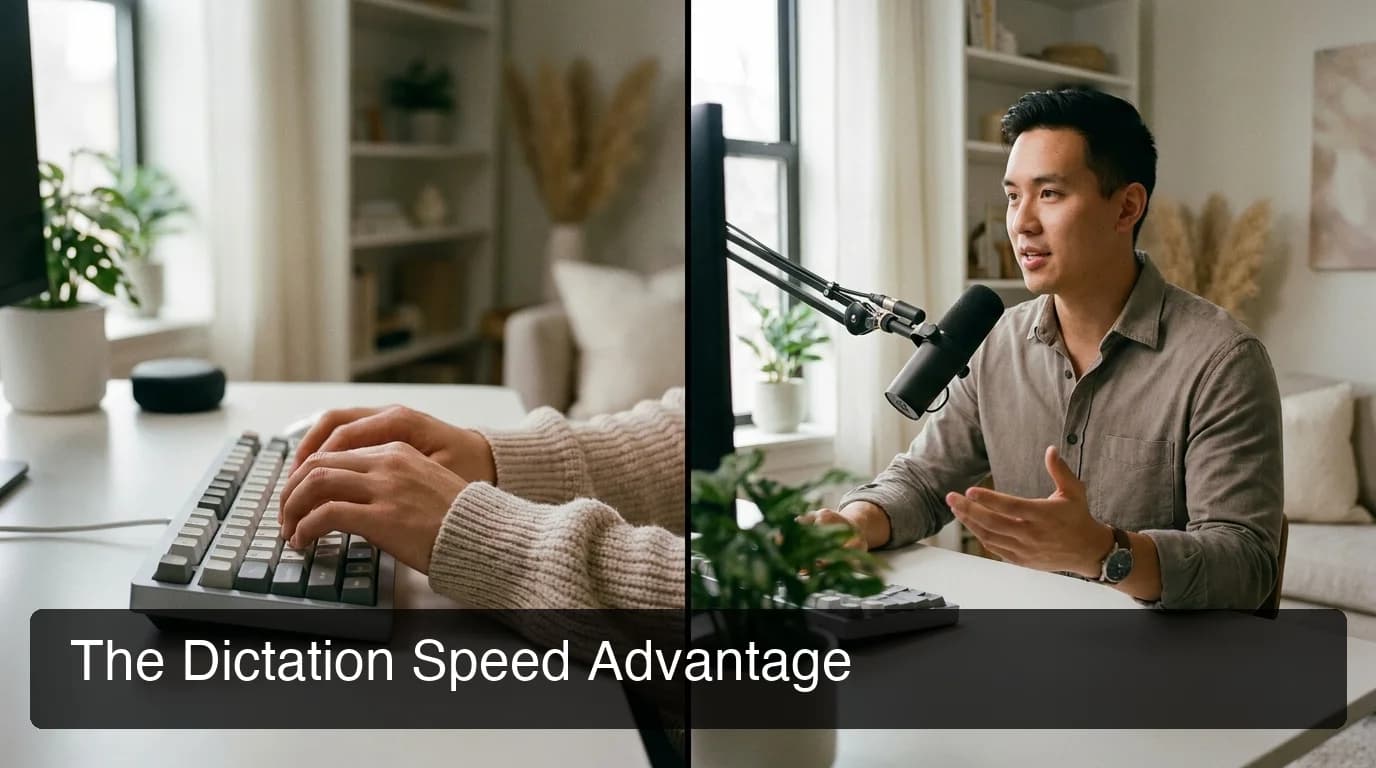
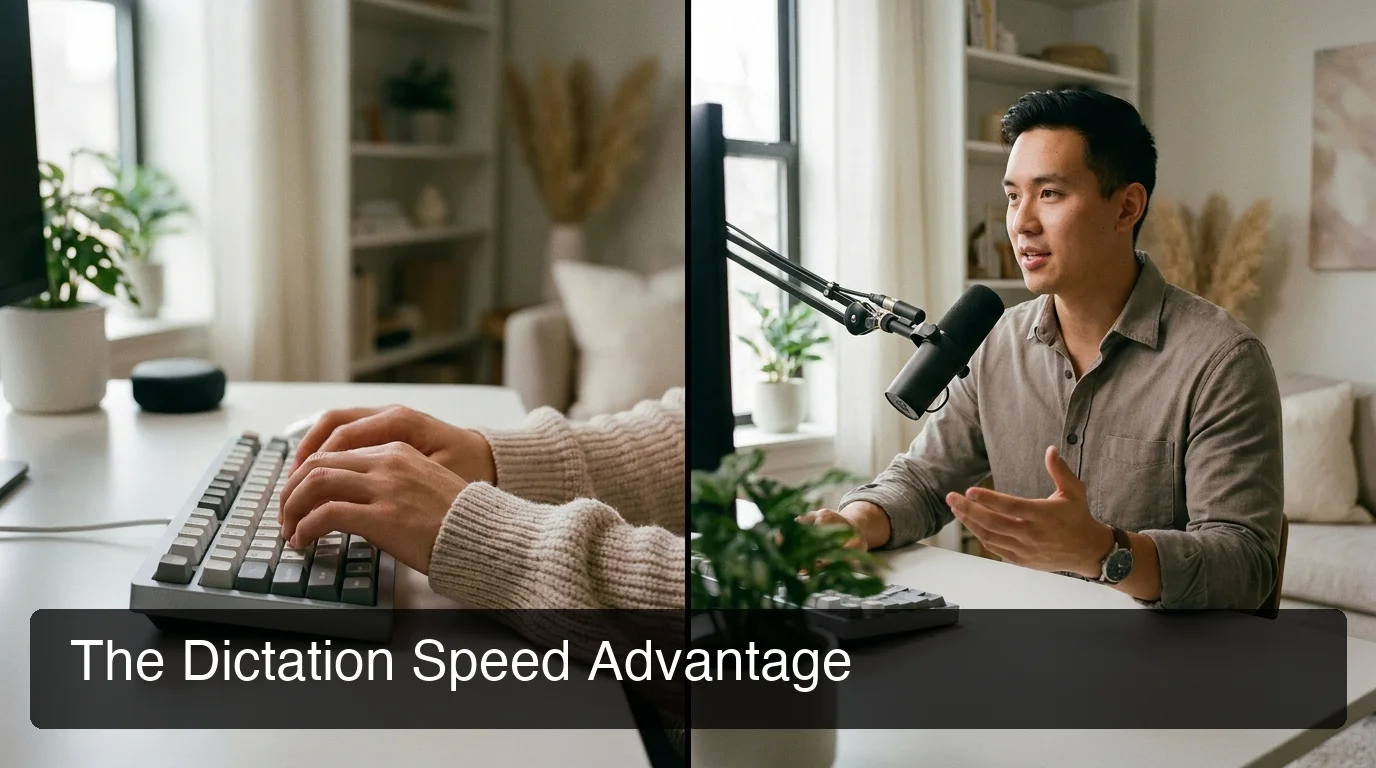 Voice dictation with AI enhancement averages 130–150 WPM — more than 3x the average typing speed of 40 WPM.
By the numbers: Voice dictation averages 130–150 words per minute for most users versus a 40 WPM typing average. Factor in AI filler-word removal and auto-correction, and the productivity gap widens further for long-form communication.
Which Dictation App Has the Highest Accuracy?
The highest-accuracy dictation apps in 2026 are WisprFlow, BossAI, and Superwhisper — all achieving 95%+ in normal environments. The meaningful differentiator isn't raw transcription accuracy, which is now a commodity; it's what the AI does after transcription: filler removal, grammar correction, and context-aware formatting.
What Actually Affects Dictation Accuracy?
- Background noise: Cloud-based models handle ambient noise better; local models vary by hardware quality
- Accented speech: BossAI, WisprFlow, and Superwhisper handle accents well; Dragon requires voice profile training
- Technical vocabulary: Custom dictionary support (BossAI, Superwhisper, WisprFlow, Willow) prevents proper noun failures
- Filler word removal: All top AI apps strip fillers automatically; Apple Dictation and Dragon output raw transcription verbatim
 AI-enhanced dictation apps strip filler words and auto-correct grammar — raw transcription accuracy alone doesn't capture the full quality gap.
Key insight: Custom dictionary support is the highest-impact accuracy feature for professionals. Names, technical terms, and brand names routinely break raw transcription — apps that let you pre-load your vocabulary win in real-world daily use.
What Are the Best Dictation Apps for Mac?
The best dictation apps for Mac in 2026 are BossAI, Superwhisper, and WisprFlow — ranked by cross-platform utility. Mac-only users on Apple Silicon get the best value from Superwhisper's free local tier. Cross-platform users who also need iOS get the most from BossAI's seamless keyboard integration across both platforms.
Mac users have the richest selection — every major player supports macOS. If your workflow spans Mac and iPhone, BossAI is the only app where the iOS keyboard and desktop share the same feature set without forcing app-switching.
BossAI on Mac
BossAI runs as a native menu bar app. Hold the hotkey (default: Fn) to activate dictation, release to process. Text inserts directly into any active field — no clipboard, no paste command. Boss Mode captures your screen and generates contextual replies in any Mac app with a spoken command.
Superwhisper on Mac
Superwhisper uses Apple Silicon acceleration for fast local processing — the best Mac-only choice for privacy-focused users. The learning curve is steeper (custom AI mode configuration required), but the flexibility is unmatched at this price point.
Windows users who want comparable Mac-level performance should check our upcoming dedicated guide to dictation software for Windows, covering optimization steps Apple Silicon users don't face.
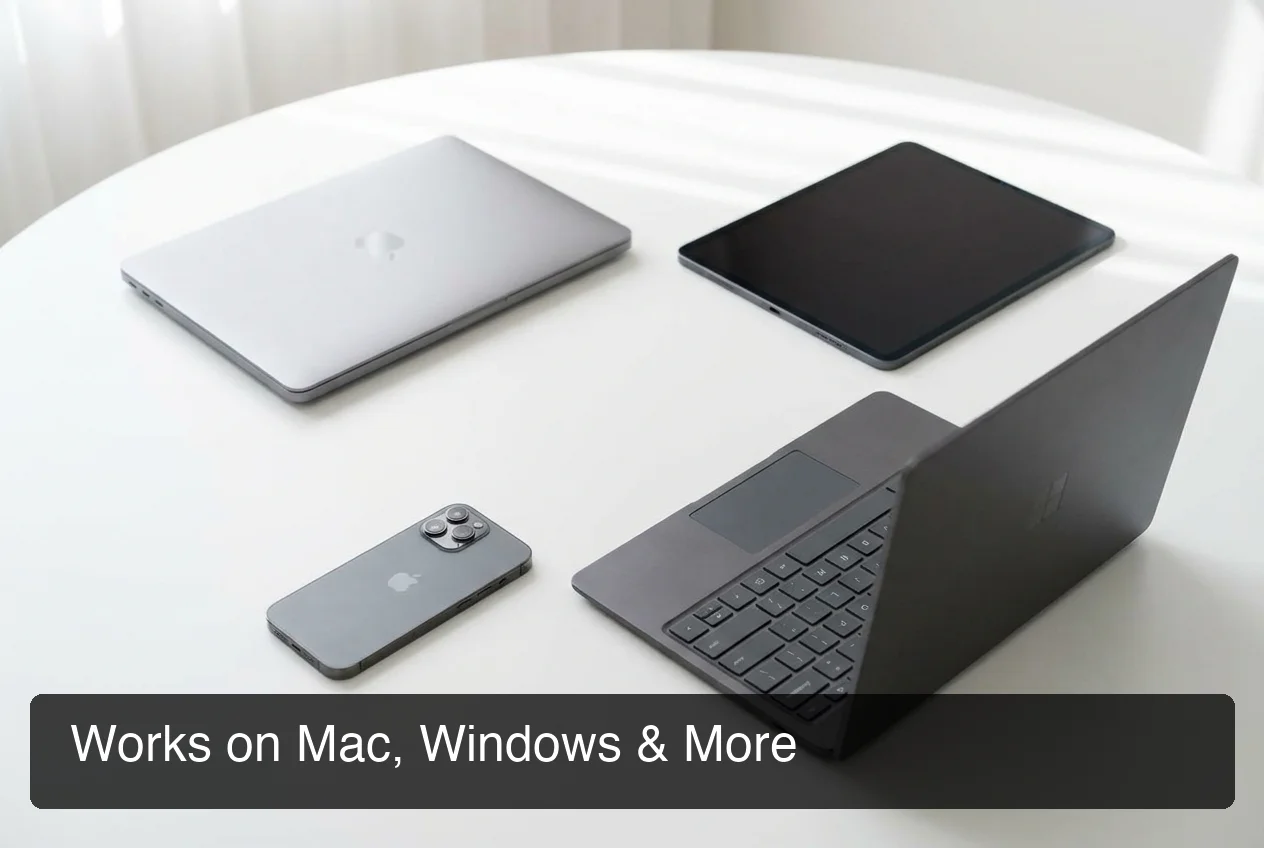 Cross-platform coverage is a critical buying criterion — switching workflows when you change devices creates costly friction.
For users coming from the built-in tool, our guide to the best Apple Dictation alternatives covers exactly how third-party apps close the accuracy and feature gaps Apple leaves open.
Bottom line: Mac-only users on Apple Silicon can save money with Superwhisper's free offline tier. Cross-platform Mac + iPhone users need BossAI's native iOS keyboard to eliminate the app-switching overhead that other apps require.
How Do Top Dictation Apps Compare on Price?
Dictation app pricing ranges from $0 to $30/month, with most quality options clustering between $8–$15. The key variable isn't the monthly sticker price — it's what the free tier actually allows and how quickly power users hit the cap.
Here's the complete pricing breakdown across the seven apps:
| App | Monthly | Annual | Free Tier | Lifetime |
|---|---|---|---|---|
| BossAI | $9.99 | $5.83/mo ($69.99/yr) | 500 words/day | $149.99 |
| Superwhisper | ~$8 | ~$7/mo | Unlimited (local AI) | ~$849 |
| WisprFlow | $15 | $12/mo | 2,000 words/wk | ❌ |
| Willow | $15 | $12/mo | 2,000 words/wk | ❌ |
| AquaVoice | $8 | $8/mo | 1,000 words total | ❌ |
| Typeless | $30 | $12/mo | 4,000 words/wk | ❌ |
| Apple Dictation | Free | Free | Unlimited | Free |
| Dragon | $15/mo | — | None | Available |
Which Free Tier Is Actually Usable?
Superwhisper's free tier (unlimited local AI) is the most generous on paper — but requires Apple Silicon for fast processing and has a steeper setup curve. BossAI's 500 words/day resets daily, making it better suited to consistent daily users who don't want weekly cap anxiety.
WisprFlow and Willow's 2,000 words/week caps run out fast for heavy email users. AquaVoice's 1,000 words total is effectively a trial, not a free tier.
By the numbers: A work email averages 100–150 words. WisprFlow's 2,000-word weekly free cap covers roughly 13–20 emails — under 3 per day. BossAI's 500 words/day covers 3–5 emails and resets nightly.
For readers focused specifically on AI feature quality, What Is the Best Dictation AI in 2026? breaks down which AI models power each app and how they differ in practice.
 The best dictation app for email isn't just the most accurate — it's the one that fits directly into your email workflow without a copy-paste step.
Which Dictation App Works Best for Email?
BossAI is the best dictation app for email because it dictates directly into any email client — Gmail, Outlook, Apple Mail — via its iOS keyboard or desktop hotkey, with no copy-paste required. Its Boss Mode also reads incoming emails on screen and generates contextual replies with a single spoken command.
Most dictation apps require you to open the app, speak, copy the output, then paste into the email compose window. That friction costs 15–20 seconds per email. At 30 emails a day, that's 7–10 minutes of pure clipboard overhead — every single day.
How BossAI Eliminates the Copy-Paste Loop
On iOS, BossAI is your keyboard. Tap the microphone, speak, and the dictated text lands directly in the compose field — no switching apps, no clipboard. Boss Mode takes it further: tap the Boss Mode button, say "reply professionally to this email," and BossAI reads the visible email and drafts a full contextual response.
Keyboard-level voice typing eliminates app-switching overhead entirely — a workflow we explore further in our upcoming voice typing keyboard guide, which covers keyboard-level dictation for Gmail, Outlook, and other clients.
Bottom line: If you dictate more than 10 emails a day, the copy-paste tax accumulates fast. BossAI's keyboard-level integration is the only solution that eliminates it entirely across iOS, Mac, and Windows.
Can You Use Dictation Apps Offline?
Yes — but only some apps support it. Superwhisper and Spokenly offer full offline processing using local AI models. BossAI, WisprFlow, Willow, and Typeless are cloud-only and require an internet connection for AI-enhanced output.
Offline mode matters for two reasons: privacy (no audio leaves your device) and reliability (airplane mode, low-signal environments). For most professionals, cloud apps are sufficient — but healthcare, legal, or government users have stricter requirements.
Apps That Work Offline
Superwhisper runs OpenAI Whisper locally, optimized for Apple Silicon. Local models are slightly smaller than cloud models, so accuracy dips on heavily accented or technical speech — but the Pro plan adds cloud models when quality matters most. Spokenly is fully offline by default — no account needed, no API calls at all. It's the most privacy-forward option in the category.
Key insight: If privacy is the primary requirement, choose Superwhisper (free local tier on Apple Silicon) or Spokenly (fully offline, Mac + iOS). If speed and AI feature depth matter more, cloud-based apps like BossAI deliver better overall performance.
How Do the Best Dictation Apps Beat Apple Dictation?
The best dictation apps beat Apple Dictation by removing filler words automatically, correcting grammar in real time, learning custom vocabulary, and adding AI layers — rewrite, tone selection, screen commands — that Apple Dictation doesn't offer. Apple Dictation outputs exactly what you say, including every "um" and run-on sentence.
Apple Dictation is useful for quick, informal input. It's free, requires no setup, and works offline. But it fails for professional communication because it transcribes raw speech without cleanup — meaning you spend as much time editing as you saved by dictating.
Where Apple Dictation Falls Short
- No filler word removal — every "um", "uh", "like" stays in
- No grammar or punctuation correction — output is flat, unpunctuated text
- No custom dictionary — proper nouns and brand names routinely fail
- No AI rewrite, tone selection, or screen-aware commands
- Desktop dictation limited to macOS; no cross-platform workflow
When Apple Dictation Is Enough
For quick notes or Mac text fields where editing is fast anyway, Apple Dictation is adequate — especially on Apple Silicon. Once output quality matters for professional communication, our guide to the best Apple Dictation alternatives covers exactly which apps fill each gap.
Bottom line: Apple Dictation is right for casual, short inputs where you'll edit anyway. For emails, messages, and documents where output quality matters, AI-enhanced apps eliminate the editing step entirely.
Get Started with BossAI
BossAI delivers the cross-platform email integration, 95%+ accuracy, and AI feature depth that dedicated dictation apps charge $15/month for — at $9.99/month with a 500 words/day free tier and a 7-day full Pro trial. No credit card required to start.
Not ready to try it yet? Get Our AI Productivity Guide — free tips on working faster with AI tools.
Frequently Asked Questions
What is the best free dictation app in 2026?
The best free dictation app depends on your platform. Apple Dictation is free and works offline on Mac and iOS but outputs raw transcription without filler-word removal. Superwhisper's free tier offers unlimited local AI processing on Apple Silicon. BossAI's free tier gives 500 AI-enhanced words per day with no weekly cap — reset daily.
What is BossAI?
BossAI is an AI-powered voice keyboard for iOS, macOS, and Windows that replaces typing with voice dictation. It transcribes speech in real time, removes filler words automatically, rewrites text in different tones with one tap, and includes Boss Mode — a screen-reading feature that reads your screen to generate contextual replies without copy-pasting.
What makes BossAI different from other dictation apps?
Three features no competitor offers: (1) Boss Mode reads your screen and generates contextually aware replies without copy-pasting — the only dictation app with screen awareness; (2) Clips saves frequently used phrases for instant insertion; (3) one-tap tone rewriting lets you switch between casual, professional, or concise in a single tap. WisprFlow, AquaVoice, and Typeless have none of these.
What is the best dictation app for iPhone?
BossAI is the best dictation app for iPhone because it works as a full keyboard replacement — you dictate directly into any app without switching to a separate tool. Superwhisper and Willow both have iOS apps, but their keyboards are less polished and require more manual steps to insert dictated text into email and messaging apps.
Which dictation app is the most accurate?
WisprFlow, BossAI, and Superwhisper all achieve 95%+ transcription accuracy in quiet environments. Dragon NaturallySpeaking remains the benchmark for medical and legal dictation. The bigger differentiator for most users isn't raw accuracy — it's post-processing: filler removal, grammar correction, and custom vocabulary handling, where AI-enhanced apps outperform traditional tools significantly.
Can I dictate emails directly without copy-pasting?
Yes — but only with apps that have keyboard-level or cursor-level integration. BossAI inserts dictated text directly into any email client on iOS (as a keyboard) and on Mac/Windows (via hotkey to active cursor position). Standalone tools like Otter.ai require you to copy output and paste it manually, adding 15–20 seconds of friction per email.