

AI Keyboard for Mac: Speed Up Typing with Voice & AI
AI Keyboard for Mac: Speed Up Your Typing with Smart Voice and AI Features
Mac users spend hours each day typing emails, documents, and messages. An AI keyboard for Mac transforms your voice into polished, professional text while eliminating the filler words and grammar mistakes that slow you down.
Key Takeaways
- AI keyboards for Mac combine voice-to-text, predictive typing, and smart autocorrect to help you compose emails, documents, and messages 3-5x faster than traditional typing
- Leading AI keyboard apps like BossAI integrate seamlessly with macOS, work across all major applications (Mail, Word, Slack, Notes), and learn your writing style over time
- Mac's native dictation has 10-15% error rates, while modern AI keyboards achieve 98%+ accuracy with real-time corrections and contextual awareness
- Most AI keyboard apps cost $0-$5/month and offer free trials, making them significantly cheaper than purchasing premium hardware alternatives
Contents
- What Is an AI Keyboard for Mac?
- How Does an AI Keyboard for Mac Improve Your Typing Speed?
- Can I Use an AI Keyboard for Mac with All Applications?
- What Features Should You Look for in an AI Keyboard for Mac?
- How Do AI Keyboards Compare to Standard Mac Keyboards?
- How Much Does an AI Keyboard for Mac Cost?
- Which AI Keyboard Apps Work Best on macOS?
- What Are the Top Alternatives to Built-in Mac Dictation?
- Frequently Asked Questions
What Is an AI Keyboard for Mac?
An AI keyboard for Mac is a software application that replaces or enhances your standard keyboard with advanced voice-to-text capabilities, automatic filler word removal, grammar correction, and context-aware formatting. Unlike Mac's built-in dictation, AI keyboards use large language models to understand context, fix errors in real time, and format text appropriately for the app you're using — whether that's email, Slack, or a document editor.
Traditional keyboards require manual typing for every word. Mac's built-in dictation simply transcribes speech without improvement.
 Modern AI keyboards integrate directly into macOS for seamless voice-powered productivity.
An AI keyboard adds intelligence between your voice and screen. When you speak, it automatically removes filler words ("um," "uh," "like"), fixes grammar, adds punctuation, and capitalizes proper nouns. The best AI keyboards learn your vocabulary — client names, technical terms, industry jargon — and remember them permanently.
Key insight: AI keyboards don't just transcribe — they understand context and intent, transforming casual speech into polished professional writing automatically.
How Does an AI Keyboard for Mac Improve Your Typing Speed?
AI keyboards for Mac accelerate your workflow by 3-5x through voice dictation that's faster than typing (150-200 words per minute vs 40-60 for traditional typing), automatic filler word elimination that removes verbal pauses without manual editing, and real-time grammar correction that eliminates the review-and-fix cycle. The result is professional-quality text in one pass, not multiple editing rounds.
Most professionals type at 40-60 words per minute. Speaking naturally produces 150-200 words per minute. That speed advantage disappears if you must stop, review, and fix every "um" and comma.
Eliminating Filler Words Automatically
When you dictate an email, you naturally say "um" between thoughts, "like" as a verbal pause, and "you know" as filler.
Traditional dictation transcribes these exactly as spoken. AI keyboards strip them automatically. You say: "Hey, um, I wanted to follow up on the, like, proposal we discussed." The AI writes: "Hey, I wanted to follow up on the proposal we discussed."
Real-Time Grammar and Punctuation Fixes
Standard dictation requires saying "comma," "period," and "new paragraph" explicitly.
AI keyboards predict punctuation based on sentence structure. You speak naturally with pauses, and the AI adds commas, periods, and line breaks automatically.
By the numbers: Integrated AI keyboard tools save 15-20 minutes per day over traditional typing — 65+ hours per year of pure friction eliminated.
This speed advantage compounds. Faster drafting means responding to emails immediately, not when you carve out typing time.
Can I Use an AI Keyboard for Mac with All Applications?
Yes, AI keyboards for Mac operate system-wide and work in every application that accepts text input — Mail, Safari, Chrome, Slack, Microsoft Word, Notes, Messages, Google Docs, and code editors like VS Code. These keyboards hook into macOS at the system level, so they function as a universal input method rather than an app-specific tool.
Unlike browser extensions or single-app plugins, AI keyboards integrate with macOS itself. When you activate dictation, text appears wherever your cursor is active.
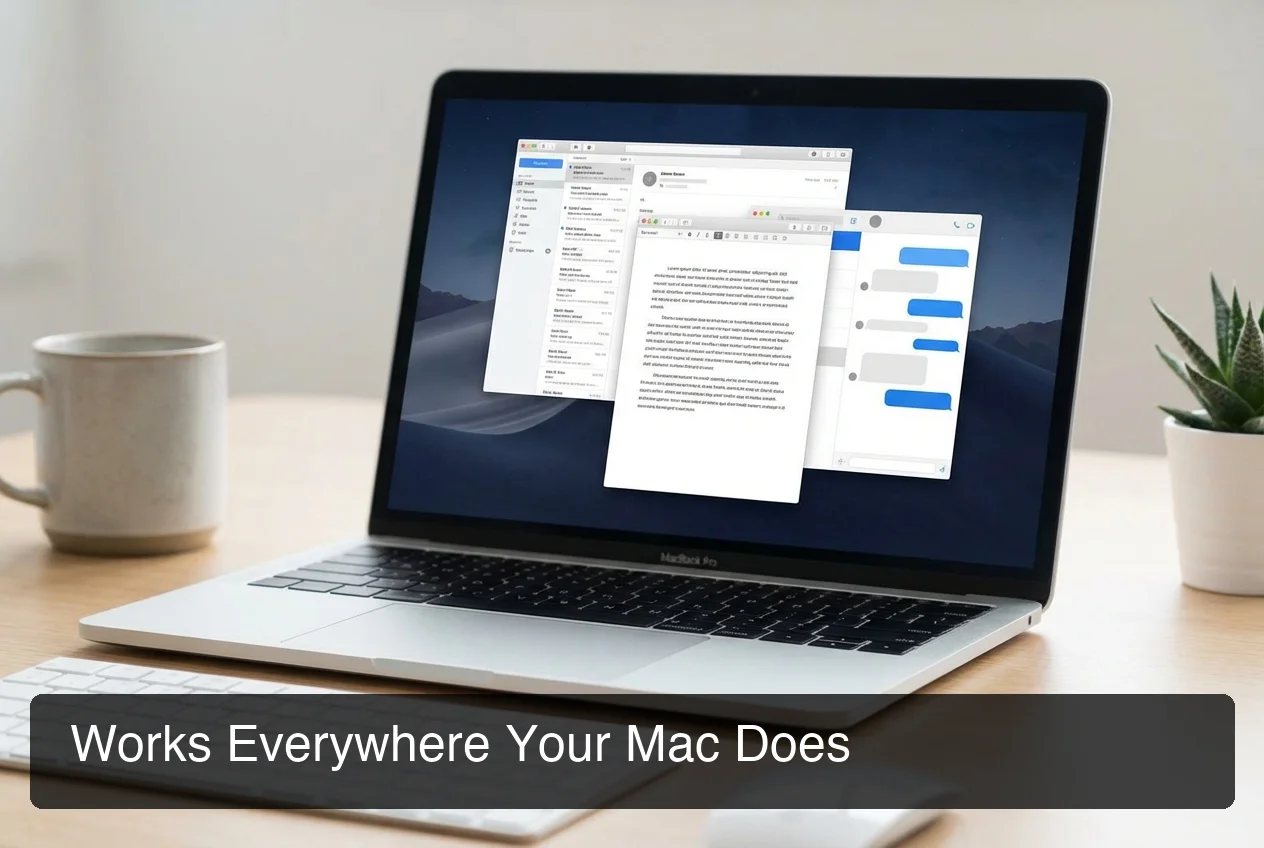 AI keyboards work seamlessly across every Mac application without switching tools.
This universal compatibility means using the same voice-to-text workflow in Mail, Word, Slack, or any app. No context switching or copying between separate tools.
Apps like BossAI add screen-reading capabilities. You say "Boss, reply to this email professionally," and the AI reads your screen, understands context, and drafts a relevant response — without explaining or copying.
Bottom line: AI keyboards eliminate the app-switching loop that standalone AI writing tools require, cutting task completion time by 40-60%.
What Features Should You Look for in an AI Keyboard for Mac?
The essential features of a strong AI keyboard for Mac include 98%+ transcription accuracy with proper nouns and technical terms, a custom dictionary to teach the keyboard your vocabulary, real-time filler word removal without manual editing, context-aware formatting that adjusts for email vs. chat vs. documents, and system-wide integration that works across all Mac applications. Advanced tools also offer screen-reading capabilities and one-tap text rewriting.
Voice-to-Text Accuracy
Look for keyboards achieving 98%+ accuracy on standard speech, proper nouns, technical jargon, and industry-specific terms.
Custom Dictionary for Industry Terms
The best keyboards let you add custom dictionary entries. You teach it once that "BossAI" isn't "boss AI," and it remembers forever.
Context-Aware Formatting
Advanced AI keyboards detect which app you're in and adjust formatting: formal punctuation for emails, casual tone for chat, technical precision for code comments.
Screen-Reading Capability
This is where AI keyboards diverge from standard dictation tools. Most require you to explain context: "Write a reply to the email I just received saying we'll deliver on Friday."
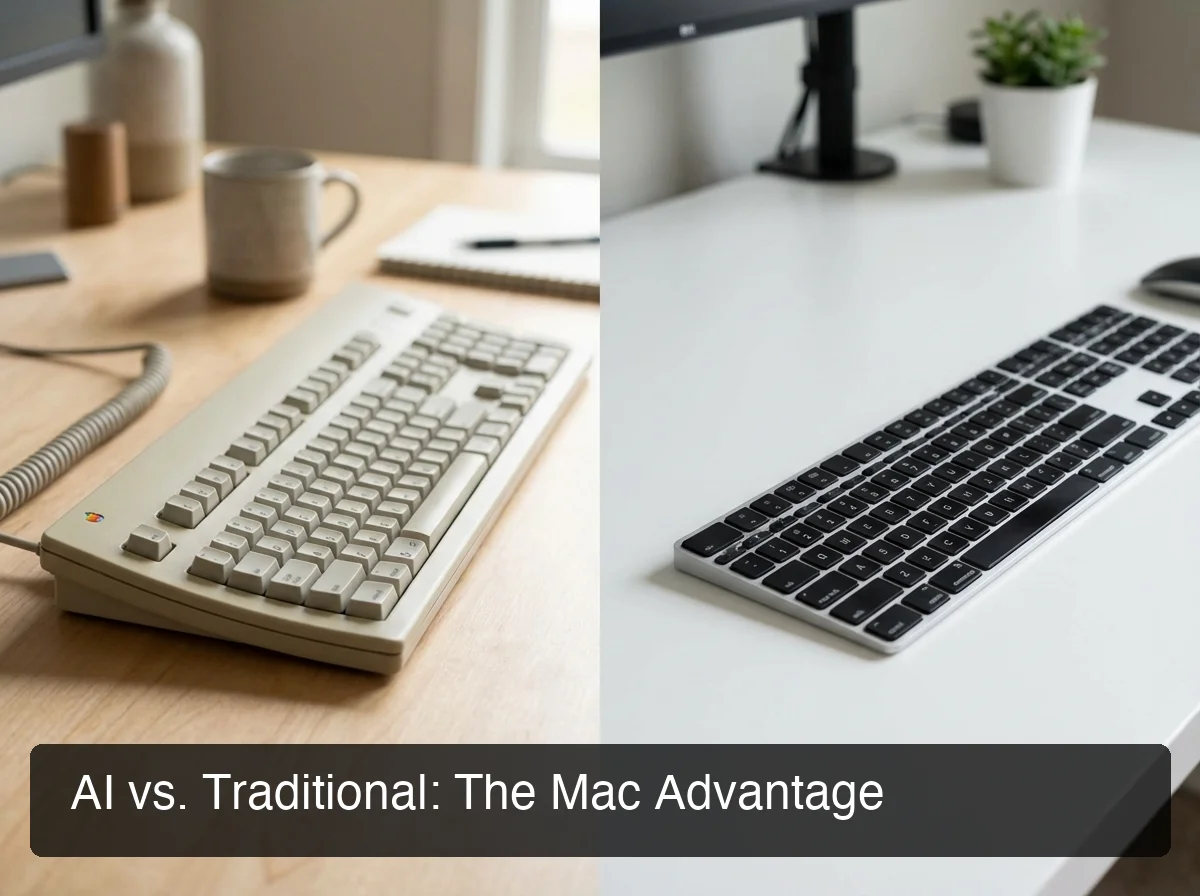 AI-enhanced keyboards with screen context eliminate the explain-and-draft loop.
BossAI's Boss Mode reads your screen in real time. You say: "Boss, reply confirming Friday delivery." It sees the email, writes the reply. No explanation or copy-pasting. This saves 2-3 minutes per task — an hour across 20-30 daily emails.
One-Tap Rewrite Options
Sometimes the first draft is too casual, formal, or wordy.
Rather than manually rewriting, tap a tone button — Professional, Casual, Witty, Persuasive — and see the rewrite instantly. This turns dictation into a true typing replacement, not just a faster first draft.
Comparison: BossAI vs WisprFlow vs Native Mac Dictation
| Feature | BossAI | WisprFlow | Mac Dictation |
|---|---|---|---|
| Filler word removal | Automatic | Automatic | Manual edit required |
| Grammar correction | Real-time | Real-time | None |
| Custom dictionary | Yes | Yes | Limited |
| Screen reading | Yes (Boss Mode) | No | No |
| One-tap rewrite | Yes | Voice commands | No |
| Works system-wide | Yes | Yes | Yes |
| Free tier | 500 words/day | 2,000 words/week | Unlimited |
| Pricing | $5.83/mo annual | $12/mo annual | Free |
How Do AI Keyboards Compare to Standard Mac Keyboards?
AI keyboards differ from standard Mac keyboards by replacing manual typing with voice input processed through large language models that enhance accuracy, remove filler words, correct grammar, and format text contextually. While traditional keyboards require physical key presses at 40-60 words per minute, AI keyboards convert speech at 150-200 words per minute, then polish the output automatically — delivering final-quality text in one pass instead of draft-then-edit cycles.
The fundamental difference isn't hardware. It's the intelligence layer between input and output.
Traditional Typing vs Mac Dictation vs AI Keyboards
| Method | Speed (WPM) | Error Rate | Editing Required | Use Case |
|---|---|---|---|---|
| Traditional typing | 40-60 | Low (if skilled) | Minimal | Short messages, code, precise formatting |
| Mac dictation | 150+ | 10-15% | High | Quick notes, accessibility |
| AI keyboard | 150-200 | <2% | Minimal | Emails, documents, professional communication |
Traditional Mac keyboards give complete control but sacrifice speed. Mac's built-in dictation is faster but trades speed for accuracy, transcribing "um," "uh," and grammatical stumbles verbatim.
Key insight: Mac's native dictation has 10-15% error rates on conversational speech, while modern AI keyboards achieve 98%+ accuracy through contextual understanding and real-time corrections.
AI keyboards combine speech speed with typing polish. For emails, documents, messages, and notes, they're 3-5x faster with equal or better quality. Traditional typing still wins for code and precise formatting.
How Much Does an AI Keyboard for Mac Cost?
AI keyboard apps for Mac range from free (with word limits) to $5-15 per month for unlimited use. BossAI costs $5.83/month annually with 500 free words daily, WisprFlow charges $12/month annually with a 2,000-word weekly free tier, and Fixkey offers flat $8/month pricing. Most provide 7-day free trials.
The pricing model is freemium with word caps. Free tiers let you test the tool. Paid tiers remove limits.
Pricing Breakdown:
- Free tier: 500-2,000 words per week, basic features
- Mid-tier ($5-8/month annual): Unlimited dictation, custom dictionary, full features
- Premium ($12-15/month): Priority processing, advanced AI models, team features
BossAI: $5.83/month annually ($69.99/year) or $9.99/month. Free tier: 500 words/day.
WisprFlow: $12/month annually or $15/month. Includes command-based voice editing and 2,000 words/week free.
Typing 2,000 words manually takes 30-40 minutes daily. If an AI keyboard saves 20 minutes per day, that's 120+ hours yearly.
Bottom line: At $5-15/month, AI keyboards cost less than a single lunch out — while saving 5-10 hours of typing time monthly.
Which AI Keyboard Apps Work Best on macOS?
The top AI keyboard apps for macOS are BossAI (best for screen-aware contextual responses and instant clip pasting), WisprFlow (market leader with voice-command editing and highest accuracy), and Fixkey (fastest processing with 450ms response times). All three integrate system-wide, support custom dictionaries, and offer free trials, but differ in pricing, feature depth, and specialized capabilities like screen reading or voice-based text editing.
BossAI — Screen Reading + Clips + Rewrite
BossAI's differentiator is Boss Mode: screen-aware AI that reads what's on your Mac and generates contextual responses. You say "Boss, reply to this email," and it sees the email, understands context, and drafts the reply.
No other AI keyboard can do this. WisprFlow requires text selection first. Fixkey works with typed prompts, not screen context.
Additional features: one-tap tone rewriting (Professional, Casual, Witty) and Clips — saved snippets you paste from the keyboard (signatures, addresses, standard replies).
Pricing: $5.83/month annual, 500 words/day free.
WisprFlow — Market Leader with Voice Commands
WisprFlow is the highest-funded player ($81M raised). Its strength is voice-command editing: say "make this more formal" or "expand this paragraph," and the AI rewrites without switching modes.
It doesn't read your screen, but integrates deeply for fast, accurate dictation. Largest free tier: 2,000 words per week.
Pricing: $12/month annual or $15/month.
Fixkey — Speed-Focused
Fixkey is the fastest AI keyboard, with 450ms response times. If low latency matters — text appearing instantly as you speak — Fixkey delivers.
Trade-off: fewer advanced features. No screen reading, clips, or voice-command editing. Just fast, accurate dictation with grammar correction.
Pricing: $8/month flat.
For more on AI keyboard app options across all platforms, see our full comparison guide.
 Experience the speed difference with an AI keyboard designed for Mac productivity.
What Are the Top Alternatives to Built-in Mac Dictation?
The best alternatives to Mac's native dictation are third-party AI keyboard apps like BossAI, WisprFlow, and Fixkey, which deliver 98%+ accuracy compared to Apple's 85-90%, remove filler words automatically, correct grammar in real time, and integrate custom dictionaries for proper nouns and technical terms. These apps also offer advanced features like screen-aware responses, voice-command editing, and one-tap text rewriting that Apple's dictation doesn't provide.
Apple's built-in dictation is functional but limited. It lacks the AI enhancement layer that turns rough dictation into polished writing.
Why upgrade from Mac dictation:
-
Accuracy improvement: Mac dictation achieves 85-90% accuracy. AI keyboards reach 98%+ by using context to predict words and correct errors.
-
Automatic cleanup: Mac dictation transcribes "um" and "uh" verbatim. AI keyboards strip filler words automatically.
-
Contextual formatting: Mac dictation applies the same formatting everywhere. AI keyboards adjust tone and structure based on the app context.
-
Custom vocabulary: Mac's dictation struggles with industry terms and proper nouns. AI keyboards learn your vocabulary once and remember forever.
-
Advanced capabilities: Mac dictation stops at transcription. AI keyboards add screen reading (BossAI), voice-command editing (WisprFlow), and instant rewrites.
For Mac users relying on voice to text app for Mac tools, upgrading to an AI keyboard means getting final-quality text in one pass, not rough first drafts.
Bottom line: Mac's dictation is functional, but AI keyboards deliver 3-5x better output quality with 40-60% less post-dictation editing time.
Get Started with BossAI
Ready to speed up your Mac workflow? BossAI combines accurate AI dictation with unique features no other keyboard offers — screen-aware responses, one-tap rewriting, and instant clip pasting. Try it free for 7 days.
Frequently Asked Questions
Does Mac have a built-in AI keyboard?
Mac includes Voice Control and dictation features, but these are not AI keyboards. Apple's dictation transcribes speech without AI enhancement — it doesn't remove filler words, correct grammar in real time, or learn your vocabulary. For true AI-powered keyboard features, Mac users install third-party apps like BossAI or WisprFlow that integrate system-wide and add intelligent text processing.
How do I enable AI dictation on Mac?
To use AI dictation on Mac, download an AI keyboard app like BossAI, grant it accessibility permissions in System Settings → Privacy & Security → Accessibility, and set a hotkey (typically Fn or a custom shortcut). Once enabled, press the hotkey in any app to start dictating. The AI processes your speech, removes filler words, corrects grammar, and inserts polished text wherever your cursor is active.
Can AI keyboards work offline on Mac?
Most AI keyboards require an internet connection because they process speech using cloud-based large language models. However, some apps like Spokenly support local AI models that run entirely on your Mac without internet access. The trade-off is lower accuracy and slower processing compared to cloud-based options, but offline functionality provides privacy and reliability in no-connection environments.
Are AI keyboards secure and private?
Reputable AI keyboard apps like BossAI and WisprFlow process voice data in real time and delete it immediately after transcription — no recordings are stored on company servers. However, because these tools require microphone and screen access permissions, always review the privacy policy before installing. Local AI models (like Spokenly) offer the highest privacy since no data leaves your device.
Do AI keyboards support multiple languages?
Yes, most AI keyboards for Mac support 20-100+ languages including Spanish, French, German, Chinese, Japanese, Arabic, and more. Apps like BossAI and WisprFlow let you switch languages mid-dictation or set a primary language in settings. Multi-language support is essential for bilingual professionals and international teams who communicate in multiple languages daily.