
Willow Dictation: Features, Pricing & Best Alternative
Willow dictation is one of the fastest-growing voice AI apps of 2026 — but is it worth the premium price, and how does it compare to the field of voice dictation apps? This review covers accuracy, pricing, platform support, and the strongest alternatives available today.
Key Takeaways
- Willow is a professional-grade AI dictation app for Mac, iOS, and Windows (Windows added January 2026), priced at $12–$15/month.
- It offers strong accuracy with context-aware formatting, custom vocabulary, and a polished Mac experience.
- No offline mode — Willow requires an internet connection at all times.
- Its iOS keyboard is functional but clunky compared to native competitors.
- BossAI delivers comparable dictation accuracy with built-in Boss Mode (screen reading), one-tap rewrite, and Clips — at $9.99/month, 33% cheaper than Willow.
Contents
- What Is Willow Dictation?
- How Does Willow Dictation Work Across Mac and iOS?
- How Accurate Is Willow Dictation for Professional Work?
- Is Willow Dictation Free, and What Does It Cost?
- How Does Willow Dictation Compare to Superwhisper and Wispr Flow?
- Can You Use Willow Dictation on Windows?
- What Are the Best Willow Dictation Alternatives?
- Why BossAI Beats Willow Dictation on Price and Performance
- Which Dictation App Offers the Best Value: Willow vs BossAI?
- Frequently Asked Questions
What Is Willow Dictation?
Willow is a YC-backed AI dictation app (2025 batch) that transcribes speech into formatted, context-aware text across Mac, iOS, and Windows. It targets professionals who spend significant time on email, documents, and messaging — promising 4x productivity gains through voice-first workflows, custom vocabulary, and per-app writing style memory.
Willow isn't just raw transcription. It understands context: formatting email differently than Slack messages, remembering your preferred writing style per app, and supporting over 100 languages. Enterprise customers include Uber, Heidi Health, and Zego.
The App Store rating sits at 4.6 stars with 579 ratings — strong for a relatively new entrant.
 Willow runs as a Mac menu bar app and iOS keyboard — here's what the experience looks like in practice.
What Features Does Willow Include?
Willow's core feature set covers the essentials power users expect:
- Context-aware dictation — automatically formats output based on where you're typing
- Custom vocabulary — add names, jargon, technical terms; team plans share dictionaries across users
- Writing style memory — learns your preferred tone per app over time
- Quiet/Whisper Mode — low-volume dictation for shared offices
- Developer Mode — dedicated support for AI IDEs like Cursor
- 100+ languages — with automatic detection
How Does Willow Dictation Work Across Mac and iOS?
On Mac, Willow runs as a menu bar app activated by a keyboard shortcut — press a hotkey, speak, release. It inserts text directly into any active app. On iOS, it adds a custom keyboard layer, switching you to the Willow dictation screen to capture your voice before returning formatted text to your original app.
The Mac experience is Willow's strongest platform. The workflow is frictionless for most text fields, and the context-awareness shines when replying to emails or writing in Notion.
How Is the Willow iOS Experience?
The iOS keyboard works, but the flow is noticeably clunky. Switching to the Willow screen and back adds friction that native keyboards avoid.
Worse: iPadOS support is reportedly broken — Magic Keyboard hotkey support doesn't work, and users have flagged ongoing issues. If iPad is a primary device, this is a deal-breaker.
There's also a privacy concern worth noting: Willow uses continuous background audio recording to detect activation, which affects battery life and raises questions for privacy-sensitive users.
Key insight: Willow's Mac experience is polished and professional. Its iOS implementation adds friction — a meaningful gap for mobile-first professionals who need to dictate on iPhone.
How Accurate Is Willow Dictation for Professional Work?
Willow dictation accuracy is among the highest in the category — on par with Superwhisper and WisprFlow for English dictation in quiet environments. It automatically removes filler words, capitalizes proper nouns, adds punctuation, and adjusts formatting based on context. For professional email and document work, accuracy is rarely the limiting factor.
The custom vocabulary feature is critical for accuracy. Once trained with your terminology — client names, technical terms, brand names — Willow gets them right consistently. This is essential for legal, medical, or technical professionals.
 Accuracy in AI dictation tools depends on both the underlying model and how well the app handles context and formatting.
What Are Willow's Accuracy Limitations?
Background noise degrades accuracy noticeably — Willow's cloud-only architecture means no local fallback model when connections are slow. In loud environments, expect more errors than tools like Superwhisper (which offers offline local models as a fallback).
Longer dictations also show accumulated errors. Short-to-medium passages (under 5 minutes) perform better than extended sessions.
By the numbers: Willow targets 100+ languages and serves enterprise clients requiring HIPAA and SOC 2 compliance — signaling production-grade accuracy expectations.
Is Willow Dictation Free, and What Does It Cost?
Willow dictation is not fully free — it has a limited free tier capped at 2,000 words per week. Paid plans start at $12/month (annual) or $15/month (monthly). Team plans drop to $10/seat/month. Enterprise pricing requires direct contact and includes SOC 2 and HIPAA compliance.
Here's the full Willow pricing breakdown:
| Plan | Monthly Price | Annual Price | Notes |
|---|---|---|---|
| Free | $0 | $0 | 2,000 words/week cap |
| Individual | $15/month | $12/month | Unlimited words |
| Team | — | $10/seat/month | Shared dictionary |
| Enterprise | Custom | Custom | SOC 2, HIPAA |
The 2,000-word weekly free limit is tight for power users. At an average 150 WPM speaking rate, you burn through the free cap in roughly 13 minutes of speaking per week.
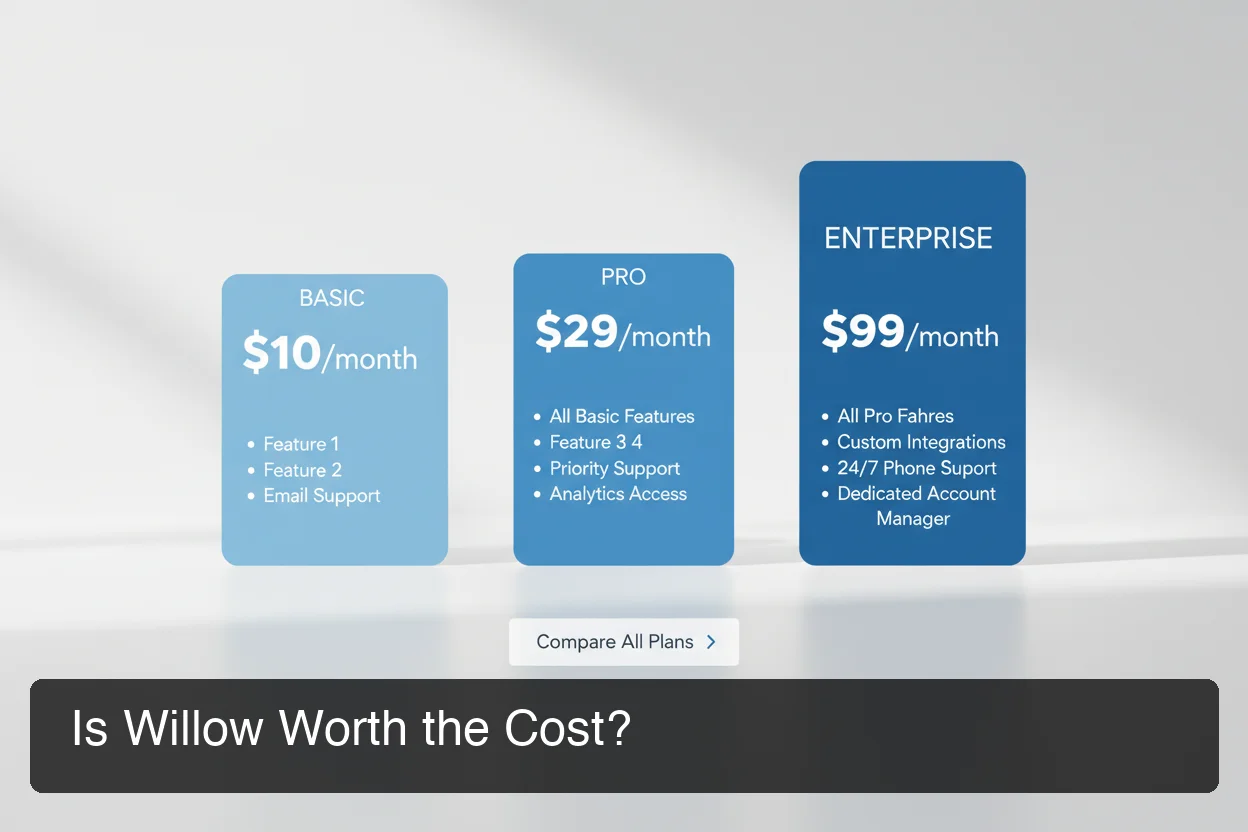 Willow's pricing positions it as a premium tool — a comparison against BossAI and competitors reveals meaningful value differences.
How Does Willow Pricing Compare to Competitors?
At $15/month ($12/month annual), Willow sits at the premium end of the market — matching WisprFlow as the most expensive mainstream option. BossAI at $9.99/month ($5.83/month annual) delivers the same dictation quality for 33% less.
Bottom line: Willow is priced like an enterprise tool. If you don't need HIPAA compliance or team dictionaries, you're paying a premium for features the average professional doesn't use.
How Does Willow Dictation Compare to Superwhisper and Wispr Flow?
Willow dictation is most comparable to WisprFlow in terms of pricing and cloud-first architecture. Superwhisper differentiates through offline/local model support. All three handle core dictation well — the differences emerge in ecosystem integration, platform coverage, and bonus features beyond raw transcription.
| Feature | Willow | Superwhisper | WisprFlow | BossAI |
|---|---|---|---|---|
| AI-enhanced dictation | ✅ | ✅ | ✅ | ✅ |
| Screen reading | ❌ | ❌ | ❌ | ✅ |
| One-tap rewrite | ❌ | Via LLM modes | Voice commands | ✅ |
| Clips (instant paste) | ❌ | ❌ | ❌ | ✅ |
| iOS keyboard | ✅ (clunky) | ✅ | ✅ (limited) | ✅ |
| macOS | ✅ | ✅ | ✅ | ✅ |
| Windows | ✅ | ✅ | ✅ | ✅ |
| Offline/local mode | ❌ | ✅ | ❌ | ❌ |
| Free tier | 2,000 words/week | Unlimited (local) | 2,000 words/week | 500 words/day |
| Monthly price | $15 | ~$8 | $15 | $9.99 |
| Annual price | $12/month | ~$7/month | $12/month | $5.83/month |
For a deeper look at the full AI dictation app landscape, our pillar guide covers every major tool in one place.
Willow vs Superwhisper: Which Wins?
Superwhisper's offline mode and $8/month price are compelling — especially for privacy-sensitive users or those on poor connections. But Willow's team features and enterprise compliance give it an edge in corporate environments.
For individual professionals, Superwhisper's free unlimited tier (with local models) is hard to beat on value.
Can You Use Willow Dictation on Windows?
Yes — Willow launched Windows support in January 2026. The Windows version functions similarly to the Mac app: a system tray app activated by a hotkey that inserts dictated text into any active application. Windows users get the same core dictation engine but without some Mac-specific integrations.
The Windows launch is relatively recent, and feature parity with Mac isn't complete. Early user feedback notes occasional hotkey conflicts with other system apps.
For Windows users evaluating dictation options, the best Apple dictation alternatives guide — which covers cross-platform tools — provides useful context on how Willow stacks up against native Windows competitors.
Key insight: Willow's Windows support is functional but newer. If Windows is your primary platform, BossAI, WisprFlow, or Superwhisper may offer a more mature experience.
What Are the Best Willow Dictation Alternatives?
The best Willow dictation alternatives in 2026 are BossAI (best value with screen reading), Superwhisper (best for offline use), WisprFlow (best-funded competitor), AquaVoice (best for developers), and Typeless (Android and desktop). Each targets a different user need — accuracy, privacy, platform, or price.
Top Willow Alternatives Ranked
- BossAI — $9.99/month, includes screen reading (Boss Mode), one-tap rewrite, and Clips. Best value for professionals.
- Superwhisper — ~$8/month, unlimited free tier with local models, best for offline use or privacy-conscious users.
- WisprFlow — $15/month, $81M funded, polished Mac/Windows experience. Best for Mac-only power users.
- AquaVoice — $8/month, developer-focused, fastest transcription after BossAI.
- Typeless — $30/month (or $12/month annual), one of two cross-platform tools with Android support (BossAI is the other).
In our comprehensive guide to what is the best dictation AI, Willow consistently ranks in the top 3 for Mac professionals — but not for casual users evaluating price vs. capability.
In our guide to Superwhisper alternatives, Willow consistently ranks in the top 3 for Mac users who need enterprise features or team collaboration.
 BossAI works as a native keyboard on iOS and Android and as a Mac menu bar and Windows system tray app — delivering Willow-quality dictation without the premium price.
Why BossAI Beats Willow Dictation on Price and Performance
BossAI matches Willow's dictation accuracy while adding three features Willow doesn't have: Boss Mode (screen-context-aware replies without copy-pasting), one-tap Rewrite with six tone options, and Clips for instant phrase insertion. At $9.99/month versus Willow's $15/month, BossAI delivers more capability for 33% less.
Boss Mode: The Feature Willow Can't Match
No dictation app besides BossAI reads your screen. When you activate Boss Mode, BossAI captures what's on screen and generates a full contextual reply — without you explaining what you're responding to.
Say you're on a client email. Instead of the copy-paste-ChatGPT workflow, you say: "Boss, reply to this email professionally and confirm Thursday." BossAI reads the email, writes the reply, and inserts it.
Willow, WisprFlow, and Superwhisper all require you to handle that context yourself.
Pricing That Makes the Choice Easy
When Typeless pricing and Willow pricing reviews are compared side by side, BossAI's value proposition becomes clear: BossAI costs $5.83/month annually — $6.17/month less than Willow's best annual price.
At typical professional usage (3-4 hours/day of text output), that adds up to $74/year saved while getting a more feature-complete tool.
Bottom line: Willow is excellent. But if you're evaluating tools on features-per-dollar, BossAI is the clear winner: Boss Mode alone justifies the entire subscription, and it costs less than Willow's cheapest paid plan.
Which Dictation App Offers the Best Value: Willow vs BossAI?
Willow is the better choice for enterprise users who need team dictionaries, HIPAA compliance, or SOC 2 certification. BossAI is the better choice for individual professionals, mobile-heavy users, and anyone who wants screen-aware AI, Clips, or one-tap rewriting at a lower monthly cost. For casual voice typists, BossAI's free tier is also more generous.
Who Should Choose Willow?
- Teams needing shared dictionaries and admin controls
- Healthcare or legal professionals requiring HIPAA/SOC 2 compliance
- Mac-primary users who want a well-funded, enterprise-backed product
Who Should Choose BossAI?
- Individual professionals wanting maximum features per dollar
- iOS users who need a polished native keyboard (not a clunky overlay)
- Anyone who wants screen-aware AI replies without copy-pasting
- Budget-conscious users who want AI dictation under $10/month
Try BossAI Free Today
If Willow's pricing or platform limitations give you pause, BossAI is the fastest way to experience the same accuracy — with features Willow doesn't offer at any price point.
Frequently Asked Questions
Is Willow Voice legit?
Yes. Willow is a legitimate, YC-backed startup (2025 batch) with enterprise customers including Uber and Heidi Health, and a 4.6-star App Store rating with 579 ratings. It is actively maintained and expanded to Windows in January 2026.
Is Willow dictation free?
Willow has a limited free tier capped at 2,000 words per week — roughly 13 minutes of speaking time, tight for daily professional use. Paid plans start at $12/month (annual) or $15/month monthly. There is no fully free unlimited tier.
How much does Willow software cost?
Willow costs $15/month or $12/month annually; Team plans are $10/seat/month and Enterprise is custom. For comparison, BossAI Pro costs $9.99/month or $5.83/month annually. BossAI also includes screen-aware Boss Mode and Clips — features Willow doesn't offer at any price.
Can you use Willow dictation on Android?
No. Willow is available on macOS, Windows (since January 2026), and iOS only. There is no Android version. If you need Android, BossAI and Typeless both offer full Android keyboards.
What is BossAI?
BossAI is an AI voice keyboard for iPhone and Android, and a voice-to-text app for Mac and Windows, that replaces typing with voice dictation. It transcribes speech in real time, removes filler words automatically, rewrites text in different tones with one tap, and includes Boss Mode — a screen-reading feature that reads your screen to generate contextual replies without copy-pasting.
Is BossAI free?
Yes — BossAI's free plan includes 500 words of dictation a day, and the allowance resets daily. Pro makes everything unlimited — dictation, Boss Mode, Rewrite, every tone and all Clips. No credit card required to start.