
Speechify Voices: How Many & Which Is Best? | BossAI
Speechify Voices: How Many Options Do You Actually Get?
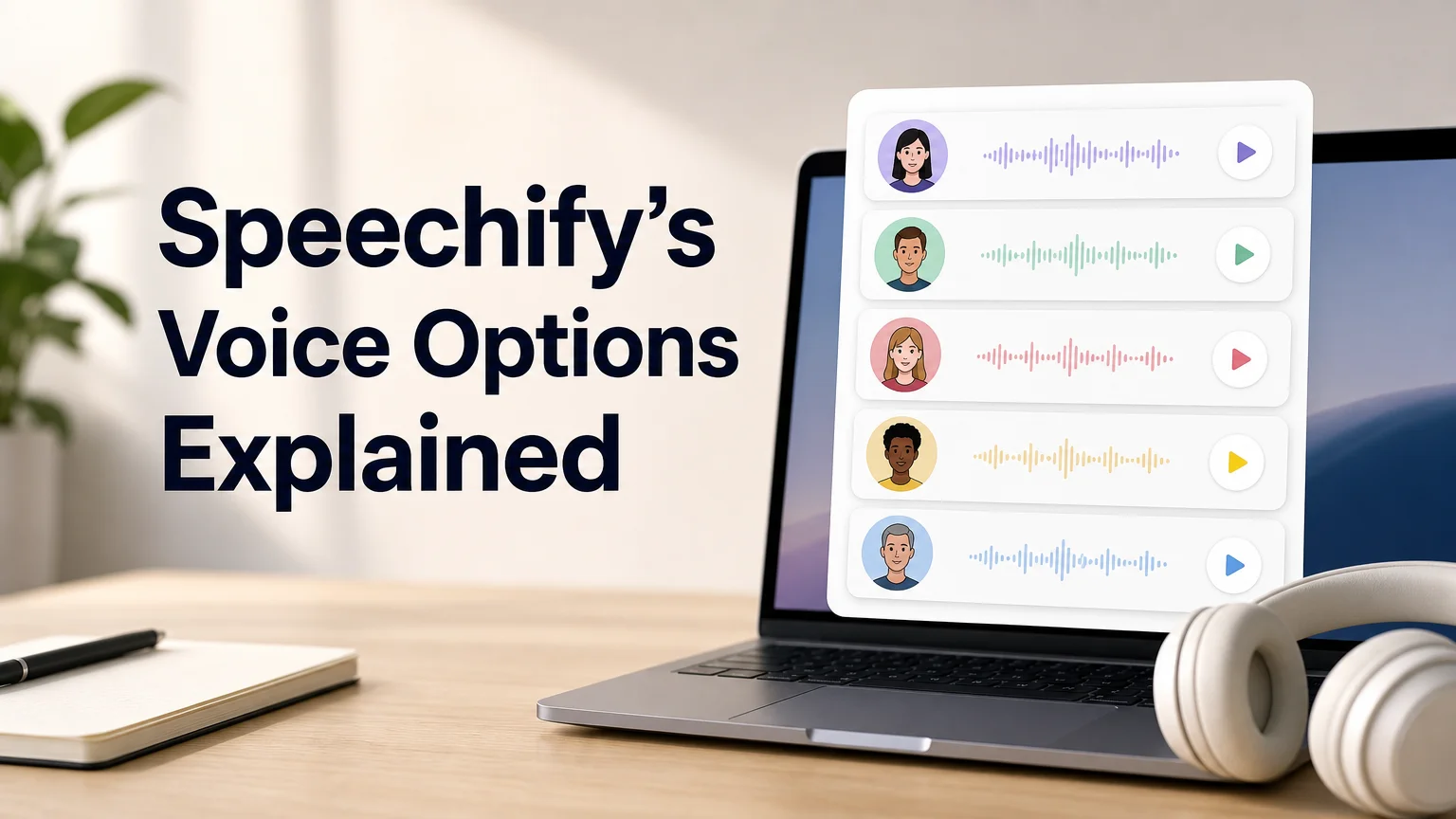
Speechify's voice library now runs past 1,000 options across more than 60 languages — more than any other mainstream text-to-speech app. That size is the headline, but it's also the catch: most people open the voice picker, scroll for a minute, and land back on whatever was already selected. A handful of tiers and a couple of settings decide which of those thousand-plus voices actually sounds good in your ears.
What Speechify Voices Are Available Right Now?
Speechify offers more than 1,000 text-to-speech voices spanning 60+ languages, split across free standard voices and premium natural-sounding voices unlocked on paid plans. The library covers everyday reading voices, accented regional options, and studio-style voices built for narration, podcasts, and video voiceovers inside Speechify Studio. Free accounts get access to a working slice of that library; premium tiers open the rest.
Speechify markets the count as a differentiator against competitors like NaturalReader and built-in tools such as Apple's VoiceOver, which typically ship a few dozen system voices rather than four figures. The Chrome extension, mobile app, and desktop app all pull from the same underlying voice catalog, so a voice picked on one device carries over to the others tied to the same account.
Volume isn't the only variable that matters, though:
- Tier — free vs. premium changes which voices are unlocked, not just how many.
- Language — English gets the deepest bench; smaller languages get fewer options.
- Use case — a voice tuned for narration reads differently than one tuned for quick document skimming.
Which Speechify Voices Sound the Most Natural?
The most natural-sounding Speechify voices sit in the premium AI tier, built on neural text-to-speech models that vary pitch, pacing, and emphasis instead of reading every word in the same flat cadence. Free-tier voices are functional for skimming an article on 2x speed, but they're noticeably more mechanical on longer listens. The gap shows up fastest on punctuation-heavy or emotionally varied text — a contract reads fine either way, but a novel chapter exposes flat delivery quickly.
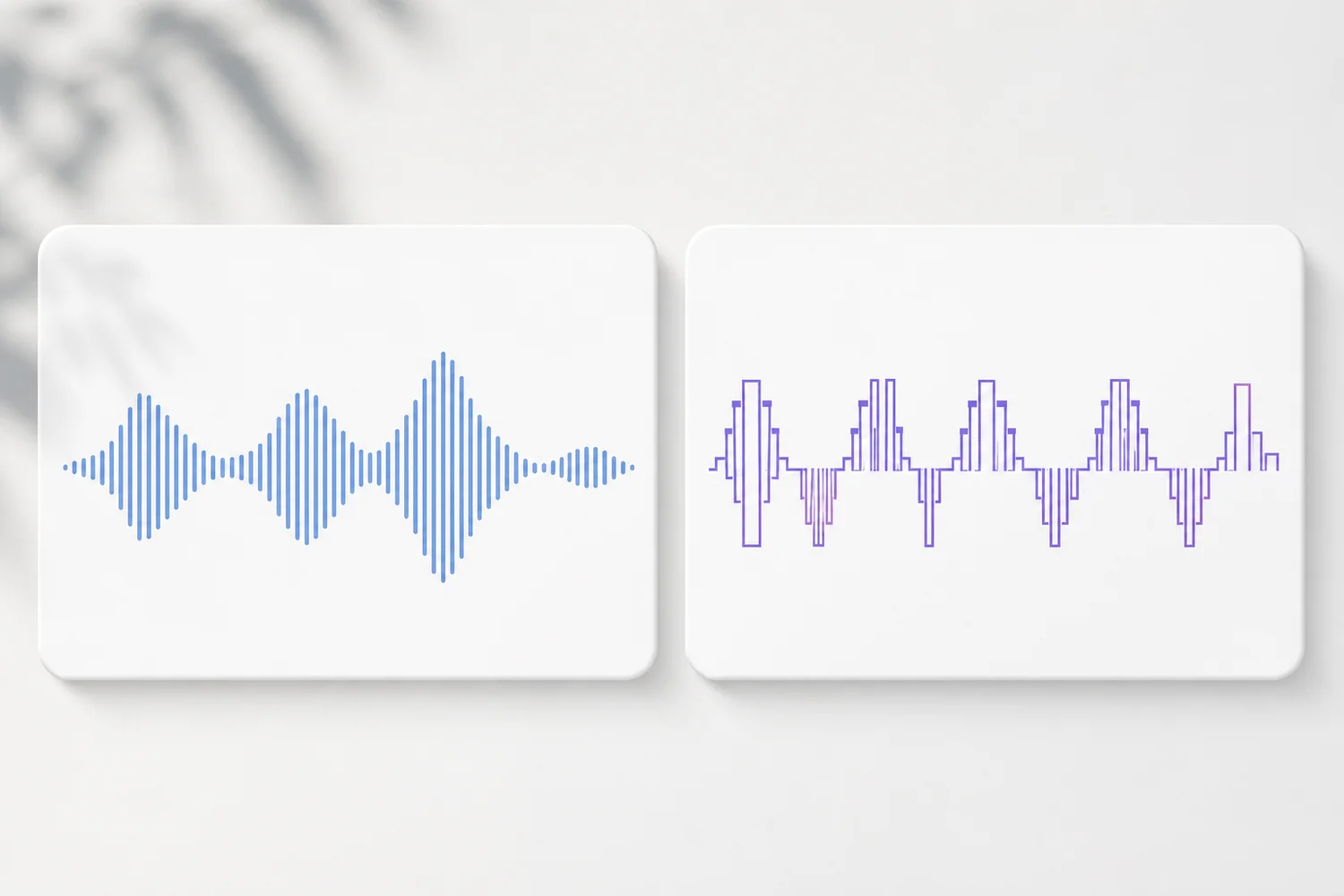 A smoother, more varied waveform pattern is generally the audible signature of a premium neural voice versus a standard synthetic one.
Worth knowing: Speechify's own product pages list voices at up to 4.5x playback speed — natural voices tend to hold up better at higher speeds than standard ones, which start to blur.
Community threads comparing Speechify voices tend to agree on this split more than they disagree — what real users say about Speechify voices in forums like r/audiobooks usually points to the same premium-vs-standard gap rather than any single "worst" voice.
Can You Change the Voice While Using Speechify?
Yes — Speechify lets you switch voices at any point during playback, including mid-document, without losing your place in the text. The voice picker sits in the player controls across the app, extension, and web reader, so swapping from a standard voice to a premium one (or between languages) takes a couple of taps. Speed and pitch adjust independently of the voice selection.
Some readers keep two or three go-to voices on rotation: one for dense technical reading, one for casual articles, and one for a second language. That's a reasonable habit — the interface doesn't cap how many voices you can preview or save as a favorite before settling on a default.
Key Takeaways
- Speechify's library runs past 1,000 voices across more than 60 languages, one of the largest catalogs in text-to-speech.
- Premium neural voices sound noticeably more natural than free-tier standard voices, especially at higher playback speeds.
- Voice switching happens mid-playback, with speed and pitch adjustable independently of the voice itself.
- Voice quality is only one input in a text-to-speech decision — language coverage, accuracy, and pricing matter just as much for most readers.
- BossAI takes a different approach entirely: instead of voices to read text aloud, it turns your spoken voice into clean, polished text in the first place.
Speechify's Accent and Language Coverage, Explained
Speechify covers 60+ languages, with multiple regional accent options inside major languages like English (US, UK, Australian) and Spanish (European, Latin American). Coverage thins out for less common languages, where a handful of voices may cover the entire catalog instead of dozens. That's typical for the category — voice model training data is heavily weighted toward high-resource languages.
For readers testing Speechify's browser-based experience specifically, Speechify's Chrome extension setup and voice-testing workflow covers how voice selection behaves inside the web reader versus the mobile app.
How Do Speechify Voices Compare to BossAI and WisprFlow?
Speechify voices and BossAI solve opposite problems — Speechify reads text aloud in a voice you choose, while BossAI listens to your voice and turns it into text. Dictation competitors like WisprFlow and Willow Voice sit closer to BossAI's category than Speechify's, but none of the three do what Speechify does. Voice quality and quantity across dictation apps is a different comparison than the one this article is making — it's worth its own breakdown. The table below covers where each tool actually fits today.
| Tool | Core function | Voice/library size | Free tier | Best for |
|---|---|---|---|---|
| Speechify | Text-to-speech (reads to you) | 1,000+ voices, 60+ languages | Limited voices unlocked | Listening to articles, PDFs, books |
| BossAI | Speech-to-text (dictation) | N/A — enhances your voice | 500 words/day, no weekly cap | Writing emails, messages, docs by voice |
| WisprFlow | Speech-to-text (dictation) | N/A | 2,000 words/week | Dictation on Mac/Windows |
Readers comparing dictation tools specifically — rather than text-to-speech — will find a deeper breakdown in this Speechify alternatives roundup, and price-conscious readers can check the free tier comparison across Speechify-adjacent apps before committing to a paid plan.
How BossAI's Approach to Voice Differs
 Speechify's model is choosing a voice to listen to; BossAI's model is skipping the choice and cleaning up the voice you already have.
BossAI doesn't compete on voice count because it isn't a text-to-speech tool — it's an AI-enhanced voice keyboard for iOS, Android, macOS, and Windows that turns spoken words into polished, formatted text as you talk. Instead of picking from a library of synthetic voices, you speak naturally and BossAI removes filler words, fixes grammar, and adds punctuation in real time, with the AI enhancement layer finishing roughly 300ms after you stop talking.
That distinction matters for anyone who searched "Speechify voices" hoping to find a way to write faster rather than listen to text read aloud. Speechify's strength is consumption — turning documents into audio. BossAI's strength is production — turning speech into finished writing, including Boss Mode, which reads your screen and drafts a contextual reply without any copy-pasting.
Get Started with BossAI
If you came here comparing voice options for reading text aloud, Speechify remains the stronger fit. If what you actually wanted was to write faster by talking instead of typing, that's a different tool entirely.
FAQ
What is the best voice on Speechify?
There's no single "best" Speechify voice — premium neural voices in the AI tier are widely considered the most natural for long-form listening, while standard voices work fine for quick skims. The right pick depends on your use case: narration-style content benefits most from premium voices.
Is Speechify voice free?
Speechify offers a free tier with a limited set of standard voices, while the full 1,000+ voice library — including premium natural-sounding voices — requires a paid plan. The free version still supports adjustable playback speed and basic voice switching.
What are the downsides of Speechify's voice library?
The main downside is choice paralysis: over 1,000 voices across 60+ languages makes it easy to spend more time browsing than listening. Premium voices are also gated behind a paid plan, and language coverage varies widely outside major languages like English and Spanish.
Is BossAI free?
Yes — BossAI's free tier has no weekly word cap, so you can dictate as much as you want without hitting a wall. Upgrading unlocks unlimited Boss Mode screen reads, priority processing, and extended Clips storage, and getting started never requires a credit card.