
Faster Typing App: How AI Voice Beats Manual Speed
Most people searching for a faster typing app are fighting the wrong battle. Practicing keyboard drills raises your WPM by 20% over months — AI voice dictation raises it by 300% on the first day.
Key Takeaways
- Faster typing apps use AI voice recognition to increase input speed 3-5x compared to manual typing
- Voice dictation with AI correction delivers 95%+ accuracy for professional writing — no editing required
- Mobile users who switch to voice typing save 40% more time on email and messaging tasks
- The fastest typing apps combine AI correction, smart punctuation, and contextual predictions
- BossAI's dictation engine enables hands-free productivity on iOS, Android, macOS, and Windows
Contents
- What Is a Faster Typing App?
- How Does a Faster Typing App Boost Your Input Speed?
- How Much Can a Faster Typing App Improve Your Speed Compared to Traditional Typing?
- What Features Make a Typing App Faster: AI, Prediction, or Voice?
- Why Is Voice Typing the Fastest Way to Compose Messages on Mobile?
- Which Faster Typing App Is Right for Your Workflow?
- Can AI Keyboard Apps Type Faster Than Humans Manually Typing?
- BossAI Features for Maximum Typing Speed
- How to Choose the Fastest Typing Method for Email and Document Work?
- Get Started with BossAI
- Frequently Asked Questions
What Is a Faster Typing App?
A faster typing app is software designed to increase how quickly you can produce text on any device. Modern tools split into two distinct categories: practice-based trainers that improve keyboard WPM through repetition, and AI voice apps that bypass the keyboard bottleneck entirely — converting speech at 130-150 WPM into polished, formatted text from the first use.
The traditional category includes tools like TypeFu, RapidTyping, and Typing.com. These are valuable for students building touch-typing foundations or data-entry professionals who need keyboard accuracy.
The AI voice category — which includes tools like BossAI — takes a completely different approach. Instead of training your fingers, it routes around them. You speak naturally, the AI transcribes and corrects in real time, and polished text appears wherever your cursor is. Practice-based apps take weeks to show gains; AI voice apps work from day one.
 AI voice turns your speech rate into your typing rate — no practice required.
How Does a Faster Typing App Boost Your Input Speed?
Faster typing apps boost speed through two mechanisms: practice apps use feedback loops and repetition drills to build muscle memory for touch-typing; AI voice apps convert natural speech — averaging 130-150 words per minute — directly into formatted, polished text, bypassing physical keyboard constraints entirely.
The muscle memory path is real but limited. The average adult types 40-60 WPM. Expert typists push 80-100 WPM after years of deliberate practice. That ceiling exists because your fingers can only move so fast, and every error requires backspace-and-retype cycles that eat time.
AI voice apps break that ceiling. Your speech rate becomes your input rate. The app's job is to clean what you say — stripping filler words, adding punctuation, fixing grammar — so the output looks like deliberate typing.
How AI Enhancement Works
Modern dictation runs a two-stage process: speech-to-text converts audio to raw transcript in real time, then AI post-processing strips fillers, corrects grammar, adds punctuation, and reformats text for the active app. Say "uh I wanted to um follow up on the Friday report" → output is "I wanted to follow up on the Friday report." One second, no editing.
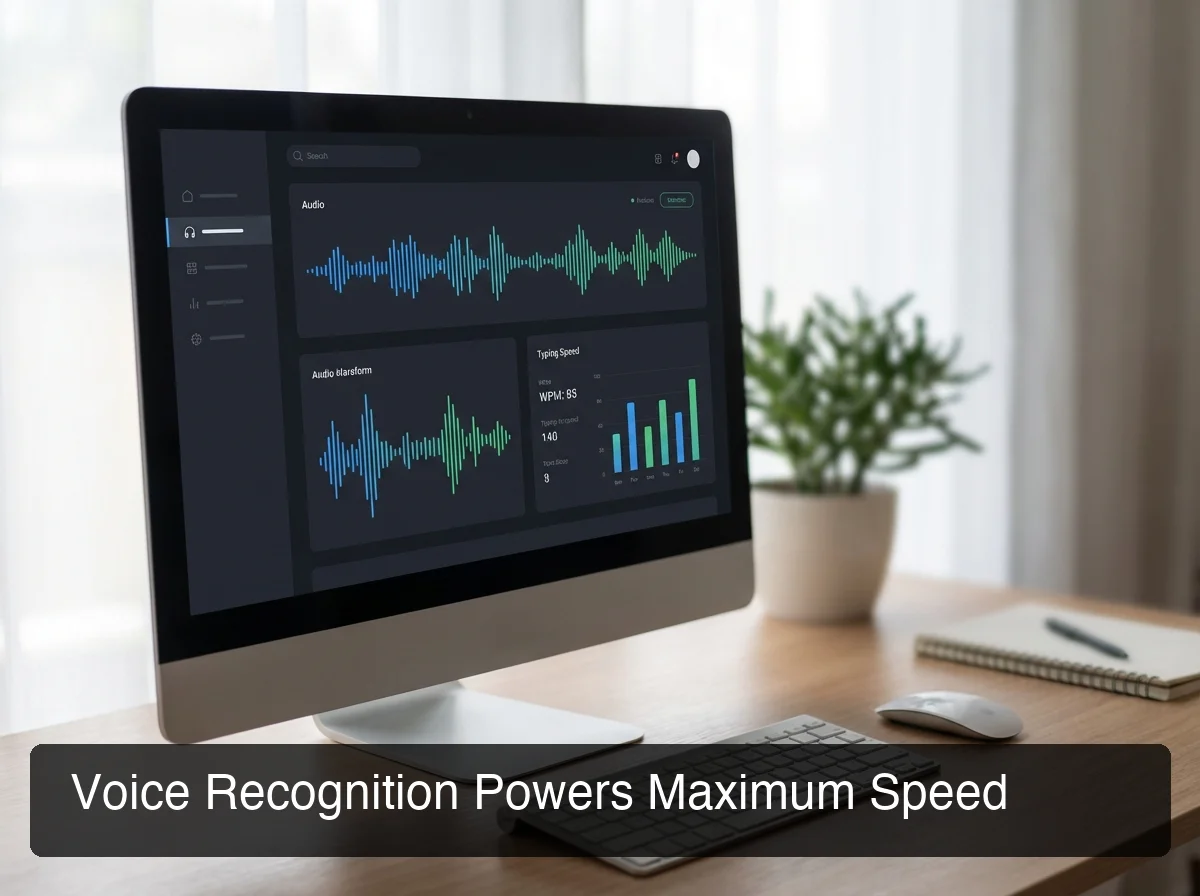 Real-time AI post-processing eliminates the gap between raw dictation and publish-ready text.
Key insight: The AI post-processing layer is what separates a genuinely faster typing app from raw dictation. Without it, voice creates more editing work than it saves.
How Much Can a Faster Typing App Improve Your Speed Compared to Traditional Typing?
Traditional typing practice apps improve speed 15-25% over several weeks of daily use, moving the average user from 40 WPM to 50-60 WPM. AI voice dictation delivers 3-5x speed gains immediately — no training period required. A user typing at 40 WPM can produce text at 130-150 WPM from the first session.
Typing practice requires weeks of training before measurable gains. AI voice requires zero onboarding — you speak, text appears.
Speed Comparison: Voice vs. Traditional Typing
| Method | Average Speed | Time to See Results | Accuracy |
|---|---|---|---|
| Hunt-and-peck typing | 20-35 WPM | Baseline | Variable |
| Average touch typing | 40-60 WPM | Months of practice | 95%+ |
| Expert typist | 80-100 WPM | Years of practice | 99%+ |
| AI voice dictation | 130-150 WPM | Day one | 95%+ with AI |
By the numbers: Voice dictation is 3-5x faster than average typing. AI correction closes the accuracy gap, so you're not trading quality for speed — you're getting both simultaneously.
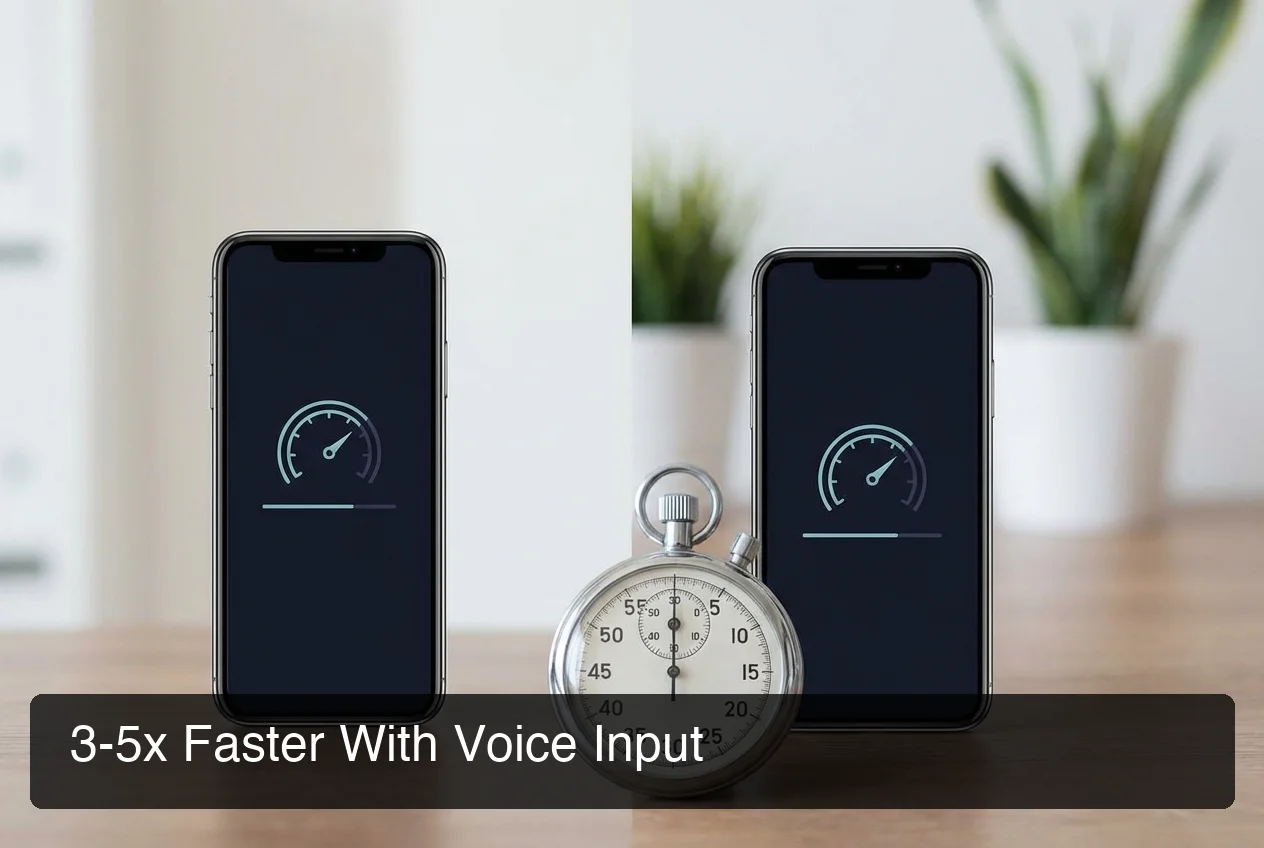 Side-by-side: what 40 WPM keyboard typing produces in 3 minutes vs. what 140 WPM voice dictation produces.
The gap widens on mobile. Desktop typists average 40-60 WPM; mobile touch keyboards drop to 30-38 WPM due to small keys and autocorrect interruptions. Voice input is the same speed on every device.
What Features Make a Typing App Faster: AI, Prediction, or Voice?
The three most impactful speed features in modern faster typing apps are: AI voice-to-text (eliminates keystrokes entirely), contextual predictive text (reduces keystrokes 30-40%), and AI post-processing (auto-corrects errors and adds punctuation without manual editing). Together, these features reduce the time from thought to finished text by 60-70%.
Predictive Text vs. Voice Dictation
Predictive text speeds up typing by suggesting the next word before you type it. It's incremental — you still type every character, the prediction just shortens some words. Typical gain: 10-20% faster.
Voice dictation eliminates keystrokes entirely. You never press a key. The entire editing loop — think, type, backspace, retype, format — collapses into a single step: speak.
Custom Dictionary as a Multiplier
Proper nouns are the silent killer of dictation accuracy. "Deepgram" becomes "deep gram." "HubSpot" becomes "hub spot." A custom dictionary that learns your vocabulary — client names, technical terms, industry jargon — eliminates these friction points and lets you dictate at full speed without pausing to spell things out.
Why Is Voice Typing the Fastest Way to Compose Messages on Mobile?
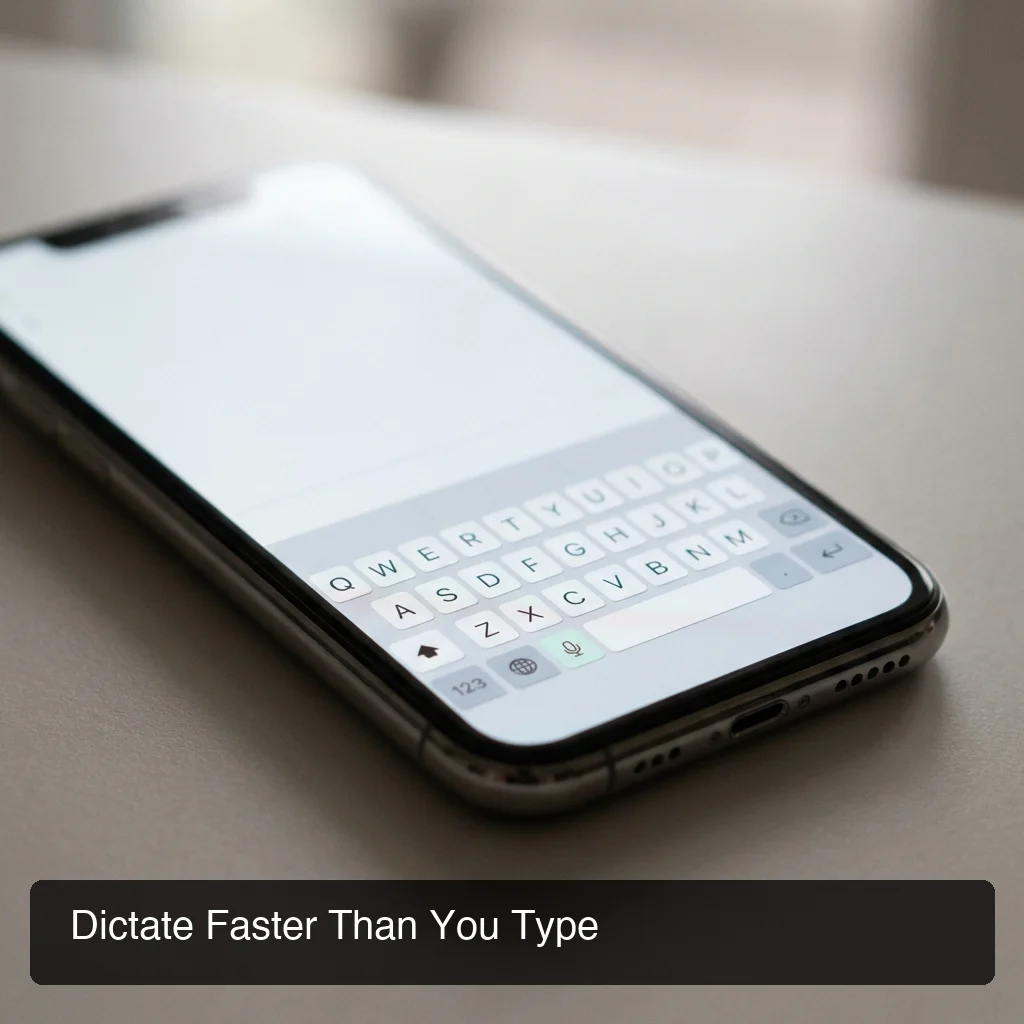
On mobile, the average touch keyboard produces 30-38 WPM due to small key targets, autocorrect interruptions, and error correction pauses. Voice typing eliminates all physical constraints — users dictate at 130+ WPM regardless of screen size. For email and messaging, a reply that takes 3 minutes to type takes under 60 seconds to dictate.
Mobile typing has a structural disadvantage: small key targets, autocorrect interruptions, and a keyboard that occupies half the screen. These aren't practice problems — they're hardware constraints.
Voice input bypasses all of it. You see your full screen, speak your reply, and the text appears in the message field — formatted, corrected, and ready to send.
For a complete breakdown of the top voice typing app options — including accuracy benchmarks and platform comparisons — that guide covers the full landscape.
The Mobile Typing Gap in Real Numbers
- Desktop average: 40-60 WPM
- Mobile touch keyboard average: 30-38 WPM (-30% vs desktop)
- Voice dictation on mobile: 130-150 WPM (same as desktop or faster — no keyboard occlusion)
Bottom line: Mobile voice typing doesn't just close the gap with desktop typing — it laps it. The mobile keyboard is a constraint that voice removes entirely.
Which Faster Typing App Is Right for Your Workflow?
The right faster typing app depends on your goal: if you need keyboard WPM improvement for exams or data entry, a typing tutor like TypeFu or RapidTyping is appropriate. If you need to type faster for email, messaging, and documents right now, an AI voice dictation tool delivers instant 3-5x speed gains that work in every app on your device.
Typing App Comparison: Tutors vs. AI Voice
| App Type | Best For | Speed Gain | Learning Curve | Platform |
|---|---|---|---|---|
| Typing tutors (TypeFu, RapidTyping) | Keyboard practice, exams | +20-30% after weeks | Moderate | Desktop |
| Predictive keyboard apps | Mobile messaging | +10-20% | Low | Mobile |
| AI voice dictation (BossAI) | Email, docs, messaging | Large, from day one | None | iOS/Android/Mac/Windows |
Typing tutors and AI voice apps solve different problems. Tutors improve keyboard fundamentals — valuable for students and data-entry roles. AI voice removes the keyboard bottleneck entirely — the better choice for any professional whose primary workload is prose communication.
For a deeper look at how AI keyboard apps compare across features and pricing, the AI keyboard app guide covers the full landscape.
Can AI Keyboard Apps Type Faster Than Humans Manually Typing?
Yes — AI keyboard apps with voice dictation produce text at 130-150 WPM, outpacing professional typists (80-100 WPM) with no practice required. Beyond raw speed, AI keyboards eliminate error-correction cycles: dictation with AI post-processing produces clean, formatted text on the first pass, while high-speed manual typing increases error rates and editing time.
There's a compounding advantage that raw WPM numbers don't capture. When you type fast, errors increase — and each backspace-retype cycle costs 2-4 seconds. At 80 WPM, a professional typist might make 3-5 errors per paragraph, adding 15-20 seconds of correction time per 100 words.
Voice dictation with AI post-processing handles all of this automatically. You speak in a continuous stream; the AI inserts punctuation, fixes grammar, removes fillers, and formats the text. Net output speed consistently exceeds even expert typists — with zero correction overhead.
 BossAI's AI keyboard: dictation, Boss Mode, and one-tap rewrite — all without leaving your current app.
BossAI Features for Maximum Typing Speed
BossAI pairs real-time transcription with a proprietary AI model that delivers automatic filler removal, grammar correction, and context-aware formatting. Boss Mode reads your screen and writes complete contextual responses without copy-pasting — making it the fastest way to handle email, Slack, and document work across iOS, Android, macOS, and Windows.
Core Speed Features
- AI Dictation: Real-time transcription + proprietary AI post-processing → clean text instantly, filler-free
- Boss Mode: Speak a command, BossAI reads your screen, writes a contextual reply — no copy-pasting, no app switching
- Clips: Save standard replies, signatures, addresses — one-tap paste from the keyboard itself
- Rewrite Tones: One tap (Professional, Casual, Witty, Persuasive, Empathetic, Bold) rewrites your text in seconds
- Custom Dictionary: Add client names, technical terms, brand names — zero transcription errors on your vocabulary
BossAI is built for professionals with heavy communication loads — founders, managers, consultants, salespeople, and content creators. It runs natively on iOS and Android (full keyboard replacement), macOS (menu bar), and Windows (system tray), making it a true hands-free typing solution on every platform.
For a full setup walkthrough, see the guide on how to type with voice.
Key insight: Boss Mode is the only feature in the category that reads your screen to generate contextual responses. No other dictation app eliminates the copy-paste loop between your screen and your AI tool.
BossAI's free tier includes 500 words/day of full-quality dictation. Pro unlocks unlimited dictation, Boss Mode, all tones, and full Clips at $9.99/month or $69.99/year.
How to Choose the Fastest Typing Method for Email and Document Work?
For email and document work, choose AI voice dictation over typing practice: the ROI is immediate (3-5x speed from day one), it works in every app without switching context, and it compounds as the AI learns your vocabulary. For structured data entry or form-filling, traditional keyboard proficiency remains relevant — but for prose composition, voice consistently wins.
A Simple Decision Framework
- Email, Slack, documents, notes → AI voice dictation (fastest ROI, works immediately)
- Data entry, forms, spreadsheets → keyboard proficiency still relevant
- Mobile everything → AI voice keyboard, no contest
The key insight: most professional communication is prose — complete sentences, paragraphs, replies. Prose is where voice dominates. Structured data entry is where keyboard accuracy still matters.
Get Started with BossAI
If your workload is email, messaging, or documents, switching to AI voice dictation is the highest-leverage productivity change you can make in 2026. BossAI delivers dictation with AI post-processing, Boss Mode screen awareness, and instant Clips — across iOS, Android, macOS, and Windows.
Frequently Asked Questions
What is the fastest typing app available in 2026?
AI voice dictation apps are the fastest typing tools available in 2026, producing 130-150 WPM vs. 40-60 WPM for average typists. Among voice apps, BossAI stands out for AI post-processing that removes filler words and adds punctuation automatically — delivering clean, formatted text at dictation speed without manual editing required.
How can I double my typing speed fast?
The fastest way to double your typing speed is to switch to AI voice dictation. Instead of spending weeks training keyboard muscle memory, dictation apps convert speech at 130-150 WPM — 3x the average typing speed — from the first use. No practice period is required, and the gains are immediate.
Is 72 WPM a fast typing speed?
72 WPM is above average — most adults type 40-60 WPM, so 72 WPM puts you in the upper 25% of typists. However, even at 72 WPM you're slower than natural speech (130-150 WPM), which AI voice dictation apps can convert into formatted, polished text automatically and immediately.
What apps increase typing speed on iPhone?
On iPhone, AI voice keyboard apps provide the largest speed improvement. BossAI replaces the default iOS keyboard with AI-powered dictation that converts speech to polished text. Traditional typing practice apps are less effective on mobile due to small key targets and touchscreen constraints that cap keyboard speed.
Does voice typing really work for professional writing?
Yes — modern AI voice typing achieves 95%+ accuracy with built-in filler word removal and grammar correction. For professional writing tasks like email and documents, AI-enhanced dictation apps produce clean text that requires minimal editing, making them a practical daily productivity tool for business users across all industries.
How is voice typing different from a typing tutor app?
Typing tutor apps (TypeFu, RapidTyping, Typing.com) improve keyboard WPM through practice — results take weeks of daily use. Voice typing apps like BossAI eliminate the keyboard bottleneck entirely by converting speech to text with no training period required, delivering immediate and permanent speed gains.