
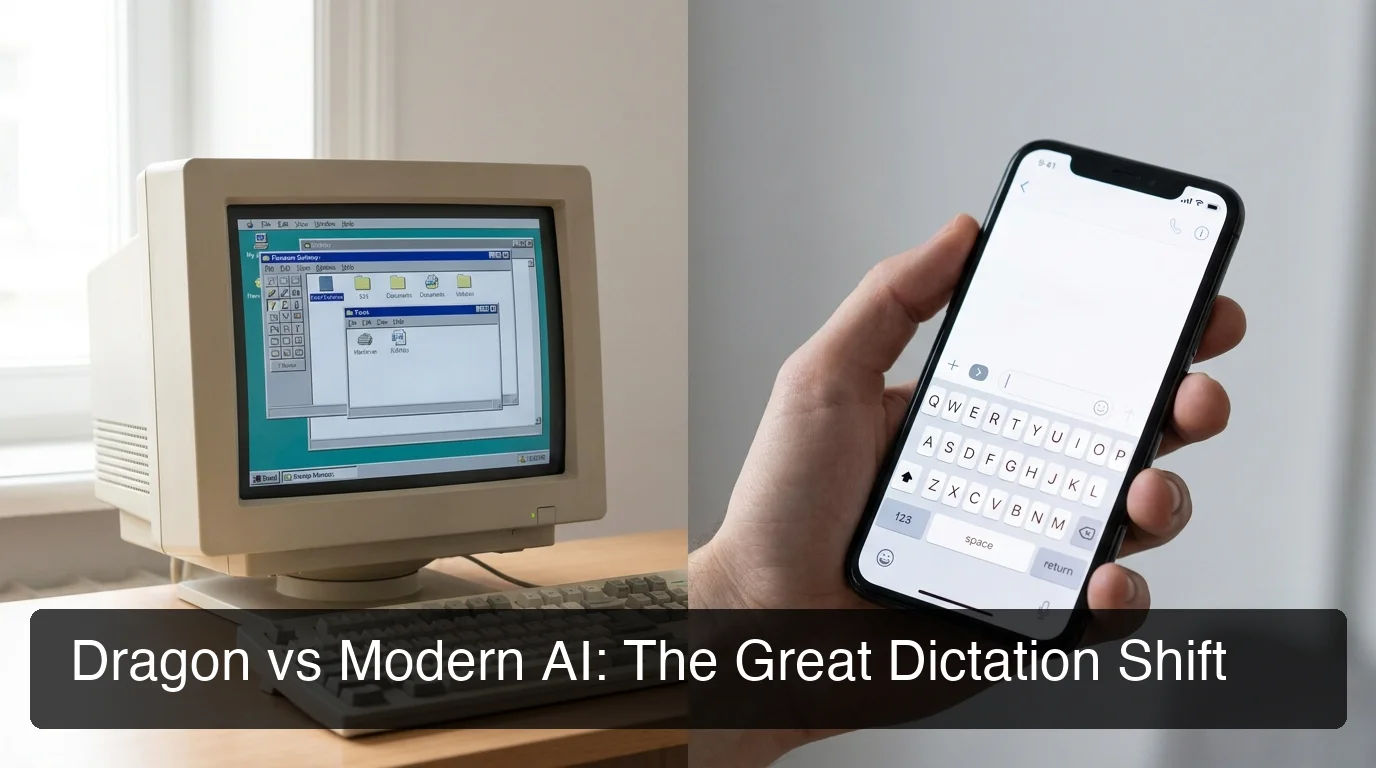
Dragon Software Review: Worth It in 2026?
Dragon software has had a 25-year run as the benchmark for voice dictation. Lawyers, doctors, and reporters who needed to produce volume trusted it because nothing else came close — and that trust was genuinely earned. The question for 2026 is whether it still fits how people actually work.
The answer shows up in the data. Dragon's mobile app, Dragon Anywhere, currently holds a 1.5-star rating on Google Play after 943 reviews. On the App Store, it sits at 2.6 stars from 725 ratings.
That's not a product in transition. That's a product built for a different era trying to serve a different one.
Key Takeaways
- Dragon software has dominated desktop dictation for 25+ years — but its mobile app, Dragon Anywhere, holds a 1.5-star Google Play rating after 943 reviews, reflecting a desktop-first architecture that doesn't translate to mobile.
- Dragon Professional v16 costs $699.99 one-time; Dragon Anywhere adds a separate ~$50/month subscription. Neither product includes automatic filler removal, grammar correction, or tone rewriting.
- Modern AI dictation tools like BossAI run natively on iOS, Android, macOS, and Windows — no voice training session required, AI cleanup built in, starting free at 500 words/day.
- The switch decision isn't about accuracy — Dragon's desktop recognition is genuinely competitive. It's about whether a Windows-first tool fits a workday that moves across devices.
- Boss Mode, BossAI's screen-reading feature, has no equivalent in Dragon or any other dictation app — it reads your screen and drafts contextual replies without copy-pasting.
Contents
- Dragon NaturallySpeaking Built Its Reputation for a Reason
- Can Dragon Software Work on My iPhone or Android?
- What Does Dragon Software Actually Cost in 2026?
- How Does Dragon Compare to Modern AI Dictation in 2026?
- Why Switch From Dragon to Modern Dictation Apps?
- What's the Best Dragon Alternative for Mac and Windows Users?
- Frequently Asked Questions
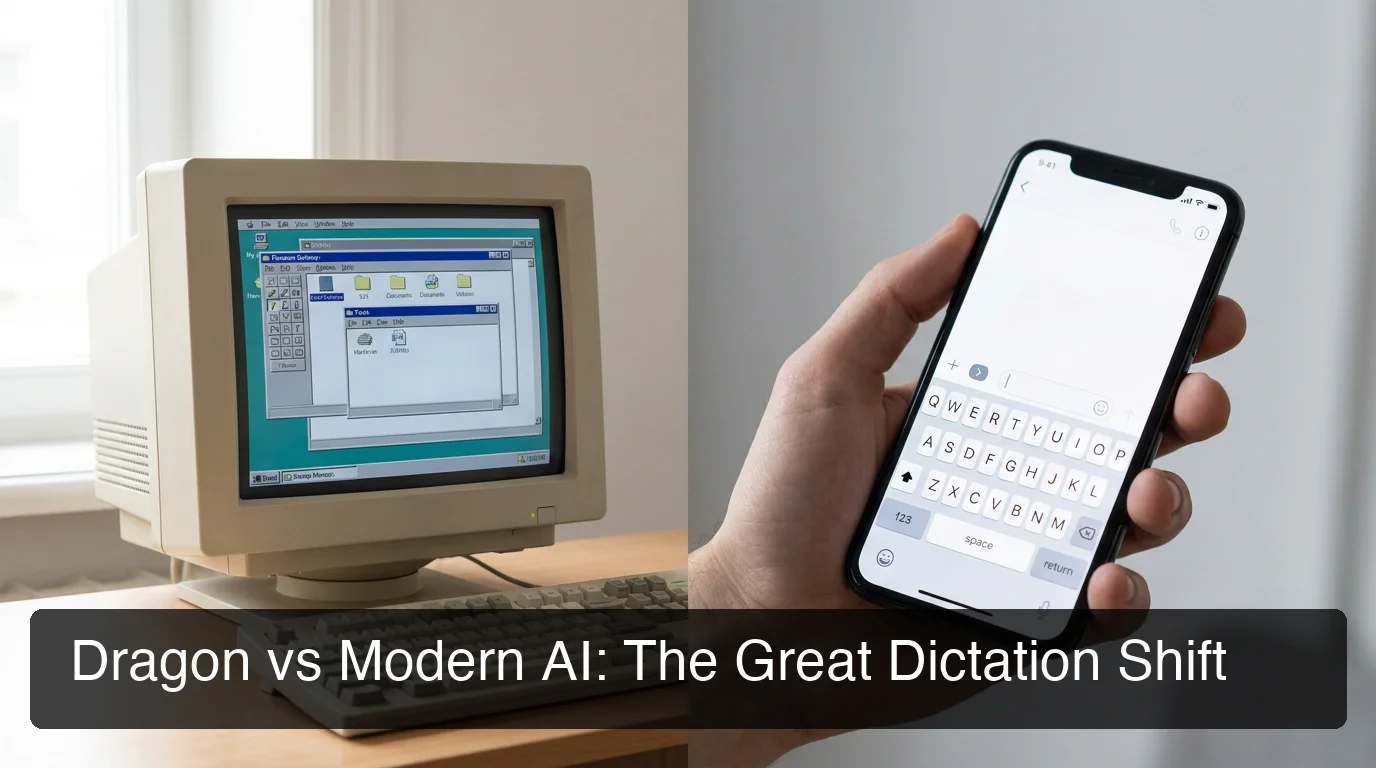 Dragon defined desktop dictation. The question is whether desktop dictation still defines the workday.
Dragon NaturallySpeaking Built Its Reputation for a Reason
Before any comparison is worth making, the history deserves acknowledgment. Dragon NaturallySpeaking launched in 1990. For decades, it set the accuracy standard in professional voice recognition — particularly in specialized vocabulary domains. Legal and medical professionals adopted it because it correctly transcribed terminology that consumer tools mangled.
"Metoprolol" was recognized; complex case citation formats were handled; custom vocabularies for specific practices were supported. That precision wasn't incidental — it was the entire value proposition.
The product evolved from Dragon Systems to ScanSoft, then Nuance Communications (acquired 2005), and eventually to Microsoft (Nuance acquisition completed 2022). Dragon Professional and Dragon Legal Anywhere still serve enterprise customers with high-volume dictation needs and IT-managed deployments on Windows.
For professionals dictating 50+ pages of specialized documents per day into a managed Windows environment, Dragon remains a defensible choice. Its voice dictation accuracy in professional domains — especially with full-text control over Windows applications — is still competitive, particularly for offline use.
The workflow depth is real. Voice-controlled macro execution, custom navigation commands, and deep Windows application integration took years to build and aren't easy to replicate.
The limitation isn't capability. It's scope.
Can Dragon Software Work on My iPhone or Android?
Dragon's mobile experience requires Dragon Anywhere — a separate subscription product priced around $50/month — or remote desktop workarounds connecting your phone to a Windows PC running Dragon Professional. Neither option functions as a native mobile keyboard. Dragon Anywhere dictates into its own document environment; it doesn't let you type by voice in any app the way a mobile keyboard would.
This is the central problem with Dragon software in 2026. The ratings above don't reflect bugs — they reflect a fundamental architectural mismatch. Dragon Anywhere forces a specific workflow:
- Open Dragon Anywhere
- Dictate your text into its document environment
- Copy the result
- Switch to the app where you actually need the text
- Paste
For replying to a Slack message, composing an email, or responding to a text, that's four extra steps every single time. The friction compounds across a day of normal communication.
Enterprise users sometimes route around this with VPN connections or remote desktop tools — connecting a mobile device to their Windows machine and using full Dragon Professional that way. This works in clinical settings with dedicated IT support. It does not work for a consultant on a commute who wants to dictate a quick email.
Dragon Anywhere's subscription pricing adds another layer of friction. A Dragon Professional owner who paid $699 for the desktop license finds themselves paying a second time — roughly $600/year — for a mobile experience that reviews describe as frustrating and unreliable.
What Does Dragon Software Actually Cost in 2026?
The pricing landscape across Dragon's product line is considerably more fragmented than most users expect:
| Product | Price | Notes |
|---|---|---|
| Dragon Home | From ~$179 one-time | Consumer tier, Windows desktop only |
| Dragon Professional v16 | $699.99 one-time | Business and power users |
| Dragon Anywhere | ~$50/month subscription | Mobile, document dictation only |
| Dragon Medical One | ~$99/month | Clinical environments, cloud-hosted |
| Dragon Legal Anywhere | Enterprise pricing | Legal firms, cloud-hosted |
Beyond the sticker price, Dragon Professional and Dragon Home require a voice training session — 10 to 30 minutes of reading scripted passages to calibrate the recognition model to your voice. This was standard practice when all speech recognition required training. Neural models today require none.
Neither Dragon Home nor Dragon Professional include built-in filler word removal, automatic grammar correction, or tone rewriting. Those editing steps happen manually after dictation.
Dictate 1,500 words and you receive raw transcript — filler words and grammar errors intact. That post-processing layer is now automated by modern AI dictation tools.
For users specifically on Windows, dedicated dictation software for Windows with AI enhancement now delivers comparable accuracy plus automatic cleanup at a fraction of Dragon's one-time cost.
 A one-time $699 purchase looks different when subscription competitors include AI cleanup, rewriting, and four-platform coverage.
How Does Dragon Compare to Modern AI Dictation in 2026?
Dragon leads in specialized vocabulary depth and Windows application control — but modern AI dictation tools match general-speech accuracy while adding filler removal, grammar correction, and native mobile keyboard integration that Dragon doesn't offer at any price tier. The gap narrows sharply for users who don't need Dragon's enterprise Windows features.
Here's the practical breakdown across capabilities that affect daily use:
| Capability | Dragon (Professional/Home) | BossAI |
|---|---|---|
| Platforms | Windows, macOS desktop | iOS, Android, macOS, Windows |
| Native mobile keyboard | ❌ Workarounds only | ✅ Full keyboard replacement |
| Auto filler word removal | ❌ | ✅ |
| Grammar auto-correction | ❌ | ✅ |
| One-tap tone rewriting | ❌ | ✅ Six tones |
| Screen context awareness | ❌ | ✅ Boss Mode |
| Voice training session | Required (10–30 min) | Not required |
| Starting cost | From $179 one-time | Free (500 words/day) |
| Mobile app rating | 1.5/5 Google Play | Native iOS + Android keyboard |
Dragon's Windows macro and command execution depth is a real differentiator for users who've built complex hands-free workflows around it. That audience is specific: primarily legal and medical professionals on managed Windows deployments. For general-purpose dictation — email, messaging, notes, documents across devices — Dragon's architecture adds friction at every non-desktop touchpoint.
Modern alternatives also skip the training session entirely. Neural speech models used by BossAI, WisprFlow, and others adapt to accents and vocabulary patterns through usage rather than upfront calibration.
Worth knowing: WisprFlow, Willow Voice, and BossAI all offer free tiers so you can test accuracy before committing. Dragon requires purchase before meaningful evaluation.
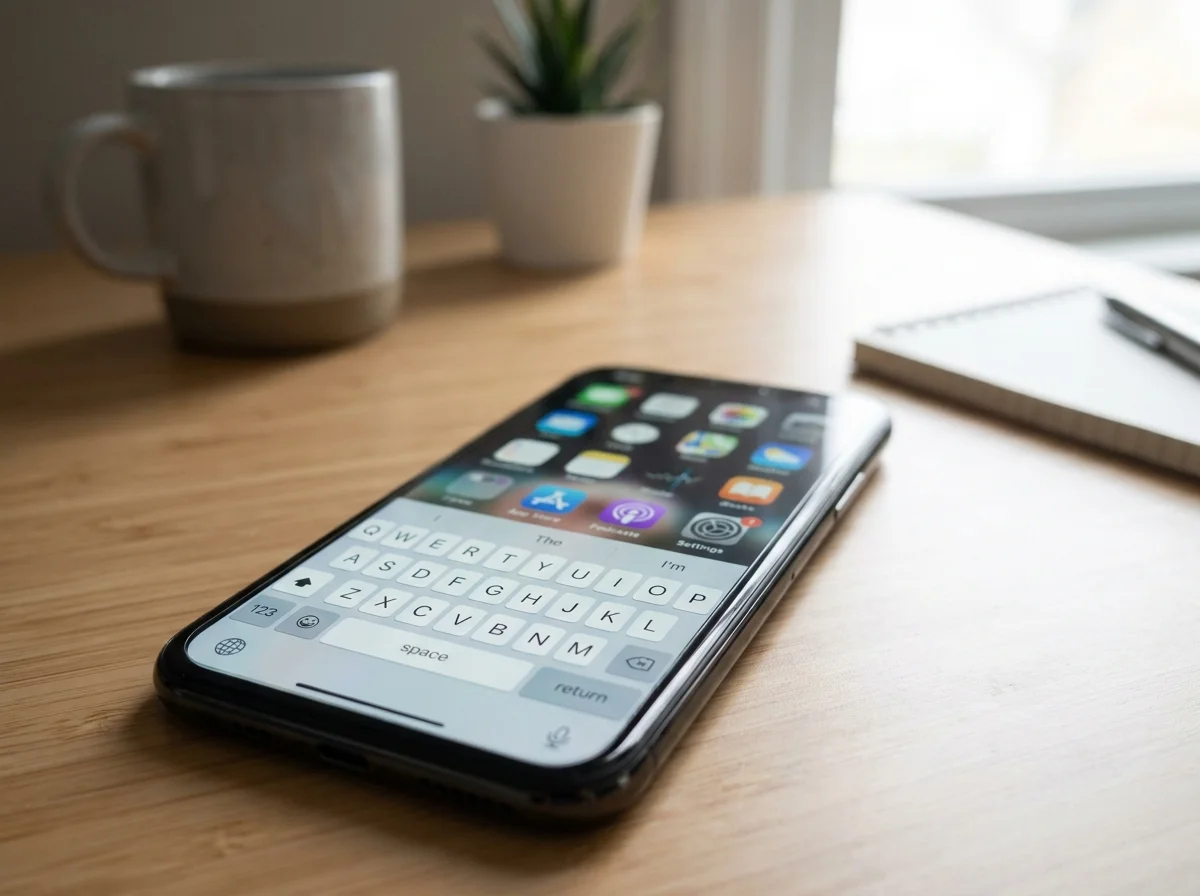 Native keyboard integration means dictating directly into any app — no document workaround, no copy-paste step.
Related: Cloud Based Dictation: What It Is & How to Choose
Why Switch From Dragon to Modern Dictation Apps?
The case for switching isn't primarily about accuracy. Dragon's desktop recognition is still competitive. The case is about whether the tool fits where work actually happens.
If you're currently on Dragon and working around it rather than with it — dictating into a document first and pasting elsewhere, keeping a Windows machine running specifically for voice input, or abandoning voice dictation entirely on mobile — those are workflow gaps. Not edge cases.
Modern tools like BossAI are built with a different architecture. On iOS, it functions as a full keyboard replacement — dictation happens directly inside any app. On Android, same model.
On macOS, a menu bar hotkey activates it from anywhere. On Windows, same via system tray. No switching apps, no document workaround, no VPN required.
The cross-platform integration is grounded in technical reality: iOS uses a native keyboard extension via Apple's standard API; Android uses the Input Method Editor system; macOS and Windows use native accessibility APIs for universal text insertion. Every platform is a first-class citizen — not a mobile workaround for a desktop product.
For a comprehensive breakdown of the best current Dragon replacements by use case — including options for enterprise deployment, offline use, and Windows-specific setups — Best Dragon NaturallySpeaking Alternatives in 2026 covers the full field.
What's the Best Dragon Alternative for Mac and Windows Users?
For Mac and Windows users ready to move on from Dragon, the strongest 2026 options are BossAI ($9.99/month), WisprFlow ($15/month), and Superwhisper (~$8/month). All three offer native desktop integration, real-time AI cleanup, and no training session. The key differentiator is mobile coverage — BossAI is the only one that also covers iOS and Android natively.
WisprFlow and Superwhisper are both strong for Mac-first users. Neither supports Android; WisprFlow has a limited iOS keyboard. Superwhisper supports offline processing, which appeals to users with strict data privacy requirements or poor internet connectivity.
For those evaluating broader voice productivity tools, the voice typing app landscape also includes tools like Otter.ai — though it's worth noting that Otter transcribes recorded audio into documents rather than functioning as a real-time dictation keyboard. The use case distinction matters when choosing. Tools like WisprFlow alternatives or transcription-focused apps serve different parts of the same workflow; voice typing across apps in real time (including Google Docs) is a separate category from recording-based transcription.
Try BossAI Free — No Training Required
Dragon's model: pay upfront, train your voice profile, use on one machine. BossAI's model: try free, upgrade when it earns it.
Five hundred words per day of fully AI-enhanced dictation — filler removal, grammar correction, punctuation — no credit card, no training session. Available on iOS, Android, macOS, and Windows from day one, with the same Boss Mode screen-reading feature in every app.
Quick recap
- Dragon software has a 25-year desktop accuracy legacy — and a 1.5-star Google Play rating for its mobile app, Dragon Anywhere, after 943 reviews.
- Dragon Professional v16 costs $699.99 one-time; Dragon Anywhere runs as a separate ~$50/month subscription; neither includes filler removal, grammar correction, or tone rewriting.
- Modern alternatives like BossAI run natively on iOS, Android, macOS, and Windows — no training session, built-in AI cleanup, and one-tap rewriting across all platforms.
- The switch case isn't about desktop accuracy; it's about whether a desktop-first tool serves a multi-device workday. For most users in 2026, it doesn't.
Frequently Asked Questions
What is dragon software used for?
Dragon software is a speech recognition product primarily used for professional and enterprise desktop dictation — legal documents, clinical notes, business reporting — on Windows and macOS. It converts speech to text with high accuracy in specialized vocabulary domains. The mobile product, Dragon Anywhere, handles standalone document dictation but doesn't function as a cross-app voice keyboard the way modern alternatives do.
How much does dragon software cost?
Dragon Home starts around $179 as a one-time purchase; Dragon Professional v16 costs $699.99; Dragon Anywhere and Dragon Medical One run as monthly subscriptions at roughly $50 and $99 per month respectively. None include a free evaluation tier. Modern alternatives like BossAI start free with 500 words per day and charge $9.99/month for full Pro access — no upfront purchase required.
Is Dragon NaturallySpeaking still worth buying in 2026?
For Windows professionals dictating high volumes of specialized content — legal briefs, clinical notes, technical documentation — Dragon Professional remains a defensible choice for desktop-centric workflows. For general-purpose dictation across devices and apps, modern alternatives match or exceed Dragon's accuracy while adding AI cleanup, native mobile integration, and tone rewriting that Dragon doesn't provide.
Did Microsoft acquire Dragon?
Microsoft acquired Nuance Communications — Dragon's parent company since 2005 — in a deal that closed in March 2022. The Dragon product line continues under Microsoft's Nuance division, with enterprise and healthcare products operating under the same brand name.
Is BossAI a good Dragon NaturallySpeaking alternative?
BossAI runs as a native keyboard on iOS and Android, and as a native app on macOS and Windows — no remote desktop workarounds, no separate subscription for mobile. It includes built-in filler removal, grammar correction, and Boss Mode, which reads your screen to draft contextual replies without copy-pasting. Pricing starts free at 500 words per day versus Dragon's $179–$699 upfront cost.